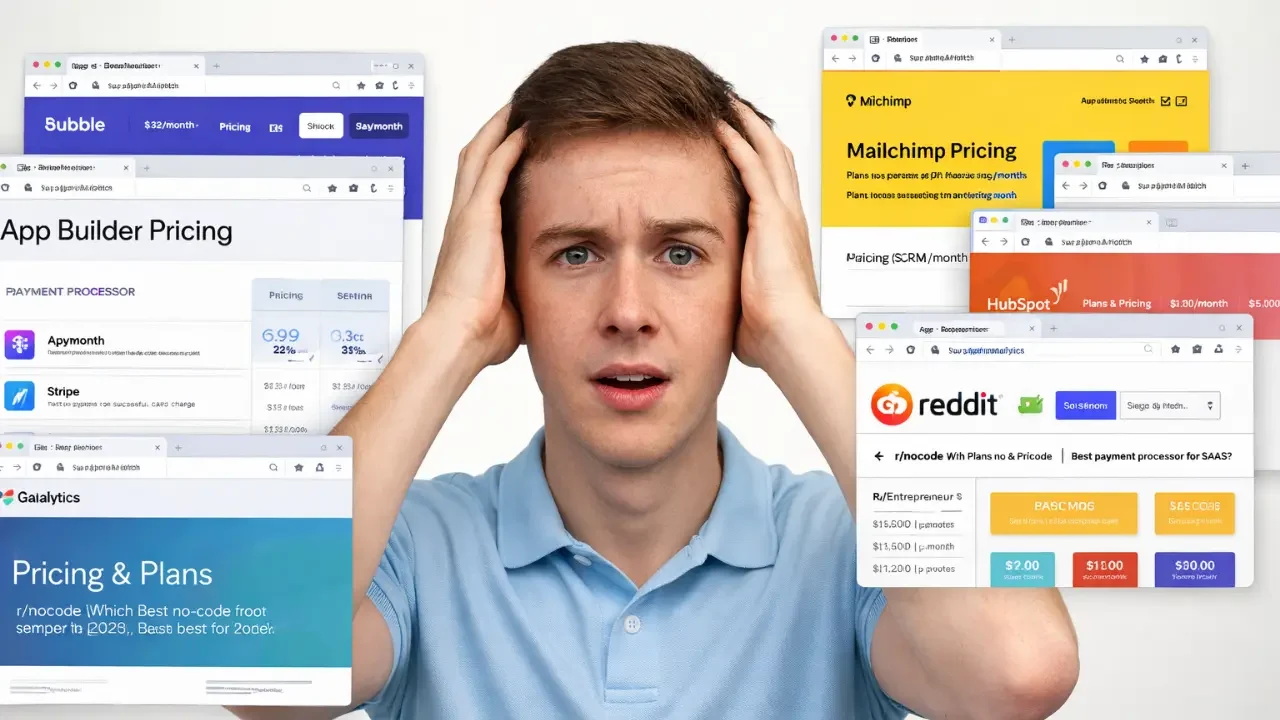
You have 14 browser tabs open. Half are pricing pages. The other half are Reddit threads arguing about which tools actually work. You know you need an app builder, a payment processor, analytics, email, maybe a CRM. But every tool claims to be the one you need, and nobody tells you which ones actually play well together. According to Backlinko, companies with under 200 employees already use an average of 42 SaaS applications. Most founders don’t need 42 tools. They need the right six or seven. This guide breaks down the complete no-code tech stack for 2026, layer by layer, so you can stop researching and start building. If you’re still deciding on your best no-code tools to launch your startup fast, this article will give you the full picture.
TL;DR: The no-code market will exceed $52 billion by 2026, according to Kissflow’s analysis of Gartner data. A complete founder tech stack in 2026 needs just six layers: app builder, payments, auth, analytics, email, and CRM. Picking tools that share data cleanly matters more than picking the “best” tool in each category.
Why Does Your No-Code Tech Stack Matter More in 2026?
The no-code market has matured past the “just pick Bubble” era. According to Gartner, 70% of new enterprise applications will use no-code or low-code technologies by 2026, up from under 25% in 2020 (Integrate.io, 2026). That growth means more tools, more overlap, and more confusion for founders trying to assemble a working stack. Choosing tools that integrate cleanly is now more important than choosing the “top-rated” tool in isolation.
Launch Your App Today
Ready to launch? Skip the tech stress. Describe, Build, Launch in three simple steps.
Build
The real risk in 2026 is not picking the wrong individual tool. It’s building a stack where tools don’t talk to each other, forcing you to become the integration layer yourself. Founders who spend their first month wiring Zapier automations between five disconnected tools are building infrastructure, not product. The smartest stacks in 2026 share a principle: fewer tools, deeper integration, less middleware. According to Zylo’s 2026 SaaS Management Report, even small businesses under 500 employees now average 162 SaaS subscriptions. Most of those are redundant. Your goal is to stay far below that number.
A strong no-code tech stack for founders has six layers: the application layer (where your product lives), payments, authentication, analytics, email and notifications, and customer relationship management. If you’re exploring how no-code automation supports entrepreneurship, understanding how these layers connect is step one.
What Goes in the Application Layer?
The application layer is the foundation. Everything else plugs into it. This is where your product actually lives: frontend, backend, database, and deployment. According to Acumen Research, the global no-code development platform market hit $34.7 billion in 2025 and is projected to reach $261.4 billion by 2035 (Acumen Research, 2025). The tools in this layer have improved dramatically, but they still vary widely in what “no-code” actually means.
Full-stack builders vs. frontend-only tools
Most founders make a category error here. They confuse website builders with application builders. Webflow and Framer are excellent for marketing sites. They are not application builders. If your product needs user accounts, a database, role-based permissions, or any backend logic, you need a full-stack builder.
This is where imagine.bo fits in the stack. When you describe your app idea using the Describe-to-Build interface, the platform generates the full architecture: frontend components, database schema, API endpoints, and authentication flows. The AI-Generated Blueprint shows you the complete structure before you commit to building. If the AI hits a wall on something complex, the Hire a Human feature lets you assign that specific task to a vetted engineer without leaving your dashboard. That hybrid approach solves the “last 30% problem” that pure AI tools struggle with. You can bootstrap your business with no-code tools and still get production-grade output.
For the application layer, here’s what to evaluate:
- Full-stack capability. Does it generate backend logic and database schema, or just screens?
- Deployment. Can you go live with One-Click Deployment, or do you need to configure hosting separately?
- Code ownership. Can you export clean, standard code if you outgrow the platform?
- Human fallback. What happens when you hit a technical wall the AI cannot solve?
imagine.bo deploys frontend on Vercel and backend on Railway by default. You own the code. Security features like RBAC, SSL, and GDPR readiness are built in from the start. For founders who want to move from idea to live product in days rather than months, this layer is the one that matters most.
How Should Founders Handle Payments in 2026?
Stripe remains the default for most SaaS and marketplace founders, and for good reason. It handles subscriptions, one-time payments, invoicing, and multi-currency with minimal setup. According to Fortune Business Insights, the low-code market alone is estimated at $48.91 billion in 2026, and payments integration is consistently the number one “complex feature” that founders need professional help implementing (Fortune Business Insights, 2026).
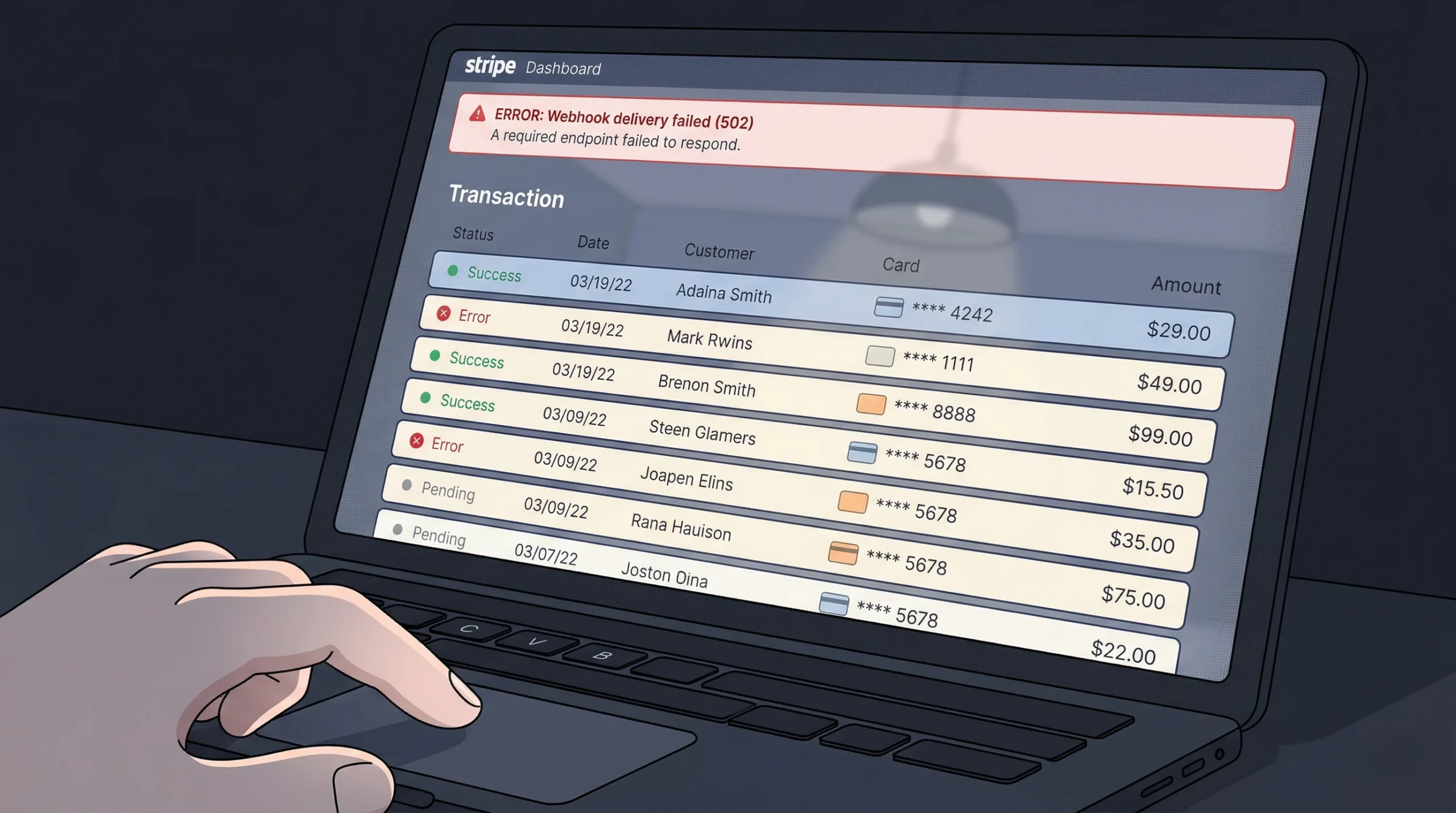
If you’re building for markets where Stripe doesn’t operate well, consider Razorpay (India, Southeast Asia) or Paddle (global SaaS with built-in tax compliance). For marketplace payment splits, Stripe Connect is the standard, though it requires careful setup around compliance.
A common founder mistake: trying to build payment logic through the AI builder alone. Payment integrations involve PCI-DSS compliance, webhook handling, and edge cases around failed charges and refunds. This is exactly the type of task where imagine.bo’s Hire a Human feature pays for itself. You describe the payment flow you need, a vetted engineer implements it with proper security handling, and it ships directly to your project repository. The cost of getting payments wrong in production far exceeds the cost of having an expert handle it. If you’re dealing with common Stripe payment integration challenges, human engineering support makes the difference between a weekend of debugging and a clean launch.
Recommended payment stack: Stripe (primary), with Razorpay as secondary for Indian and Southeast Asian users. Use Stripe Tax or Paddle if you want automated sales tax compliance from day one.
Do You Really Need a Separate Auth Solution?
For most no-code founders, no. If your application builder handles authentication natively, adding a separate auth layer adds complexity without proportional benefit. According to Gartner, 41% of employees outside IT are now building technology solutions themselves (Gartner, 2026). These citizen developers don’t have the bandwidth to manage separate identity providers.
imagine.bo generates secure authentication and role-based access control out of the box. Login, signup, email verification, password reset, and role-based permissions are part of the default build. For the majority of early-stage products, this is sufficient.
When you do need a standalone auth provider: if you’re building a multi-product ecosystem, need enterprise SSO (SAML/OIDC), or require social login across Google, GitHub, and Apple simultaneously, look at Clerk or Auth0. Supabase Auth is a solid free option if you’re already using Supabase for your database layer.
The general rule: don’t add a separate auth tool unless your app builder’s native auth is actually limiting you. Premature complexity in your auth stack is one of the fastest ways to stall a launch. If you’re a single-person startup building at enterprise scale, keeping your auth layer simple is a strategic advantage, not a compromise.
Which Analytics Tools Actually Matter for Founders?
Most founders over-instrument and under-analyze. You don’t need five analytics tools at launch. You need one that answers two questions: are people using this, and where do they drop off? According to the Bureau of Labor Statistics, the U.S. alone faces a projected shortage of 1.4 million software developers by 2026 (Kissflow, 2026). Founders cannot afford to spend engineering time setting up analytics infrastructure when pre-built solutions exist.
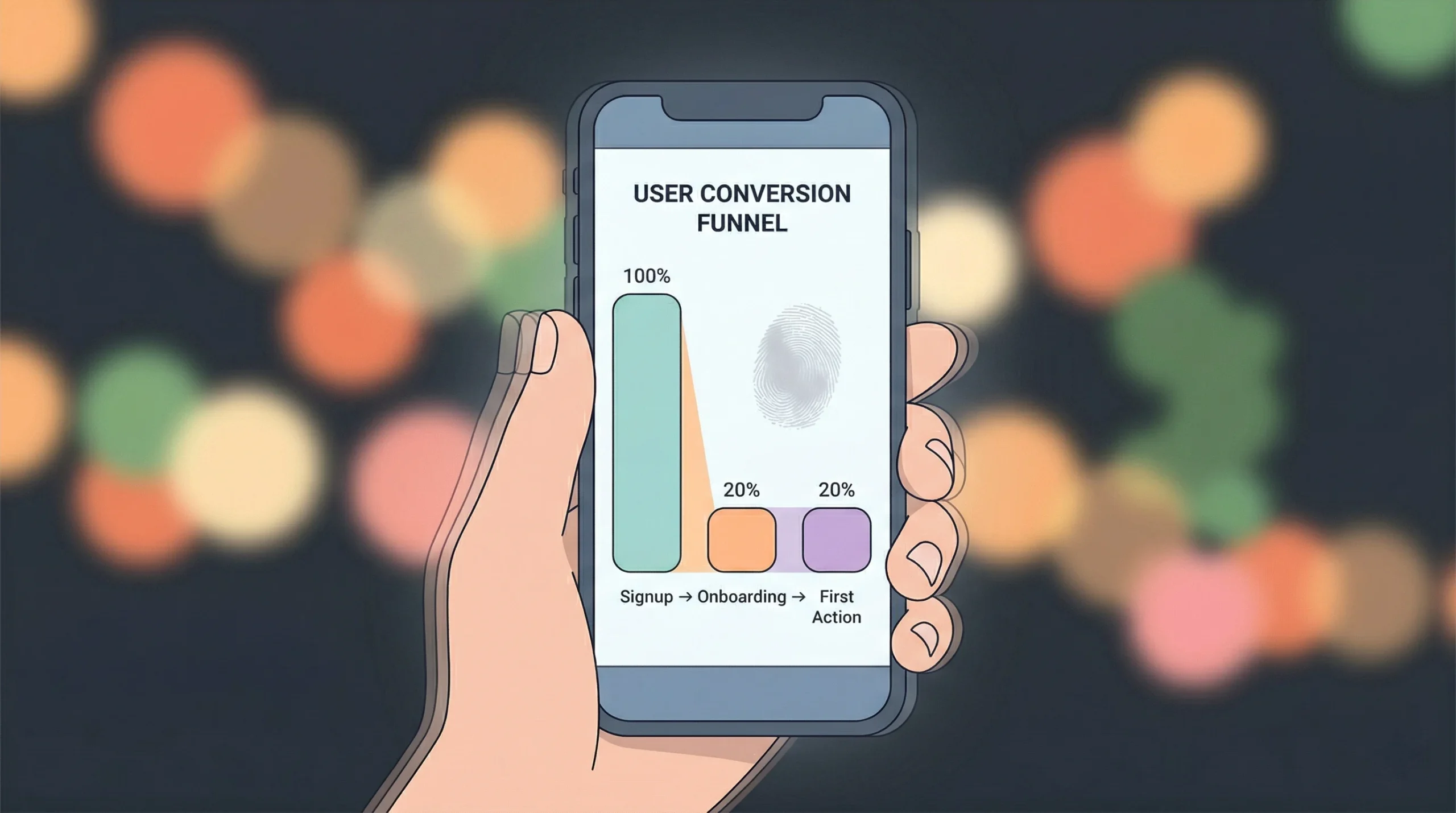
Tier 1 (launch day): PostHog or Mixpanel. Both offer generous free tiers. PostHog is open-source and lets you self-host if data privacy matters to your users. Mixpanel excels at funnel analysis and retention tracking. Pick one, not both.
Tier 2 (post-traction): Add Hotjar or FullStory for session recordings once you have enough users to spot behavioral patterns. These tools show you what users actually do, not just what events they trigger.
Skip at launch: Google Analytics 4. It’s built for marketing attribution, not product analytics. Unless your primary question is “which ad campaign drove this signup,” GA4 adds noise without clarity for early-stage product work.
imagine.bo includes built-in analytics dashboards that track user engagement, retention, and feature usage from day one. For most founders, starting with these built-in tools and adding PostHog or Mixpanel as you approach product-market fit is the right sequence. You can build AI-powered dashboards without code and layer on third-party analytics later.
What’s the Right Email and Notification Setup?
Email is two things for founders: transactional (password resets, order confirmations, system alerts) and marketing (onboarding sequences, newsletters, product updates). Most founders make the mistake of trying to handle both with one tool. According to Omnisend’s 2026 benchmarks, automated emails account for 41% of all email-generated orders while making up just 2% of sends (Integrate.io, 2026). Getting your automation right matters more than sending more emails.
Transactional email: Resend or Postmark. Both are developer-friendly, have excellent deliverability, and are simple to connect to any app backend. Resend is newer and cheaper. Postmark has a longer track record and slightly better deliverability tracking.
Marketing email: Loops (built for SaaS), Beehiiv (built for newsletters), or ConvertKit (built for creators). Choose based on your business model, not feature count. If you’re running a SaaS product, Loops is purpose-built for user onboarding flows and lifecycle emails.
Push notifications: OneSignal for web and mobile push. Free tier covers most early-stage needs. If you’re building with imagine.bo, you can specify notification requirements in your initial prompt and the AI will generate the relevant logic. For complex notification workflows, the Hire a Human feature handles the edge cases.
For founders who want to automate customer onboarding, getting the transactional email layer right on day one prevents the “users never got their welcome email” problem that kills early retention.
Do Solo Founders Need a CRM?
At launch? Probably not. A spreadsheet or a Notion database handles your first 50 customers just fine. According to a 2026 analysis by CMARiX, the U.S. faces a shortage of 1.2 million developers, and the small businesses hit hardest by that shortage are the same ones who benefit most from simple, integrated tools rather than heavyweight CRMs (CMARiX, 2026).
When to add a CRM: When you have more than 50 active customer conversations, when you need to track pipeline stages across multiple deals, or when more than one person on your team talks to customers.
Recommended options: HubSpot Free (generous free tier, good for inbound-heavy businesses), Attio (modern, flexible, built for startups), or Folk (lightweight, relationship-focused). Salesforce is overkill for any startup under $1M ARR.
Here’s what most tech stack guides miss: if you built your app on imagine.bo, you can describe and generate a lightweight CRM directly inside your product. “Build a contact management dashboard where I can log customer conversations, tag them by stage, and set follow-up reminders.” That prompt, refined through a few iterations, gives you a CRM that fits your exact workflow without paying for a separate tool. You can go from spreadsheet to SaaS and build the exact internal tool you need. For many solo founders, this approach beats paying $50/month for features you won’t use for another year.
What Should You Skip in 2026?
Not every popular tool deserves a spot in your stack. A few categories that founders consistently over-invest in too early:
Project management tools beyond a basic board. Linear, Jira, Monday.com. If you’re a solo founder or a team of two, a simple Kanban board inside Notion or your app itself is enough. Don’t pay for project management software until you have a project management problem.
Dedicated landing page builders. If your app builder generates SEO-ready pages (imagine.bo does), you don’t need a separate Unbounce or Instapage subscription. Build your landing page as part of your app.
Complex automation platforms at launch. Zapier and Make are powerful, but they’re a sign that your tools don’t integrate natively. Before adding an automation layer, ask whether a different tool choice would eliminate the need for it entirely.
AI writing tools as a core stack component. Use them as utilities, not infrastructure. They don’t need a permanent seat in your tech stack. According to Gartner, 75% of large enterprises will use at least four low-code tools by 2026 (Integrate.io, 2026). Startups should aim for the opposite: fewer tools, deeper usage.
If you’re looking at the cost to build an app in 2026, every tool you skip is money that goes back into building your actual product.
The Complete No-Code Tech Stack: A Summary
Here’s the full recommended stack for a solo founder or small team shipping a real product in 2026:
| Layer | Recommended Tool | Cost at Launch | Notes |
|---|---|---|---|
| Application builder | imagine.bo (Pro) | $25/month | Full-stack, AI + human engineering, code export |
| Payments | Stripe | 2.9% + $0.30/txn | Add Razorpay for India/SEA markets |
| Authentication | Built into imagine.bo | $0 | Add Clerk or Auth0 only for enterprise SSO |
| Analytics | PostHog or built-in | $0 (free tier) | Add Mixpanel post-traction |
| Transactional email | Resend | $0 (free tier) | Switch to Postmark at scale |
| Marketing email | Loops or Beehiiv | $0-49/month | Match to business model |
| CRM | Notion or built-in | $0 | Add HubSpot Free at 50+ customers |
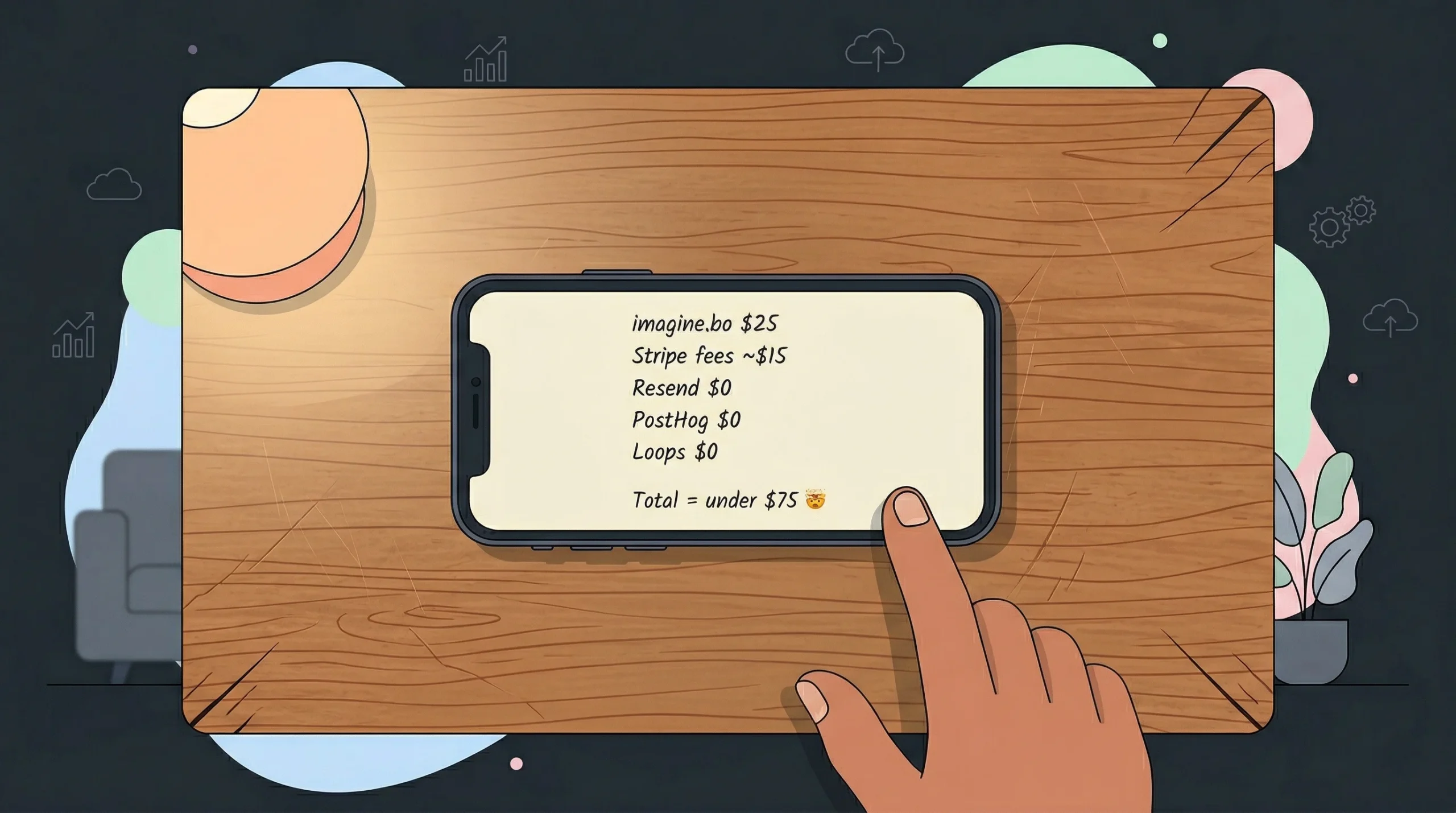
Total monthly cost at launch: under $75, excluding payment processing fees. That’s a production-ready stack that handles everything from user signup to payment processing to customer communication.
FAQ
How many tools do I actually need in a no-code tech stack?
Most founders need six to eight tools total. According to Backlinko, companies under 200 employees average 42 SaaS apps, but startups should aim for under 10 at launch. Each additional tool adds integration overhead, subscription cost, and context-switching. Start with fewer tools and add only when a clear pain point emerges.
Can imagine.bo replace multiple tools in my stack?
Yes. imagine.bo covers the application layer, authentication, basic analytics, and deployment in a single platform. Its Describe-to-Build interface generates full-stack applications with RBAC and built-in analytics. According to Gartner, 80% of low-code users by 2026 will be outside traditional IT departments (Kissflow, 2026), and consolidating tools helps non-technical founders stay focused on product rather than infrastructure.
What’s the biggest mistake founders make when building their tech stack?
Over-engineering too early. According to Zylo’s 2026 report, small businesses average 162 SaaS subscriptions. Most founders add tools they won’t need for 12 months, spending money and attention on infrastructure instead of customer development. Build the minimum viable stack, launch, and add tools only when usage data tells you to.
Is it worth paying for a no-code app builder or should I use free tools?
Free tiers work for exploration, but production apps need reliability, support, and deployment guarantees. imagine.bo’s Pro plan at $25/month includes 150 credits, rollover credits, private projects, and a 1-hour expert session before launch. That’s less than a single hour of freelance developer time. The question isn’t whether $25/month is worth it. The question is whether you can afford to launch on a free tool with no deployment guarantee and no support when something breaks.
How do I add complex features like payments without coding?
Use your app builder for the core product, then assign complex features to specialists. On imagine.bo, the Hire a Human feature lets you ticket a payment integration task to a vetted engineer who pushes code directly to your repository. According to Fortune Business Insights, the low-code market is expected to hit $48.91 billion in 2026, partly because platforms are getting better at bridging AI generation with human engineering for exactly these complex use cases.
Build Your Stack, Then Build Your Product
Three takeaways from this guide. First, a complete no-code tech stack in 2026 has six layers, and you can cover them for under $75/month at launch. Second, the biggest risk isn’t picking the wrong tool; it’s picking too many tools and spending your first month on integration instead of product. Third, platforms like imagine.bo that combine multiple layers (app building, auth, analytics, deployment) into one workflow reduce both cost and complexity.
If you’re ready to build the application layer of your stack, start with imagine.bo. Describe your app in plain English, review the AI-Generated Blueprint, refine through conversation, and deploy with One-Click Deployment. When you hit something complex, Hire a Human and keep moving. Your stack should help you ship, not give you another project to manage. For more on building your best stack for SaaS without code, check our detailed breakdown.
SEO Meta Title: No-Code Tech Stack for Founders in 2026: Full Guide SEO Meta Description: Build your complete no-code tech stack for under $75/month. The no-code market exceeds $52B in 2026. Six layers every founder needs, explained.
Launch Your App Today
Ready to launch? Skip the tech stress. Describe, Build, Launch in three simple steps.
Build