The startup world used to have a very high “entry fee.”
If you wanted to build the next Headspace, Tinder, or Netflix, you generally had two options. Option A: Spend six months to a year learning complex coding languages like Swift or React Native. Option B: Pay a development agency upwards of $50,000 to build your Minimum Viable Product (MVP).
Launch Your App Today
Ready to launch? Skip the tech stress. Describe, Build, Launch in three simple steps.
BuildBut the landscape has shifted. We are currently living in the “Golden Age” of the non-technical founder. Today, tools exist that allow you to turn a concept into a fully functional, money-making business in a fraction of the time and cost.
If you are reading this, you probably have a specific goal: you want to build an asset that generates recurring revenue. You don’t just want a one-time sale; you want a subscriber base.
In this guide, we are going to walk you through exactly how to launch a subscription-based app without developers. We will cover everything from validating your idea to choosing the right AI-powered tools (like Imagine.bo) and getting your first paying subscribers.
Why You Should Learn How to Launch a Subscription-Based App Without Developers
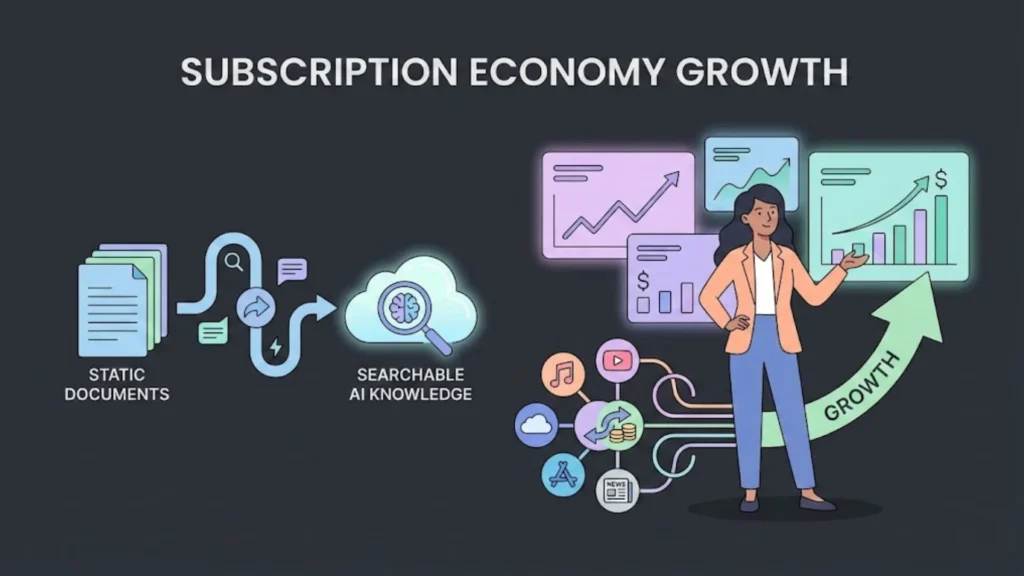
Before we get into the “how,” let’s talk about the “why.” Why are subscription apps the holy grail of the digital economy, and why is doing it without code the smartest move you can make?
The subscription economy has grown by over 400% in the last decade. Consumers are now comfortable paying monthly fees for value—whether that’s fitness coaching, meal planning, productivity tools, or specialized content.
For a founder, the magic metric is MRR (Monthly Recurring Revenue).
When you sell a one-time product, you start every month at zero. When you have a subscription app, you start the month with a baseline of revenue. This stability allows you to plan, reinvest, and grow.
The No-Code Advantage
Learning how to launch a subscription-based app without developers gives you three distinct unfair advantages:
- Speed to Market: Traditional development takes months. No-code tools allow you to launch in weeks or even days. In the startup world, speed is the ultimate currency.
- Drastically Lower Costs: Instead of burning your life savings on a developer, you can build your platform for a small monthly subscription fee.
- Total Control: When you rely on developers, every tiny change—like moving a button or changing a color—requires a ticket, a meeting, and an invoice. When you use a platform like Imagine.bo, you are the master of your product. You can iterate instantly based on user feedback.
Step 1: Validate Your Idea Before You Launch a Subscription-Based App Without Developers
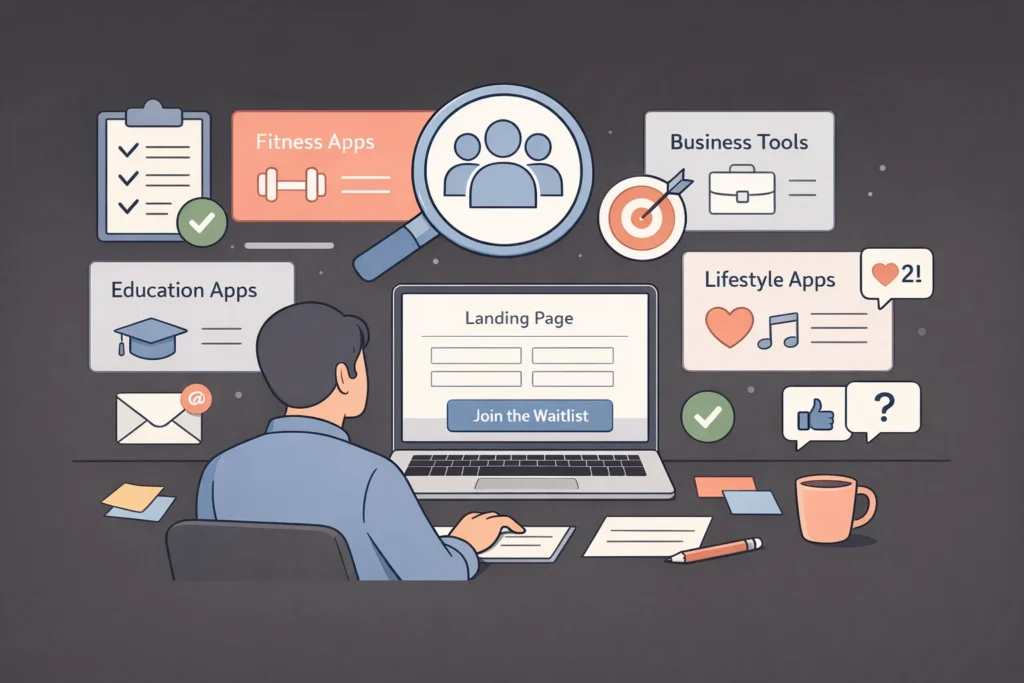
The biggest mistake first-time founders make is building a product nobody wants.
Because building without developers is so fast, it is tempting to skip research and jump straight into design. Don’t do this. Even though no-code is affordable, your time is valuable.
Before you worry about how to launch a subscription-based app without developers, you need to validate your startup idea to confirm that people are willing to pay for your solution.
Find Your Niche
Subscription apps work best when they solve a specific, recurring problem. Don’t try to build “an app for everyone.” Build an app for a specific group of people.
High-Performing Subscription Niches:
- Health & Wellness: Fitness professionals are launching apps for Yoga routines, meditation guides, and keto meal plans.
- Education: Educators launch apps for language learning, coding tutorials, and guitar lessons.
- B2B Tools: Social media scheduling, inventory management for small shops.
- Lifestyle: Daily horoscopes, fashion advice, travel planning.
The “Smoke Test”
Create a simple landing page that describes your app’s promise. You don’t need the app yet. Just describe the value. Run a small amount of traffic to this page (using social media or ads) and ask people to “Join the Waitlist.”
If people aren’t willing to give you their email address, they definitely won’t give you their credit card number.
Once you have a list of waiting users, you have the green light to proceed with your MVP development.
Step 2: Choose the Right Tech Stack to Launch a Subscription-Based App Without Developers
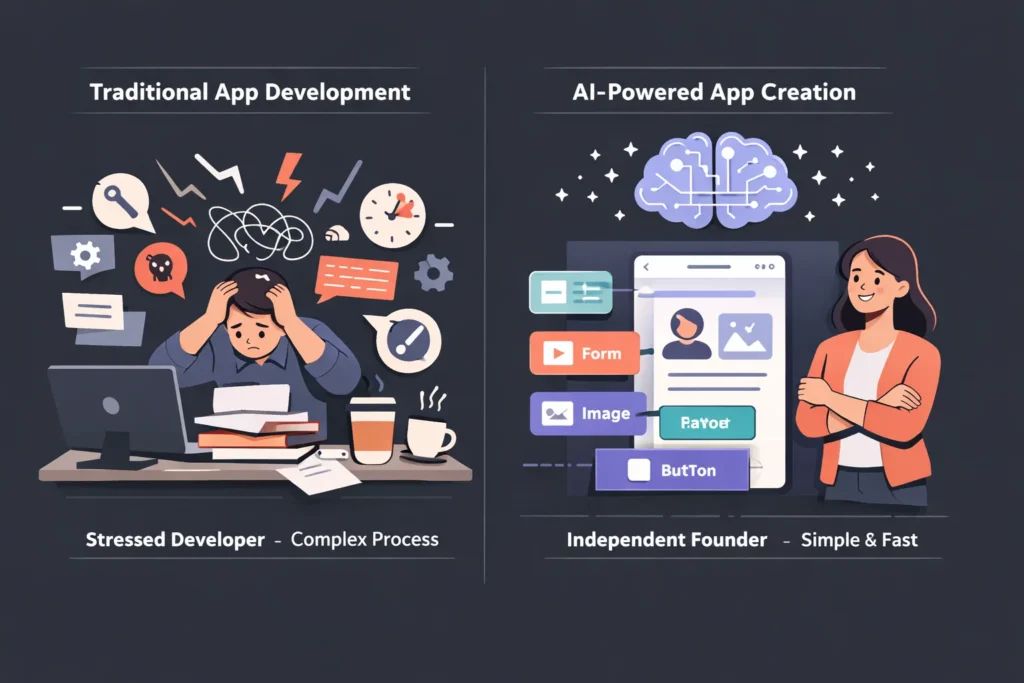
This is where many founders get stuck. The no-code market is flooded with tools. There are drag-and-drop builders, database tools, automation tools, and design tools.
Trying to stitch them all together can sometimes feel as hard as coding.
However, a new generation of tools is emerging: AI-powered App Builders.
The Old Way vs. The Imagine.bo Way
In the early days of no-code, you had to be a “visual programmer.” You still had to understand logic flows, database structures, and responsive design.
Now, platforms like Imagine.bo are changing the narrative on how to launch a subscription-based app without developers.
Imagine.bo allows you to leverage AI to handle the heavy lifting. Instead of dragging pixels around a screen for hours, you can describe what you need, and the platform helps generate the structure and design.
Key Features to Look for in a Builder:
- Native Mobile Support: Your app needs to work flawlessly on iOS and Android app development.
- Built-in Monetization: It must integrate easily with payment gateways like Stripe.
- User Authentication: You need secure login systems so only paying members access premium content.
- Content Management: It should be easy for you to update videos, articles, or data without re-publishing the app.
By choosing an all-in-one solution, you avoid “dependency hell”—the nightmare of having five different subscriptions just to keep your app running. If you are wondering why choose Imagine.bo, it’s because it unifies these features into a single workflow.
Step 3: Design Your MVP (A Critical Step in How to Launch a Subscription-Based App Without Developers)
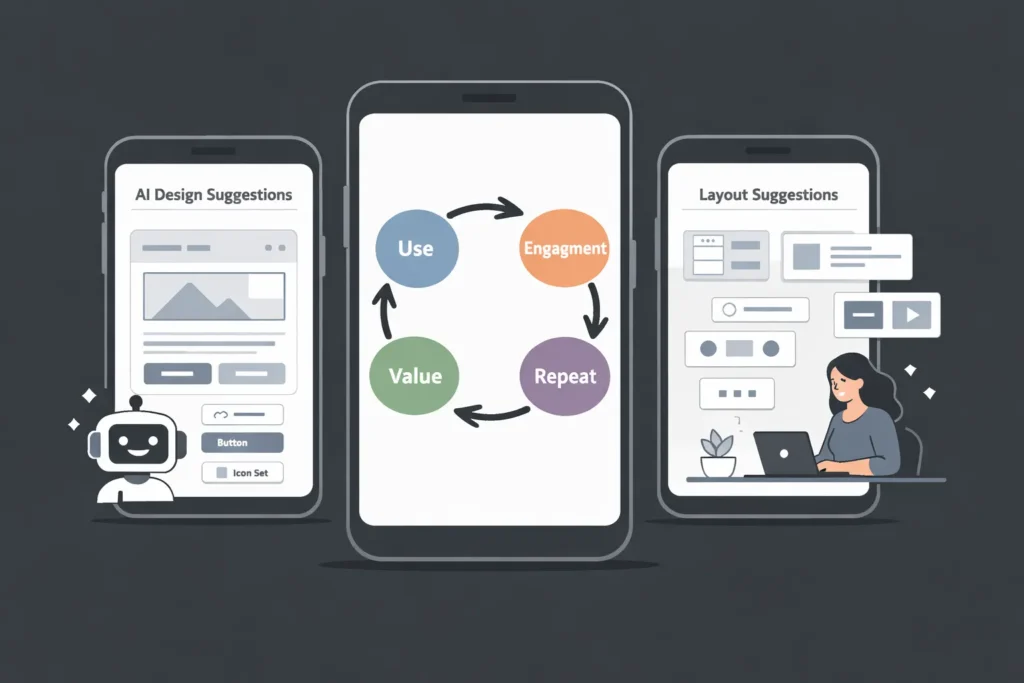
Your MVP (Minimum Viable Product) is the simplest version of your app that still delivers value.
When you are learning how to launch a subscription-based app without developers, you must resist “feature creep.” Feature creep is the desire to add just one more thing before launching.
The Core Loop
Identify the one thing your user wants to do repeatedly.
- Fitness App: The core loop is selecting a workout and pressing play.
- Budget App: The core loop is entering an expense and seeing a graph update.
- Dating App: The core loop is swiping and messaging.
Focus 90% of your energy on making this core loop intuitive and beautiful.
AI-Assisted Design
If you aren’t a designer, a blank canvas is terrifying. This is where Imagine.bo shines. Because it is an intelligent platform, it provides templates and layouts that already adhere to modern UX (User Experience) standards.
You don’t need to know color theory to enhance app aesthetics or the exact pixel padding for an iPhone button. The platform handles the aesthetics so you can focus on the content and the business logic.
Pro Tip: Keep your navigation simple. Use a bottom tab bar with 3 to 5 options max (e.g., Home, Search, Profile, Settings). Cluttered interfaces are the #1 reason users delete apps.
Step 4: Set Up Payments and Pricing Models to Launch a Subscription-Based App Without Developers
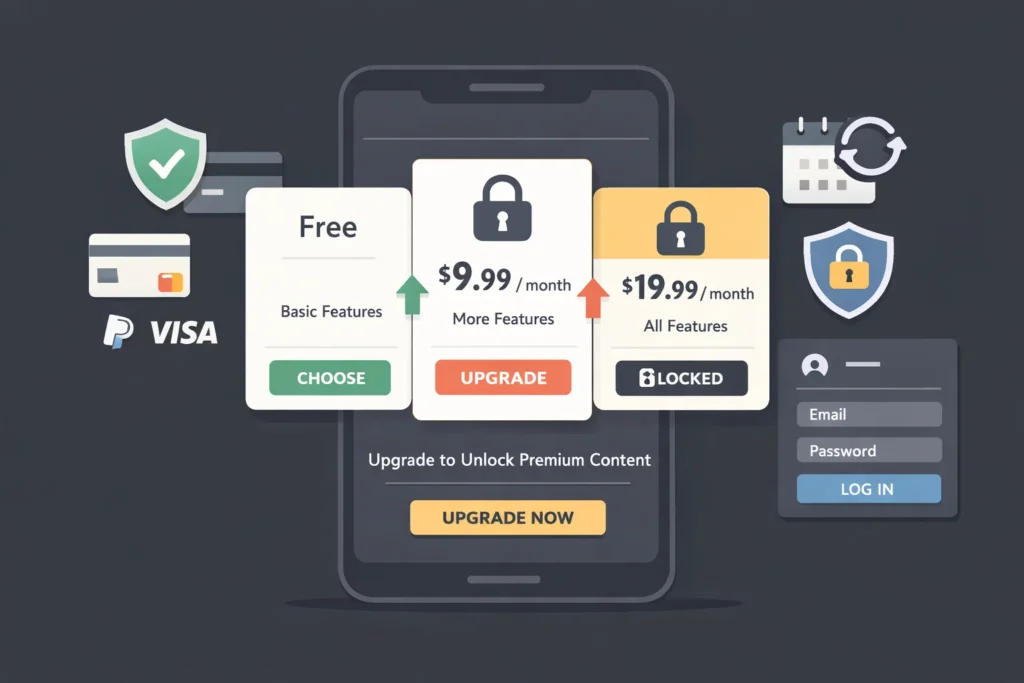
You are building a business, not a hobby project. That means you need to get paid.
Integrating payments used to require complex API coding and security certifications. Today, payment gateway integration in no-code apps is handled securely for you by the platform.
Choosing Your Pricing Model
When you figure out how to launch a subscription-based app without developers, you need to decide how to monetize your AI SaaS tool.
- Freemium: The app is free to download. Users get basic features for free, but must upgrade to unlock premium content (e.g., Spotify, Duolingo). This is excellent for user acquisition.
- Hard Paywall: The user cannot do anything without paying (or starting a free trial). This works well for highly specialized B2B apps or niche content.
- Tiered Subscription:
- Silver ($5/mo): Ad-free experience.
- Gold ($15/mo): Access to exclusive video content.
- Platinum ($50/mo): One-on-one coaching access.
The Technical Setup
You will likely be using Stripe for web payments or In-App Purchases (IAP) for Apple and Google Stores.
Setting this up in Imagine.bo is straightforward. You essentially “gate” certain pages or features. If a user tries to click a premium video, the app checks their status. If they are a subscriber, it plays. If not, it triggers a pop-up asking them to upgrade.
Founders Note: Be aware of common Stripe payment integration challenges if you are building a custom flow, but most builders simplify this. Always offer a yearly plan at a discount to increase cash flow.
Step 5: Content Strategy and Management
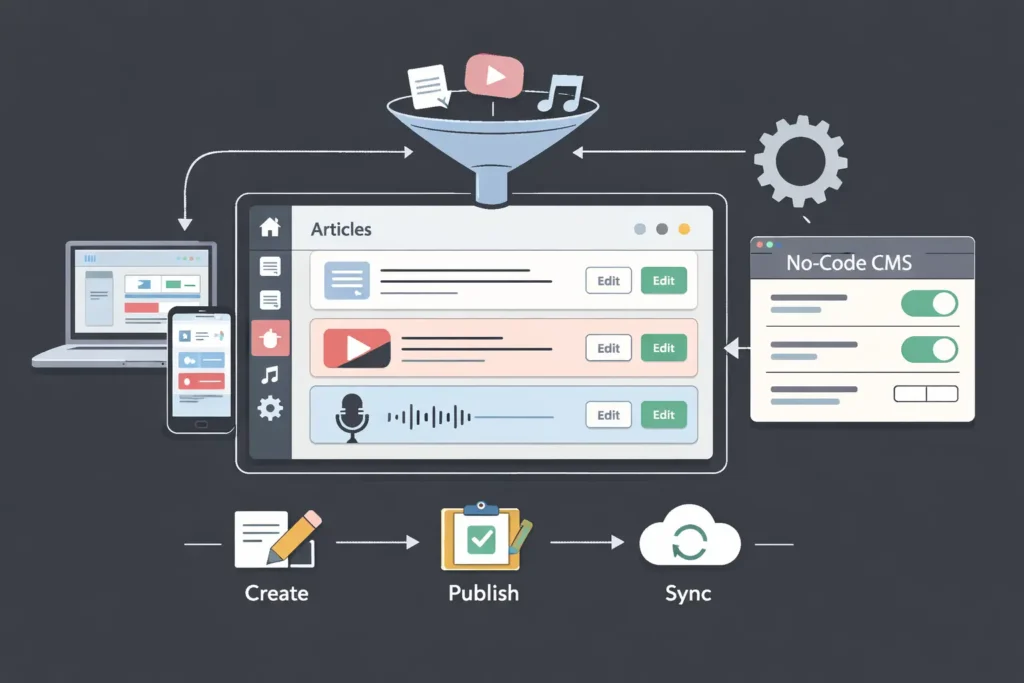
A subscription app is a hungry beast. It eats content.
Unlike a utility app (like a calculator) which you build once and leave alone, a subscription app usually requires fresh content to keep users paying. If a user logs in three months in a row and sees the exact same videos or articles, they will cancel.
Managing Content Without Coding
When you learn how to launch a subscription-based app without developers, you need a backend that is easy to manage.
You shouldn’t have to release a new version of the app to the App Store just to add a new blog post or video.
With Imagine.bo, you can manage your content dynamically. You can have a database of articles, videos, or audio files. When you add a new item to your database, it instantly appears on the user’s phone.
Content Drip Strategy: Don’t release everything at once. If you have a 10-week course, release one module per week. This keeps the user subscribed for at least 10 weeks and builds a habit of usage.
Step 6: Testing and Quality Assurance
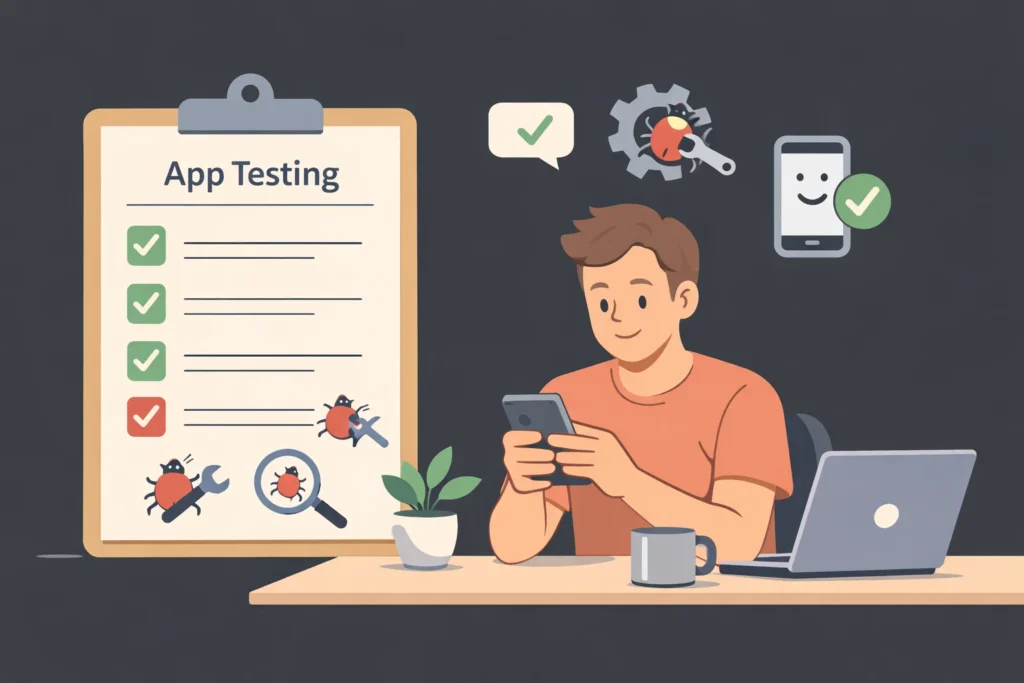
Nothing kills a reputation faster than a buggy app.
Before you launch to the public, you need to go through a testing phase. Since you built this without developers, you are the Chief Quality Officer.
The “Mom Test”
Hand your phone to your mother (or a friend who isn’t tech-savvy). Watch them try to use your app.
- Do not give them instructions.
- Do not explain what buttons do.
- Just watch.
If they get stuck, your design is confusing. Fix it.
Cross-Device Testing
Ensure your app looks good on different screen sizes. What looks great on an iPhone 15 Pro Max might look squashed on an older Android device. Imagine.bo’s preview tools usually help you visualize this, but learning some creative debugging for no-code builders is essential to ensure a smooth launch.
Step 7: Publishing to the App Stores
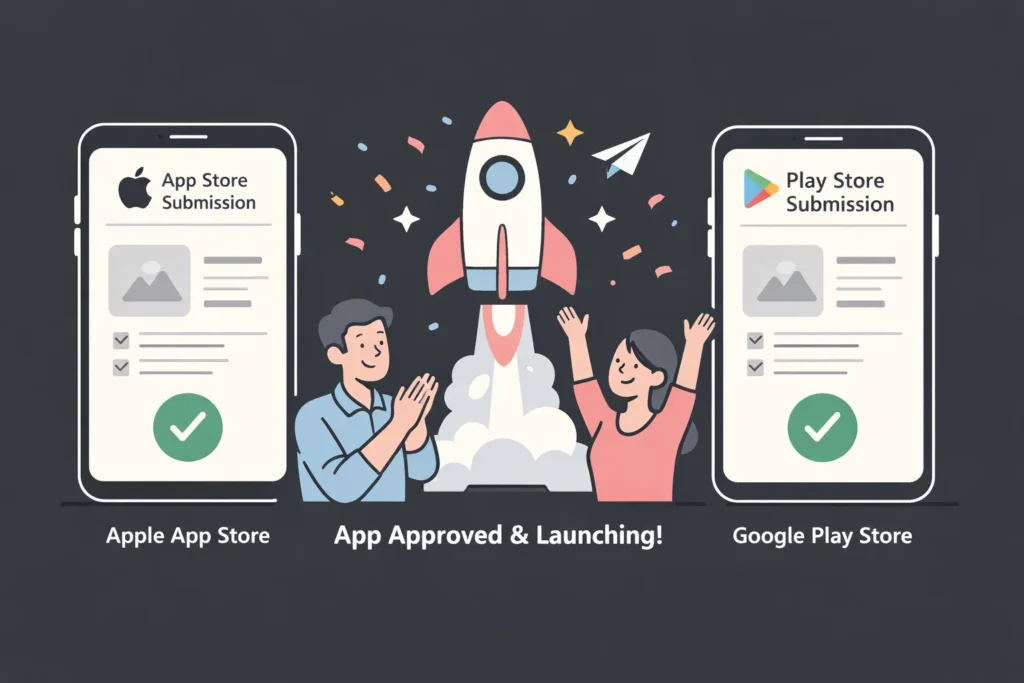
This is the moment of truth.
Many guides on how to launch a subscription-based app without developers gloss over this part, but it is crucial. Dealing with Apple and Google can be intimidating, but it is manageable.
The Apple App Store
Apple is strict. They review every app to ensure it meets their guidelines.
- Design: Your app must not look like a website wrapped in an app shell. It needs to feel “native.” (This is why using a high-quality builder like Imagine.bo is safer than basic web-wrappers).
- Privacy: You must have a clear privacy policy.
- Functionality: No broken links or placeholder text (“Lorem Ipsum”).
The Google Play Store
Google is generally faster to approve apps, but they are becoming stricter regarding policy compliance.
The No-Code Shortcut: Most top-tier no-code AI app builders offer “One-Click Publishing” or assisted publishing services. They generate the binary files (.IPA for iOS, .APK/.AAB for Android) that you upload to the developer consoles.
Step 8: Marketing Your App After You Launch a Subscription-Based App Without Developers
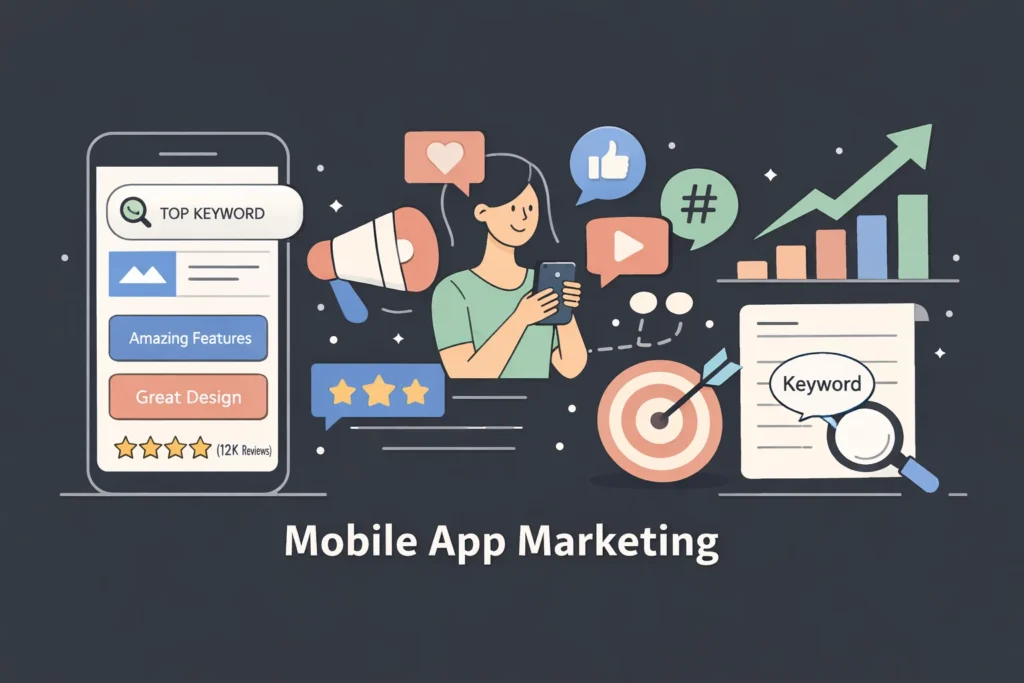
Congratulations! Your app is live. But you aren’t done. In fact, you are just starting.
Building the app is 20% of the work. Marketing it is the other 80%.
You don’t need a million-dollar budget. You need hustle and smart strategy.
App Store Optimization (ASO)
This is SEO for apps.
- Title: Include your main keyword.
- Screenshots: Don’t just show the screen; use captions to explain the benefit.
- Reviews: Ask your beta testers to leave 5-star reviews on day one. Social proof is everything.
Content Marketing
Write blog posts (like this one!) that solve problems related to your app’s niche. If you have a yoga app, write about “How to relieve back pain in 10 minutes.” Use SEO strategies for AI-built SaaS to drive organic traffic.
Influencer Marketing
Find micro-influencers (people with 5k–50k followers) in your niche. Give them free lifetime access to your app in exchange for a shoutout or a TikTok video showing how they use it.
Step 9: Analyzing and Reducing Churn
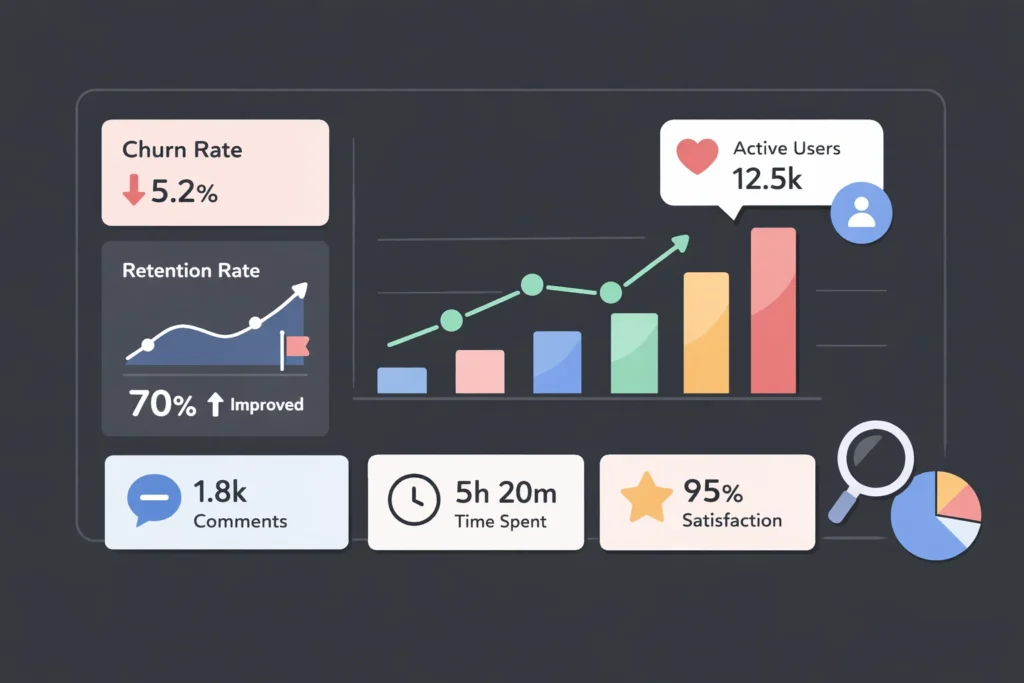
Once you have successfully figured out how to launch a subscription-based app without developers and have users, you face a new enemy: Churn.
Churn is the percentage of users who cancel their subscription every month.
High churn kills businesses.
If you lose 10% of your users every month, you have to run incredibly hard just to stay in the same place. Understanding your customer lifetime value is key to long-term survival.
How to Reduce Churn:
- Onboarding: The first 5 minutes of the app experience are critical. Make sure the user achieves a “quick win” immediately.
- Push Notifications: Use them wisely. Remind users to complete a task, but don’t spam them.
- Community: Build a community around your app. If users make friends inside your ecosystem (via comments or forums), they are less likely to leave.
- Exit Surveys: When someone cancels, ask them why. Is it too expensive? Technical bugs? Lack of content? You can even use heatmaps to understand user behavior and see where they are dropping off.
Common Mistakes When You Launch a Subscription-Based App Without Developers
We have seen hundreds of founders try and fail. Here are the common mistakes in no-code SaaS development you must avoid to ensure your success.
Mistake 1: Undervaluing Your Product
Many no-code founders think, “Since I didn’t pay $50k to build this, I shouldn’t charge much.” Wrong. The user doesn’t care how the app was built. They care about the value it provides. If your app saves them 5 hours a week, charge accordingly.
Mistake 2: Ignoring Android
Founders often love iPhones and ignore Android. Globally, Android dominates the market. Ensure your no-code tool exports to both.
Mistake 3: Giving Up Too Soon
The “overnight success” stories you hear usually took three years. You might launch and get zero downloads on day one. That is normal. Keep iterating. Keep marketing. Improve your copy.
The Future of App Development is AI
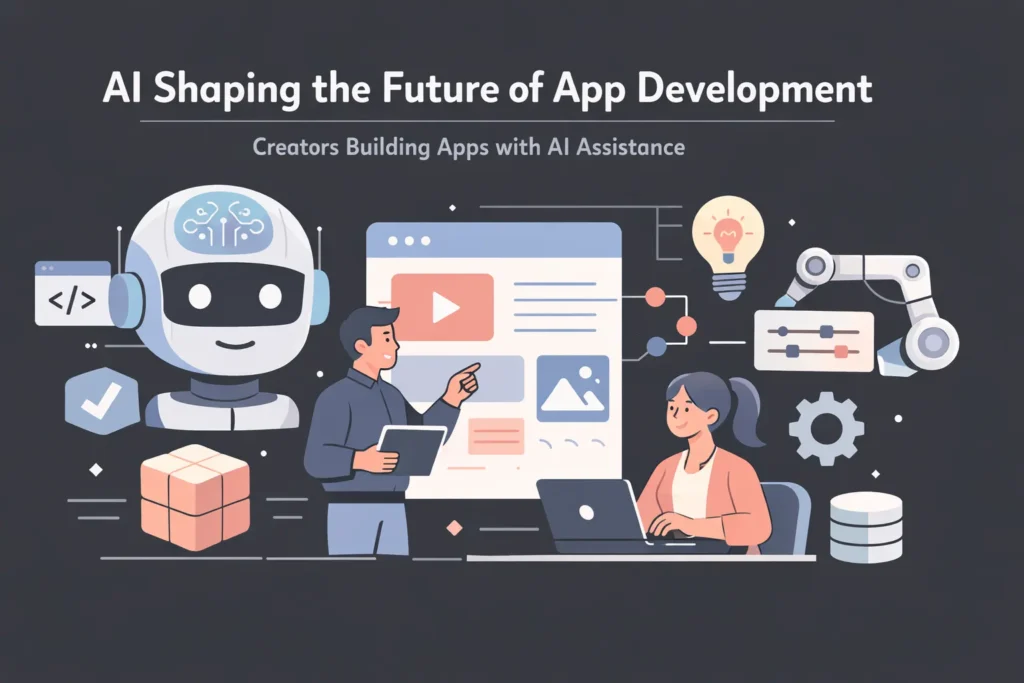
We are standing at a precipice. The line between “developer” and “creator” is blurring.
A few years ago, knowing how to launch a subscription-based app without developers meant stitching together spreadsheets and clunky web forms.
Now, with AI-driven platforms like Imagine.bo, the code is being written for you in the background. The AI handles the syntax, the databases, and the responsiveness. You handle the vision.
This democratization of technology means that the best apps of the future won’t necessarily come from Silicon Valley engineers. They will come from teachers, fitness coaches, accountants, and artists—people who understand a problem deeply and now finally have the tools to solve it.
Your Roadmap Summary
- Validate: Ensure there is a market.
- Select: Choose a robust AI app builder like Imagine.bo.
- Build: Focus on the core loop and simple design.
- Monetize: Set up recurring subscription tiers.
- Launch: Publish to Apple and Google.
- Market: Drive traffic and optimize for retention.
Conclusion
You now possess the knowledge of how to launch a subscription-based app without developers. The technical barriers that once stopped you have crumbled.
The only thing standing between you and a profitable subscription business is execution.
Don’t let your idea die in a notebook. Don’t wait for a technical co-founder who is never going to show up. You have the power to build this yourself.
Ready to start?
Stop dreaming and start building. Visit app.imagine.bo today to create your account. Experience the power of AI-assisted app creation and turn your vision into a reality—no code required.
Your future subscribers are waiting.
Launch Your App Today
Ready to launch? Skip the tech stress. Describe, Build, Launch in three simple steps.
Build