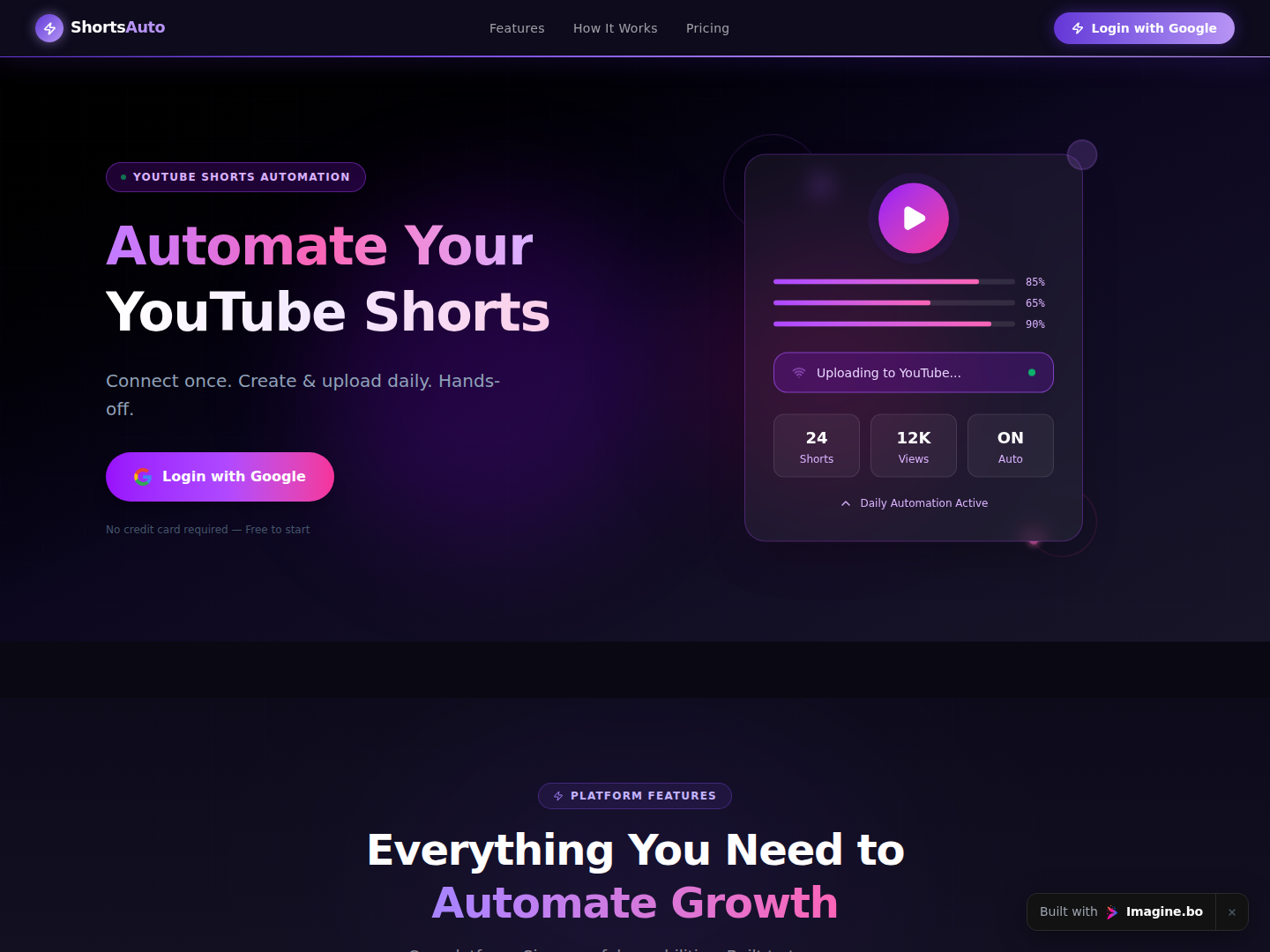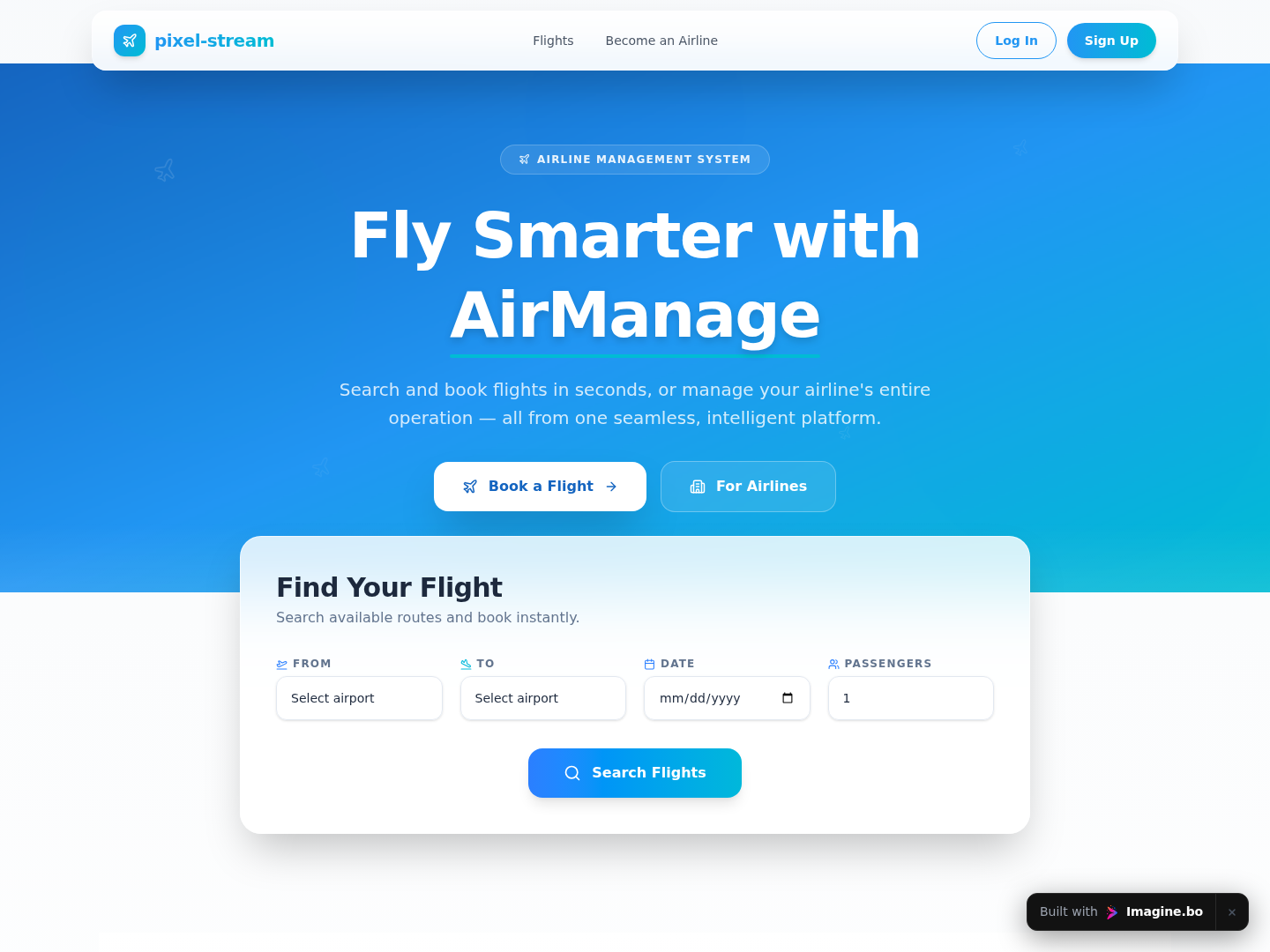
You have a product idea that rides the biggest creative wave in tech right now. Millions of people want a dedicated tool to generate AI images for their brand, their art, or their online store. The global AI image generation market is projected to grow from $3.16 billion in 2025 to over $30 billion by 2033, according to SkyQuest Technology. And yet most founders assume building a text-to-image app requires a machine learning engineer, a backend architect, and a budget with five figures before anyone writes a line of code. It does not.
This article is a complete how-to guide for building, launching, and monetizing a text-to-image app without touching a single line of code, using imagine.bo’s Describe-to-Build workflow. By the end, you’ll know exactly what to build, how to connect image generation APIs, and how to start charging users within days. If you want the broader picture first, start with turning ideas into apps with AI prompts.
Launch Your App Today
Ready to launch? Skip the tech stress. Describe, Build, Launch in three simple steps.
BuildTL;DR: You can build a fully functional text-to-image web app without code in under a week using imagine.bo’s Describe-to-Build feature. The global AI image generator market is growing at a 32.5% CAGR through 2033 (SkyQuest Technology, 2025). Connect to the DALL-E 3 or Stability AI API via your imagine.bo dashboard, add Stripe for payments, and deploy to production on Vercel. No engineers needed.
Is There Real Demand for a Text-to-Image App Right Now?
Yes, and the numbers are not close. According to 360 Research Reports, over 81% of global creative agencies adopted AI image synthesis tools by 2025, and AI-powered art generation platforms saw a 36% surge in new user sign-ups that year alone. The opportunity is not just in serving artists. It spans e-commerce sellers who need product mockups, marketers who need social visuals, educators who need illustrations, and small business owners who can’t afford a graphic designer. If you pick even one of those verticals and build a focused tool for it, you have a real business.
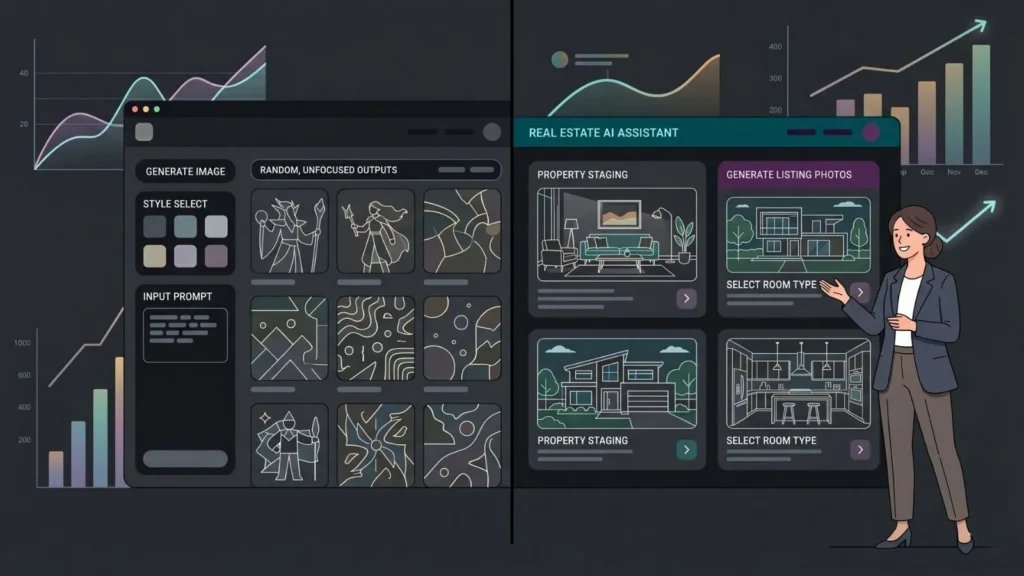
The real insight here is that horizontal tools like Midjourney and DALL-E serve everyone, which means they serve no one particularly well. A text-to-image app built specifically for real estate agents generating property lifestyle renders, or for Etsy sellers producing pattern designs, can charge a premium and retain users far better than a generic generator. That’s the gap worth building into. Before diving into the build, it’s worth understanding why non-technical founders are now building real products where even two years ago they couldn’t.
The most successful text-to-image apps launched by indie founders in 2025 were not general-purpose tools. They were vertical-specific generators with a tight prompt library, a curated style set, and a subscription model. A general “AI art generator” competes with OpenAI. A “real estate render generator” competes with almost nobody.
What Does a Text-to-Image App Actually Need to Function?
A working text-to-image app has four components: a prompt input interface, an image generation API connection, a results display and download system, and a user authentication layer if you plan to charge for it. That’s it. You don’t need your own image generation model. You call someone else’s API, display the result in your app, and keep the difference between what the API costs and what you charge.
The most commonly integrated APIs are OpenAI’s DALL-E 3, Stability AI’s API, and Replicate’s hosted model library, which gives you access to Flux, SDXL, and dozens of fine-tuned models in one endpoint. Stability AI’s API currently costs roughly $0.003 to $0.04 per generated image depending on resolution, which means a user buying 100 credits for $10 gives you substantial margin before any overhead. According to market.us, 62% of marketers now use generative AI for image creation, which confirms the demand pool is not niche; it’s mainstream. For context on how AI tools are reshaping workflows at this scale, see AI tools every indie hacker should know.
How Do You Build the App Using imagine.bo’s Describe-to-Build Feature?

The Describe-to-Build feature takes a plain English description of your application and generates the full-stack architecture including frontend screens, database schema, authentication, and backend logic. You don’t design pages. You don’t set up a database. You describe what you want, and the AI-Generated Blueprint shows you the full structure before a single component is built, so you can course-correct early.
Here’s how to approach the prompt for a text-to-image app:
Step 1: Write a precise product description. Don’t say “build an image generator.” Say: “Build a web app where users enter a text prompt and receive an AI-generated image. Users should be able to register, log in, view their generation history, download images, and buy credits via Stripe. Integrate with the Stability AI API. Limit free users to 5 generations per month.”
Step 2: Review the AI-Generated Blueprint. imagine.bo will produce a blueprint showing your database schema (users, credits, generation history), your page structure (home, dashboard, history, settings, billing), and your backend logic (API call handler, credit deduction, webhook for Stripe). Review each section and refine via conversation if anything is off.
Step 3: Confirm API integration points. In the blueprint review phase, specify that the image generation call should happen server-side, not client-side. This protects your API key and prevents users from bypassing your credit system. imagine.bo’s backend generation handles this by default when you specify it in your prompt.
Step 4: Add your Stability AI or DALL-E API key. During the build, you’ll be prompted to enter environment variables. Your API key is stored encrypted and never exposed in the frontend code.
Step 5: Configure credit logic and Stripe. Describe the pricing model in plain English: “Free users get 5 generations. Paid users can buy credit packs of 50, 150, or 500 at $5, $12, and $25.” The platform handles Stripe checkout sessions, webhook confirmation, and credit top-ups without you writing payment code.
Step 6: Deploy with One-Click Deployment. imagine.bo deploys your frontend to Vercel and your backend to Railway. Your app gets a live URL, SSL certificate, and production-ready infrastructure in one step.
The step most founders underestimate is Step 1. Vague prompts produce vague apps. Spending 20 minutes writing a detailed product description, including edge cases like what happens when an API call fails or when a user runs out of credits, produces a dramatically better first build than “make an image generator.” Treat your prompt like a product requirements document.
This workflow mirrors what’s covered in greater depth in the guide on building an app by describing it in plain English.
Which Image Generation API Should You Connect?
The right API depends on what your users need and what margin you want to maintain. The three most practical options for indie founders in 2026 are DALL-E 3, Stability AI, and Replicate.
DALL-E 3 via OpenAI’s API produces the most consistent text rendering and photorealistic outputs. It’s the right choice if your users are creating social media content, marketing visuals, or anything where readable text inside images matters. Cost runs around $0.04 per image at standard quality and $0.08 at HD. Margins are tighter but quality is highest.
Stability AI gives you more model variety, faster generation speeds, and lower per-image costs, typically $0.003 to $0.02 depending on model and resolution. If you’re building for high-volume users like print-on-demand sellers or content marketers, Stability AI’s cost structure makes your pricing model more attractive.
Replicate is the most flexible option. It hosts hundreds of fine-tuned models, meaning you can offer users style-specific generators: anime, photorealism, architectural render, product photography. If your niche demands variety, Replicate’s API lets you give users a model selector without maintaining any infrastructure yourself.
According to 360 Research Reports, 63% of organizations are now prioritizing multimodal AI models that combine text, image, and video generation. Offering multiple model options through one app positions your product well ahead of single-model competitors. For a deeper look at how AI image recognition connects with no-code builds, the guide on adding AI image recognition to no-code apps covers the integration pattern in detail.
How Do You Price and Monetize a Text-to-Image App?
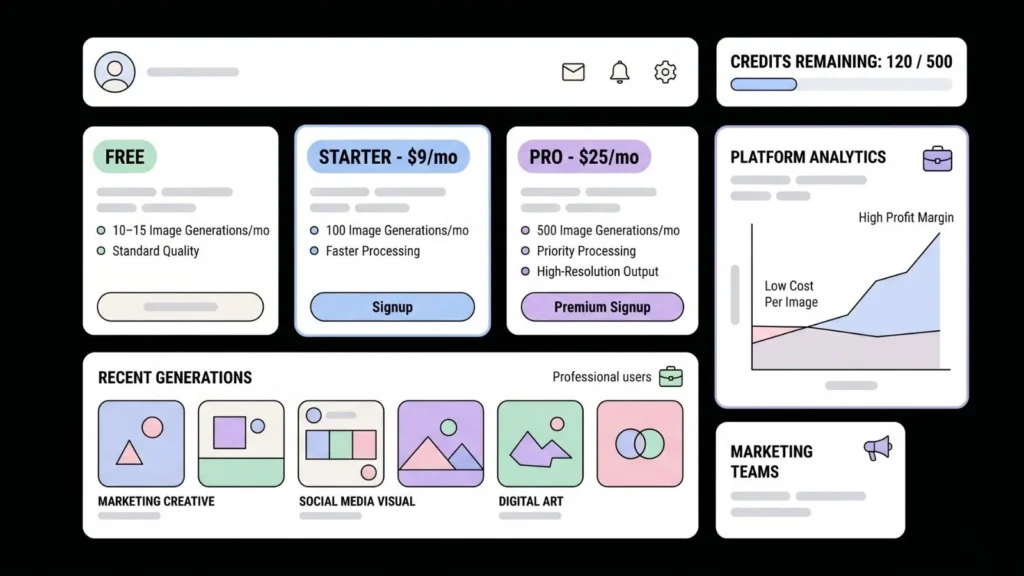
Credit-based pricing is the standard for good reason. It aligns your revenue with your cost structure, avoids flat-rate plans that get abused by power users, and creates natural upgrade triggers when users run low. According to 360 Research Reports, 58% of marketing teams globally use AI-generated visuals for content creation. That’s a professional use case, not a hobbyist one, and professionals will pay for reliable access.
A proven pricing structure for a bootstrapped text-to-image app looks like this: a free tier with 10 to 15 generations per month to drive sign-ups, a Starter plan at $9 per month for 100 generations, and a Pro plan at $25 per month for 500 generations with priority processing and higher resolution outputs. At Stability AI’s API cost of roughly $0.01 per standard image, a $9 plan generating 100 images costs you approximately $1 in API fees, giving you roughly $8 gross margin per Starter subscriber before any overhead.
Based on publicly available Stability AI API pricing ($0.003 to $0.02 per image) and a 100-credit plan at $9, the effective gross margin per Starter subscriber runs between 78% and 97% depending on which model resolution is used most. That margin profile is comparable to premium SaaS businesses, achieved with zero custom ML infrastructure.
Once your app is live and generating revenue, the strategies in monetizing prompt-built apps without coding and shipping a SaaS from a single prompt cover the next stage of growth.
What Features Should Your Text-to-Image App Include at Launch?
Launch with the minimum that gets users to their first result fast. Every feature you add to v1 is a feature that delays launch. The core feature set for a viable v1 is: text prompt input, image generation with a loading state, result display with a download button, generation history for logged-in users, and a credit balance indicator. That’s it.
Features to add in v2 based on user feedback, not assumptions: negative prompt support (tell the AI what not to include), style presets (one-click prompts for photorealism, illustration, watercolor), image-to-image refinement, aspect ratio selector, and team or brand workspaces for business subscribers. None of these belong in v1 unless your research shows users will churn without them on day one.
A useful reference for what creative professionals actually want from AI builder tools is the AI website builder for artists and creative professionals post, which highlights the features creative users consistently prioritize when evaluating tools.
What Does It Look Like When the App Is Live?
When imagine.bo completes the build and One-Click Deployment runs, your app exists at a live URL with the following already in place: HTTPS with an SSL certificate, RBAC so free and paid users see different limits, a Stripe checkout flow connected to your pricing plans, a credit balance that decrements per generation, a generation history page per user, and a responsive frontend that works on desktop and mobile.
The backend runs on Railway with environment variables encrypted at rest. The frontend runs on Vercel’s edge network, so generation results load fast regardless of where your users are. You own the code entirely and can export it at any time. If you hit a feature that the AI couldn’t handle correctly, imagine.bo’s Hire a Human feature lets you assign that specific task to a vetted engineer directly from your dashboard, without negotiating a separate contract or onboarding an agency.
For context on how fast this can realistically go from description to deployed product, the guide on how to build a SaaS with AI and no code walks through the timeline with specifics.
Frequently Asked Questions
Can I build a text-to-image app without any coding knowledge at all?
Yes. imagine.bo’s Describe-to-Build feature generates the entire application from a plain English description. You need to supply an API key from your chosen image generation provider (DALL-E 3, Stability AI, or Replicate), enter your Stripe keys, and write a clear product description. According to 360 Research Reports, 74% of enterprises integrated AI-driven content tools into their workflows by 2024, mostly without engineering resources managing the creative side.
How much does it cost to run a text-to-image app per month at small scale?
At 500 total generations per month, using Stability AI’s standard model at roughly $0.01 per image, your API cost is approximately $5. Hosting on Vercel and Railway via imagine.bo’s deployment costs less than $20 per month combined on standard plans. Your total infrastructure cost for an app with under 100 active users is typically under $30 per month, giving you strong unit economics even at low subscription counts.
Will my app handle multiple users simultaneously without crashing?
Yes, if built on imagine.bo’s production stack. The frontend runs on Vercel’s global edge network and the backend on Railway, which auto-scales. The image generation call is handled asynchronously, so one user’s slow generation does not block another’s. According to SkyQuest Technology, the global AI image generator market is growing at 32.5% CAGR, signaling infrastructure providers are scaling their API capacity in parallel.
Do I own the generated images and the app code?
The app code is yours entirely and can be exported from imagine.bo at any time. Generated image ownership depends on the API you use. OpenAI’s current terms grant usage rights to the person who generated the image. Stability AI’s terms are similar for API users. Always verify the current terms of service of your chosen provider before building a commercial product around their API outputs.
Can I add my own custom model or fine-tuned style to the app?
Yes. If you have a fine-tuned model hosted on Replicate or Hugging Face, you can specify the API endpoint in your imagine.bo build prompt. The backend will call your custom model endpoint in place of the default. This is the path for founders building highly differentiated products like a “brand-consistent marketing image generator” trained on a specific visual style.
Conclusion
Three things are worth holding onto from this guide. First, the text-to-image app opportunity is real and the vertical-specific angle is the most defensible position you can take. A general generator competes with billion-dollar companies. A generator built for one specific profession or use case competes with almost nothing. Second, the technical barrier is genuinely gone. The combination of imagine.bo’s Describe-to-Build workflow, an image API like Stability AI or DALL-E 3, and Stripe for billing means you can have a live, revenue-ready product in days, not months. Third, your margin profile is excellent from day one. API costs for image generation are low enough that even a small subscriber base generates meaningful cash flow before you’ve hired anyone or raised a dollar.
If you’re ready to start, write your product description today. Be specific about your target user, your pricing model, and your image API of choice. Then run it through imagine.bo’s Describe-to-Build and review your AI-Generated Blueprint before anything is built. The best next read before you start is the guide on best free AI app builders compared to confirm imagine.bo is the right fit for your specific build. Then go ship it.
Related Articles
- Unlock Your Creativity: The Ultimate Guide to the Best AI Image Generator Tools
- Mastering AI Image Recognition: The No-Code Developer’s Guide
- Unlocking Generative AI: Your Comprehensive Guide to Building Cutting-Edge Applications
- Effortlessly Design Stunning App Graphics with 5 AI Tools (No Design Skills Needed!)
- Effortlessly Design Stunning Websites with AI: Your No-Code Web Design Guide
Launch Your App Today
Ready to launch? Skip the tech stress. Describe, Build, Launch in three simple steps.
Build