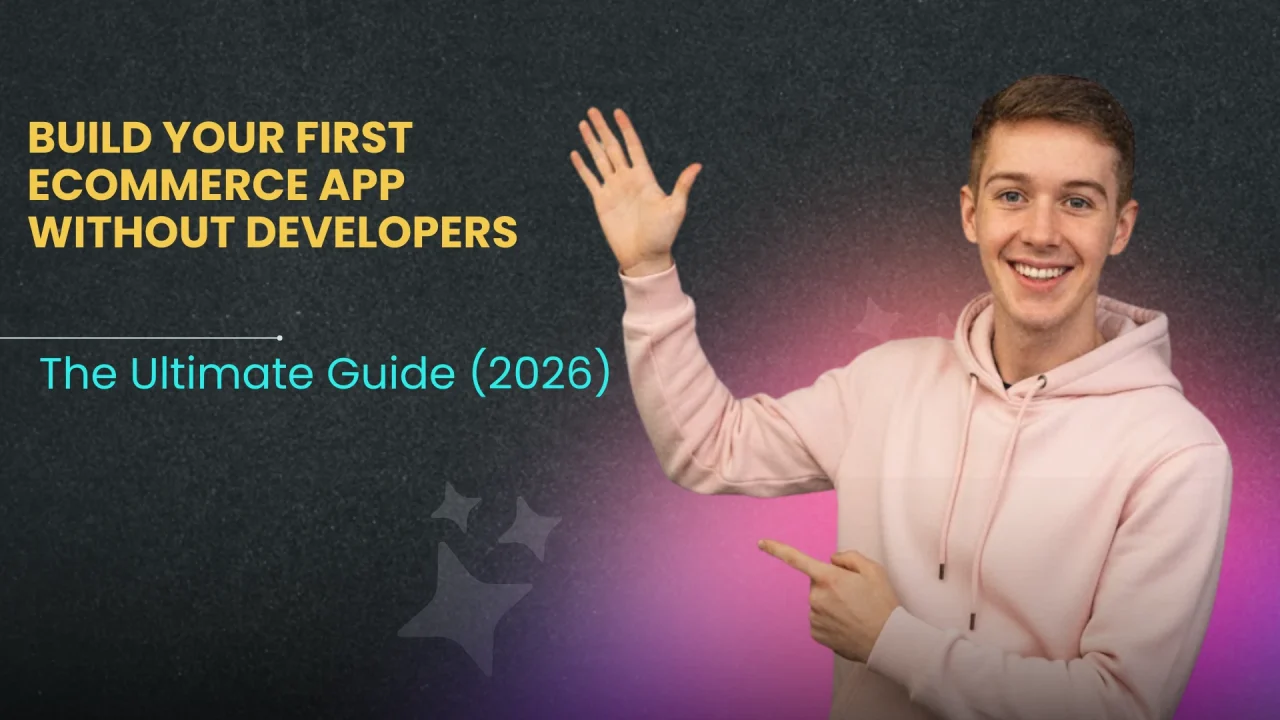
Welcome to the No-Code Revolution. As we move deeper into 2026, the barrier to entry for mobile app development has not just been lowered; it has been obliterated. Today, a non-technical founder running a boutique clothing store, a dropshipping empire, or a local bakery can launch a world-class iOS and Android app in weeks—sometimes days—for a fraction of the cost of traditional development.
Why is this urgent? Let’s look at the numbers. Mobile commerce (m-commerce) is expected to account for nearly 60% of all eCommerce sales by the end of 2026, reaching over $4 trillion globally. More importantly, studies consistently show that native apps convert 3x higher than mobile websites.
But the fear remains: “I don’t know how to code.” “I can’t afford a $50,000 agency.” “I don’t have time to manage a development project.”
This guide is here to silence those fears. We are going to show you exactly how to Build eCommerce App Without Developers and scale your business. We will walk you through the psychology of mobile shoppers, review the top no-code platforms, break down the costs, and provide a relentless, step-by-step masterclass on launching your app.
You do not need to know Java, Swift, or Python. You do not need a CTO. You just need a vision for your brand and the willingness to follow this guide. Let’s build your future, one tap at a time.
Why You Should Build Your First eCommerce App Without Developers
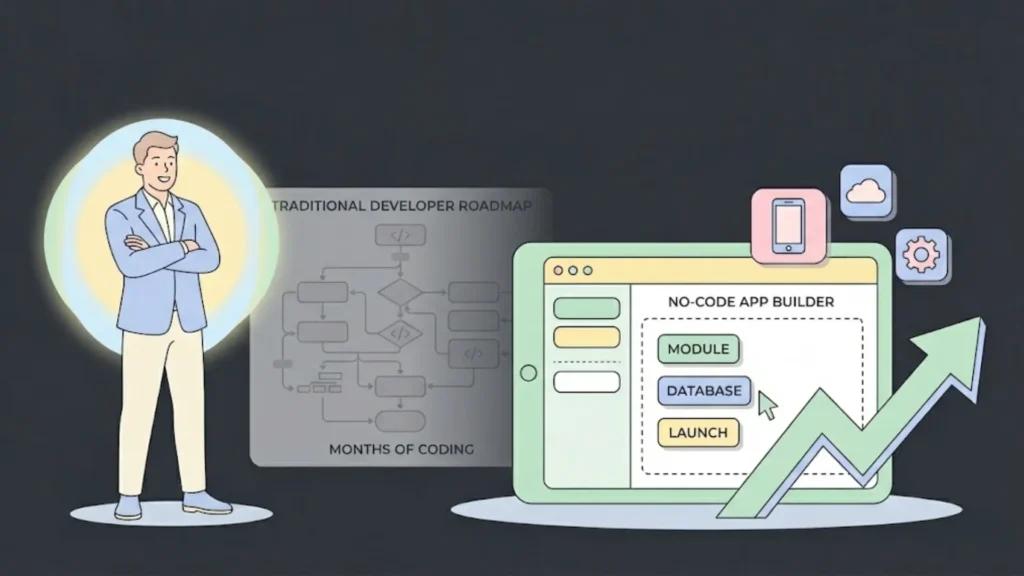
Before we dive into the “how,” we must solidify the “why.” You might be thinking that a mobile-optimized website is enough. In 2020, it might have been. In 2026, it is the bare minimum, and the bare minimum rarely wins markets. When you Build eCommerce App Without Developers, you are not just creating a clone of your website; you are unlocking a new tier of customer retention.
1. The Push Notification Advantage
This is the “killer feature” of mobile apps. Email open rates have plummeted to 20% or lower. Social media reach is strangled by algorithms. But push notifications? They land directly on the user’s home screen. When you Build eCommerce App Without Developers, you gain the ability to send “Abandoned Cart” nudges, “Flash Sale” alerts, and “Back in Stock” notifications that enjoy open rates as high as 90%.
2. Speed and User Experience (UX)
Websites rely on the browser to load elements. Apps store many assets locally on the device. This means your app will always load faster than your website. In the economy of attention, speed is currency. A one-second delay in page response can result in a 7% reduction in conversions. No-code builders generate native code (Swift for iOS, Kotlin/Java for Android), ensuring buttery smooth transitions that keep users browsing longer. Learn more about how AI builders are changing UX design to optimize these experiences automatically.
3. Brand Loyalty and “Real Estate”
When a customer installs your app, you claim valuable real estate on their most personal device. Your logo is staring at them every time they unlock their phone. This “mere exposure effect” builds subconscious brand preference. Furthermore, apps keep users logged in. The friction of entering a password is removed, making impulse buys significantly easier.
4. Independence from Algorithms
If you rely on Instagram or Amazon for your sales, you are renting your audience. They can change the rules, hike the fees, or ban your account overnight. An app is an “owned channel.” You own the audience. You own the data. You own the relationship.
5. The “No-Code” Efficiency
Finally, the “Without Developers” part is a benefit in itself. Managing developers is hard. It requires technical literacy to know if you are being overcharged or if the code is messy. When you use visual app builders, you eliminate the “translation gap” between your business goals and the technical execution. You are the builder. You make the changes. You are in control.
Top Tools to Build Your eCommerce App
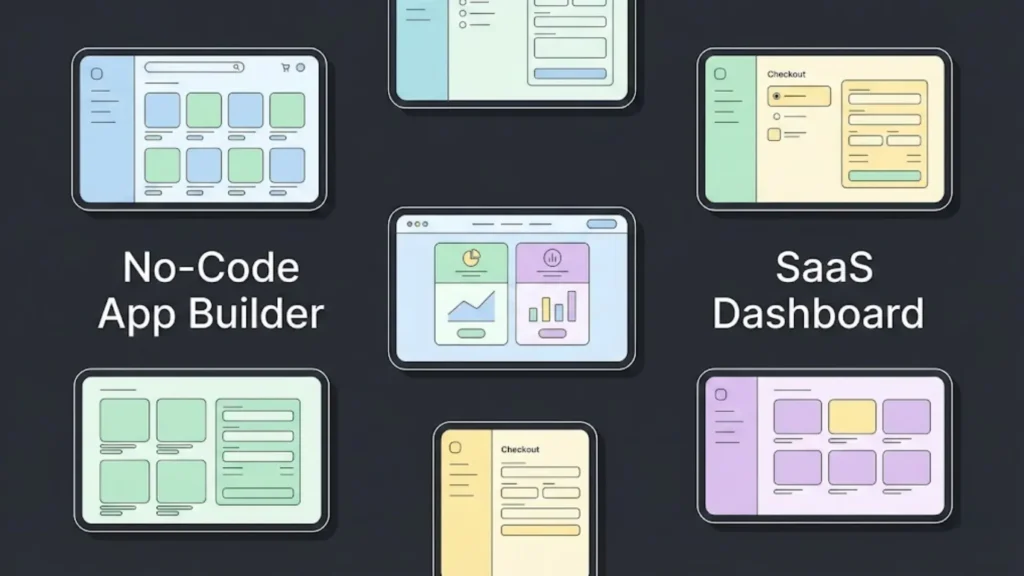
The market is flooded with tools, but they fall into two categories: “Connectors” (which turn an existing Shopify/WooCommerce store into an app) and “Creators” (which build an app from scratch with a custom database). To successfully Build eCommerce App Without Developers, you need to choose the right weapon for your battle. For a deeper dive, check out our list of the best no-code eCommerce app builders.
Here are the top contenders for 2026:
1. Imagine.bo (Best Overall & AI-Powered)

Imagine.bo is revolutionizing the no-code space by integrating advanced AI to handle the heavy lifting. While other platforms require you to manually drag blocks and configure settings, Imagine.bo uses intelligent automation to generate professional, high-conversion app interfaces in minutes. It bridges the gap between “easy to use” and “powerful functionality” better than any legacy tool.
- Pros: Fastest design-to-launch time via AI, intuitive interface that requires zero learning curve, and powerful scalability features that grow with your business. Read more on how Imagine.bo works.
- Cons: Newer ecosystem than 10-year-old incumbents, but iterating rapidly.
- Best For: Founders who want a modern, “Tesla-like” experience for building their app—fast, smart, and future-proof.
2. Vajro (Best for Shopify Live Selling)
Vajro is a heavyweight in the Shopify ecosystem. It is designed specifically to turn Shopify stores into native iOS and Android apps.
- Pros: Incredible live video selling features (like QVC on mobile), seamless integration with Shopify plugins (reviews, loyalty), and a drag-and-drop editor.
- Cons: Only works with Shopify. Customization is limited to their templates.
- Best For: Fashion and lifestyle brands already on Shopify who want to use live selling.
2. Shopney (Best for Design)
Shopney is famous for its design-centric approach. They offer different layout themes (like “Pinterest style” or “Etsy style”) that make your products look stunning.
- Pros: specialized In-app chat feature to talk to customers directly, excellent design themes, easy setup.
- Cons: Slightly higher price point for advanced features.
- Best For: Brands where visual aesthetics are everything (jewelry, art, high-end fashion).
3. GoodBarber (Best for Content + Commerce)
If your brand relies heavily on content—blogs, videos, or articles—alongside products, GoodBarber is a fantastic choice to Build Your First eCommerce App Without Developers.
- Pros: Not dependent on Shopify (can work standalone), great CMS for articles, Progressive Web App (PWA) capabilities included.
- Cons: The eCommerce features are robust but maybe less specialized than Vajro.
- Best For: Lifestyle magazines that sell merch, or educational brands selling courses and physical goods.
4. Adalo (Best for Custom Functionality)
Adalo is a “Creator” tool. It doesn’t just display your website; it lets you build logic.
- Pros: You can build anything—a marketplace like Etsy, a rental app like Airbnb, or a food delivery app. Total creative freedom.
- Cons: Steeper learning curve. You have to design the database logic yourself. Not a “one-click” sync with Shopify.
- Best For: Startups building a unique business model (e.g., peer-to-peer selling) rather than a standard store.
5. Glide (Best for Internal Apps/B2B)
Glide turns spreadsheets (Google Sheets, Excel, Airtable) into apps.
- Pros: Insanely fast setup. If your inventory is in a spreadsheet, you can have an app in 10 minutes.
- Cons: Not meant for public-facing consumer App Store apps (better for PWAs).
- Best For: B2B wholesale apps where sales reps need to order from a catalog.
Cost Analysis: Hiring Devs vs. No-Code Building
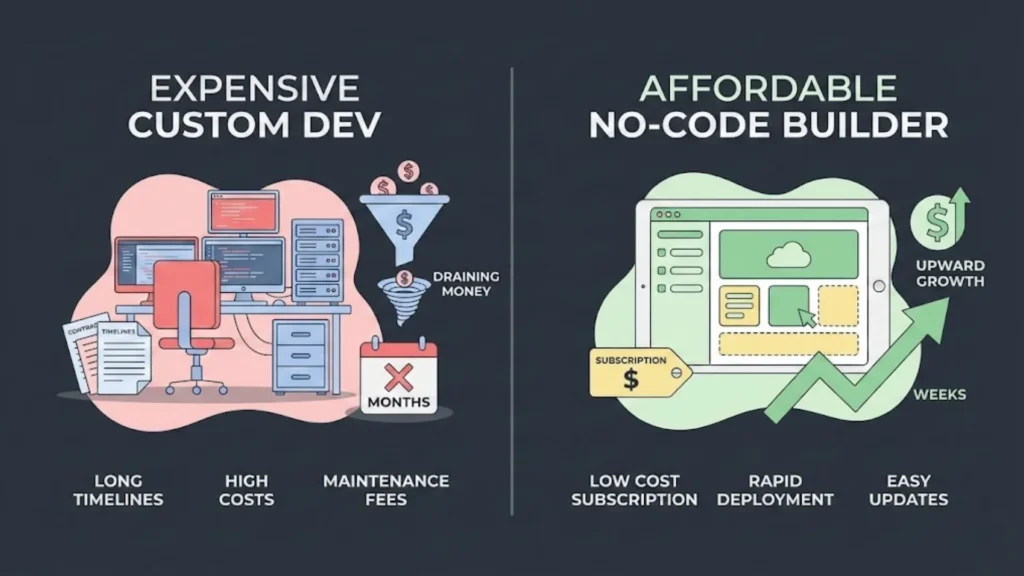
One of the most compelling reasons to go the no-code route is financial. Let’s break down the real costs. Many founders underestimate the cost of “traditional” development, forgetting that maintenance often costs 20% of the initial build per year. You can see a detailed breakdown in our custom code vs. no-code cost analysis.
Here is a comparison table to help you justify the decision to Build Your First eCommerce App Without Developers:
| Cost Factor | Traditional Agency Dev | Freelance Dev Team | No-Code App Builder |
|---|---|---|---|
| Initial Build Cost | $40,000 – $150,000+ | $15,000 – $40,000 | $0 – $500 (Setup fees) |
| Time to Launch | 4 – 8 Months | 3 – 6 Months | 1 – 4 Weeks |
| Monthly Maintenance | $2,000 – $5,000/mo (Retainer) | Hourly Rate ($100/hr+) | $99 – $399/mo (SaaS Fee) |
| Updates (e.g., Holiday Banner) | Wait 2 weeks, pay hourly | Wait for availability | Instant (Do it yourself) |
| Server Costs | $200 – $500/mo (AWS/Cloud) | $100 – $300/mo | Included in subscription |
| Bug Fixes | Billable hours | Billable hours | Platform handled |
The Verdict: If you hire developers, you are looking at a minimum $20k investment before you make your first sale on the app. When you Build Your First eCommerce App Without Developers, you are looking at a low monthly subscription (e.g., $99/mo). You would need to be subscribed for 16 years to match the upfront cost of an agency. For a small business or startup, the cash flow advantage of bootstrapping with no-code tools is undeniable.
Step 1: Market Research Before You Step Ahead
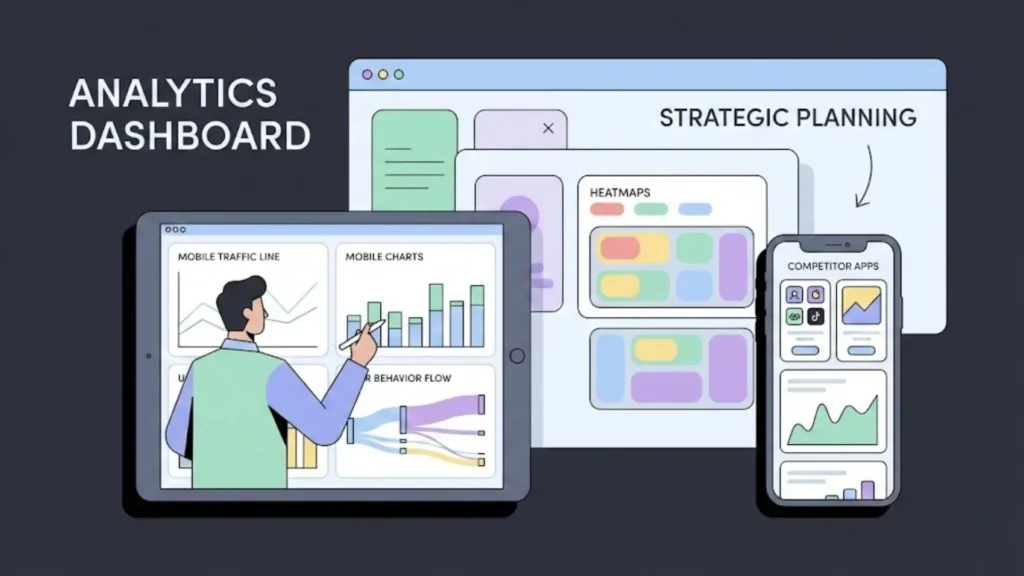
Do not start building yet. The ease of no-code can be a trap; just because you can build it fast doesn’t mean you should skip the planning. To successfully Build Your First eCommerce App Without Developers, you need to understand who will use it.
Analyze Your Mobile Traffic
Go to your Google Analytics (or Shopify Dashboard). Look at the “Device Category” report.
- Is your mobile traffic over 70%?
- Is your mobile conversion rate lower than desktop? If you answered “yes” to both, your customers are screaming for an app. The traffic is there, but the browser experience is failing them. Utilizing heatmaps can also provide deeper insight into where users are dropping off.
Competitor Spy Work
Download the apps of your top 3 competitors. Do not just look at them—use them.
- How many taps does it take to check out?
- Do they offer a “Welcome” discount for downloading the app?
- How often do they send push notifications?
- Read their 1-star reviews on the App Store. Users will complain about bugs or missing features. This is your roadmap. If users hate that Competitor X doesn’t have a “Wishlist,” ensure your app does.
Define Your “App Exclusive” Value
Why should someone download your app if they can just visit your website? This is the most critical question. You need a hook.
- Exclusive Products: “Drops launch on the App 1 hour before the website.”
- Loyalty Points: “Earn 2x points on App orders.” Consider creating a loyalty app strategy to retain these users.
- Content: “Access workout guides (for fitness brands) only in the app.”
Step 2: Define Core Features Must to Have
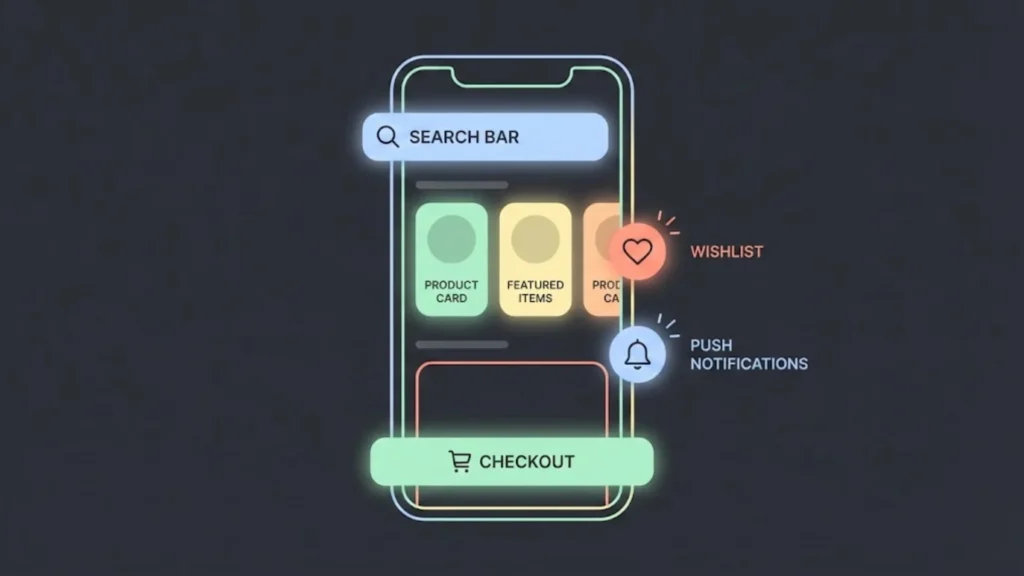
Feature creep is the enemy of launch. When you Build Your First eCommerce App Without Developers, you might be tempted to add every widget available. Resist. Focus on the core commerce loop.
The Must-Haves
- Social Login: Allow users to log in with Apple, Google, or Facebook. Nobody remembers passwords anymore.
- Smart Search: An auto-complete search bar. If a user types “red sh…”, it should immediately show red shirts, red shoes, etc.
- One-Page Checkout: Pre-fill all shipping data. Integration with Apple Pay and Google Pay is non-negotiable.
- Push Notification Engine: The ability to segment users (e.g., send a message only to people who bought distinct items).
- Wishlist: A place to save items for later. This reduces cart abandonment.
- Order Tracking: Users obsessively check where their package is. Put this front and center.
The “Nice-to-Haves” (Phase 2)
- Augmented Reality (AR): Let users see the vase in their living room.
- AI Recommendations: “Because you bought X, you might like Y.”
- Chatbots: Automated support.
Start with the Must-Haves to launch quickly. For specialized operations, you might also look into retail operations apps later.
Step 3: Design User Experience With Your Own
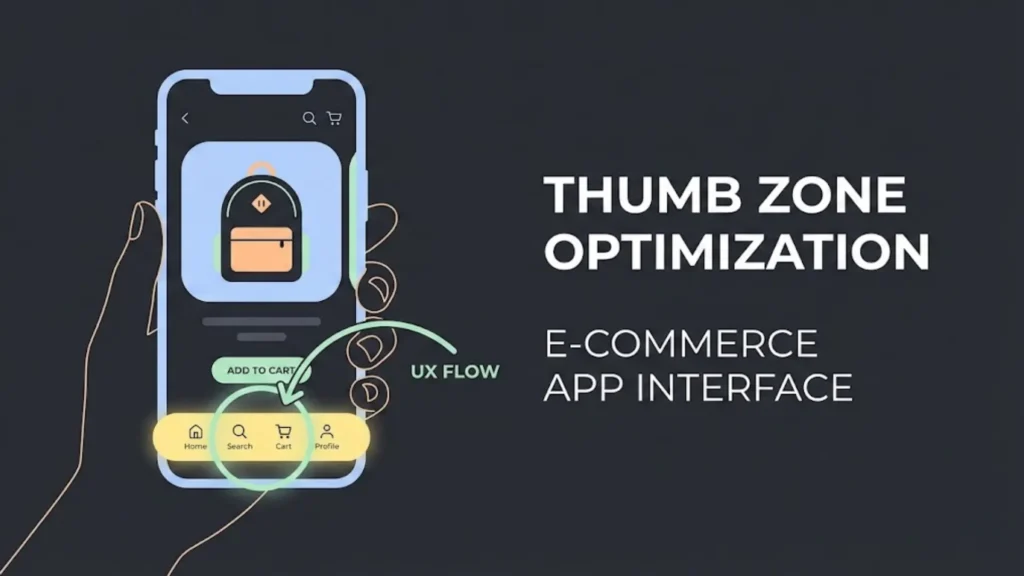
You are not a designer? That’s okay. Most no-code builders use “blocks” or templates that are pre-optimized for UX. However, you need to understand a few principles to ensure you Build Your First eCommerce App Without Developers that people actually enjoy using. If you are struggling with visuals, using color theory tools can make a huge difference.
The Thumb Zone
75% of users use their phone with one thumb. Place your most important buttons (Add to Cart, Checkout, Menu) in the bottom third of the screen—the “Thumb Zone.” Avoid putting critical navigation in the top corners where it is hard to reach.
Visual Hierarchy
Your product photos are the stars. Make them big.
- Bad: Small image, huge text description, tiny “Buy” button.
- Good: Full-width image, concise title, bold price, sticky “Add to Cart” button at the bottom of the screen.
Simplification
Mobile screens are small. Remove the clutter.
- Hide the “About Us” and “Privacy Policy” links in a side menu (Hamburger menu).
- Use icons instead of text where possible (a magnifying glass for search, a cart icon for the cart).
- Keep forms short. Ask only for what is necessary to ship the product.
Step 4: Choose the Right Platform to Build Your Stuff
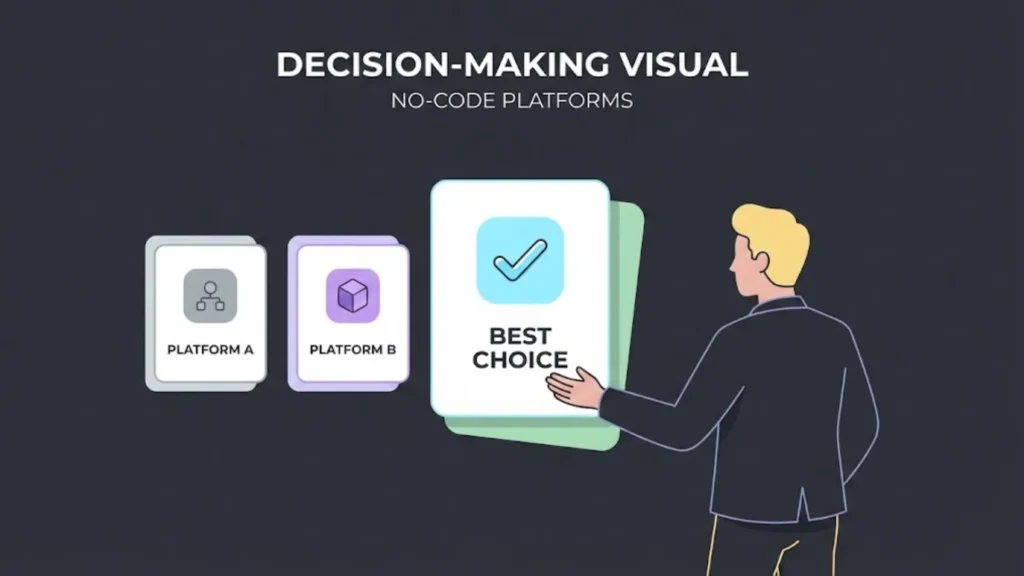
We discussed tools earlier, but how do you pick the one? Here is a decision framework to help you Build Your First eCommerce App Without Developers.
Scenario A: You want the fastest, smartest launch.
- Use Imagine.bo.
- Why? Its AI-driven approach cuts down setup time significantly. Instead of manually configuring every pixel, the platform intelligently suggests layouts and flows that are proven to convert. It’s the modern way to build. Learn why you should choose Imagine.bo for your startup.
Scenario B: You have a Shopify store and need Live Selling.
- Use Vajro.
- Why? It syncs your inventory in real-time and has specific features for live video commerce.
Scenario C: You have no website and want to build custom logic.
- Use Adalo.
- Why? You can build the database directly inside the tool. You don’t need a separate eCommerce backend if you want to build a marketplace.
Scenario D: You are selling digital products/courses.
- Use GoodBarber.
- Why? They are optimized for content delivery, video streaming, and locking content behind paywalls.
Step 5: Customizing Your Store According to Your Need
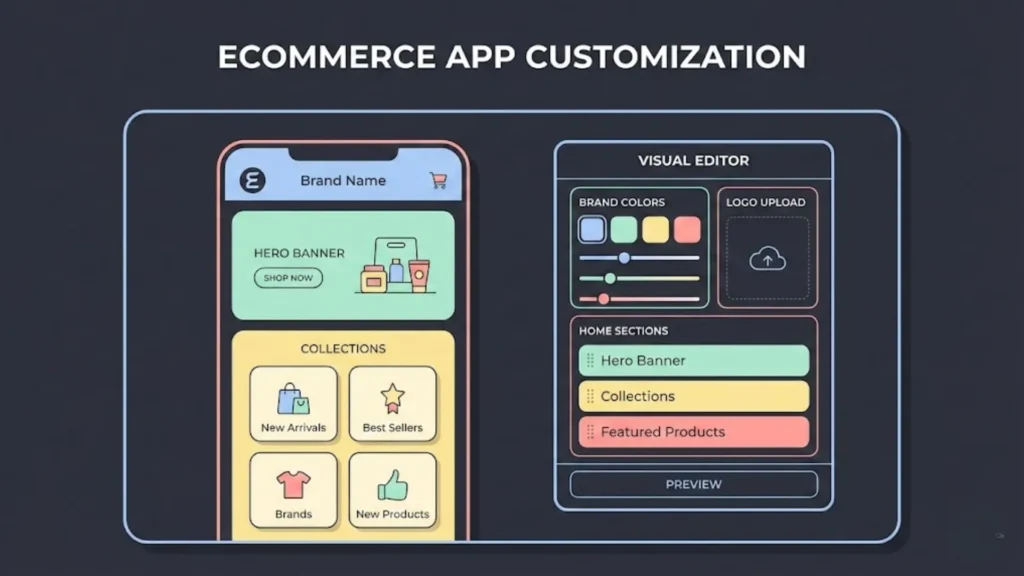
Now comes the fun part: making it look like you. When you Build Your First eCommerce App Without Developers, you rely on the platform’s customizer.
Branding consistency
Your app icon is the first impression. It should be simple, high-contrast, and recognizable. Do not use text in your app icon (it’s too small). Use your logo symbol. Inside the app, ensure the “Primary Color” matches your brand’s dominant color. This color will be used for your “Buy” buttons and active tabs.
The Home Screen Layout
This is your shop window. Do not just list products.
- The Hero Banner: A carousel at the top highlighting the current sale or new collection.
- Featured Collections: “New Arrivals,” “Best Sellers,” “Under $50.”
- Spotlight Product: A large image of your #1 product with a direct “Buy” button.
- Social Proof: A grid of Instagram photos from customers using your product (Vajro and others integrate with apps like Yotpo or Instafeed for this). Social proof is essential for building trust in a new app.
Navigation Bar
Stick to the standard bottom navigation bar:
- Home
- Search/Categories
- Cart
- Profile/Account
- (Optional) Wishlist
Don’t reinvent the wheel. Users expect these buttons in this order.
Step 6: Integrating Payments Interface
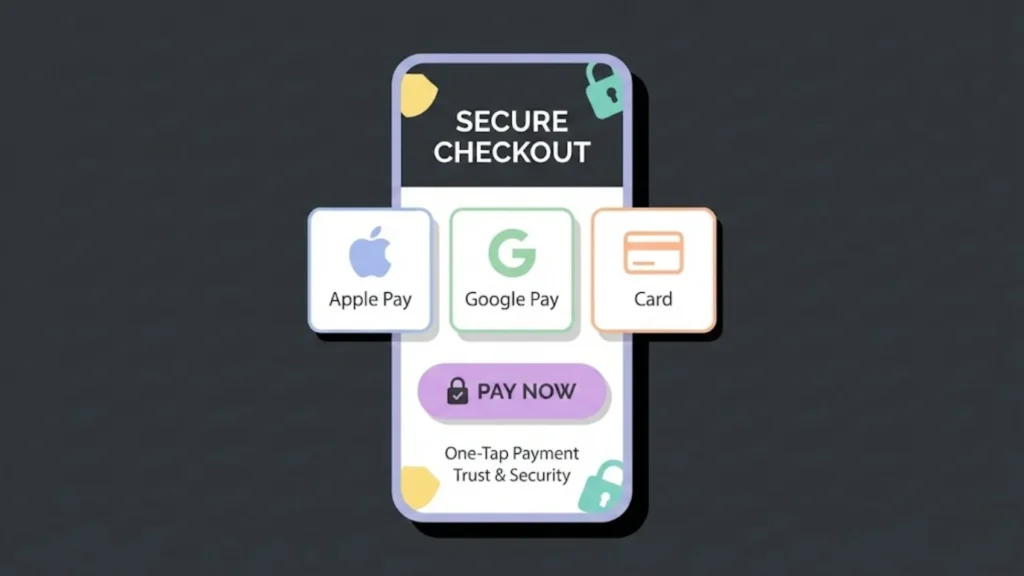
Getting paid is the whole point. One of the biggest fears when people try to Build Your First eCommerce App Without Developers is messing up the money part. Thankfully, no-code builders make this foolproof. See our full guide on payment gateway integration.
The Apple/Google Tax
Be aware: If you sell digital goods (ebooks, courses, game skins) inside an iOS app, Apple takes a 15-30% cut. However, if you sell physical goods (clothes, food, furniture), Apple does not take a cut. You only pay your standard credit card processing fees (like Stripe or Shopify Payments).
Setting it Up
If you use a Shopify app builder (Vajro/Shopney), this is automatic. The app uses the payment gateways you already have set up in Shopify. You don’t need to do anything. If you use Adalo or Bubble, you will need to drag and drop the “Stripe” component into your app and log in to your Stripe account. If you face issues, check our guide on common Stripe payment integration challenges.
Digital Wallets are Mandatory
Ensure Apple Pay and Google Pay are enabled. Mobile shoppers hate typing in 16-digit credit card numbers on the bus. One-touch payment increases conversion rates by up to 20%.
Step 7: Testing Your App After You Built
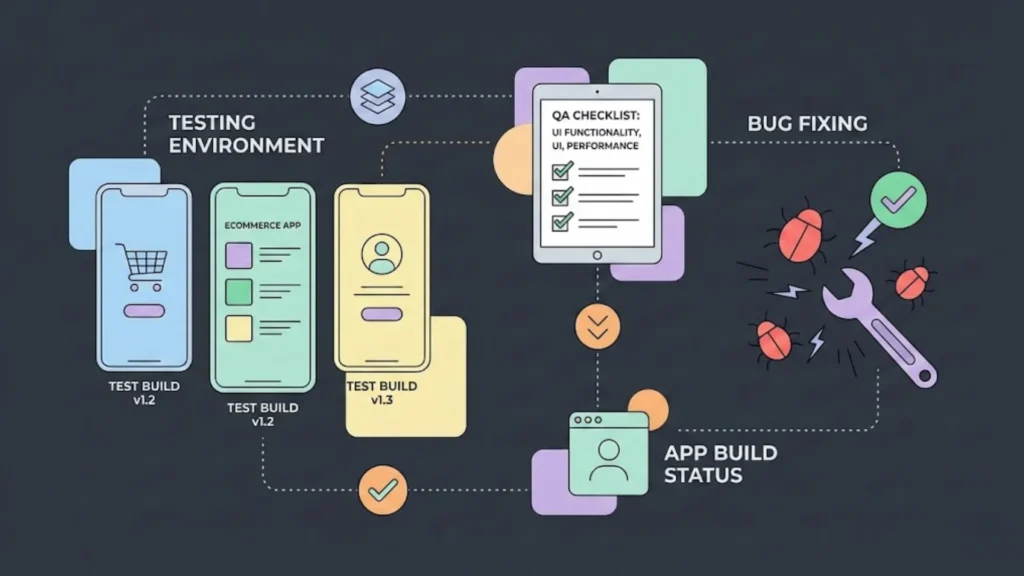
You have designed it. You have connected the products. Now, you must break it. Before you pay the developer fees to Apple/Google, you must rigorously test the app.
Test Flight (iOS) and Internal Testing (Android)
All app builders allow you to generate a “Test Build.” You can install this on your phone before it goes to the App Store.
The QA Checklist
- The “Fat Finger” Test: Click every button. Are they easy to tap?
- The Checkout Flow: Buy a product (you can refund yourself later). Did the confirmation email arrive? Did the inventory deduct correctly?
- Network Stress: Turn off your WiFi and use 4G/5G. Does the app still load? What happens if you go into Airplane mode? (It should show a “No Internet” message, not crash).
- Navigation Dead Ends: Can you get stuck on a page with no “Back” button?
- Push Notifications: Send a test notification. Does clicking it open the app? Does it go to the specific product deep-link?
Ask 5 friends to download the test version. Watch them use it. Do not say anything. If they ask “How do I do X?”, you have a UX problem.
Step 8: Publishing to Stores After You Build Your App
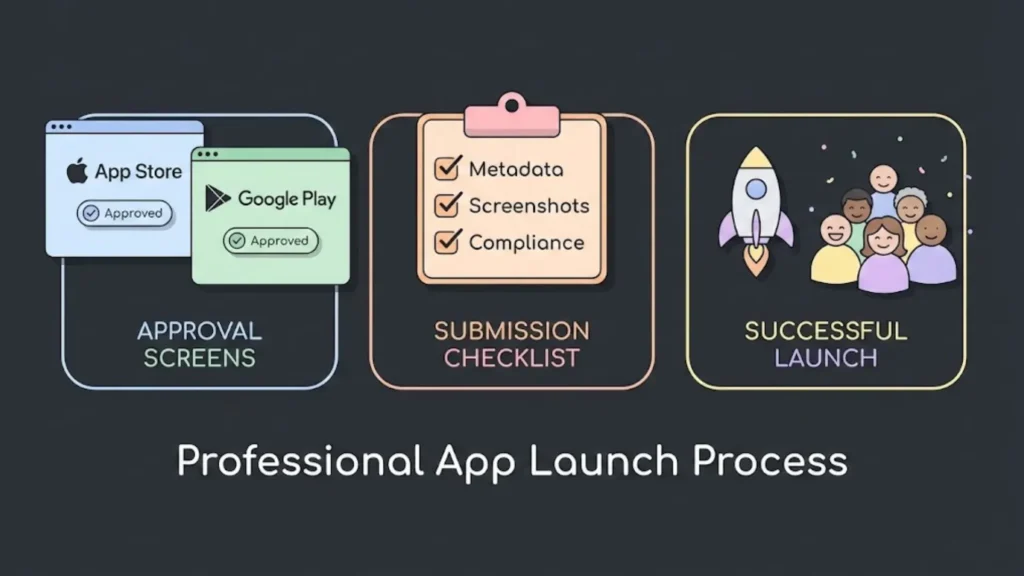
This is the only part that involves “red tape.” Even when you Build Your First eCommerce App Without Developers, you must play by Apple and Google’s rules.
Developer Accounts
- Apple Developer Program: Costs $99/year. You need a D-U-N-S number if you are a company. Apple reviews are strict. They check for design quality and functionality.
- Google Play Console: One-time fee of $25. Reviews are faster but getting stricter.
Submission Process
Your no-code platform (Vajro, Adalo, etc.) will usually handle the technical upload for you. They will ask you for:
- App Title: Make it “Brand Name: Keywords” (e.g., “Nike: Shoes & Apparel”).
- Keywords: Tags to help people find you.
- Screenshots: Do not just screenshot the app. Use a tool like Canva to put the screenshot inside a phone frame with benefit text (e.g., “Shop Exclusive Deals”).
- Privacy Policy: You must have a URL on your website detailing how you handle data.
The Review Wait
Apple takes 24-48 hours. Google can take longer for new accounts (up to 7 days). Rejection is normal. Apple might say “Your app looks too much like a website.” If this happens, use your app builder to add more native features (like a native bottom bar) and resubmit.
Step 9: Marketing Strategies: App Marketing
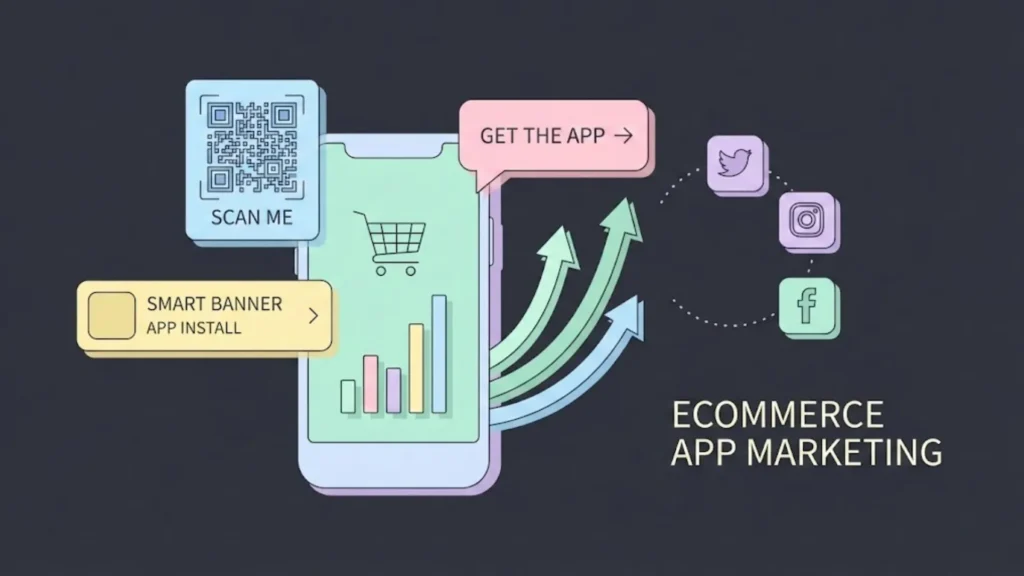
Congratulations! You are live. But an app with zero downloads is a ghost town. You need a launch strategy.
The “Smart Banner”
Add a banner to your mobile website top header: “Download our App for a better experience.” This is the #1 driver of installs.
The Incentive
“Get 15% off your first App Order.” Put this everywhere. In your Instagram bio, in your email footer, on your packaging inserts.
App Store Optimization (ASO)
Just like SEO, but for apps.
- Title: Include your main keyword.
- Description: Focus on benefits.
- Reviews: Email your top 100 customers personally. Tell them you launched an app and ask them to leave a 5-star review. Social proof is critical for ranking. Check out our strategies for SEO and visibility to better understand how to rank.
QR Codes
Print a QR code that links to the app store. Put it on your “Thank You” cards inside every physical package you ship. “Love this item? Scan to buy it again in seconds.”
Step 10: Leveraging Push Notifications Systems
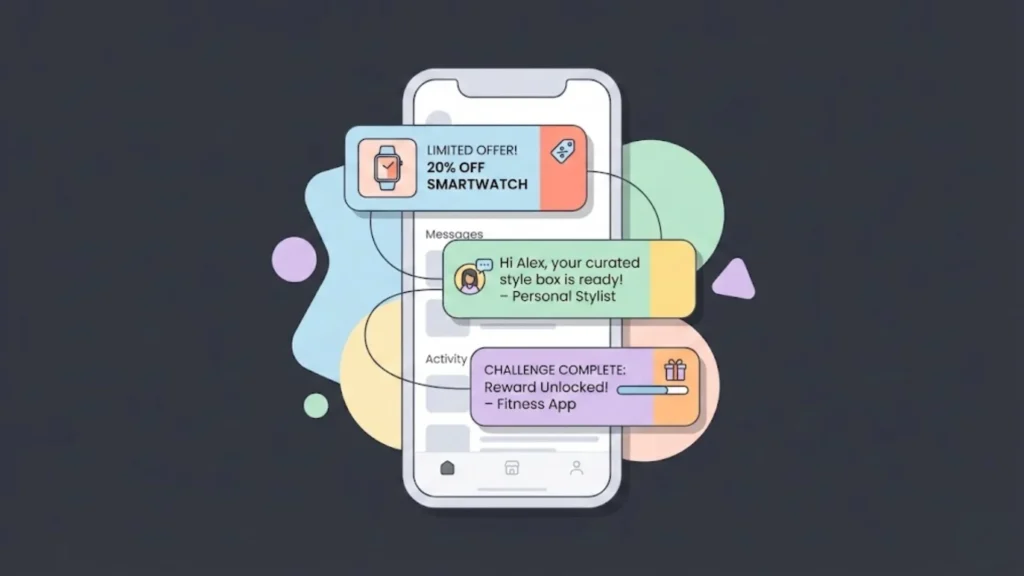
Now that you have users, how do you keep them? Push notifications are a weapon; use them wisely or users will delete your app.
The Golden Rule: Value, not Spam.
Do not send “Buy this!” every day.
- Good: “Your order #1234 has shipped! 🚚”
- Good: “Flash Sale: 50% off for the next 2 hours only.”
- Good: “You left something in your cart. Here is a 5% code to finish the order.”
- Bad: “Check out our new products” (Generic).
Segmentation
Most builders allow you to tag users.
- Create a segment: “Purchased Women’s Shoes.”
- Send a push only to them when new heels arrive.
- Relevance drives revenue. Irrelevance drives uninstalls.
Rich Media
Use images in your notifications. A picture of the shoe is worth 1000 words.
Step 11: Maintaining and Updating Requirements
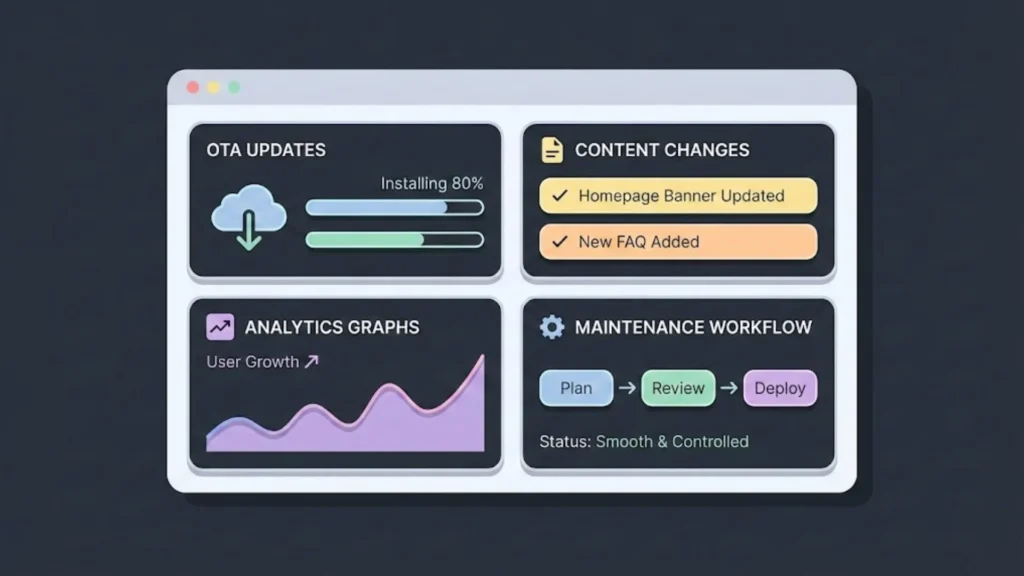
The beauty of no-code is “Over-The-Air” (OTA) updates.
Content Updates
Want to change the hero banner for Christmas? Just log in to your app builder dashboard, change the image, and hit “Save.” The next time a user opens the app, they see the new banner. You do not need to resubmit to Apple/Google for content changes.
Feature Updates
If you want to add a new feature (like a new “Wishlist” tab that wasn’t there before), you might need to resubmit a new version to the App Store. Your builder will guide you through this. It’s usually just a few clicks.
Monitoring Performance
Check your analytics weekly.
- Retention Rate: What % of users open the app 30 days after installing?
- Crash Rate: Is the app stable?
- Conversion Rate: Is it higher than mobile web? (It should be).
Common Mistakes While Building
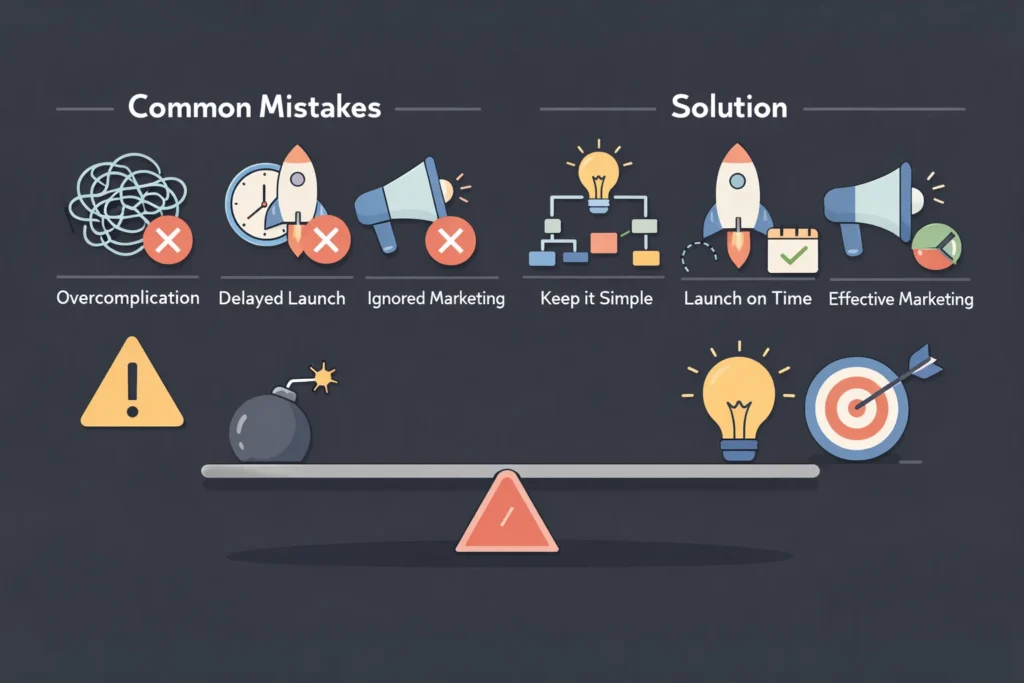
We have seen hundreds of founders fail. Avoid these traps. Read more about common mistakes in no-code development.
- Waiting for Perfection: Version 1 will not be perfect. Launch it. Fix it later.
- Ignoring Android: Yes, iOS users spend more money, but Android has massive market share. Launch on both.
- Forgetting to Market: You cannot just build it and hope they come. You must aggressively push your mobile web traffic to the app.
- Replicating Desktop Navigation: Do not use complex mega-menus. Keep navigation simple and thumb-friendly.
- Neglecting Customer Support: Make sure there is a way to “Contact Us” inside the app. If a user is frustrated, let them email you instead of leaving a 1-star review.
Comparisons: Shopify Mobile Builders vs. Custom No-Code
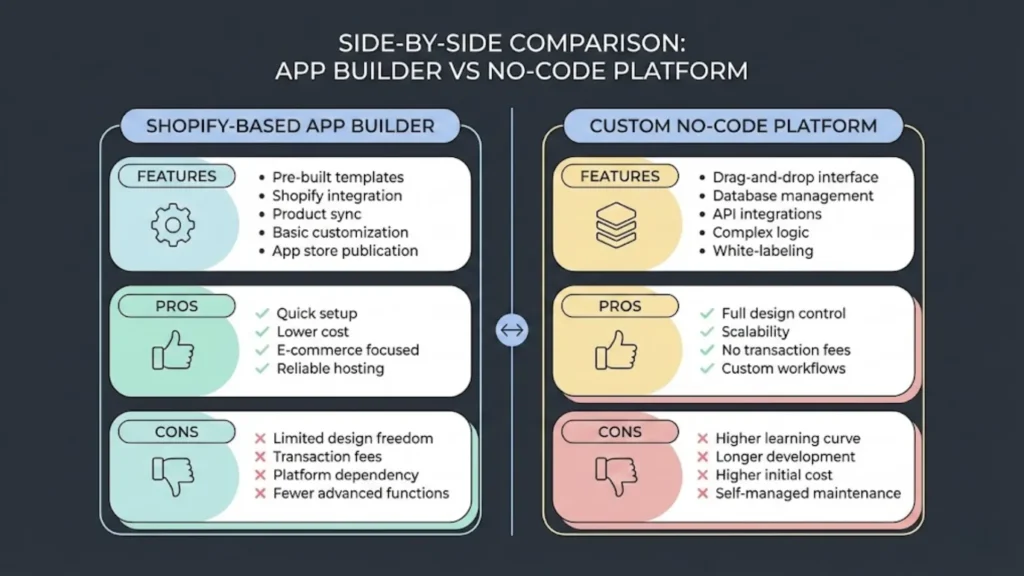
This is a common crossroads. Should you use a specialized Shopify builder (Vajro) or a general tool (Adalo)? For a deeper comparison of the landscape, read our analysis on No-Code vs Low-Code in 2025.
Shopify Builders (Vajro, Tapcart, Shopney)
- Integration: 10/10. Real-time sync.
- Design: 7/10. Template-based.
- Effort: 1/10. Almost instant.
- Verdict: If you are a standard retailer, use these.
General No-Code (Adalo, Bubble)
- Integration: 4/10. Requires API connectors (Zapier/Make).
- Design: 10/10. Pixel-perfect freedom.
- Effort: 8/10. You are building the logic.
- Verdict: If you are building a platform (e.g., a marketplace connecting buyers and sellers, or a rental service), use these.
Future Trends: What Happens After You Build
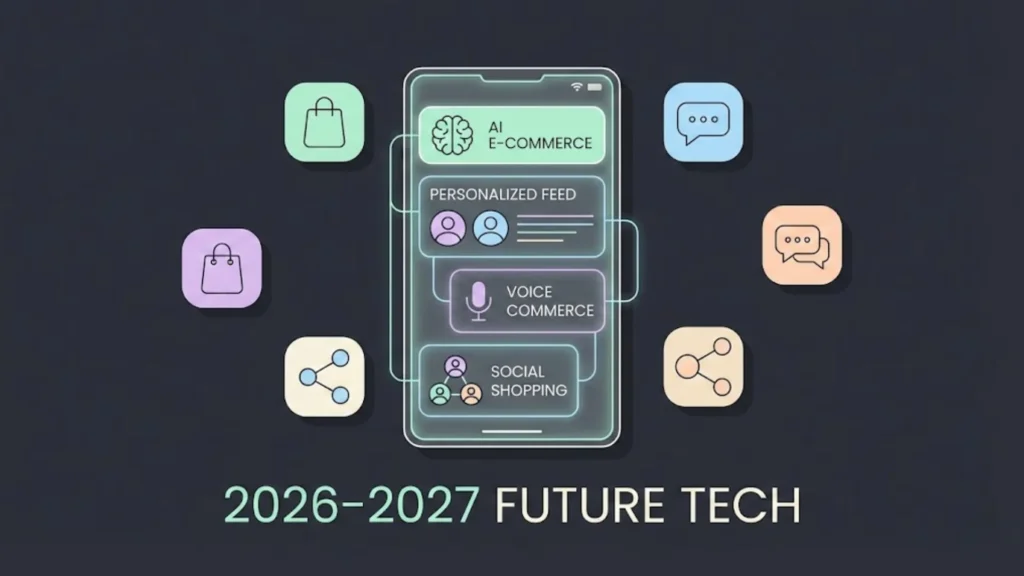
The technology is moving fast. Here is what is coming in late 2026 and 2027.
AI Personalization
No-code tools are integrating AI. Soon, your app will automatically rearrange the homepage for each specific user based on their browsing history, without you lifting a finger. See how this works in our guide to AI-driven personalization.
Voice Commerce
“Siri, buy my usual coffee order.” Integration with voice assistants will become a standard feature in app builders.
Social Commerce Integration
Apps will integrate deeper with TikTok and Instagram. Users might be able to view your TikTok feed inside your app and buy the products featured in the videos.
Conclusion
The era of the “technical co-founder” being a requirement for success is over. The walls have crumbled. You now possess the knowledge to Build Your First eCommerce App Without Developers.
We have covered the massive opportunity in mobile commerce, analyzed the best tools like Imagine.bo and Vajro, broken down the costs, and walked through the design and launch process. The only variable left is you.
Every day you wait is a day your competitors are capturing real estate on your customers’ phones. It is a day of lower conversion rates on mobile web. It is a day of missed push notification revenue.
Don’t let “I’m not technical” be your excuse anymore. It is 2026. The tools are ready. The customers are waiting.
Your Action Plan:
- This Weekend: Sign up for Imagine.bo to experience the power of AI app generation.
- Next Week: Connect your products and customize your design.
- End of Month: Submit to the App Store.
Go build your empire. One tap at a time.
FAQ Section
Can I really Build Your First eCommerce App Without Developers if I have zero technical skills?
Yes. If you can use Canva or manage a Facebook page, you can use modern app builders. They are visual, drag-and-drop tools designed for business owners, not engineers.
How long does it take?
If you have an existing Shopify store, you can configure the app in 1-2 days. The longest part is waiting for Apple’s review (2-3 days). You could be live in less than a week.
Do I own the app?
You own your data and your customer list. However, you are “renting” the technology. If you stop paying the monthly subscription to the app builder, your app will stop working. This is the trade-off for low upfront costs.
Is it expensive?
Compared to $50k for custom development, no. Plans range from $50 to $400 per month depending on features.
Will Apple reject my app?
Apple rejects “web wrappers” (apps that are just a website inside a frame). Good no-code builders (Vajro, Imagine.bo) create native interfaces, which Apple loves. As long as you use their native blocks, you will pass.