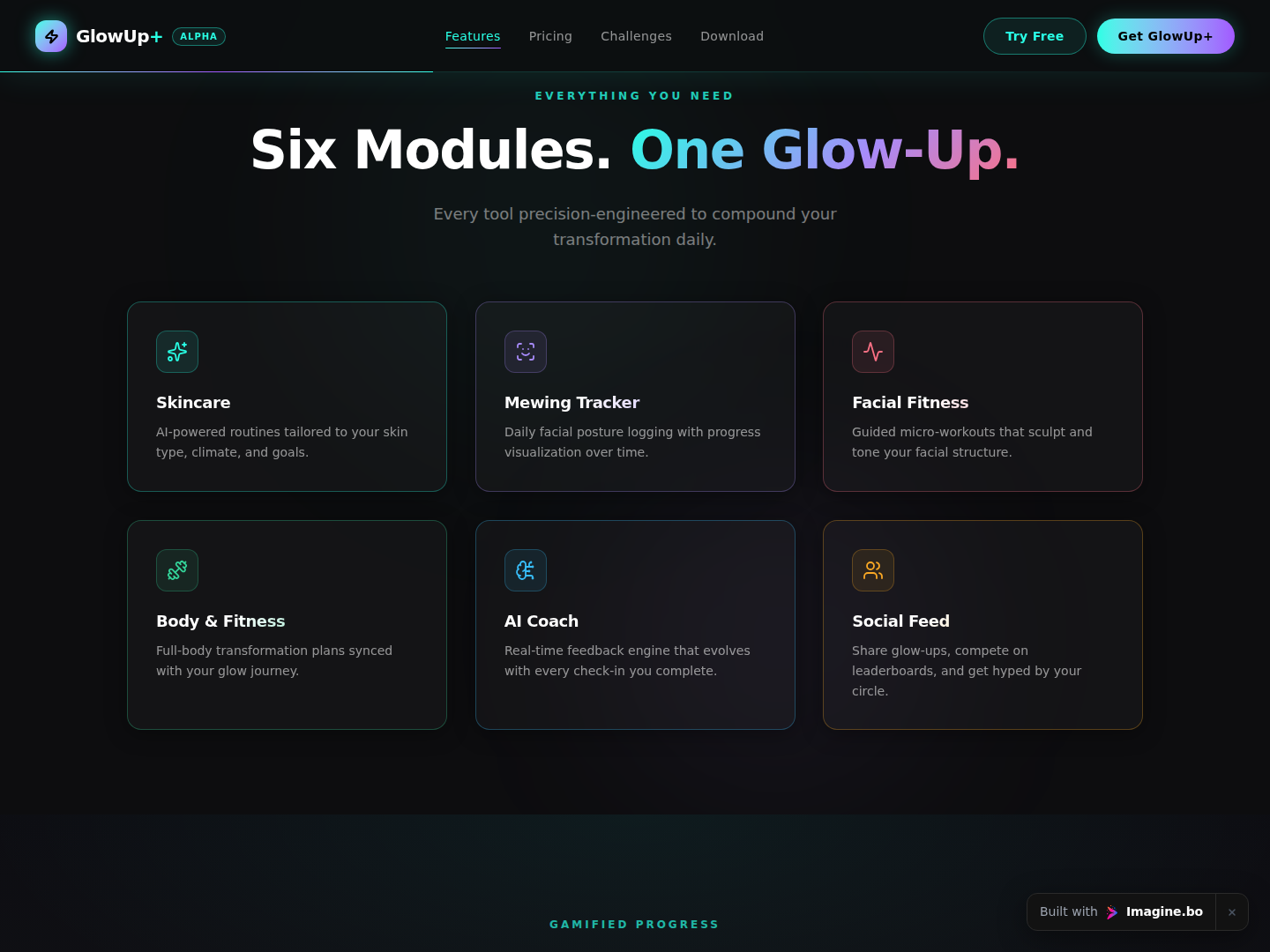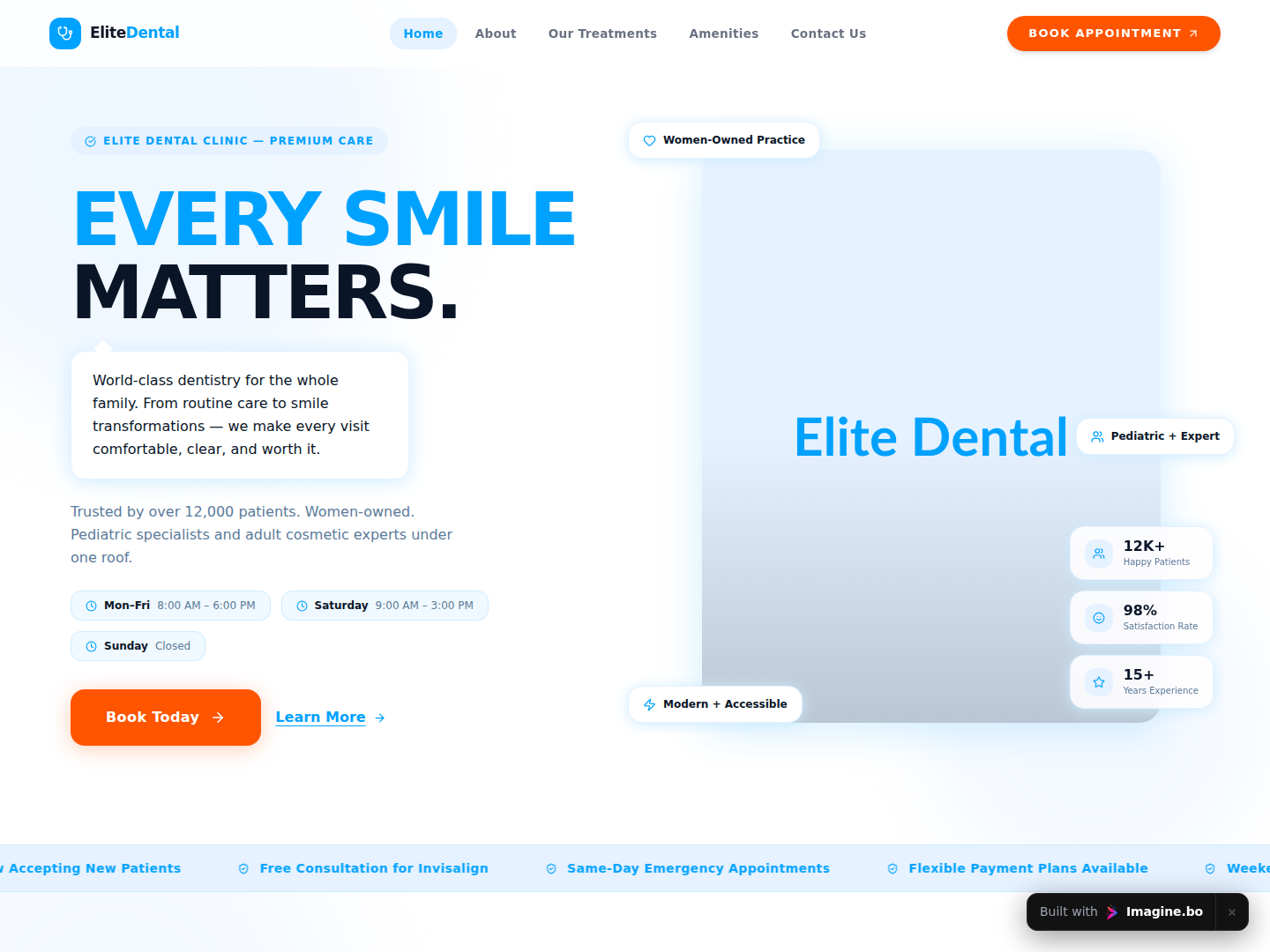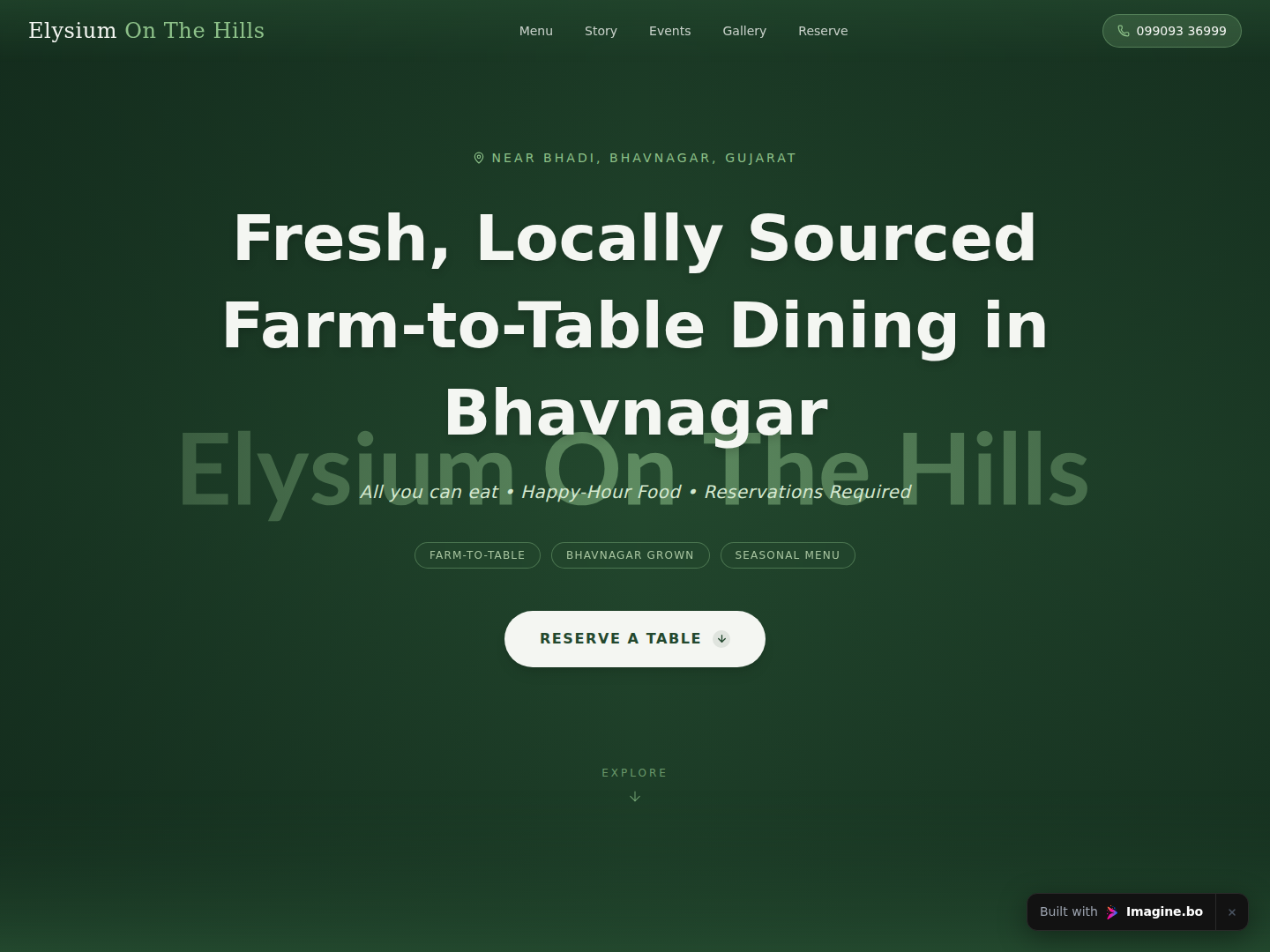
In the world of modern app development, users don’t just expect functionality; they expect connection. Whether you are building a marketplace, a social network, or a customer support tool, the ability for users to communicate instantly is often the feature that transforms a passive “user base” into an active “community.”
For years, building a scalable, secure, and fast chat application was a massive engineering hurdle involving WebSockets, server maintenance, and complex database architectures. Even early no-code tools required you to manually wire up complex logic flows.
Launch Your App Today
Ready to launch? Skip the tech stress. Describe, Build, Launch in three simple steps.
BuildToday, the landscape has shifted again with the rise of AI-native development.
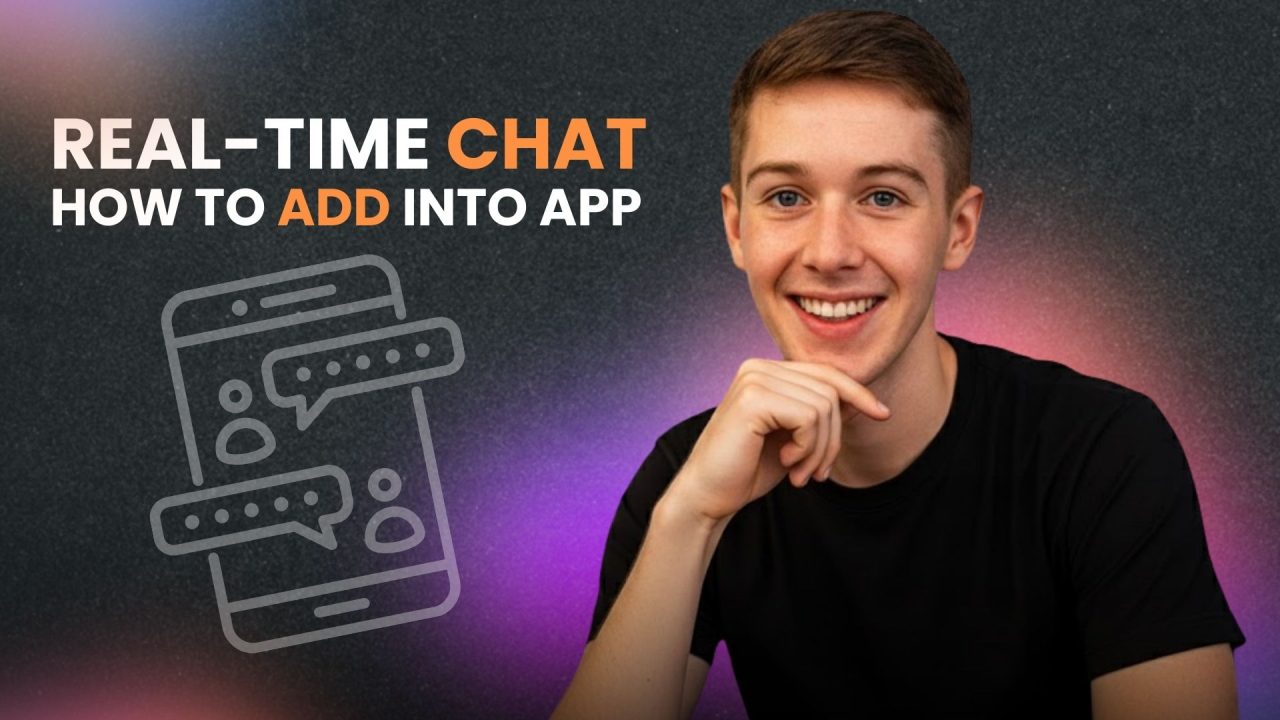
If you are wondering how to add real-time chat to your no-code app, you have landed on the ultimate guide. This post will walk you through the modern approach using Imagine.bo, an AI-powered platform that lets you build enterprise-grade chat systems just by describing them in plain English.
Why You Should Learn How to Add Real-Time Chat to Your No-Code App
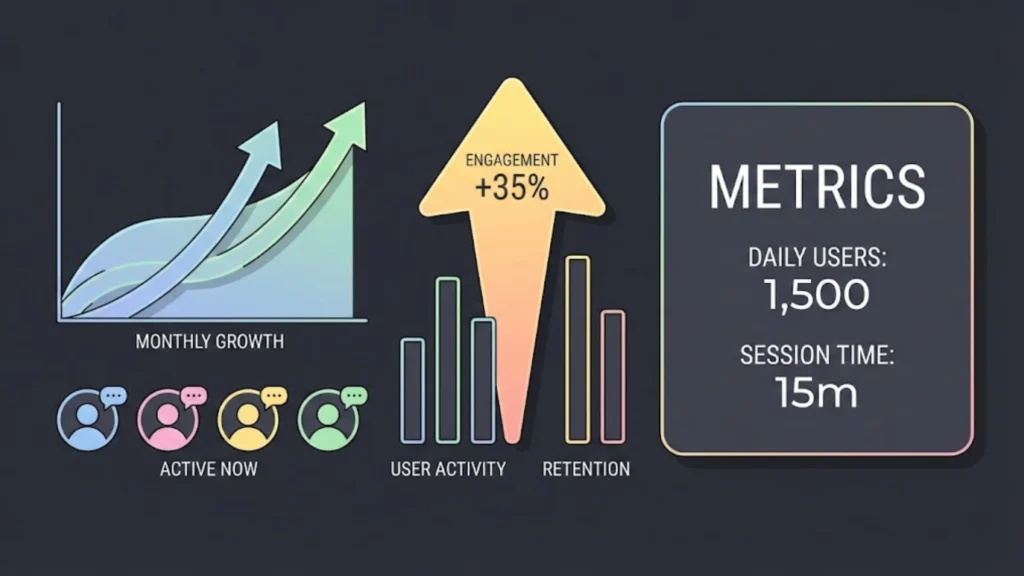
Before we dive into the “how,” it is crucial to understand the “why.” Learning how to add real-time chat to your no-code app is not just about ticking a feature box; it is about fundamentally changing the metrics of your business.
1. Increased User Retention Apps with social features see significantly higher retention rates. When users can interact with each other or with support agents in real-time, they have a reason to stay in the app longer and return more frequently.
2. Higher Conversion Rates For marketplace and e-commerce apps, friction kills sales. If a buyer has a question about a product, having to send an email and wait 24 hours often results in a lost sale. Real-time chat allows for instant objection handling, leading to faster transactions.
3. Reduced Operational Costs Building a custom chat solution from scratch with code can cost tens of thousands of dollars. Mastering how to add real-time chat to your no-code app allows you to bootstrap your business and launch the same functionality for a fraction of the price, often in a matter of minutes.
The New Way vs. The Old Way
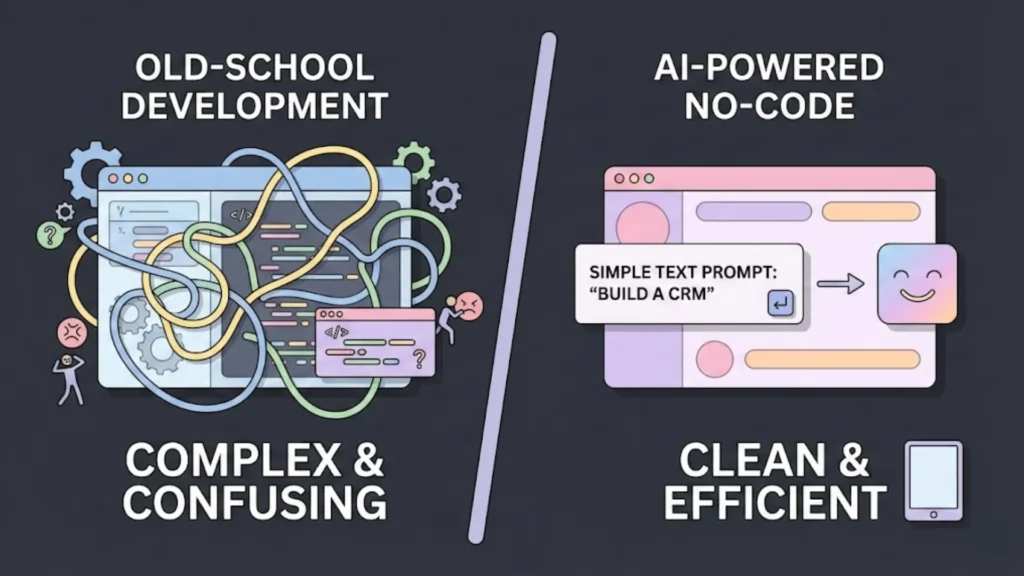
You generally face two paths. The “old” manual way, and the new “AI-native” way.
1. The Modern Solution: Imagine.bo (AI-Native)
Imagine.bo is a revolutionary AI-powered platform that fundamentally changes how apps are built. Instead of dragging and dropping database fields manually, you simply describe your app (e.g., “Build a real-time chat app for a coaching business”). Imagine.bo’s AI engine then generates the entire backend, database schema, and real-time WebSocket infrastructure for you using text-to-app generation.
- Pros: “Text-to-App” generation; SDE-level code quality; handles complex real-time logic automatically; highly scalable (1,000+ TPS); affordable flat-rate pricing.
- Cons: Currently in high demand (beta waitlists are common).
2. The Traditional Manual Path (Bubble, FlutterFlow)
Platforms like Bubble or FlutterFlow are powerful but require you to be the architect. You must manually create the “Message” data types, configure privacy rules, and build the logic flows yourself.
- Pros: Granular control if you enjoy “visual coding.”
- Cons: High learning curve for logic; risk of performance lag if structured poorly; can get expensive with “workload unit” pricing.
Step-by-Step Guide: To Add Real-Time Chat with Imagine.bo
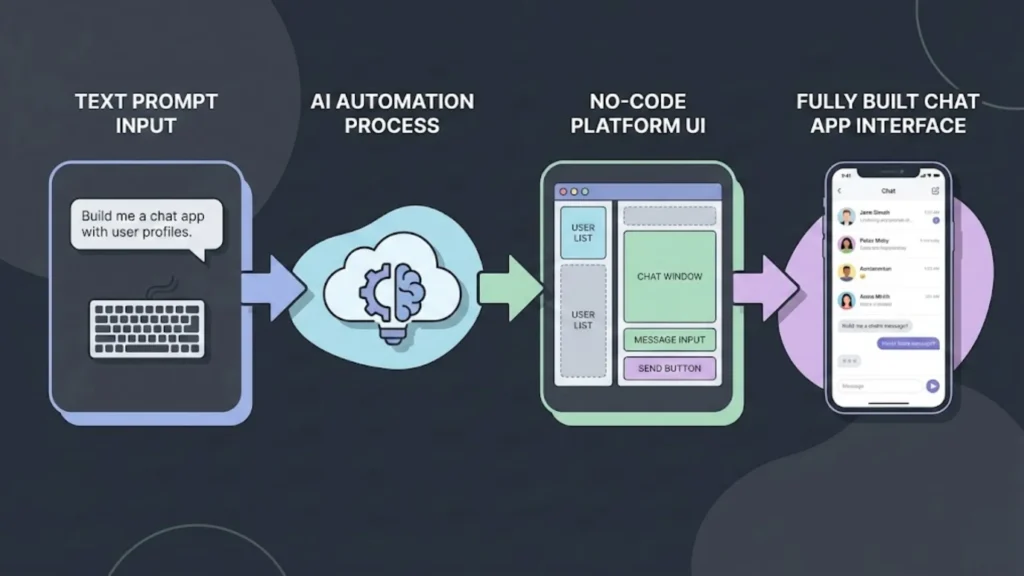
We will focus on Imagine.bo because it automates the hardest parts of the process (database structuring and security).
Step 1: Describe Your Vision (The “Prompt”)
Unlike traditional builders where you start with a blank canvas, in Imagine.bo, you start with a prompt. The AI acts as your Senior Developer.
Example Prompt:
“I want to build a freelance marketplace app. It needs a real-time chat feature where Clients can DM Freelancers to discuss projects. Include read receipts, a ‘typing’ indicator, and the ability to send images.”
What Imagine.bo Does: It parses this request and instantly understands that it needs to create a Conversation table, a Message table, and setup relationship links between Users.
Step 2: Review the AI-Generated Blueprint
Before building, Imagine.bo presents a Blueprint. This is where you see the magic of learning how to add real-time chat to your no-code app with AI. The system will automatically suggest the optimal database schema:
1. Users Table
ID,Name,Avatar,Status(Online/Offline)
2. Conversations Table
Participants(List of Users)Last Message Preview(Text)Last Updated(Timestamp)
3. Messages Table
Sender(User ID)Body(Text)Attachments(Media URL)Is Read(Boolean)
Note: In manual tools like Bubble, you would have to design this yourself. Imagine.bo does it for you.
Step 3: Customize the UI
Once the backend is generated, Imagine.bo builds the frontend interface. You will typically see a “Split View” layout:
- Left Sidebar: List of active conversations.
- Main Window: The active chat thread.
You can now use the visual editor to tweak the design. Want the chat bubbles to be blue instead of gray? Want to add a “timestamp” next to the name? You can adjust these visual elements without breaking the underlying logic.
Step 4: Launch and Deploy
Click “Build.” Imagine.bo compiles the application into production-ready code. Unlike other no-code tools that interpret JSON files (which can be slow), Imagine.bo generates clean, efficient code that runs on scalable cloud infrastructure, ensuring your chat doesn’t lag even if thousands of users are online.
Comparison: Imagine.bo vs. The Rest
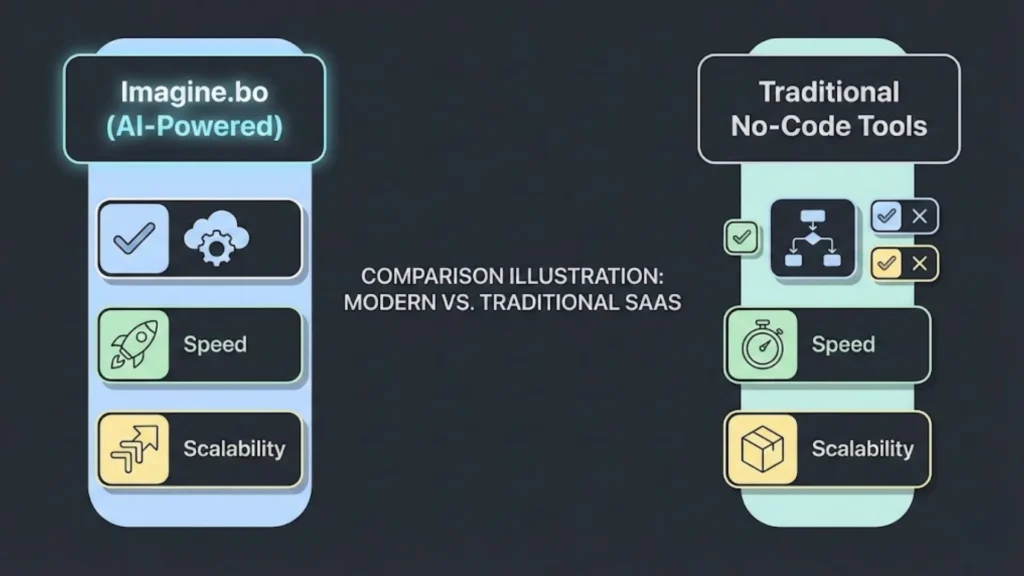
Why is Imagine.bo the preferred choice for founders:
| Feature | Imagine.bo | Bubble / FlutterFlow | Chat SDKs (Stream.io) |
|---|---|---|---|
| Setup Time | Minutes (AI Generated) | Days (Manual Logic) | Hours (Integration) |
| Real-Time Logic | Built-in (Auto-Architected) | Manual Configuration | Built-in |
| Scalability | Enterprise (1,000 TPS) | Limited by “Workload Units” | High |
| Cost | Affordable Flat Rate | Scale tier ($100+/mo) | Expensive ($499+/mo) |
| Code Ownership | Yes (Exportable) | No (Platform Lock-in) | N/A (Service only) |
Security Best Practices
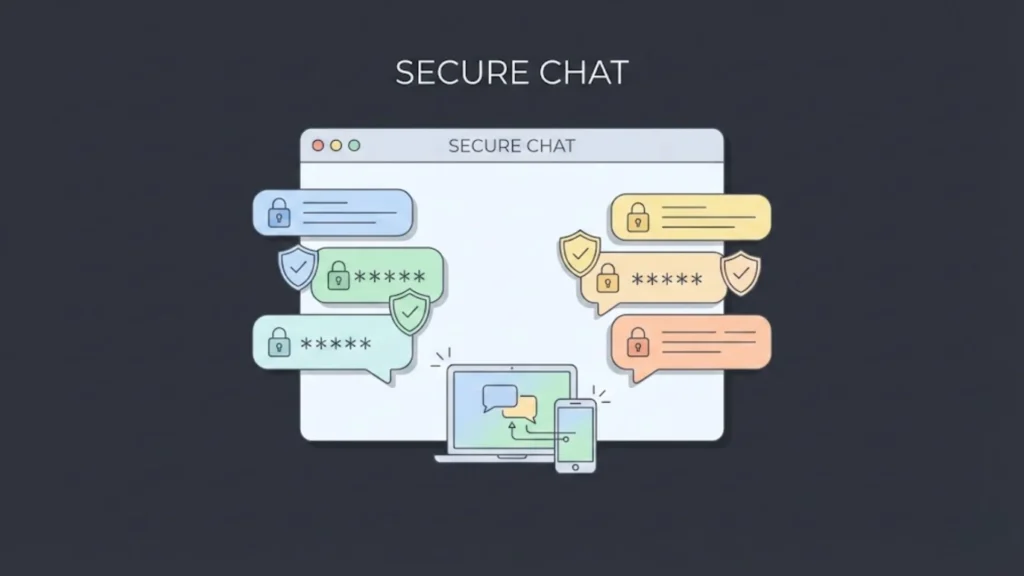
Even with AI handling the heavy lifting, you must keep security in mind, prioritize these three pillars.
1. Privacy Rules (Row Level Security) Imagine.bo’s AI defaults to secure architectures (SOC2 standards), ensuring User A cannot query User B’s private messages. In manual platforms, you must configure these rules yourself, which is a common source of data leaks. See our guide on no-code app security best practices.
2. Input Sanitization Prevent users from injecting malicious scripts. Imagine.bo automatically handles sanitization for text inputs, protecting your app from XSS attacks.
3. Content Moderation If your chat is public, you are liable for the content. You can ask Imagine.bo to “Integrate an OpenAI content filter to block offensive language,” and it will add that logic layer to your message sending workflow.
Performance Optimization Tips
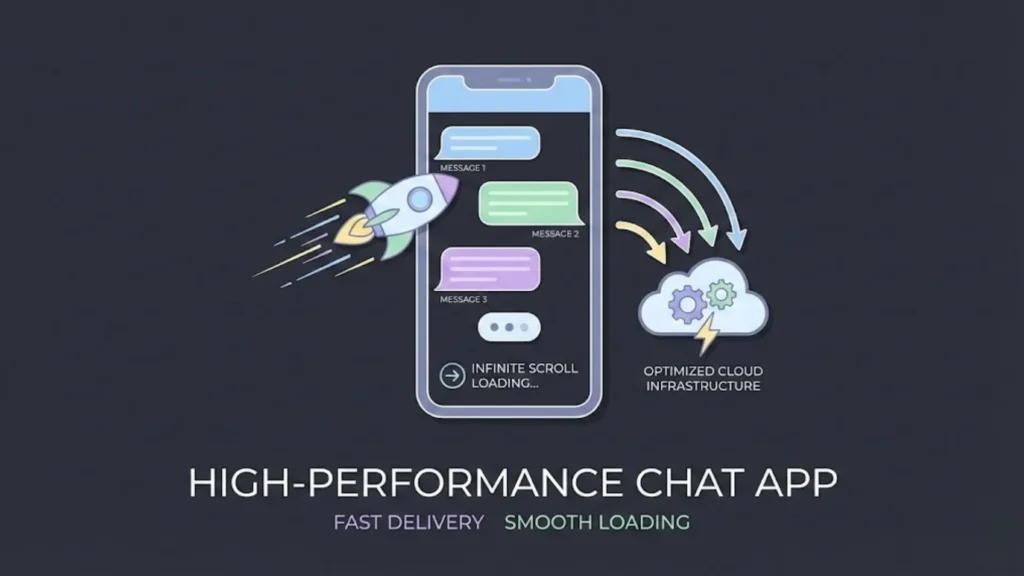
As your app scales, speed is everything. Here is how to add real-time chat to your app without sacrificing performance.
1. Pagination (Infinite Scroll) Never load 10,000 messages at once. Imagine.bo’s generated logic typically includes pagination by default, loading messages in batches (e.g., 20 at a time) as the user scrolls up.
2. Optimistic UI Make the app feel instant. When a user sends a message, it should appear on their screen immediately, even before the server confirms receipt. Imagine.bo’s frontend architecture uses this standard best practice.
3. Media Compression If users are sending images, ensure they are compressed before upload. You can specify this in your Imagine.bo prompt: “Ensure all image uploads in chat are compressed to under 500KB.”
Top Use Cases for Imagine.bo Chat Apps
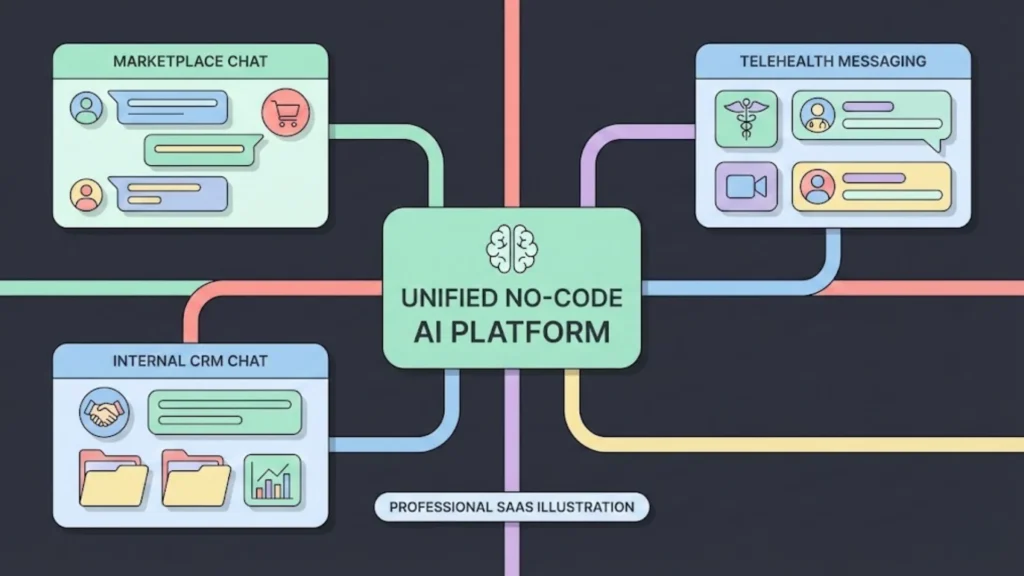
Understanding where to apply this knowledge is key. Here are the most effective use cases:
1. Two-Sided Marketplaces Trust is the currency of marketplaces. Allowing buyers to ask sellers about item condition before purchase increases GMV. Imagine.bo creates this complex relationship logic instantly.
2. Telehealth & Coaching For apps connecting patients to doctors, secure, HIPAA-compliant chat is the core product. Imagine.bo’s enterprise-grade infrastructure makes it a safer bet than standard no-code builders. You can easily build SaaS for coaches and consultants with these built-in tools.
3. Internal Business Tools (CRMs) Companies often need a way for employees to discuss specific leads. You can build a custom internal tool on Imagine.bo where chat is contextually linked to specific client records.
Conclusion
Mastering real-time chat to your app is a superpower. It bridges the gap between a static database and a living, breathing community.
While traditional no-code tools like Bubble and FlutterFlow paved the way, Imagine.bo represents the future. By leveraging AI to handle the complex architecture, database relationships, and real-time infrastructure, it lowers the barrier to entry even further. You no longer need to be a “visual programmer”—you just need to have an idea.
Ready to start? Head over to Imagine.bo, describe your dream chat app, and watch the AI build it before your eyes.
FAQ: How to Add Real-Time Chat to Your No-Code App
Can I build a real-time chat app for free?
Yes. Imagine.bo offers generous access during its beta period (until August 2025) and affordable tiers afterward. This is significantly cheaper than chaining together a no-code tool plus a paid chat SDK like Stream. Learn more about how to create free apps with AI.
Is Imagine.bo secure enough for sensitive data?
Yes. Imagine.bo generates code that follows modern security standards (GDPR/SOC2 compliant). It uses secure APIs and encryption, making it suitable for professional and enterprise use cases.
How do I handle push notifications?
In your Imagine.bo prompt, simply ask to “Enable push notifications for new messages.” The AI will configure the necessary webhooks and triggers for mobile devices.
Do I own the code?
This is a major differentiator. Unlike Bubble, where you are locked in, Imagine.bo allows you to export your code. If you ever want to host it on your own AWS server or hand it to a dev team, you can. It helps you transition from no-code to AI code.
Can I add AI bots to the chat?
Absolutely. You can ask Imagine.bo to “Add an AI assistant participant to the chat that answers questions.” It will integrate the LLM (Large Language Model) logic directly into the chat flow.
Related Articles
- Building SaaS Tools with AI-Powered Chat Interfaces for Enhanced User Engagement and Efficiency
- Adding AI Chatbots in No-Code Platforms for Enhanced User Interaction and Automation
- Creating SaaS Platforms with Chat-Based Interfaces for Enhanced User Engagement and Efficiency
- Revolutionize App Development: Your No-Code Guide to AI Text-to-App Builders
- AI App Builder App Builder No Code: Build World-Class Apps Without Writing a Single Line of Code
Launch Your App Today
Ready to launch? Skip the tech stress. Describe, Build, Launch in three simple steps.
Build