Short answer: The best home building guide app for a household in 2026 depends on where you are in the build. For early ideas and layout planning use Planner 5D or HomeByMe. For inspiration and contractor sourcing use Houzz. For on-site measurements use MagicPlan. For full project, budget, and contractor management use Buildertrend or CoConstruct. And if you want a custom app built around how your specific household actually works, you can ship one in a few days using a hybrid AI plus engineer platform like imagine.bo.
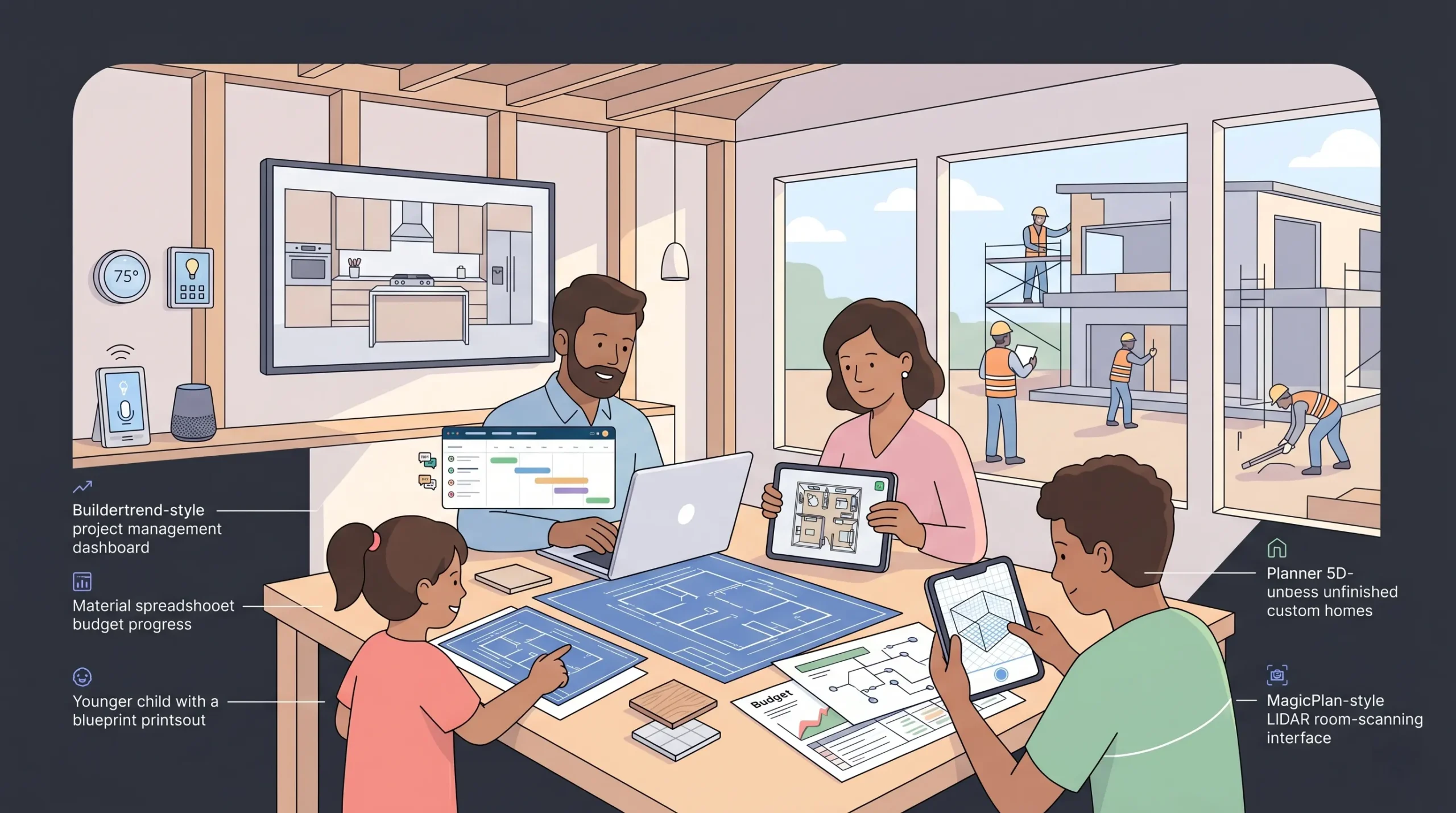
This guide walks through every category of home building app a modern household needs, what each one does well, where they fall short, and how to pick the right combination for a project that often spans 12 to 24 months and tens of thousands of dollars in decisions.
Launch Your App Today
Ready to launch? Skip the tech stress. Describe, Build, Launch in three simple steps.
BuildWhat a “home building app” actually means in 2026
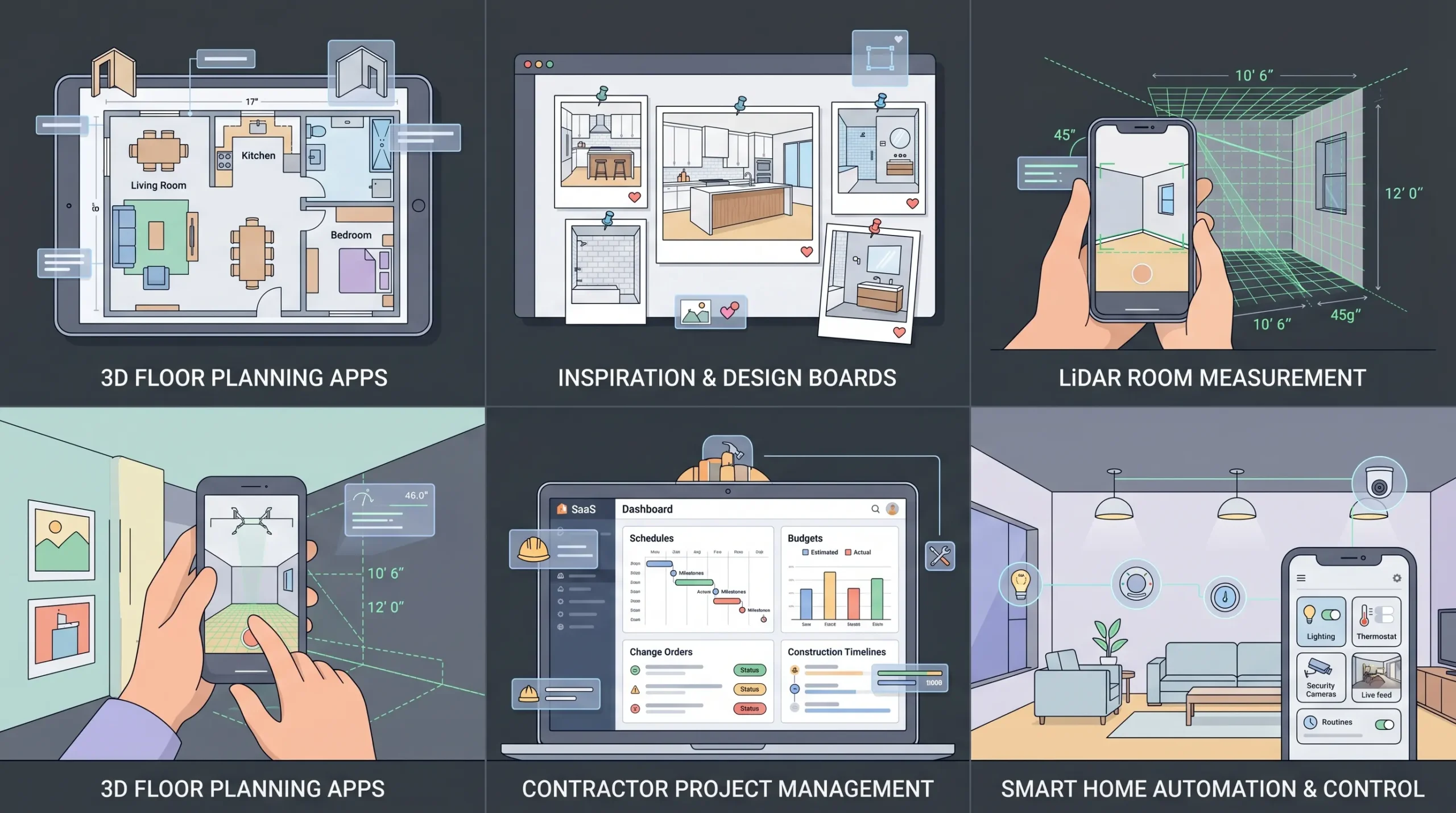
A home building app is any software, usually mobile or web, that helps a homeowner or contractor plan, visualize, budget, build, or manage a residential project. The category has expanded a lot since 2020.
In 2026, a single household project will typically touch five different kinds of apps:
- Design and layout apps for floor plans and 3D visualization
- Inspiration and discovery apps for style direction and finding professionals
- Measurement and on-site capture apps that turn a phone camera into a tape measure
- Project and budget management apps for contractors, change orders, and timelines
- Smart home and post-build apps that run the house once it is finished
Most homeowners reach for one or two and ignore the rest. That is the single biggest reason home build budgets blow up. A serious build deserves a small, deliberate stack, not one shiny app that promises to do everything.
According to the National Association of Home Builders, the average new single-family home in the United States now costs more than $400,000 to build, and renovation projects routinely run 15 to 20 percent over the original budget. Most of that overrun is decision related, not material related. Good apps prevent decision overrun.
Why the right home building guide app matters for households
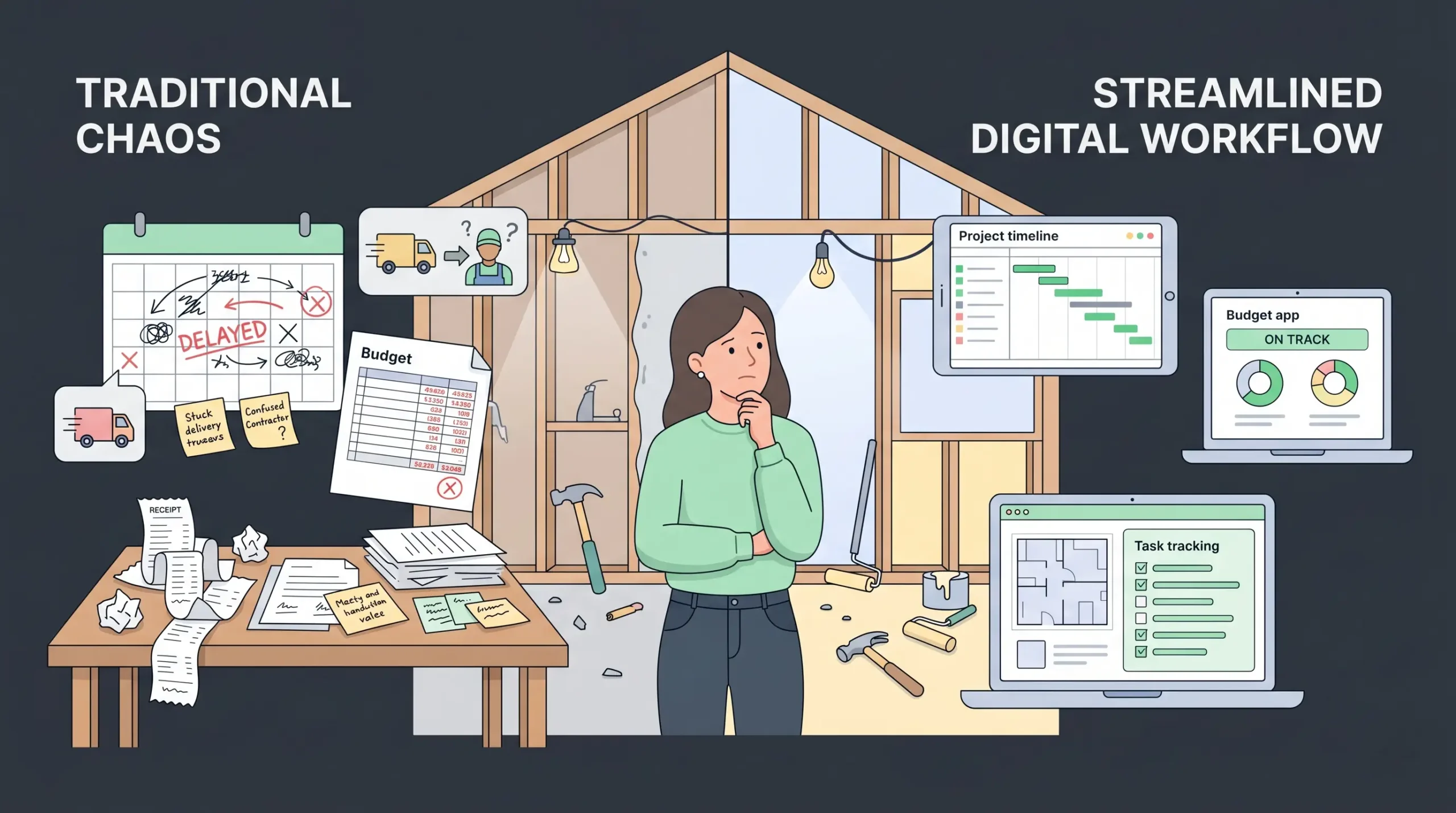
Three things changed between 2020 and 2026 that made this category much more important for everyday households:
- Renovation activity stayed high after the housing slowdown. With existing-home turnover still soft, families are improving in place instead of moving, which means more multi-phase renovations and additions.
- Costs and timelines got less forgiving. Material price volatility and labor shortages mean a small planning mistake can cost weeks.
- AI inside apps got actually useful. Floor plan AI, room scanners using LiDAR on iPhones, and AI cost estimators have moved from beta features to core workflows.
For a household, the result is simple. The cost of being disorganized is now much higher than the cost of learning one or two apps. This guide is built around that reality.
How to choose a home building app for your household
Before listing tools, here is the framework. Pick apps in this order based on what your project actually needs.
- Define the project type first. New build, full renovation, addition, single-room remodel, or interior refresh. Each one weights the five app categories differently.
- Identify your biggest personal risk. Conceptual risk (you cannot see the space) needs a strong 3D design app. Execution risk (you have a plan but no system) needs a project management app.
- Choose one app per phase, not five. Phase tools beat all-in-one tools for most households.
- Make sure it exports. If the app cannot send a floor plan, a budget, or a punch list to your architect, contractor, or spouse, it is a dead end.
- Match it to your contractor’s workflow. If your builder uses Buildertrend, fighting that with a different tool will cost you time.
If you skip these five questions, almost any app will feel disappointing within a month. If you answer them, even a free app can carry an entire project.
The 8 best home building apps for households in 2026
The list below covers each of the five phases. Pick one or two per phase based on your project, not all eight.
1. DreamDen, best for AI-powered interior design and instant room visualization
DreamDen is an AI interior design platform built for households at the styling and visualization stage. You upload a photo of an existing room, pick a style, and the AI returns three reimagined design variations in around ten seconds. It also runs a marketplace of vetted online interior designers you can hire from roughly $135 to $499 per project, which is useful when you want a human pass after the AI exploration. Eight room types are supported, including living, bedroom, kids room, kitchen, dining, bath, open plan, and home office.
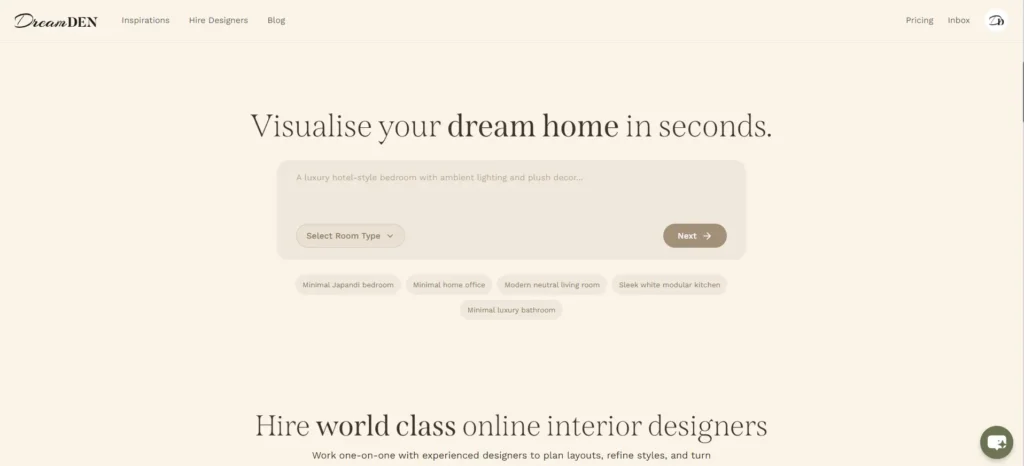
For households who are renovating or restyling rather than building new, this is often a faster front door than scrolling through generic inspiration boards, because the renders are based on your actual room, not someone else’s.
- Best for: Households restyling, renovating, or furnishing existing rooms who want to see realistic options before buying anything
- Strengths: Photo-to-render in around 10 seconds, eight room types covered, optional human designer marketplace, furniture removal feature, watermark-free output on paid plans
- Weak spots: Focused on interior styling and visualization, so it does not replace floor plan, measurement, or contractor tools
- Pricing: Basic at $9 per month (50 photos), Standard at $29 per month (200 photos, no watermark, permanent storage), Professional at $49 per month (500 photos, success manager). Try it at app.dreamden.ai
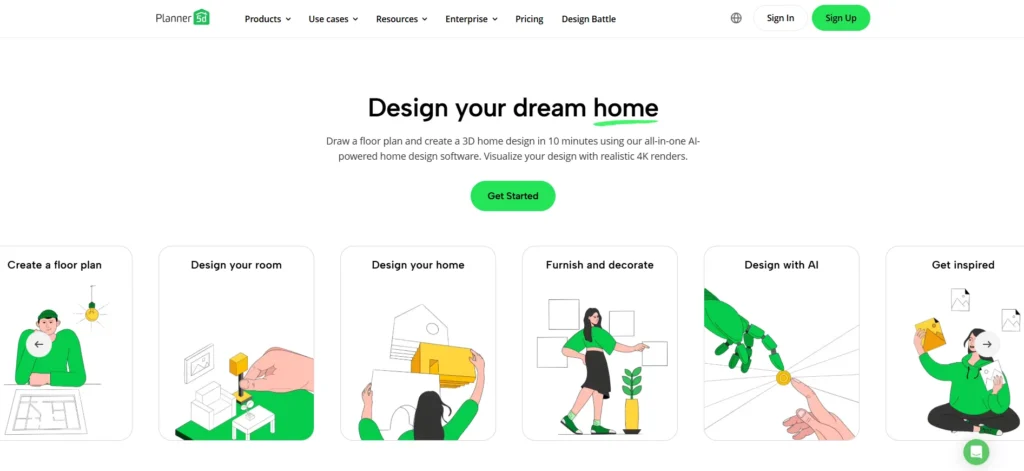
2. Planner 5D, best for fast 2D and 3D layout planning
Planner 5D is the easiest starting point for most households. You sketch a floor plan in 2D, flip to 3D, drag in furniture and finishes, and walk through the result. The AI floor plan feature can also generate a layout from a photo of a hand-drawn sketch.
- Best for: Homeowners who need to test layouts before talking to an architect
- Strengths: Low learning curve, large object library, free tier is usable
- Weak spots: Not architecturally precise enough for permit drawings
- Pricing: Free with limits, paid tiers from around $7 per month
Use Planner 5D to win the early conversation with your spouse and your architect. Do not use it as your construction document.
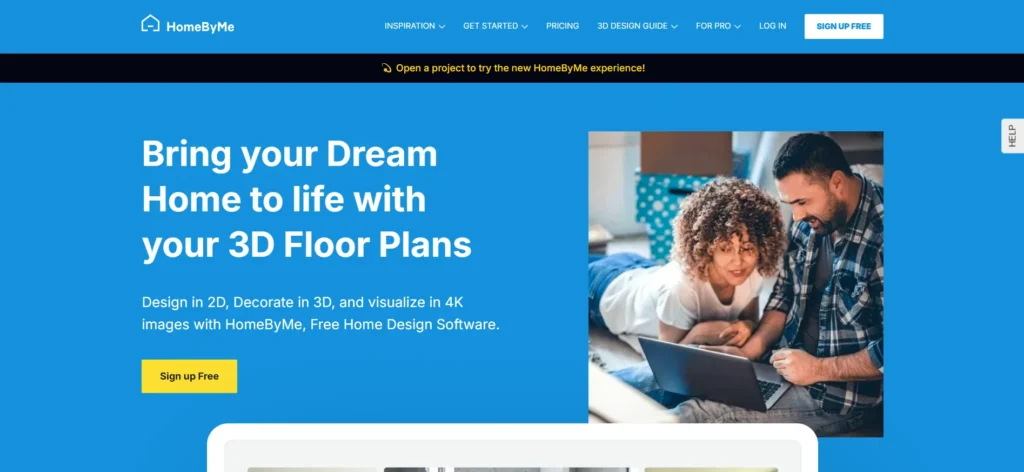
3. HomeByMe, best for realistic 3D renders
HomeByMe lives in the same category as Planner 5D but pushes harder on photorealistic 3D renders. If you are choosing between three kitchen layouts and need a render that will convince a partner who hates spreadsheets, HomeByMe is the better tool.
- Best for: Visual decision making between two or three concrete options
- Strengths: High-quality renders, real product catalogs from real brands
- Weak spots: Slower than Planner 5D, smaller mobile experience
- Pricing: Free tier with paid render packs
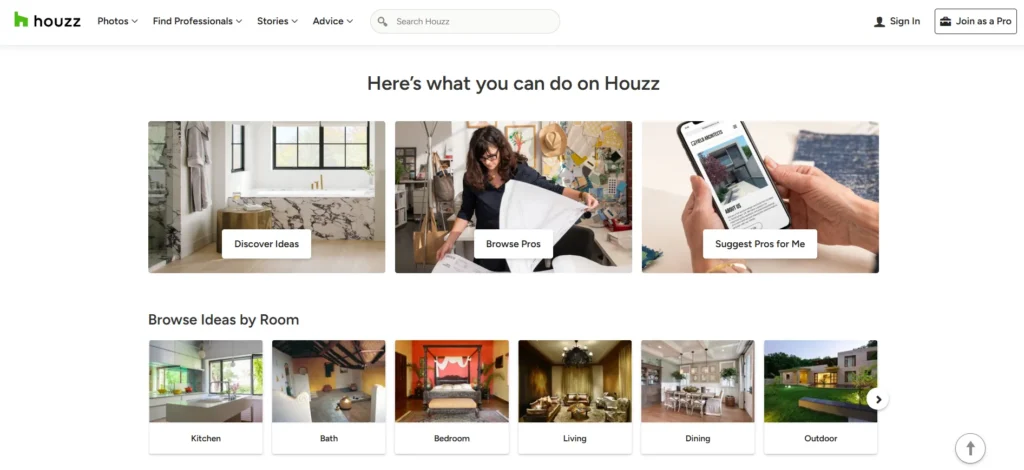
4. Houzz, best for inspiration, style direction, and finding pros
Houzz is the largest home design platform in the world, with millions of curated project photos and a built-in marketplace of architects, designers, and contractors. It is less about planning a build and more about answering the question, “what do I actually want this to look like, and who can help me build it?”
- Best for: The first 30 days of any project, when style and team are unsettled
- Strengths: Photo discovery, idea boards, professional reviews and portfolios
- Weak spots: Not a planning or execution tool, the marketplace pushes paid pros
- Pricing: Free for homeowners
Read Houzz first, decide what you want, then move to a planning app.
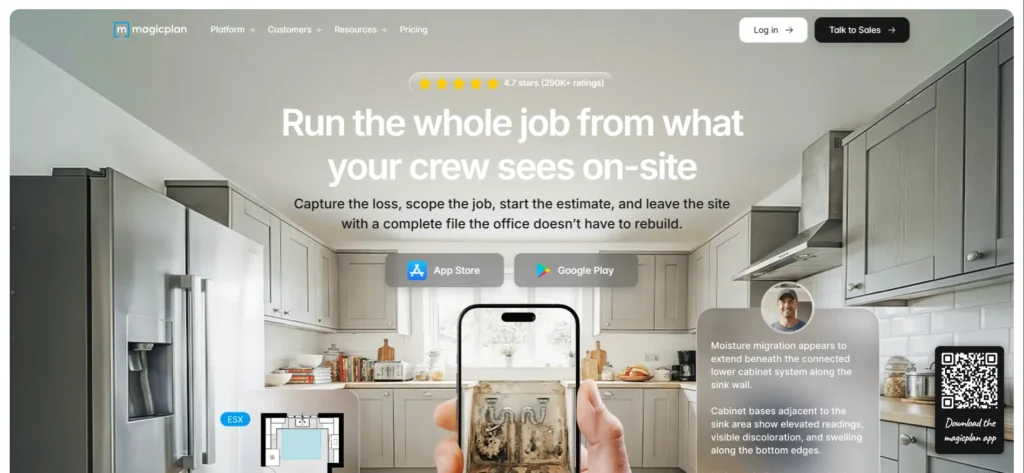
5. MagicPlan, best for on-site measurements
MagicPlan turns a phone into a measuring tool. Point the camera around a room and it produces a scaled floor plan in minutes. On iPhones with LiDAR the accuracy is high enough to share with a contractor for early estimates.
- Best for: Renovations where you need accurate as-built plans of existing rooms
- Strengths: Speed, mobile-first workflow, integrates with project software
- Weak spots: Free tier is very limited, exports cost extra
- Pricing: Subscription plans for serious users, per-export pricing for casual ones
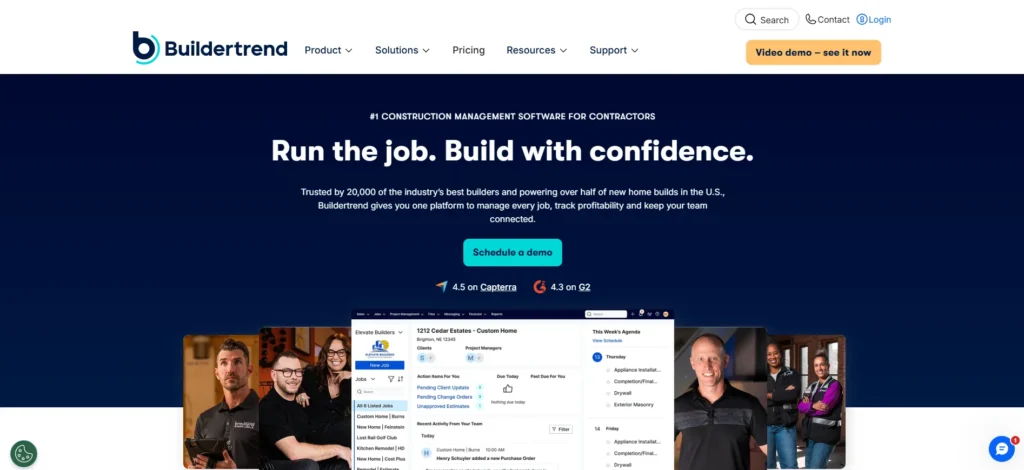
6. Buildertrend, best for full project and contractor management
Buildertrend is built for general contractors but more and more households use it because their builder already does. It handles schedules, daily logs, change orders, document storage, payments, and customer messaging in one place.
- Best for: New builds and major renovations with a general contractor
- Strengths: Mature feature set, contractor-side adoption, payment workflows
- Weak spots: Designed for builders first, homeowner view is read-only in many cases
- Pricing: Paid by the contractor, free for the homeowner client
Ask your contractor before signing one. If they already use Buildertrend or CoConstruct, you inherit it for free.
7. CoConstruct (now part of Buildertrend), best alternative for custom-home builders
CoConstruct historically led the custom-home and design-build segment and is now merged into the Buildertrend platform. If your builder uses a CoConstruct-style workflow, you get selections management, budget transparency, and a strong client portal. For a household making hundreds of finish selections, this kind of structured workflow is a lifesaver.
- Best for: Custom-home builds and design-build remodels with hundreds of selections
- Strengths: Selections management, client-facing budget transparency, strong homeowner portal
- Weak spots: Now a workflow inside Buildertrend rather than a standalone product, so feature parity depends on your contractor’s plan
- Pricing: Paid by the contractor (typically $399 to $499 per month base), free for the homeowner client
8. Procore, best for larger custom builds and luxury renovations
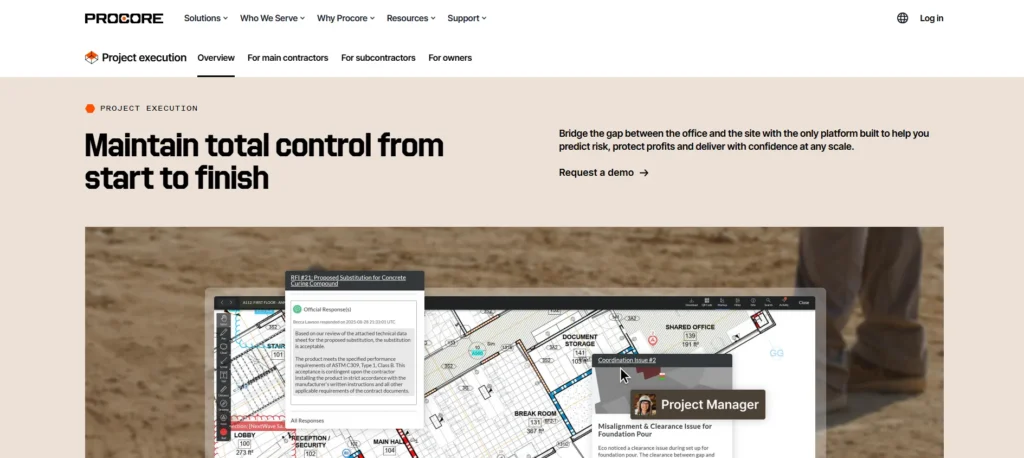
Procore is enterprise construction software. Most households never need it. If your build is over roughly $1.5 million, multi-trade, or includes a project manager separate from the GC, Procore brings the same level of control that commercial construction has had for years. The trade-off is complexity. Do not pick Procore for a kitchen remodel.
- Best for: Luxury custom builds, multi-trade renovations over $1.5 million, or any project with a dedicated PM
- Strengths: Enterprise-grade scheduling, document control, RFIs, and financial tracking that commercial builders have used for years
- Weak spots: Heavy learning curve, overkill for single-room or mid-size projects, homeowner view is minimal
- Pricing: Custom enterprise quotes only (not published), typically paid by the builder or PM, not the household
A simple home build app stack by project type
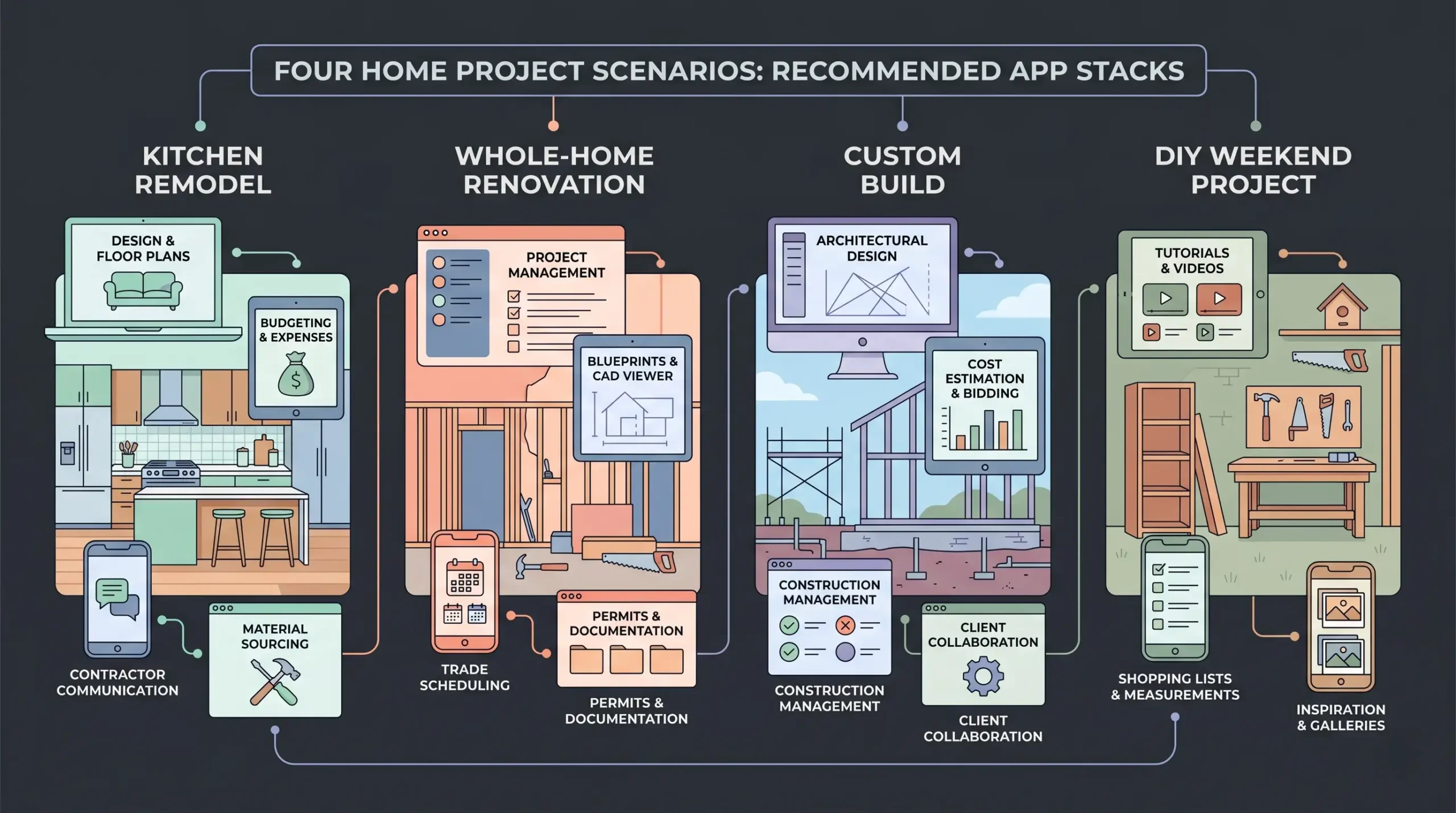
A stack of two or three apps will outperform a stack of eight, every time. The grouping below covers the most common household scenarios in 2026.
Single-room remodel (kitchen, bath, primary suite) DreamDen for AI styling and visualization, Houzz for direction, Planner 5D for layout, MagicPlan for as-built measurements, plus whatever your contractor uses.
Whole-home renovation DreamDen for room-by-room styling, Houzz for direction, HomeByMe for renders, MagicPlan for measurements, Buildertrend or CoConstruct for execution.
New custom build Houzz for direction, an architect-led design tool for plans, DreamDen for interior styling once rooms are framed, Buildertrend or CoConstruct for execution, plus your chosen smart-home platform from day one of electrical rough-in.
DIY weekend project DreamDen or Planner 5D and a notes app. Anything more is overkill.
What most home building apps still get wrong
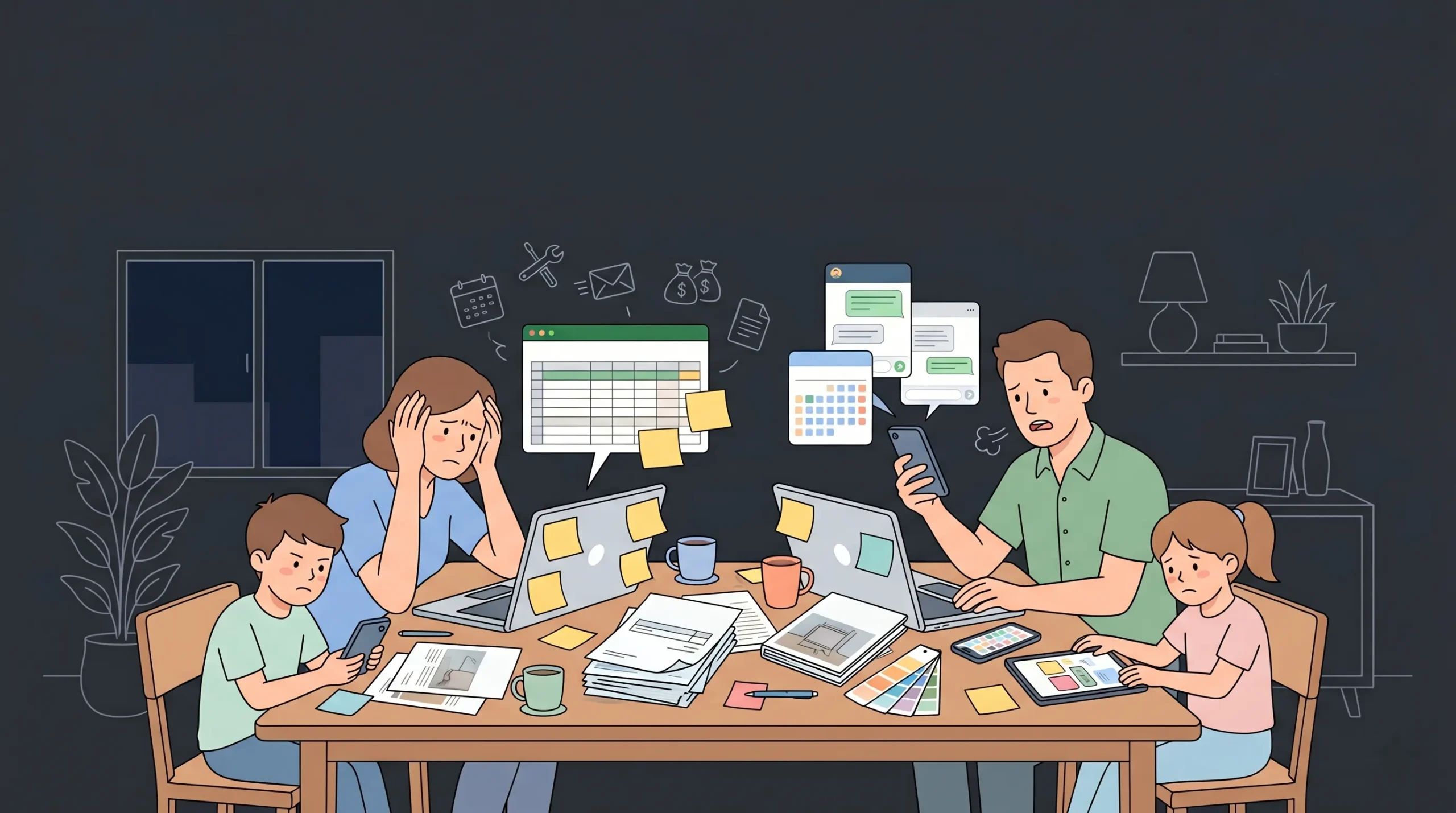
After working with hundreds of household projects in our community, four gaps keep showing up across the major apps.
- No app owns the budget end to end. Most design apps stop at 3D. Most contractor apps stop at line items. Few connect the two in a way a non-technical homeowner can read.
- Selections live in spreadsheets. Tile, fixtures, paint, hardware, and appliances should live in one place with photos, links, prices, and a status. They rarely do.
- Family decision making is invisible. A real household has two or more decision makers, sometimes three generations, and the apps treat that like a single user account.
- Post-build maintenance is an afterthought. The warranty, paint codes, plant care, HVAC filter sizes, smart-home credentials, and contractor contacts should live in a household home dashboard. They do not.
This is exactly where a custom-built household app starts to make sense.
Can you build a custom home building app for your household?
Yes, and in 2026 you do not need a developer to do it. AI app builders let a non-technical household build the missing piece, usually a custom dashboard that ties the rest of the stack together.
Common household-built apps we see launched on imagine.bo include:
- A renovation selections tracker with photo, room, vendor, price, status, and approval per item
- A family budget app that tracks paid versus invoiced versus committed for each phase
- A maintenance log for the finished home, including warranties and reminders
- A shared “house wiki” for cleaners, sitters, and guests with Wi-Fi, alarm codes, and contacts
- A private rental dashboard if part of the home will be an ADU or short-term let

The reason households build these themselves is simple. Off-the-shelf apps are built for the average user. A custom household app is built for your house, your budget, your contractor, and your family.
If you want to see how that hybrid AI plus human engineer approach compares with traditional builds, we have a full breakdown of the cost to build an app in 2026 using developer, AI, and no-code paths side by side, plus a separate guide on how to build a mobile app without coding.
For households thinking about property management beyond a single build, the modern property management software guide and the real estate smart platforms post cover the next layer up. If you are tracking many properties or units, the real estate CRM guide is the practical starting point.
How AI changed home building apps in 2026
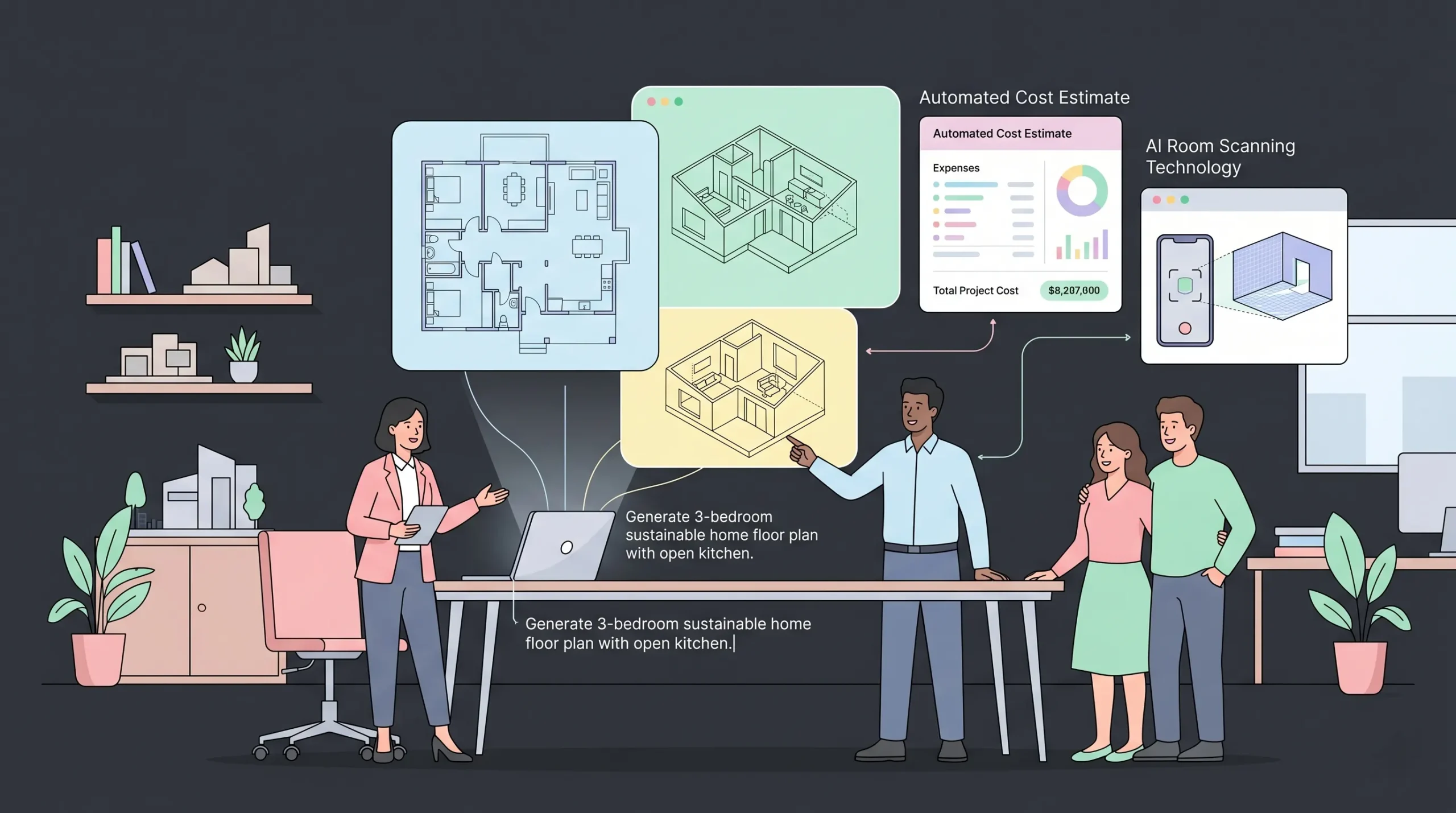
Three AI shifts matter for households specifically:
- Floor plan generation from text or sketches. You describe a 3 bed, 2 bath, single-story home with an open kitchen, and the app produces a draft plan in seconds. Useful for fast exploration, not for permits.
- AI cost estimators trained on regional pricing. They are not perfect, but they are now accurate enough to catch a 20 percent budget mistake before you commit to a contractor.
- Photo-to-room scanning. LiDAR and computer vision on phones produce as-built drawings without a tape measure.
What AI still does not do well: predict timeline impact from real-world supply chain hiccups, judge whether a contractor is trustworthy, or resolve disagreements between two homeowners. Those remain human jobs.
Practical workflow: how a household actually uses these apps over 12 months
A realistic build timeline shows how the stack plugs together. This is roughly what a well-run renovation looks like across a year.
- Months 1 to 2. Houzz for inspiration. Save 80 to 150 photos in three boards, then narrow to a single direction. Run a few rooms through DreamDen to see realistic AI variations on the styles you are drawn to.
- Months 2 to 3. Planner 5D or HomeByMe to test two or three layouts. Walk them in 3D. Pick one to take to an architect.
- Months 3 to 4. MagicPlan for as-built scans. Architect produces real construction documents.
- Months 4 to 6. Contractor selection. Move into Buildertrend or CoConstruct as soon as a builder is signed.
- Months 6 to 11. Build. Selections, change orders, and payments flow through the contractor app. A custom household app, if you have one, tracks budget and decisions across the family.
- Months 11 to 12. Punch list, smart-home setup, warranty documentation, household app handles long-term maintenance. Use DreamDen for final styling decisions on furniture, art, and finishes once rooms are paintable.
Two apps per phase is plenty. Anything more and the apps fight each other for attention.
Common mistakes households make with home building apps
- Treating the design app as a construction document. It is not.
- Picking a contractor app your builder does not use. They will revert to email, and the app dies.
- Saving inspiration in a private camera roll instead of a shared board. Decisions become invisible.
- Ignoring the post-build phase. Six months after the build, no one can find the paint code.
- Building a custom app before validating with a paper checklist. Validate first, then build.
If you want the broader pattern of validating before building, the no-code MVPs guide covers the same logic applied to apps in general, and the post on profitable app ideas to build this weekend is useful if a household app idea grows into something other homeowners would pay for.
External authority resources every household should bookmark
A small list of non-app resources that pair well with the apps above:
- National Association of Home Builders for industry data, code updates, and contractor referrals
- This Old House for trusted how-to content
- Energy Star for appliance, HVAC, and envelope efficiency standards
- HomeAdvisor cost guides for regional cost benchmarks
These sources are slower than apps but more reliable on big-money decisions.
Frequently asked questions
What is the best free home building app for households in 2026?
Planner 5D has the most usable free tier for layout and 3D visualization. Houzz is fully free for homeowners and is the best free inspiration and pro-finding app. For free on-site measurements, the iPhone’s built-in Measure app is fine for small rooms, with MagicPlan as a paid step up.
Which app do builders and contractors actually use?
Most mid-size United States residential contractors use Buildertrend or the CoConstruct workflow inside Buildertrend. Larger custom and luxury builders move to Procore. Independent remodelers often use JobTread or Houzz Pro. Ask your contractor before you sign anything.
Can one app do everything in a home build?
No. Every household project spans inspiration, design, measurement, execution, and post-build operations. Each phase has different winners. A single app trying to cover all five usually does two well and three badly. A two- or three-app stack outperforms an all-in-one tool for almost every household.
Should I hire a developer to build a custom home building app for my household?
Usually not. For a single household, a custom app should cost hundreds, not tens of thousands. AI plus engineer platforms like imagine.bo let a non-technical homeowner build a working app in a few days, with a real engineer stepping in only for tricky parts like payment integrations or vendor APIs.
Are home building apps secure for sensitive household data?
The major contractor apps (Buildertrend, Procore, CoConstruct) are enterprise-grade and used by thousands of regulated construction firms. Design and inspiration apps are lower risk because they hold less sensitive data. For any custom household app, ask the platform about HTTPS by default, encryption at rest, and role-based access. These are table stakes in 2026.
How much does a home building app cost?
Free for most consumer design and inspiration apps. Around $7 to $25 a month for paid consumer tiers. $99 to $399 a month for contractor platforms, usually paid by the builder. A custom household app on a hybrid AI plus engineer platform typically starts under $50 a month, with imagine.bo pricing published openly for comparison.
What is the difference between a home design app and a home building app?
A home design app focuses on layouts, finishes, and visualization, the front half of the project. A home building app, used in the strict sense, focuses on construction execution: schedules, budgets, change orders, and trade coordination. Most households need one of each. Treating them as the same thing is the most common mistake we see.
Can apps actually save money on a home build?
Yes, but only indirectly. They save money by preventing decisions from being made twice, catching budget overruns early, keeping selections consistent so a contractor does not bill for confusion, and making warranty and maintenance information findable years later. The savings come from organization, not from a discount the app gives you.
The bottom line
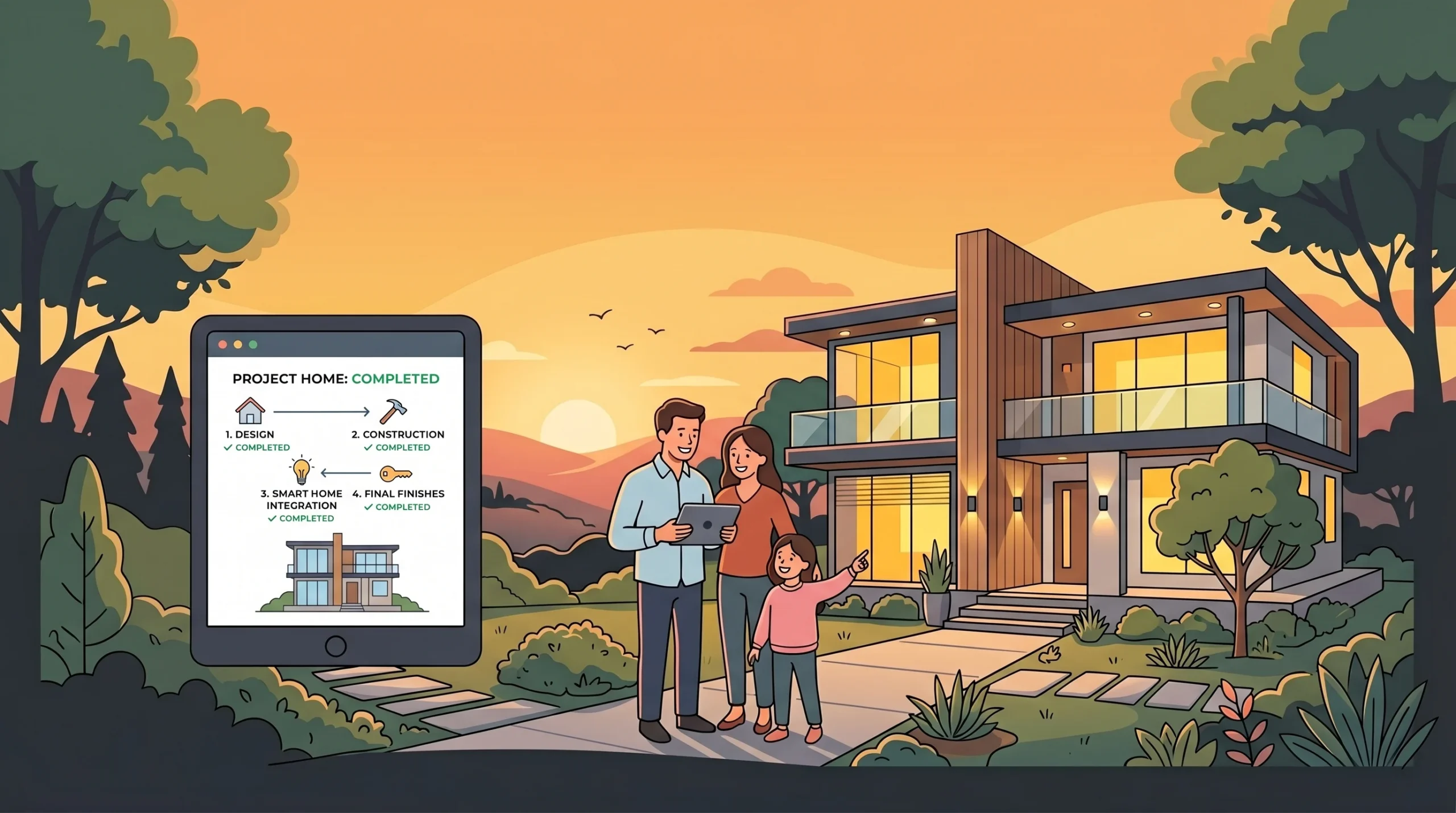
If you remember nothing else from this home building guide, remember this. For a household in 2026, do not pick one app, pick one per phase. Houzz for direction, a layout app like Planner 5D or HomeByMe, MagicPlan for measurements, your contractor’s app for execution, and a smart-home platform for the finished house. If the gaps in that stack matter to your family, build a small custom app around them. That is the path most well-run household builds will take from here on.
The cost of being well-organized has never been lower. The cost of being disorganized has never been higher. A focused app stack closes that gap.
If you want to take the custom-app path for your household, you can describe what you want in plain English on imagine.bo and have a working version in front of you the same day. If a part of it gets tricky, a real engineer will pick it up from there. That hybrid is the missing piece most households did not have a year ago, and it is the reason this list looks very different than it did in 2024.
Launch Your App Today
Ready to launch? Skip the tech stress. Describe, Build, Launch in three simple steps.
Build