
Quick Answer
The best website builder for a hair stylist in 2026 is imagine.bo if you want a custom, fast-loading, production-grade website with built-in booking, real engineer support, and zero template look. For stylists who only need a simple template-based site, Squarespace and Wix are solid picks. For those who care more about salon software than the website itself, GlossGenius and Vagaro fit better.
Launch Your App Today
Ready to launch? Skip the tech stress. Describe, Build, Launch in three simple steps.
BuildTop 3 at a glance:
- imagine.bo: Best overall for stylists who want a unique, fast, future-proof website (AI-built, engineer-finished).
- Squarespace: Best for design-led, image-first stylist portfolios.
- GlossGenius: Best if your booking software is the priority and the website is secondary.
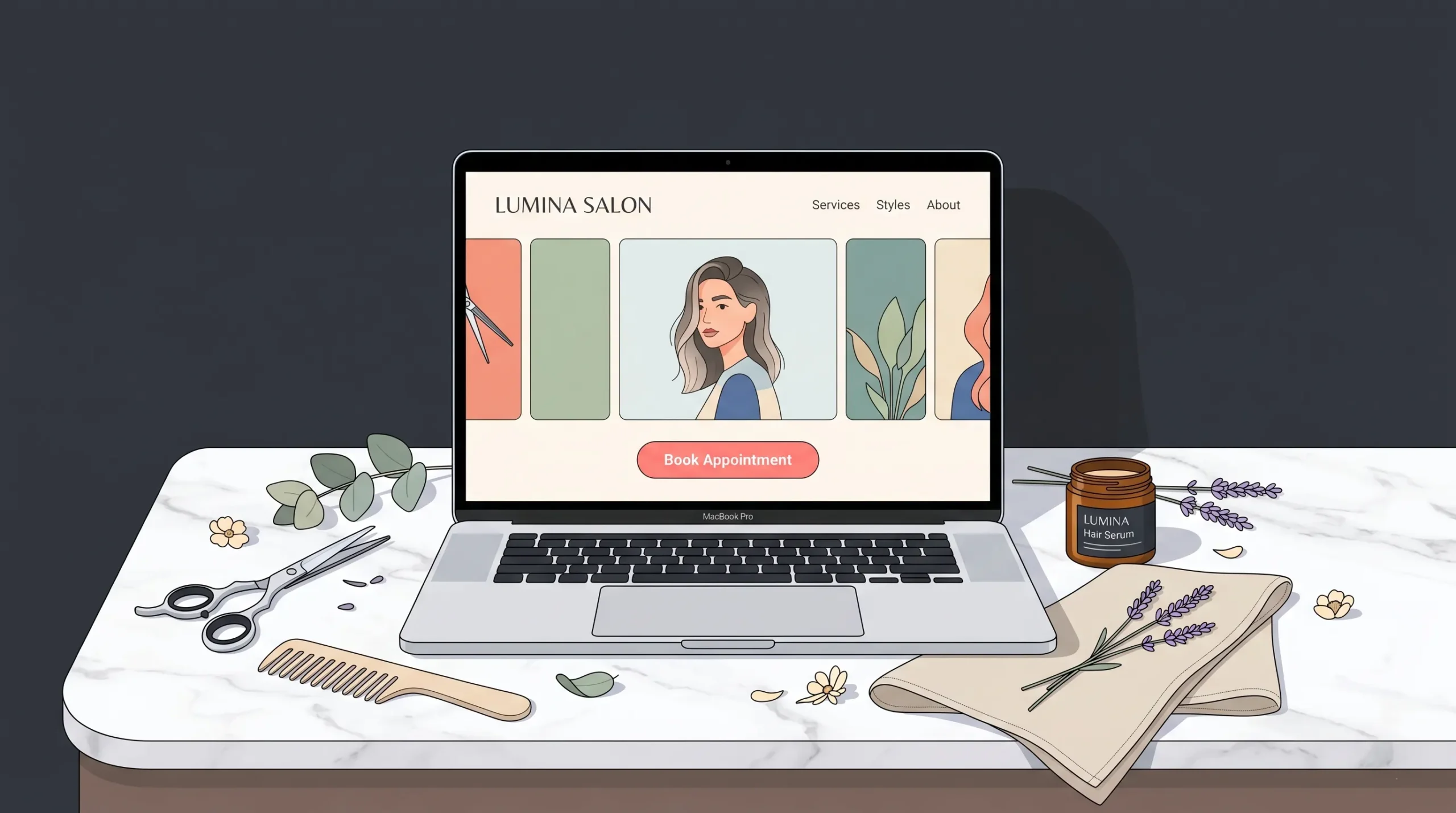
If you want the short version: most stylists pick the wrong builder because they optimize for a Day 1 launch instead of a Year 1 result. A pretty template gets you live; a fast, well-built site gets you booked.
What This Guide Covers
- What a hair stylist website actually needs in 2026
- The 7 best website builders for hair stylists, scored on what matters
- A side-by-side comparison table (pricing, booking, SEO, customization)
- How to choose the right one for solo stylists, freelancers, and salon owners
- Local SEO basics so your site actually shows up in your city
- FAQs covering the questions clients ask before they buy
This is a buyer’s guide written for working stylists, not for SEO bots. Everything below is based on real platform testing, current 2026 pricing, and what we see converting visitors into booked appointments.
What a Hair Stylist Website Actually Needs (2026 Standards)
Before comparing platforms, get clear on the job your website has to do. A stylist’s site is not a brochure. It is a 24/7 booking machine.
A high-performing hair stylist website in 2026 has nine non-negotiables:
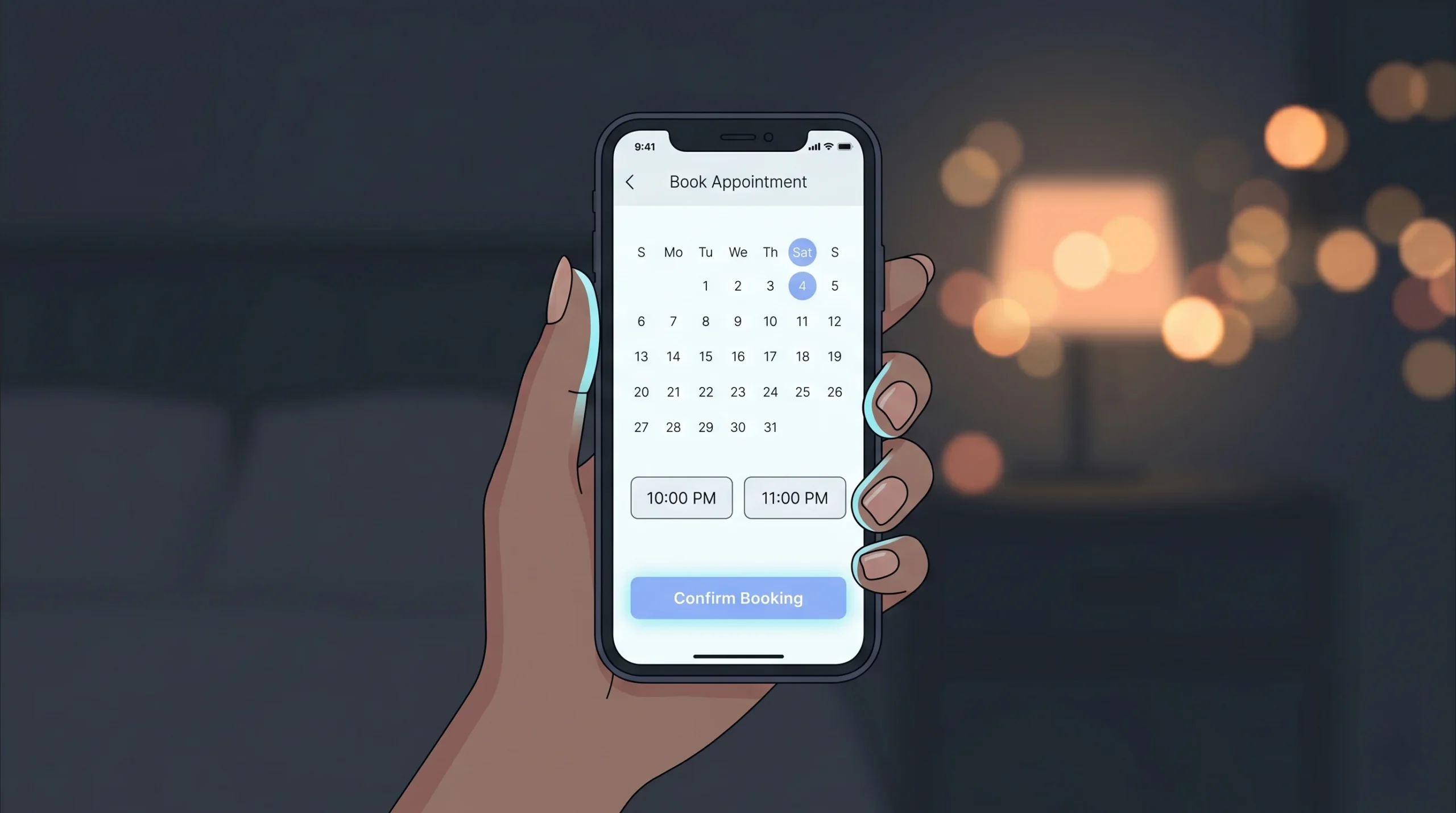
- Online booking embedded directly on the site. Around 70% of salon bookings happen when the salon is closed, so the booking button has to work at 11 PM on a Saturday.
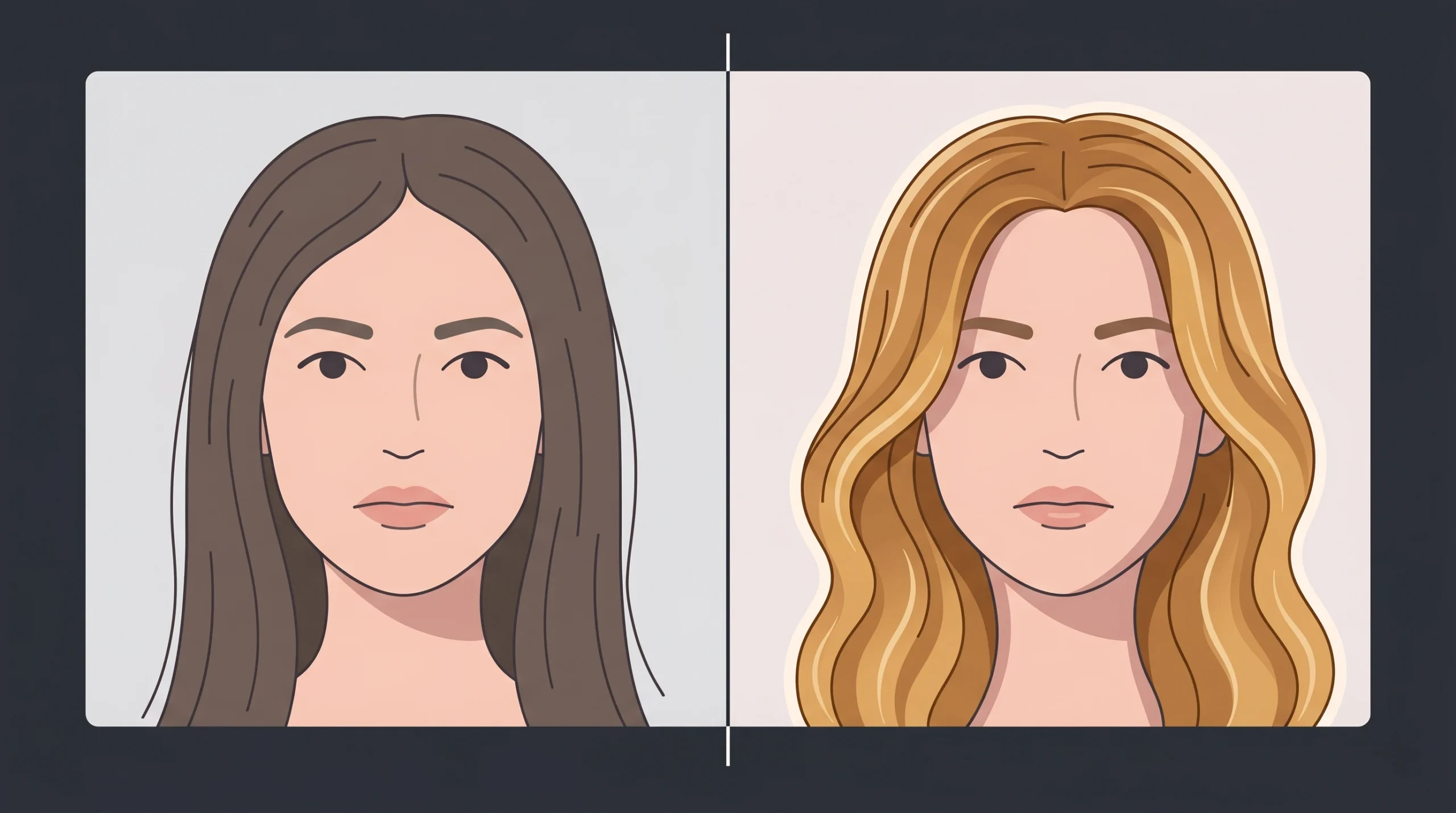
- A real portfolio gallery. Original photos of your work, not stock images. Before-and-after transformations sell harder than service menus.
- Mobile-first design. Over 80% of beauty searches happen on phones. If your site does not load fast on a 5G phone in under 2.5 seconds, you are losing clients before they see your work.
- Stylist profiles (if you are part of a team), each with bio, photo, specialisms, and a direct booking link.
- Clear pricing or pricing ranges. Hidden prices kill bookings.
- Service menu with realistic time estimates. Helps clients plan and reduces no-shows.
- Genuine reviews and testimonials. Google review embeds beat hand-picked quotes.
- Local SEO foundations (your city, neighborhood, and salon name in titles, headings, and schema markup).
- Fast loading and a strong Core Web Vitals score. Google explicitly uses Core Web Vitals as a ranking signal in 2026.
If your current builder does not let you nail all nine, you have outgrown it.
The 7 Best Website Builders for Hair Stylists in 2026
Here is the shortlist after testing each platform for a hair stylist use case.
| # | Platform | Best For | Starting Price | Custom Code | Booking Built-In | Engineer Support |
|---|---|---|---|---|---|---|
| 1 | imagine.bo | Stylists who want a custom, production-grade site | Custom | Yes | Yes (custom-built) | Yes, 24/7 |
| 2 | Squarespace | Design-led portfolios | $16/mo | Limited | Add-on | No |
| 3 | Wix | Beginners and DIY freelancers | $17/mo | Limited | Yes | No |
| 4 | GlossGenius | Stylists who want booking-first software | $24/mo | No | Yes | Limited |
| 5 | Vagaro | Salons with multi-stylist booking needs | $30/mo | No | Yes | No |
| 6 | WordPress | Stylists who want full control | $4 to $50/mo | Yes | Plugin-based | No |
| 7 | Showit | Visual creatives who want freedom | $19/mo | Limited | Add-on | No |
Now let us go deep on each one.
1. imagine.bo: The Best Website Builder for Hair Stylists Who Want More Than a Template
Best for: Hair stylists, salon owners, and beauty entrepreneurs who want a website that looks custom-built, loads in under two seconds, books clients 24/7, and never breaks at 2 AM.
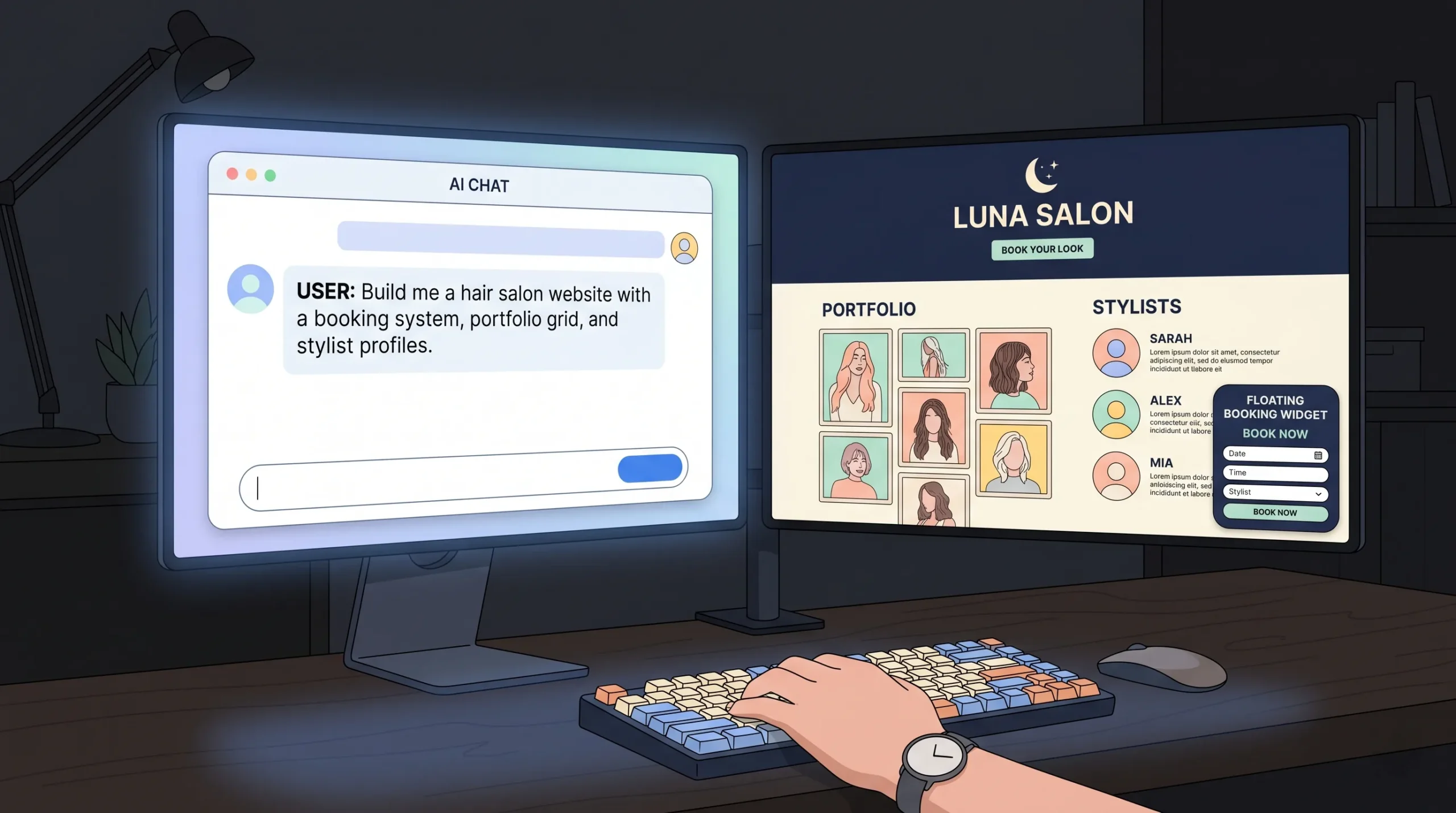
Why it tops the list: Most “AI website builders” produce a working site that stalls the second you ask for anything custom. imagine.bo is built differently. It generates the architecture with AI, then real engineers (with backgrounds at IKEA, Flipkart, Goldman Sachs, and RBS) finish the last 30%. That is the part that usually breaks on every other platform: the booking flow, the database integrations, the deployment, the post-launch debugging.
For a hair stylist, this matters because:
- You do not get a generic salon template. You get a bespoke site that fits your brand, your gallery layout, and your booking system of choice.
- The site is genuinely fast. Page load under 2 seconds is standard, not a stretch goal.
- You can integrate any booking provider (Square, Acuity, GlossGenius, Calendly, custom) without plugin hell.
- If something breaks, real engineers are on call. No support ticket purgatory.
- You own the IP. You are not locked into a platform ecosystem.
Standout features:
- App Generation from chat (describe your salon site in plain English, get architecture in minutes)
- Built-in auth and database (clients can log in, view appointment history, book repeat visits)
- Visual editor plus prompt editing (drag-and-drop and chat instructions)
- Custom domain support with no platform branding
- GitHub integration for backups and deeper edits
- SOC 2-ready infrastructure (rare in the no-code world)
- 24/7 engineer support post-launch
Pricing: Milestone-based, not subscription. You pay for what you build. IP transfers fully to you.
Limitations: Currently in beta. You join the waitlist at www.imagine.bo. Not ideal if you want a $10/month subscription model and a basic three-page site. It is built for stylists who treat their website as a serious revenue channel.
Verdict: If your goal is to ship a website that books chairs in 2 weeks instead of 2 months, and outperforms 99% of salon sites in your city on speed and design, imagine.bo is the strongest choice in 2026. For a deeper look at how AI plus human engineering compares to template-only builders, see our breakdown of why AI website builders alone are not enough.
2. Squarespace: Best for Design-Led Stylists
Best for: Solo stylists, freelancers, and small salons where visual identity matters more than custom functionality.

Squarespace consistently produces the cleanest-looking salon sites among template-based builders. The templates are tight, the typography is good out of the box, and the editor is forgiving for non-designers.
Standout features:
- 200+ professionally designed templates (several beauty-specific)
- Member areas for client communities or behind-the-scenes content
- Built-in scheduling via Squarespace Scheduling (Acuity)
- Email marketing add-on
- Solid mobile responsiveness
Where it falls short:
- Customization hits a wall fast. If you want anything outside the template grid, you are stuck.
- Page speed is decent but not exceptional. Sites typically score 60-80 on Core Web Vitals, not the 90+ that Google rewards.
- Booking requires a paid add-on after the trial.
- Limited control over SEO technicals.
Pricing: Starts at $16/month (Personal), $23/month (Business). Scheduling add-on is extra.
Verdict: A solid second choice. If you want to be live in a weekend with a polished portfolio, Squarespace works. If you want a site that grows with you for the next five years, you will likely outgrow it.
3. Wix: Best for Beginners and Total DIY
Best for: Stylists who have never built a website and want the lowest learning curve.

Wix has the largest template library of any builder (900+, including 20+ designed for hair and beauty). The drag-and-drop editor is the most beginner-friendly on the market, and Wix Bookings is built directly into the platform.
Standout features:
- Wix Bookings (native online appointments)
- Largest beauty-specific template library
- App Market with hundreds of integrations (Instagram feed, loyalty programs, reviews)
- Free plan available (with Wix branding and a Wix subdomain)
- AI website generator (Wix ADI) for fast first drafts
Where it falls short:
- Performance is the weakest of the major builders. Wix sites consistently score lower on Core Web Vitals than Squarespace, Webflow, or custom builds.
- Templates are not switchable once you pick one. You commit on Day 1.
- Wix Bookings starts to break down past a few stylists with complex availability.
- SEO is improving but still trails the competition.
Pricing: Free plan available. Paid plans from $17/month.
Verdict: Best for absolute beginners and freelance stylists who just need a basic online presence with bookings. Not the right pick if speed, custom branding, or scaling matter to you.
4. GlossGenius: Best Salon Software That Includes a Website
Best for: Stylists who already use (or want to use) GlossGenius for booking, payments, and client management, and want a free website that ties into all of it.
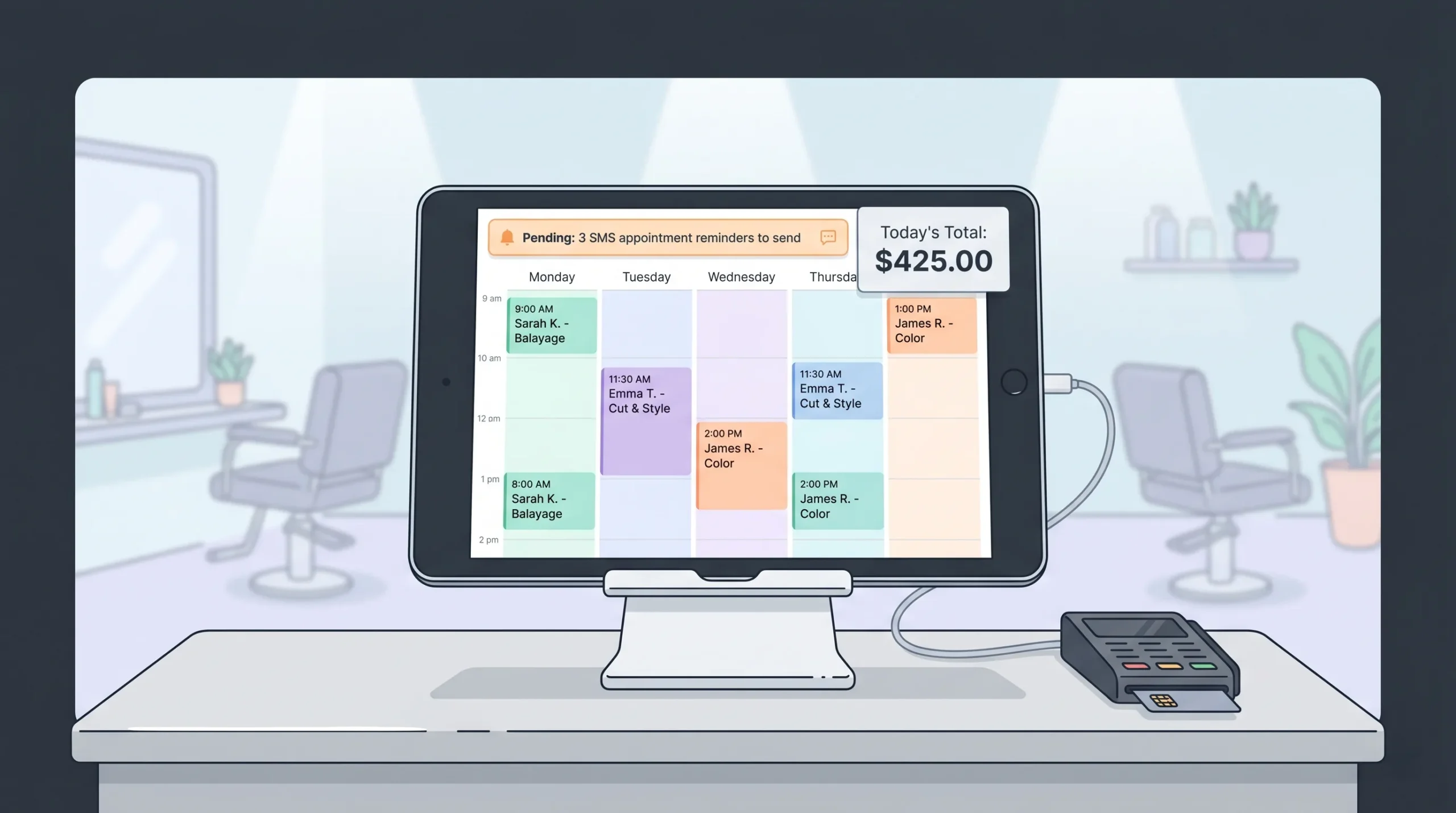
GlossGenius is salon software first, website second. The included site templates are clean, beauty-focused, and tightly integrated with the booking system. If your priority is the back-office workflow (calendar, payments, client texts, marketing automation), this is a strong all-in-one.
Standout features:
- Booking, calendar, payments, and client SMS all in one platform
- Free website included with subscription
- Beauty-industry-specific design templates
- Strong reporting and revenue analytics
Where it falls short:
- The website is genuinely basic. It is essentially a landing page for your booking calendar.
- Customization is extremely limited. No custom code, minimal layout flexibility.
- SEO control is weak. You will not outrank a well-built Squarespace or imagine.bo site in your city.
- Locked into the GlossGenius ecosystem.
Pricing: Starts around $24/month after the free trial.
Verdict: Use it if you treat your website as a glorified booking page. Skip it if you want SEO traffic, content marketing, or a brand-led site that stands out.
5. Vagaro: Best for Multi-Stylist Salons
Best for: Salons with 3+ stylists, multiple locations, or complex scheduling needs.
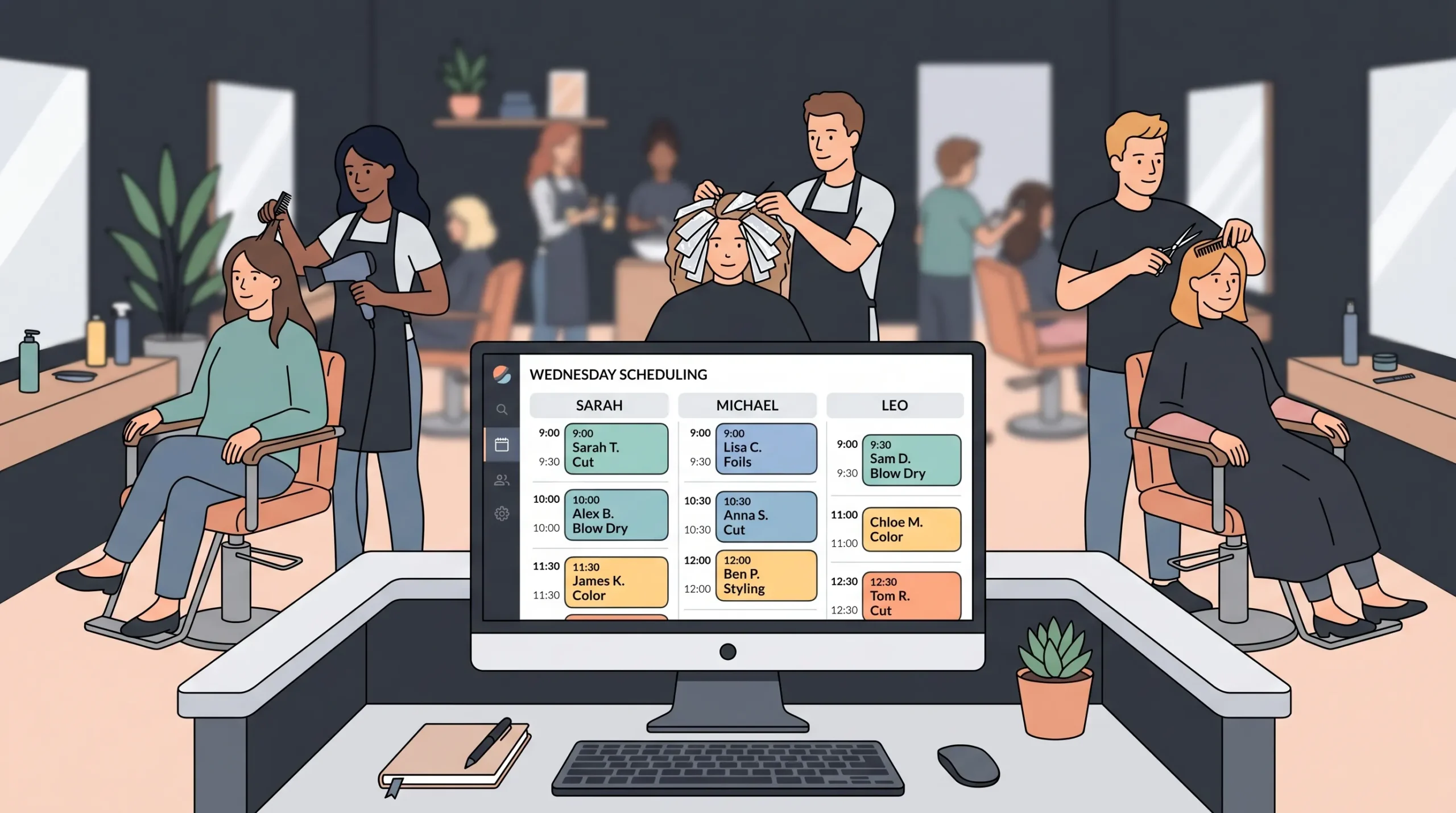
Vagaro is the operational tool of choice for medium and larger salons. The website builder is included but, like GlossGenius, is essentially a front door to the booking and POS system.
Standout features:
- Powerful scheduling for multi-stylist teams
- POS, inventory, and product sales built in
- Marketplace listing (Vagaro acts like a salon directory in some markets)
- Membership and package management
Where it falls short:
- Website builder is functional but uninspired. Templates feel dated.
- Limited design flexibility.
- Branded URLs and design constraints.
- Monthly fees climb fast as you add stylists and features.
Pricing: Starts at $30/month for one stylist, scaling up.
Verdict: Excellent salon software, average website tool. Use Vagaro for the back-office and pair it with a dedicated website builder for the front-end if branding matters.
6. WordPress: Best for Maximum Control (If You Are Technical)
Best for: Stylists who are comfortable with plugins, hosting, and a steeper learning curve, and want unlimited customization.
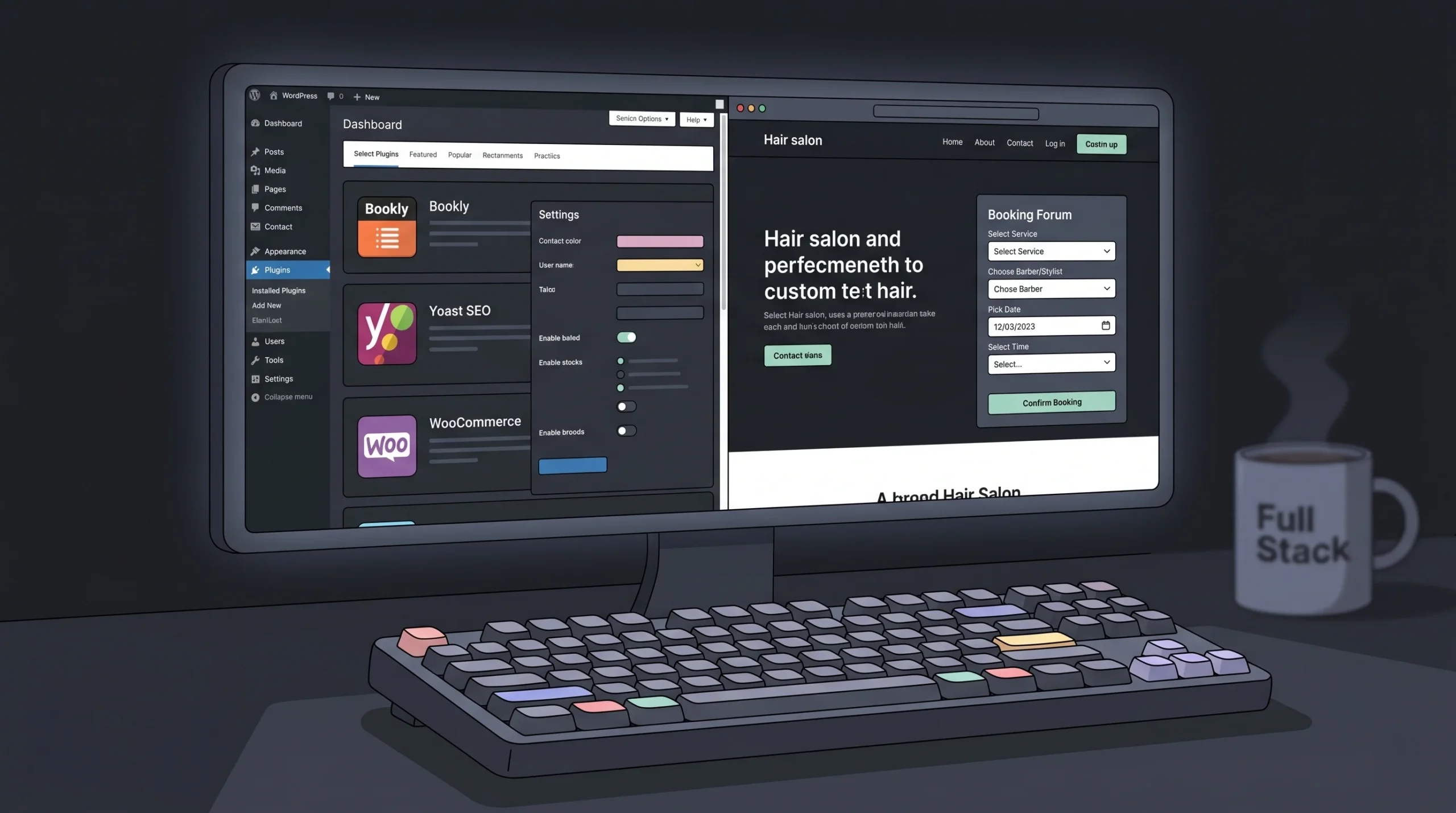
WordPress powers over 40% of all websites in 2026, and for good reason. With plugins like Bookly, Amelia, or WooCommerce Bookings, you can build almost any kind of stylist site.
Standout features:
- Unlimited customization
- Strongest SEO ecosystem (Yoast, RankMath, etc.)
- Massive plugin and theme library
- Full ownership and portability
- Can scale from a one-page site to a multi-location chain
Where it falls short:
- Steep learning curve. You will need to learn hosting, plugins, themes, and updates.
- Maintenance is on you. Plugin conflicts, security updates, and downtime are real.
- Speed varies wildly based on your host and theme.
- Costs add up: hosting, premium theme, booking plugin, SEO plugin, security plugin.
Pricing: $4 to $50+/month for hosting, plus theme and plugin costs.
Verdict: A great option if you have time to learn or budget to hire a developer. For most working stylists, the time cost is the killer. If you want WordPress power without the WordPress headache, an AI-plus-engineer platform like imagine.bo gets you a similar custom result without the maintenance burden.
7. Showit: Best for Creative, Visual-First Stylists
Best for: Stylists who think like designers and want their site to feel editorial, magazine-style, and unique.
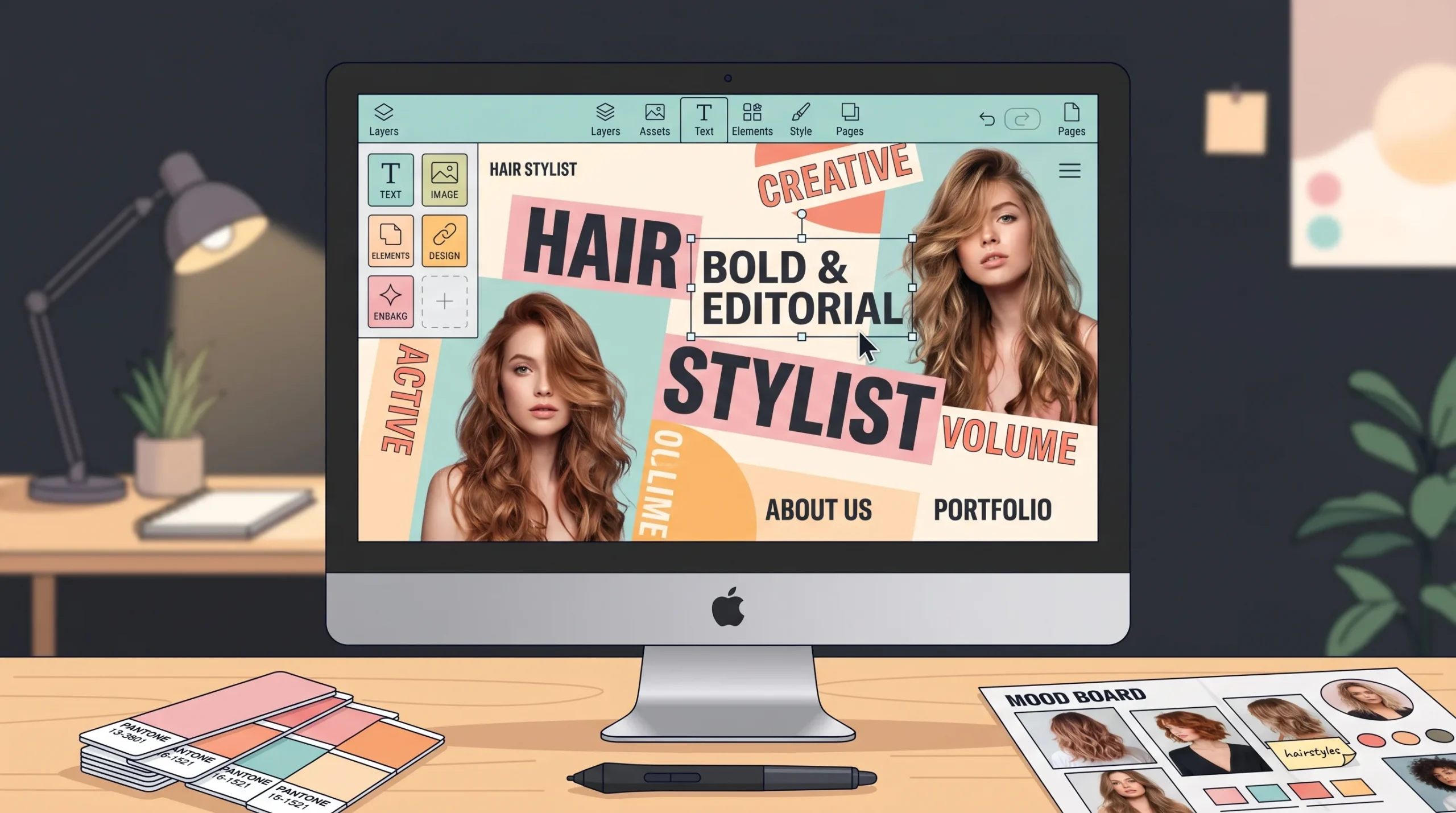
Showit is loved by photographers and visual creatives. The drag-anywhere canvas (no template grid restrictions) lets you build something that does not look like every other salon site.
Standout features:
- True design freedom (no fixed template grid)
- Native WordPress integration for blogging
- Strong mobile customization (separate mobile editor)
- Community of design-led creatives
Where it falls short:
- Steeper learning curve than Squarespace or Wix
- Booking requires third-party integration
- SEO requires the WordPress add-on
- Smaller template ecosystem
Pricing: $19/month basic, $34/month with WordPress blog.
Verdict: Beautiful sites are possible. But you trade simplicity for creative freedom. Best for stylists who already have a strong visual brand and design eye.
Side-by-Side Comparison: Which Builder Wins on What
| Feature | imagine.bo | Squarespace | Wix | GlossGenius | Vagaro | WordPress | Showit |
|---|---|---|---|---|---|---|---|
| Custom design (no template look) | ★★★★★ | ★★★★ | ★★★ | ★★ | ★★ | ★★★★★ | ★★★★★ |
| Page speed | ★★★★★ | ★★★★ | ★★★ | ★★★ | ★★★ | varies | ★★★ |
| Built-in booking | ★★★★★ | ★★★ | ★★★★ | ★★★★★ | ★★★★★ | plugin | ★★★ |
| SEO control | ★★★★★ | ★★★★ | ★★★ | ★★ | ★★ | ★★★★★ | ★★★★ |
| Ease of use | ★★★★ | ★★★★★ | ★★★★★ | ★★★★★ | ★★★★ | ★★ | ★★★ |
| Engineer support | ★★★★★ | ★★ | ★★ | ★★★ | ★★★ | ★ | ★★ |
| Scalability | ★★★★★ | ★★★ | ★★★ | ★★★ | ★★★★ | ★★★★★ | ★★★ |
| Total ownership | ★★★★★ | ★★★ | ★★★ | ★★ | ★★ | ★★★★★ | ★★★★ |
How to Choose the Right Website Builder for Your Hair Stylist Business
The right platform depends on three things: your stage, your goals, and your tolerance for complexity.
If you are a solo stylist just getting started: Wix or Squarespace will get you online fast for under $20/month. Start here, validate your offer, and upgrade when you outgrow it.
If you are a freelance stylist with a strong personal brand: Squarespace or Showit. The design quality matters more than the booking depth. Pair with Acuity or GlossGenius for booking.
If you are a salon owner with 2 to 10 chairs: This is where most builders start to break. GlossGenius or Vagaro for back-office, but pair with a serious website. imagine.bo is the strongest pick here because it scales without you having to migrate later.
If you are running a multi-location salon or a beauty business with retail, content, and online courses: imagine.bo or WordPress. You need a site that can grow into a real digital product. Templates will not survive the next 18 months.
If your website is your number-one client acquisition channel: Skip the template builders. Get a custom-built site (imagine.bo) or invest in a WordPress build with a developer. The difference between a templated site and a custom site at this stage is roughly 3 to 5x in conversion rate.
For more on how to evaluate your stage, our guide on how to launch a custom website fast walks through the timeline and budget tradeoffs in detail.
Local SEO for Hair Stylists: How to Actually Rank in Your City
Choosing a builder is half the work. The other half is making sure people in your city can find you. Local SEO is the highest-ROI marketing activity for stylists, and it is mostly free.
Here is the short list of what to do on launch day:
1. Claim and optimize your Google Business Profile. This is the single highest-ROI thing you can do. Add your address, hours, services, photos, and ask every happy client for a Google review. Google’s Business Profile help center is the official source.
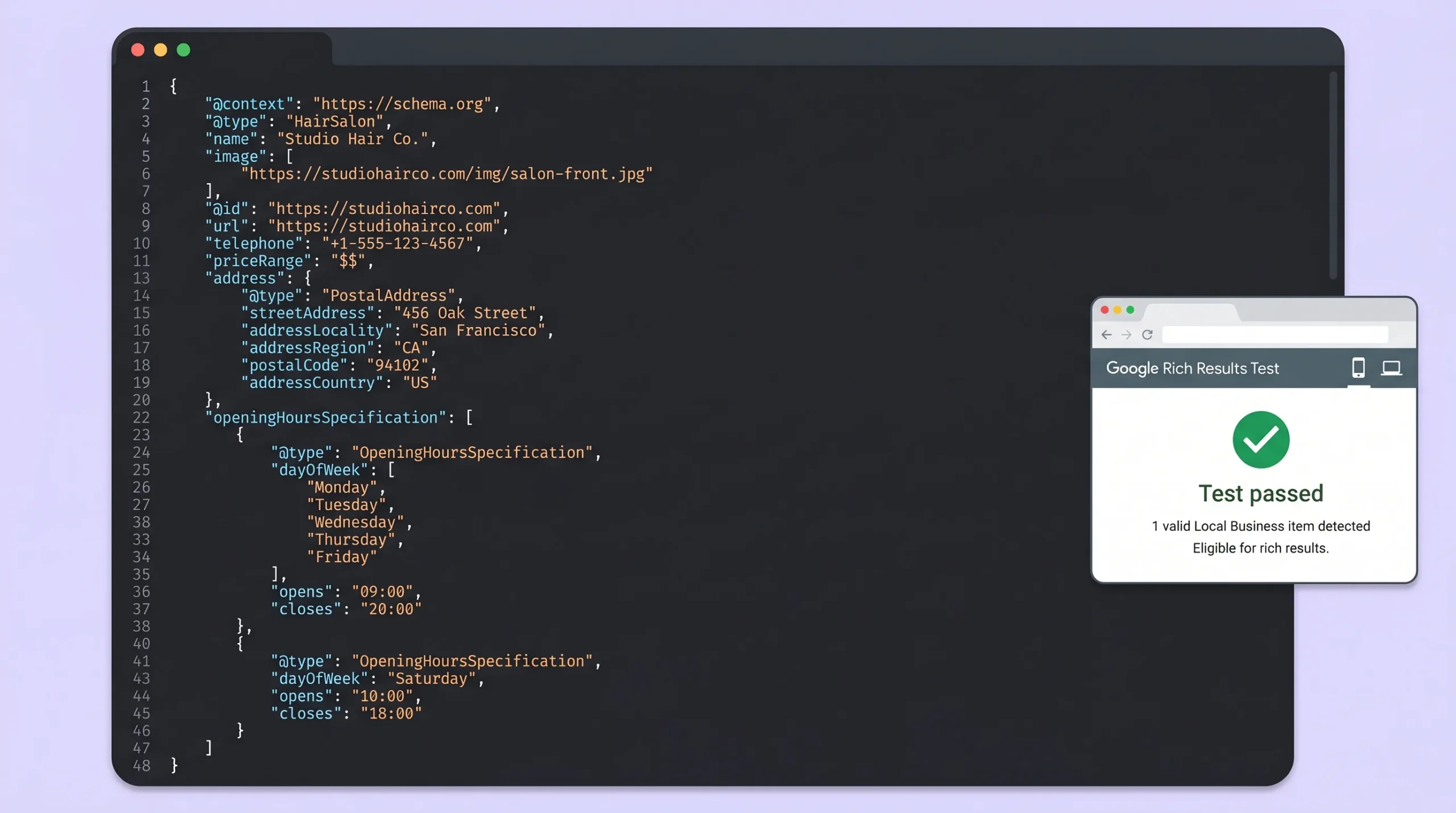
2. Use LocalBusiness or HairSalon schema markup. Schema is the structured data that tells Google exactly what your business is. Most template builders skip this. Custom-built sites (and imagine.bo) include it by default. Reference: Schema.org HairSalon spec.
3. Put your city and neighborhood in the right places. Page titles, H1, meta descriptions, image alt text, and at least one paragraph per service page. Avoid keyword stuffing. Write for humans first.
4. Build location pages if you have multiple chairs or locations. Each location gets its own page with unique content, photos, and a Google map embed.
5. Optimize for mobile and Core Web Vitals. Google’s mobile-first index has been the standard for years. A slow site loses to a fast one, even if your work is better.
6. Get listed on local directories. Yelp, Bing Places, Facebook, and beauty-specific directories like StyleSeat and Booksy.
7. Publish 2 to 4 location-relevant blog posts per quarter. “Best balayage in [your city],” “How to find a curly hair specialist in [your neighborhood],” and similar searches drive serious traffic if your site is fast and well-structured.
If you want a deeper walkthrough, our piece on SEO-friendly website design covers the technical side without the jargon.
What to Look For (and Avoid) in 2026
The website builder market has shifted hard in the past 18 months. AI-powered builders are everywhere, and most of them produce a Day 1 site that looks great and a Day 30 site that is broken. Here is what to look for and what to avoid.
Look for:
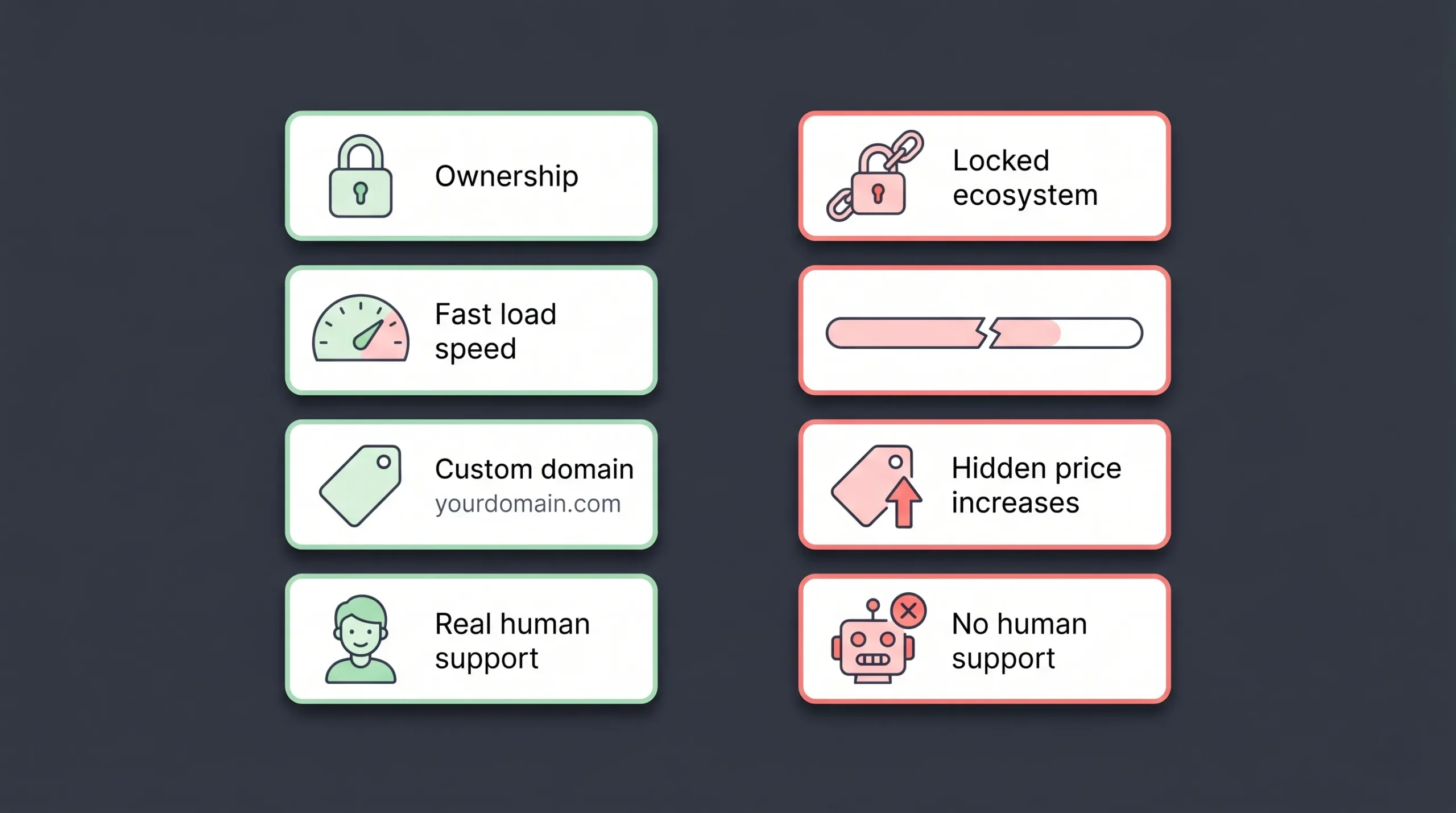
- Real ownership of your site and content
- Clear pricing with no hidden upgrade traps
- Custom domain support without forced platform branding
- Fast page speed (under 2.5s on mobile)
- Schema markup support
- Honest customer support with real humans
- The ability to export your site if you want to leave
Avoid:
- Platforms that lock you into their ecosystem
- Tools that promise “AI builds your site in 30 seconds” with no engineer support behind them
- Builders with ugly, non-responsive default mobile views
- Subscriptions that double in price after Year 1
- Anything that does not let you connect your own domain on a paid plan
For a fuller comparison of where AI-only builders fall short, see our breakdown on hybrid AI plus engineer development platforms.
Hair Stylist Website Examples That Work
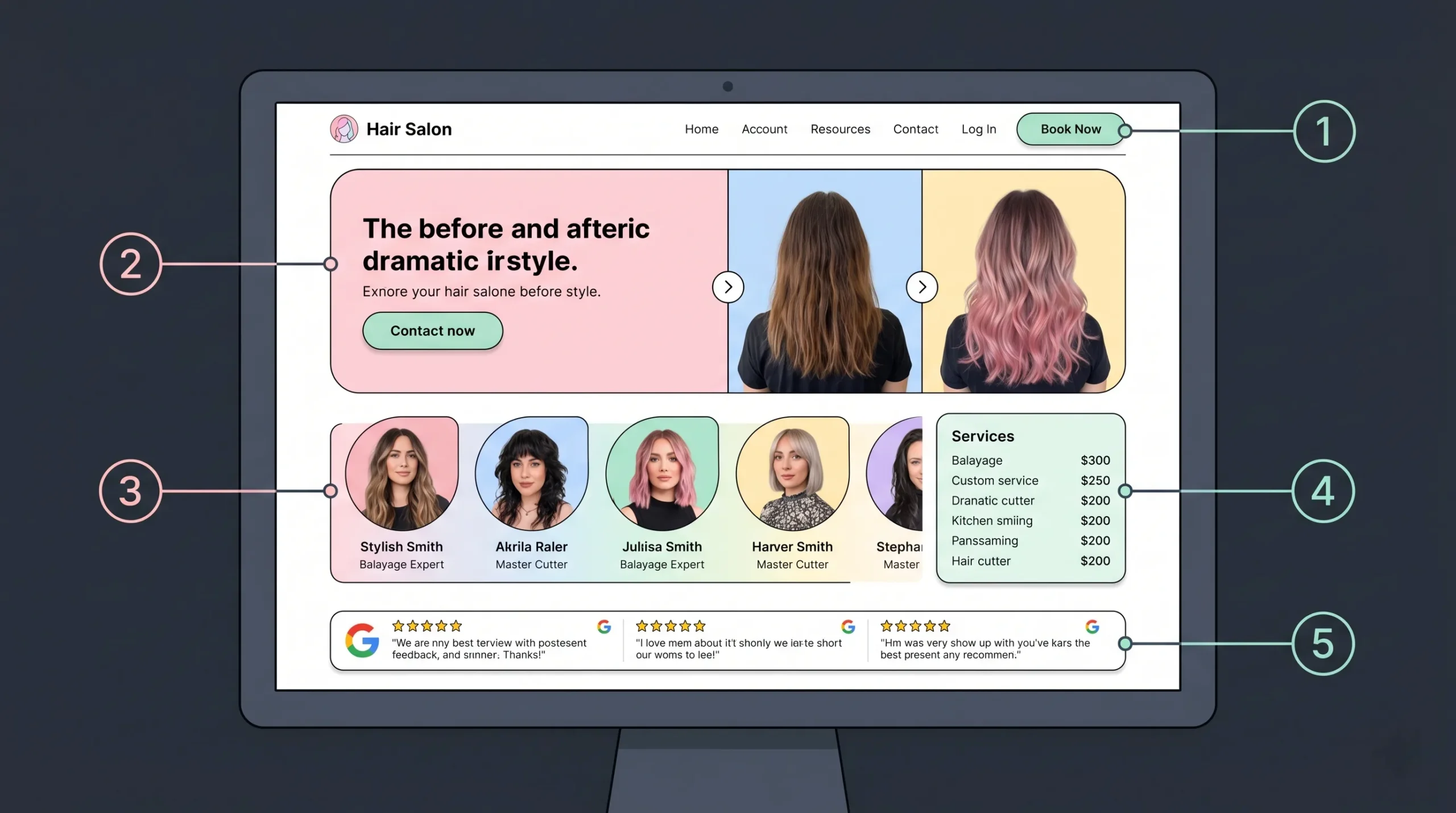
The best-performing salon sites in 2026 share five design decisions:
- Original photography, not stock images. Real before-and-after shots of your work.
- A booking button visible above the fold on every page. Not buried in a menu.
- Stylist profiles with personality. Photos, bios, specialisms, and direct booking links per stylist.
- A short, scannable services menu. Long price lists kill momentum.
- Genuine social proof. Google reviews, Instagram embeds, and client testimonials with photos.
What does not work in 2026:
- Carousel sliders on the homepage (they kill page speed and engagement)
- Long, scroll-heavy service menus
- Stock photo hero images
- Generic “About Us” pages with no real story
- Booking flows that bounce visitors off-site
If you are wiring up bookings on your salon site, our walkthrough on how to build a booking or scheduling app in minutes covers the exact flow most stylists need.
How Much Does a Hair Stylist Website Cost in 2026?
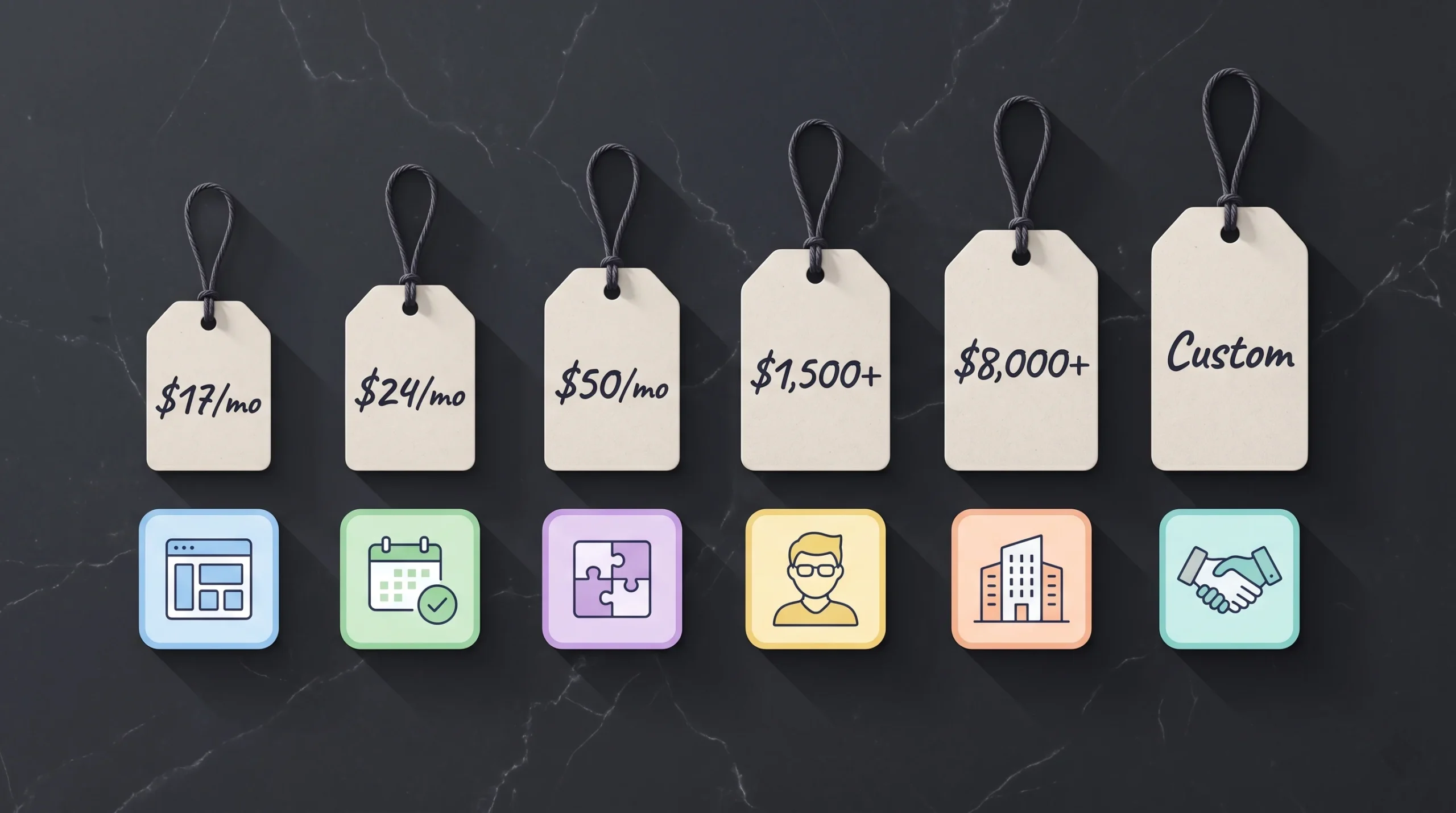
Costs vary widely, and the gap between cheap and quality has widened.
- DIY template builder (Wix, Squarespace): $15 to $40/month, plus your time (10 to 30 hours).
- Salon software with website included (GlossGenius, Vagaro): $24 to $50/month.
- WordPress build (DIY): $4 to $50/month for hosting and tools, plus 20 to 50 hours of your time.
- WordPress build (with a developer): $1,500 to $8,000 one-time, plus monthly hosting and maintenance.
- Custom dev shop: $5,000 to $25,000+ for a serious build.
- AI plus engineer (imagine.bo): Milestone-based pricing, typically faster and far cheaper than a traditional dev shop, with built-in support.
The real cost is not the platform fee. It is the opportunity cost of bookings you lose because your site is slow, ugly, or hard to use.
For a full breakdown of website pricing tiers and what each gets you, our website cost and redesign guide walks through specific numbers and tradeoffs.
Frequently Asked Questions
What is the best free website builder for hair stylists?
Wix has the most generous free plan with hair-and-beauty-specific templates. The catch is the Wix subdomain (yoursite.wix.com) and Wix branding on every page, which hurts credibility. For anything more than a hobby site, upgrade to a paid plan or use a different builder entirely.
Can I build a hair stylist website without coding?
Yes. Squarespace, Wix, GlossGenius, and Vagaro require zero coding. AI-powered platforms like imagine.bo also let you describe your site in plain English and get a working build, while real engineers handle anything custom. The only builder that requires real technical knowledge is WordPress.
How long does it take to build a hair stylist website?
Template-based builders (Wix, Squarespace): a focused weekend if you have your photos and copy ready. WordPress: 1 to 4 weeks depending on plugins and design. Custom-built (imagine.bo): typically 1 to 2 weeks from concept to launch, including engineer-level polish.
Do I need a separate booking system?
It depends on your scale. Solo stylists can use Wix Bookings, Squarespace Scheduling, or Acuity directly. Salons with multiple stylists usually need a dedicated tool like GlossGenius, Vagaro, or Square Appointments. The website should embed the booking flow directly so clients never leave the page.
What is the most important page on a hair stylist website?
The portfolio gallery, hands down. Most clients decide whether to book based on whether they believe you can produce the look they have already saved on their phone. Lead with real work, real photos, real results.
How important is page speed for a salon website?
Critical. Google’s Core Web Vitals are a confirmed ranking factor in 2026. A slow site loses both rankings and bookings. Every additional second of load time on mobile drops conversions by roughly 7 to 10%. Aim for under 2.5 seconds on a mid-range Android phone on 4G.
Should I use AI to build my hair stylist website?
AI is great for speed and for getting a working first draft. But pure AI builders stall on edge cases (custom booking flows, weird integrations, performance issues at scale). The best results in 2026 come from AI plus human engineers, which is exactly the model imagine.bo is built around.
How do I make my hair stylist website rank on Google?
Three things: claim your Google Business Profile, build a fast site with proper LocalBusiness schema, and publish locally relevant content (city pages, neighborhood pages, service pages with real depth). Most stylists skip all three and wonder why they cannot rank.
Can I move my website to a different builder later?
Sometimes. WordPress and imagine.bo give you full ownership and portability. Squarespace and Wix make migration painful. GlossGenius and Vagaro essentially lock you in. Pick a builder where you control the IP if you want flexibility.
What is the best builder for a salon with multiple stylists?
For booking and operations, Vagaro or GlossGenius. For the public website, imagine.bo gives you the most flexibility to build stylist profiles, location pages, and a brand that scales. Solo stylists can stick with Squarespace or Wix.
The Verdict: Which Website Builder Should a Hair Stylist Pick in 2026?
If you have read this far, you already know the answer is not “the cheapest one.”
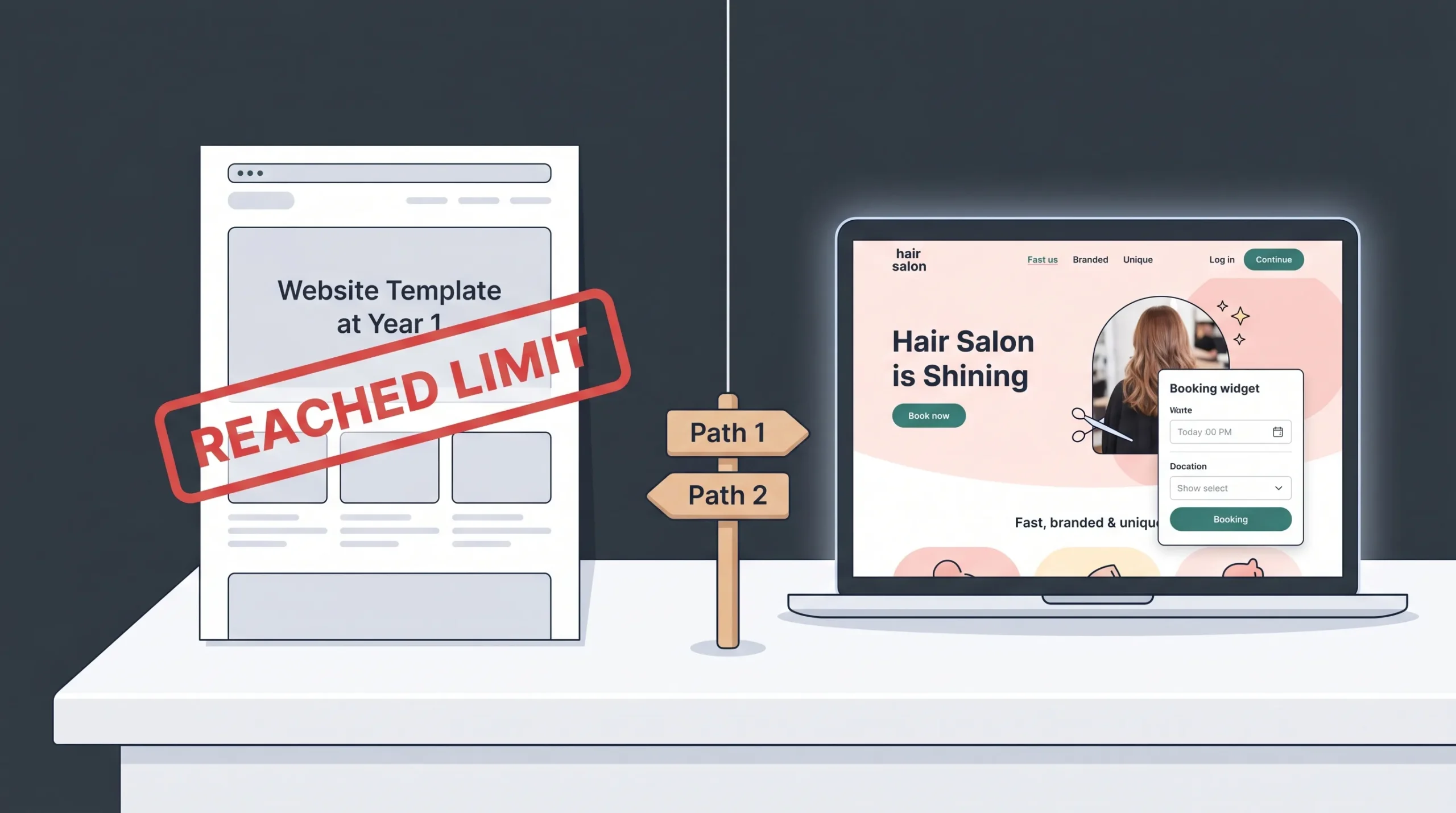
For most working stylists in 2026, the right choice comes down to two paths:
Path 1: Fast, simple, template-based. Pick Squarespace if design matters most, or Wix if ease of use does. Budget around $20/month and accept the limits of the template world.
Path 2: Custom, fast, future-proof. Pick imagine.bo if your website is meant to do real work: book chairs, build your brand, rank in your city, and grow with you for the next five years. The AI generates the architecture, real engineers finish the last 30%, and you get a site that loads fast, looks unique, and never breaks at 2 AM.
Most stylists pick Path 1, hit a wall at Year 1, and end up rebuilding on Path 2 anyway. The shorter way is to skip the rebuild and start with a platform built for serious work.
Ready to see what a custom-built hair stylist website looks like in 2026? Join the imagine.bo beta waitlist at www.imagine.bo and get a live demo of the platform. For a closer look at how the build process actually works, see our walkthrough of the how imagine.bo works.
Launch Your App Today
Ready to launch? Skip the tech stress. Describe, Build, Launch in three simple steps.
Build




