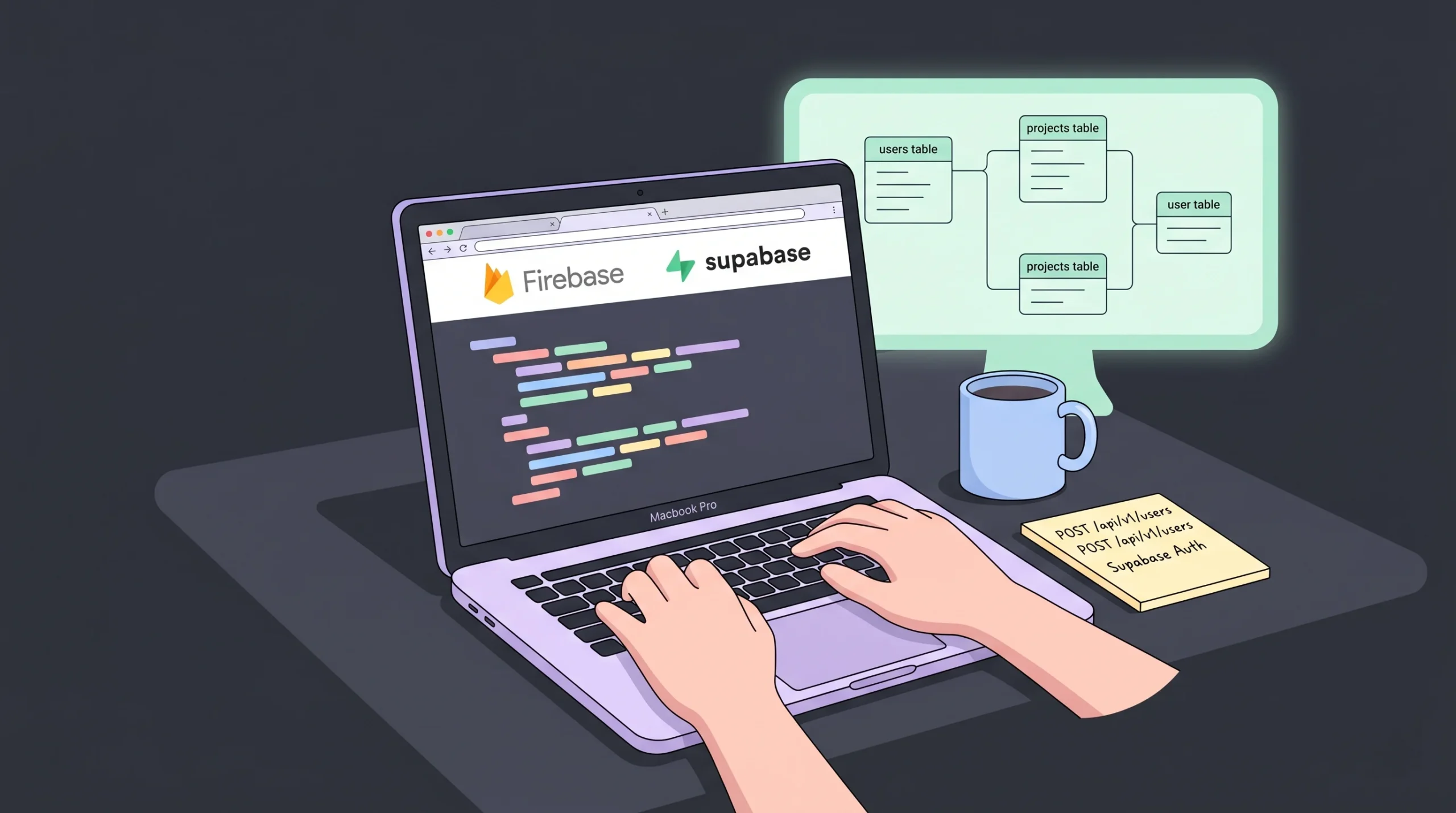
If you’ve ever opened a Firebase bill the morning after a viral post, you already know the problem. One unoptimized query, one runaway listener, and your “free” backend turns into a four-figure invoice. That’s why founders are searching for Firebase alternatives in serious numbers right now. This guide breaks down the seven backends actually worth considering in 2026, with real pricing, real tradeoffs, and a clear verdict for each use case. By the end, you’ll know exactly which platform fits your stack, your budget, and your appetite for managing infrastructure. For builders weighing a full-stack approach instead, our breakdown of the best tools for custom business databases is a useful companion read.
TL;DR: The strongest Firebase alternatives in 2026 are Supabase, Appwrite, AWS Amplify, Convex, PocketBase, Back4App, and imagine.bo. According to Market Research Future, the BaaS market is projected to grow from $31.36 billion in 2025 to $114.05 billion by 2035 at a 13.78% CAGR. Pick Supabase for SQL, Appwrite for self-hosting, and imagine.bo when you need the full app, not just the backend.
Why are founders looking for Firebase alternatives in 2026?
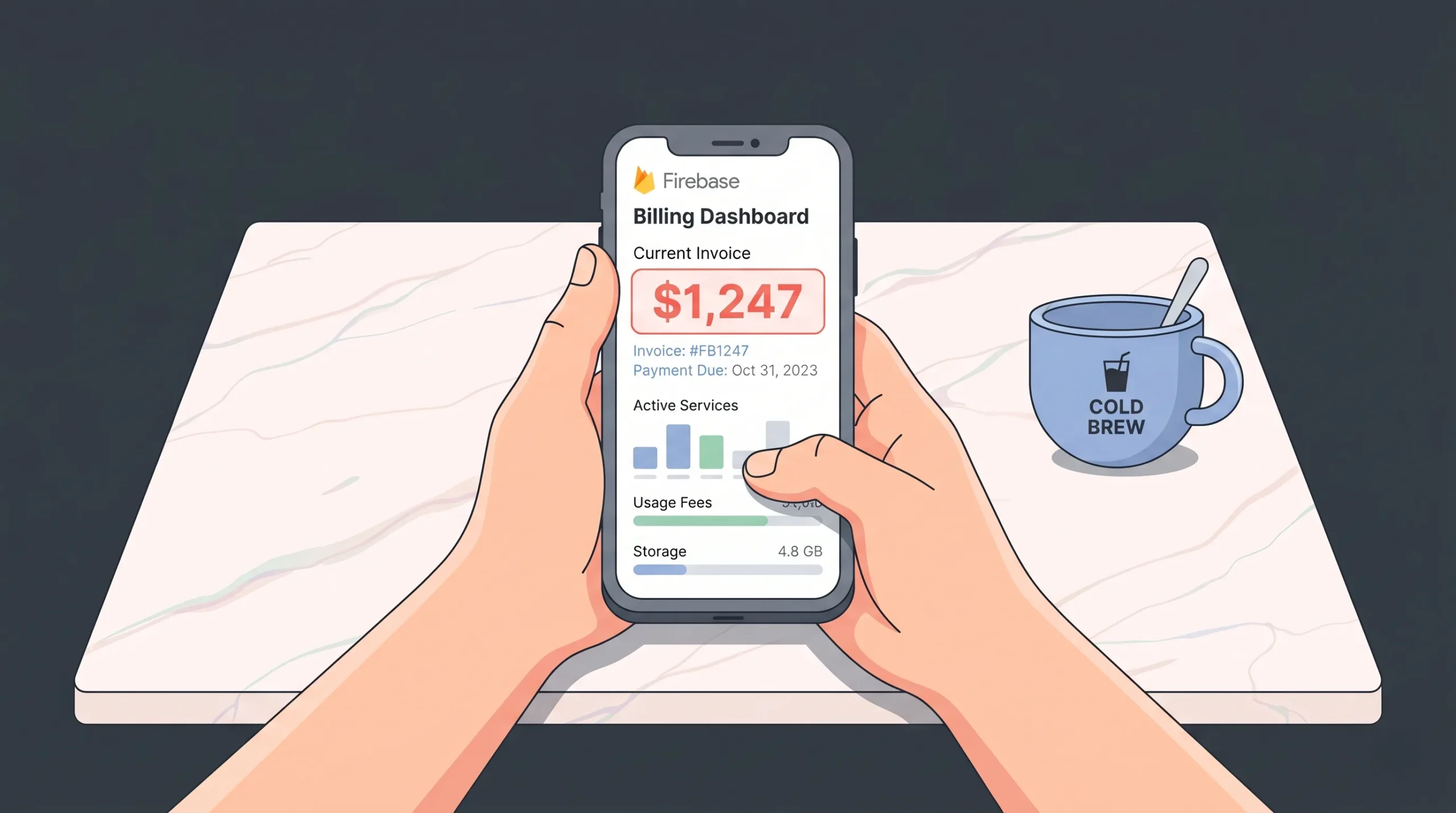
Most teams leave Firebase for one of three reasons: unpredictable bills, vendor lock-in, or the NoSQL data model. According to FirebasePricing.com’s 2026 calculator, a moderately active social app reading 50 documents per session can hit $400 to $600 per month on Firestore reads alone, with image-heavy apps seeing storage download costs reach $240 per month at modest scale. The Blaze plan has no spending caps by default, which is the part that bites founders.
Launch Your App Today
Ready to launch? Skip the tech stress. Describe, Build, Launch in three simple steps.
BuildPricing pain is the loudest complaint, but architecture lock-in is the deeper one. Firestore’s data model and security rules don’t translate cleanly to anything else. Migrating away usually means rewriting your data layer, your auth logic, and your client SDK calls all at once. That cost compounds the longer you stay. We’ve seen this play out repeatedly: teams that delay the migration past 18 months almost always end up rebuilding instead of porting.
Firebase’s Spark tier is generous, but Blaze pricing has independent metering across Realtime DB, Firestore, Storage, and Functions, making it nearly impossible for most startups to forecast TCO accurately at launch (CompareTiers, 2026). The result is the “surprise bill” stories that show up in every founder community on a near-weekly basis.
There’s also the SQL question. Firestore is a document store. If your data has relationships, transactions, or anything resembling reporting needs, you’re either bending Firestore against its design or bolting on BigQuery. Teams building marketplaces, SaaS dashboards, or anything with joins increasingly want PostgreSQL underneath instead. If you’re early enough that your stack is still flexible, our guide on essential backend development skills covers the architectural decisions that matter most.
What should you compare in a Firebase alternative?
The honest answer: database type, pricing model, self-hosting option, auth flexibility, real-time support, and migration cost. According to Back4App’s 2026 platform analysis, 9 of the top 10 Firebase alternatives support self-hosting and 7 are fully open source, which is the single biggest differentiator from Firebase itself.
Look at the database first. PostgreSQL (Supabase, Nhost), MariaDB (Appwrite), DynamoDB (AWS Amplify), SQLite (PocketBase), and reactive document stores (Convex) each push you toward a different architecture. Don’t pick a backend and then fight its data model for two years.
Pricing predictability matters next. Per-operation billing rewards over-engineering caching. Flat-tier pricing rewards shipping. According to Puter’s 2026 comparison, Supabase typically runs 40 to 60 percent cheaper than Firebase for equivalent production workloads. That gap widens as your read volume grows.
One factor most comparison articles miss: who writes the frontend. Firebase, Supabase, and Appwrite all assume you have a developer building the UI. If you’re a non-technical founder, the backend is only half the problem. You still need to render screens, handle forms, deploy a domain, and ship updates. That’s where the BaaS-versus-app-builder distinction matters more than any feature checklist. Our no-code app security best practices guide covers the full-stack security view that pure backends don’t address.
Is Supabase the best Firebase alternative for SQL apps?
Yes, if you want PostgreSQL and a Firebase-shaped developer experience. Supabase markets itself as the open-source Firebase alternative, and it largely earns the claim. According to UI Bakery’s 2026 enterprise BaaS comparison, Supabase has become the default migration target for teams leaving Firebase due to its PostgreSQL foundation, real-time subscriptions, and predictable tiered pricing.
What you get: a dedicated Postgres database per project, auto-generated REST and GraphQL APIs, row-level security written in SQL, edge functions in TypeScript, and storage with the same RLS policies you use elsewhere. The free tier covers 500MB of database and 1GB of storage. Pro starts at $25 per month, with details on the official Supabase pricing page.
Where it wins: relational data, complex queries, vector search through pgvector, and full SQL portability. You can self-host the entire stack or move your database to any Postgres provider on a Tuesday afternoon.
According to Supabase’s official Firebase comparison documentation, Row-Level Security policies are enforced at the database layer rather than the SDK layer, which means a misconfigured client cannot bypass access rules even if the API key leaks. That’s a meaningful security upgrade over Firebase’s security-rules model.
Where it struggles: mobile. Firebase’s offline sync, push notifications via FCM, and Crashlytics integration are still better polished. If you’re building a Flutter or React Native app and offline-first matters, Supabase requires more glue code. For payment-heavy SaaS apps, our walkthrough on adding Stripe to a vibe-coded app without a developer works the same way on either backend.
When should you pick Appwrite over Supabase or Firebase?
Pick Appwrite when self-hosting and multi-language SDK support matter more than SQL. According to NocoBase’s 2026 analysis, Appwrite is the strongest Firebase alternative for teams building with Dart, Swift, Kotlin, PHP, or Python because it ships official SDKs across all of them, while Supabase remains JavaScript-first.
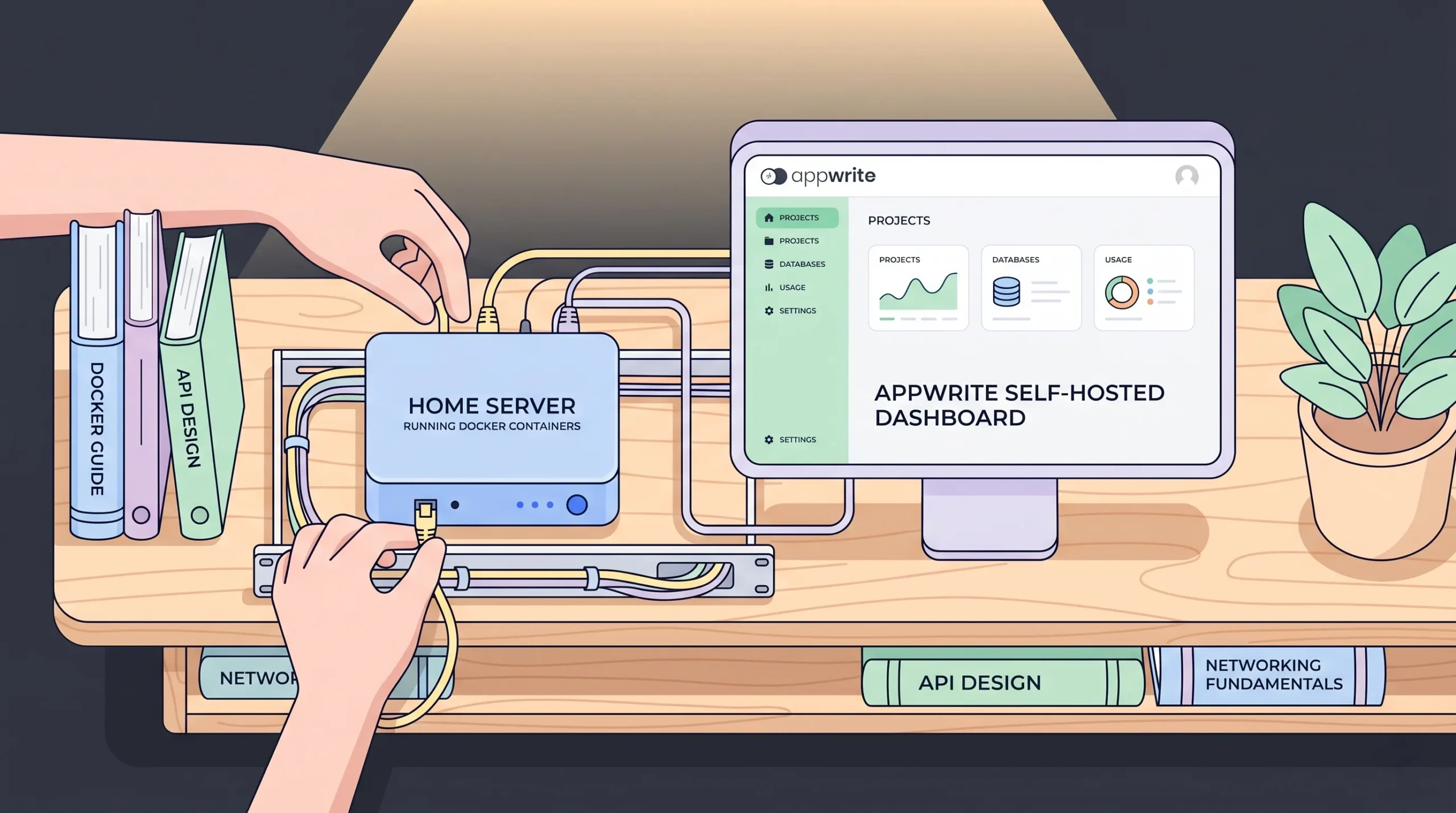
Appwrite runs on MariaDB behind a document-style API. The feature set mirrors Firebase: auth, databases, storage, functions, real-time, and messaging. The differentiator is Docker-based self-hosting that’s actually approachable. According to Elestio’s 2026 hands-on review, Appwrite self-hosts with a single Docker Compose file, which is meaningfully simpler than self-hosted Supabase’s roughly twelve-container setup.
Pricing on Appwrite Cloud is $25 per month per project for Pro, with 2TB bandwidth and 1.75 million database reads included. Self-hosted is free forever and you only pay for the server you run it on.
From what we’ve observed across founder communities, the deciding factor when teams choose Appwrite over Supabase is usually compliance. Healthcare and fintech founders want the data on infrastructure they own. Self-hosted Appwrite on AWS in their own VPC checks the boxes that managed Supabase doesn’t.
The catch: no horizontal scaling on the app server. Appwrite handles 10,000 to 500,000 monthly active users comfortably on a single node. Past that, you’re architecting around it. For most early-stage SaaS apps, that ceiling is years away.
Is AWS Amplify a serious Firebase alternative for enterprise teams?
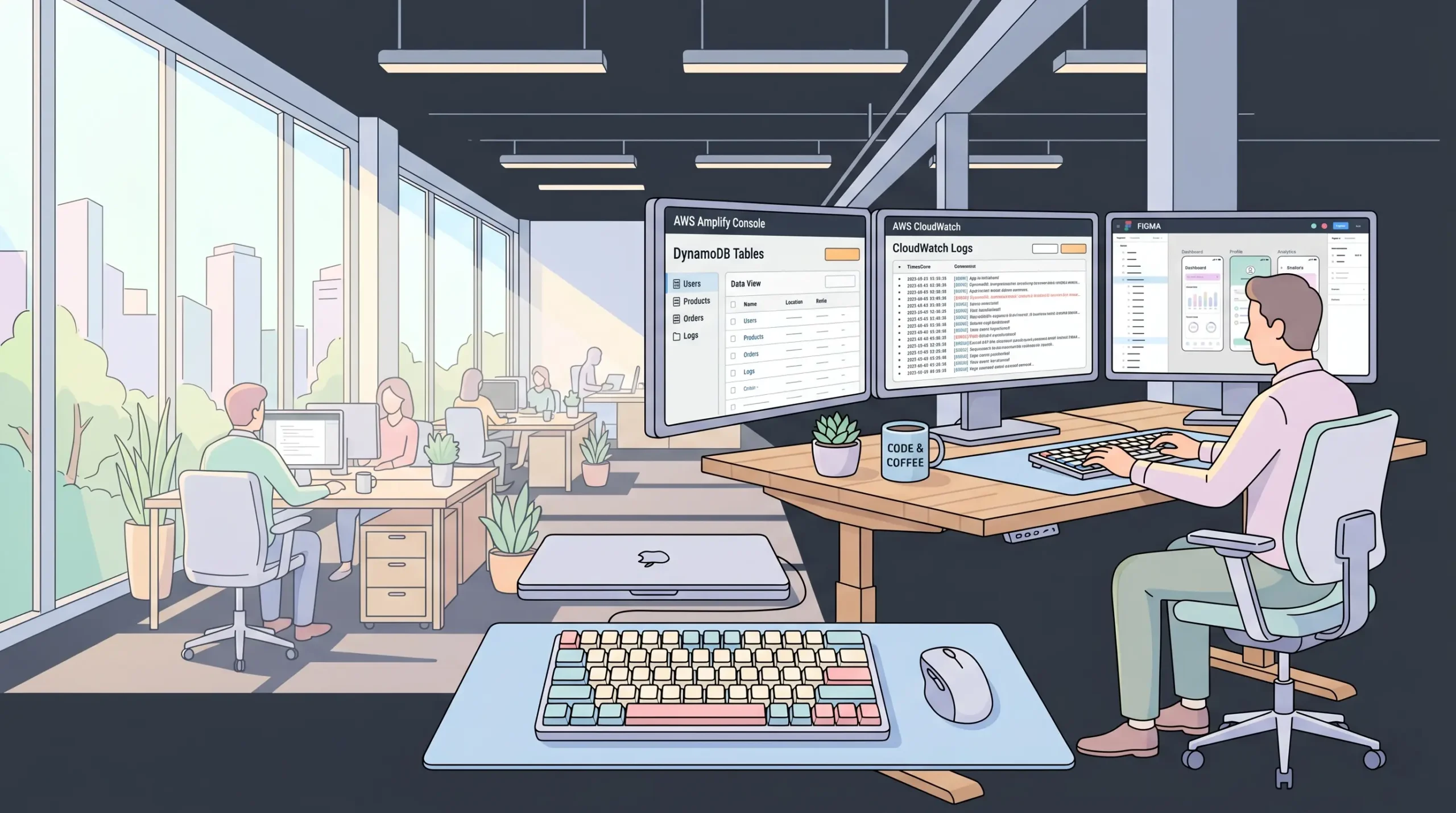
Yes, but with a much steeper learning curve. AWS Amplify Gen 2 is a code-first, TypeScript-based platform that provisions AppSync, DynamoDB, Cognito, S3, and Lambda automatically. According to Anzaforge’s 2026 comparison, AWS Amplify wins decisively for regulated industries because it inherits AWS’s HIPAA, FedRAMP, and regional isolation capabilities natively.
The pitch is the escape hatch. You start with Amplify’s BaaS-like patterns, and when your app outgrows them, you already have access to 200+ AWS services. SQS queues, Step Functions, custom VPCs, Aurora — all available without changing platforms.
AWS Amplify is the only Firebase alternative that gives you a direct path from BaaS prototype to full enterprise cloud infrastructure. According to Puter’s 2026 analysis, AWS pricing typically becomes more cost-effective than Firebase past 100,000 monthly active users due to volume discounts and reserved capacity options.
The downsides are real. DynamoDB’s NoSQL constraints require careful data modeling upfront. Debugging means understanding CloudWatch and IAM. Mobile SDKs work but lack Firebase’s polish around offline sync and push notifications. And Amplify can’t be self-hosted outside AWS.
If your team is already on AWS for other infrastructure, Amplify is the obvious choice. If you’re a solo founder shipping an MVP, the complexity tax isn’t worth it. Our guide on DevOps and one-click deployment shows how managed platforms handle the AWS complexity for you.
Should you consider Convex, PocketBase, or Back4App?
These three solve narrower problems than Supabase or Appwrite, but they solve them well. Per Back4App’s 2026 platform analysis, Back4App, Supabase, Appwrite, PocketBase, and Nhost all support self-hosting, and every platform on the major alternatives list offers a free tier.
Convex is reactive-first. You write TypeScript queries and mutations, and Convex handles real-time delivery, caching, and execution. According to Encore’s 2026 Firebase analysis, Convex’s reactive architecture makes Firestore listeners feel manual by comparison, which matters if collaborative editing or live dashboards are core to your product. The tradeoff: a proprietary document model and no SQL.
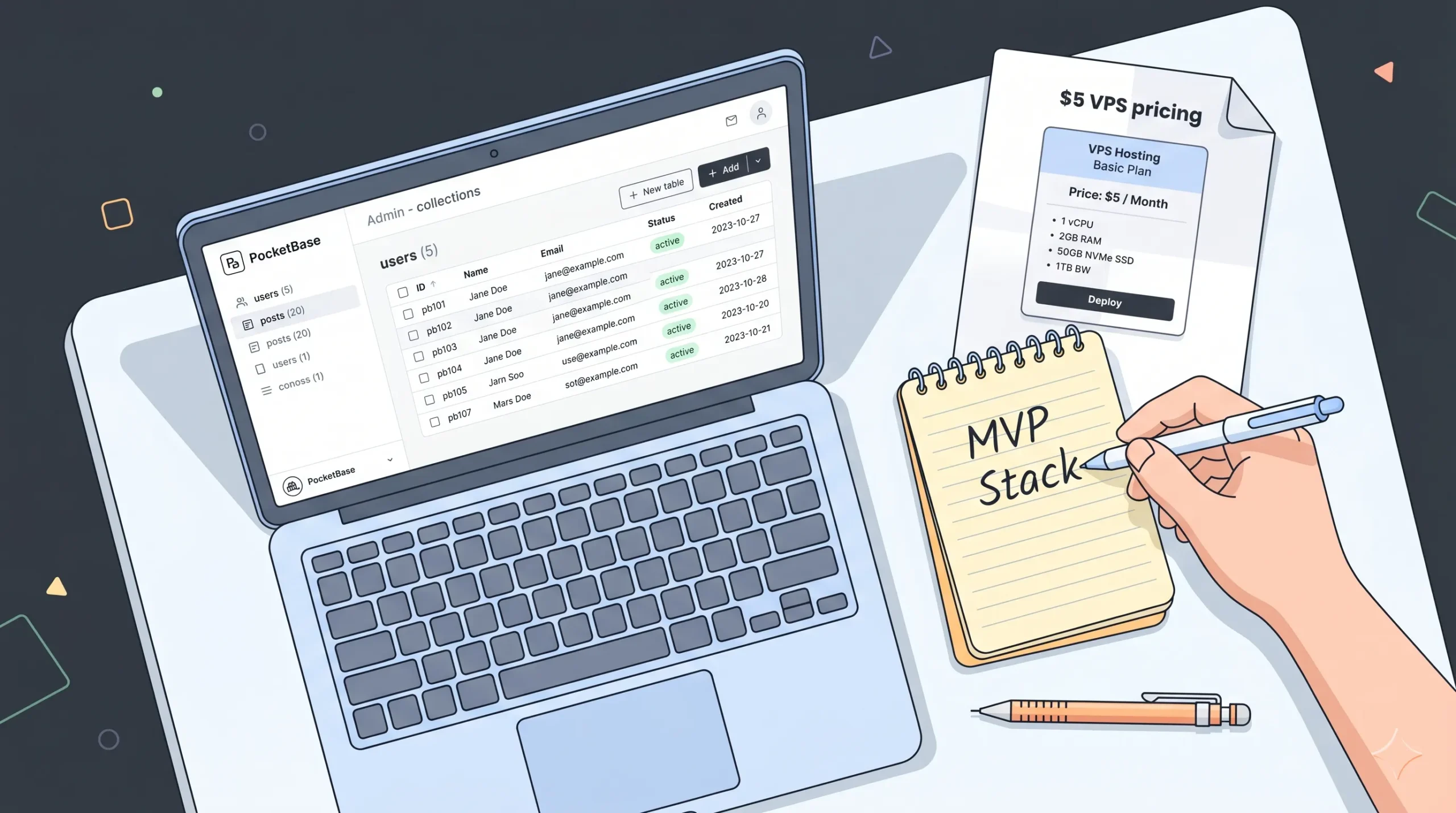
PocketBase is a 20MB Go binary. SQLite, auth, real-time, file storage, and an admin UI in a single executable that runs on a $5 VPS. According to ToolsForHumans 2026 alternatives report, PocketBase is the closest free, self-hosted alternative to managed BaaS platforms, but its single-server model caps it at small-to-medium projects. Use it for prototypes, internal tools, or solo SaaS with predictable scale.
Back4App is open-source Parse Server, managed. MongoDB underneath, predictable subscription pricing starting at $15 per month, and LiveQuery for real-time updates. It’s the pick for teams who specifically want the Parse SDK ergonomics or who left Firebase to escape NoSQL pricing surprises but still want a document database.
Looking at managed BaaS pricing across the major alternatives, the spread is narrower than most articles suggest: Back4App from $15, Supabase from $25, Appwrite from $25, Convex from $25, Nhost from $25. The real pricing variable is your usage pattern, not the sticker. PocketBase remains the only true zero-cost option if you’re willing to manage your own server. For a broader take on this category, our no-code database builders comparison covers the visual-first end of the spectrum.
Where does imagine.bo fit in the Firebase alternatives conversation?
imagine.bo isn’t a pure backend, and that’s the point. It’s a full-stack AI-powered app builder that generates the frontend, database, backend logic, auth, and deployment from a plain-English prompt. According to Fortune Business Insights’ 2026 mobile BaaS report, the global mobile BaaS market is projected to reach $29.98 billion by 2034 at an 11.44% CAGR, but most of that growth is happening in adjacent platforms that bundle the full app, not just the backend.
Here’s the practical difference. Firebase, Supabase, and Appwrite assume a developer is going to write the UI, wire the SDKs, handle auth flows, and deploy the frontend. imagine.bo’s Describe-to-Build interface generates all of that in one workflow, with Hire a Human available when AI hits its limits.
imagine.bo is built around an outcome-based pricing model rather than per-operation billing. The Pro plan is $25 per month for a complete 10-page web app with frontend, backend, deployment, and engineer support included. Deployment runs on Vercel for the frontend and Railway for the backend by default, with SSL, RBAC, and GDPR foundations applied automatically.
Most Firebase alternatives are point solutions for engineers who already know what they’re doing. The non-technical founder’s actual question isn’t “Supabase or Appwrite?” — it’s “how do I ship a working product without learning four SDKs?” That’s where a full-stack builder genuinely changes the math. You don’t pick a database, you don’t wire auth, you don’t provision infrastructure. The backend is included by default, and the AI-Generated Blueprint handles the data schema decisions you’d otherwise spend a weekend researching. Our case study on how to build a SaaS with AI and no-code walks through what that workflow actually looks like end to end.
When imagine.bo isn’t the right pick: if you’re a developer who wants direct SQL access and has no interest in AI generation, Supabase will feel more comfortable. If your stack is mobile-first with heavy offline sync, Firebase still wins. Honesty matters in this category. The right tool depends on whether you want to write code or ship a product.
How do the top Firebase alternatives compare side-by-side?
| Platform | Database | Pricing (Pro) | No-Code Friendly | Full-Stack | Self-Host | Code Export |
|---|---|---|---|---|---|---|
| Firebase | NoSQL (Firestore) | Pay-as-you-go | No | Backend only | No | No |
| Supabase | PostgreSQL | $25/mo | Limited | Backend only | Yes | Yes |
| Appwrite | MariaDB | $25/mo per project | Limited | Backend only | Yes (Docker) | Yes |
| AWS Amplify | DynamoDB | Pay-as-you-go | No | Backend + hosting | No | Partial |
| Convex | Custom reactive | $25/mo | No | Backend only | Limited | Limited |
| PocketBase | SQLite | Free (self-host) | No | Backend only | Yes | Yes |
| imagine.bo | Managed full-stack | $25/mo Pro, $499 Done For You | Yes | Frontend + Backend + Deploy | Hosted on Vercel/Railway | Yes |
What’s the safest migration path away from Firebase?
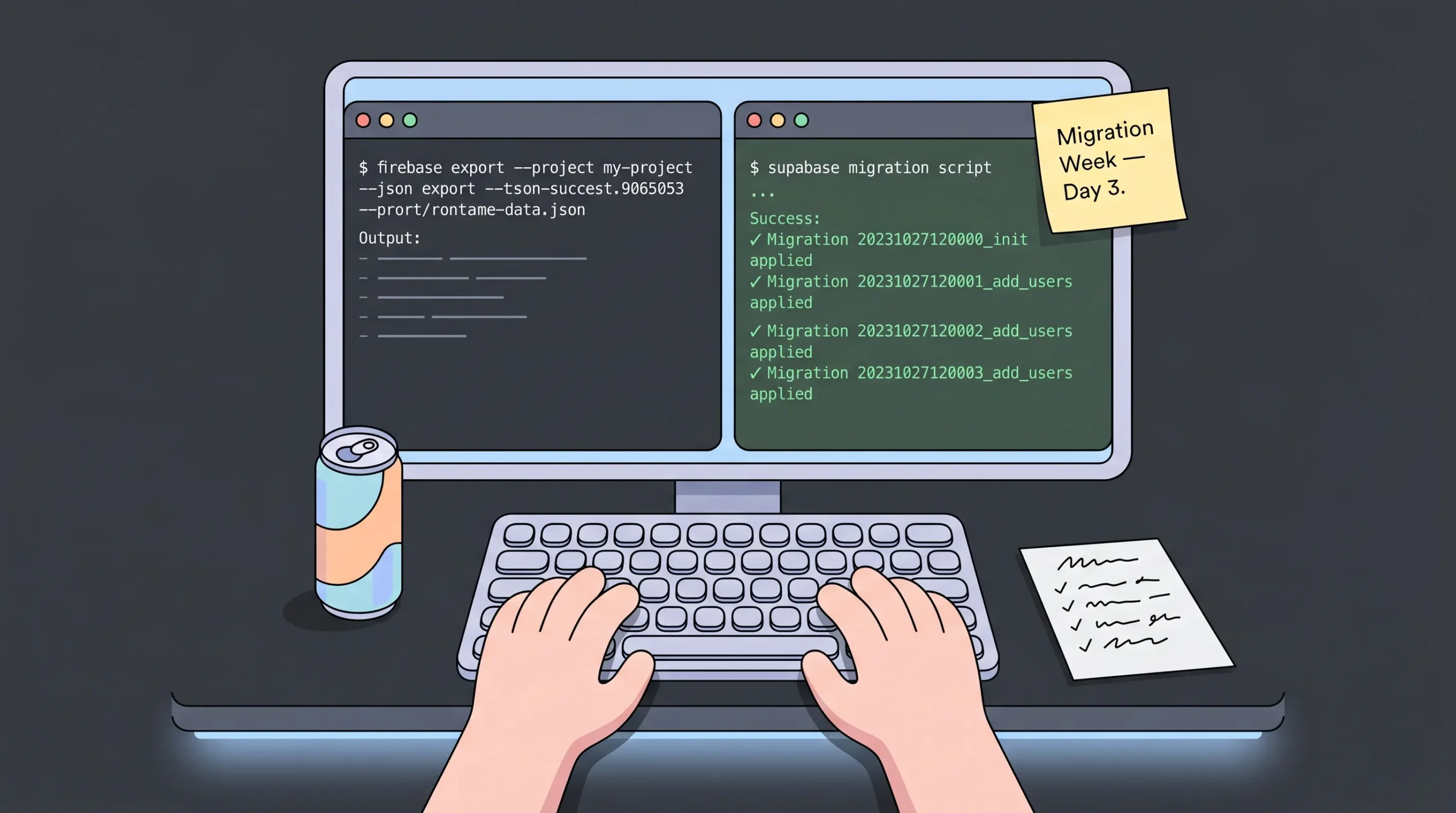
The safest path is to pick the alternative whose data model most closely matches what you’ve already built. According to Build MVP Fast’s 2026 migration guide, Firebase Auth exports include password hashes that Supabase and most other platforms can import directly, but Cloud Functions almost always need to be rewritten because there’s no direct equivalent.
Five steps that keep migrations sane:
- Export your Firestore or Realtime Database data as JSON. Don’t transform anything yet.
- Map your data schema to the new platform’s format. Document collections become Postgres tables, sub-collections become foreign keys.
- Migrate authentication users with their hashes intact so passwords keep working.
- Update client SDK calls. This is the largest code change in most migrations.
- Run both backends in parallel for a week. Cut over only after the new one matches the old one’s output.
The migrations that go badly are the ones where the team treats it as a feature-freeze project. The ones that go well treat it as an architectural cleanup. You’re already touching every data access call. Use the moment to fix the schema mistakes you’ve been living with. Our breakdown of Lovable vs Bolt on pricing, speed, and security shows the same migration logic applied to vibe-coding platforms.
Frequently asked questions
Is Firebase still worth using in 2026?
Yes, for specific use cases. According to Encore’s 2026 Firebase analysis, Firebase remains the best choice for mobile-first apps that need offline sync, push notifications via FCM, Crashlytics, and tight Google Cloud integration. The downsides — vendor lock-in, NoSQL constraints, unpredictable pricing past 50,000 reads per day — only matter once you scale past prototype.
Which Firebase alternative is cheapest at scale?
PocketBase if you self-host, since you only pay for the VPS. Among managed platforms, Supabase typically runs 40 to 60 percent cheaper than Firebase for equivalent production workloads, according to Puter’s 2026 analysis. Back4App at $15 per month is the cheapest fully-managed option with a clear monthly ceiling.
Can I use Firebase alternatives without writing code?
Pure BaaS platforms like Supabase, Appwrite, and Firebase all assume developer involvement. According to Market Research Future’s 2026 BaaS report, the broader BaaS market is projected to hit $114.05 billion by 2035, but most growth is happening in adjacent full-stack platforms that include UI generation. imagine.bo, Bubble, and FlutterFlow are the better picks for non-technical founders.
What’s the best Firebase alternative for real-time features?
Convex if you’re TypeScript-first and want reactivity built in. Supabase if you want real-time on Postgres with logical replication. According to Encore’s 2026 Firebase comparison, Convex’s reactive architecture is significantly more elegant than wiring up Firestore listeners for collaborative apps. For mobile real-time, Firebase still leads.
How do I avoid vendor lock-in with any backend?
Pick a platform with open-source self-hosting and standard data formats. PostgreSQL (Supabase, Nhost), MariaDB (Appwrite), and SQLite (PocketBase) all give you data you can move. Avoid proprietary data models like Firestore and Convex if portability is a hard requirement. Our guide on API key exposure risks and fixes in 2026 covers the security side of the same question.
The verdict on Firebase alternatives in 2026
Three takeaways. First, the BaaS market is consolidating around five serious players: Supabase for SQL, Appwrite for self-hosting, AWS Amplify for AWS shops, Convex for reactive apps, and Firebase itself for mobile. Pick the one whose data model fits what you’re actually building. Second, pricing predictability beats free tier generosity once you cross 10,000 users. Flat-tier subscriptions save more than per-operation billing at scale, even when the sticker price looks higher. Third, if you’re a non-technical founder, the question isn’t which backend — it’s whether you want to write the frontend at all.
If you’d rather skip the SDK wrangling entirely and ship a complete app, generate one with imagine.bo. The Pro plan delivers a 10-page web app with frontend, backend, auth, deployment, and engineer support for $25 per month, and the Done For You plan hands the whole build to vetted engineers for a one-time $499. Start by describing what you want to build at imagine.bo, or read our guide to building AI apps fast with Vercel for a sense of how the deployment layer works under the hood.
Launch Your App Today
Ready to launch? Skip the tech stress. Describe, Build, Launch in three simple steps.
Build