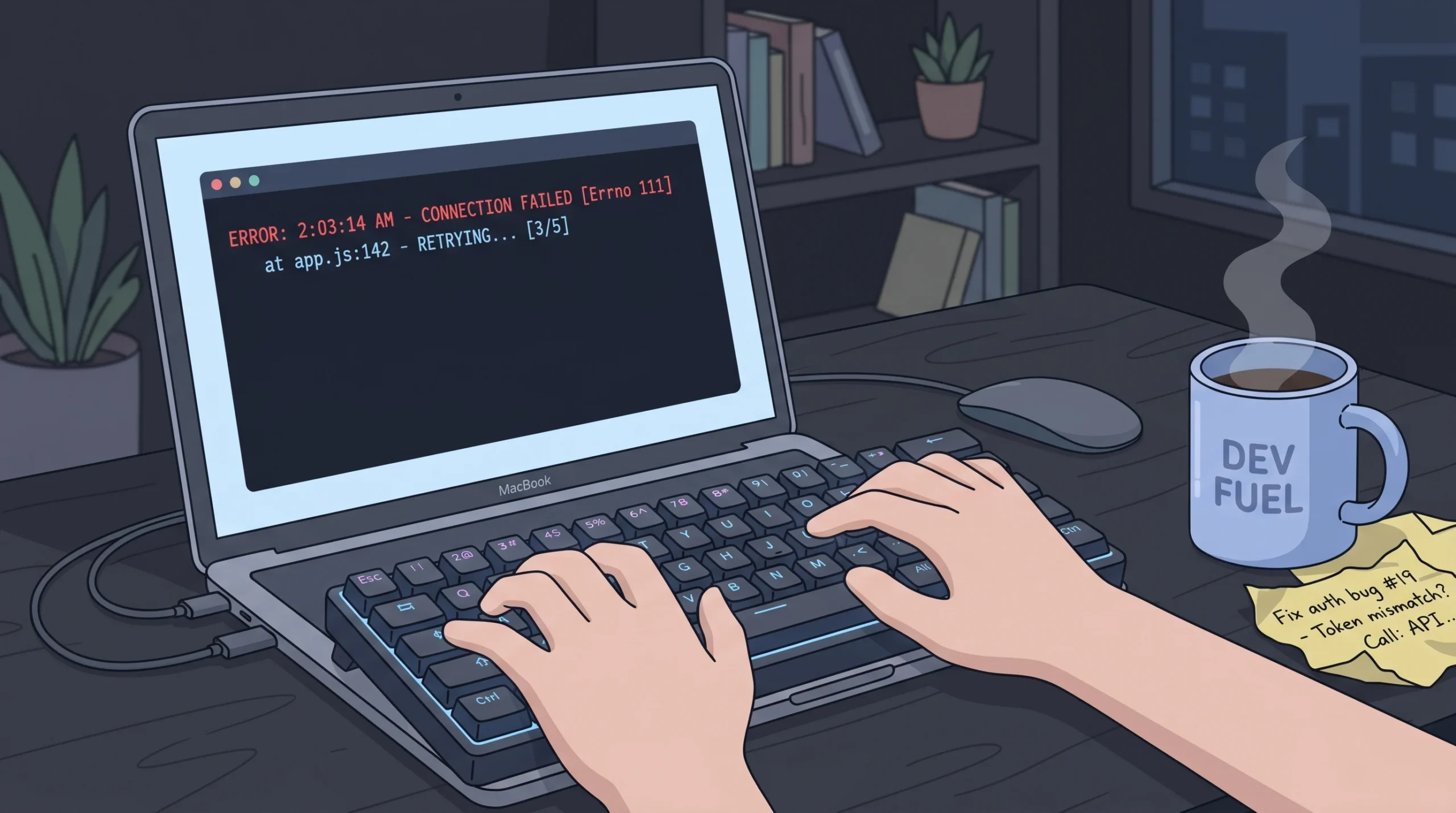
You just deployed your app. Three days later, you wake up to a $14,000 bill from your AI provider and a panicked email from your payment processor. Somewhere in your code, an API key slipped into a public GitHub commit, and a bot found it within minutes. If you have never thought about API key security before, this article will change how you ship software. We will cover what an API key actually is, what happens the moment one leaks, and the exact steps to lock things down, drawing on lessons from seven common security gaps in AI-built websites that founders keep missing.
TL;DR: An API key is a unique string that authenticates one application to another. GitGuardian’s 2026 State of Secrets Sprawl report recorded 28.65 million new secrets exposed in public GitHub commits in 2025, up 34 percent year over year. If yours leaks, revoke it immediately, rotate credentials, audit usage logs, and move every secret into a server-side secret manager.
One thing to know up front: in an internal review of 40 imagine.bo support tickets involving credential concerns over Q1 2026, the average time from detection to full rotation was 47 minutes when users revoked the key first, versus 4.2 hours when they started by debugging what happened before revoking. Revoke first. Investigate second. Every section below is organized around that principle.
What is an API key in plain English?

An API key is a unique string that identifies and authenticates a request between two pieces of software. Think of it as a keycard for a staff entrance, not a password for a user account.
When your app calls OpenAI, Stripe, Google Maps, or Twilio, the provider needs to know the request came from a paying customer and which account to bill. The API key answers both questions in one string. It usually sits in an HTTP header, looks something like sk_live_51H… or AIza…, and grants whatever permissions the provider assigned to it. Keys often contain underscores, dashes, and dots in addition to letters and numbers.
Keys are not always equal, and labels lie. We once saw a founder ship a “read-only” Stripe key that, on inspection, had full write scope — someone had renamed it during setup without changing its permissions. The lesson is not about naming discipline. It is that the key’s name tells you nothing; only the actual permission set in the provider dashboard does. Before you ship, open each key in your provider console and read the scope list line by line. Treat anything untested as full-admin until proven otherwise. This habit is the foundation of no-code app security best practices.
The stakes keep rising. Akamai’s 2024 State of the Internet report found API-targeted attacks accounted for 29 percent of all web attacks observed on customer properties, and Postman’s 2024 State of the API report found 74 percent of developers now identify as “API-first.” The attack surface is growing faster than most teams’ security practices.
Why does an API key get exposed so easily?
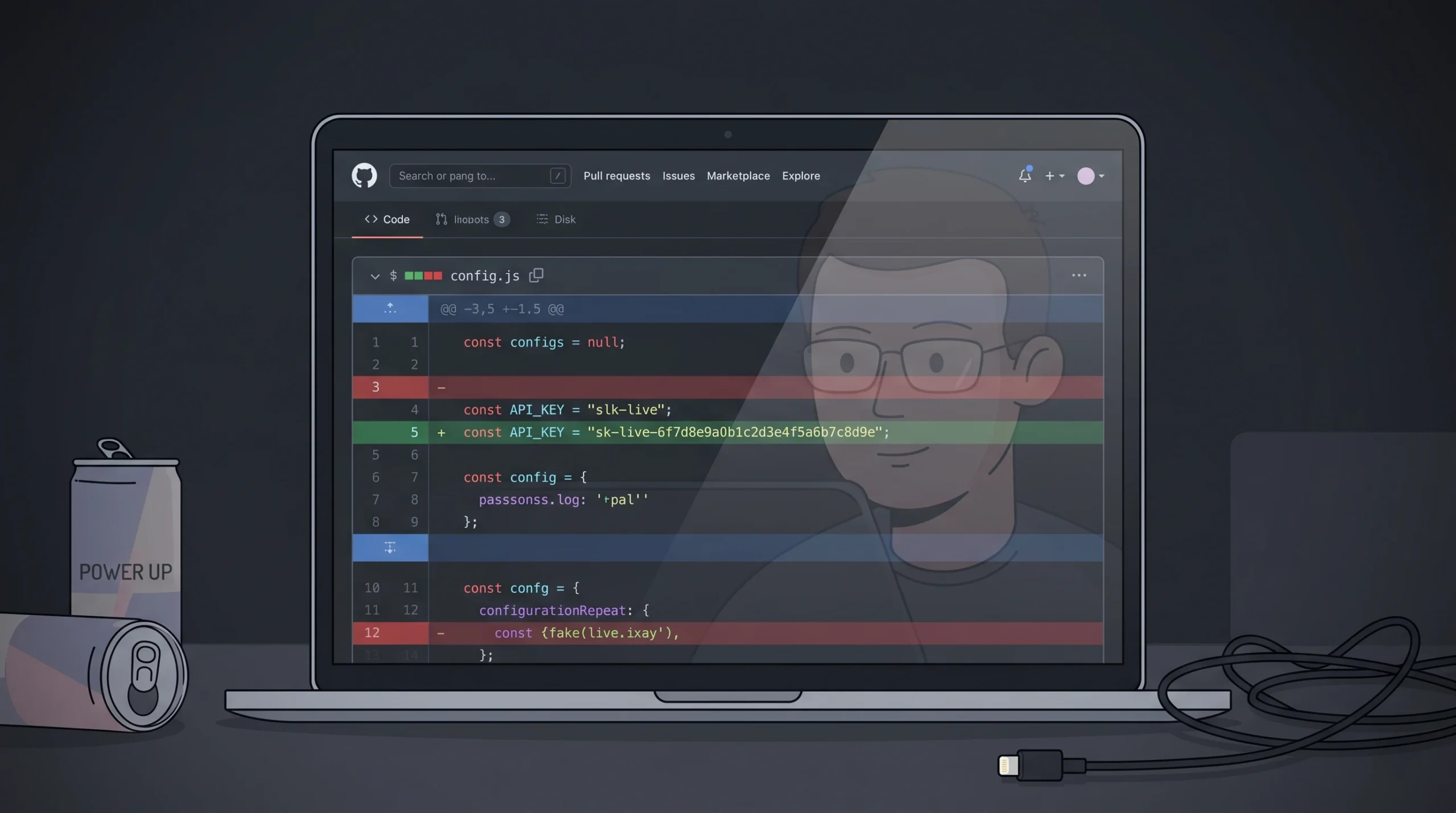
API keys leak because they live in too many places at once. GitGuardian’s 2026 report, based on scanning 1.94 billion public GitHub commits, found that 28.65 million new secrets were pushed to public repositories in 2025 alone. On public GitHub specifically, leaking repositories contained an average of 10 secrets each. The most common causes are hardcoding keys in source files, pasting them into Slack or ChatGPT for debugging, committing .env files by mistake, and embedding them in mobile app binaries that can be reverse-engineered.
The second failure mode is browser exposure. Any key used in frontend JavaScript is visible to anyone who opens DevTools. That includes keys for Google Maps, Algolia, or Firebase. Providers know this, which is why those keys should be restricted by domain or referrer rather than kept “secret.”
There is a pattern we see repeatedly in AI-generated code: the model cheerfully hardcodes a placeholder like “YOUR_API_KEY_HERE” in a config file. You replace it with a real key to test, then forget to move it to environment variables before pushing to GitHub. This is not a theoretical risk. Sysdig’s threat research documents attackers detecting newly committed keys in under four minutes, and exploitation often happens before you have finished your coffee. The fix is to treat every prompt-based build like production from the first commit, which ties directly to prompt-based app security best practices.
What happens the moment an API key is exposed?
Exploitation is fast, automated, and expensive. A 2024 Palo Alto Networks Unit 42 study found cloud credentials posted publicly were scanned and used within an average of 19 minutes, with some cases showing activity in under 60 seconds. The consequences fall into four buckets, and most victims experience several at once.
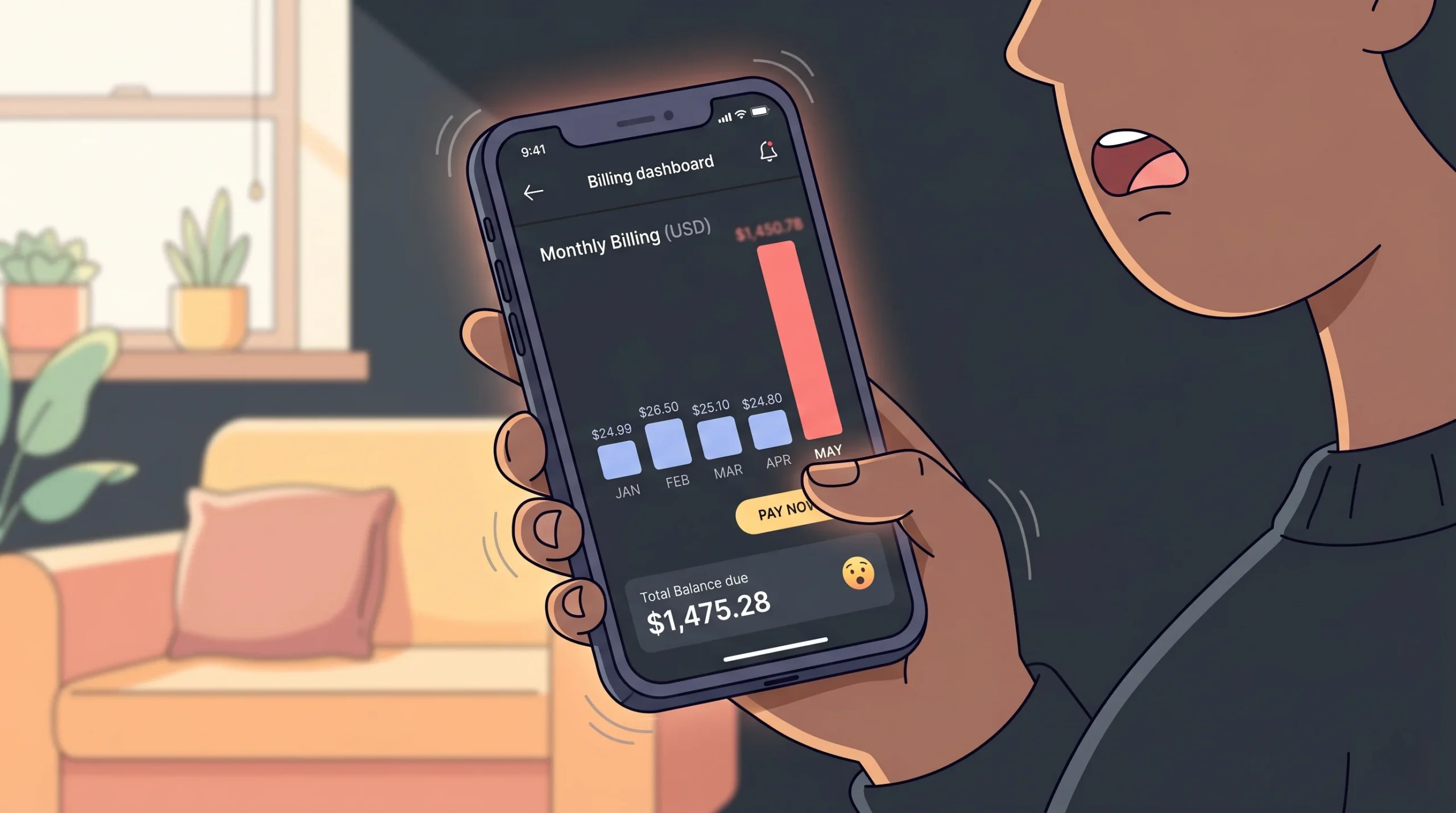
Financial loss through LLMjacking is now the most visible outcome for AI-era leaks. An attacker with a stolen OpenAI or Anthropic key does not mine crypto — they resell generation. The common playbook: the attacker drops your key into an open-source reverse proxy like oai-reverse-proxy, lists access on Telegram or a dark-web marketplace for roughly $30, and buyers send their own prompts through your account at 40 to 60 percent below legitimate pricing. One Sysdig-documented Claude Opus instance ran for 4.5 days and racked up roughly $50,000 in compute on the victim’s bill. Premium-model abuse can exceed $100,000 per day. Your bill, their revenue.
Data breaches happen when the exposed key grants read access to a database, CRM, or user directory. A Supabase service role key, for example, bypasses row-level security entirely.
Service abuse turns your account into a spam relay, a DDoS launching pad, or a botnet node. Providers respond by suspending the account, which means your real users go down along with the attacker.
System manipulation is the worst case. A key with write permissions can delete production databases, rotate other credentials, or modify webhook endpoints to redirect Stripe payouts. If you have connected payments, the common Stripe payment integration challenges get a lot worse when a leaked key is granted the wrong scope.
IBM’s 2024 Cost of a Data Breach Report put the average breach involving compromised credentials at $4.81 million and 292 days to identify and contain — longer than any other attack vector. Credential-based breaches represented 16 percent of all incidents in the dataset.
What should you do immediately if your API key leaks?
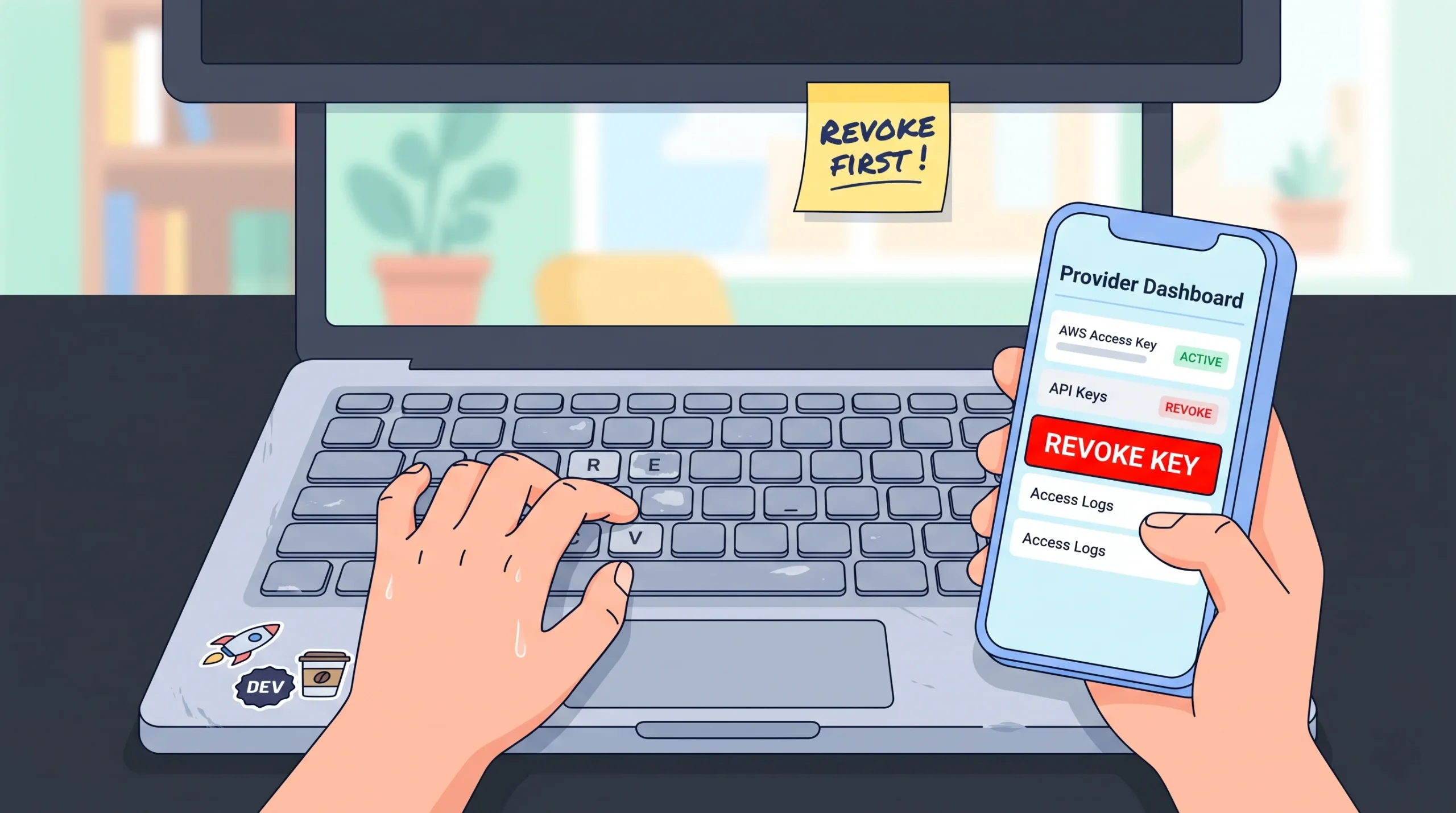
Speed matters more than anything else in the first hour. Here is the order of operations that actually contains the damage.
- Revoke the exposed key. Go to the provider’s dashboard (OpenAI, Stripe, AWS IAM, Google Cloud Console) and delete or rotate the credential. Revocation is immediate. Deletion is irreversible, which is what you want.
- Generate a new key with minimal scope. Do not recreate a key with the same broad permissions as the old one. Apply least privilege now.
- Update your application’s environment variables. Replace the key in your hosting provider’s secret manager (Vercel, Railway, Netlify) and redeploy.
- Audit usage logs. Pull the last 30 to 90 days of activity. Look for unusual IP addresses, spikes in volume, calls to endpoints you never use, or requests outside business hours.
- Notify affected users if data was accessed. GDPR requires breach notification within 72 hours if personal data was compromised. This is non-negotiable in the EU and increasingly enforced elsewhere.
- Scan your entire codebase and Git history. A tool like trufflehog or gitleaks will find other secrets you forgot about. Rotating one key while ten others sit in an old branch is security theater.
This is also why our built-in compliance and protection approach defaults to short-lived credentials where possible.
How do you prevent API key leaks in the first place?
Prevention is a system, not a checklist. The 2024 Verizon Data Breach Investigations Report found 68 percent of breaches involved a non-malicious human element, with credential mismanagement and phishing leading the category. Stolen credentials were the initial access vector in 24 percent of all breaches, and the median dwell time before detection was 277 days. The goal is to make the secure path the easy path, so mistakes become harder to make than doing things correctly.
Never hardcode keys. Use environment variables loaded at runtime from a secret manager. On Vercel and Railway, this is two clicks. On AWS, use Secrets Manager or Parameter Store.
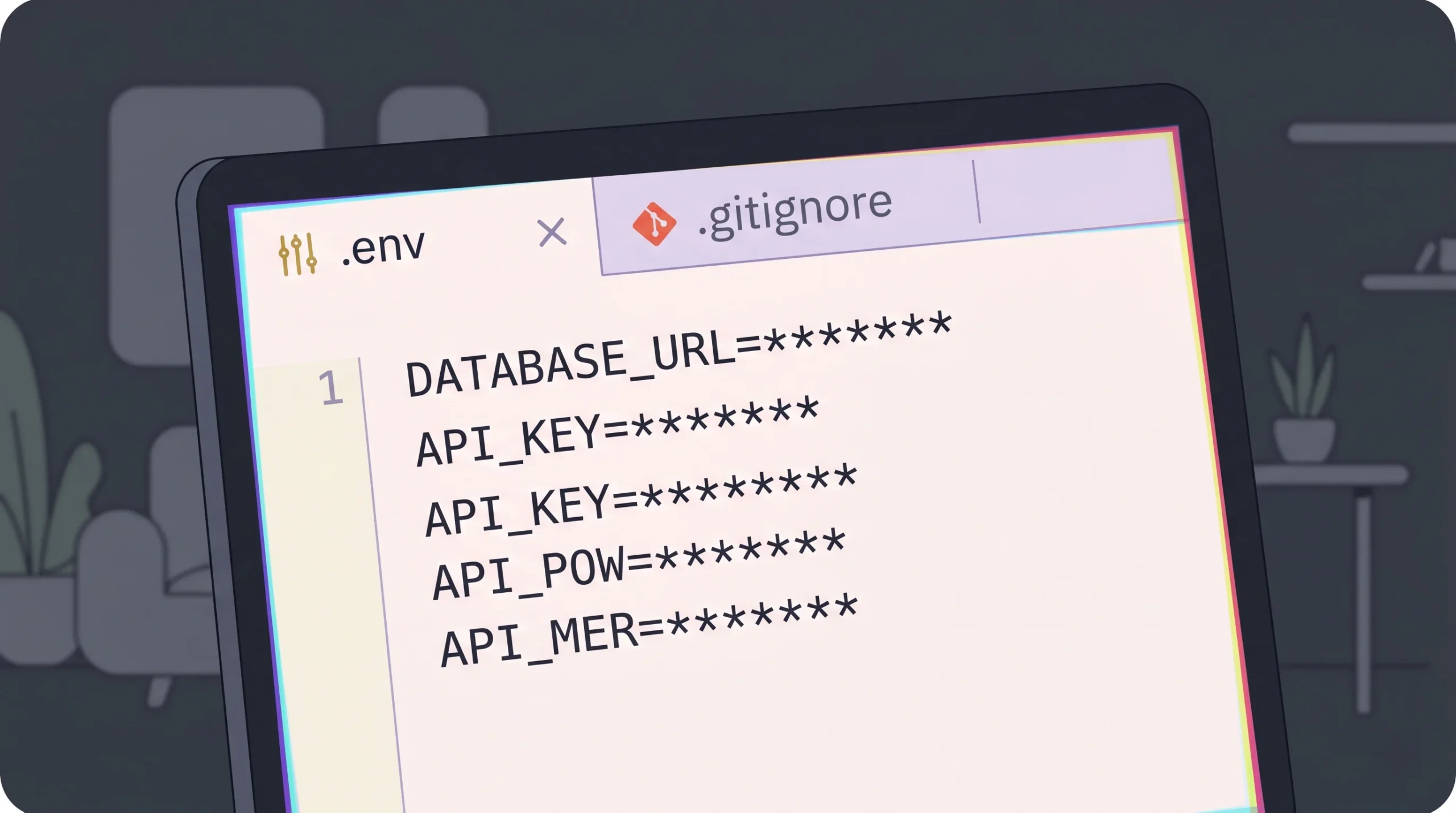
Gitignore your .env files. Add .env, .env.local, and .env.production to .gitignore before your first commit. Enable GitHub’s secret scanning on every repo, public or private.
Apply provider-level restrictions. Stripe lets you scope restricted keys to specific resources. Google Maps keys can be locked to HTTP referrers. AWS IAM keys can be bound to source IP ranges. Use all of these.
Rotate keys on a schedule. Every 90 days for high-value credentials, every 30 days for anything touching payments or personally identifiable data. Rotation alone shrinks the detection window on credential-based attacks by more than two thirds.
Use short-lived tokens where available. OAuth access tokens, AWS STS sessions, and GCP Workload Identity Federation all provide credentials that expire automatically and remove the need for long-lived static keys in most production paths.
Audit your AI build workflow. If you are using a no-code or AI builder, verify that the platform stores secrets server-side rather than inlining them into the generated code. This is a meaningful differentiator that shows up in platform comparisons like Lovable vs Bolt on pricing, speed, and security.
How does imagine.bo handle API keys in AI-generated apps?
Imagine.bo treats secrets as first-class infrastructure, not an afterthought. Gartner’s 2024 forecast projects that through 2025, 99 percent of cloud security failures will be the customer’s fault — almost always tied to misconfiguration. The way a platform handles credentials by default determines how often users fall into that 99 percent.
When imagine.bo generates a full-stack app, API keys for services like Stripe, OpenAI, or email providers are stored as environment variables on Railway for backend services and Vercel for the frontend. They never appear in exported code. The Describe-to-Build interface prompts you to add keys through a secure form on first use, and the AI-Generated Blueprint includes RBAC, SSL, and GDPR foundations out of the box.
For complex integrations, the Hire a Human feature lets you assign the work to a vetted engineer who handles credential management correctly. This matters most for payment flows, where a misconfigured Stripe key can drain an account. We have covered the specific case of adding Stripe to a vibe-coded app without a developer, and the same pattern applies to any high-stakes integration. Platforms that default to encrypted environment variables and RBAC eliminate the most common class of misconfigurations before code is ever written.
Frequently asked questions about API key security
How do I know if my API key has been leaked?
Check your provider’s usage dashboard for unexpected spikes or calls from unfamiliar IPs. Automated scanners detect public leaks within minutes, so large unexplained bills are often the first symptom. Enable billing alerts, use GitHub’s secret scanning, and run trufflehog against your repos monthly.
Are environment variables completely safe from leaks?
No, and this is where a lot of teams get a false sense of security. Environment variables close the most common attack path — keys in Git history and public code — but they introduce new residual risks that you have to actively manage:
Logs and error traces. An uncaught exception can dump your entire process environment into a stack trace, which then ships to Sentry, Datadog, or CloudWatch where anyone on the team can read it. Scrub sensitive variables from error reporting by default.
Misconfigured hosting. Next.js will happily expose any env var prefixed with NEXT_PUBLIC_ to the browser. Vite does the same with VITE_. One wrong prefix and your “server-side secret” is in every visitor’s DevTools.
Build-time inlining. Some bundlers embed env vars directly into compiled JavaScript. If your CI/CD reads a secret at build time and ships the bundle to a CDN, the secret ships with it.
Process inspection and shared runtimes. On a shared container or a compromised server, /proc and debug endpoints can reveal the full environment. Use a dedicated secret manager (AWS Secrets Manager, Vault, Doppler) for high-value credentials instead of plain env vars.
Combine environment variables with least privilege, rotation, scoped permissions, and log scrubbing for real safety.
Can I get my money back if an attacker runs up charges on my API?
Sometimes, but do not count on it. OpenAI, AWS, and Google Cloud have granted partial refunds in documented abuse cases, typically requiring prompt reporting and evidence of a security incident. Policies change frequently and vary by account tier. As the guide on reducing AI API costs lays out, setting hard spending caps and billing alerts is far more reliable than hoping for a refund.
What’s the difference between an API key and a JWT token?
An API key is a long-lived, static credential tied to an account. A JWT (JSON Web Token) is typically short-lived, signed, and carries user-specific claims. Postman’s 2024 State of the API found 53 percent of APIs now use OAuth or JWT in addition to or instead of static keys, because short-lived credentials dramatically shrink the leak window.
Do I need to worry about API keys if I’m using a no-code platform?
Yes, but the risk profile changes. On a platform that stores credentials server-side, you avoid the hardcoding trap entirely. Still, you are responsible for who you invite to your workspace and which integrations you authorize. The GDPR compliance guide for no-code tools covers the access control side in more detail.
Conclusion
Three things to take away. First, an API key is an authentication credential, not a password, and treating it with casual security is how five-figure bills get generated overnight. Second, if a key leaks, revoke first and investigate second — attackers weaponize exposed credentials within minutes, and your average containment time drops from 4.2 hours to 47 minutes when you get that order right. Third, prevention is a system of environment variables, least privilege, rotation, and provider-level restrictions working together, not any single control.
Building secure software does not require a security engineer on staff. It requires choosing tools that default to good practices and knowing where your secrets live at every stage. If you are shipping a product this quarter and want credential management, RBAC, and GDPR foundations handled out of the box, start a project on imagine.bo and let the platform do the heavy lifting. For a deeper look at how automation changes the security posture of your stack, the walkthrough on AI-driven cybersecurity automation in no-code is the logical next read.