The era of “black box” development is over. With the rise of AI agents and “vibe coding,” creating professional software is now accessible to everyone. This guide reveals exactly how to build a mobile app without coding in 2026, transforming you from a dreamer into a technical founder. We break down top AI-driven tools, a proven six-step roadmap, and cost-saving strategies to validate your MVP. Discover how to leverage intent-based creation to launch scalable, revenue-generating applications in weeks rather than months.
The New Paradigm: AI Agents and Intent-Based Creation
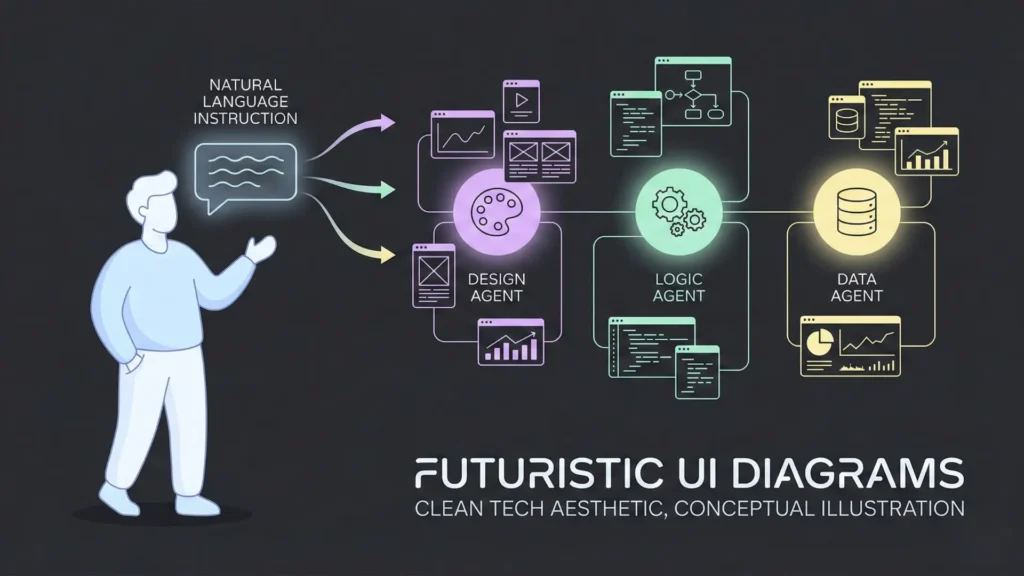
To understand how to build a mobile app without coding, you first need to grasp how the landscape has evolved. Back in 2020-2024, “no-code” meant visual programming. You acted as the translator, moving logic blocks and pixels to tell the computer what to do.
Launch Your App Today
Ready to launch? Skip the tech stress. Describe, Build, Launch in three simple steps.
BuildIn 2026, the paradigm has shifted from “Visual Building” to “Intent-Based Creation.”
The Rise of “Vibe Coding” and AI Agents
You might have heard the term “vibe coding” trending on social platforms. It refers to the practice of describing the vibe, functionality, and goals of an app to an AI, which then writes the underlying code for you.
When you build a mobile app without coding today, you are effectively a project manager for a team of AI developers.
- The Architect Agent: Structures your database and data relationships.
- The Designer Agent: Generates UI/UX based on current trends (like Neomorphism or Glassmorphism 2.0).
- The Logic Agent: Handles the “if this, then that” workflows behind the scenes.
No-Code vs. Low-Code vs. AI-Generated
- Pure No-Code: You never see a line of code. You use visual interfaces or natural language prompts. (Best for: Founders, MVP launches).
- Low-Code: You mostly use visual tools but can inject custom Javascript or Dart snippets if needed. (Best for: IT teams, complex enterprise tools).
- AI-Generated Apps: You prompt a system like “Create an Uber for dog walkers,” and it spits out a fully functional app. This is the dominant trend in 2026. You can read more about AI app builders here.
The technology stack has also matured. Apps built without code in 2026 are not “wrappers” or slow websites disguised as apps. They run on WebAssembly (WASM) and compiled native code, making them indistinguishable from apps coded by hand.
Why Founders Are Switching to No-Code
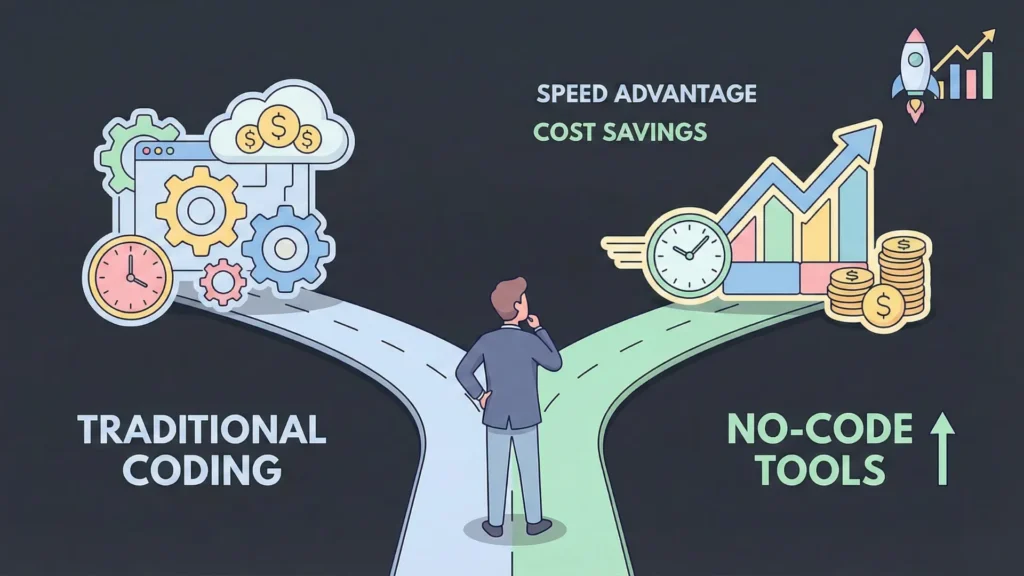
The decision to build a mobile app without coding is rarely just about “not knowing how to code.” Even senior software engineers are switching to no-code tools in 2026. Why? Speed and agility.
1. Speed to Market (The 10x Advantage)
Traditional development cycles for a mobile app used to take 4 to 9 months. With modern no-code platforms, the average time-to-launch is now 2 to 4 weeks. In a hyper-competitive market, launching first often means winning. You can validate your idea before your competitors have even finished their wireframes.
2. Drastic Cost Reduction
Hiring a US-based dev agency in 2026 costs upwards of $100,000 for a robust MVP (Minimum Viable Product). To build a mobile app without coding, your primary costs are a monthly subscription (ranging from $30 to $150/month) and your time. We will break this down further in the Cost section.
3. Agility and Iteration
In the old world, changing a feature meant submitting a ticket, waiting for a developer, testing, and re-deploying. Now, you can tweak your app in real-time. Did user feedback say the checkout button is too small? Change it in 5 seconds. This “Live Ops” capability allows you to pivot faster than venture-backed competitors.
4. Democratization of Innovation
The best ideas often come from people closest to the problem — teachers, nurses, logistics managers — not necessarily software engineers. No-code empowers these subject matter experts to build solutions that actually work for their industry.
Target Audience: Who Benefits Most?
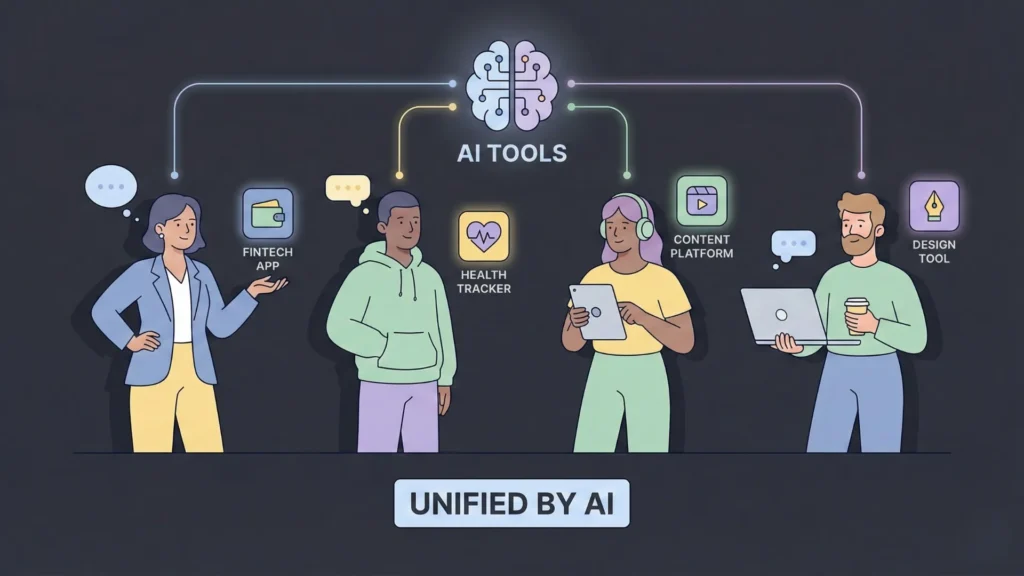
Is this path right for you? While the technology is powerful, it isn’t the solution for every single scenario (like high-frequency trading algorithms or AAA 3D games). However, for 95% of business ideas, it is the perfect fit.
The “Citizen Developer”
You are an employee at a company who sees a broken process. Maybe the inventory is tracked on paper, or client onboarding is a mess of emails. You can build a mobile app without coding to automate these workflows, making you a hero in your organization. Read more about the rise of citizen developers.
The Bootstrapped Founder
You have a startup idea but zero venture capital. You cannot afford a CTO. No-code allows you to be your own technical co-founder. You can build the first version, get paying customers, and then decide if you want to hire developers later.
Content Creators and Influencers
In 2026, creators are moving away from rented audiences on social media to owned platforms. Fitness coaches are building workout apps; chefs are building recipe subscription apps. No-code tools allow creators to monetize directly without platform taxes.
Agencies and Freelancers
A new breed of agency has emerged: the “No-Code Studio.” These agencies build a mobile app without coding for clients, charging premium rates for the solution, not the code. It is a lucrative career path in 2026.
Scope of Possibilities: Real-World App Examples
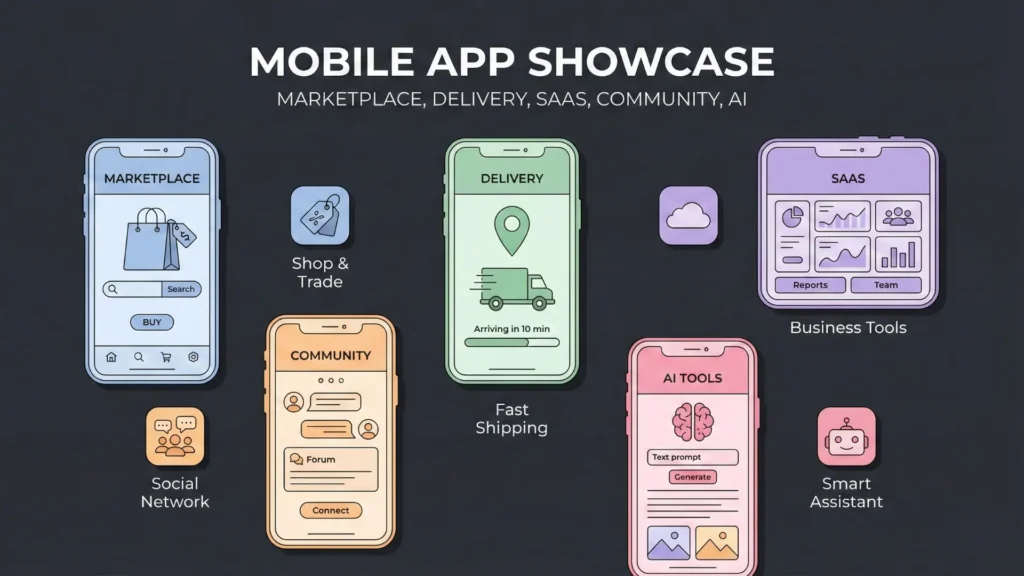
The myth that no-code is only for “simple” apps is dead. In 2026, major enterprises run mission-critical systems on these platforms. Here are the types of apps you can build:
1. Two-Sided Marketplaces
Think Airbnb or Upwork. You need to connect buyers with sellers, handle payments, manage bookings, and facilitate chat. Modern tools have pre-built “Marketplace Kits” that handle the complex logic of user roles (Buyer vs. Seller) out of the box. Learn more about building marketplace platforms.
2. On-Demand Delivery Apps
Uber Eats or Instacart clones. These require geolocation tracking, real-time push notifications, and driver dispatch logic. Platforms like FlutterFlow and Bubble handle geolocation natively in 2026.
3. Internal Business Tools (CRMs/ERPs)
Custom inventory management, field sales tracking, or employee portals. These often require tight security and integration with existing databases like SQL or Airtable. Check out this guide on automating internal tools.
4. SaaS (Software as a Service)
Subscription-based tools. You can launch a subscription-based app that offers gated content, AI-powered features (like a writing assistant or image generator), and recurring billing via Stripe integration.
5. Social Networks and Community Apps
Private communities (like Circle or Discord alternatives) with feeds, likes, comments, and media sharing.
6. AI-Wrapper Apps
This is the breakout category of 2025-2026. Apps that take a user’s input, send it to an LLM (Large Language Model), and return a result — like a legal contract drafter, a dream interpreter, or a personalized meal planner.
The Best Tools for the Job in 2026
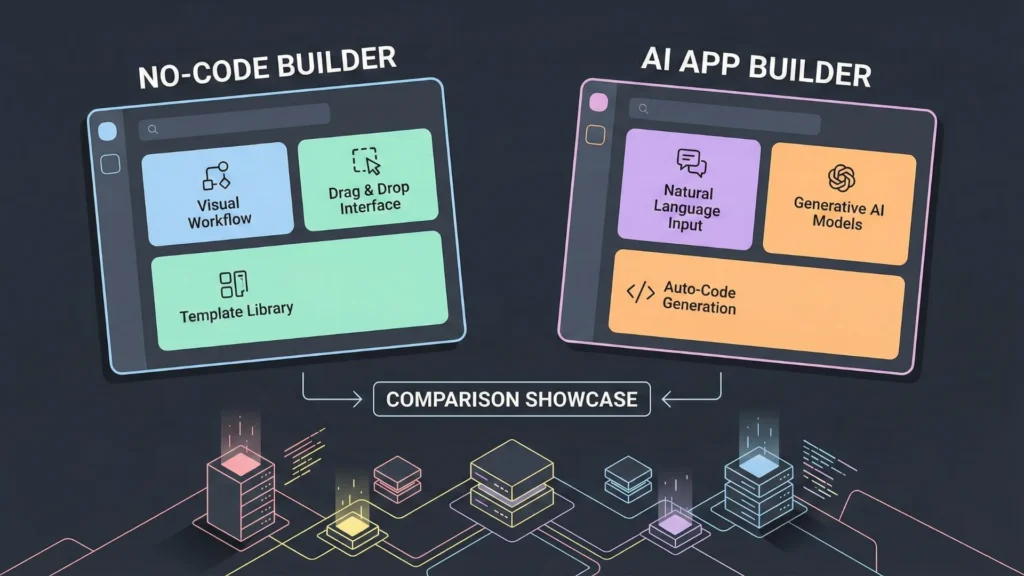
The market is crowded. To build a mobile app without coding successfully, you must choose the right tool. In 2026, the winners have separated themselves from the pack. For a full comparison, see our top AI app builder platforms.
1. FlutterFlow (The Native Powerhouse)
- Best For: Native iOS/Android apps, complex UI, high performance.
- 2026 Status: FlutterFlow remains the king of mobile no-code. Its “AI Gen” feature allows you to type “Create a profile page with a dark mode toggle and a glassmorphism card for stats,” and it builds the UI instantly. It exports clean Flutter code, meaning you are never locked in.
- Key Feature: Direct Firebase integration and custom action generation via AI.
2. Bubble (The Web Application Standard)
- Best For: Complex logic, heavy data processing, desktop/web-first apps (that can be wrapped for mobile).
- 2026 Status: Bubble has finally solved its mobile responsiveness issues. While still a web-first platform, its new “Mobile Native” engine allows for smoother touch interactions. It is unrivaled for backend logic.
3. Glide (The Data-First Builder)
- Best For: Internal tools, simple business apps, apps based on spreadsheets.
- 2026 Status: Glide has integrated deep AI capabilities. You can point it at a messy Excel sheet, and it will structure the data and build a mobile app without coding that visualizes that data in minutes. It’s the fastest path from data to app.
4. Thunkable (The Drag-and-Drop Veteran)
- Best For: True mobile-first beginners, educational apps, prototyping.
- 2026 Status: Thunkable’s “Remix” feature allows you to grab parts of other successful apps and adapt them. It has excellent support for native device features like Bluetooth, NFC, and sensors.
5. Zapier Interfaces (The Automation Hub)
- Best For: Workflow-heavy internal apps.
- 2026 Status: Zapier is no longer just for connecting apps; it is an app builder. Their “Interfaces” product lets you build front-ends on top of your automated workflows. Read more about Zapier and automation tools.
6. AgentUI (The New Challenger)
- Best For: “Vibe Coding” and AI-driven generation.
- 2026 Status: A newcomer that is making waves. You don’t drag components; you converse with an Agent. “Change the color scheme to match these brand guidelines and add a Stripe checkout for $19.” It handles the rest.
7. Imagine.bo (The Prompt-to-Product Architect)
- Best For: Founders who want a “CTO in a box,” end-to-end app generation from a single prompt.
- 2026 Status: Imagine.bo has redefined the “text-to-app” category. Unlike tools that just build a UI, Imagine.bo generates a complete engineering blueprint — including database schemas, backend logic, and security rules — before writing a single line of code. It effectively acts as a senior software engineer that translates your business goals into a deployable product. Learn why to choose Imagine.bo.
- Key Feature: The “Blueprint Engine” which validates your app’s logic for scalability before building, ensuring you don’t build a fragile MVP.
A Practical 6-Step Guide to Building Your App
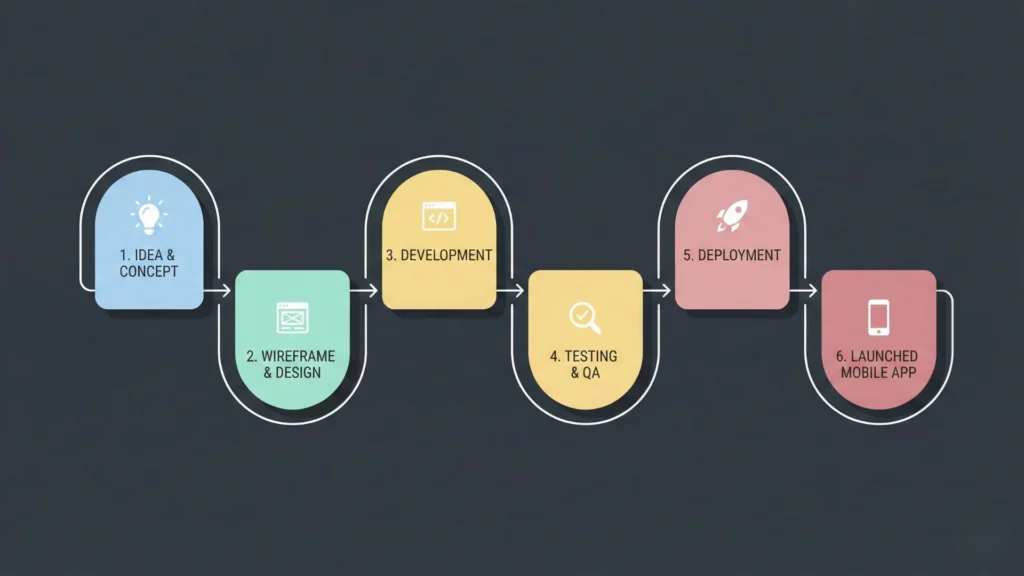
Ready to start? Follow this six-step roadmap. This process applies regardless of the specific tool you choose.
Step 1: Define Your “Core Loop”
Don’t try to build everything. What is the one thing your user does repeatedly?
- Instagram: Scroll feed -> Like photo -> Post photo.
- Uber: Request ride -> Track car -> Rate driver. Define this loop clearly. This is your MVP.
Step 2: Choose Your Database Strategy
Before you touch the UI, define your data. To build a mobile app without coding, you need to think like an architect.
- Users Collection: Name, Email, Profile Photo, Bio.
- Items Collection: Title, Price, Description, Image, Vendor (Linked to User).
- Transactions Collection: Amount, Date, Buyer, Item. Tip: In 2026, most tools let you ask AI to “Design a database schema for a dog walking app,” and it will set these relationships up for you.
Step 3: Wireframe with AI
Skip the napkin sketches. Use tools like Uizard or Visily. Upload a screenshot of an app you like and say “Make a version of this for a gardening shop.” These tools convert sketches into AI-powered apps which you can often import directly into builders like FlutterFlow.
Step 4: Building the Interface (The Front-End)
- Navigation: Set up your bottom tab bar (Home, Search, Profile).
- Components: Drag in your lists, buttons, and inputs.
- Responsiveness: Ensure you use “Flex” layouts so your app looks good on an iPhone Mini and a Samsung Ultra. 2026 tools handle this well, but always double-check.
Step 5: Wiring the Logic (The Back-End)
This is where the magic happens. You need to connect your buttons to actions.
- When Button A is clicked -> Create a Document in “Orders” -> Send Email to User -> Navigate to “Success Page”. This logic is visual. You aren’t writing code; you are building a flowchart.
Step 6: Testing and Publishing
- TestFlight (iOS) & Google Play Console: No-code tools streamline the deployment process, but you still need developer accounts ($99/year for Apple, $25 one-time for Google).
- AI Testing: Use built-in AI software testing tools to “stress test” your app. Tell the agent: “Act as a user trying to break the checkout flow.” It will simulate thousands of clicks to find bugs.
Cost Analysis: Budgeting for Your MVP
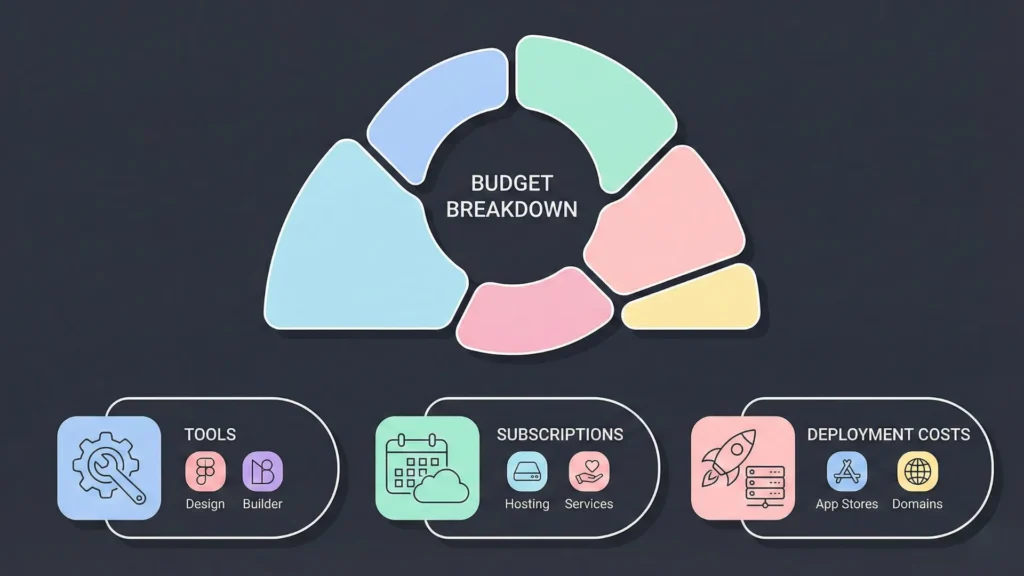
One of the biggest questions is budget. How much does it actually cost to build a mobile app without coding in 2026? Let’s break it down.
The “Bootstrapper” Budget (DIY)
- App Builder Subscription: $30 – $70 / month (e.g., FlutterFlow Pro).
- Database/Backend (Firebase/Supabase): Free tier (usually sufficient for first 10k users).
- Developer Accounts: $99 (Apple) + $25 (Google).
- Design Assets: $0 (Use AI generators like Midjourney v7 for icons/images).
- Total Launch Cost: ~$150 – $200 upfront, plus monthly sub.
The “Pro Scale” Budget (Small Business)
- App Builder Team Plan: $150 / month.
- Third-Party Integrations: $50 / month (APIs for maps, advanced search like Algolia).
- Custom Domain & Hosting: $20 / year.
- Total Launch Cost: ~$300 – $500 upfront.
Comparison to Traditional Development
- Agency Build (2026 Rates): $40,000 – $150,000.
- Freelancer (Upwork/Toptal): $5,000 – $20,000.
Verdict: Choosing to build a mobile app without coding saves you roughly 95% of the capital requirement compared to traditional agency development.
Common Traps and How to Avoid Them
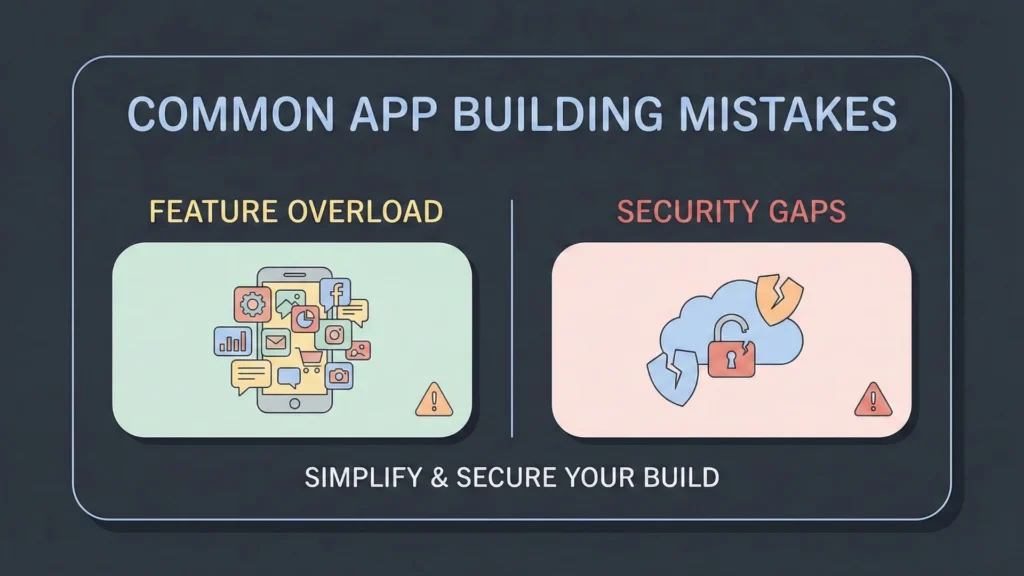
Even with AI assistance, beginners fall into traps. Avoid these 2026 pitfalls:
1. “Kitchen Sink” Syndrome
Don’t add features just because you can. Every new feature adds logic complexity and potential bugs. Stick to your Core Loop. If the AI suggests adding a “Gamified Leaderboard,” ask yourself: is this essential for day one? Usually, the answer is no.
2. Ignoring Data Privacy (GDPR/CCPA)
Just because you didn’t write the code doesn’t mean you aren’t liable for the data. In 2026, privacy laws are strict. Ensure your no-code tool follows data privacy compliance. Do not store sensitive data (like credit card numbers) directly in your database; always use a processor like Stripe.
3. Underestimating Logic Complexity
Visual builders make UI easy, but “Business Logic” is still logic. If you have complex recursive workflows (e.g., “If user X invites user Y, and user Y buys Z, give user X a credit, but only if…”), you might hit the limits of basic no-code tools. In these cases, use a “Backend-as-a-Service” like Xano to handle the heavy lifting.
4. Forgetting Offline Mode
Mobile users lose signal. If your app creates a white screen when the internet cuts out, Apple will reject it. Ensure you configure “Local State” or caching so your app works (or fails gracefully) offline.
Ensuring Your App is Secure and Scalable
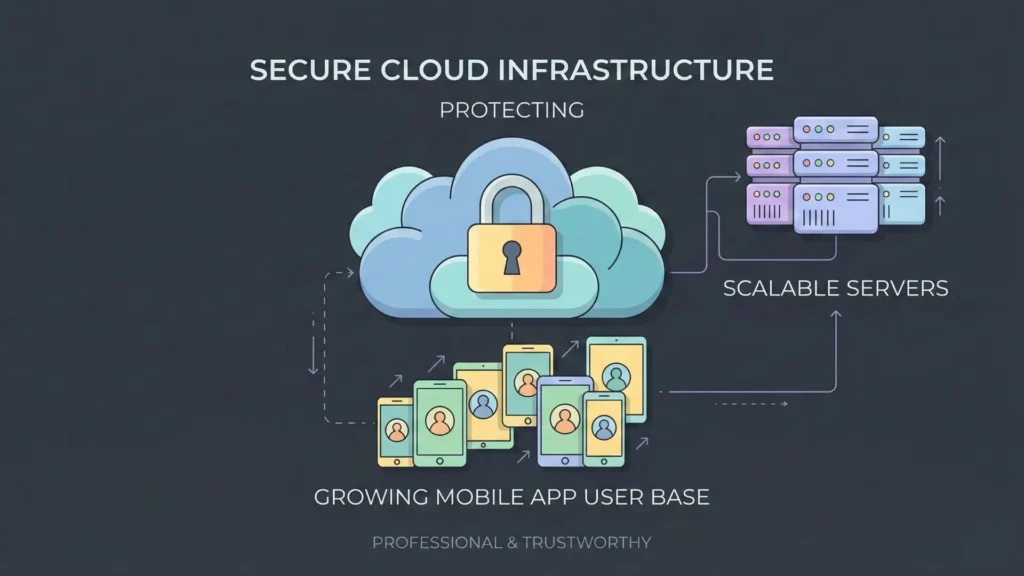
A common fear is: “Will my app crash if I get 100,000 users?”
Scalability in 2026
The “scalability myth” has been largely debunked. Modern scalable SaaS architectures run on enterprise-grade cloud infrastructure (AWS, Google Cloud).
- FlutterFlow/Firebase: Can scale to millions of users automatically. You pay for usage, but the infrastructure won’t break.
- Bubble: Introduced “Workload Units” (WU) to better handle high-traffic apps. While expensive at scale, it is technically capable of handling enterprise loads.
Security Best Practices
When you build a mobile app without coding, security is a shared responsibility.
- Platform Role: They secure the server, the code compilation, and the database infrastructure.
- Your Role: You must define “Row Level Security” (RLS). This means setting rules like: “Only the user who created this profile can edit it.” If you forget this, any savvy user could edit anyone’s profile. AI assistants in 2026 are great at auditing this — ask them: “Check my security rules for vulnerabilities.”
The Future: From Apps to Autonomous Agents
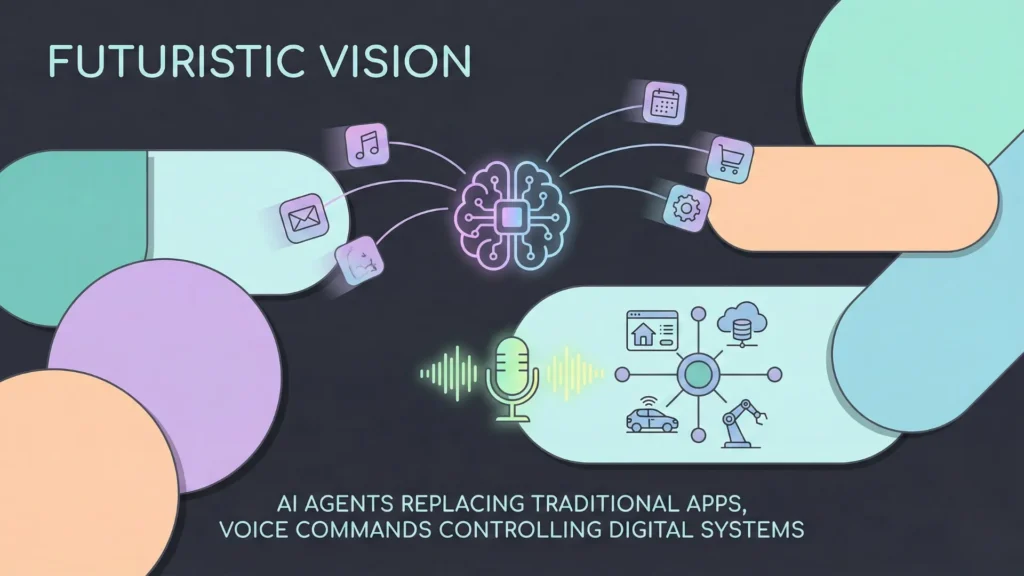
We are standing on the precipice of the “Post-App” era.
1. From Apps to “Agents”
By late 2026 and 2027, we expect a shift where users might not download apps at all. Instead, their personal AI assistant will interact with your app’s API to get things done. Building a mobile app without coding will soon evolve into building an AI agent.
2. Voice-First Creation
We are moving away from keyboard and mouse. Soon, you will build a mobile app without coding entirely via voice while walking your dog. “Siri/Gemini, add a feature to my app that tracks daily steps and charts it in blue.”
3. The Collapse of the “Technical Co-Founder” Role
The distinction between “business guy” and “tech guy” is vanishing. The future belongs to the Product Creator —someone who understands the customer problem and uses AI tools to solve it.
Conclusion
The barriers are gone. The excuses are obsolete.
To build a mobile app without coding in 2026 is not just a shortcut; it is a legitimate, professional, and smart business strategy. You have access to tools that would have cost millions of dollars just ten years ago. You have AI assistants ready to write your logic and design your interfaces.
The only variable left is you.
Will you let your idea sit in a notebook for another year? Or will you open a browser tab, sign up for a no-code builder, and start creating? The world is waiting for what you have to build.
Start today.
Launch Your App Today
Ready to launch? Skip the tech stress. Describe, Build, Launch in three simple steps.
Build