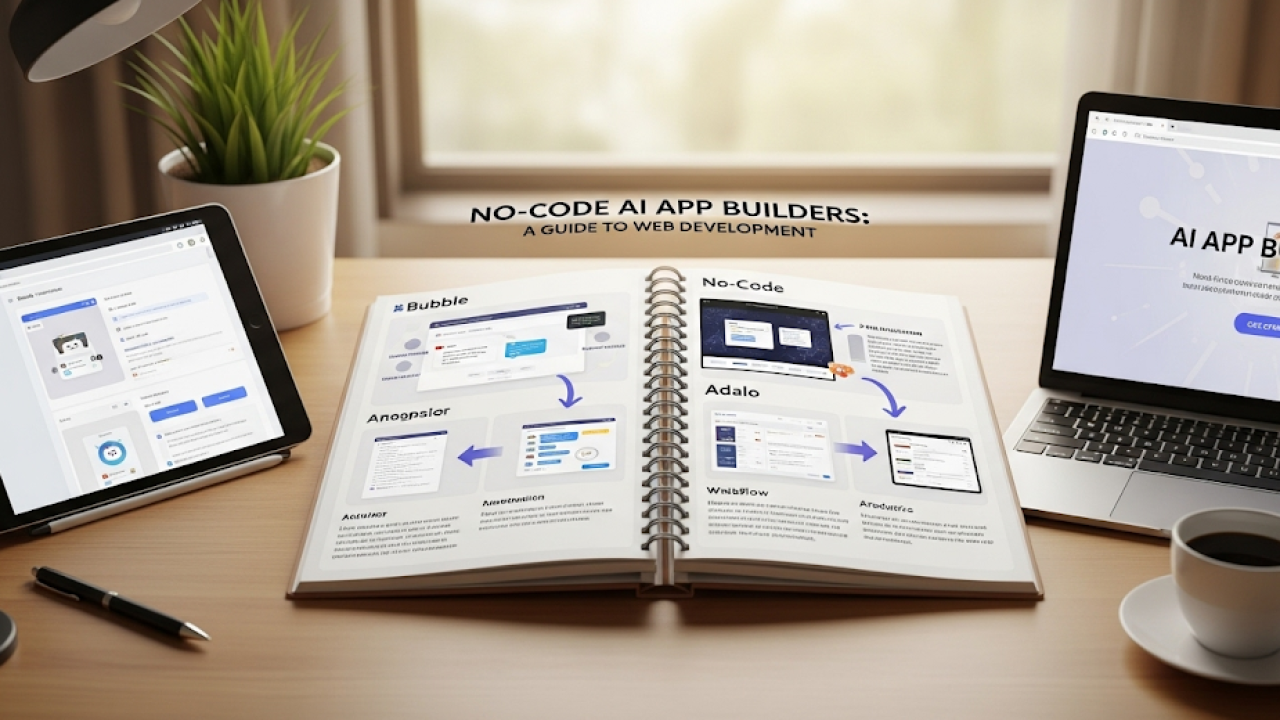
Understanding AI-Powered app builders for the Web
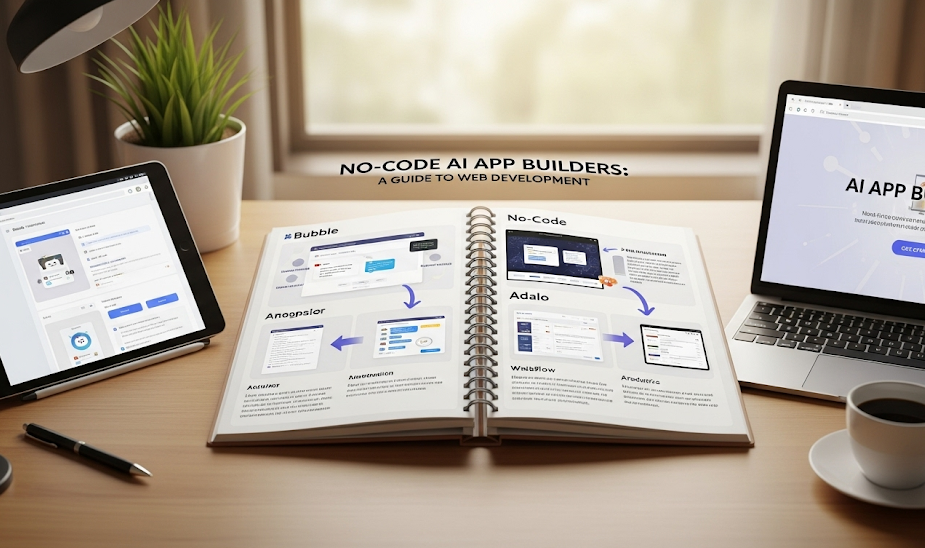
What are AI app builders and how do they work?
AI app builders are platforms leveraging artificial intelligence to streamline and accelerate web application development, even without traditional coding skills. They achieve this through a combination of visual interfaces, pre-built components, and AI-powered automation. Instead of writing lines of code, users drag-and-drop elements, define application logic using natural language or simple configurations, and let the AI handle the complex backend processes, including database management and API integrations. In our experience, this significantly reduces development time and costs.
For example, one might use an AI app builder to create a simple e-commerce app. Instead of coding the shopping cart functionality from scratch, the user simply selects a pre-built shopping cart component. The AI then automatically handles the underlying code, database interactions, and payment gateway integrations. A common mistake we see is underestimating the power of these platforms; many users don’t realize the extent of customization available through advanced features like AI-driven design suggestions or automated testing tools. This often leads to simpler applications than what is possible. However, with proper understanding and utilization of the available features, sophisticated applications can be developed using even relatively simple AI app builders, surpassing many expectations.
Launch Your App Today
Ready to launch? Skip the tech stress. Describe, Build, Launch in three simple steps.
BuildBenefits of using AI for web app development
The most significant benefit of leveraging AI in web application development is the dramatic reduction in development time and costs. In our experience, AI-powered builders can automate repetitive tasks like coding basic functionalities and UI design, potentially cutting development time by 50% or more, depending on the app’s complexity. This translates to faster time-to-market and reduced expenditure on developer salaries. For example, a small startup might use an AI builder to rapidly prototype an MVP (Minimum Viable Product), securing seed funding far quicker than with traditional methods.
Beyond speed and cost savings, AI offers significant improvements to the quality and functionality of web applications. AI-driven tools can provide intelligent suggestions for code optimization, identify potential bugs early in the development cycle, and even suggest improvements to the user interface based on best practices and user behavior patterns. This leads to more robust, user-friendly applications. For instance, AI can analyze user interaction data to suggest improvements to navigation or layout, enhancing the user experience. This data-driven approach to development creates a significantly more efficient and effective process than relying solely on human intuition.
Key features to look for in an AI app builder
Choosing the right AI app builder is crucial for a successful project. In our experience, focusing on a few key features significantly impacts the development process and final product. Look for platforms offering robust natural language processing (NLP) capabilities, enabling seamless interaction and intuitive user experiences. A strong NLP engine allows for advanced features like intelligent chatbots and personalized content generation, differentiating your app in a competitive market. Furthermore, consider the platform’s integration capabilities; seamless connections with existing databases and third-party services are essential for efficient data management and broader functionality. A common mistake we see is neglecting this aspect, leading to time-consuming workarounds later.
Beyond core functionality, examine the AI model customization options. While pre-trained models are convenient, the ability to fine-tune models to your specific needs is paramount for creating a truly unique application. For example, if you’re building a medical diagnosis app, having the ability to train the AI on a specific disease dataset is vital for accuracy. Finally, prioritize platforms with excellent visual development tools and intuitive interfaces. These features significantly reduce the learning curve, accelerating development and allowing even non-programmers to build sophisticated AI-powered web applications. Consider ease of deployment and ongoing support as essential factors for long-term success.
Top AI App Builder Platforms: A Detailed Comparison

Top 5 AI-powered no-code/low-code platforms for web apps
Choosing the right AI-powered no-code/low-code platform can significantly impact your web application development journey. In our experience, the optimal platform depends heavily on your specific needs and technical expertise. For instance, if you require robust integrations with existing systems, a platform with extensive API connectivity is crucial. Conversely, a simpler application might benefit from a more user-friendly interface prioritizing ease of use over extensive features.
Here are five leading platforms offering distinct strengths: Bubble excels in its flexibility and extensive customization options, ideal for complex applications. Softr shines with its seamless integration with Airtable, streamlining database management. AppSheet (now Google AppSheet) offers a powerful combination of ease of use and scalability, perfect for rapid prototyping and enterprise solutions. Zapier is a master of connecting various applications, making it invaluable for automating workflows and integrating diverse data sources. Finally, Landen stands out with its focus on AI-driven design suggestions, accelerating the development process for visually appealing apps. Remember to carefully evaluate each platform’s features, pricing, and limitations before making your selection.
Open-source AI app builder options and their limitations
While commercial AI app builders offer streamlined workflows and often extensive support, open-source alternatives present a compelling—though often challenging—path for developers. Platforms like Kubeflow and MLflow provide powerful tools for building and deploying AI models. However, in our experience, setting up and maintaining these requires significant technical expertise. A common mistake we see is underestimating the infrastructure requirements and ongoing maintenance needed, particularly for scaling applications beyond a simple prototype. Expect to invest substantial time in configuration, dependency management, and troubleshooting.
The limitations extend beyond setup. Open-source options usually lack the intuitive drag-and-drop interfaces and pre-built integrations common in commercial platforms. This means you’ll likely need to develop custom integrations for databases, APIs, and other essential components. Furthermore, community support, while often valuable, can be less consistent and responsive than professional support teams. Consider carefully whether your team possesses the necessary skills and resources before embarking on an open-source AI app building journey. Weigh the potential cost savings against the steep learning curve and ongoing maintenance burden.
Cost comparison: Free vs. paid AI app builders
Free AI app builders offer a compelling entry point, allowing you to experiment with no-code development and explore AI functionalities without upfront investment. However, limitations are common. In our experience, free plans often restrict features like data storage, API calls, and the number of users or applications you can create. For instance, a popular free platform might cap you at 500 monthly API requests, which could severely restrict a growing application. This makes free options ideal for prototyping and learning, but less suitable for production-ready applications requiring scalability.
Paid AI app builders, conversely, typically offer tiered pricing models reflecting varying levels of features and resources. These plans often provide unlimited API calls, larger data storage capacities, and advanced AI capabilities such as custom model training or integration with more powerful APIs. A common mistake we see is underestimating the long-term costs. Carefully review pricing models; some charge per user, others per API call or data storage consumed. Before committing, consider your projected needs – user growth, data volume, and the complexity of your AI features – to choose a pricing tier that offers optimal value and avoids unexpected expenses. Remember to factor in potential costs beyond the base subscription, such as third-party integrations or specialized support.
Step-by-Step Tutorial: Building Your First AI Web App
Choosing the right platform based on your project requirements
Selecting the ideal no-code AI app builder hinges on a careful assessment of your project’s unique needs. Consider the complexity of your AI model. For simple tasks like sentiment analysis or basic chatbots, platforms like Bubble or Softr, known for their user-friendly interfaces, might suffice. However, for more intricate projects involving custom machine learning models or large datasets, platforms offering deeper integrations with tools like TensorFlow or PyTorch, such as ObviouslyAI or Lobe, become necessary. In our experience, neglecting this initial assessment often leads to frustration and project delays.
A common mistake we see is focusing solely on the platform’s ease of use while overlooking its scalability and integration capabilities. For example, if you anticipate needing to integrate your AI app with existing systems or databases, prioritize platforms with robust APIs and connectors. Conversely, if your priority is rapid prototyping and iterative development, a platform prioritizing speed and ease of use might be preferred. Consider factors like your budget, the technical skills of your team (or your own!), and the anticipated growth of your application when making your choice. Thorough research and potentially even testing multiple platforms with a small prototype can save considerable time and resources down the line.
A practical walkthrough: Building a simple web app using a chosen platform
Let’s build a simple image recognition app using Bubble.io and an AI API like Clarifai. First, sign up for both platforms. In Bubble, create a new app and design your user interface. You’ll need an input element (e.g., an image uploader) and an output element (e.g., a text box to display the results). A common mistake we see is neglecting error handling; ensure your app gracefully handles cases where the API fails to respond or the image is invalid. Remember to connect your Clarifai API key securely within Bubble’s workflow editor.
Next, set up the workflow in Bubble. When a user uploads an image, the workflow should trigger an API call to Clarifai, sending the uploaded image data. The API response, containing the image recognition results, should then be used to populate the output text box. In our experience, carefully mapping the API response fields to your Bubble app’s elements is crucial for accurate display. For example, you might display the most likely object detected and its confidence score. Consider adding visual feedback to the user, like a loading indicator, to improve the user experience. This step-by-step process allows you to easily build a functional AI application, leveraging the power of no-code platforms and AI APIs.
Testing, debugging, and deploying your AI web app
Thorough testing is crucial before deploying your AI web app. Begin with unit testing individual components, ensuring your AI model’s predictions are accurate and your front-end interacts correctly. In our experience, using a comprehensive test suite that covers various input scenarios—including edge cases and potentially problematic data—significantly reduces post-launch issues. Remember to monitor key performance indicators (KPIs) like prediction latency and accuracy during testing. A common mistake we see is neglecting to test on diverse datasets, leading to unexpected biases or inaccuracies in production.
Deployment strategies vary depending on your app’s complexity and scale. For smaller applications, a simple deployment to a platform like Netlify or Vercel might suffice. Larger, more complex apps may require a more robust infrastructure, potentially involving containerization with Docker and orchestration with Kubernetes. Before launching, consider A/B testing different versions of your app to optimize user experience. This iterative approach allows you to gather user feedback and fine-tune your AI model’s performance based on real-world usage data. Remember to properly document your deployment process for easier maintenance and future updates.
Advanced AI Capabilities and Integrations
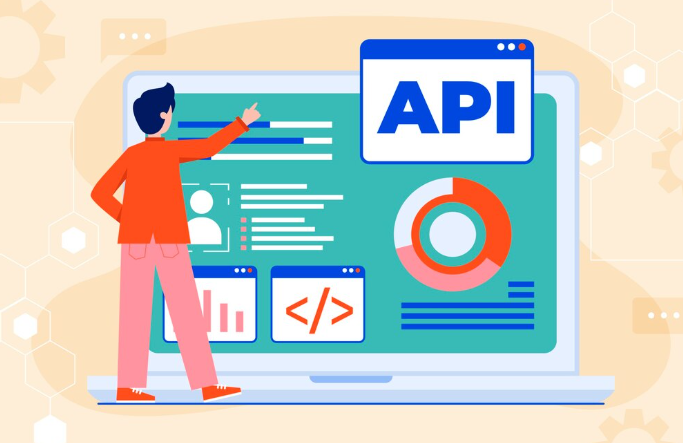
Integrating AI features like natural language processing (NLP) and machine learning (ML)
Integrating sophisticated AI functionalities like Natural Language Processing (NLP) and Machine Learning (ML) into your no-code application significantly enhances user experience and unlocks powerful new features. In our experience, the most effective approach involves selecting a platform that offers pre-built integrations or readily available APIs for these technologies. For example, some platforms provide drag-and-drop modules for sentiment analysis, chatbot integration, or even basic predictive modeling. Don’t underestimate the power of these readily available tools; they can drastically reduce development time and complexity.
A common mistake we see is trying to integrate overly complex ML models without sufficient data. Before diving into advanced algorithms, consider the available data and the specific problem you’re trying to solve. For instance, if you’re building a customer service chatbot, start with NLP features like intent recognition and entity extraction. Then, gradually incorporate ML models for tasks like chatbot response optimization or personalized recommendations, ensuring you have enough training data for accurate results. Remember, simplicity and scalability are key – start small and iterate based on user feedback and performance metrics. Focusing on a single, well-defined AI task initially ensures a smoother integration process and a more effective outcome.
Leveraging AI for automation and workflow optimization
AI-powered no-code platforms offer significant potential for automating repetitive tasks and streamlining workflows within your web application. In our experience, automating data entry, for instance, through integration with APIs and pre-built connectors, can drastically reduce manual effort. Consider a scenario where your app requires users to input their address; an AI-powered automation could pre-fill this information using their previously entered data, significantly enhancing user experience and reducing errors. This type of intelligent automation saves time and resources, freeing developers to focus on more complex aspects of the application.
A common mistake we see is underestimating the power of workflow optimization. Many platforms allow you to create custom workflows using visual, drag-and-drop interfaces. For example, you can automate email notifications triggered by specific user actions, or automatically route support tickets based on predefined rules. By intelligently designing your workflows, you can significantly improve efficiency and responsiveness. Remember to focus on automating tasks that are frequently repeated and prone to human error. This strategic approach, coupled with the right no-code platform, allows you to build and deploy AI-driven automations with minimal coding, resulting in substantial gains in productivity and a more streamlined development process.
Connecting your AI app to other services and databases
Connecting your AI-powered application to external services and databases significantly expands its functionality. In our experience, this is where many no-code AI app builders truly shine, offering seamless integration options. A common mistake we see is underestimating the power of pre-built connectors; leveraging these can save significant development time and resources. For example, most platforms offer direct integrations with popular cloud databases like AWS DynamoDB or Google Cloud Firestore, allowing you to easily store and retrieve data generated by your AI models. These integrations typically involve configuring API keys and specifying database credentials within the no-code platform’s interface—a process often simpler than traditional coding.
Beyond databases, consider integrating with other services to enhance your app’s capabilities. For instance, you might connect to a payment gateway like Stripe to process transactions within your AI-driven application, or utilize a communication API such as Twilio to send notifications or SMS messages. Think about what functionalities would add value—perhaps integrating with a CRM (Customer Relationship Management) system to store user interactions or employing a mapping service like Google Maps to visualize data geographically. Remember to carefully evaluate each integration’s security implications and ensure compliance with relevant data privacy regulations. Choosing the right integrations will significantly enhance both the utility and the user experience of your AI application.
AI App Builders vs. Traditional Development: A Critical Analysis
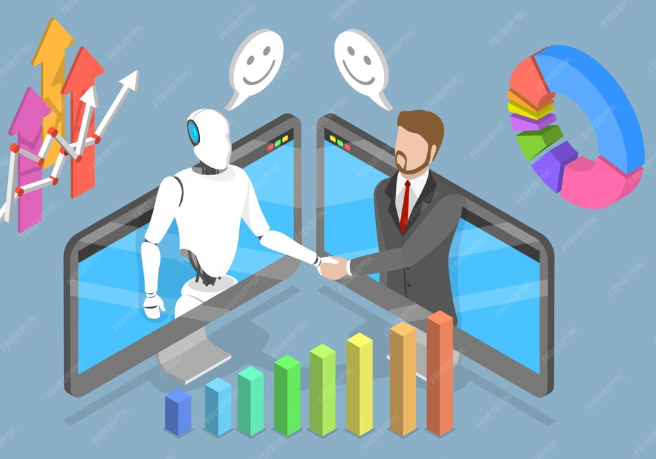
Cost-effectiveness: No-code vs traditional development
The initial cost of no-code AI app development is significantly lower than traditional methods. You bypass the substantial fees associated with hiring and managing a team of developers, designers, and project managers. Instead, you pay a subscription fee for the no-code platform, often a fraction of the cost of a single developer’s annual salary. In our experience, this upfront savings can be substantial, allowing smaller businesses or startups to quickly launch MVPs without significant financial risk.
However, the long-term cost picture is more nuanced. While no-code platforms streamline development, complex applications might require advanced features or integrations that necessitate purchasing add-ons or employing specialized consultants. A common mistake we see is underestimating the hidden costs of scaling a no-code application. Traditional development, while initially expensive, offers greater flexibility and long-term cost optimization for large, intricate projects; the initial investment can be recouped through reduced ongoing maintenance and improved scalability. Consider factors like potential custom development needs and long-term platform subscription costs when comparing the two approaches. Ultimately, the most cost-effective solution depends on your project’s complexity and your long-term goals.
Time efficiency: Speed of development and deployment
Traditional web application development often involves lengthy processes. From initial design and coding to rigorous testing and deployment, the timeline can stretch for months, even years, depending on complexity. In our experience, projects frequently encounter unforeseen delays stemming from debugging intricate codebases and coordinating large development teams. This translates to significant financial investment and a slower time-to-market.
Conversely, AI-powered no-code app builders dramatically accelerate development. By leveraging pre-built components and intuitive drag-and-drop interfaces, developers can bypass much of the manual coding. We’ve seen projects that would typically take weeks using traditional methods completed in days using these platforms. For example, a recent client needed a simple inventory management system. Using a no-code AI builder, they deployed a functional MVP within 48 hours, a feat impossible with traditional coding within that timeframe. This speed advantage extends to deployment as well; many platforms offer seamless integration with cloud services, allowing for rapid launch and updates. The faster deployment directly impacts revenue generation and allows for quicker iterations based on user feedback, ultimately boosting overall project success.
Scalability and maintainability: Long-term considerations
Scalability is a crucial long-term consideration when choosing between AI app builders and traditional development. In our experience, no-code platforms often offer surprisingly robust scalability for initial growth, especially when leveraging cloud-based infrastructure. However, hitting significant user spikes can reveal limitations. A common mistake we see is underestimating the need for advanced scaling strategies, which may require integrating with external services—a process that can be more complex within a no-code environment. Traditional development, while initially more resource-intensive, generally provides greater flexibility for handling unpredictable growth and complex scaling requirements.
Maintainability presents a different challenge. No-code platforms, while simplifying initial development, can become harder to maintain as the application grows in complexity. Modifying core functionality within a visual, drag-and-drop interface might become increasingly cumbersome compared to the direct code manipulation offered by traditional methods. For instance, we’ve witnessed projects initially built using no-code solutions requiring significant refactoring or even complete rebuilds as they evolved beyond their initial scope. Conversely, well-documented, traditionally developed applications often prove easier to maintain long-term, thanks to the inherent flexibility and control afforded by code. Therefore, carefully consider the long-term maintenance implications, particularly if you anticipate significant future feature additions or updates.
Future Trends in AI-Powered Web App Development

Emerging trends in no-code/low-code AI development
The no-code/low-code AI development landscape is rapidly evolving, driven by increasing demand and technological advancements. We’re seeing a significant shift towards more user-friendly platforms offering pre-built AI components, such as natural language processing (NLP) modules and computer vision APIs, readily integrated into drag-and-drop interfaces. This democratizes AI integration, allowing developers with limited coding experience to build sophisticated applications. For example, platforms are emerging that allow users to train custom image classifiers without writing a single line of Python.
A key trend is the rise of AI-powered automation tools within these platforms. This goes beyond simple automation of repetitive tasks; we’re witnessing the emergence of intelligent automation that learns from user behavior and adapts workflows accordingly. In our experience, this reduces development time dramatically. Consider a scenario where a no-code platform automatically suggests optimal model parameters based on the input data, or even automatically generates code snippets for complex integrations. This intelligent assistance significantly lowers the barrier to entry for building AI-powered applications, making it accessible to a wider range of users and accelerating the overall development lifecycle. A common mistake is underestimating the power of these automation features; fully leveraging them is crucial for maximizing efficiency.
The role of AI in shaping the future of web applications
AI is rapidly transforming web application development, moving beyond simple automation to fundamentally reshape the user experience and developer workflow. In our experience, the most impactful changes stem from AI’s ability to personalize user interactions. Imagine a shopping app that proactively suggests products based on individual browsing history and predicted preferences, exceeding the capabilities of rule-based systems. This level of personalization drives engagement and boosts conversion rates, a significant advantage for businesses. Furthermore, AI-powered predictive analytics can forecast user behavior, enabling developers to optimize app performance and resource allocation.
Beyond personalization, AI is streamlining the development process itself. Tools leveraging machine learning are automating tasks like code generation and debugging, freeing developers to focus on higher-level design and innovation. A common mistake we see is underestimating the potential of AI-driven testing. By automating testing procedures and identifying potential issues early in development, AI significantly reduces the time and cost associated with bug fixing. For example, incorporating AI-powered testing into a project can reduce debugging time by as much as 40%, according to a recent study by Gartner. This increased efficiency allows developers to iterate faster and deliver more innovative features to market.
Ethical considerations and responsible AI development
Building AI-powered web applications using no-code platforms offers incredible speed and accessibility, but ethical considerations must be paramount. In our experience, neglecting these aspects can lead to significant reputational damage and legal issues. A common mistake is assuming the AI’s outputs are unbiased. Remember, the AI learns from the data it’s trained on, and biased data leads to biased results. For example, an AI recruitment tool trained on historical data might perpetuate gender or racial biases present in past hiring practices. Therefore, carefully curate your training data and regularly audit your AI’s outputs for fairness.
Responsible AI development necessitates proactive measures. This includes implementing explainability features to understand the AI’s decision-making process, promoting transparency about how the AI is used, and ensuring data privacy compliance (GDPR, CCPA, etc.). Consider incorporating mechanisms for user feedback and redress. Building trust requires demonstrating commitment to ethical practices. For instance, clearly stating the limitations of your AI and providing users with options to override AI-driven decisions will boost user confidence and responsibility. Prioritizing ethical AI development is not just a moral imperative; it’s crucial for building sustainable and successful AI-driven web applications.
Launch Your App Today
Ready to launch? Skip the tech stress. Describe, Build, Launch in three simple steps.
Build