

App development is evolving quickly, and AI now makes it possible for anyone to build real apps without learning complex programming. Vibe coding is a simple way to create software by describing what you want and letting AI handle the technical work. It focuses on clear thinking, practical steps, and creative problem‑solving, making it easier for beginners and professionals to turn ideas into working apps.
Vibe coding is not about being a developer. It’s about being clear, practical, and creative. Anyone from entrepreneurs to students, small businesses, designers, and marketers can use this approach to turn ideas into real digital products. In this guide, you’ll learn the entire process step by step. You’ll also see where a no-code tool like Imagine.bo, an AI-powered app builder, fits naturally into this workflow. It won’t take over the article, but it will appear in places where it makes sense to show how modern tools support vibe coding.
Launch Your App Today
Ready to launch? Skip the tech stress. Describe, Build, Launch in three simple steps.
BuildUnderstanding How to Vibe Code can be a game-changer in your app development journey. This method emphasizes the importance of combining creativity with technical tools to achieve your goals effectively. Learning How to Vibe Code can empower you to create innovative applications with ease. By mastering How to Vibe Code, you will enhance your ability to bring ideas to life.
Start With a Clear Goal
Before using any tool, you need to know what you want to build. This is called procedural thinking. It helps you plan the project logically instead of guessing your way through it. Ask yourself simple but important questions: What problem does my app solve? Who will use it? What are the must-have features?
If you want to build a fitness tracker, your core features might be activity logging, reminders, and progress charts. If you want a booking system for a local business, you might need appointment scheduling, payment options, and notifications. Once you know the goal, break it into small steps. Think of the project in parts: interface first, database second, functions third, and so on. AI tools work much better when your thinking is structured.
Choose the Right Tool for Building

Choosing the right tool shapes your entire workflow. Here are five helpful options, each offering different strengths depending on how you like to build.
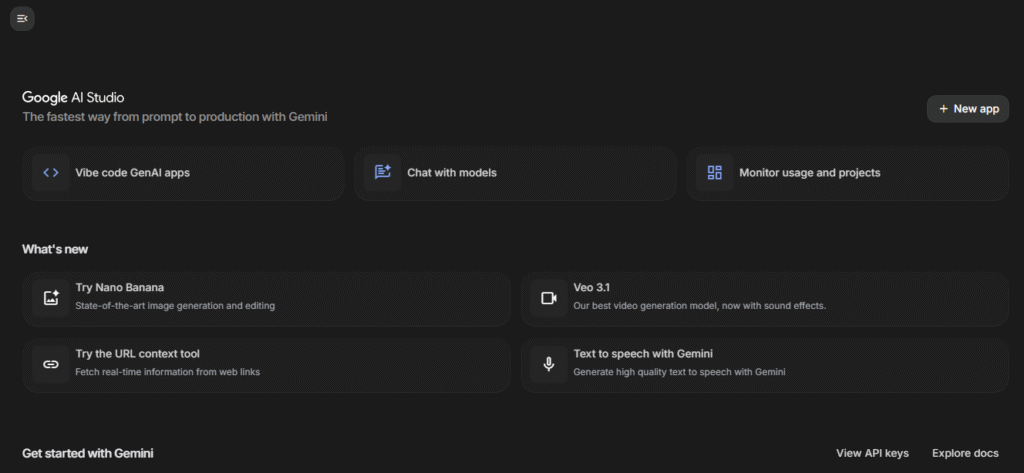
1. Google AI Studio
Pros:
- Great for generating clean starter code.
- Works smoothly with Google Cloud services.
- Good for developers who want AI assistance but still prefer hands‑on coding.
Cons:
- Not ideal for beginners.
- Requires setup and basic technical knowledge.
2. Imagine.bo (No‑Code + AI Builder)

Pros:
- Lets you describe your idea in plain English and turns it into a working structure.
- Scalable cloud deployment with strong security.
- Option to assign tasks to real developers when needed.
- Perfect for non‑technical founders, small businesses, and fast MVP launches.
- Get stuck or need help Assign to Developer feature to have a real engineer fix issues or enhance the workflow.
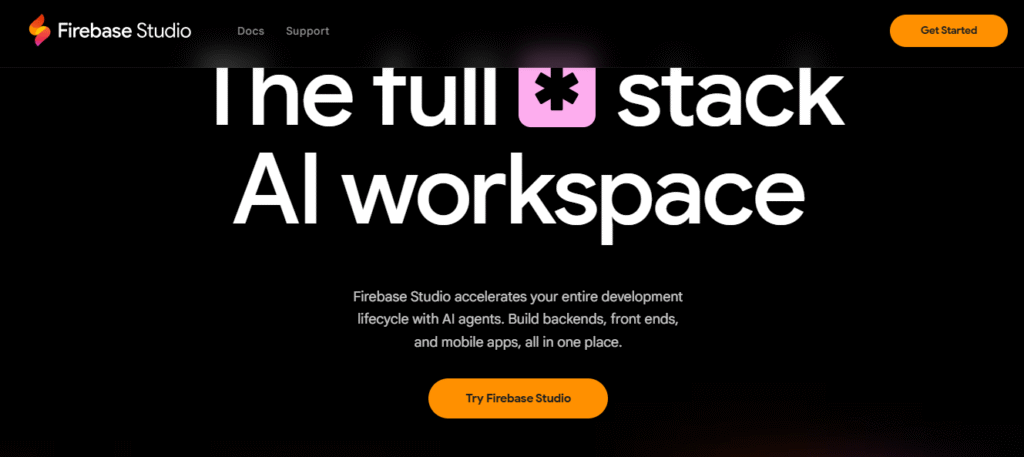
3. Firebase Studio
Pros:
- Strong backend tools like authentication and databases.
- Easy to integrate with AI-generated code.
- Reliable for real‑time apps.
Cons:
- More backend‑focused; UI must be built separately.
- Requires some technical understanding.
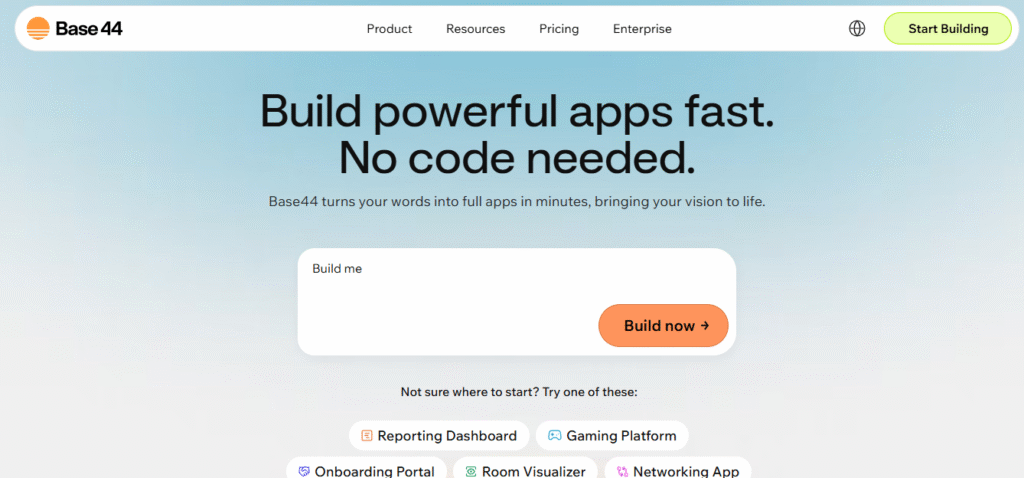
4. Base44
Pros:
- Designed for AI‑assisted coding.
- Good for generating full components and workflows quickly.
Cons:
- Limited customization if you want very specific behavior.
- Not as beginner‑friendly as no‑code options.
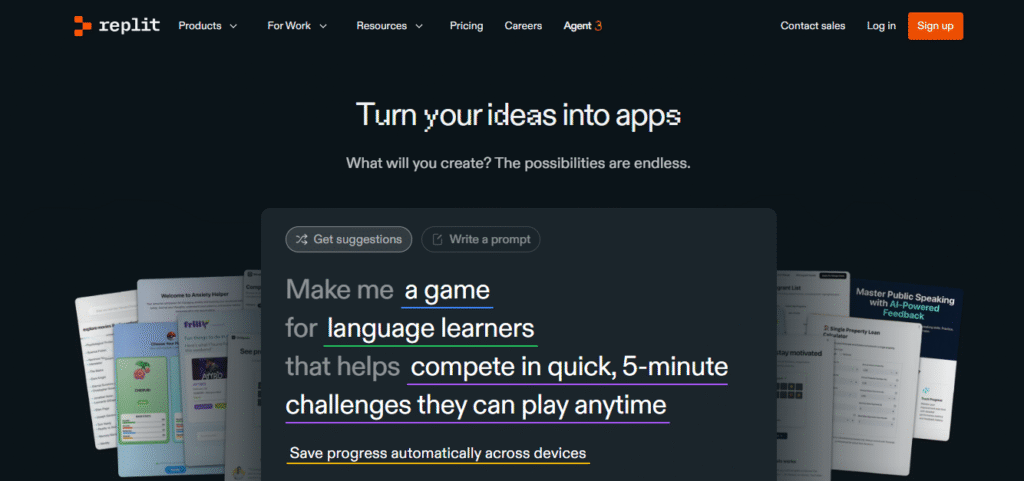
5. Replit Agent
Pros:
- Great for quickly spinning up full projects.
- Built‑in environment makes testing and running code easy.
- Good for developers who want AI assistance inside an editor.
Cons:
- Requires comfort with code.
- Can produce inconsistent outputs on complex prompts.
Whichever tool you choose, make sure to explore the interface, set up any required API keys, and understand how to preview your work as you build.
Craft Strong and Clear Prompts
Clear prompts lead to better results. Instead of vague requests, describe key features and layout so the AI knows exactly what to build. Explain the purpose, core functions, and design preferences. Even in Imagine.bo, clear descriptions help the AI create accurate screens and workflows. The more specific you are, the smoother the build becomes.
Generate Your Prototype and Test It Early
With Imagine.bo, creating a prototype is a simple step-by-step flow:
- Describe your idea in plain English (for example, “A simple booking app with a calendar, customer form, and email confirmation”).
- Imagine.bo’s AI generates the basic app structure: screens, forms, and workflows based on your description.
- Click Preview to see a live version of your app. Test it like a real user: create entries, submit forms, and move between screens.
- If something doesn’t feel right, tweak the design or workflows and preview again.
- If you get stuck or need help with complex logic, use Imagine.bo’s Assign to Developer feature to have a real engineer fix issues or enhance the workflow.
This fast loop of describe → generate → adjust → preview helps you build a usable prototype quickly, without technical stress, while still keeping full control over the user experience.
This fast loop of describe → generate → adjust → preview helps you build a usable prototype quickly, without technical stress, while still keeping full control over the user experience.
Give Feedback and Iterate Until It Works
Iteration is where your app improves. Describe the issue, let the AI fix it, and test again. In Imagine.bo, the assistant can correct workflows, and you can assign a developer if the problem is complex. The more you refine, the stronger your final product becomes.
Use Version Control to Stay Safe
When you’re building your app, it’s easy to change something by mistake. Version control helps you stay safe. Built‑in history features let you save versions and go back if something breaks. Imagine.bo also keeps a history of your workflows, so you can restore a working version anytime. This keeps your project safe and simple to manage.
Deploy Your App When You’re Ready
Once your app looks good, you can publish it with a single click. Imagine.bo handles all the backend work automatically, so you don’t need to manage servers or settings. Your app becomes live and ready to use without any extra setup. And if you’re unsure what to do next, just use the Assign to Developer option to let a real expert take care of it for you.
Best Practices for Smooth Vibe Coding
To get the best results, keep these habits in mind:
Start small. Begin with a simple version. You can always expand later.
Read the generated logic. If using a code-based tool, try to understand the structure. It builds your technical confidence.
Use plain English. You don’t need technical terms. AI understands clear language.
Prioritize security. Even simple apps must handle data safely. Tools like Imagine.bo automatically include best-practice security standards such as GDPR and SOC2-ready infrastructure.
Use analytics. Learn from user behavior and improve your app over time.
Conclusion
Vibe coding makes app building easier for everyone. You don’t need deep technical skills—just a clear idea and the right tools. With AI helping you at each step, you can turn your ideas into real apps much faster.
The process is simple: set your goal, choose your tool, give clear instructions, build the first version, test it, improve it, and publish it. Whether you use code or a no‑code tool like Imagine.bo, the aim is to create without stress.
Vibe coding gives students, founders, and small businesses the power to build and launch apps on their own. Your idea is the plan, and AI helps bring it to life in a simple, practical way.
Launch Your App Today
Ready to launch? Skip the tech stress. Describe, Build, Launch in three simple steps.
Build




