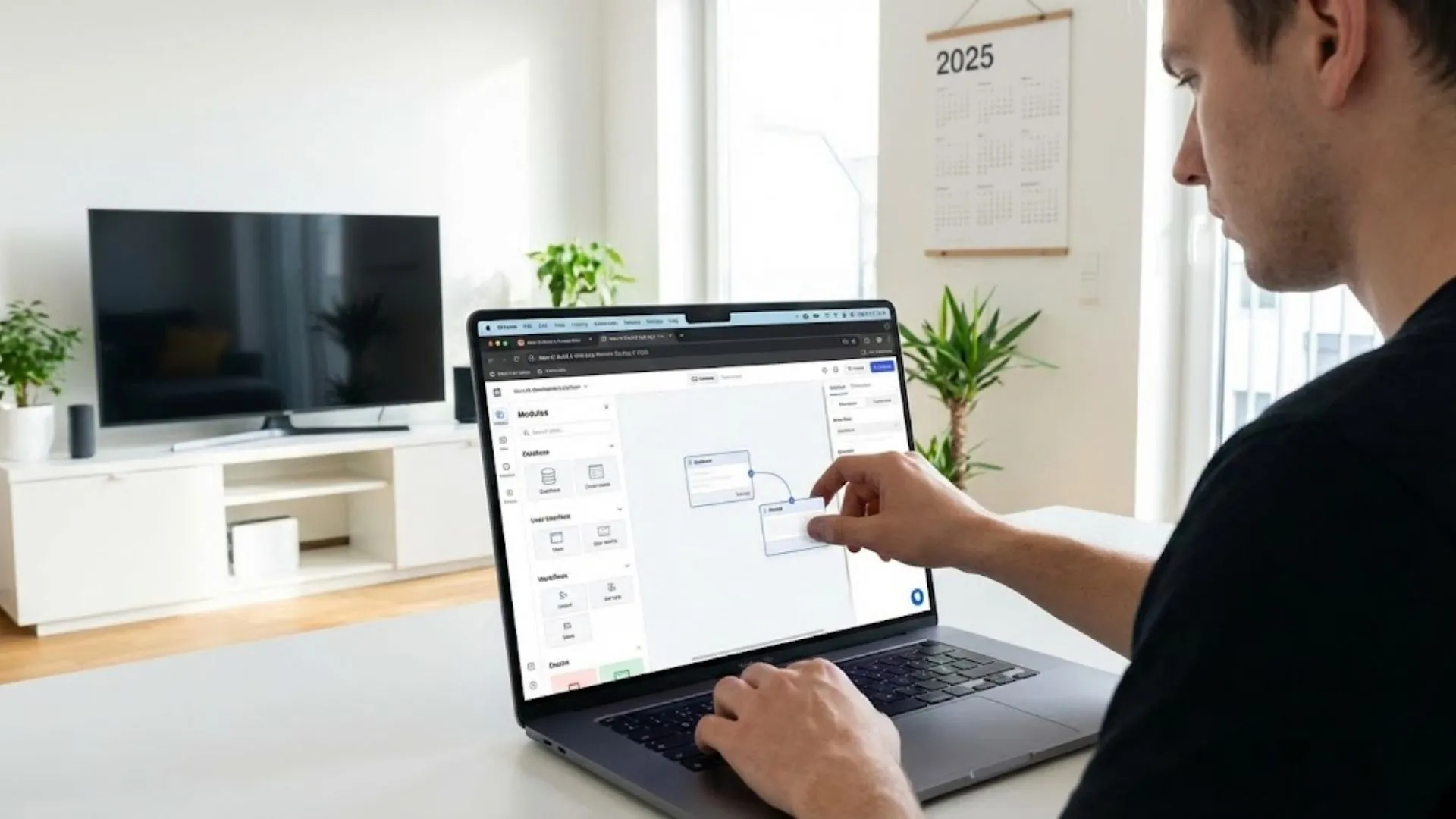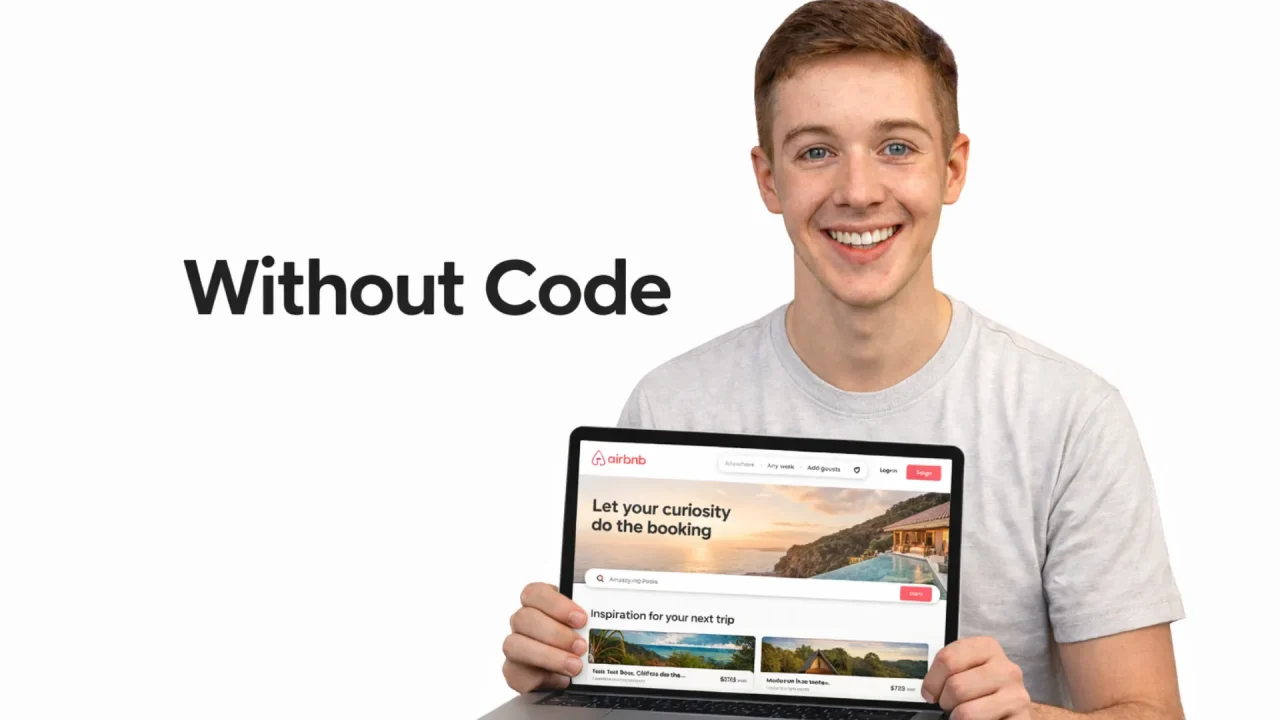
You have a marketplace idea. Buyers on one side, sellers on the other, and a transaction layer connecting them. The traditional path costs $50,000 to $200,000 and takes six to nine months with a dev agency. Most founders cannot afford that bet before they have validated demand. The good news: in 2026, you can build a production-ready two-sided marketplace without writing a single line of code. This guide walks you through every step, from defining user roles to processing payments to deploying live. If you have been exploring no-code platforms for marketplace development, this is the practical playbook you need.
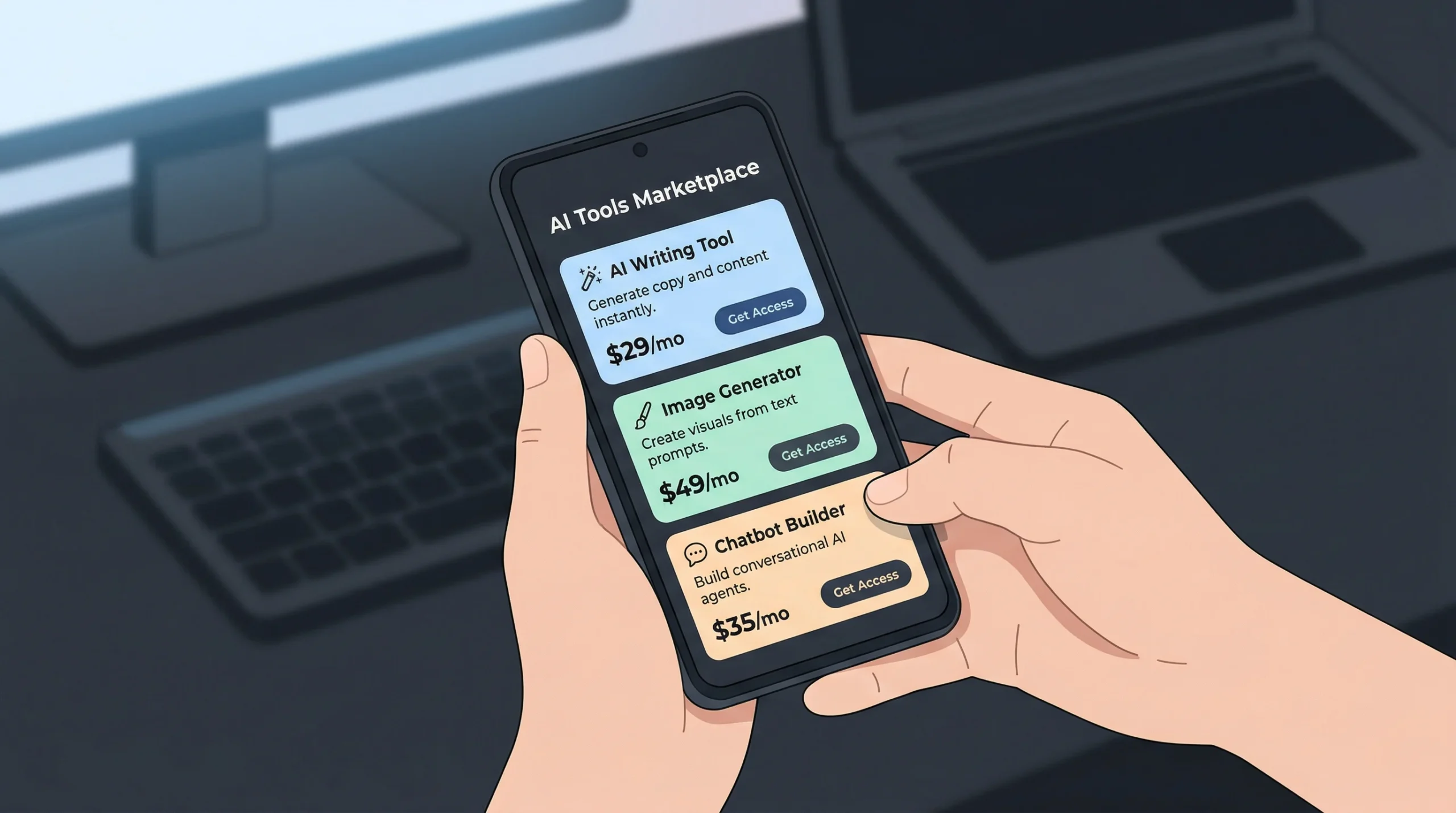
TL;DR: Traditional marketplace app development costs $50,000 to $200,000 (NGS Solution, 2025). No-code AI builders like imagine.bo cut that to under $500 and compress timelines from months to days. This guide covers user roles, listing systems, booking flows, payment integration, and deployment for a fully functional two-sided marketplace.
Why Are Founders Building Marketplaces Without Code?
The no-code market is not a niche experiment anymore. It is a structural shift in how software gets made. According to Fortune Business Insights, the low-code development platform market reached $37.39 billion in 2025 and is projected to hit $48.91 billion in 2026, growing at a 29.1% CAGR (Fortune Business Insights, 2026). Founders are choosing this route because the math changed. Traditional marketplace development runs $50,000 to $200,000 for a custom build, with timelines stretching six months or longer.
Launch Your App Today
Ready to launch? Skip the tech stress. Describe, Build, Launch in three simple steps.
BuildThe real shift is not just about saving money. It is about survival math for early-stage founders. A marketplace needs both supply and demand to function. If you spend eight months building before you can test whether sellers will list and buyers will pay, you are burning runway on an unvalidated assumption. No-code tools let you get a working product in front of real users within days, so you learn whether the marketplace has network effects before you have invested your entire seed round.
Gartner forecasts that 70% of new enterprise applications will use low-code or no-code technologies by 2026 (Gartner, 2025). That is not just enterprise players. Small and medium businesses account for over 60% of no-code platform adoption globally (CodeConductor, 2026). If you are building a marketplace to connect freelancers with clients, hosts with travelers, or vendors with shoppers, you no longer need a technical co-founder to ship your first version. You can build your startup without a developer and validate the idea first.
What Exactly Is a Two-Sided Marketplace App?
A two-sided marketplace connects two distinct user groups and facilitates transactions between them. One side supplies. The other side demands. The platform sits in the middle, handling trust, payments, and discovery. Airbnb connects hosts and guests. Upwork connects freelancers and clients. Etsy connects makers and shoppers. According to Business Research Insights, the global marketplace apps market was valued at $93.07 billion in 2024 and is expected to reach $283.75 billion by 2033 at a 13.5% CAGR (Business Research Insights, 2025).
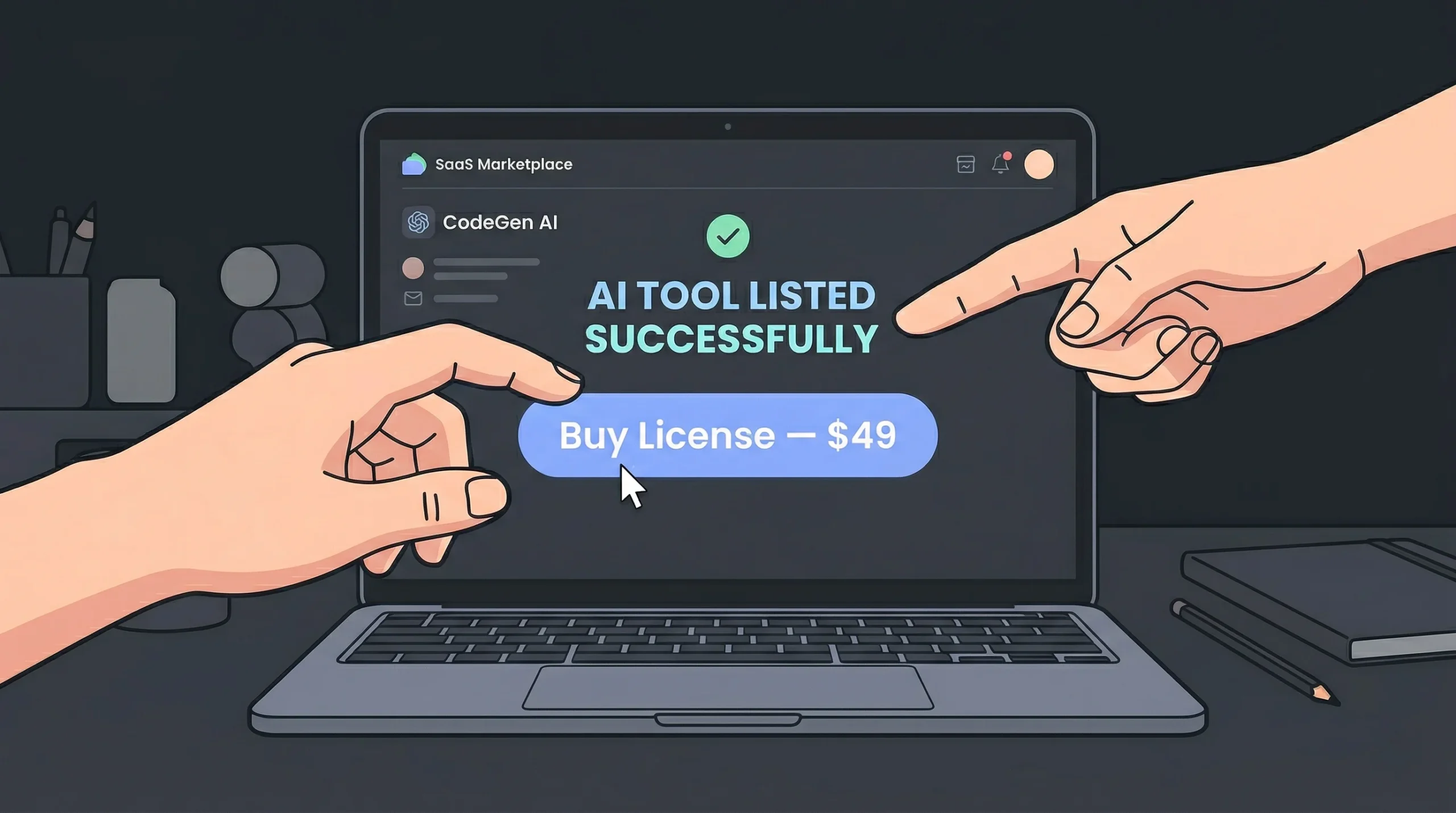
The critical difference between a regular e-commerce store and a two-sided marketplace is the cold start problem. You need supply to attract demand, and demand to attract supply. This is why speed to launch matters more for marketplaces than almost any other app type. The faster you can get listings live and buyers browsing, the faster you learn whether your marketplace concept has real traction. Every week spent in development before launch is a week your competitors could be onboarding their first sellers.
What makes marketplace architecture distinct is the need for separate user experiences. A seller needs a dashboard to manage listings, view orders, and track earnings. A buyer needs search, filtering, booking or checkout, and reviews. The platform owner needs admin tools for dispute resolution, fee management, and analytics. Building all three views from scratch is where traditional development costs balloon. No-code platforms like imagine.bo handle this with Describe-to-Build prompts that generate the full architecture from a plain English description.
How Do You Define User Roles for a Marketplace?
Start with three core roles: buyer, seller, and admin. Every permission, screen, and workflow in your marketplace branches from these roles. According to Gartner, by 2026, 80% of low-code platform users will be outside formal IT departments, meaning non-technical founders are now the ones designing these role structures (Gartner, 2025). Getting roles right from the start prevents the most common source of bugs in generated apps: permission errors.
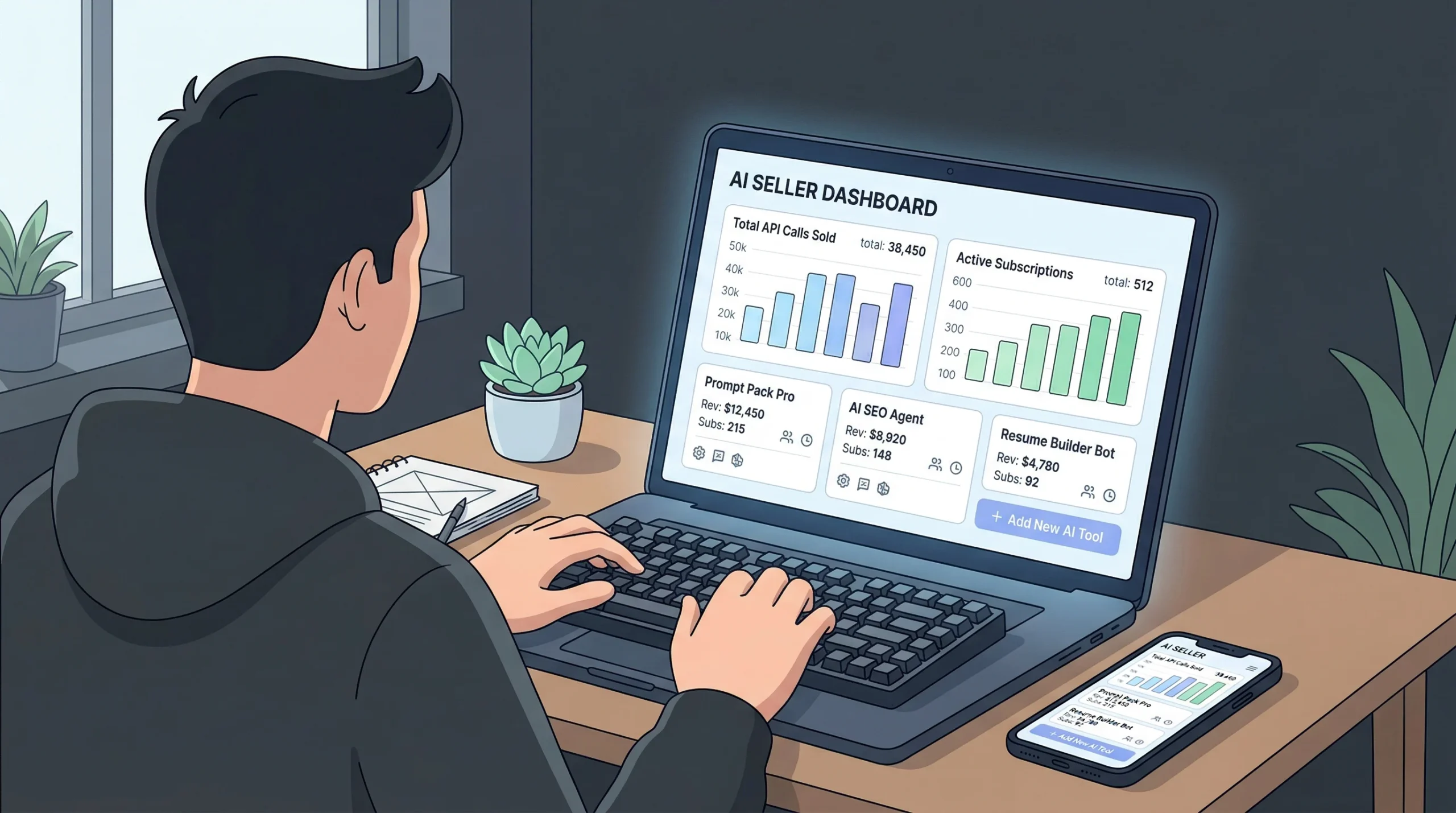
Here is how to structure roles for a typical two-sided marketplace:
Buyers can browse listings, search and filter, save favorites, book or purchase, leave reviews, and manage their profile and order history. They should not see seller dashboards, admin panels, or other buyers’ personal information.
Sellers can create and manage listings, set pricing and availability, accept or decline bookings, view their earnings dashboard, and respond to reviews. They should not access other sellers’ analytics or admin-level controls.
Admins can approve new seller applications, manage dispute resolution, view platform-wide analytics, adjust commission rates, and moderate content and reviews.
When prompting imagine.bo to build a marketplace, specifying roles in your initial prompt makes the biggest difference in output quality. A prompt like “Build a service marketplace where freelancers list services and clients book them. Freelancers can set hourly rates, upload portfolios, and manage availability. Clients can search by category, book time slots, and leave ratings. Admins approve freelancer profiles and handle refund disputes” generates a far more accurate blueprint than “Build something like Upwork.” The AI-Generated Blueprint maps these roles directly to database tables, API endpoints, and UI screens.
Define role-based access control early. In imagine.bo, you can specify this directly in your prompt: “Only admins can delete user accounts. Sellers can only edit their own listings. Buyers cannot access the seller dashboard.” The platform applies RBAC at the data layer, not just the interface, which prevents data leaks through direct URL access. If you want to avoid the most common mistakes founders make at this stage, review critical mistakes to avoid when building a no-code app.
How Do You Build the Listing System?
The listing system is the core of any marketplace. It is where sellers present what they offer and buyers decide what to purchase. A strong listing system needs structured data fields, media uploads, categorization, and search. According to Statista, marketplace platforms now drive over $3.5 trillion in global gross merchandise value annually (Statista, 2025). The platforms winning that volume all share one thing: their listing systems make it easy for sellers to post and easy for buyers to find.
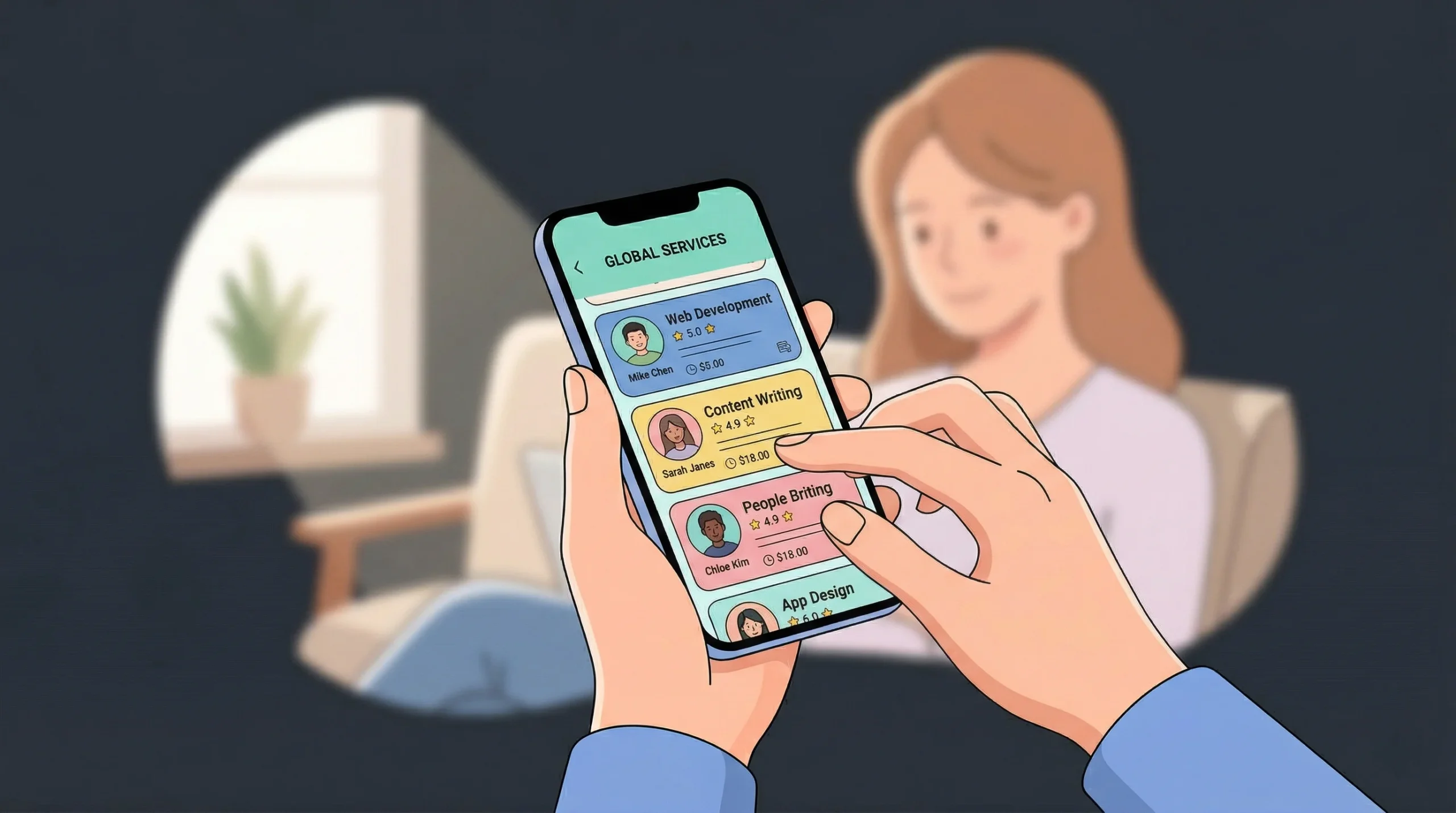
For a product marketplace, listings need: title, description, price, category, condition, images, shipping details, and seller info. For a service marketplace, swap shipping for availability calendar, location or remote flag, and duration. For a rental marketplace like an Airbnb clone, add date-based availability, nightly rates, house rules, and location coordinates.
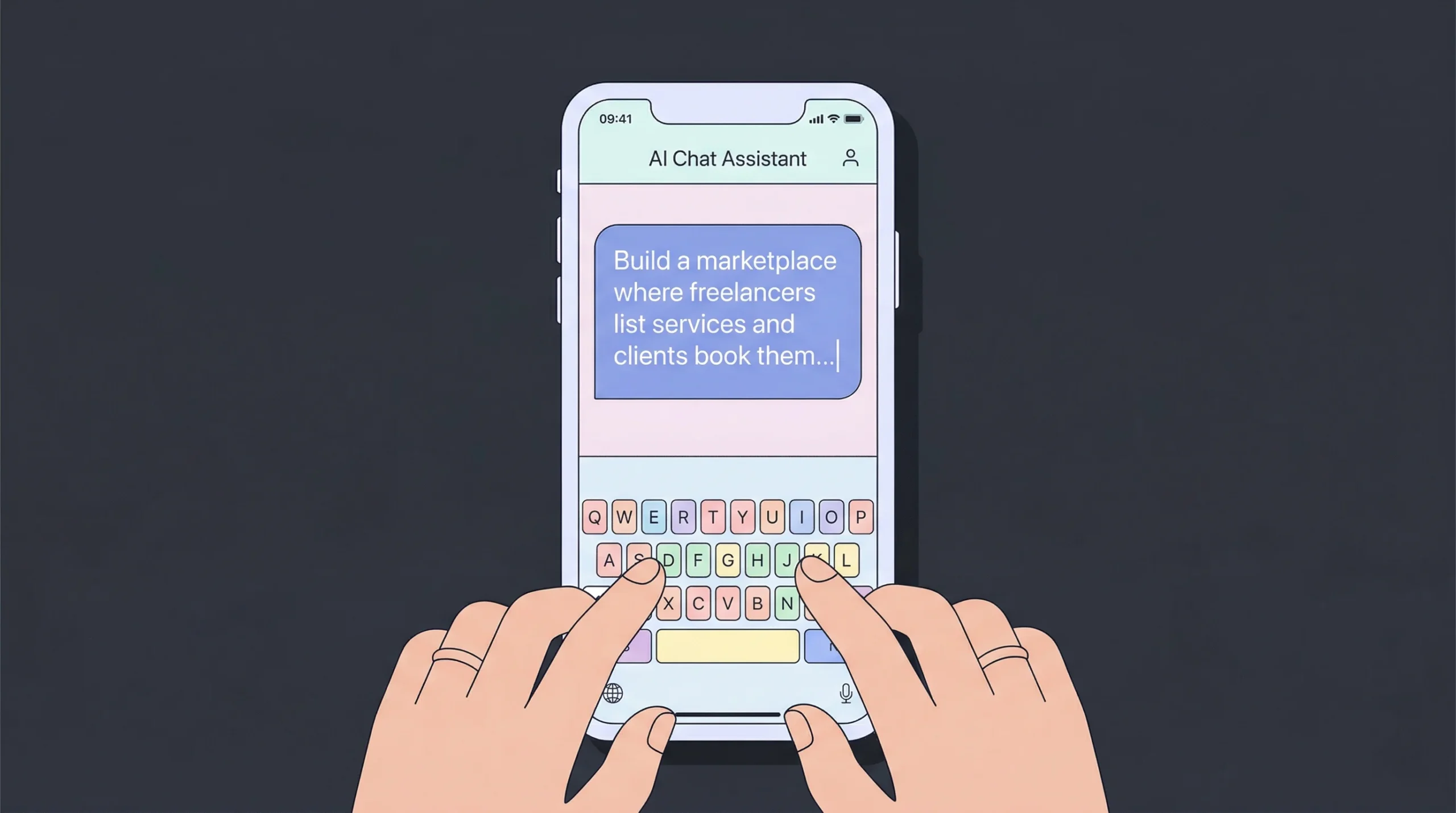
In imagine.bo, you build this by prompting: “Each listing has a title, description, category (from a dropdown of predefined options), price, up to 5 images, and an availability calendar. Sellers can save listings as drafts before publishing. Buyers can search listings by category, price range, and location.” The Describe-to-Build interface generates the database schema, the seller listing form, and the buyer search interface from this single prompt.
Based on the imagine.bo platform documentation, a marketplace with 10 to 15 pages including separate buyer and seller flows falls within the Pro plan’s capacity of 150 credits per month at $25. Compare this to the $50,000 to $200,000 range reported by NGS Solution for traditional custom development (NGS Solution, 2025). That is a 99%+ reduction in upfront cost, even before accounting for the speed difference.
Add search and filtering early. Buyers will not scroll through hundreds of unorganized listings. Prompt the AI to include category filters, price range sliders, location-based sorting, and a keyword search bar. If your marketplace is location-dependent, like a local services platform, add map-based search. For more complex search logic or third-party integrations like Algolia, you can use the Hire a Human feature to bring in an engineer for that specific module.
How Do You Set Up a Booking or Transaction Flow?
The booking or transaction flow is where your marketplace generates revenue. This is the step where a buyer commits, a seller confirms, and money changes hands. No-code platforms can reduce development time by up to 90% compared to traditional coding approaches (Gartner, 2023). But the transaction flow is also where complexity spikes, because it involves conditional logic, status management, and third-party payment processing.
For a booking-style marketplace (services, rentals, appointments), the flow looks like this:
- Buyer selects a listing and chooses a date or time slot. The system checks availability against the seller’s calendar.
- Buyer submits a booking request. The booking enters a “pending” state.
- Seller receives a notification and accepts or declines. If accepted, the booking moves to “confirmed” and the buyer is notified.
- Payment is captured. Depending on your model, you can charge at booking or upon completion.
- Service or product is delivered. The booking moves to “completed.”
- Buyer leaves a review. The review is attached to both the listing and the seller profile.
For a purchase-style marketplace (products, digital goods), simplify this to: add to cart, checkout, payment, seller ships, buyer confirms receipt, review.
Prompt imagine.bo with the full flow: “When a buyer books a service, the seller receives an email notification. The seller can accept or decline within 24 hours. If the seller does not respond, the booking auto-cancels and the buyer is notified. After the service is completed, prompt the buyer to leave a 1 to 5 star rating.”
This is where iterative refinement via conversation shines. If the generated flow misses an edge case, such as what happens when a seller cancels after accepting, you just tell the AI: “If a seller cancels a confirmed booking, issue a full refund to the buyer and flag the seller’s account for admin review.” The AI updates the logic without rebuilding the whole app. If you are building a booking-focused marketplace specifically, the step-by-step guide on how to build a booking or scheduling app covers additional workflows.
How Do You Handle Payments in a No-Code Marketplace?
Payments are the highest-stakes component of any marketplace. According to Market.us, the B2C marketplace segment held a 52.3% share of the shopping application market in 2025, and these platforms process billions in transactions (Market.us, 2026). Getting payments wrong means lost revenue, chargebacks, and broken trust.
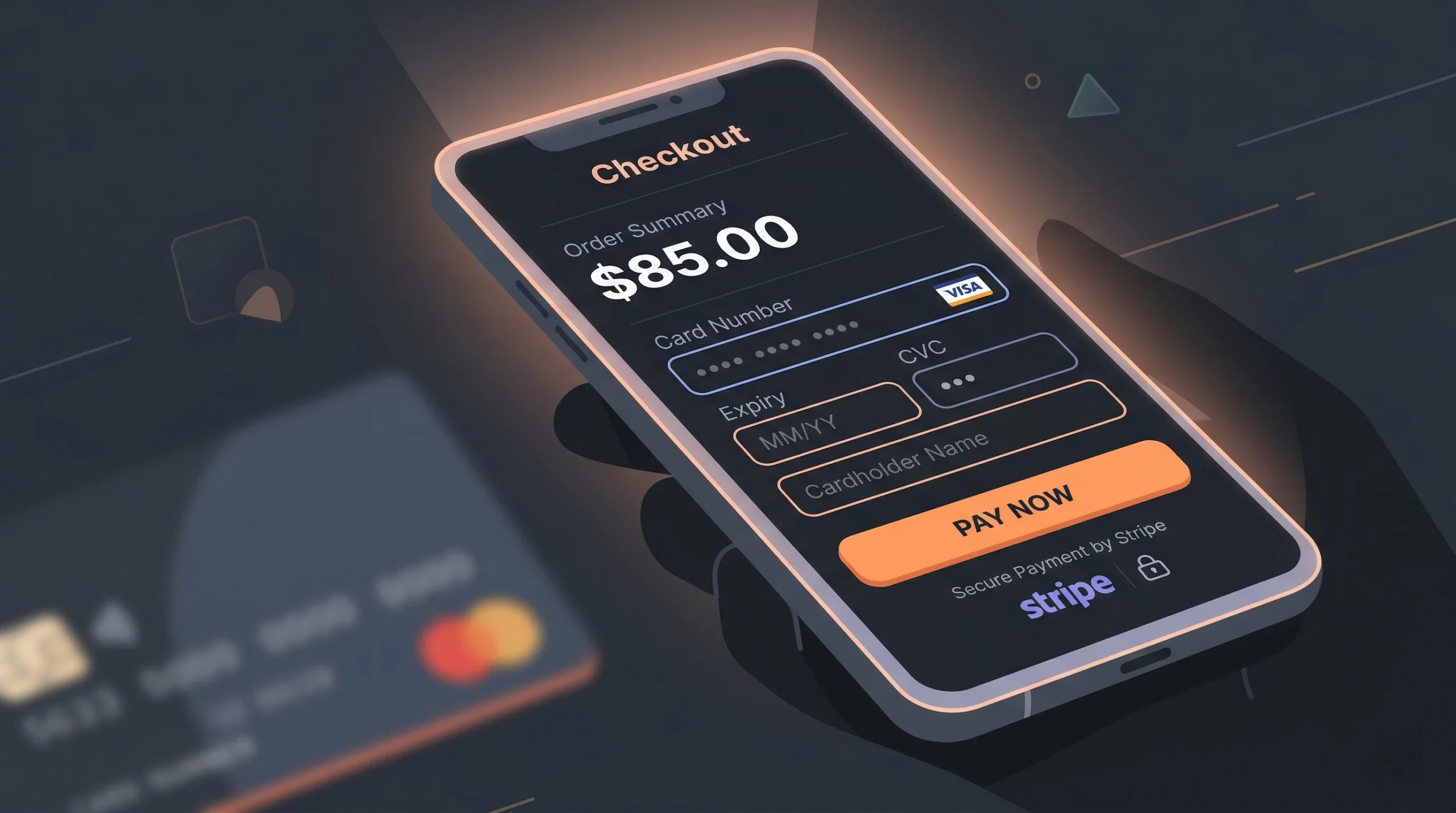
Two-sided marketplaces need split payments: the buyer pays, the platform takes a commission, and the seller receives the remainder. This is different from simple e-commerce checkout. You need an escrow-like mechanism where funds are held until the transaction is completed.
Stripe Connect is the industry standard for marketplace payments. It handles onboarding sellers as connected accounts, splitting payments automatically, managing payouts on a schedule, and handling tax reporting. For markets where Stripe is not available, alternatives like Razorpay or PayPal Commerce Platform serve similar functions.
Here is where most no-code marketplace builders hit a wall. The AI can generate the UI for a checkout page and even wire up a basic Stripe integration. But marketplace-specific payment flows, including split payments, delayed payouts, seller onboarding KYC, and refund logic, involve compliance requirements that benefit from human engineering review. This is the exact use case the imagine.bo Hire a Human feature was designed for. You get the AI to build 80% of the app, then assign payment integration to a vetted engineer who handles the PCI-DSS compliance, the webhook setup, and the edge cases like partial refunds and failed payouts. The result costs a fraction of building everything custom. For common pitfalls in payment integration, see this guide on Stripe payment integration challenges.
How Do You Add Reviews, Trust, and Safety Features?
Trust is the product in a two-sided marketplace. Buyers will not pay strangers without social proof. Sellers will not list without confidence they will get paid. According to JourneyHorizon, 90% of two-sided marketplace apps fail within their first year, often because they did not build sufficient trust mechanisms before scaling (JourneyHorizon, 2025). Reviews, verification, and dispute resolution are not nice-to-have features. They are load-bearing infrastructure.
Build these trust layers into your marketplace:
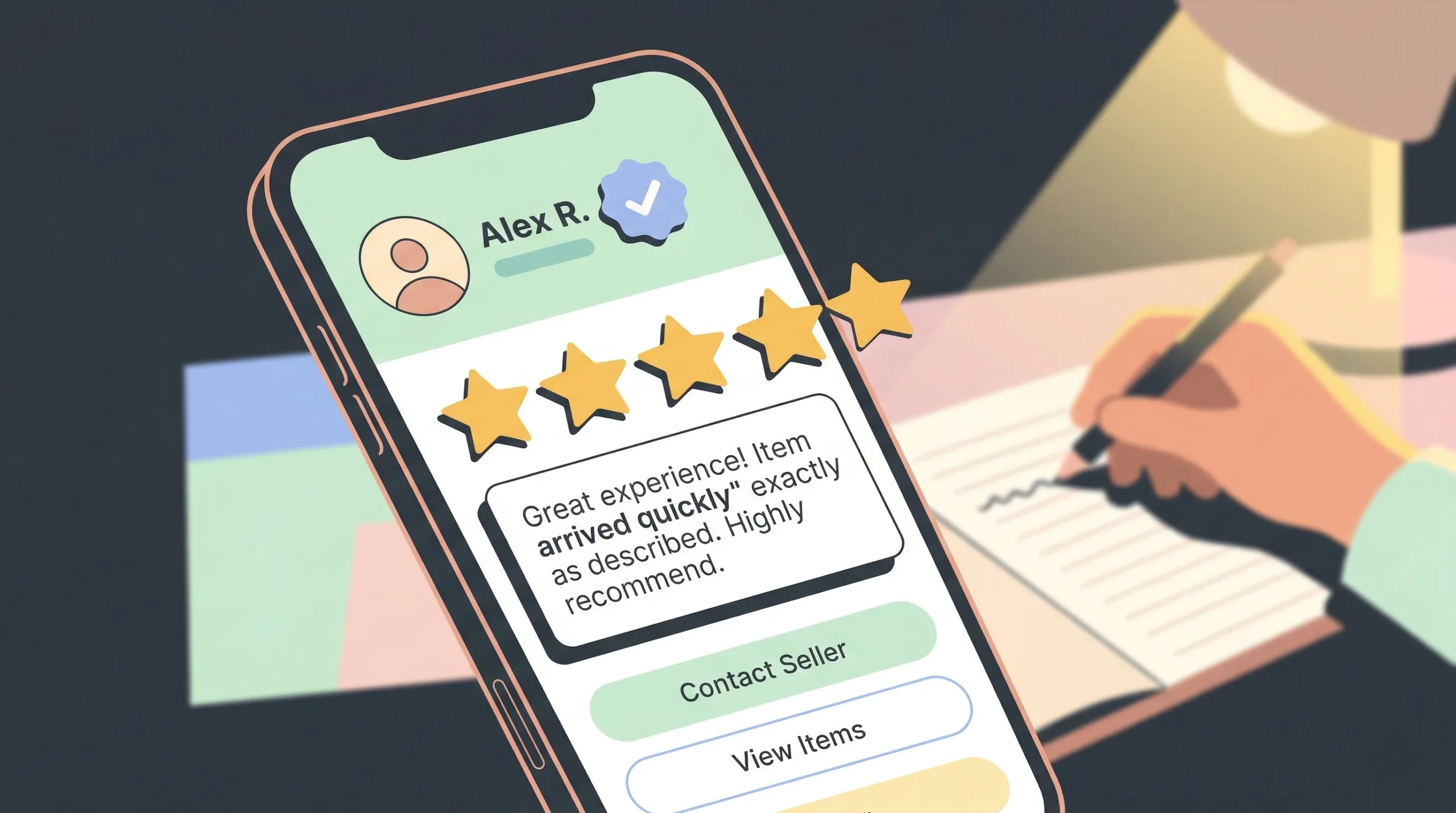
Ratings and reviews: After every completed transaction, prompt the buyer to rate the experience on a 1 to 5 scale and leave a written review. Display aggregate ratings on seller profiles and individual listings. Let sellers respond to reviews publicly.
Seller verification: Require sellers to complete identity verification before their listings go live. At minimum, verify email and phone number. For high-trust categories like professional services or accommodation, add ID verification or background checks through a third-party API.
Dispute resolution: Create an admin workflow for handling complaints. When a buyer reports an issue, the admin can view the transaction details, communicate with both parties, and issue a full or partial refund.
Prompt imagine.bo to include these: “After a booking is marked complete, show the buyer a review form with a 5-star rating and a text field. Display the average rating on each seller’s profile page. Add a ‘Report Issue’ button on the order details page that creates a support ticket visible to admins.” Iterate with follow-up prompts to refine the logic. If you are building an e-commerce marketplace without developers, these trust features are what separate a prototype from a real product.
How Do You Deploy and Launch Your Marketplace?
Deployment is where many no-code projects stall. You have built the app, tested the flows, and everything looks good in preview. Now you need it live, fast, and reliable under real traffic. According to Fortune Business Insights, mobile e-commerce alone drives trillions in transactions annually, and users expect sub-second load times (Fortune Business Insights, 2025). A slow or unreliable marketplace loses both sides of the network.
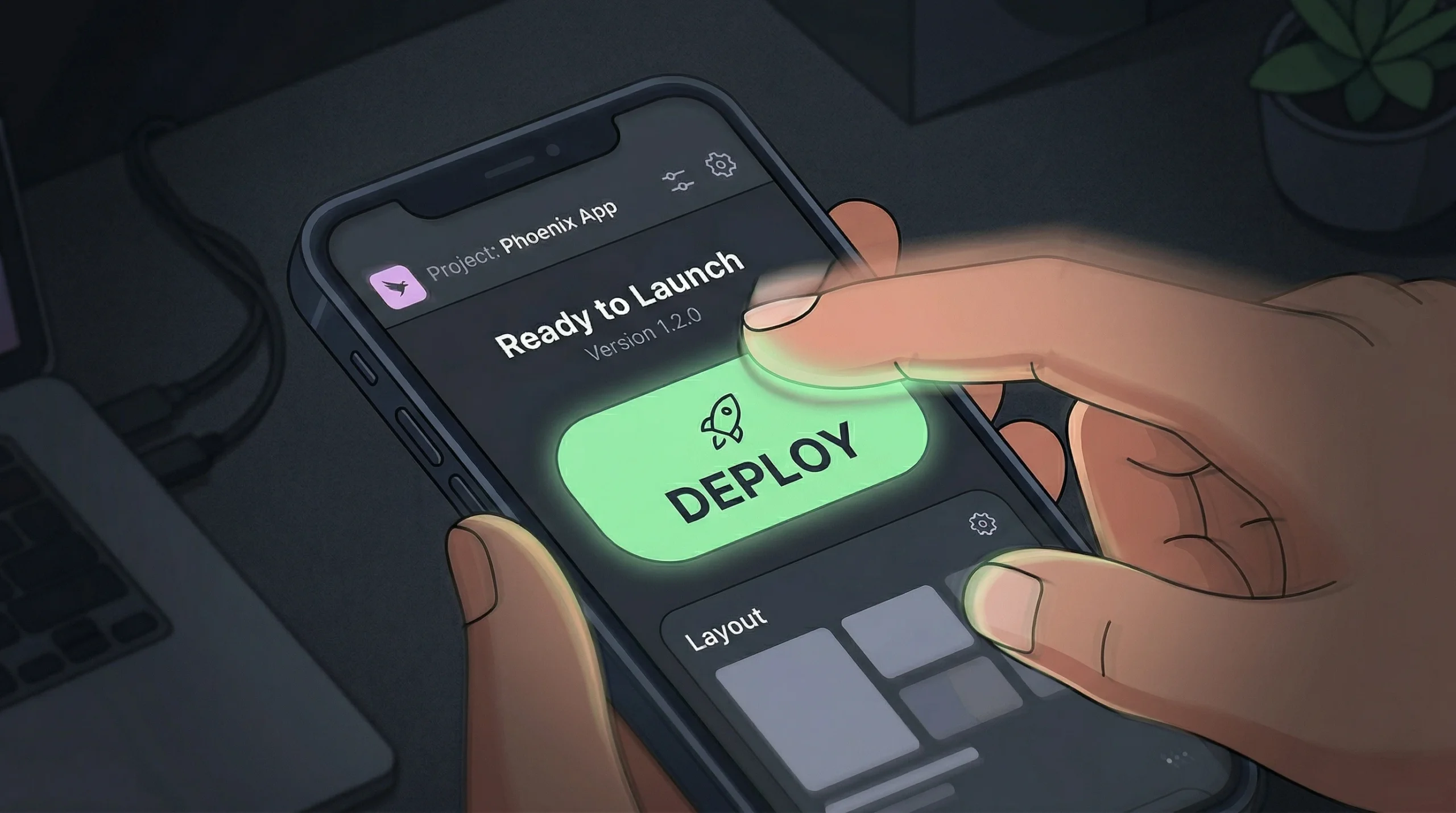
imagine.bo handles deployment with One-Click Deployment. Your frontend is deployed to Vercel, which provides global edge caching and fast load times worldwide. Your backend and database run on Railway, with automatic scaling that handles traffic spikes from 10 users to thousands. SSL, HTTPS, and security configurations are applied automatically. No DevOps knowledge required.
Before you deploy, run through this pre-launch checklist:
- Test every user journey with accounts in each role: buyer, seller, and admin.
- Verify that sellers cannot access buyer-only pages by typing URLs directly.
- Confirm payment flows work end to end with test transactions.
- Check that email notifications fire correctly for bookings, cancellations, and reviews.
- Replace all placeholder content with real copy and images.
- Set page titles and meta descriptions for SEO on all public-facing pages.
After launch, use imagine.bo’s built-in analytics to track user behavior, engagement, and retention. Identify where buyers drop off in the booking flow. See which listing categories get the most traffic. Use this data to iterate. Want a broader look at launching your startup without a developer? The tools and tactics overlap significantly with marketplace launches.
What Does It Cost to Build a Marketplace on imagine.bo?
The cost question is what drives most founders to no-code in the first place. Traditional marketplace development ranges from $50,000 for a basic MVP to over $200,000 for a full-featured platform (Wildnet Edge, 2025). Maintenance adds another 15% to 20% of the original development cost annually (LitsLink, 2025). These numbers put custom marketplace development out of reach for most bootstrapped founders.
On imagine.bo, the math looks different:
Free plan ($0/month): 10 credits, enough to test the Describe-to-Build workflow and generate a basic prototype. Public projects only.
Pro plan ($25/month): 150 credits, enough to build a full 10 to 15 page marketplace application with authentication, booking flows, and seller dashboards. Includes private projects, rollover credits, and a 1-hour expert session before launch.
Done For You ($499 one-time): The imagine.bo engineering team builds your entire marketplace. Architecture, development, deployment, and infrastructure handled by experienced engineers.
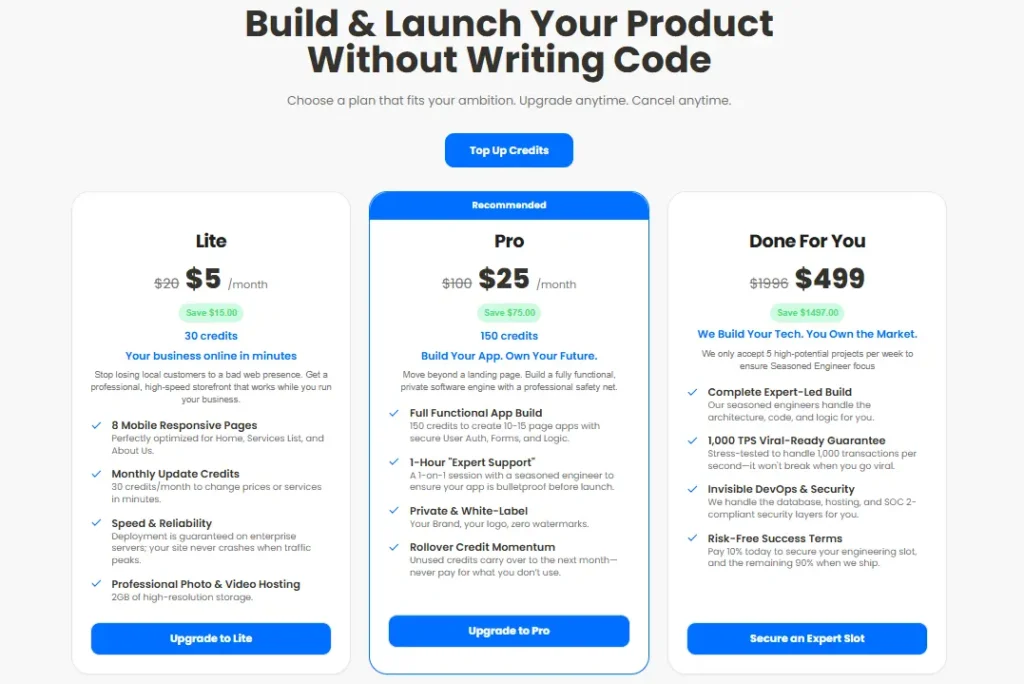
If you start on the Pro plan and use the Hire a Human feature for payment integration at $25 per page, a functional two-sided marketplace with buyer flows, seller dashboards, admin tools, and Stripe Connect integration costs under $600 in total. That is less than 1.2% of the median traditional development cost. Even with three months of iteration on the Pro plan, your total spend stays under $575 before any Hire a Human add-ons. No other approach in the market delivers this ratio of capability to cost for marketplace MVPs.
For founders building in a specific vertical like education, the principles are the same. You can see how the approach applies to building an online course marketplace without coding.
FAQ
How long does it take to build a two-sided marketplace without code?
On imagine.bo, you can generate a working marketplace MVP in minutes using Describe-to-Build. Refining the UI, testing workflows, and adding payment integration typically takes a few days to two weeks. Compare this to the 3 to 9 months reported for traditional development (Cleveroad, 2025). The Pro plan’s 1-hour expert session helps catch issues before launch.
Can a no-code marketplace handle real payment processing?
Yes. Stripe Connect and Razorpay both support split payments for two-sided marketplaces. The AI generates the checkout UI, and the Hire a Human feature brings in an engineer for the payment-specific integration. According to Market.us, B2C marketplace platforms processed a 52.3% share of shopping app market transactions in 2025 (Market.us, 2026).
Is a no-code marketplace secure enough for production?
imagine.bo apps include SSL/HTTPS, data encryption, RBAC, and GDPR readiness foundations out of the box. According to Integrate.io, modern no-code platforms now offer SOC 2, GDPR, and HIPAA compliance features that match traditional development standards (Integrate.io, 2026). Security is built into the deployment, not bolted on after.
What happens when the AI cannot build a feature I need?
That is what the Hire a Human feature solves. Click the button in your dashboard, describe the task, and a vetted imagine.bo engineer writes the custom code and pushes it directly to your project. According to Gartner, 41% of non-IT workers now build tech solutions themselves (Gartner, 2025), but complex logic still benefits from professional engineering.
Can I export my marketplace code if I outgrow the platform?
Yes. imagine.bo produces clean, exportable code that follows modern standards. You own your code and data entirely. There is no vendor lock-in. If you eventually hire a full engineering team, you can hand off a working codebase, not a locked proprietary template.
Build Your Marketplace This Week
Three things to remember from this guide. First, two-sided marketplaces do not need $50,000 and six months anymore. AI-powered no-code tools have compressed the timeline to days and the cost to hundreds of dollars. Second, the critical components, including user roles, listings, booking flows, payments, and reviews, can all be built through plain English prompts and iterative conversation, with human engineers available for the complex parts. Third, speed to launch is not just a convenience for marketplace founders. It is a strategic advantage, because you cannot test network effects with a prototype sitting in development.
You can start building your two-sided marketplace on imagine.bo right now. Describe your marketplace idea, generate the blueprint, refine with follow-up prompts, and deploy to production. If payments or custom integrations need a human touch, the Hire a Human feature is one click away. The best no-code tools for launching your startup are already at your fingertips. The only question left is whether you will ship before your competition does.
Launch Your App Today
Ready to launch? Skip the tech stress. Describe, Build, Launch in three simple steps.
Build