For years, a single, frustrating sentence stood between me and my business goals: “I need a technical co-founder.”
If you are reading this, you probably know the feeling. You have a vision. You see a gap in the market. You know exactly how the product should work, how to sell it, and who needs it. But when it comes to actually writing the code setting up databases, configuring servers, and wrestling with JavaScript frameworks you hit a wall.
Launch Your App Today
Ready to launch? Skip the tech stress. Describe, Build, Launch in three simple steps.
BuildThis was my reality for a long time. I had a notebook full of ideas but no way to execute them without spending tens of thousands of dollars on agencies or giving away 50% equity to a developer I barely knew.
But the landscape has changed. We are currently living through the biggest democratization of software creation in history. The barrier to entry has collapsed.
This is the story of how I went from a frustrated non-technical creative to a SaaS founder. It is a look at how I built a no-code SaaS that actually scales, without writing a single line of Python or React. If you are an aspiring founder whether you are in Bangalore, Berlin, or Boston this guide is for you.
The No-Code Shift: Why Building SaaS Is Different Today
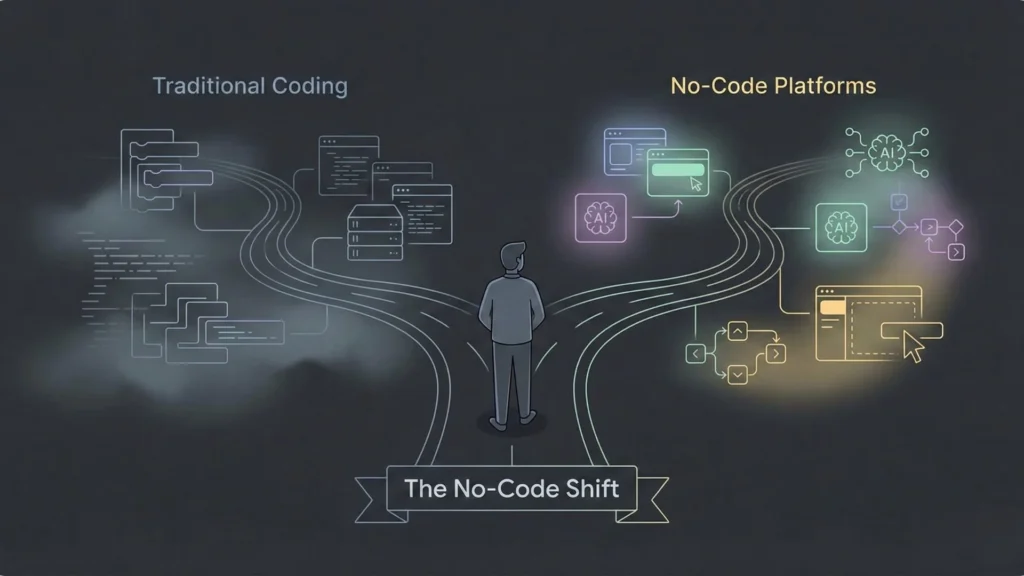
Ten years ago, building a software company required a specific stack of resources: a CTO, a dedicated dev team, a massive AWS budget, and about six to nine months of runway before you could ship a beta version.
Today, that model is obsolete for early-stage startups.
The rise of the no-code startup movement has fundamentally shifted the power dynamic. It has moved the focus from “how do I build this?” to “what should I build?”
For non-technical founders, this is liberation. We are no longer dependent on the availability of engineers. In India, for example, where the startup ecosystem is fiercely competitive, the ability to build an MVP fast gives you a massive advantage. You can iterate on a Sunday night and launch on Monday morning, while your traditional competitors are still waiting for their engineering team to finish a sprint planning meeting.
However, the definition of “no-code” is evolving. It used to mean stitching together spreadsheets and simple forms. Now, we are entering the era of the AI no-code app builder platforms that don’t just act as visual editors but function as intelligent architects, capable of handling complex logic, databases, and workflows.
The Problem That Sparked My Idea
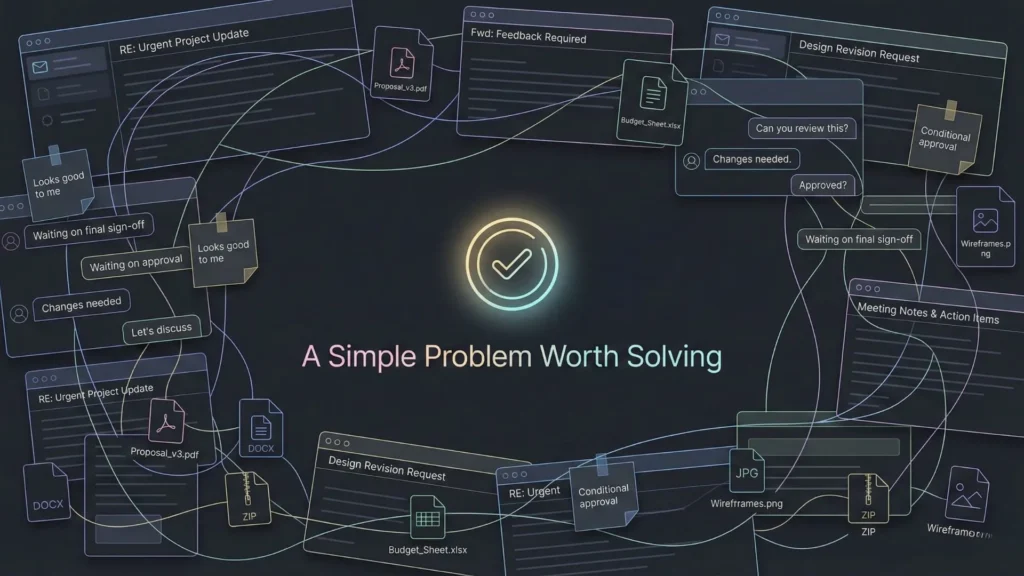
Every successful SaaS starts with a boring, painful problem.
My problem wasn’t unique, which is usually a good sign. I was running a small marketing consultancy, and managing client approvals for content was a nightmare. We used email chains, Slack messages, WhatsApp, and random Google Drive links. Feedback was getting lost, versions were confused, and clients were frustrated.
I looked for existing tools. The enterprise options were too expensive and complex (Salesforce, Jira), and the simple tools (Trello, Asana) didn’t have the specific approval workflows I needed.
I needed a “Client Portal” where a client could log in, see a draft, click “Approve” or “Request Changes,” and have that status update automatically on my end.
In the past, I would have stopped there. I would have said, “Great idea, too bad I can’t code.” But this time, I decided to adopt a problem-first mindset. I wasn’t trying to build a “unicorn.” I just wanted to solve this specific friction point for agencies like mine.
From Idea to MVP Without Writing Code
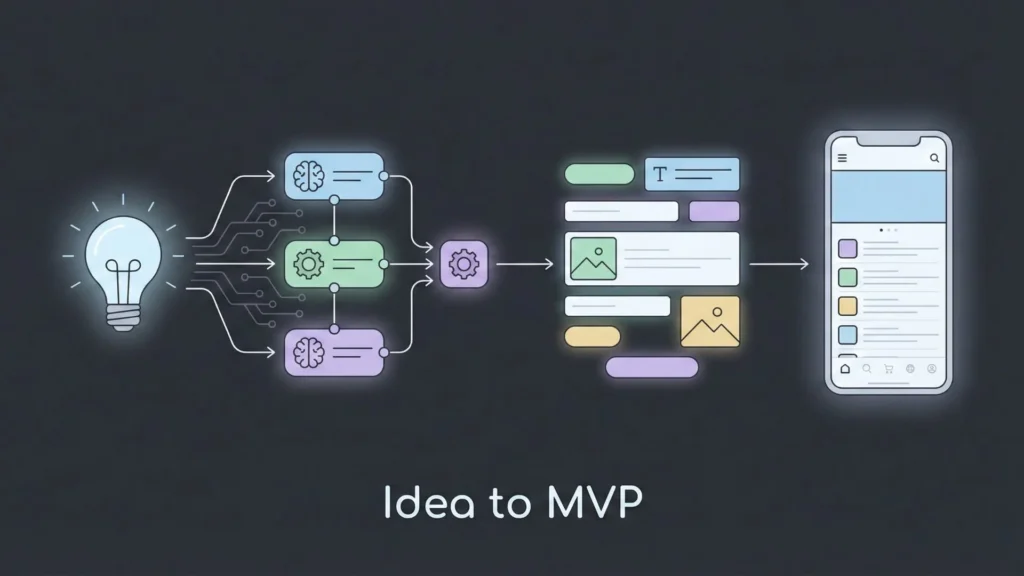
The biggest mistake first-time founders make is opening a tool and starting to build immediately. Even with no-code, you need a plan. Here is how I approached the process of no-code SaaS development.
Step 1: Validating the Idea Before Building
Before I even looked for no-code tools for startups, I validated the concept.
I created a simple landing page using a basic website builder. The headline was simple: “The Client Portal that stops the ‘Did you see my email?’ chaos.” I ran a small LinkedIn campaign targeting agency owners.
I didn’t have a product yet. When people clicked “Sign Up,” they were taken to a form that said, “We are launching soon. Join the waitlist for early access.”
In two weeks, I had 150 signups. More importantly, I emailed ten of them and asked for a 15-minute call. I asked them, “How much would you pay to solve this problem?” When three of them said they would prepay $29/month right then and there, I knew I had to validate the concept immediately and move to the next stage.
Step 2: Choosing the Right No-Code Platform
This was the hardest part. The no-code landscape is fragmented.
- The “Frankenstein” Approach: You can connect a database (Airtable) to a frontend (Softr/Glide) and glue it together with automation (Zapier). This works for prototypes, but it breaks easily. If one API changes, your whole SaaS goes down.
- The Visual Developers: Tools like Bubble or Webflow are powerful but have a steep learning curve. You are essentially visual coding.
I wanted something different. I needed a platform that could handle the logic of a SaaS (users, permissions, payments, database relationships) without forcing me to become a visual programmer.
This is where I discovered Imagine.bo and realized I could finally start building my production-ready app without hitting the usual technical walls.
What struck me about Imagine.bo was that it positioned itself differently. It wasn’t just a drag-and-drop editor; it felt more like an AI-driven development partner. Instead of me trying to figure out how to structure the database for a multi-tenant SaaS application, the platform’s AI reasoning helped architect the backend.
It bridged the gap between a simple MVP and a scalable product. It allowed me to focus on the business logic If user A clicks this, notify user B while it handled the underlying “plumbing” that usually requires a DevOps engineer.
Step 3: Building the MVP
With the platform selected, I started building.
The goal was speed. I needed a SaaS MVP without code in under three weeks. I stripped away every “nice-to-have” feature. Dark mode? Gone. Multi-language support? Gone. Custom analytics? Gone.
I focused strictly on the core loop:
- Agency uploads file.
- Client receives notification.
- Client approves or rejects.
- Agency sees status.
Because I was using a modern builder, I could see the changes in real-time. If a button was in the wrong place, I moved it. If the logic for the “Reject” notification was wrong, I fixed it instantly. There was no deployment lag.
Designing a SaaS People Trust
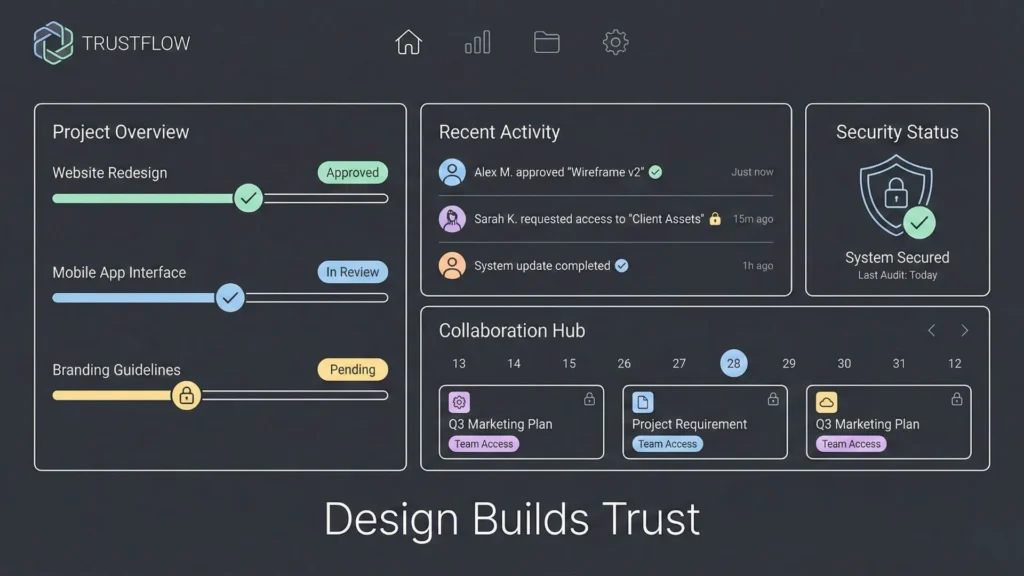
Here is a hard truth: People judge your software by how it looks.
If your no-code SaaS looks like a stitched-together high school project, businesses won’t trust you with their data. Trust is the currency of SaaS.
I adhered to a few strict design principles:
- Consistency over Creativity: I used standard UI patterns. A logout button should be where people expect it (top right). Don’t reinvent the wheel.
- Mobile-First Thinking: This is crucial, especially for the Indian market and remote teams. Founders often build on desktop, but clients check notifications on their phones. I ensured every view on my app was responsive.
- Clean Data Presentation: My app was data-heavy (lists of tasks). I focused on readable typography and clear status badges (Green for Approved, Red for Rejected).
Modern tools often come with pre-built UI blocks that look professional out of the box. I leaned heavily on these rather than trying to custom design everything.
Launching, Feedback, and Iteration
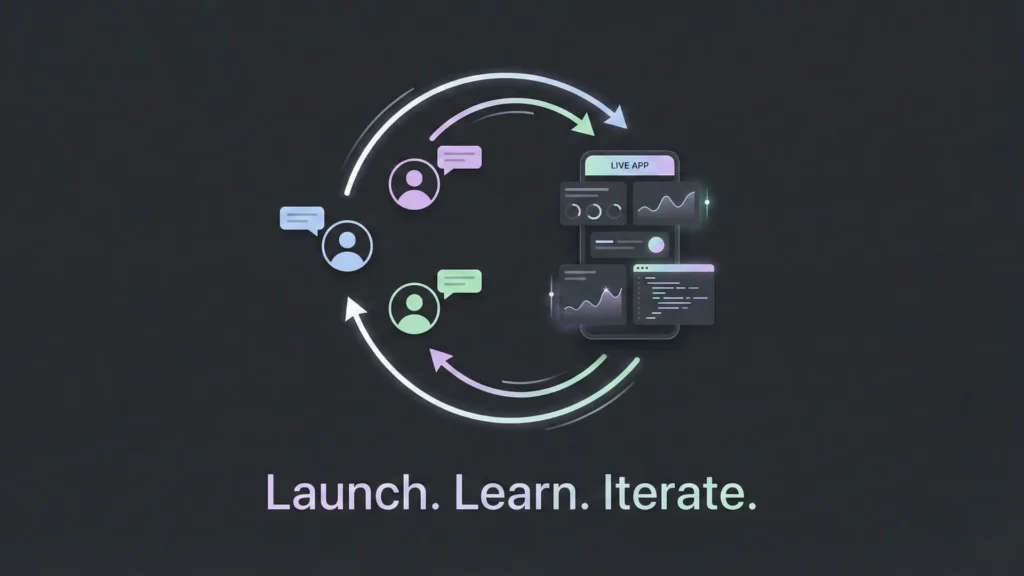
I didn’t do a massive “Product Hunt” launch on day one. I did a “Soft Launch” to my waitlist.
I onboarded the first 10 users personally via Zoom. This was unscalable, but invaluable. Watching a user try to navigate your app is a humbling experience. I saw them click things that weren’t buttons. I saw them get confused by my “clever” copywriting.
Because I was using a no-code environment, I could fix these issues during the call.
User: “I can’t find the download button.” Me: “Hold on.” (I add the button in the editor, hit publish). “Refresh your page.” User: “Oh, wow. That was fast.”
That speed of iteration is your superpower as a SaaS for non-technical founders. You can out-service big competitors because you can adapt instantly. For a deeper dive into this phase, consider reading about my 5 critical lessons before launch to avoid common pitfalls.
A Practical 5-Step Blueprint for Non-Technical Founders
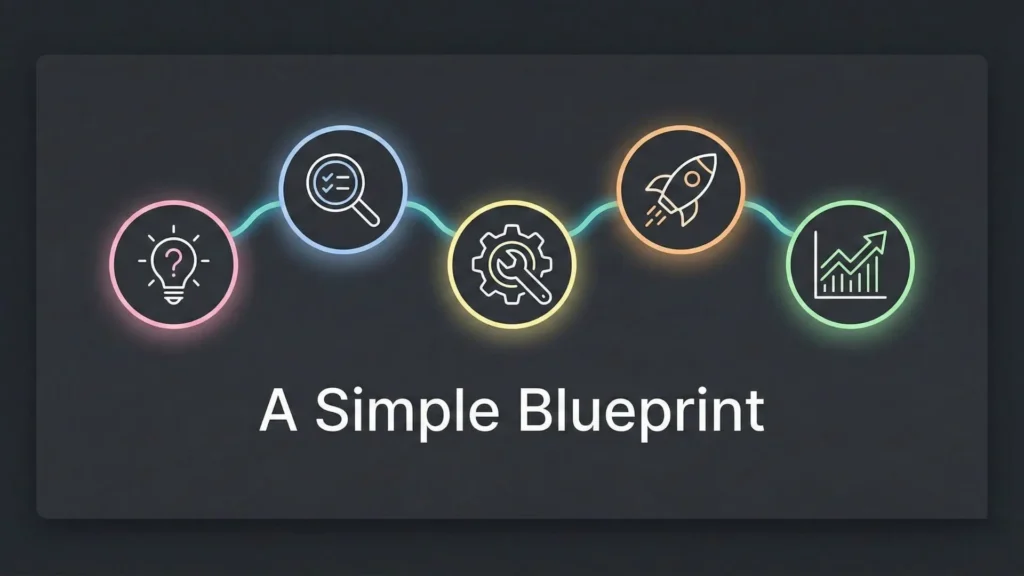
If you are looking to replicate this journey, here is the blueprint I recommend:
- Identify a Real Pain Point: Look for expensive problems in boring industries. Avoid “vitamins” (nice to have); build “painkillers” (must-have).
- Validate Before Building: usage a landing page or cold outreach to get pre-orders or strong intent. If no one wants it, don’t build it.
- Choose Scalable No-Code Tools: Don’t just pick what is easiest today. Pick a tool that can handle 10,000 users next year.
- Launch Fast and Iterate: Get your MVP (Minimum Viable Product) out in weeks, not months. Embarrassment is the price of entry.
- Market Through Content and SEO: Once the product works, start writing. Solve problems for your users. A strong strategy is to boost growth with AI-driven strategies for your content.
Where Imagine.bo Fits in This Workflow

Throughout this process, the choice of the builder is the fulcrum on which your success balances. I mentioned Imagine.bo earlier, and I want to explain specifically where it fits in the workflow for a serious founder.
Many builders are great for internal tools apps your employees use. But when you are building a customer-facing SaaS, the stakes are higher. You need speed, but you also need stability.
Imagine.bo fits into the workflow as the “Production-Ready” builder. It combines AI reasoning (helping you generate code and logic structures) with SDE-level architecture.
When you build with Imagine.bo, you aren’t just creating a frontend skin. You are deploying a solution that includes the frontend, a secure backend, and scalable hosting, all integrated. It removes the need for you to understand how to spin up a server or manage database dependencies.
For me, it bridged the gap between “I have an idea” and “I have a secure, scalable product.” It allowed me to act as the Product Manager and the Lead Designer, while the platform acted as the Engineering Team.
Common Concerns About No-Code (And the Reality)
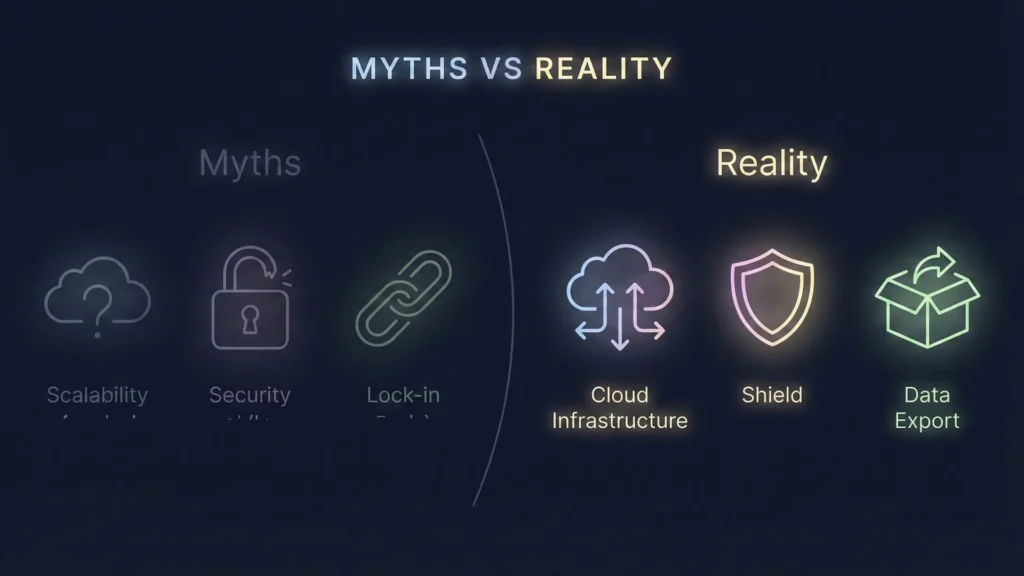
As you start this journey, you will hear skepticism. Here is the reality regarding the three biggest myths.
Can No-Code Scale?
The most common question is, “What happens if I get 100,000 users?”
The Reality: Modern AI app builders and no-code platforms run on enterprise-grade infrastructure (like AWS or Google Cloud). They scale automatically. Unless you are building the next Facebook with millions of concurrent complex queries, scaling is rarely the bottleneck. Marketing is usually the bottleneck.
Security and Data Privacy
“Is my data safe?”
The Reality: Actually, no-code can be safer than custom code written by a junior developer. Platforms like Imagine.bo and others prioritize enterprise-grade security standards. They handle the security patches and server hardening so you don’t have to. However, always check for SOC2 readiness and GDPR compliance capabilities if you are serving European customers.
Platform Lock-In
“What if the platform shuts down?”
The Reality: This is a valid risk for any SaaS, including the ones you use to run your business (like Slack or Notion). The mitigation is to choose platforms that allow data export and have a transparent roadmap. Furthermore, the speed at which you can build means that even if you had to rebuild elsewhere later, you have already secured the revenue and market fit to pay for it.
The Future: AI + No-Code and the Rise of the Super-Founder

We are entering the era of the “Super-Founder.”
A Super-Founder is a solo entrepreneur who leverages AI and no-code to do the work of ten people. They use ChatGPT for copy, Midjourney for assets, and platforms like Imagine.bo for product development.
In this future, technical literacy doesn’t mean knowing how to write code; it means knowing how to orchestrate AI tools to write it for you. We are seeing the rise of citizen developers in the AI era, where the distinct lines between “technical” and “non-technical” are blurring. The only distinction left is between those who execute and those who wait.
Conclusion
Building a SaaS without code was the hardest and most rewarding thing I have ever done. It forced me to stop making excuses. It stripped away the safety blanket of “waiting for a developer” and put the responsibility squarely on my shoulders.
The technology is ready. The market is waiting. The cost of failure has never been lower, and the potential for upside has never been higher.
If you have a notebook full of ideas, open it up. Pick the one that solves a real problem, and launch your idea for free today.
What is the one idea you would build today if you knew you couldn’t fail?
Launch Your App Today
Ready to launch? Skip the tech stress. Describe, Build, Launch in three simple steps.
Build