
Building sophisticated support systems no longer requires complex coding. By making an AI chatbot for customer serviceusing modern tools, businesses can automate routine support queries effectively, reducing response times by hours. This approach allows leaders to leverage no-code platforms to build and refine conversational flows directly. The result is a scalable, 24/7 system that enhances user satisfaction while significantly lowering operational costs and eliminating technical bottlenecks.
Why Customer Service Needed a Rethink
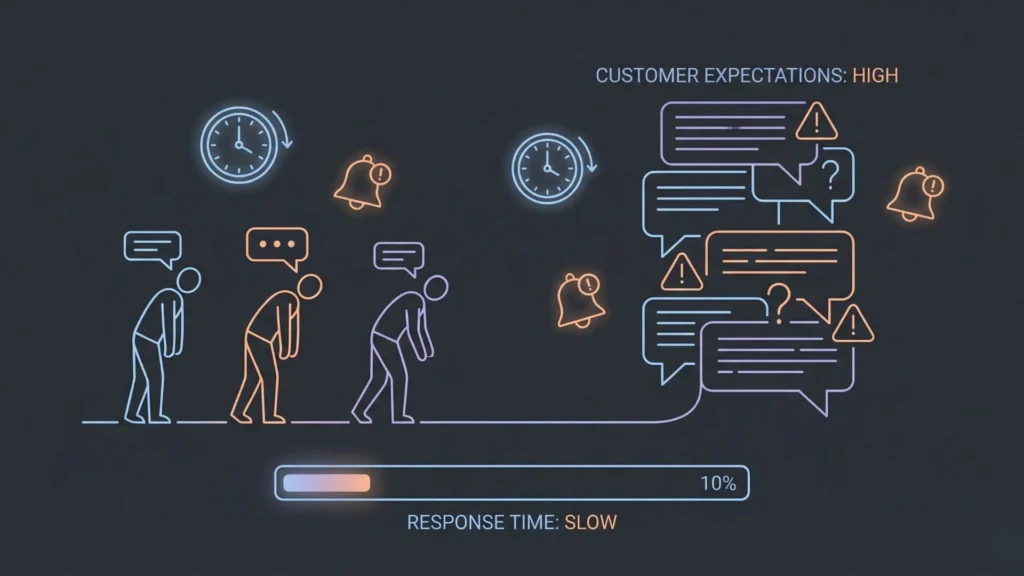
Before diving into the technology, we have to look at the pressure cooker that is modern customer support. The old models are breaking under the weight of current consumer expectations.
Launch Your App Today
Ready to launch? Skip the tech stress. Describe, Build, Launch in three simple steps.
BuildModern Customer Expectations
We live in an on-demand economy. Customers who order a product at 10 PM expect a shipping update by 8 AM. If they have a question on a Sunday, they don’t want to wait until “business hours” on Monday for a response. Speed is no longer a perk; it is the baseline for trust. When a customer has to wait 24 hours for an email reply regarding a simple password reset, their loyalty to the brand diminishes.
Cost and Scalability Challenges
Scaling a human support team is linearly expensive. To handle double the volume, you generally need double the agents. This creates a massive financial burden during peak seasons (like Black Friday or product launches). Businesses often find themselves in a “lose-lose” scenario: either over-hire and burn cash during quiet periods, or under-hire and destroy customer satisfaction during busy ones.
Limits of Traditional Support Models
Traditional automation the “decision tree” chatbots of the 2010s tried to solve this but failed. They were essentially interactive FAQs. If a customer used a phrase the bot wasn’t explicitly programmed to recognize, the flow broke. This often resulted in increased frustration, leading the customer to immediately demand a human agent, thereby defeating the purpose of the automation.
What Is a No-Code AI Chatbot?
To navigate this new landscape, we need to clarify what we are building.
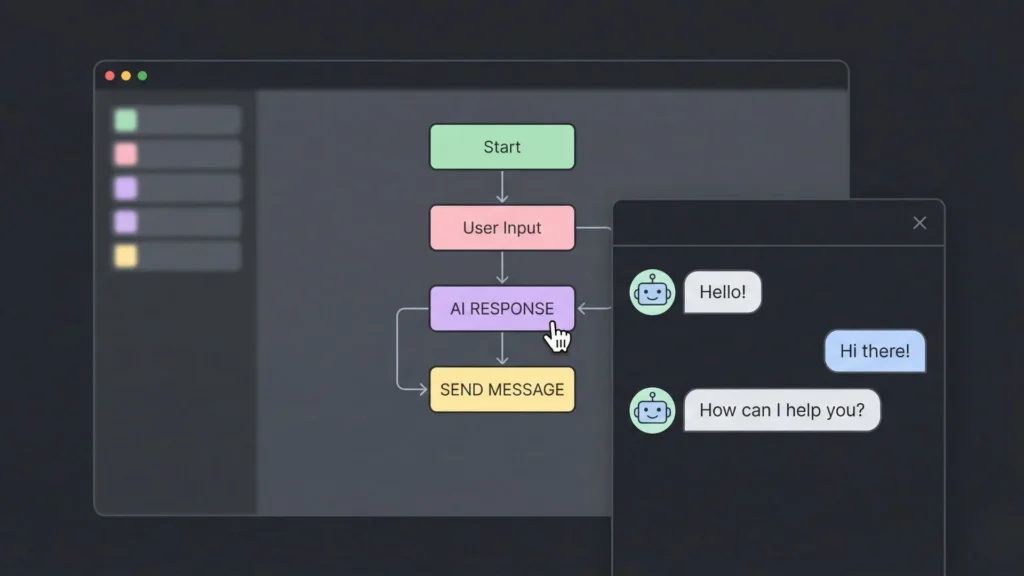
A no-code AI chatbot is a conversational interface built using a development platform that replaces traditional programming (coding) with visual interfaces, drag-and-drop components, and configuration settings.
The Difference Between Coded vs. No-Code Chatbots
In a traditional development environment, building a chatbot involves writing scripts in languages like Python or JavaScript to handle the logic, connecting APIs manually, and managing server infrastructure. It is a “high-code” environment.
In a no-code environment, the underlying code is pre-written and abstracted away. The user interacts with a GUI (Graphical User Interface). You aren’t writing the function to “fetch order status”; you are simply dragging a block labeled “Get Order Status” into a workflow.
How AI + No-Code Work Together
The “AI” component is the brain; “No-Code” is the body.
- The AI (LLMs): Large Language Models allow the bot to understand natural language, intent, and context. It frees the builder from having to predict every possible keyword a user might type.
- The No-Code Platform: This provides the structure. It tells the AI what data it has access to, what tone to use, and what business rules it must follow.
The No-Code Shift and Business Agility
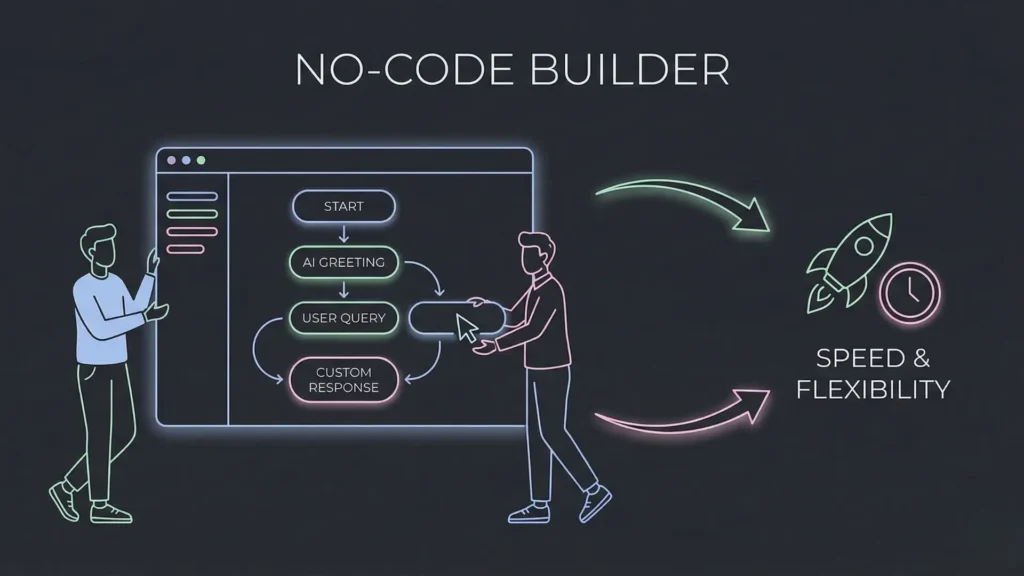
The rise of the no-code app builder has effectively democratized software creation. In the context of customer service, this is a massive operational shift.
From IT Dependency to Business Ownership
Historically, if the Head of Customer Support wanted to change the chatbot’s greeting or add a new refund workflow, they had to submit a ticket to the IT department. That ticket would sit in a backlog for weeks.
With no-code tools, the people who know the customer best the support managers and team leads become the “builders.” They own the product. If they notice customers are confused about a new shipping policy, they can update the bot’s knowledge base in minutes, not months.
Faster Experimentation and Iteration
Agility is the ability to move quickly and easily. No-code allows for rapid prototyping. You can build a basic version of a customer service automation bot, release it to a small segment of users, gather data, and iterate. This “test and learn” cycle is significantly faster when you remove the compilation and deployment overhead of traditional software engineering.
Real Impact on Startups and Small Teams
For startups, this levels the playing field. A team of five can offer 24/7 support comparable to an enterprise with a team of 500, simply by leveraging an intelligent AI layer that handles the bulk of Tier 1 inquiries.
Designing an AI Chatbot That Actually Helps Customers
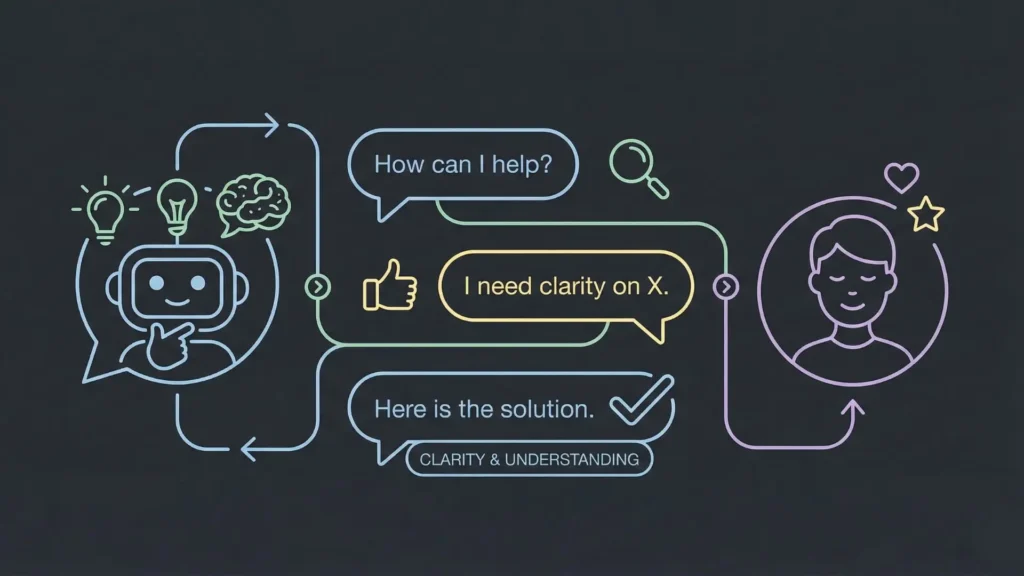
The technology is accessible, but the strategy is what determines success. You cannot simply “turn on” AI and expect magic. You must design the experience.
Identifying High-Impact Use Cases
Don’t try to build a bot that does everything. Start with the “low-hanging fruit” the high-volume, low-complexity tasks that clog up your human agents’ queues.
- FAQs: Return policies, store hours, pricing tiers.
- Order Tracking: “Where is my package?” is often 30% of support volume.
- Lead Qualification: Asking basic questions to see if a prospect is a good fit before routing to sales.
- Support Ticket Triage: Collecting the user’s account ID and issue description before a human agent picks up the chat.
Setting Measurable Goals
To build an AI chatbot without coding is the method, but ROI is the goal. You need metrics to prove the value.
- CSAT (Customer Satisfaction Score): Are users happy with the bot’s answers?
- Deflection Rate: What percentage of chats are resolved without human intervention? A healthy AI bot might deflect 40-70% of routine queries.
- Cost Savings: Calculate the cost per contact for a human agent vs. the AI.
How No-Code Platforms Simplify Chatbot Development
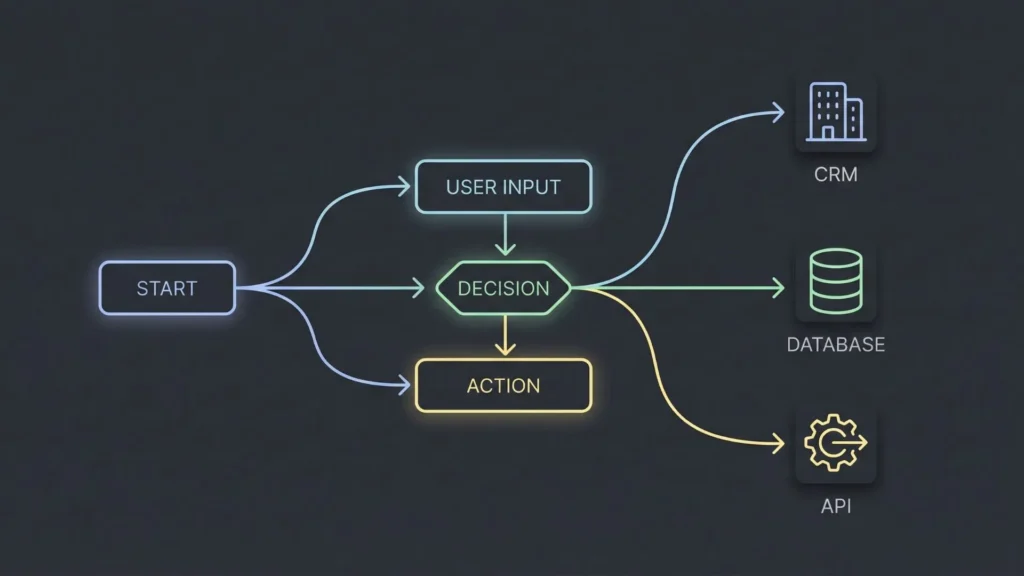
Modern no-code platforms have evolved far beyond simple website builders. They are sophisticated development environments.
Visual Workflows
Instead of writing if/else statements, you build flowcharts. You visually map out the conversation: User asks for refund -> Check eligibility -> If yes, process refund -> If no, transfer to agent. This visual nature makes logic errors easy to spot and fix.
AI Intent Training
In the past, you had to manually tag thousands of phrases to teach a bot what “I want to buy” meant. Now, you simply upload your knowledge base (PDFs, URLs, past chat logs), and the AI absorbs that information. You guide the AI by defining “Intents” (what the user wants) and the platform handles the linguistic nuances.
System Integrations
A chatbot that cannot access your data is just a conversationalist, not a worker. No-code platforms offer pre-built system integrations or API connectors. You can securely connect your bot to Salesforce, Shopify, HubSpot, or your custom SQL database so it can actually look up account details and perform actions.
Deployment Without Engineering Teams
Pushing code to production used to be a high-stakes event. No-code platforms handle the hosting, security, and scaling. You hit “Publish,” and the bot is live on your website or app.
Example: Building Smarter Products with Imagine.bo

To understand the capability of the current generation of tools, it helps to look at platforms designed with an “AI-first” architecture. Imagine.bo is a pertinent example of this evolution.
While many tools are strictly “chatbot builders,” Imagine.bo operates more broadly as a no-code platform for building entire AI-powered software products. It distinguishes itself by minimizing the friction between a business idea and a deployable application.
The AI Reasoning Engine
Unlike legacy platforms that rely heavily on rigid templates, Imagine.bo utilizes a reasoning engine. When a user inputs a requirement in plain English for example, “Create a customer support interface that checks order status via API and escalates to a human if the delay is over 4 days” the platform’s AI acts similarly to a Senior Software Engineer (SDE). It plans the architecture, structures the database, and sets up the logic flows necessary to execute that request.
SDE-Level Architecture
The output isn’t just a surface-level script; it’s a robust application structure. This allows business users to generate tools that have professional-grade SDE-level architecture, without needing to understand server-side architecture.
End-to-End Ownership
For a business leader looking to build an AI chatbot without coding, a platform like Imagine.bo offers end-to-end ownership. You aren’t just piecing together a dialogue tree; you are building the full software solution that houses the bot, manages the data it collects, and integrates it into your wider tech stack. It represents a shift from “configuring a tool” to “creating software” simply by describing what you need.
From Idea to Live Chatbot: A Practical Workflow
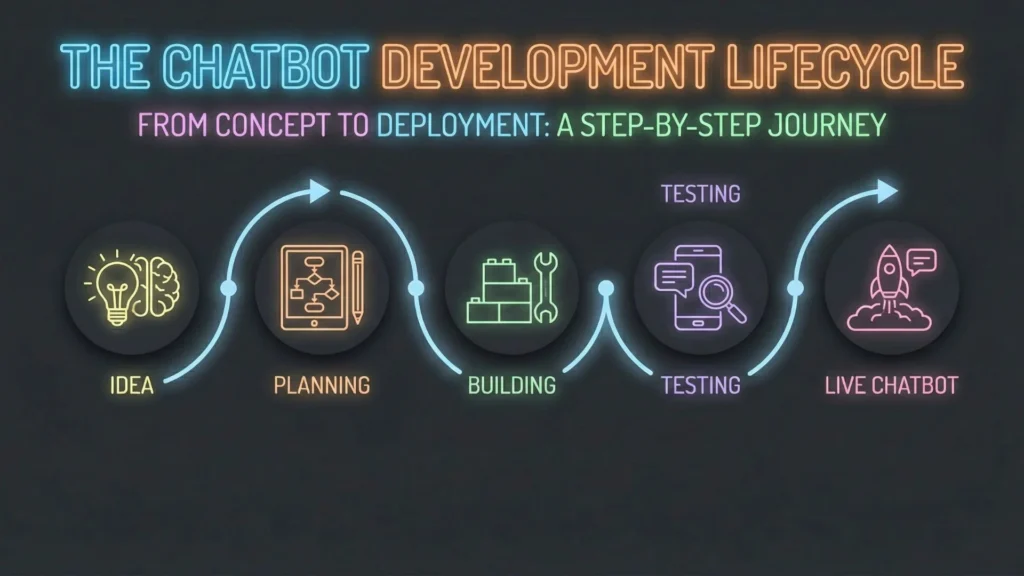
Implementing a no-code project follows a lifecycle similar to traditional software development, but accelerated.
Step 1: Defining the Vision
Before touching the software, write down the scope. Who is this bot for? What tone of voice should it have (Professional? Witty? empathetic?)? What are the absolute “must-haves” for launch?
Step 2: AI-Led Feature Planning
This is where modern platforms shine. You can input your vision into the AI builder. You might say, “I need a support bot for a SaaS company that handles billing inquiries and bug reports.” The AI will suggest a feature list, database structure, and necessary user flows.
Step 3: Building and Integrating Systems
This is the construction phase.
- Knowledge Ingestion: Upload your help center articles and policy documents so the AI acts as a subject matter expert.
- Workflow Logic: Use the visual builder to define critical paths (e.g., the exact steps to cancel a subscription).
- Integration: Connect the bot to your CRM so it knows who it is talking to.
Step 4: Launch and Monitoring
Deploy the bot to a “sandbox” or test environment first. Have your internal team try to “break” it. Once confident, release it to your live site.
Step 5: Continuous Improvement and Scaling
Day 1 is just the start. Review chat logs. Where did the AI get confused? Where did users drop off? Use these insights to refine the prompts and logic. This aligns with the iterative nature of agile development something platforms like Imagine.bo facilitate by allowing rapid updates based on real-time feedback.
Real Business Benefits of No-Code AI Chatbots
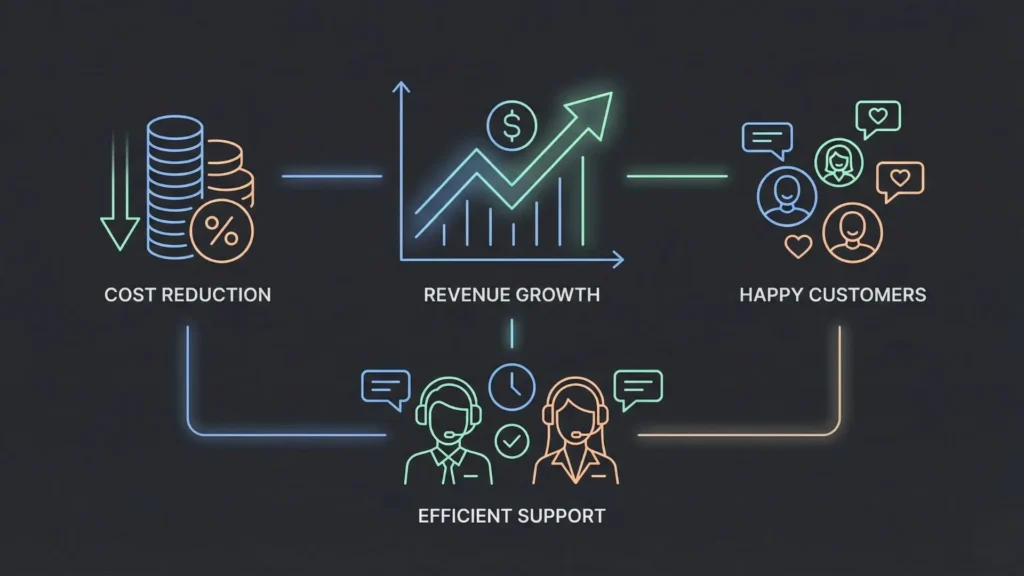
When implemented correctly, the ROI is tangible and often immediate.
- Faster Response Times: Customers get answers in seconds, not hours. This directly correlates to higher conversion rates and retention.
- Reduced Support Costs: By automating Tier 1 support, you reduce the headcount requirement for handling repetitive queries.
- Better Agent Productivity: When human agents aren’t answering “What is your refund policy?” for the 100th time, they can focus on complex issues like saving an at-risk account or solving a technical bug. This improves job satisfaction and reduces turnover.
- Actionable Customer Insights: An AI chatbot captures data from every interaction. You can analyze this data to find product flaws. If 500 people ask the bot “How do I export PDF?” in one week, you know your UI needs to make the export button more visible.
Common Challenges and How to Handle Them
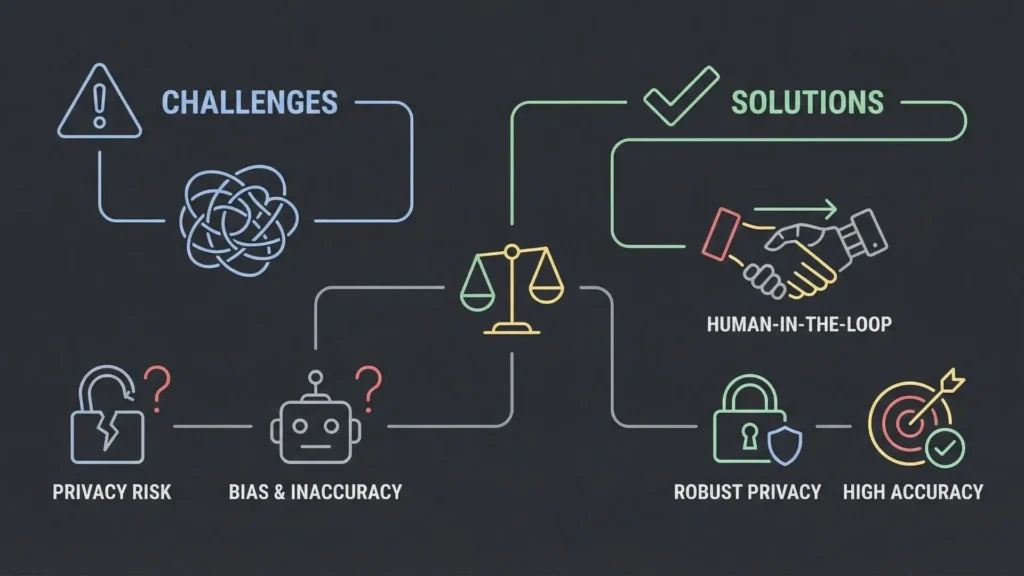
It is important to approach customer service automation with eyes wide open.
User Trust and the Uncanny Valley
Don’t try to trick users into thinking the bot is human. It usually backfires. Be transparent: “I am an AI assistant. I can help with X, Y, and Z. If I get stuck, I’ll get a human.”
AI Accuracy (Hallucinations)
Generative AI can sometimes confidently state false information. To mitigate this, use “Retrieval-Augmented Generation” (RAG) techniques which most robust no-code platforms support. This restricts the AI to answering only based on the documents you provided, preventing it from making things up.
Data Privacy
Ensure your no-code platform is compliant with regulations like GDPR or CCPA. You need to know where the chat data is stored and how it is used. Avoid asking for sensitive PII (Personally Identifiable Information) unless absolutely necessary and securely encrypted. Read more about data privacy compliance in no-code.
The Human Handoff
Automation is not an all-or-nothing game. The most critical feature of any chatbot is the “escape hatch.” If the customer expresses anger or the issue is too complex, the system must seamlessly transfer the chat history to a human agent so the customer doesn’t have to repeat themselves.
The Future of No-Code AI in Customer Service
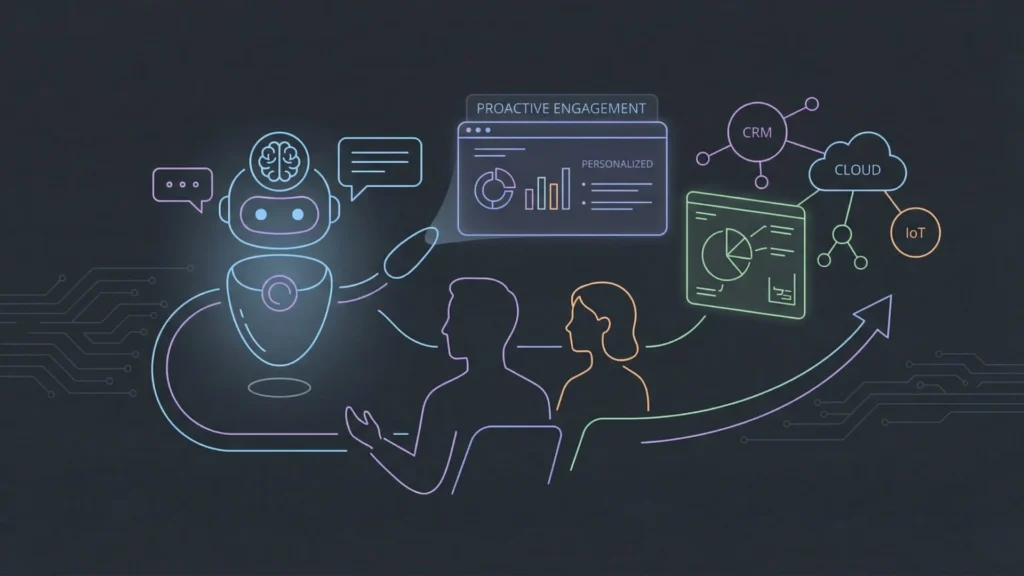
We are only in the early innings of this technology.
Personalization
Future no-code bots won’t just know your name; they will know your history. “Hi Sarah, are you asking about the blue sweater you ordered on Tuesday?” This level of personalization changes the interaction from a transaction to a relationship.
Proactive AI
Instead of waiting for you to complain, the AI will notice an error in your account and reach out to fix it before you even know something is wrong. We are moving towards proactive AI agents that act on behalf of the user.
Human + AI Collaboration
The goal isn’t replacing humans; it’s augmentation. We will see “Copilot” models where the AI listens to a live phone call and instantly surfaces the relevant help doc or troubleshooting step for the human agent, making them superhumanly efficient.
Conclusion
The barrier to entry for sophisticated customer service automation has collapsed. What used to cost six figures and six months can now be achieved in weeks with a fraction of the budget.
The rise of the no-code AI chatbot is not just about technology; it’s about business empowerment. It allows the people closest to the problem to build the solution. However, the key to success lies not just in automating conversations, but in choosing the right infrastructure.
Platforms that are built to think like engineers such as Imagine.bo are leading this charge. By bridging the gap between natural language concepts and robust software architecture, they allow businesses to move beyond simple automation and create products that genuinely serve the customer.
Launch Your App Today
Ready to launch? Skip the tech stress. Describe, Build, Launch in three simple steps.
Build




