Quick answer: An IoT app builder is a platform that lets you create the software side of an IoT system (the dashboards, user portals, admin panels, and control apps that connect to your devices) without writing code from scratch. The best IoT app builders in 2026 combine AI generation for speed with on-demand human engineers for the device-specific integrations and security work that AI alone cannot finish reliably. imagine.bo is one of the few platforms built around this hybrid model, which is why it suits founders shipping real IoT products instead of demo prototypes.
If you searched “iot app builder,” you probably do not want a Hello World tutorial or another listicle of 25 tools that all look the same. You want to know which platform will actually take your idea, your devices, and your data, and turn that into a working product you can show users, investors, or your team next week.
Launch Your App Today
Ready to launch? Skip the tech stress. Describe, Build, Launch in three simple steps.
BuildThis guide answers that question directly. It covers what an IoT app builder really is in 2026, what to look for, the use cases people are building right now, the security and scaling traps that kill most IoT projects, and a clear walkthrough of how to use a hybrid AI plus human platform to ship.
What Is an IoT App Builder?
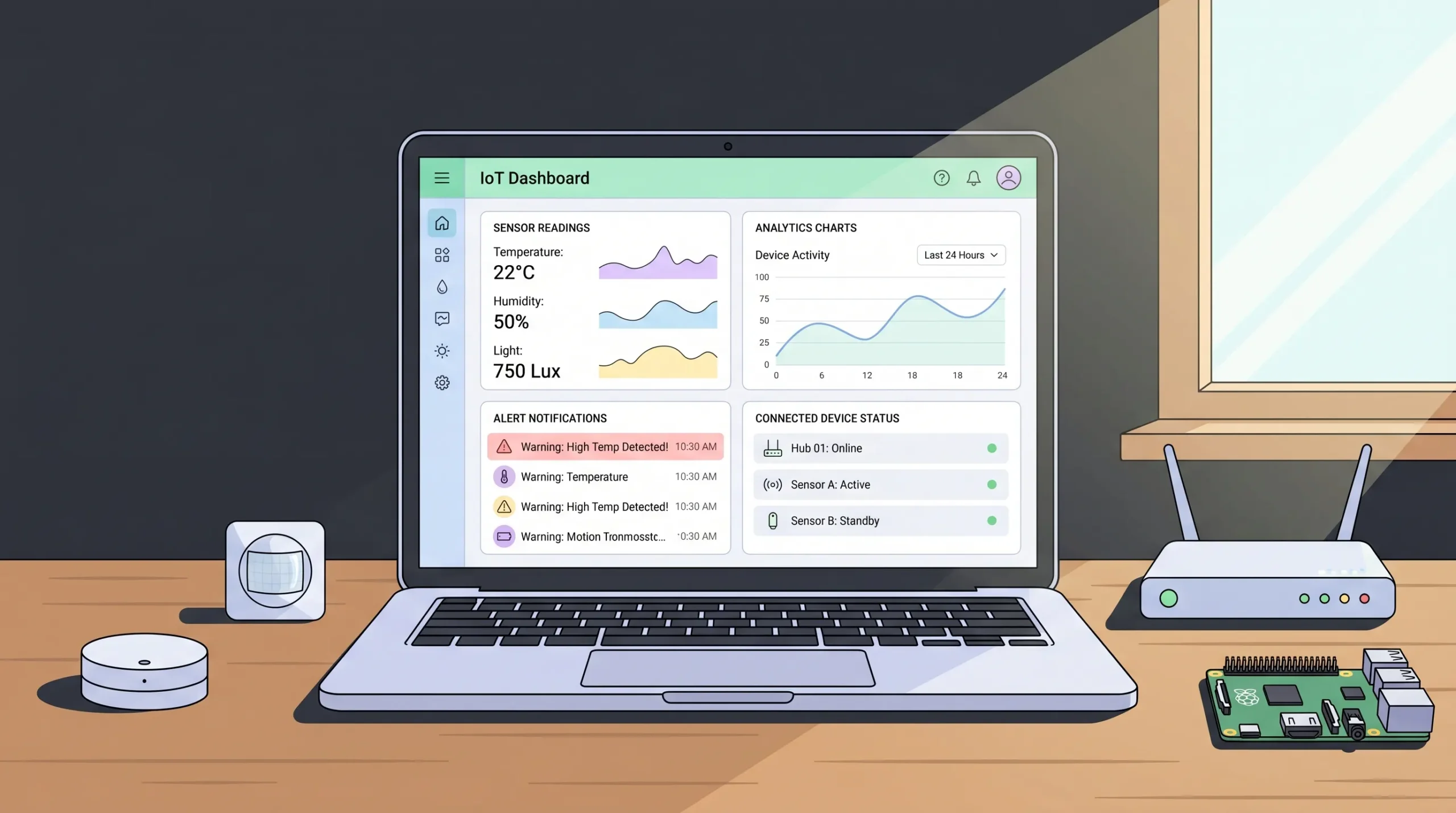
An IoT app builder is a software platform that lets you create the application layer of an Internet of Things product without writing the full codebase yourself. The application layer is everything users and operators actually see and touch:
- Dashboards that display sensor data, device status, and analytics
- Control panels for sending commands to devices remotely
- User portals for end customers to manage their connected devices
- Admin tools for fleet management, provisioning, and firmware control
- Alerting systems for thresholds, anomalies, and SLA breaches
- Reporting and analytics for stakeholders, regulators, or customers
The devices themselves (sensors, gateways, microcontrollers, hubs) still need firmware and a way to send data. An IoT app builder is not the firmware tool. It is the platform that takes the data those devices produce, stores it, displays it, secures it, and exposes it to the people who need to act on it.
This distinction matters because most “IoT failures” are not hardware problems. According to a McKinsey analysis on IoT value capture, the application and integration layers represent the biggest gap between IoT potential and actual revenue. The devices ship, the data flows, and then nothing useful happens with it because the software layer was never finished.
A good IoT app builder closes that gap.
Why Most IoT Projects Stall Before Launch
Before getting into what to look for, it helps to understand why so many connected-product ideas never reach paying customers.
1. The dashboard becomes the bottleneck. Founders spend three months getting the device to ping reliably, then realize they still need to build a portal, a billing flow, a user management system, and an admin tool. Hardware engineers are not web app engineers, and the timeline doubles.
2. Custom code does not scale. A spreadsheet that reads from one Raspberry Pi works for a demo. The moment you need real users, role-based access, alerting, and a public-facing dashboard, the spreadsheet collapses.
3. Off-the-shelf no-code tools hit a wall. Generic builders (Bubble, Glide, simple Webflow setups) are great for forms and listings. They are not designed for streaming sensor data, MQTT bridges, time-series visualizations, or custom integrations with proprietary device APIs.
4. AI-only tools stall on edge cases. Pure AI app builders like Lovable, Bolt, or Replit will get you a polished demo, then break the moment you need a real WebSocket connection to a device gateway, a complex authentication flow for fleet operators, or a custom alerting rule. The AI guesses. Sometimes it guesses wrong. There is no engineer to call.
5. Security is treated as an afterthought. IoT apps handle sensitive data: location, biometric, industrial, sometimes medical. NIST guidance for IoT cybersecurity is clear that the application layer needs proper authentication, encryption in transit and at rest, and access controls. Toy builders skip this. Production apps cannot.
If any of those sound familiar, the answer is not “try harder with the same tool.” The answer is a platform built specifically to handle both the speed problem and the complexity problem.
What to Look For in an IoT App Builder in 2026
Use this as a checklist when evaluating any platform that claims to be an IoT app builder.
1. Real Backend, Not Just Pretty Screens
You need a generated backend with a proper database, API endpoints, and secure authentication. If the platform only renders static pages or stores data in some proprietary key-value system, your sensor data will outgrow it in weeks. Look for platforms that produce clean, exportable code and use modern infrastructure (Vercel for the frontend, Railway or equivalent for the backend).
2. Role-Based Access Control Out of the Box
IoT apps almost always involve multiple roles: end user, fleet operator, admin, technician, sometimes regulator. RBAC should be built in, not bolted on. Without it, you will leak data between tenants the day you onboard your second customer.
3. Real-Time Capability
Sensor data is by definition streaming. A platform that requires page reloads to show new data is not an IoT platform. Look for support for live updates, WebSocket connections, and time-series friendly UI components like charts that handle high-frequency data without freezing the browser.
4. Integration Path for Custom Device APIs
This is where most platforms quietly fail. Every IoT product has at least one custom integration: an MQTT broker, a manufacturer SDK, a vendor REST API, a proprietary protocol. A serious IoT app builder gives you a way to bring those integrations in without rebuilding the whole project. The cleanest model is the one imagine.bo uses: AI handles the standard 70 to 80 percent of the app, and you can assign the device-specific integration to a real engineer who writes that module manually and pushes it to your repository.
5. Security and Compliance Foundations
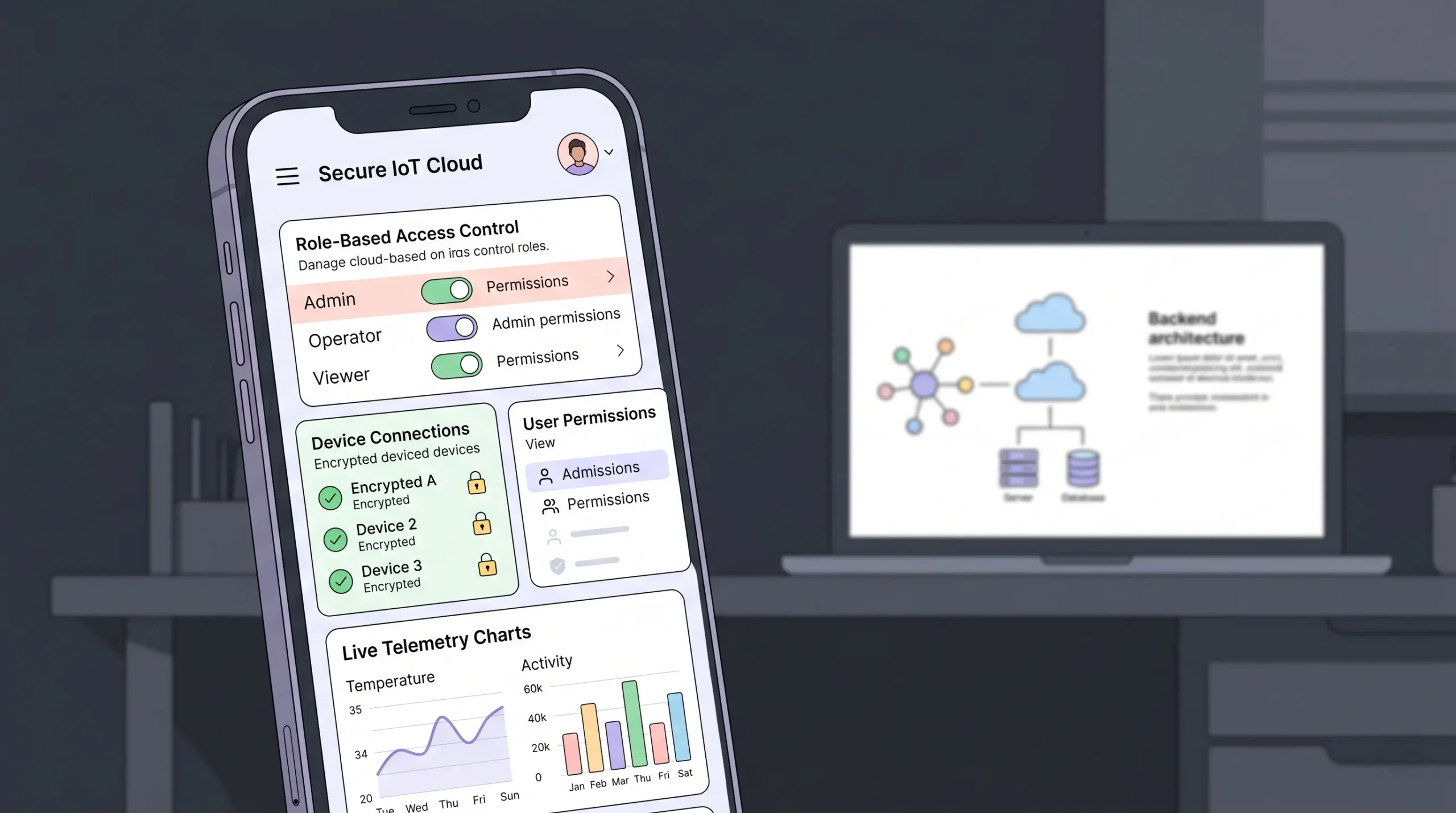
SSL by default. Encryption at rest. Role-based access control. GDPR and SOC 2 readiness foundations. If you are in healthcare IoT or industrial monitoring, this is non-negotiable. Related reading: Can your AI-built website be hacked? 7 security gaps to close.
6. Data Ownership and Export
You should always be able to export your data and, ideally, your code. Lock-in is the silent killer of IoT projects, because the moment you outgrow the platform you will need to migrate years of telemetry without losing fidelity.
7. Hybrid AI Plus Human Support
This is the deciding factor in 2026. Pure AI builders cannot finish IoT projects on their own. Pure dev shops are too slow and expensive. The right model is AI for speed and engineers on demand for the parts AI cannot do reliably. This is exactly what imagine.bo means by “Hire a Human”: you click a button inside your project, an engineer picks up the ticket, codes the integration, and ships it to your project.
How imagine.bo Works as an IoT App Builder
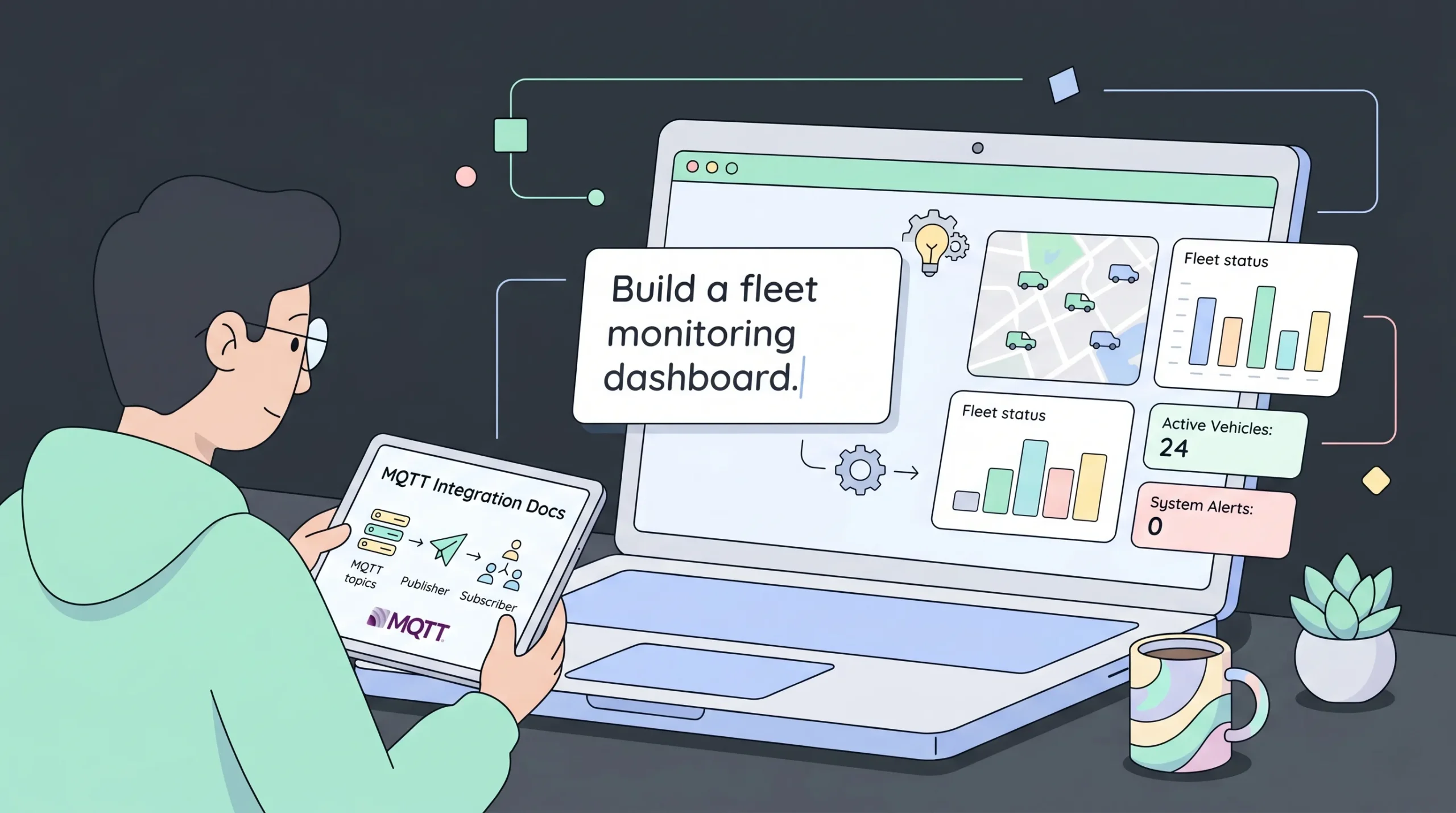
imagine.bo is not a hardware tool. It is the fastest way to build the application side of an IoT system, then have real engineers connect that application to your devices.
Here is how the workflow plays out for a typical IoT project.
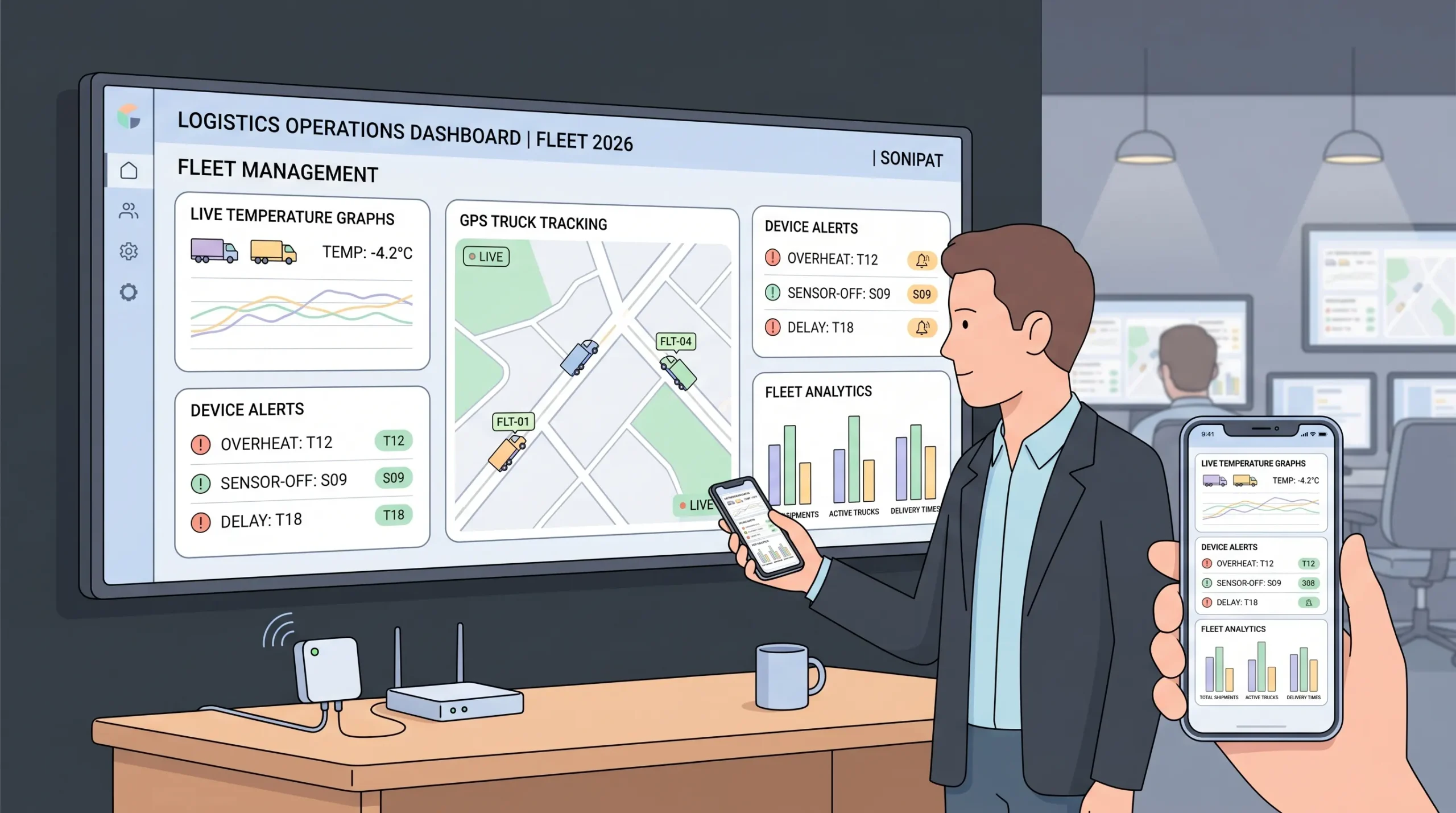
Step 1: Describe your IoT app in plain English. You type something like: “Build a fleet monitoring dashboard for refrigerated trucks. Operators see live temperature, GPS location, and door-open events for every vehicle. Admins manage drivers, set temperature thresholds, and receive SMS alerts when a unit goes out of range. Drivers see only their assigned vehicle on a mobile view.”
Step 2: imagine.bo generates the full stack. The platform produces the database schema (vehicles, drivers, temperature logs, alerts, users), the API endpoints, the role-based authentication, the dashboard UI, the mobile view, and the alert configuration screens. This is the part that traditionally takes a small team two to three months.
Step 3: Refine through conversation. You change layouts, copy, business logic, and workflows by just describing the change. “Add a CSV export to the temperature log page.” “Make the alert threshold configurable per vehicle, not per fleet.” The AI updates the code in real time.
Step 4: Click “Hire a Human” for the device integration. This is the part most IoT app builders skip. To connect your real fleet (whether it uses MQTT, a vendor API, or a custom gateway) you assign a ticket to an imagine.bo engineer. They write the integration module, push it to your project repository, and your dashboard starts showing live device data.
Step 5: Deploy to scalable infrastructure. One click sends the frontend to Vercel and the backend to Railway. SSL, autoscaling, and security configuration are handled automatically. You do not provision servers.
Step 6: Monitor and iterate. Built-in analytics show you who is using which features. When you need a new feature or hit a tricky bug, you either prompt the AI or assign it to an engineer. The app grows with your product, not against it.
For a deeper look at how AI and IoT come together in no-code workflows, this article goes further on the architecture choices: Combining IoT and AI in no-code: the expert guide.
IoT Apps You Can Build with imagine.bo
This is not theoretical. Here are concrete categories of IoT applications that fit the imagine.bo workflow.
Smart Home and Consumer IoT
User portals for smart light, thermostat, security camera, or appliance products. End users log in, see their devices, group them into rooms, set schedules, and receive notifications. The hardware connects via the vendor SDK or MQTT, with the integration handled by an engineer once. After that, every product update is a prompt away. See: No-code smart home voice assistant DIY guide.
Industrial and Environmental Monitoring
Dashboards for factories, agriculture, water treatment, energy, or air quality. Live sensor readings, threshold alerting, historical trends, regulatory exports. This category benefits massively from the hybrid model because the sensor protocols are rarely standard. Detailed example: Environmental monitoring with AI, no-code, and IoT analytics.
Fleet and Asset Tracking
Live GPS, route history, driver behavior scoring, geofencing, maintenance scheduling. Operators get a map and a list. Drivers get a mobile view. Admins manage users and rules. For a closely related build, see: Build a driver safety app without code.
Healthcare and Connected Medical Devices
Patient portals, clinician dashboards, alerts for out-of-range vitals, audit trails for compliance. Security and access control are mandatory here, which is exactly where imagine.bo’s RBAC and engineer review pay off. (Note: medical device firmware itself sits outside the scope of any app builder. The app layer, the part patients and clinicians use, is what imagine.bo builds.)
Inventory and Supply Chain IoT
Connected scales, RFID readers, barcode scanners feeding a real-time stock dashboard with automated reorder rules. Walkthrough on this exact pattern: How to build a real-time inventory tracker in 10 minutes.
Energy and Utilities Dashboards
Meter data, consumption analytics, billing portals, demand response interfaces. Heavy on charts and time-series, which fits perfectly with: AI-powered no-code dashboards.
According to IoT Analytics market data, there are more than 18 billion connected IoT devices worldwide as of 2025, and the application layer is the part most companies still treat as an afterthought. That is the gap an IoT app builder closes.
Step-by-Step: Building Your First IoT App on imagine.bo
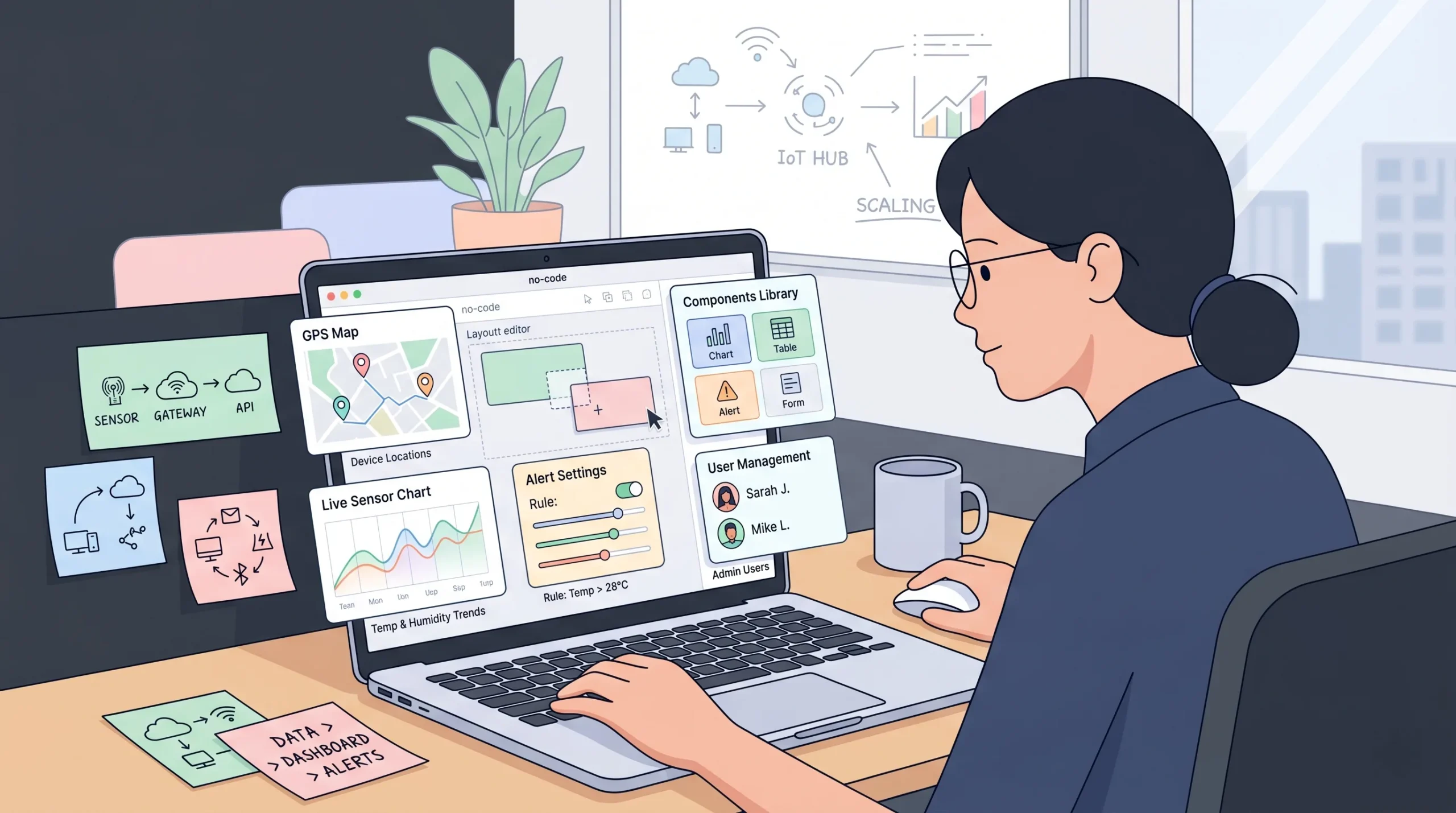
Here is exactly what the workflow looks like, from blank page to live product.
Step 1: Define the product on paper, briefly.
Before opening the platform, answer five questions in plain language:
- Who uses this app? List every role (end user, admin, technician, etc.).
- What does each role need to see and do?
- What devices feed data into the app, and how do they send it (MQTT, HTTP webhook, vendor API)?
- What events should trigger alerts, and how should those alerts be delivered?
- What is the single most important screen?
Five minutes of clarity here saves you hours of regeneration later.
Step 2: Write a focused first prompt.
Use this template:
“Build a [type of IoT app] for [target user] to [core problem]. Users include [list of roles] with permissions [briefly]. Key screens: [list]. Devices feed data via [protocol or API]. Alerts trigger when [conditions]. Data must be exportable as [CSV/PDF].”
Resist the urge to put your entire roadmap in the first prompt. Start with an MVP scope: core dashboard, core role, core alert. Add the rest after.
Step 3: Review the generated blueprint.
imagine.bo will produce the full structure within minutes: database schema, API endpoints, UI screens, role flows. Check three things:
- Are all the roles correctly modeled?
- Are the critical screens present?
- Does the data model match what your devices will actually send?
If something is off, refine with a follow-up prompt rather than starting over.
Step 4: Visually polish.
Use the drag-and-drop editor to adjust spacing, replace placeholder copy, drop in your brand colors, and tighten the layout on the screens your users see first.
Step 5: Hire a human for the device bridge.
This is the moment most IoT projects break. Click “Hire a Human” inside the project, and write a clear ticket:
“Connect this dashboard to our [device type] fleet. Devices publish to an MQTT broker at [URL] using topic structure [pattern]. Each device sends [payload structure] every [interval]. Map this incoming data to the [model name] table in the project. Authentication is via [token/cert].”
A vetted engineer picks this up, writes the integration, tests it against your real broker, and pushes the working code to your project. Pricing for engineer support is bundled into Pro plan tiers, with discounts on Lite and full ownership on the Done-For-You plan. See imagine.bo pricing for the current breakdown.
Step 6: Test with real data, then deploy.
Test every role manually. Click through the dashboard while devices are pushing real telemetry. Trigger alert conditions deliberately and verify they fire correctly. Once everything passes, click Deploy. The frontend goes live on Vercel, the backend runs on Railway, and your app is ready for users.
Step 7: Iterate post-launch.
Use the built-in analytics to see which screens get used and which get ignored. Add features as your users ask for them, either through prompts or by hiring an engineer for the harder pieces.
Security: The One Place You Cannot Cut Corners on IoT
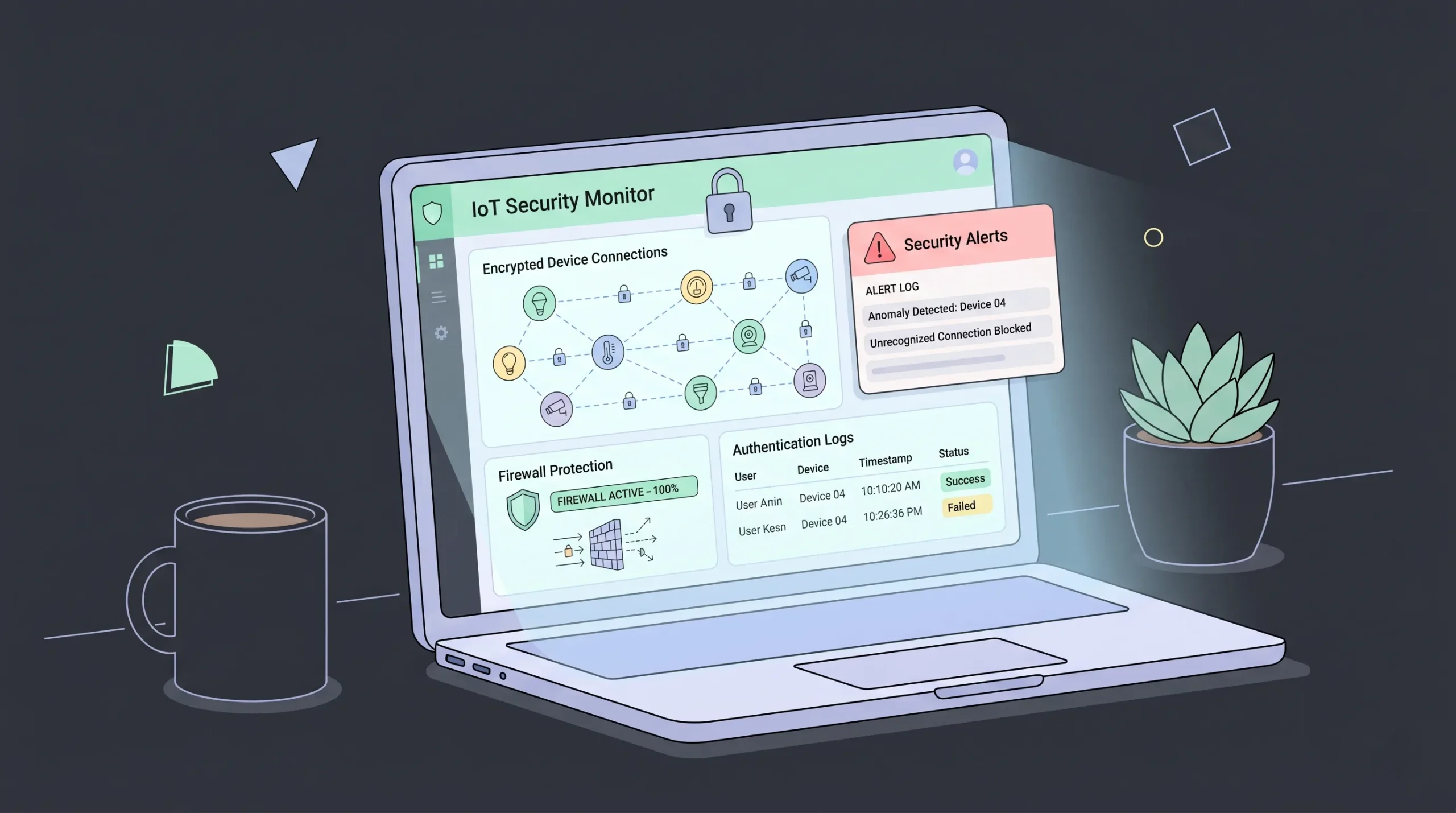
IoT apps handle some of the most sensitive data flowing through any software stack today. Locations of vehicles. Health vitals. Industrial control commands. Customer behavior inside homes.
Treat the application layer as a security-critical system from day one.
What imagine.bo gives you by default:
- SSL and HTTPS on every deployment
- Encryption at rest for the database, encryption in transit on all API calls
- Secure authentication and session management
- Role-based access control enforced at the data layer, not just the UI
- GDPR and SOC 2 readiness foundations
What you still need to think about:
- API keys for device authentication should never be exposed in frontend code. This is the single most common IoT security mistake. Related reading: What is an API key exposure? Risks and fixes for 2026.
- For payment flows, regulated data, or compliance-bound features, use the Hire a Human option so a real engineer reviews and implements the sensitive logic.
- Rotate device credentials regularly, and prompt the platform to add a credential rotation workflow if your fleet is large.
- Test permissions actively before launching. Try to access admin routes as a regular user. If you can, the AI missed something, and that needs a prompt or an engineer to fix.
For deeper context on IoT-specific security expectations, the NIST Cybersecurity for IoT Program and the OWASP IoT Top 10 are the standard references.
imagine.bo vs Traditional IoT App Development
| Approach | Time to MVP | Typical Cost | Handles Custom Device APIs | Production-Ready |
|---|---|---|---|---|
| Hire a dev shop | 3 to 6 months | $40,000 to $150,000+ | Yes | Yes |
| Hire a full-time team | 4 to 8 months | $100,000+ per year | Yes | Yes |
| Generic no-code (Bubble, Glide) | 2 to 4 weeks | Low | Limited | Often no |
| Pure AI builders (Lovable, Bolt) | Days | Low | No, stalls on edge cases | Demo only |
| imagine.bo (AI + engineers) | Days for MVP, plus engineer ticket for device bridge | From $25/month plan, plus per-page or per-task engineer fees | Yes, via Hire a Human | Yes |
The honest position: imagine.bo is not the right tool if you are building chip-level firmware or proprietary embedded operating systems. It is the right tool, by a wide margin, if you are building the cloud and user-facing software that your IoT devices feed into.
Pricing for IoT Builds on imagine.bo
imagine.bo uses outcome-based pricing rather than credits, which matters for IoT teams because device integrations are unpredictable in scope. You will not run out of “prompts” halfway through your build.
- Lite ($5/month): Good for a simple landing page or product site for your IoT brand. Not enough for the full app.
- Pro ($25/month): The right starting tier for the application layer. You get a 10-page web app, frontend plus backend, priority engineer support with 24-hour turnaround, and 25 GB storage.
- Enterprise (custom): For fleets, multi-tenant SaaS IoT platforms, and teams with SLA requirements. Dedicated engineering pod and SLA-backed uptime.
- Done For You ($499 one-time, $49 upfront): Engineers build the entire project, including device integrations, and hand you a production-ready product.
Full current pricing is at app.imagine.bo/pricing.
For most IoT teams shipping their first product, Pro plus one or two Hire a Human tickets for the device-specific work is the right combination.
Frequently Asked Questions
Is imagine.bo a full IoT platform like AWS IoT Core or Azure IoT Hub?
No, and that is a feature, not a limitation. AWS IoT Core and Azure IoT Hub are device management platforms: they handle device registration, message routing, and device shadows. imagine.bo is the application layer that sits on top. You can absolutely use imagine.bo as the dashboard, user portal, and admin app for a system whose device backbone runs on AWS or Azure. An engineer can write the integration for you in a single Hire a Human ticket.
Can I build a mobile IoT app with imagine.bo?
imagine.bo produces mobile-responsive web applications, which work on every phone and tablet. For most IoT use cases this is enough, because operators and admins prefer browser-based dashboards. If you specifically need a native mobile app (App Store, Play Store distribution), an engineer can extend the project, or you can pair imagine.bo with a wrapper approach. Discuss your needs by clicking Hire a Human.
Does imagine.bo support MQTT, WebSockets, and other IoT protocols?
The standard AI generation produces HTTP and WebSocket-capable applications by default. MQTT, CoAP, and vendor-specific protocols typically require a custom integration module, which is exactly what the Hire a Human feature is built for. A vetted engineer writes the bridge module and pushes it to your project.
How long does it take to ship a working IoT app on imagine.bo?
A typical MVP follows this timeline:
Day 1: Describe the app, generate the blueprint, refine the UI.
Day 2 to 4: Engineer picks up the Hire a Human ticket and ships the device integration.
Day 5: End-to-end testing with real telemetry.
Day 6: Deploy and onboard your first users.
Compare that to the three to six months a traditional dev shop quotes for the same scope.
Is my IoT data secure on imagine.bo?
Yes. Every deployment ships with SSL, encryption at rest and in transit, role-based access control, and GDPR plus SOC 2 readiness foundations. For regulated industries (medical, financial, critical infrastructure), pair the platform with engineer review on the sensitive flows, and follow the NIST IoT cybersecurity guidance for system-level controls.
Do I own the code and data?
Yes. imagine.bo produces clean, exportable code, and you can export your data at any time. There is no lock-in.
What if my project outgrows the AI?
That is the entire reason the Hire a Human feature exists. If a feature is too complex, too custom, or too security-sensitive for the AI, you assign it to a real engineer from your dashboard. There is no point at which your project is stuck.
Can imagine.bo handle thousands of devices?
The application layer scales on Vercel and Railway, both of which autoscale by design. For very high-volume telemetry (millions of messages per minute), the right pattern is an ingestion layer like AWS IoT Core or a dedicated time-series database, with imagine.bo serving as the dashboard and control plane on top. An engineer can architect this for you.
How does imagine.bo compare to Bubble or Glide for IoT?
Bubble and Glide are general-purpose no-code platforms. They work for simple CRUD apps but struggle with real-time streaming data, custom device protocols, and the security profile IoT projects need. imagine.bo produces real code (exportable, modern stack) and offers engineer support specifically for the parts where no-code stalls. For a wider comparison, see: Best free AI app builders guide.
Where can I learn more about low-code and IoT specifically?
This deep dive covers the architectural patterns in detail: Low-code AI and IoT smart solutions.
Final Thoughts
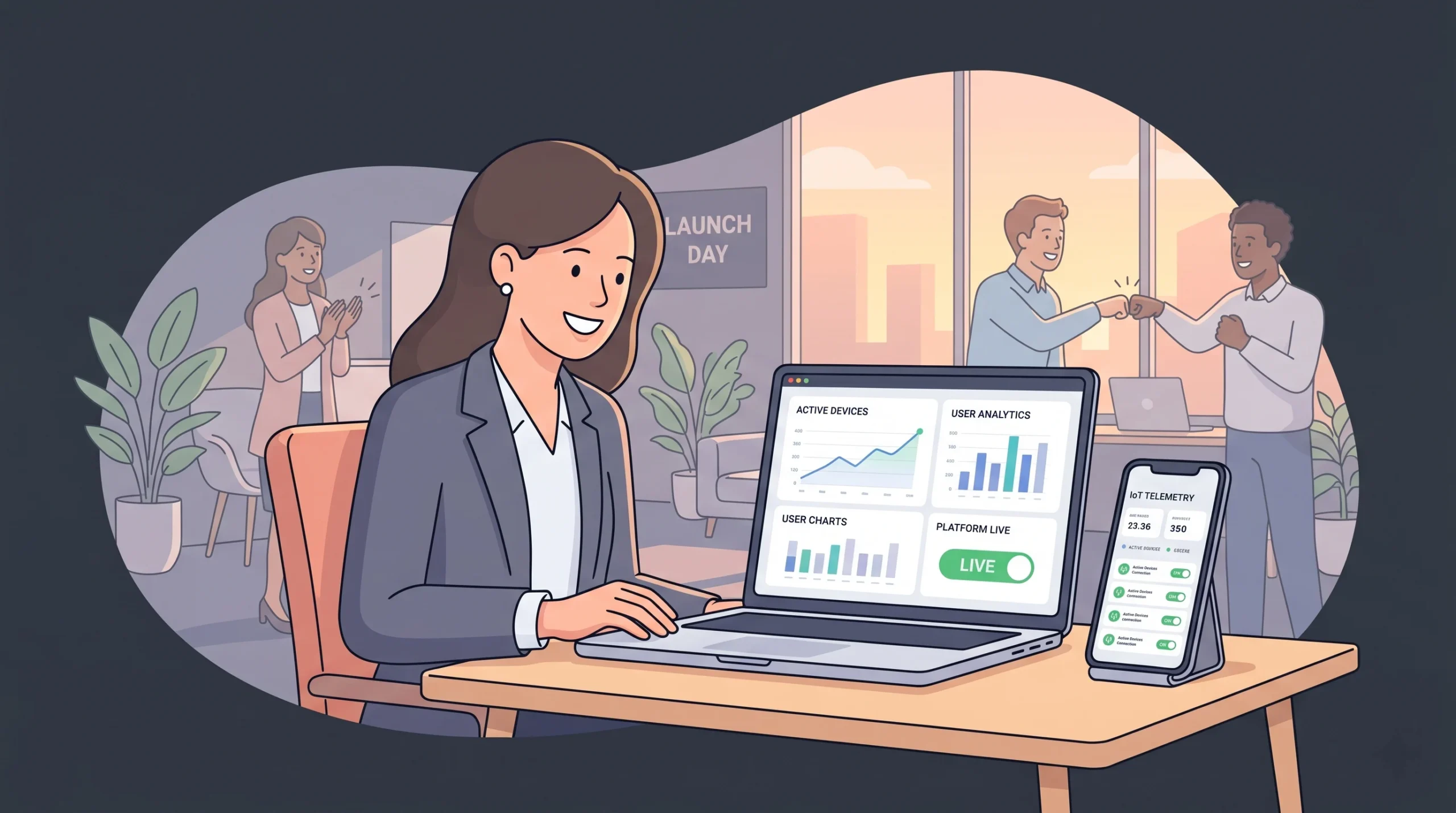
The phrase “iot app builder” hides a real choice. You can pick a tool that gets you a demo and then leaves you stranded the first time a device behaves unexpectedly. You can pick a dev shop that ships in six months and bills you $100,000. Or you can pick a platform built around the truth that IoT software is too fast-moving for traditional teams and too complex for AI alone.
imagine.bo is built for that middle path. AI for the speed. Real engineers for the depth. Production infrastructure by default. No code where you do not need it. Real code where you do.
If you have an IoT idea, the next step is the simplest one: describe it in the prompt box at app.imagine.bo and see what a working version of your product looks like in the next hour.
The devices are out there. The data is flowing. The software is the only thing standing between you and a real product.
Launch Your App Today
Ready to launch? Skip the tech stress. Describe, Build, Launch in three simple steps.
Build