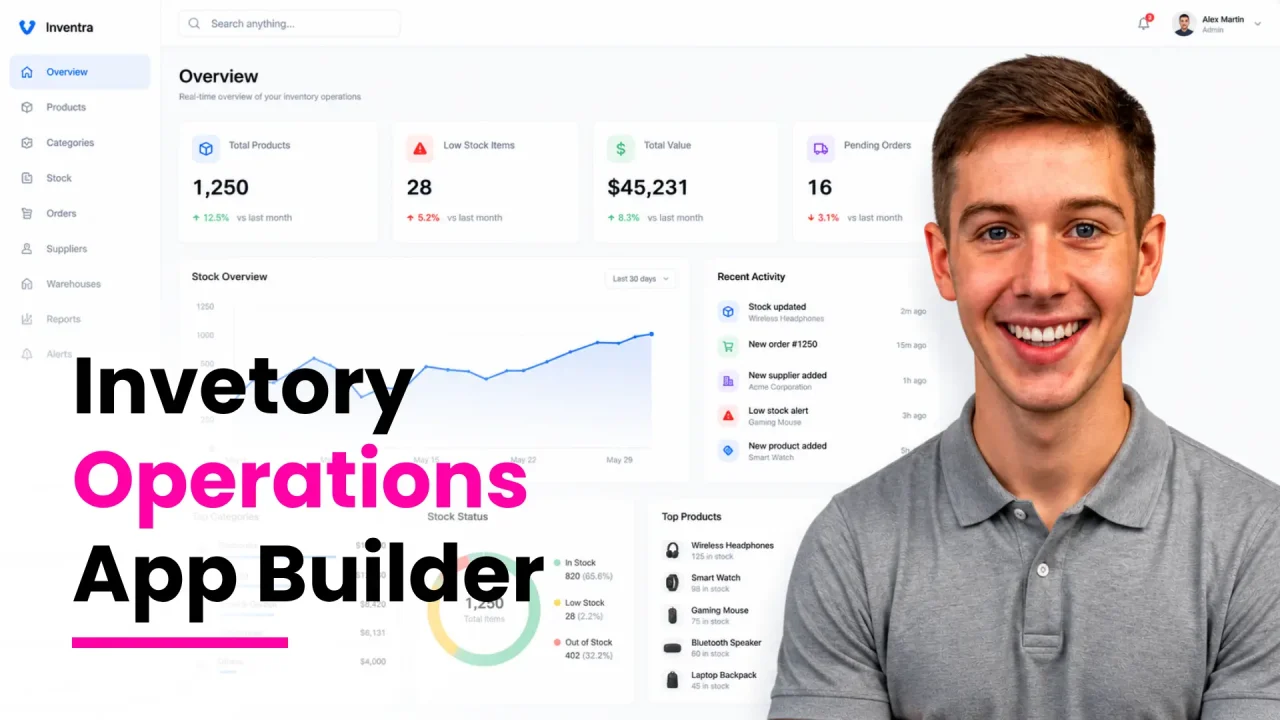
The short answer: The best app builders for inventory and service businesses in 2026 are platforms that combine AI generated app structure, a real relational database, role based access control, mobile responsive frontends, and access to human engineers when AI hits its limits. For most small operations and growing service businesses, the strongest options are imagine.bo (AI plus human engineers, outcome based pricing), Glide (spreadsheet first apps), Stacker (visual portals on top of databases), and Bubble (deep custom logic for complex workflows). The right pick depends on whether you need a stock tracker, a field service dispatcher, a CRM, a client portal, or a mix of all four in one app.
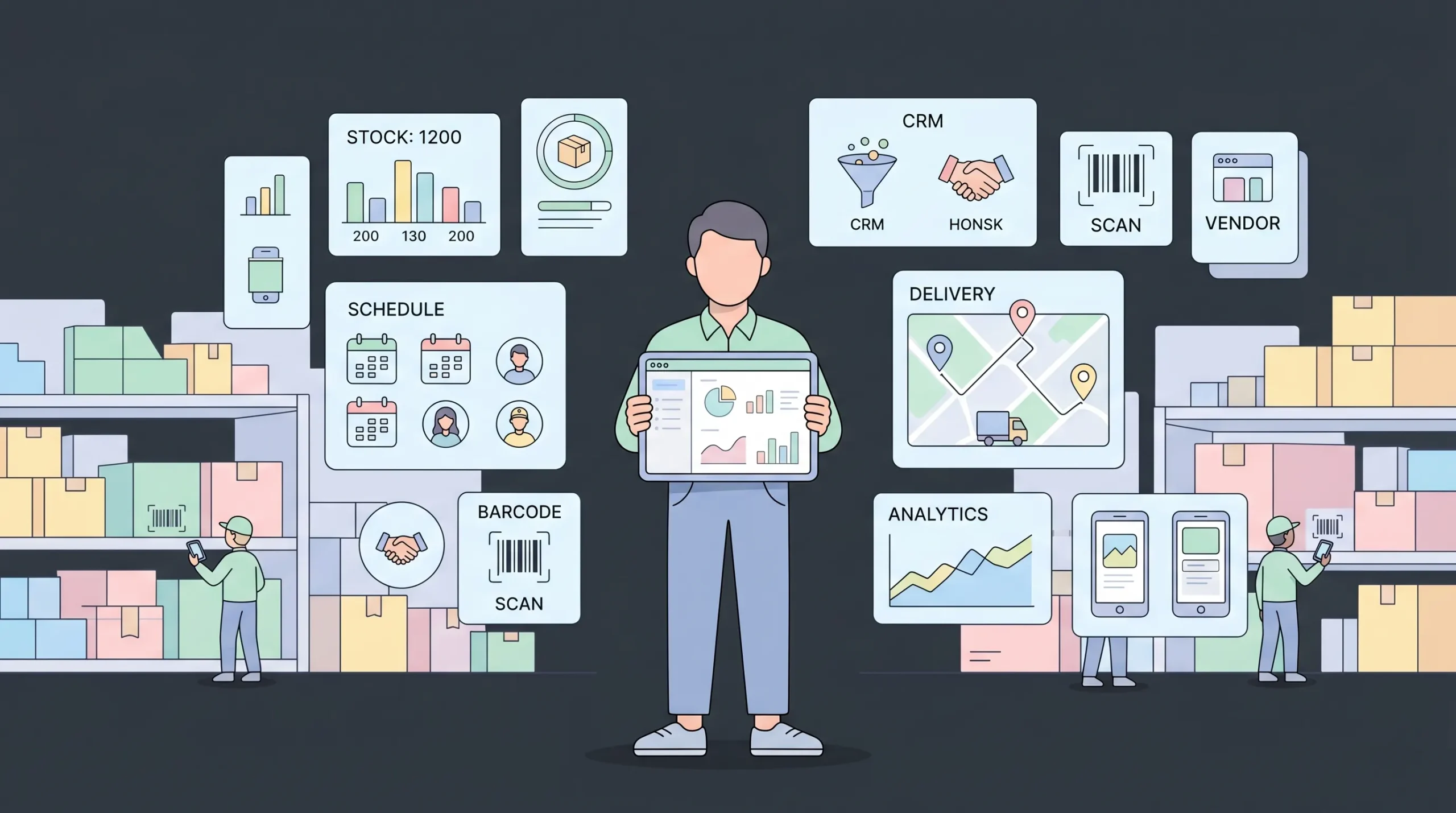
If you run a warehouse, a service crew, a retail shop, or a multi-location operation, the goal is the same. You want one app that tracks what you have, who is using it, what jobs are open, and what got billed. You do not want five tools, three spreadsheets, and a paper notebook.
Launch Your App Today
Ready to launch? Skip the tech stress. Describe, Build, Launch in three simple steps.
BuildThis guide walks through what to look for, how the top platforms compare, where each one shines, and how to avoid the most common mistakes when picking an app builder for inventory and service work.
Why this matters in 2026
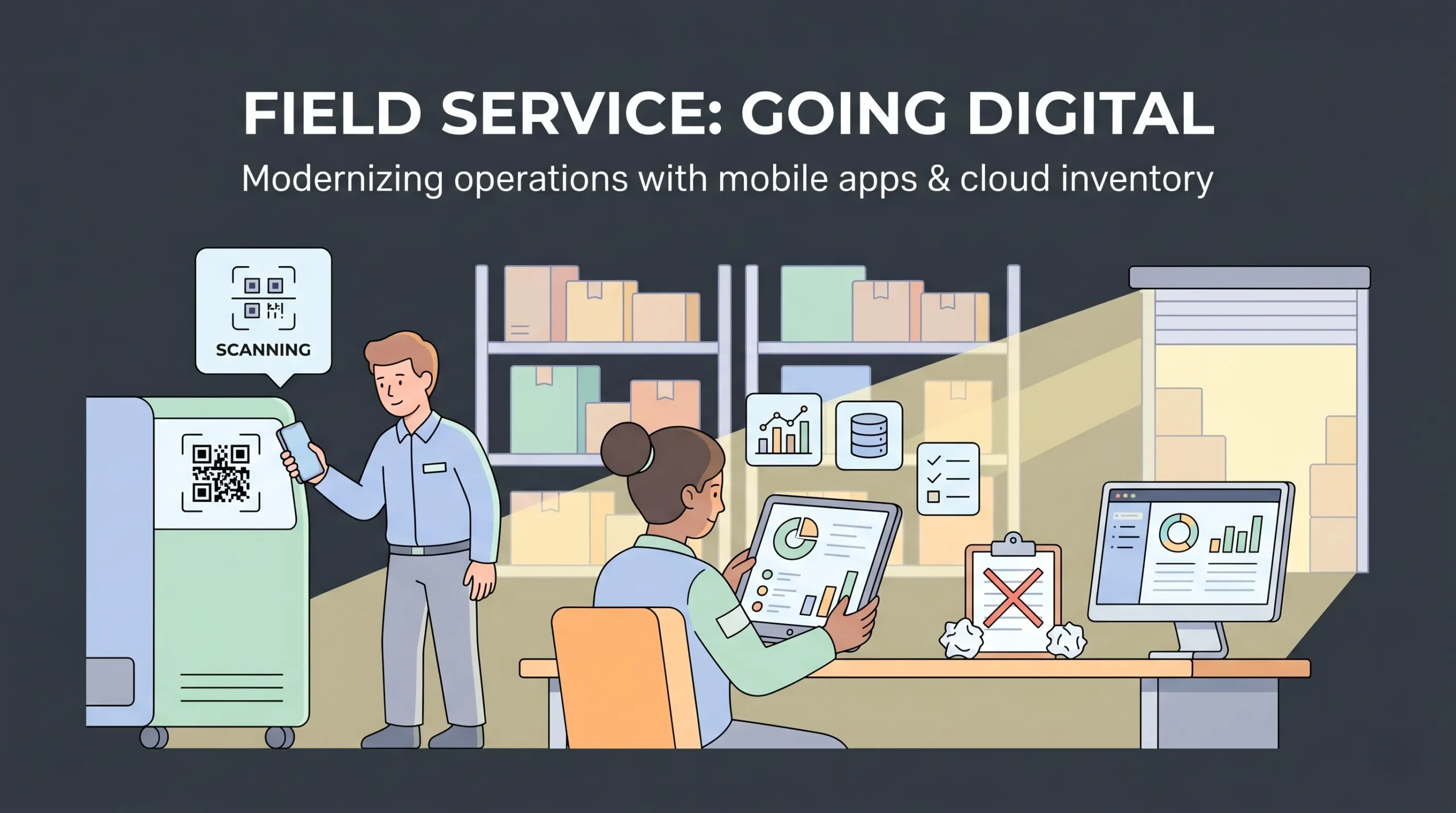
The market data is direct. The global field service management market is projected to grow from roughly $5.64 billion in 2025 to $9.68 billion by 2030, according to industry research compiled by Fieldwork. Around 94 percent of field service software users come from small businesses with 1 to 50 employees, based on FieldCamp’s 2026 trends report.
On the inventory side, Stacker reports that roughly 90 percent of companies still rely on spreadsheets for critical operations, even though spreadsheets break under multi user load and offer no real access controls.
Two more numbers worth remembering. Service businesses moving off paper save an estimated $4,000 per technician annually in lost invoices, double entry, and admin drag, per Repair-CRM’s 2026 small business guide. And 60 percent of small businesses that suffer a cyberattack go out of business within six months, which is why role based permissions and proper authentication are not optional anymore.
The takeaway: the spreadsheet era is over for any operation past five people. The question is which app builder you use to replace it.
What “app builder for inventory and service” actually means
These two use cases overlap more than people realize. An inventory app needs:
- A live stock count tied to a database
- Multi user access with proper roles (manager, warehouse staff, vendor)
- A mobile interface for floor staff
- Notifications when stock drops below a threshold
- Reporting on movement, shrinkage, and reorders
A service app needs:
- A job or ticket queue
- Customer records and history
- Scheduling and dispatch
- A mobile view for technicians
- Invoicing and status updates
The shared spine is a relational database, role based access control, mobile responsive UI, and automation for notifications and status changes. An app builder good at one is usually good at the other, as long as it gives you control over data structure and permissions.
If you are building from scratch, this walkthrough on building a real time inventory tracker in 10 minutes shows what a modern AI generated inventory app actually looks like end to end.
What to look for in an app builder for inventory and service
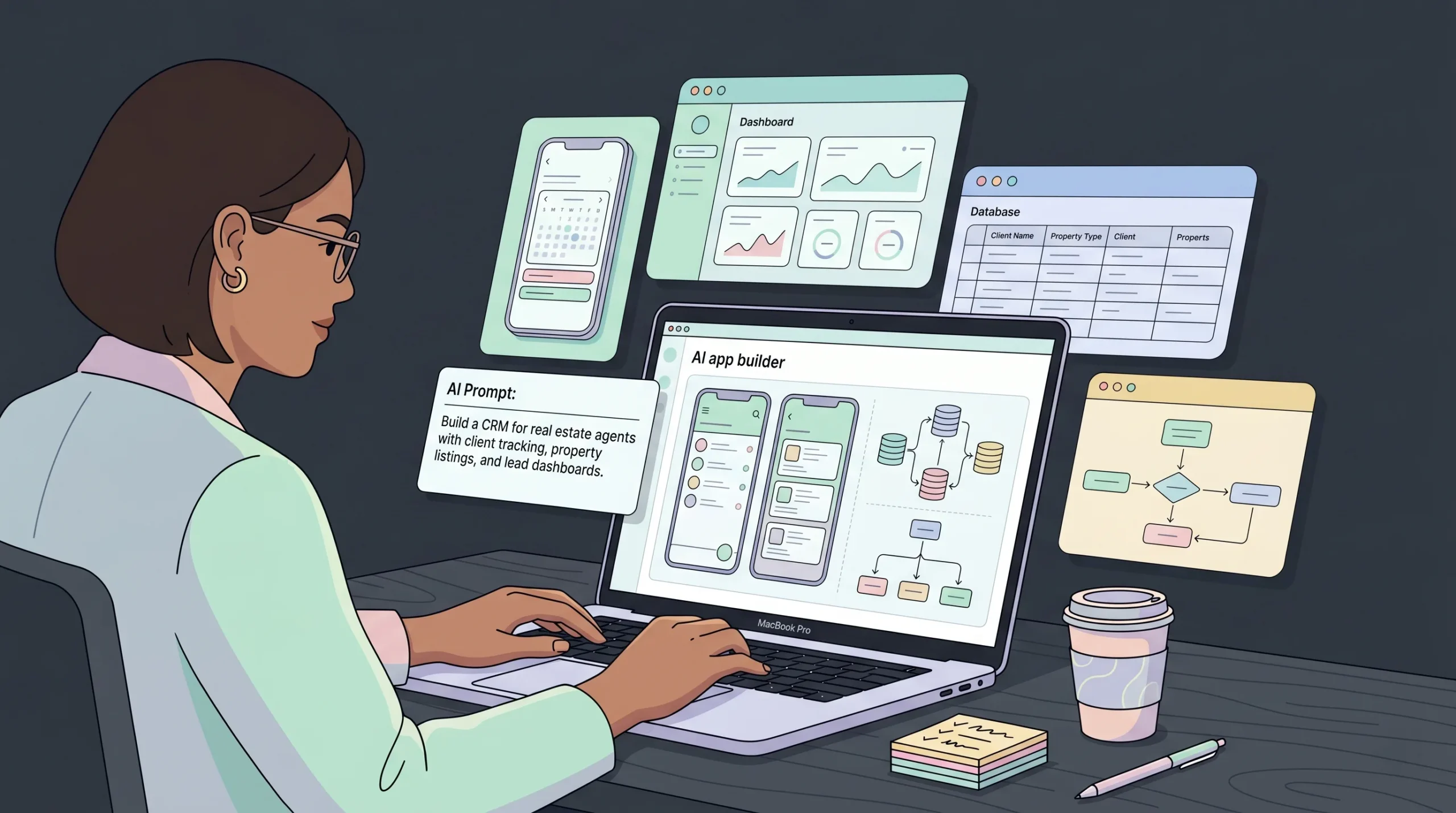
Here is the checklist that separates a builder you will outgrow in six months from one you can run a real business on.
1. A real database, not a spreadsheet wrapper
Some no code tools sit on top of Google Sheets or Airtable. That works for a directory app or a simple tracker, but it falls over fast when you have linked records, multiple locations, or thousands of rows. Look for a builder with a built in relational database where you can model proper relationships between products, locations, vendors, and jobs.
2. Role based access control out of the box
Inventory and service teams almost always have at least three roles: admin, staff, and an outside party (vendor, customer, contractor). Permissions need to be enforced at the data layer, not just hidden in the UI. If a staff member can type a URL and load the admin dashboard, your “permission system” is theatre.
3. Mobile first frontend
Warehouse pickers and field technicians work on phones. If the generated app is desktop only or breaks on a 4 inch screen, it is dead on arrival. Every serious 2026 app builder produces mobile responsive output by default.
4. AI prompt to app, with iteration through conversation
The 2026 standard is no longer “drag and drop a button.” It is “describe what you want, get a working app in minutes, then refine through follow up prompts.” Platforms still requiring you to manually wire every workflow are losing ground fast. Tools like imagine.bo, Stacker’s AI builder, and Bubble’s new AI features all support prompt to app generation now.
5. Access to real human engineers
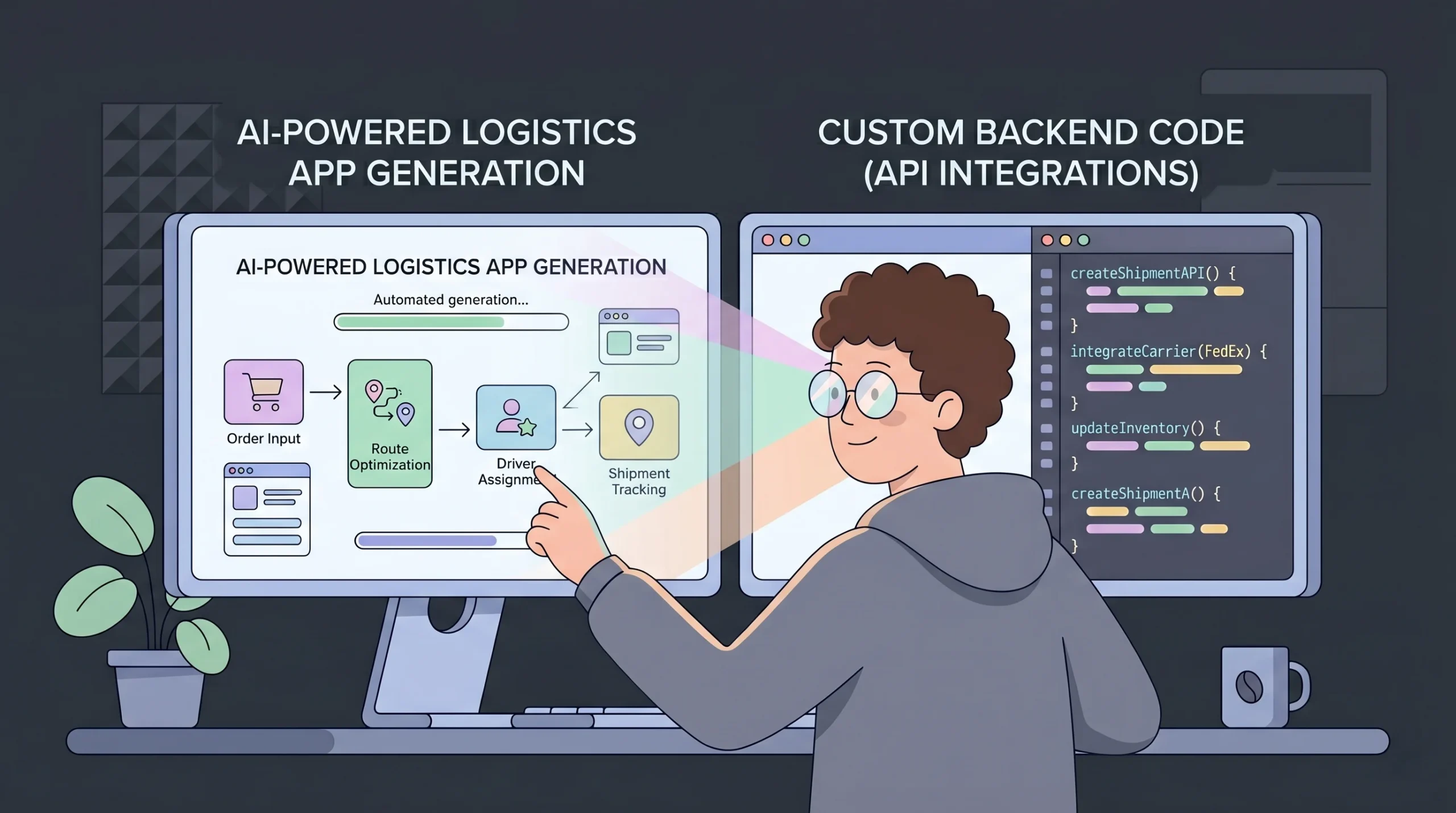
This is the single biggest gap in most no code platforms. AI gets you 80 percent of the way for a typical inventory or service app. The remaining 20 percent (a payment gateway in your local currency, a custom reorder algorithm, an integration with your existing accounting tool) is exactly where AI tends to stall.
The platforms that have solved this added a human in the loop layer. imagine.bo’s “Hire a Human” feature lets you hand any page or task to a vetted engineer for a fixed fee. Stacker offers a Solutions tier with engineering support. Glide has a partner network for builds. Without this, you will hit a wall and stay there.
6. Production ready deployment
Hosting, SSL, autoscaling, backups. If you have to think about any of these, the platform is making your life harder than it needs to be. Look for one click deploy to managed cloud infrastructure (Vercel for frontend, Railway or similar for backend is the modern default).
7. Code export and data portability
You should own your data and your code. Platforms that lock you into a proprietary format become a liability the moment you grow past their ceiling. Confirm code export is available before you commit.
The top app builders best for inventory and service in 2026
I evaluated eight platforms on the seven criteria above, plus pricing transparency and time to first working app. Here is the honest comparison.
1. imagine.bo
Best for: Founders and small teams who want a real production app, not a prototype, and want a human safety net when things get complex.

imagine.bo is a hybrid AI plus human engineering platform. You describe your inventory or service app in plain English, and the AI generates a complete frontend, database schema, and backend logic. When you hit something AI cannot finish (a localised payment integration, a custom dispatch algorithm, a third party API that needs careful auth), you click “Hire a Human” and a vetted engineer takes that specific module across the line.
For an inventory and service use case, this matters. Most builds need at least one custom integration. With pure AI tools, that is where projects stall. With imagine.bo, that is just a $25 per page or full project handoff.
Pricing: Lite at $5 per month for a 3 page site, Pro at $25 per month for a 10 page web app with backend and engineer support, Done For You at $499 one time for a fully built product (with $49 upfront). Pricing is outcome based, not credit based, which means you do not pay for failed AI attempts. Full breakdown on the imagine.bo pricing page.
Strengths: Outcome based pricing, AI plus human hybrid, production grade infrastructure on Vercel and Railway, full code export, RBAC and authentication built in.
Watch out for: The Lite plan is for simple sites only. Real inventory or service apps need the Pro plan or above.
2. Glide
Best for: Operations teams that already live in spreadsheets and want a polished mobile app on top.
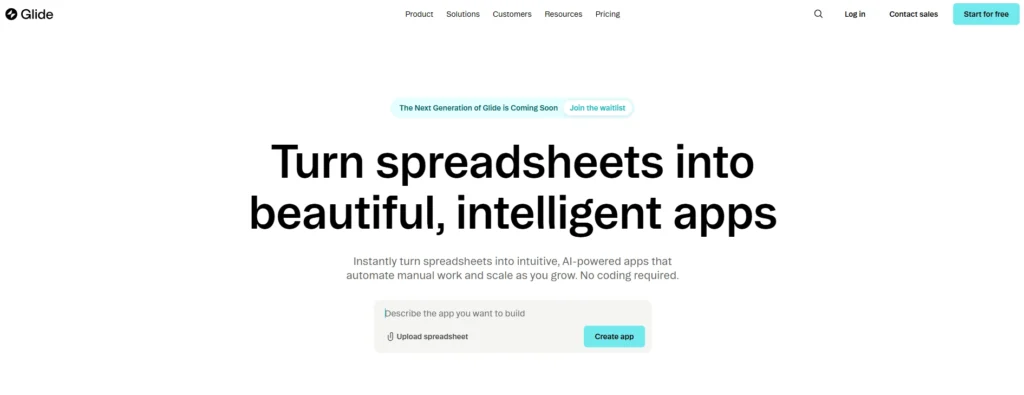
Glide turns Google Sheets, Airtable, or its own Glide Tables into clean mobile apps. It has strong templates for inventory, employee directories, and field data capture. Per Glide’s own use cases page, it supports vendor management, warehouse layout, and procurement workflows.
Pricing: Starts at $25 per month for individuals, $249 per month for business plans.
Strengths: Fast setup if you already have data in Sheets. Sleek templates. Good mobile output.
Watch out for: Less customizable than Bubble or imagine.bo. AI features are still catching up to prompt first builders.
3. Stacker
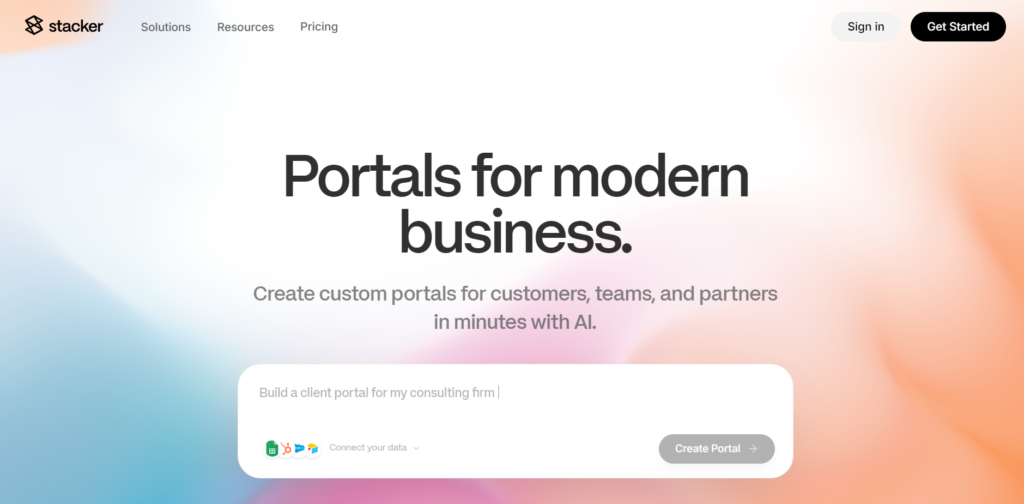
Best for: Internal tools, client portals, and inventory dashboards where external users (vendors, customers) need restricted access.
Stacker added an AI builder in 2025 that generates apps from plain English. It pairs that with a built in relational database and granular permissions, which makes it a strong fit for asset management and inventory with vendor access.
Strengths: Real database with relationships, strong permissions, AI generation, good for portals.
Watch out for: Pricing scales quickly with users. Better suited to mid sized operations than 1 to 5 person shops.
4. Bubble
Best for: Founders building genuinely complex apps with custom logic, multi tenant architecture, or marketplace features.
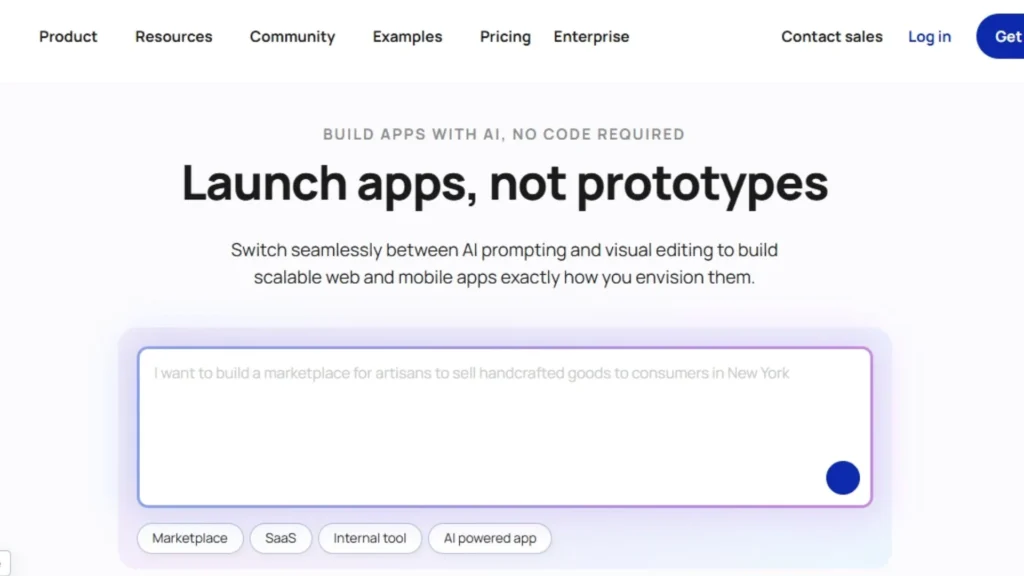
Bubble has the deepest workflow engine in the no code space. If your service business needs a custom commission split, a tiered subscription model, or a unique dispatch algorithm, Bubble can build it. The trade off is a real learning curve.
Pricing: Starts free, paid plans from $29 per month, scales by workload units.
Strengths: Full control over logic, large plugin ecosystem, mature platform.
Watch out for: Steep learning curve. Many founders end up hiring Bubble developers to finish builds. If you want speed, this is not your tool.
5. Airtable
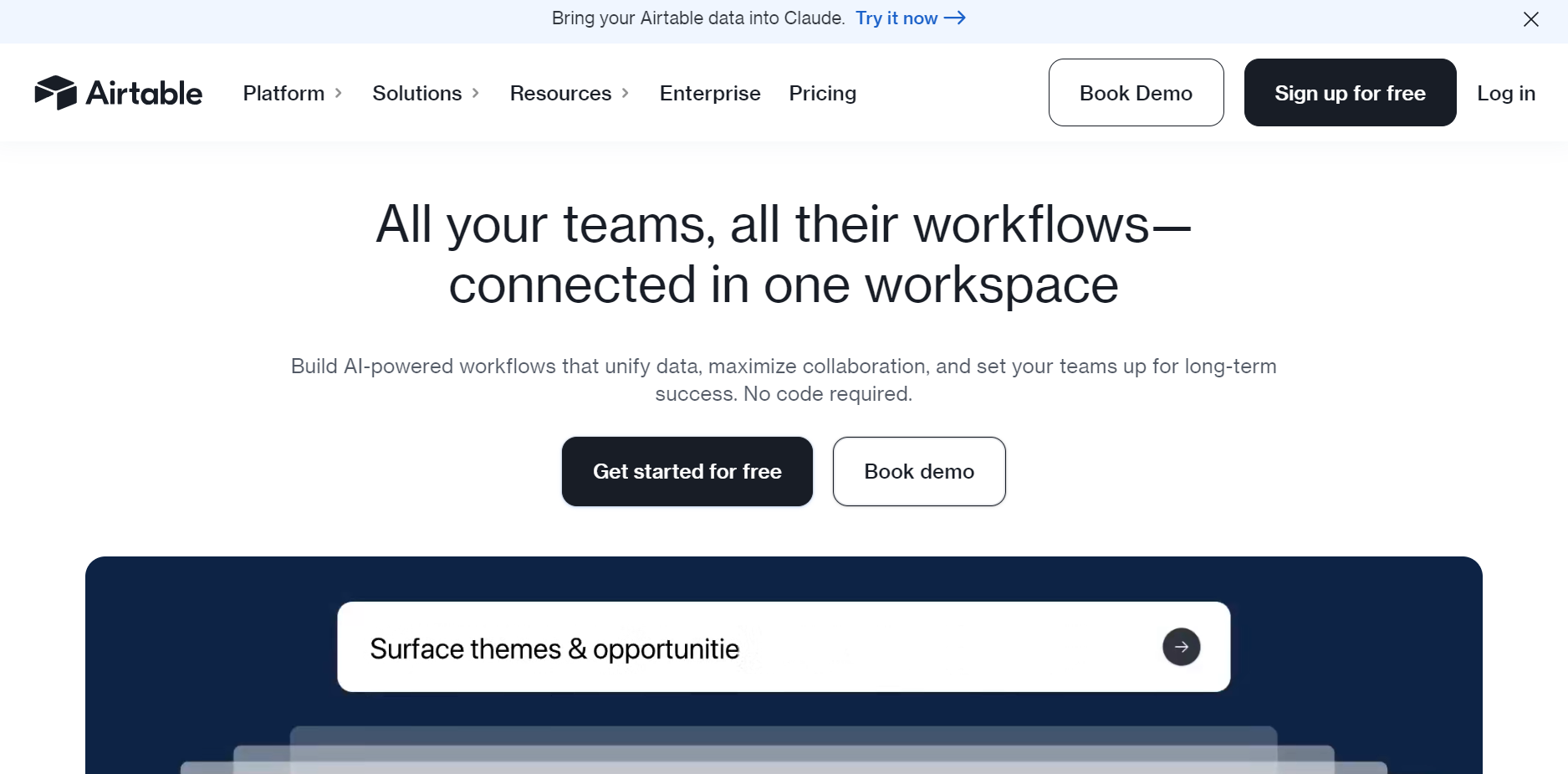
Best for: Teams that want a database first, app second.
Airtable is excellent as a backend or shared database. It has hundreds of templates including inventory and CRM. It is less of an app builder and more of a smart spreadsheet, so you usually pair it with a frontend tool like Softr or Glide.
Pricing: Starts at $24 per month per user.
Strengths: Great data layer, easy to learn, large template library.
Watch out for: Limited frontend. You will need a second tool to build a real customer facing app.
6. Knack
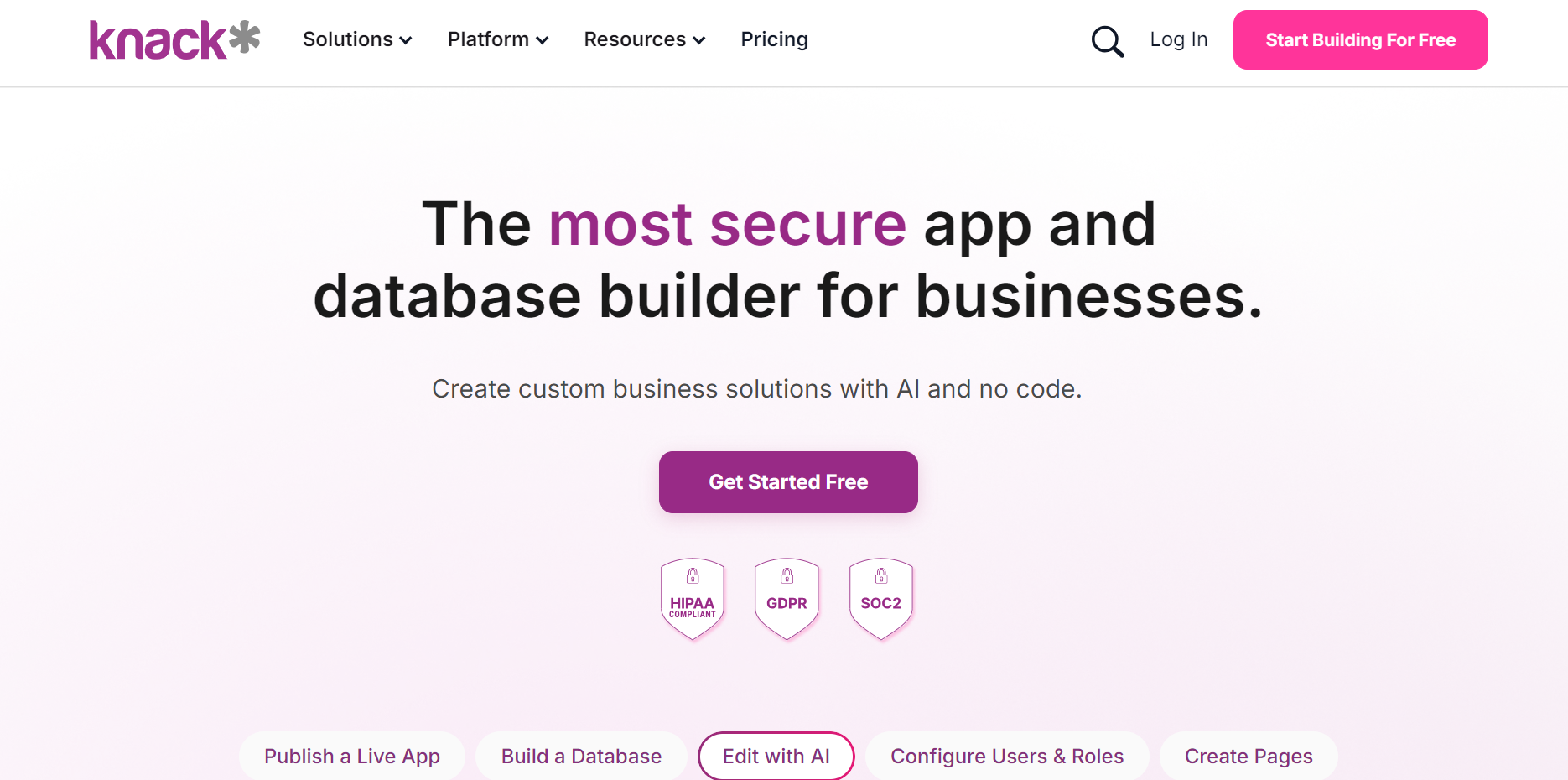
Best for: Custom database apps for SMBs and non technical teams.
Knack focuses on building database driven apps with workflows and automation. Strong for inventory tracking, project management, and membership portals.
Pricing: Starts at $49 per month.
Strengths: Good database builder, role based permissions, decent for inventory apps.
Watch out for: Less modern UI compared to AI first builders. No prompt to app generation yet.
7. Blaze

Best for: Regulated industries (healthcare, finance) needing HIPAA or SOC 2 compliance.
Blaze is built for security sensitive apps. If your inventory or service work involves protected data (medical supplies, financial records), this is a strong pick.
Pricing: Custom, but generally enterprise tier.
Strengths: Compliance ready, scalable, good for regulated use cases.
Watch out for: Overkill for general SMB inventory. Pricing is opaque.
8. Jotform Apps
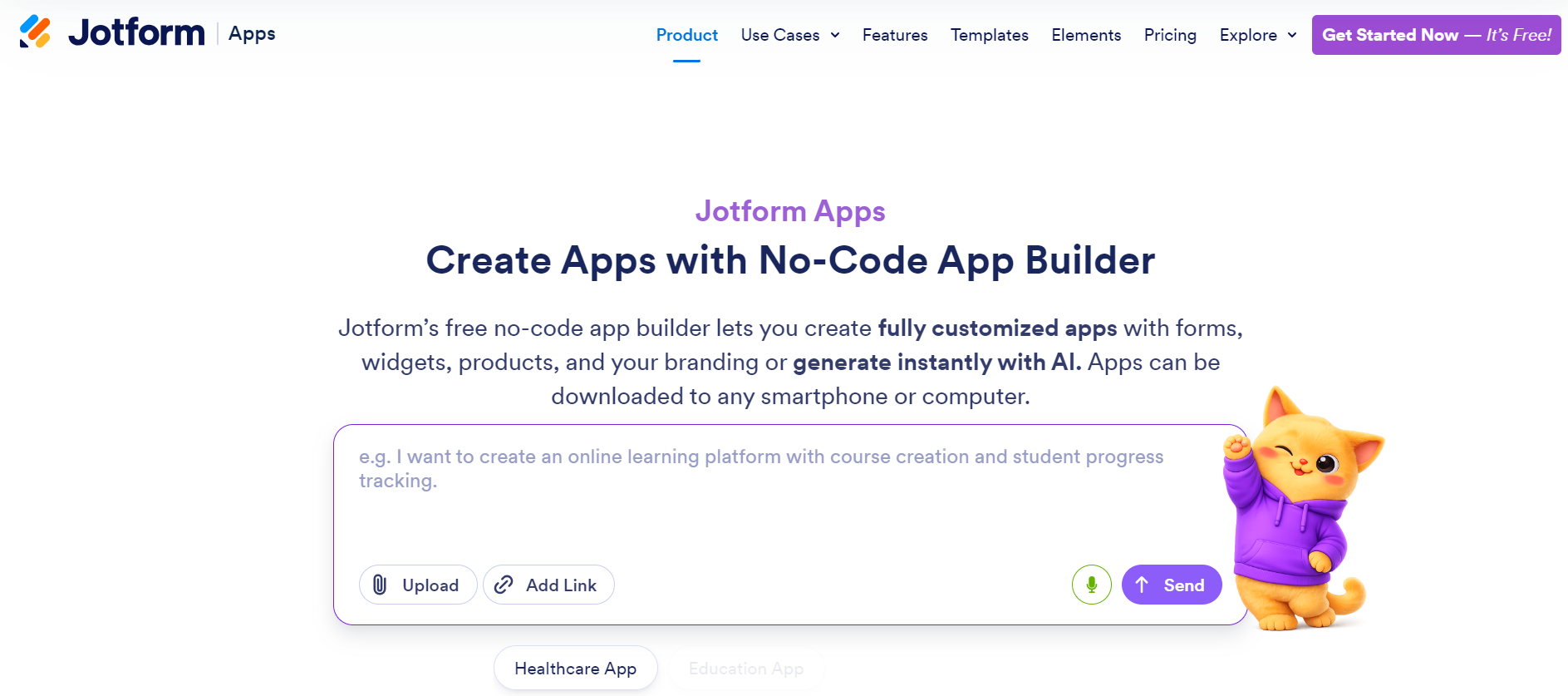
Best for: Form heavy field service work where data capture is the main job.
Jotform Apps is a strong fit for field inspections, service reports, and data collection on mobile. It has a field service template and integrates with QuickBooks and other tools.
Pricing: Starts free, paid plans from $34 per month.
Strengths: Excellent forms, white label option in Enterprise tier.
Watch out for: Less suited to complex inventory logic or multi role permissions.
Comparison table
| Platform | Best for | AI prompt to app | Real database | Human engineer support | Starting price |
|---|---|---|---|---|---|
| imagine.bo | Founders wanting production grade apps with safety net | Yes | Yes | Yes (Hire a Human, $25/page) | $5/month |
| Glide | Spreadsheet to mobile app teams | Limited | Yes (Glide Tables) | Partner network | $25/month |
| Stacker | Internal tools and client portals | Yes | Yes | Solutions tier | Custom |
| Bubble | Complex custom logic | Limited | Yes | Hire third party devs | $29/month |
| Airtable | Database first teams | No | Yes | None | $24/user/month |
| Knack | Custom database apps for SMBs | No | Yes | None native | $49/month |
| Blaze | Regulated industries | Yes | Yes | Enterprise support | Custom |
| Jotform Apps | Form heavy field service | Limited | Yes (within forms) | None | $34/month |
Inventory app use cases worth building right now
These are the real apps small operations are building in 2026, and the platforms that fit each best.
Real time stock tracker for a small retailer
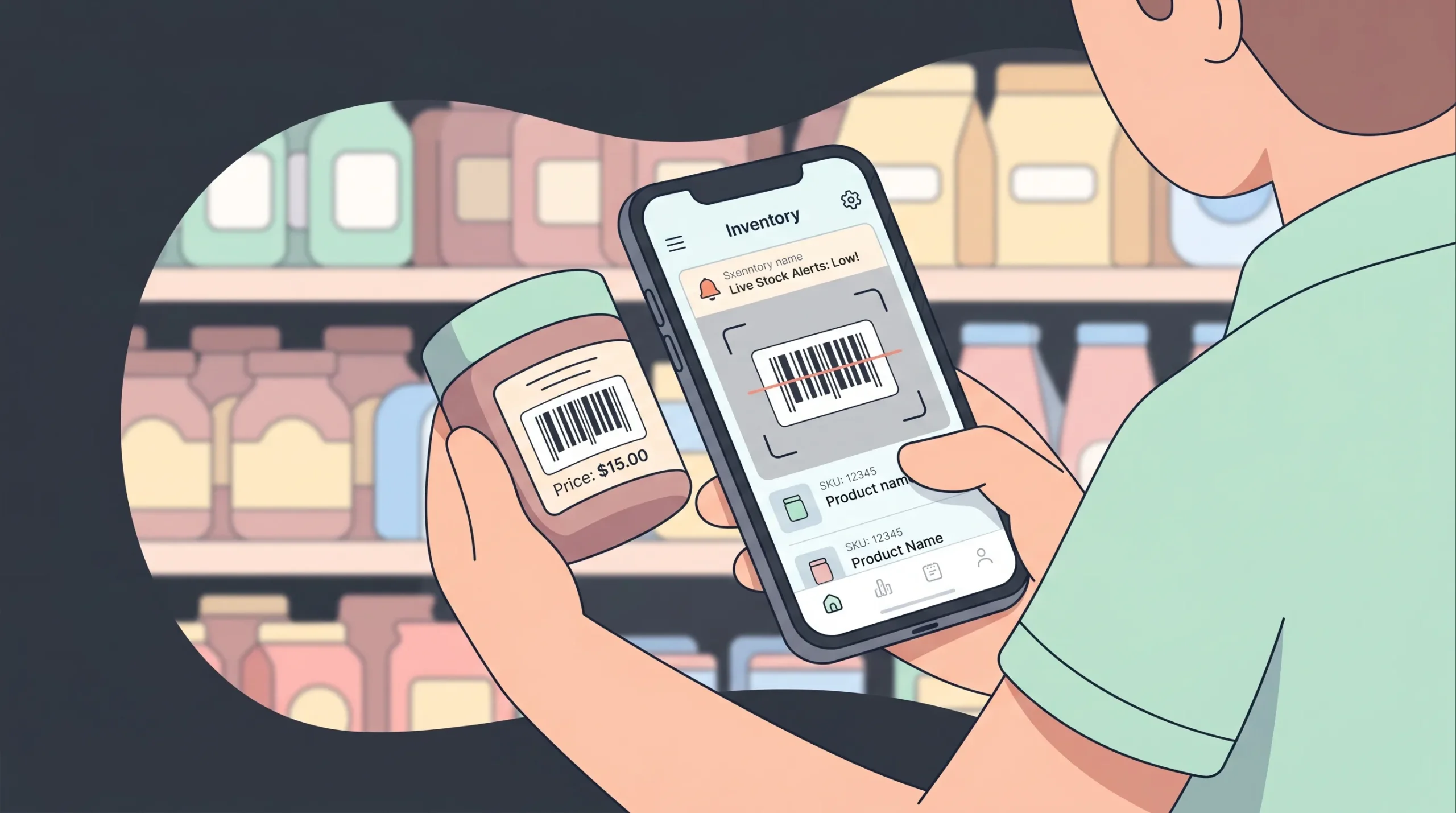
A 5 to 50 SKU shop tracking stock across one or two locations. Needs barcode scanning, low stock alerts, and a simple manager dashboard. imagine.bo, Glide, and Stacker all handle this well. For a step by step build, see this guide on automated inventory for small retailers.
Multi location warehouse management
Multiple warehouses, vendor portals, and reorder workflows. You want relational data (products linked to locations linked to suppliers) and external user access. Stacker and imagine.bo are the strongest fits. Glide works if your data is already structured.
Asset and equipment tracking
Tracking serial numbered assets (laptops, tools, machinery) with check in and check out, maintenance history, and depreciation. All four top platforms can do this. Stacker has a slight edge for asset relationships.
Retail operations dashboard
A unified view of stock, staff, and store performance. The retail operations app store management checklist covers what to include before you build.
Service business use cases worth building right now
Field service dispatcher for a small crew
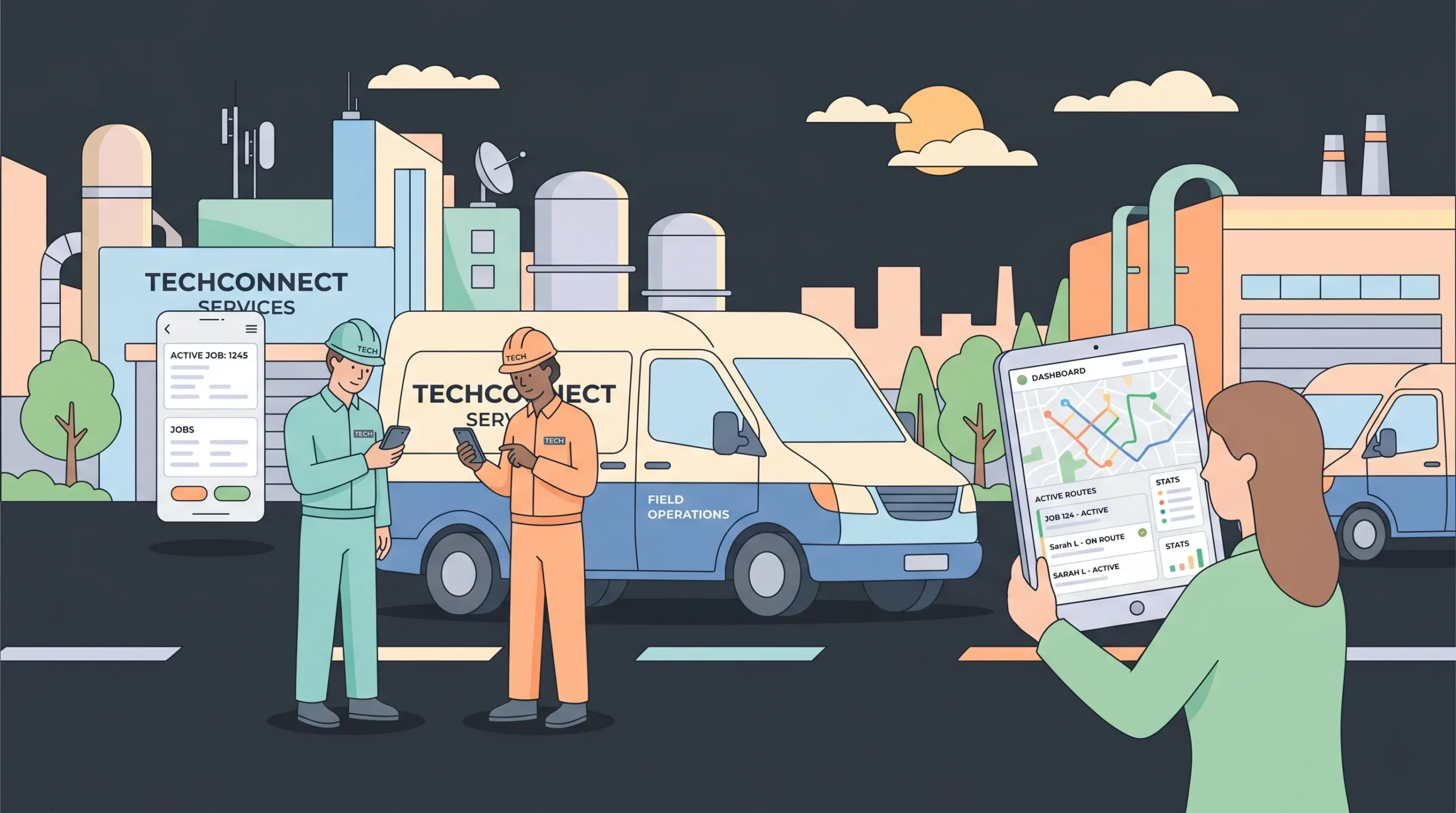
A 3 to 20 technician operation needing scheduling, mobile job views, and customer history. imagine.bo, Bubble, and Jotform Apps all fit. For dedicated FSM features (route optimization, GPS tracking), purpose built tools like Jobber or Housecall Pro may be worth comparing, but they offer no customisation. With a builder, you control the workflow.
Customer facing service portal
A portal where clients book appointments, view past services, and pay invoices. Stacker and imagine.bo are the strongest options. For a deeper look, this guide to AI tools for client service portals walks through the build.
Custom CRM for a service business
Service businesses need a CRM tailored to their pipeline (lead, quote, scheduled, in progress, invoiced, paid). Off the shelf CRMs force you to bend your process to theirs. A custom build through a no code CRM workflow takes a few hours and fits exactly. The AI CRM guide for small businesses covers what to include.
Fleet maintenance for service vehicles
If your service business runs vehicles, you need preventive maintenance scheduling, mileage tracking, and inspection logs. The fleet maintenance software guide for small fleets breaks down the core requirements.
How to choose: a four step decision framework
Skip the feature comparison spreadsheet. Run through these four questions instead.
Step 1: How custom is your workflow?
If your process is standard (basic inventory, simple ticketing), almost any builder will work. If your process has unique rules (custom commission splits, multi step approvals, complex tax logic), you need imagine.bo, Bubble, or a Done For You build.
Step 2: Who are your users?
Internal only? Glide or Knack are fine. External users (customers, vendors, contractors)? You need real RBAC and a builder that produces a polished frontend. imagine.bo, Stacker, or Bubble.
Step 3: How fast do you need to ship?
If you need an MVP this week, prompt first AI builders win. imagine.bo and Stacker generate working apps in minutes from a description. Bubble takes weeks for a comparable result.
Step 4: What is your fallback when AI cannot finish a task?
This is the question most founders skip. AI will get you 80 percent there. The remaining 20 percent is where projects die. Confirm your platform has a real human engineering option before you commit, not after you are stuck.
Common mistakes to avoid when picking an app builder
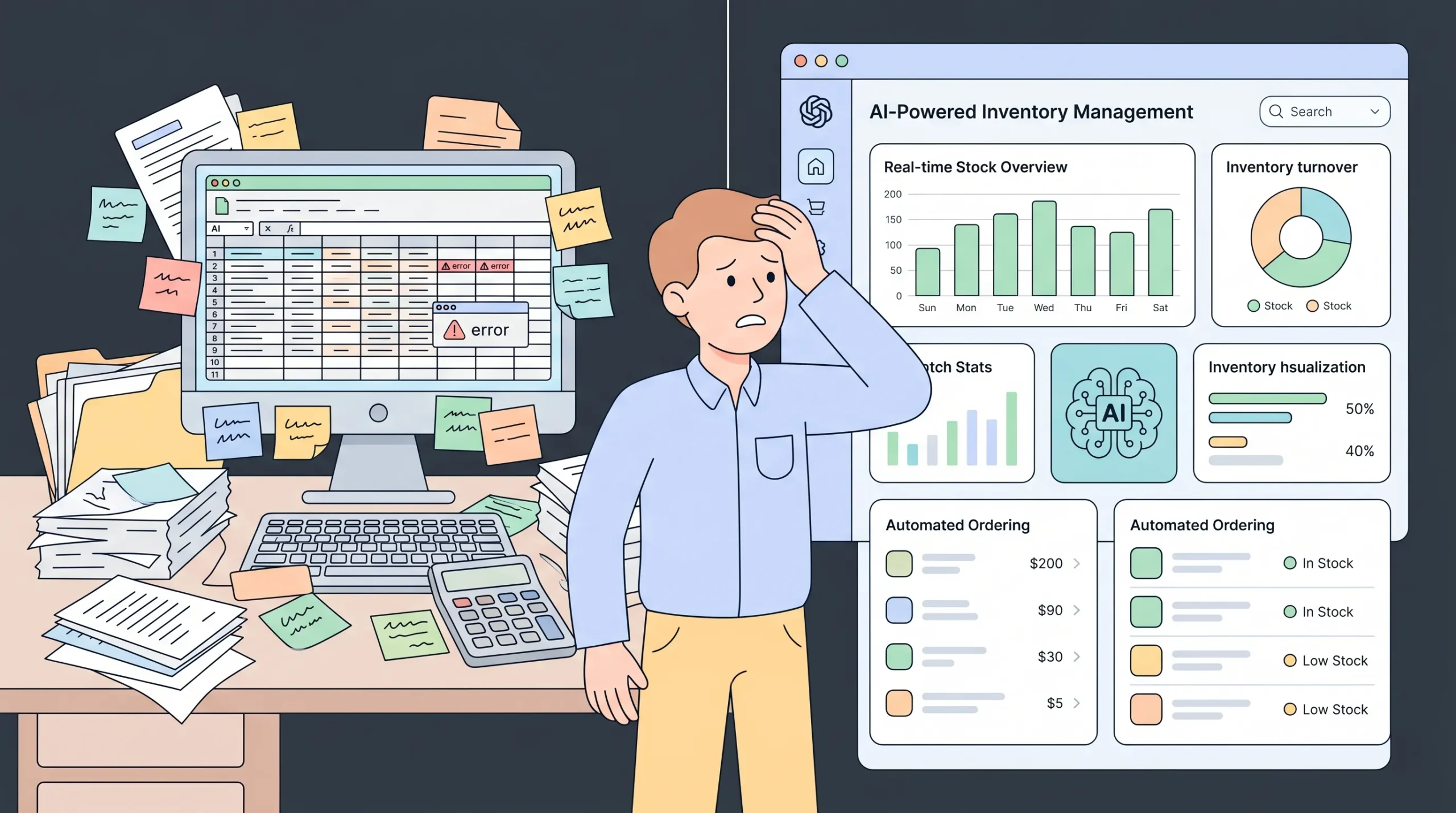
Mistake 1: Picking on price alone. A $5 a month plan that does not support your use case costs more than a $50 plan that ships in a week. Cost is the build, the maintenance, and the opportunity cost combined.
Mistake 2: Believing “no code” means “no thinking.” You still need to define your data model, your user roles, and your edge cases. A clear prompt produces a clear app. Generic prompts produce generic, broken apps.
Mistake 3: Skipping permissions until launch. Retrofitting access control is brutal. Define roles in your initial prompt. State exactly what each role can read, write, and delete.
Mistake 4: Building the version 2 features first. Start with the minimum viable workflow. A working inventory app with stock counts and low stock alerts beats a half built app with predictive analytics every time.
Mistake 5: No human safety net. If your platform has no path to real engineering help, you are one tricky integration away from a stuck project. Pick a platform with a clear escalation route.
Pricing realities for 2026
Most app builders for inventory and service fall into one of three pricing models.
Per user per month: Common with Airtable, Knack, and traditional platforms. Predictable but expensive at scale (50 users at $25 each is $1,250 a month).
Per workload or per app: Bubble’s model. Cheap when small, costly when traffic grows.
Outcome based: imagine.bo’s model. You pay for the deliverable (a 3 page site, a 10 page app, a fully built product), not for credits or attempts. According to industry comparisons cited in no code pricing analysis, outcome based models tend to be 30 to 60 percent cheaper for small teams than per user pricing because you are not penalised for adding teammates.
For a small retailer or a 5 person service crew, a $25 to $50 a month plan is usually enough. For a 20 to 50 person operation with vendor portals and customer access, expect $100 to $300 a month across your stack.
Frequently asked questions
What is the single best app builder for inventory and service?
There is no one answer that fits every business. For founders and small operations wanting a fast, production grade build with a human engineering safety net, imagine.bo is the strongest 2026 pick. For teams that already live in spreadsheets, Glide is the path of least resistance. For complex custom logic, Bubble has the deepest engine.
Can I really build a working inventory app in minutes?
Yes, with prompt first AI builders. imagine.bo and Stacker generate a complete app structure (database, screens, permissions) from a plain English prompt in under five minutes. You then refine it through follow up prompts and visual edits. A working MVP for an inventory tracker realistically takes 30 to 90 minutes including testing.
Do I need coding experience?
No. Modern AI app builders are designed for founders, operations leads, and non technical teams. You describe what you want, the AI builds it, and you adjust through conversation or drag and drop edits. If you hit a complex feature AI cannot finish, you escalate to a human engineer through the platform.
What about security and compliance?
Production grade builders apply SSL, data encryption, secure authentication, and role based access control by default. For regulated industries (HIPAA, SOC 2, GDPR), confirm the platform has compliance foundations before you commit. imagine.bo and Blaze both support enterprise compliance baselines.
Can I export my data and code?
You should be able to. Confirm before you commit. imagine.bo, Bubble, and Stacker all offer code or data export. Some older no code platforms lock you in, which becomes a problem when you grow past their ceiling.
What does “Hire a Human” actually mean?
On platforms that offer it (imagine.bo is the main one), you click a button to assign a specific page or task to a vetted engineer. They write the custom code, push it to your project, and you keep ownership. It is fixed price per page or per project, not hourly. This bridges the gap when AI gets stuck on complex logic, integrations, or edge cases.
Is no code suitable for production apps with real customers?
Yes, if the platform deploys to managed cloud infrastructure (Vercel, Railway, AWS) with autoscaling and SSL. The 2026 standard is no code apps that are indistinguishable from custom built ones in terms of performance and security. The difference is build speed and cost.
How long until my app pays for itself?
For service businesses moving off paper, Repair-CRM’s 2026 analysis puts the savings at over $4,000 per technician per year. A $25 to $50 monthly app builder pays for itself in the first month for any operation with two or more technicians.
What is outcome based pricing and why does it matter?
Most AI builders charge per credit or per prompt. You pay whether the AI succeeds or fails. Outcome based pricing means you pay for a real deliverable (a working site, a working app, a finished product), not for AI attempts. This protects you from the “I burned $200 in credits and have nothing to show for it” problem.
Can one app handle both inventory and service?
Yes. The two use cases share a common backbone (database, roles, mobile UI, notifications). A custom built app on imagine.bo, Bubble, or Stacker can handle stock tracking, technician dispatch, customer history, and invoicing in a single product. This is usually cheaper and easier than buying separate inventory and FSM tools and trying to integrate them.
Final recommendation
f you are a founder, operations lead, or small business owner picking an app builder for inventory and service work in 2026, here is the call.
For most teams, start with imagine.bo’s Pro plan at $25 per month. It is the strongest combination of AI speed, human engineering safety net, real backend, and outcome based pricing. You can ship a working inventory or service MVP in a single afternoon and assign any complex piece to a real engineer for a fixed fee.
If you already live in spreadsheets and want the fastest possible path to a mobile app, try Glide. If you need deep custom logic or a marketplace style structure, Bubble is the long term home. For client portals with vendor access, Stacker is purpose built.
Whichever you pick, three rules apply. Start with a clear MVP. Define your roles before you build. Make sure you have a human escalation path when AI hits its limit.
The spreadsheet era is over. The question is which builder you ship with.
Ready to build? Start at imagine.bo or compare full plan details on the pricing page.
This guide was last updated in May 2026 with current platform pricing, market data, and trend analysis. Platform features and pricing may change. Confirm current details on each provider’s site before purchase.
Launch Your App Today
Ready to launch? Skip the tech stress. Describe, Build, Launch in three simple steps.
Build