
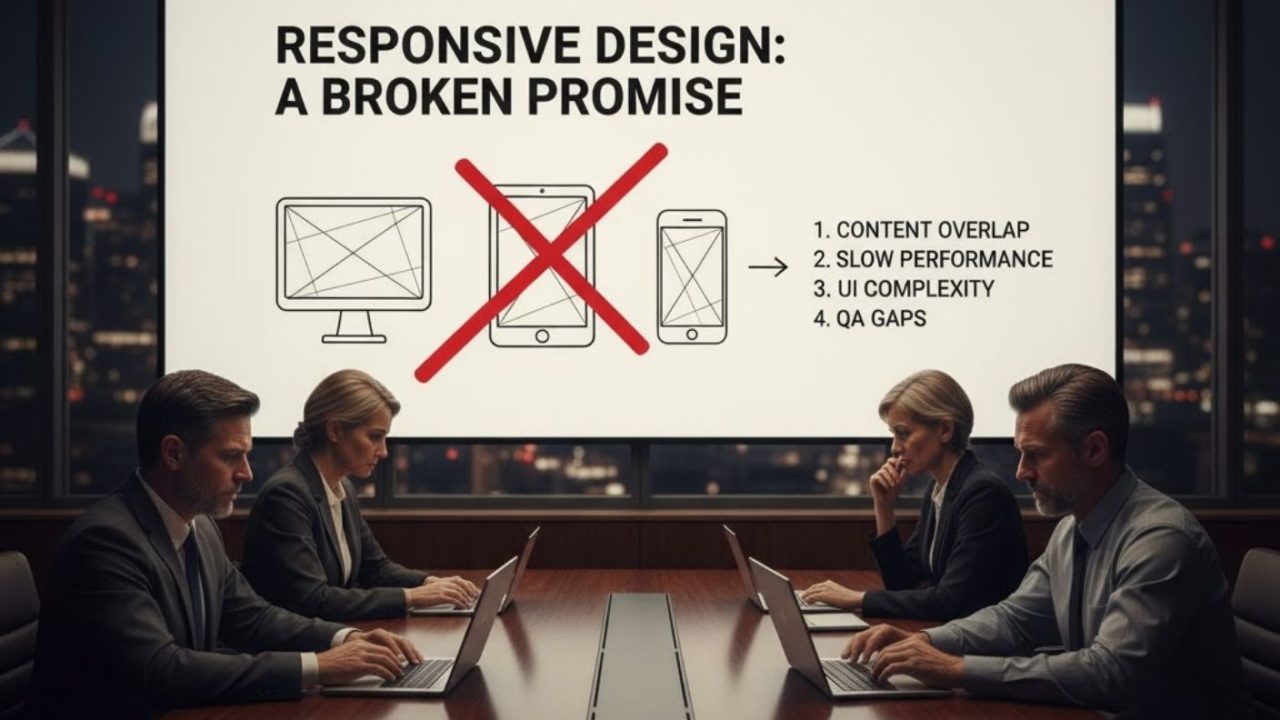

Responsive Web Design was supposed to be the silver bullet for a multi-device world. Today, it’s the industry standard—yet the web is slower, clunkier, and harder to use than ever. The problem isn’t the technology; it’s the philosophy. By chasing a “one-size-fits-all” dream, we’ve prioritized developer convenience over user experience, creating a web that technically works everywhere but feels right nowhere. This report exposes why the Responsive Design Still Fails revolution failed and how we finally fix it.
The 2010 Mandate vs. The Reality
In 2010, as the mobile web began fracturing the digital landscape, web designer Ethan Marcotte coined the term “Responsive Web Design.” It was an elegant, necessary solution proposed to handle the fragmentation of mobile devices using three technical pillars:
Launch Your App Today
Ready to launch? Skip the tech stress. Describe, Build, Launch in three simple steps.
Build- Fluid Grids: Page elements sized in relative units (percentages) rather than absolute pixels, allowing them to stretch and shrink.
- Flexible Images: Images sized in relative units to prevent them from breaking their containing elements.
- Media Queries: CSS3 features allowing the page to use different style rules based on the device’s characteristics, specifically the viewport width.
The industry fell in love with this because it promised efficiency: “One codebase to rule them all.” It offered a path away from the costly practice of building separate “m-dot” (mobile-specific) websites. However, this efficiency came at a cost. It prioritized developer convenience over user experience.
The “One-Size-Fits-All” Fallacy
By forcing a single fluid layout to adapt to everything from a 4-inch phone to a 27-inch monitor, we created a “Jack of all trades, master of none” scenario. This conflict is best understood by contrasting RWD with its contemporary, Adaptive Web Design (AWD).
- Adaptive Design (AWD) employs multiple, fixed layouts. The server detects the device and serves a layout tailored specifically for that screen size. It offers superior UX but requires more work to maintain.
- Responsive Design (RWD) employs a single fluid layout that reflows to fit. It is easier to maintain but often results in a generic, suboptimal experience.
Because RWD was cheaper to build, it won the market war. But as we see with high-performing companies like Shopify, the purely responsive model doesn’t actually work for complex applications. Shopify uses a “hybrid” model—actually changing the location and structure of elements based on the device — because simply shrinking a desktop site doesn’t cut it. They realized that a mobile user needs different elements in different places, not just smaller versions of the same elements.
The Process Trap: How We Build Is Why It Breaks
The flaw in the philosophy infects the way we work. The “one-size-fits-all” continuum forces teams into a linear process for a non-linear problem, usually falling into one of two traps.
1. The “Desktop-First” Hangover
This is the most common pitfall. Teams build a complex, full-featured desktop website first, treating RWD as an “afterthought” — a resizing tool used to scale down the design for mobile and desktop users.
- The Result: Massive images, complex scripts, and heavy stylesheets intended for high-bandwidth desktop connections are forced onto mobile devices. This causes the “Performance Catastrophe” — crippling load times and high data costs for users who are often on unstable networks.
2. The “Mobile-First” Misapplication
In response, many teams switched to “Mobile-First.” In theory, this is the superior approach: start with the constraints of mobile and layer on complexity. In practice, however, it often leads to the “Fisher-Price” UI problem.
- The Result: Giant buttons designed for “fat fingers” on a mobile touchscreen end up ported to desktop screens. Users with high-precision optical mice are forced to interact with a UI that looks comically large and simplistic. It ignores the context that a desktop user is often in a “lean-forward,” high-focus work mode and expects density and precision.
The Performance Catastrophe: Bloat and Jank
RWD’s most tangible and indefensible failure is its impact on web performance. While promising efficiency, RWD in practice has enabled a culture of bloat.
The Responsive Image Problem
Performance failure begins with images. In a classic RWD build, the browser often downloads the desktop-sized image even on a mobile device, wasting bandwidth. But the more insidious failure is layout shift. The original RWD rule (img { max-width: 100%; height: auto; }) removed hardcoded width and height attributes. This meant the browser didn’t know how much space to reserve for an image until it downloaded. The result? The text loads, you start reading, and then the image snaps in, pushing the text down. This “reflow” or “jank” is a devastating usability failure that disorients users.
The Asset Bloat Crisis
RWD’s “one codebase” philosophy leads directly to “one stylesheet.” A mobile user’s device is forced to download, parse, and evaluate all the complex CSS for the desktop layout, even though it will never use those styles. This “unused CSS” blocks rendering. The browser cannot paint the page until this massive file is processed. It creates a sluggish experience where the interface feels heavy and unresponsive, proving that less code often means speed and security.
The Framework Paradox
This crisis is amplified by the very frameworks that promise to make RWD “easy,” like Bootstrap or Foundation. This is a key reason why AI tools are replacing traditional development methods.
- CSS Bloat: When a developer imports a massive library, they include hundreds of styles for carousels, accordions, and modals they may never use.
- Generic Design: Over-reliance on default styles leads to a web of “sameness,” where production sites look suspiciously like the prototypes they were built from.
The Modern Solution: Automating the Complexity
The article highlights a painful truth: Doing responsive design correctly in 2024 is incredibly hard. To fix the image problem, you need to master srcset and sizes attributes, ensuring the browser picks the exact right image for the viewport. To fix the bloat, you need complex build tools to “purge” unused CSS. To fix the layout, you need Container Queries instead of media queries.
This creates “Breakpoint Hell”—where developers are drowning in complex CSS just to make a button look right across five different devices. This rising technical barrier is exactly why we are seeing a shift toward AI-assisted development.
Rather than manually fighting with media queries, optimizing srcset tags by hand, and stripping out framework bloat, tools like Imagine.bo are changing the workflow entirely. Imagine.bo is an AI-powered no-code app builder that effectively bypasses the “Process Trap” and the “Framework Paradox.”
How AI Bridges the Gap
When you use a platform like Imagine.bo, you aren’t manually writing the CSS that causes bloat, nor are you importing a massive, generic framework like Bootstrap just to get a grid system. You simply build an app by describing it, and the AI generates the architecture.
- Optimization by Default: Because the backend and frontend architecture are handled by AI, the system can ensure that assets are optimized and code is efficient without the developer needing to manually configure Webpack or image pipelines.
- Escaping Breakpoint Hell: It allows founders and creators to build MVPs and full-scale apps by focusing on the features rather than debugging why a navbar collapsed incorrectly on an iPad Mini.
- Scalable Infrastructure: Imagine.bo deploys to scalable tech stacks (AWS, GCP, Vercel), ensuring that the underlying structure is professional-grade, avoiding the “spaghetti code” that usually plagues hastily built responsive sites.
It’s an interesting evolution: just as we moved from writing raw HTML to using CSS frameworks, we are now moving toward AI that handles the responsiveness and optimization for us. And crucially, Imagine.bo keeps the “human in the loop” — if the AI hits a limit, you can assign tasks to real expert developers. It’s the kind of hybrid approach that solves the “One-Size-Fits-All” rigidity by combining automation with human expertise.
The Usability Disconnect
Even if the code works perfectly, RWD often fails the human test. A site can be technically responsive—passing Google’s “Mobile-Friendly” test — while being functionally broken for the user.
The Hamburger Menu Disaster
The three-line “hamburger” menu is the enduring symbol of RWD’s usability failure. Faced with complex navigation, the RWD solution was to hide it.
- It Hides Navigation: It destroys discoverability. Users can’t see what is available.
- It Increases Cognitive Load: Instead of a single click, users must find the icon, tap it, wait for the animation, read the list, and then decide.
- It Fails Accessibility: For older users or those with motor impairments, the tiny icon is a barrier. It is a “desktop structure” crammed into a “mobile box,” ignoring the fact that frontend development isn’t just UI— it is Information Architecture (IA).
The “Fat Finger” Problem
Desktop-first sites often ignore interaction design. Links are too close together, and buttons are sized for a mouse cursor, not a thumb. We technically pass the validator, but we fail the human usability test, leading to frustration, mis-clicks, and abandonment.
Conclusion: Moving Toward Context-Aware Design
It is time to retire the term “Responsive Web Design” as we know it. The future of app development isn’t about squishing pages to fit a screen; it’s about Context-Aware Design. This new paradigm relies on three pillars:
- Macro Layout: Using traditional media queries for the global page structure.
- Micro Layout: Using modern Container Queries so individual components (like cards or product tiles) adapt to their container, not the screen width.
- User Context: Respecting user preferences such as
prefers-color-scheme(dark mode) andprefers-reduced-motion(accessibility).
Whether you are coding manually using the cutting edge of modern CSS or leveraging AI tools like Imagine.bo to accelerate the build and handle the optimization, the goal remains the same. We must stop building generic pages that try to fit everything, and start building specific experiences that fit the user. The “one-size-fits-all” promise was broken; it’s time to build something better.
Launch Your App Today
Ready to launch? Skip the tech stress. Describe, Build, Launch in three simple steps.
Build




