

It’s a Sunday evening. A tenant asks for a rent receipt from three months ago. You open your laptop, scroll through Excel, check WhatsApp messages, maybe even look at a notebook. What should take a few seconds ends up taking half an hour.
This situation is very common. Many landlords, property managers, and even individuals renting out a single room face the same issue. Managing rentals looks simple—collect rent, keep records, send receipts—but in reality, it becomes messy very quickly.
Launch Your App Today
Ready to launch? Skip the tech stress. Describe, Build, Launch in three simple steps.
BuildManual systems like Excel sheets or paper registers were never built for handling multiple tenants, payments, and records efficiently. As data grows, confusion grows with it.
The good part is that there is now a much easier way to handle all of this—without needing technical knowledge.
What Is a Rental Ledger Template?
Utilizing a rental ledger template can significantly streamline this process.
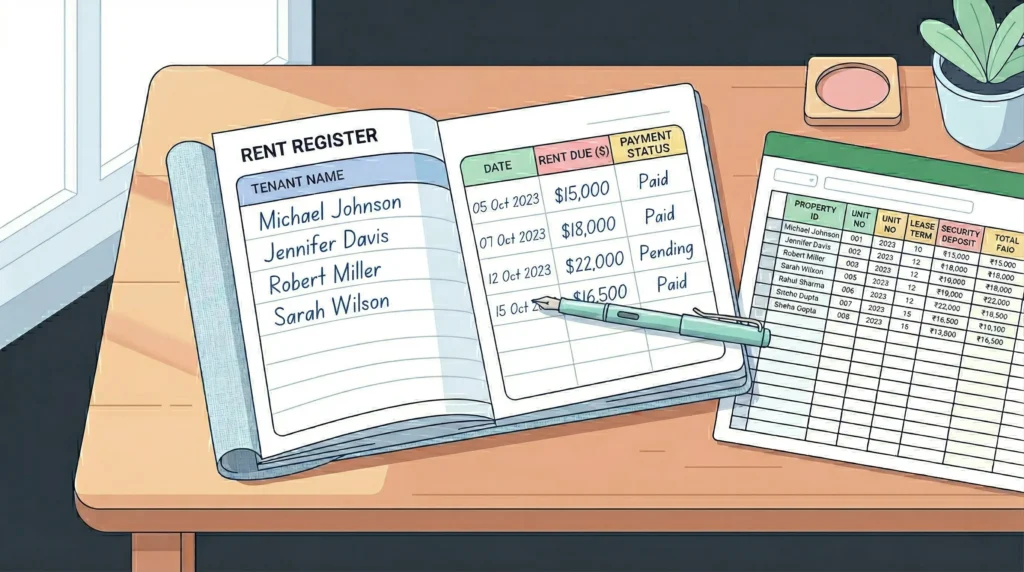
A rental ledger template is simply a record used to track rent-related details, making it easier to manage your finances. It helps you keep track of who paid rent, when they paid, and how much is still pending.
In most cases, it includes:
- Tenant name and details
- Monthly rent amount
- Payment history
- Pending dues or balance
This type of record is used by different kinds of people, not just large businesses. Individual landlords, property managers, real estate agencies, and even someone renting out part of their home rely on rental ledgers to stay organized.
Most people maintain these records using Excel sheets, Google Sheets, or even paper registers. These methods work in the beginning, but they require constant manual effort.
Difficulties of Manual Rental Ledgers
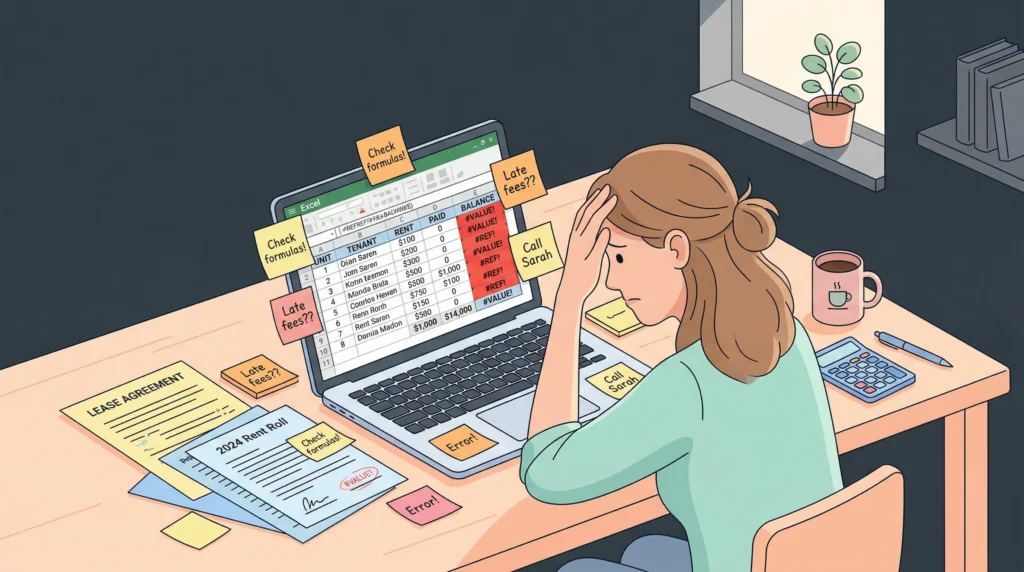
The biggest issue is time. Every payment has to be entered manually, balances need to be updated, and records must be maintained carefully. Over time, this becomes repetitive and tiring.
Another major challenge is creating rent receipts. Many landlords still prepare receipts manually in Word or Excel, which takes extra time and often leads to small mistakes like incorrect dates or amounts.
Errors are also very common in manual systems. A wrong entry or a broken formula in Excel can affect the entire record. These mistakes are not always easy to spot and can create confusion later.
Organization becomes difficult as well. If you manage more than one property, you may end up with multiple files. Finding a simple answer like total rent collected in a month can take unnecessary effort.
There is also the risk of data loss. Files can get deleted, systems can crash, and paper records can be damaged. On top of that, manual systems don’t provide useful insights like overdue payments or income trends.
In short, manual ledgers create more work instead of reducing it.
How a Rental Ledger App Solves All of This
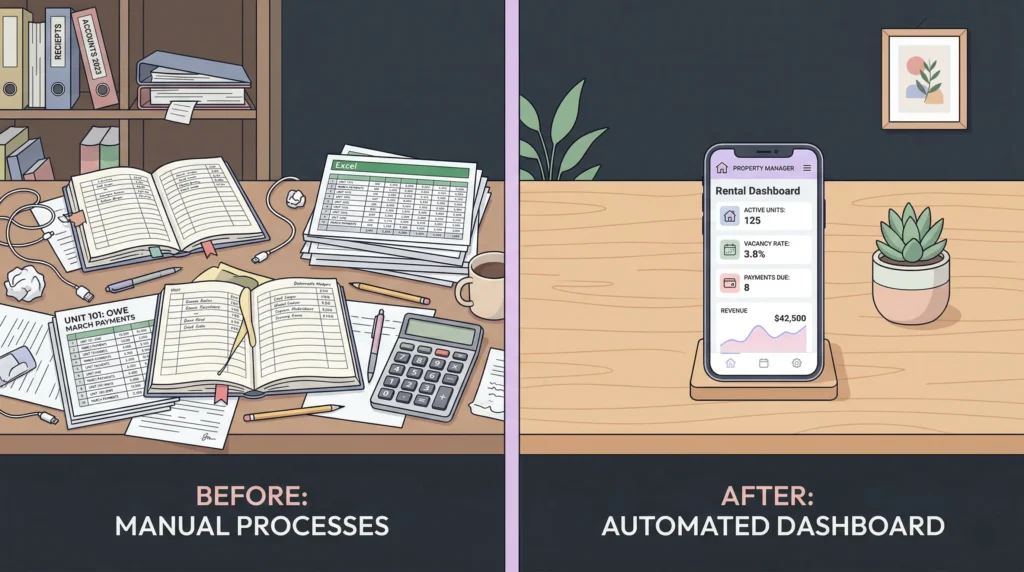
A rental ledger app removes most of the manual effort and makes the entire process smooth.
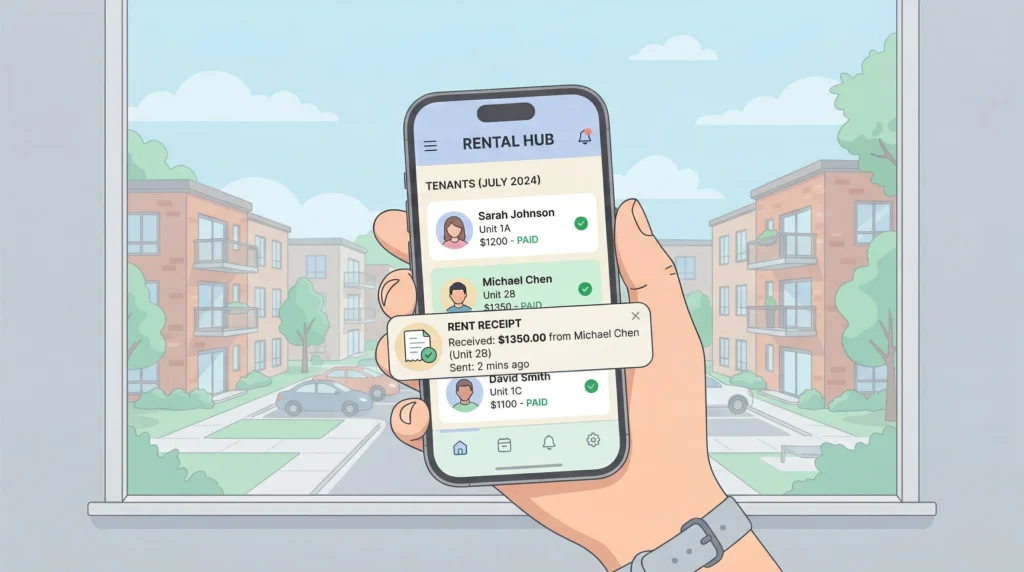
Instead of creating receipts manually, the app generates them automatically whenever a payment is recorded. All tenant information is stored in one place, making it easy to access and manage.
The app also keeps a real-time ledger for each tenant. You don’t need to update anything manually—payments, balances, and records are handled automatically.
Some key improvements include:
- Automatic rent receipts
- Built-in tenant management
- Payment tracking and rent schedules
- Late fee calculations without manual effort
- Reminders and notifications for due payments
It also allows you to store documents like agreements and ID proofs, and generate reports whenever needed. If you manage multiple properties, everything can be handled from a single dashboard.
Overall, it turns a basic ledger into a complete rental management system.
How to Build a Rental Ledger App by Writing Your Problem

Earlier, building an app required coding skills and a lot of time. But now, things are much simpler.
With Imagine.bo, you can build your own rental app just by describing your problem in simple words.
For example, you can write something like:
“I want to track rent payments, send automatic receipts, remind tenants before due dates, and manage multiple properties.”
That’s all you need to do.
The platform understands your requirements and creates a working app for you within minutes. It also handles the setup and deployment, so you can start using it immediately.
This approach is called vibe coding, where you don’t write code—you simply explain what you need.
Real-Life Use Case: What Landlords Actually Need
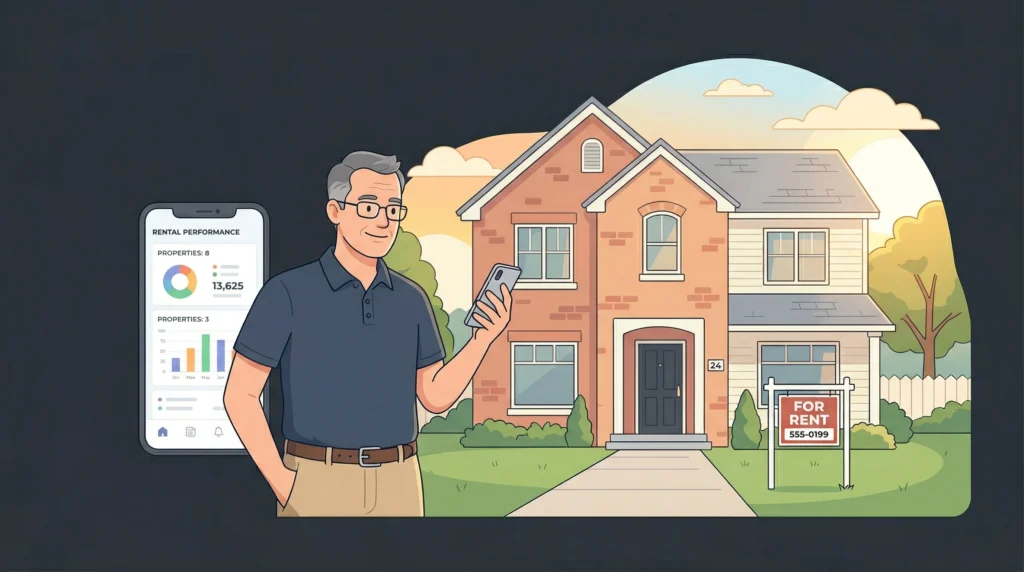
Many landlords managing a few properties face a common problem. Excel works in the beginning, but as records grow, it becomes difficult to manage.
At the same time, most available software tools are either too complex or too expensive. They are designed for large property businesses, not for individuals or small-scale landlords.
What most people actually need is simple:
- A way to track rent easily
- Automatic receipts
- Reminders for tenants
- Clear financial records
The problem is not the lack of technology—it’s the lack of simple, flexible solutions.
This is where a custom-built rental app makes a big difference. Instead of adjusting your workflow to fit a tool, the tool is built according to your needs.
Call to Action
Manual rental ledger templates may still work, but they are no longer the best option. They take time, create errors, and make rental management harder than it should be.
If you want a simpler and more efficient way to manage your rentals, it’s time to switch.
Go to Imagine.bo, describe your problem in simple language, and build your own rental ledger app in minutes.
No coding. No complexity. Just a better way to manage your rental records.
Frequently Asked Questions
What is a rental ledger template and who needs it?
A rental ledger template is a record used to track tenant payments, pending dues, and payment history. It’s used by individual landlords, property managers, real estate agencies, and anyone renting out part of their home to stay financially organized.
Why are manual rental ledgers problematic?
Manual ledgers in Excel or on paper require constant updating, are prone to errors, and make it hard to find information quickly. They also risk data loss and don’t provide useful insights like overdue payments or income trends.
What does a rental ledger app do that Excel can’t?
A rental ledger app automatically generates rent receipts, tracks payments in real time, calculates late fees, sends reminders, and manages multiple properties from a single dashboard — all without manual data entry.
Do I need coding skills to build a rental ledger app on Imagine.bo?
No. You simply describe your requirements in plain language — like “track rent payments and send automatic receipts” — and the platform builds a working app for you within minutes.
Can a rental ledger app handle multiple properties?
Yes. Unlike spreadsheets that require separate files, a rental ledger app lets you manage all your properties, tenants, and payment records from one centralized dashboard.
Is a custom rental app better than off-the-shelf property management software?
For individual landlords and small-scale property managers, a custom app built around your specific needs is often simpler and more cost-effective than complex software designed for large property businesses.
Launch Your App Today
Ready to launch? Skip the tech stress. Describe, Build, Launch in three simple steps.
Build