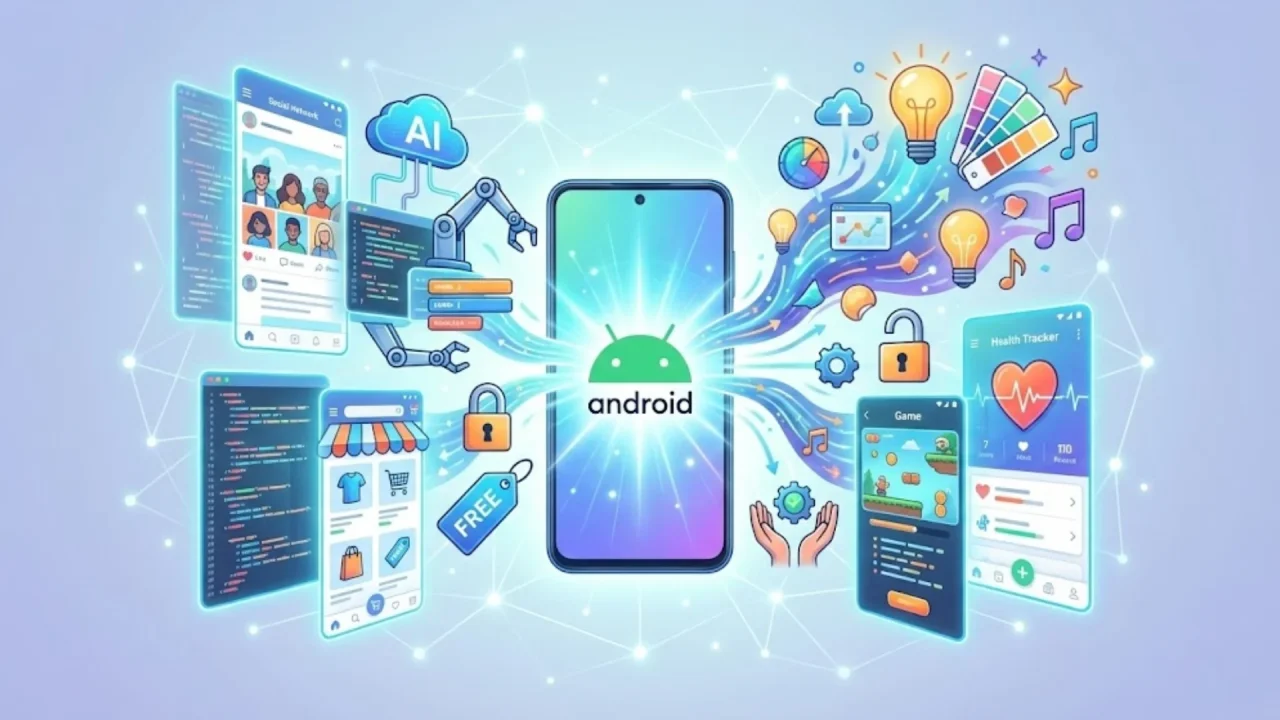
The barrier between a “great idea” and a “live app” has finally collapsed. In 2025, the rise of Generative App Development means that the technical debt and massive upfront costs that once killed startups are becoming a thing of the past.
However, for a founder or a small business owner, the “free” market is a minefield. Many tools offer a quick start but lead to a dead end of limited scalability and weak security. This guide is designed to help you navigate the landscape of free AI Android app builders, helping you distinguish between hobbyist toys and professional-grade engines like Imagine.bo.
Launch Your App Today
Ready to launch? Skip the tech stress. Describe, Build, Launch in three simple steps.
BuildDemystifying AI-Powered App Builders: The New Standard
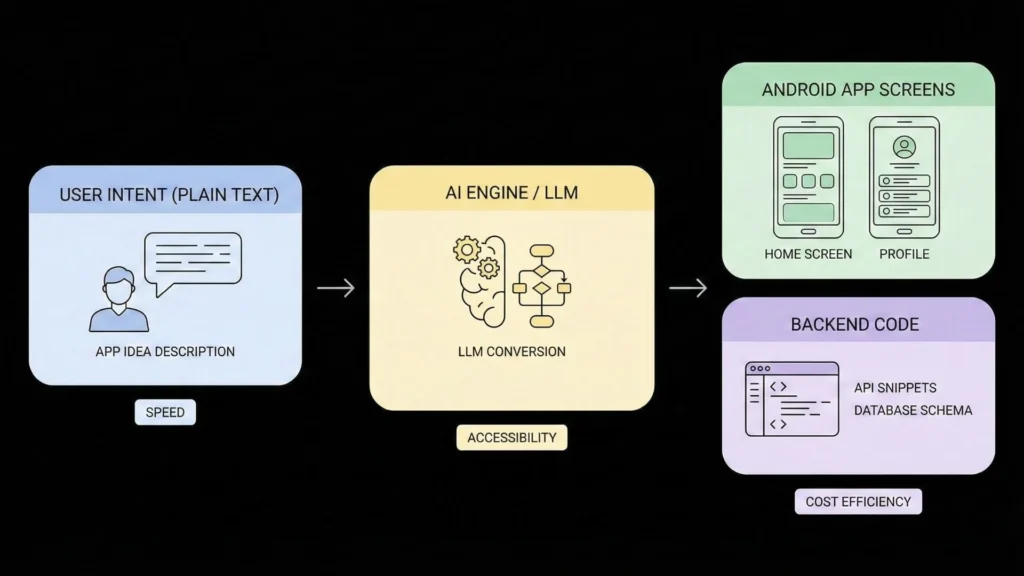
At their core, these platforms use Large Language Models (LLMs) to translate human intent into machine-executable code. Instead of manually writing Kotlin or Java, you use a visual interface or text prompts to describe your app’s logic.
Why the Shift is Happening Now:
- Speed: You can go from a sketch to a functional prototype in hours.
- Accessibility: Non-technical founders can now launch apps without developers, retaining full control over their vision.
- Cost: “Free” tiers allow you to validate your idea with real users before spending a single dollar on infrastructure.
Top Free AI Android App Builders: A 2025 Comparison
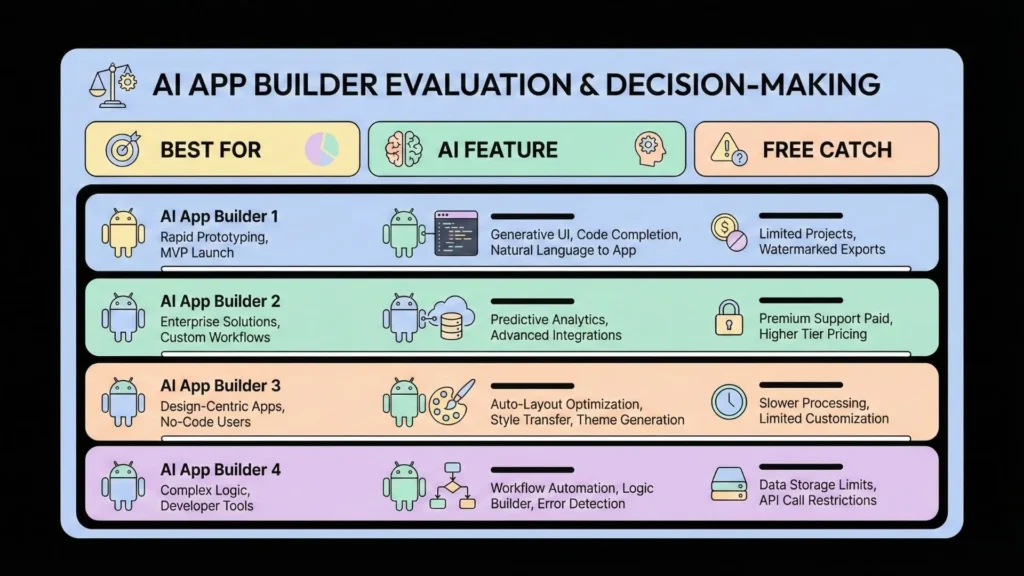
Choosing the right tool depends on your specific goal. Whether you are building a simple utility or a complex service, here is how the top players stack up:
| Platform | Best For | Standout AI Feature | The “Free” Catch |
| MIT App Inventor | Students/Learning | Visual logic blocks | Limited design flexibility; no native monetization. |
| Adalo | Visual MVPs | AI-generated UI components | High monthly fees once you exceed 200 records. |
| Glide | Data-Driven Apps | AI-from-Spreadsheet | Limited to web-wrappers; not “truly” native Android. |
| Thunkable | Multi-Platform | Cross-platform AI logic | Restricted to public projects in the free tier. |
| Imagine.bo | Production-Grade SaaS | SDE-Level Prompting | Scalable architecture from the start. |
The Limitations of “Free” AI Tools and Potential Risks
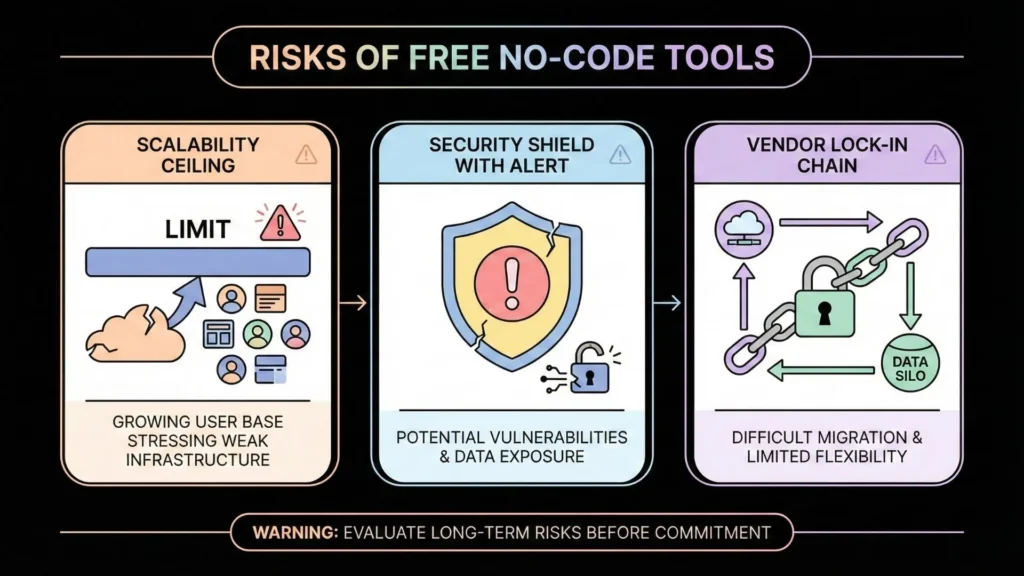
It is vital to be honest: most free tools are designed for experimentation, not expansion. If you plan to build a real business, you must be aware of these common pitfalls:
The Scalability Ceiling
Many builders use “no-code” structures that become sluggish as your database grows. If your app gains 1,000 users overnight, a basic free tool may crash or become prohibitively expensive. It’s essential to understand the best stack for building SaaS without code to avoid these bottlenecks.
Security Vulnerabilities
AI-generated code is only as good as the prompts and the engine behind it. Without professional oversight, apps can suffer from data leaks or insecure API integrations. Before launching, ensure you follow no-code app security best practices to protect your users.
Vendor Lock-In
Most free platforms do not let you “take your code and leave.” If you outgrow the platform, you often have to start from scratch.
Why Founders are Choosing Imagine.bo for Production-Grade Apps

While other builders focus on “simple,” Imagine.bo focuses on “scalable.” It bridges the gap between the ease of no-code and the power of professional Software Development Engineering (SDE).
What Makes Imagine.bo the Smartest Choice?
- Plain-English to Production-Grade: You don’t just get a mockup; you get a secure, revenue-ready product.
- SDE-Level Architecture: The AI follows real engineering standards, meaning your app is built with a clean backend and enterprise-grade security.
- Full Product Lifecycle: Imagine.bo doesn’t just help you build; it assists with the zero-downtime deployment and long-term growth of your SaaS.
- Cloud-Native Deployment: Your Android app is optimized for the Google Play Store with modern architecture that scales automatically.
From Idea to Google Play Store: A Step-by-Step Approach
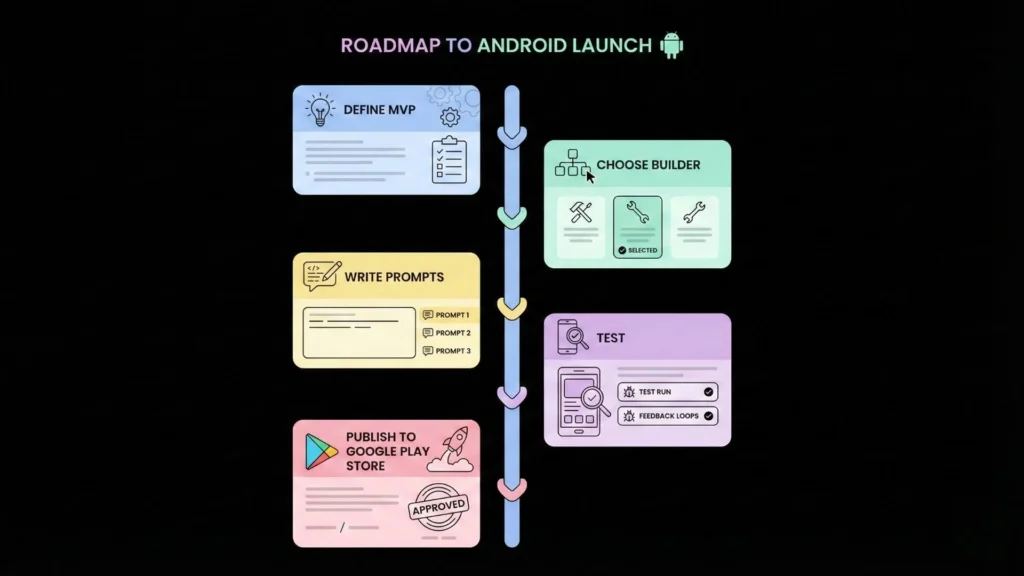
Ready to turn your idea into a reality? Follow this high-level workflow to make the most of The Ultimate Guide to Free AI Android App Builders:
- Define Your MVP: Don’t build every feature at once. Focus on the core problem your app solves.
- Choose Your Engine: If you are just playing around, try MIT App Inventor. If you are building a business, build your AI app on Imagine.bo.
- Draft Your Prompts: Be specific. Instead of “make a fitness app,” try “make a fitness app that tracks daily steps and allows users to set weekly goals with a progress bar.”
- Avoid Common Pitfalls: Read up on common mistakes in no-code SaaS development before you finalize your logic.
- Test and Iterate: Use AI to generate test cases and ensure your UI is responsive across different Android devices.
Beyond the Launch: Monetization and Long-Term Growth
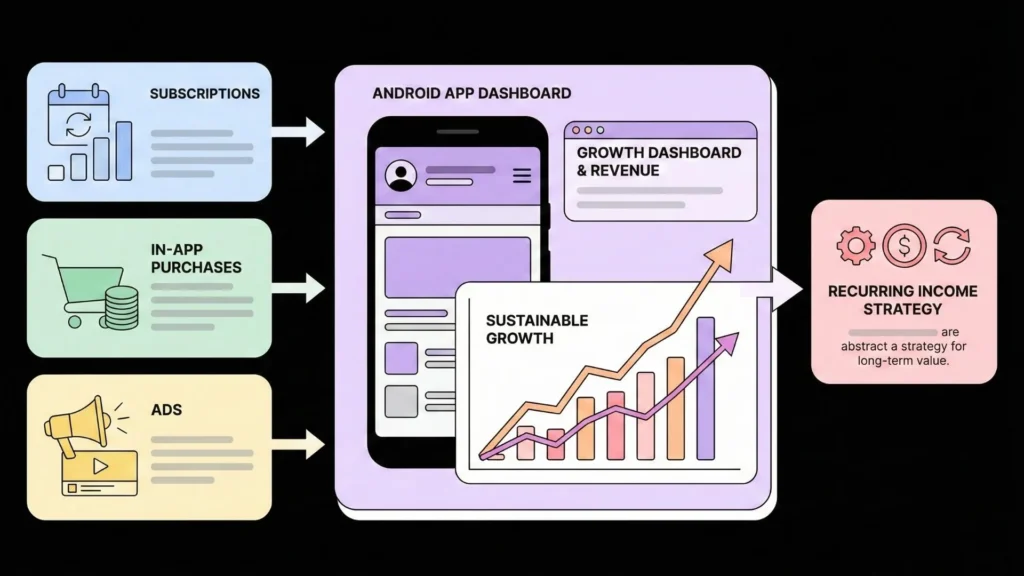
A great app is only as good as its business model. Even on a free builder, you should plan for revenue from day one.
- In-App Purchases: Perfect for unlocking premium “AI” features.
- Subscriptions: Use monetization strategies for prompt-built apps to create recurring revenue.
- Ad Integration: A simple way to generate passive income while keeping the app free for users.
Conclusion: Choose Growth Over Just “Free”
The journey to unlock your app dreams isn’t just about finding the cheapest tool; it’s about finding the most reliable partner for your journey. While basic experiments have their place, your vision deserves a foundation that won’t crumble as you scale.
Imagine.bo represents the next evolution in this space. By combining the speed of AI with the standards of professional engineering, it ensures that your journey from “prompt to payout” is secure, scalable, and successful.
Launch Your App Today
Ready to launch? Skip the tech stress. Describe, Build, Launch in three simple steps.
Build