
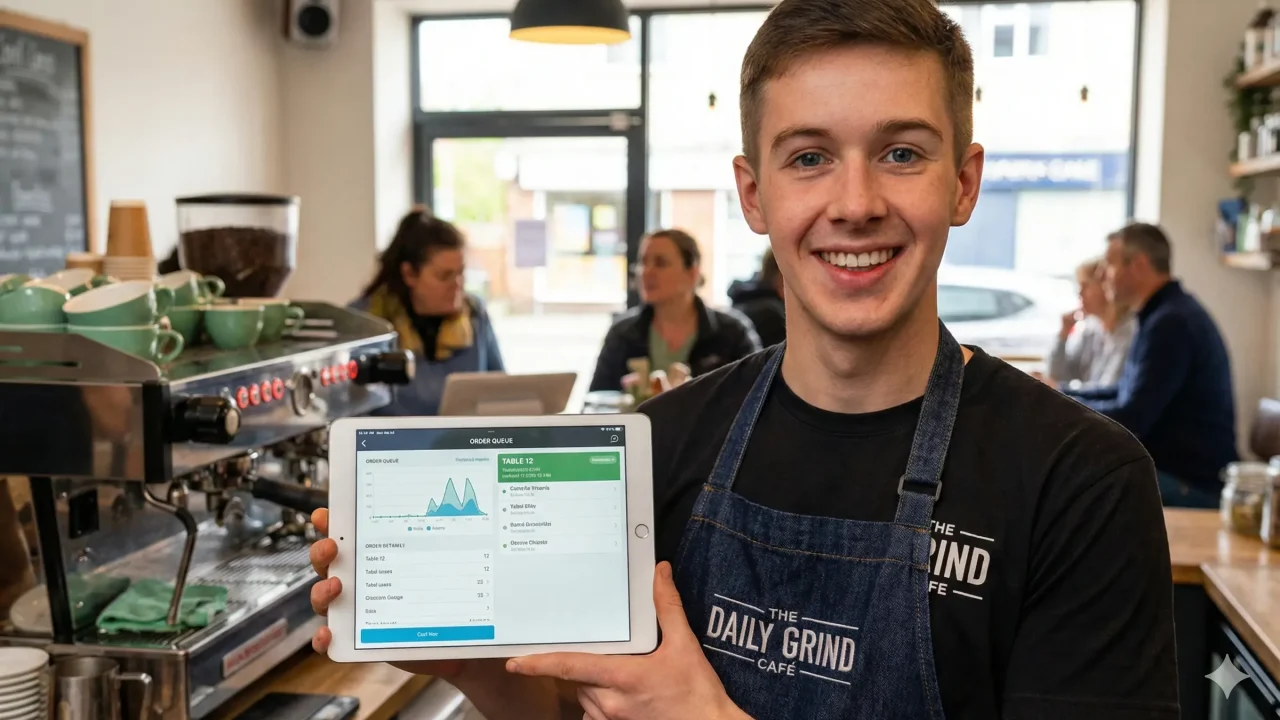
In the fast-paced world of coffee shops and small restaurants, the “morning rush” is both a blessing and a curse. You see a line out the door and think about the revenue, but you also see the frazzled barista, the misinterpreted scribbles on a paper ticket, and the customer at the back of the line checking their watch with growing frustration. For most independent cafe owners, this friction isn’t just a nuisance; it’s a leak in the bucket of their profitability.
For years, the solution to these operational headaches was either a “one-size-fits-all” POS system that never quite fit your specific workflow, or an expensive custom-built software project that required a team of developers and a six-figure budget. Most cafe owners felt stuck between a rock and a hard place: settle for generic software that doesn’t understand your business, or stay manual and risk falling behind.
Launch Your App Today
Ready to launch? Skip the tech stress. Describe, Build, Launch in three simple steps.
BuildBut the landscape has changed. Today, you don’t need to know a single line of code to build a sophisticated, professional-grade solution. This guide will show you exactly how to build a scalable cafe and restaurant app using the power of no-code technology. Whether you want to implement QR code ordering for cafes or a full-scale no-code ordering system for cafes, we’ll break down the process step-by-step.
By the end of this post, you’ll understand how to reclaim your time, improve your customer experience, and scale your business by making no-code cafe ordering system without ever hiring a developer.
What Are Custom Ordering and Management Systems for Cafes?

Before we dive into the “how,” let’s define the “what.” When we talk about custom ordering and management systems for cafes, we are referring to a digital ecosystem tailored specifically to how your cafe operates. This isn’t just a digital version of a cash register; it is the central nervous system of your business.
Defining the Components
To understand the full picture, it helps to separate the system into two distinct but connected parts:
- Ordering Systems: This is the “front-end” interface that your customers or staff interact with to place an order. Using an AI website builder for cafes allows you to create digital menus, web-based apps, and online checkout pages. Its primary goal is to capture the order accurately, handle modifiers (like “extra shot” or “oat milk”), and process the payment securely.
- Management Systems: This is the “back-end” engine that keeps the business running. It handles inventory tracking, kitchen display systems (KDS), staff scheduling, sales reporting, and customer loyalty data. It’s the brain that processes the data coming in from the ordering system and tells the rest of the business what to do.
Why Combining Both Matters
Many cafes make the mistake of using one app for ordering and a completely different spreadsheet or tool for management. When these systems don’t talk to each other, you end up with “data silos.” You might sell ten oat milk lattes on your app, but your inventory manager doesn’t know that, leading to an “out of stock” surprise mid-afternoon.
A truly custom cafe ordering system built with no-code tools allows these two sides to communicate perfectly. When an order is placed, the inventory is updated, the kitchen is notified, and the customer’s loyalty points are logged—all in one seamless flow. This integration is what separates a “digital menu” from a true “management system.”
Why Cafes Need Custom Systems Instead of Generic POS Software
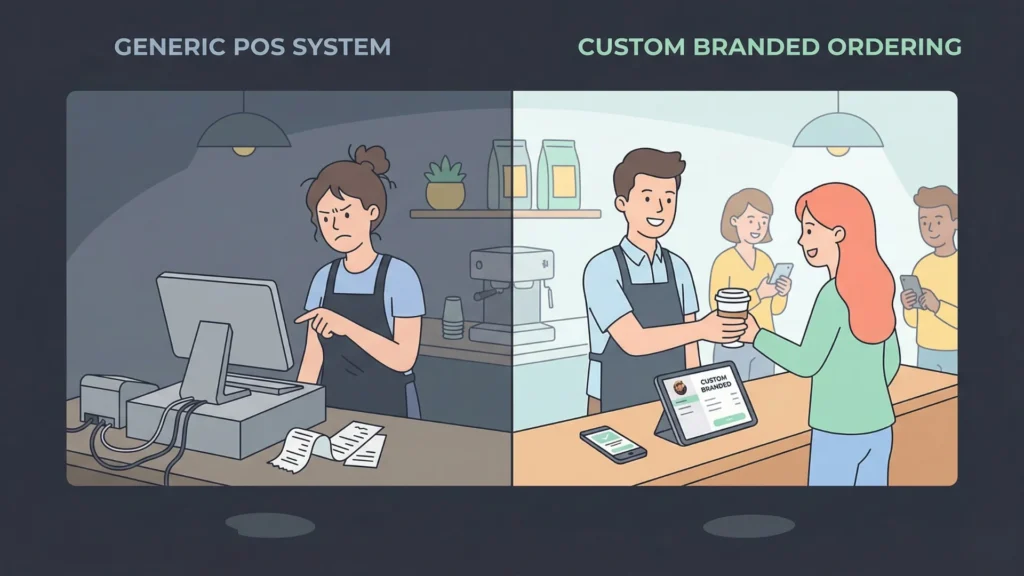
You might be wondering, “Why should I build something custom when I can just download a popular POS app?” While generic POS systems are a great starting point, they often come with significant limitations for a growing or unique cafe.
Limitations of Traditional POS Tools
- Rigid Workflows: Most POS systems force you to work the way they want you to. If you have a unique “pay-it-forward” program, a complex tiered subscription model for coffee, or a specific way you handle “held” orders for regular customers, a generic POS might not support it. You end up changing your business to fit the software, rather than the other way around.
- High Transaction Fees and Hardware Lock-in: Many “free” POS tools make their money by locking you into their payment processor, often charging higher-than-average fees. Additionally, they may require you to buy proprietary tablets or card readers that can’t be used with any other system.
- Lack of Branding: When a customer orders online through a generic platform, they are interacting with that platform’s brand, not yours. You lose the “neighborhood cafe” feel and the chance to build a direct relationship with your patrons.
- Feature Bloat vs. Feature Gaps: You often pay for 50 features you don’t need (like retail inventory management for 1,000 SKUs) just to get the three that you do (like a simple drink-ready SMS notification).
Benefits of a Custom Cafe Ordering System
By opting for a cafe management software without coding, you gain:
- Operational Agility: Need to change your menu for a one-day pop-up? You can do it in seconds. Want to test a new “Happy Hour” automation? You can build it yourself without waiting for a software update.
- Brand Ownership: Every touchpoint—from the QR code menu to the digital receipt—looks and feels like your cafe. This builds trust and professionalizes your image.
- Data Control: You own your customer list. You aren’t “renting” your customers from a third-party delivery app. This is crucial for long-term marketing and retention.
- Cost Efficiency: No-code tools usually operate on flat monthly fees rather than taking a percentage of every croissant you sell. This makes your costs predictable and helps you keep more of your hard-earned revenue.
Challenges of Building Cafe Software Using Traditional Development
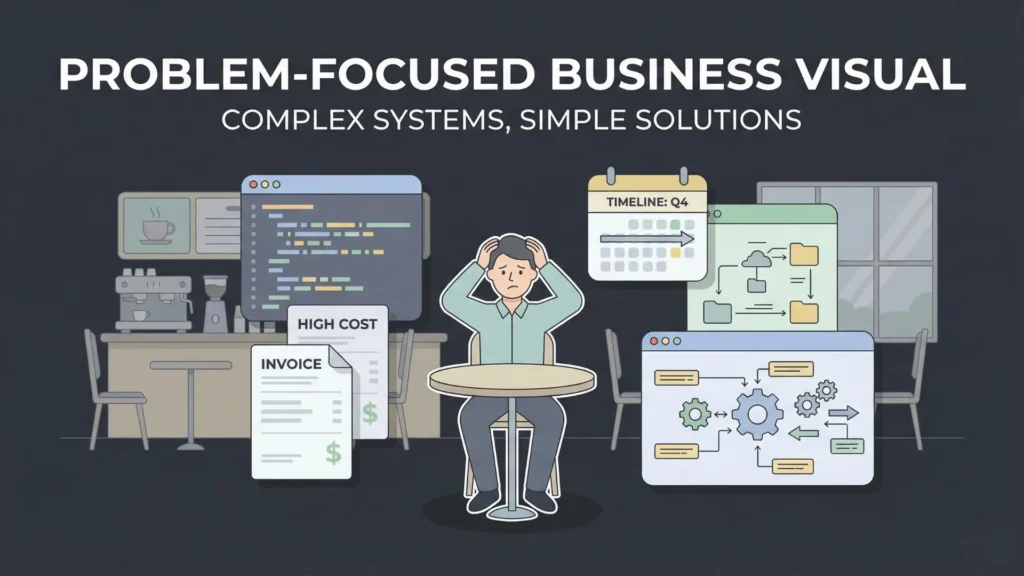
If customization is so great, why hasn’t everyone done it? Historically, building custom software was a nightmare for small business owners. Understanding the choice between no-code vs traditional development is key here.
The Financial Barrier: The “Agency Trap”
In the past, building a restaurant ordering system without developers was impossible. You had to hire a software agency. A basic custom ordering app could easily cost $20,000 to $50,000 just for the initial build. For a local cafe, this is an impossible ROI (Return on Investment). You would have to sell thousands of lattes just to break even on the software.
The Time Sink
Traditional development takes months of planning, wireframing, coding, and testing. By the time the software is ready, your menu, your staff, or even your business model might have already shifted. For a small business, “time to market” is everything.
Maintenance and Technical Debt
Software isn’t “one and done.” It requires updates, security patches, and bug fixes. If you rely on a developer, you are essentially “married” to them. Every time Apple updates iOS or your payment gateway changes its API, you have to pay the developer to fix your app. This “technical debt” can sink a small business.
This is why no-code tools for cafes have become such a game-changer. They remove these barriers entirely, allowing you to be the architect, the builder, and the maintainer of your own digital tools.
What “Without Coding” Actually Means
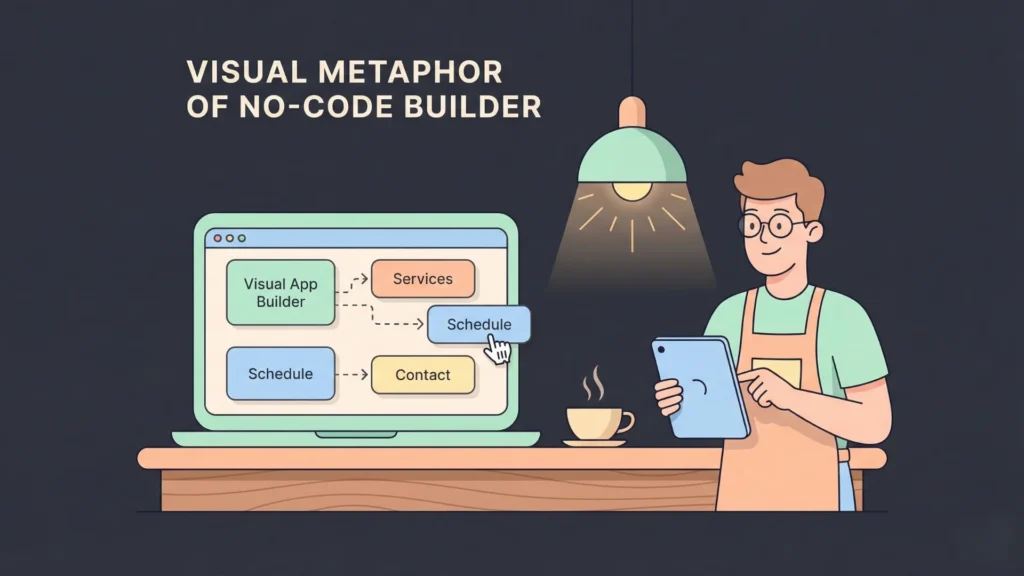
“No-code” isn’t just a marketing buzzword; it’s a shift in how software is created. It represents the “democratization of development.”
No-Code and Low-Code Simplified
Imagine building a website. Twenty years ago, you had to write HTML and CSS by hand. Today, you use tools like Squarespace or Wix where you drag and drop elements. No-code for business apps is the same thing, but for functionality.
Instead of writing complex logic like if (order_total > 20) { apply_discount(0.10); }, you use a visual interface to connect your inventory database to a discount rule. It’s like playing with digital LEGO bricks. You focus on the logic of the business—the “What”—and the platform handles the technical execution—the “How.”
Empowering Non-Technical Owners
As a cafe owner, you are an expert in hospitality, bean sourcing, and staff management. You shouldn’t have to be an expert in Python or JavaScript. Launching an app without developers allows you to use your existing business knowledge to design a system that works exactly how your staff needs it to. If you can use a smartphone and a spreadsheet, you can build a custom management system.
Key Features Cafes Should Include in a Custom System
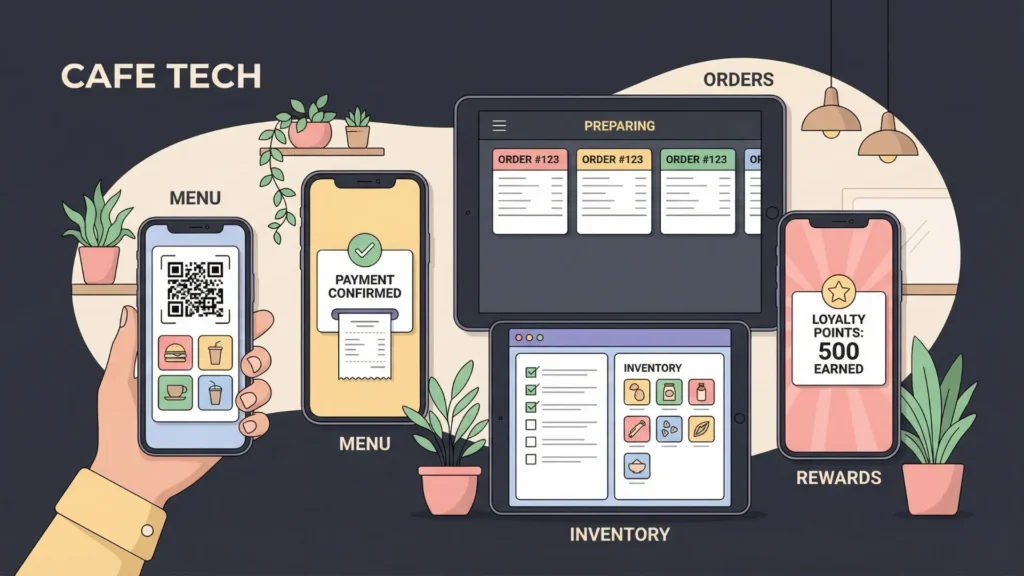
When designing your custom ordering and management systems for cafes, you want to ensure you cover the essentials that drive revenue and save time. Here is a deep dive into the must-have features.
Digital Menus and QR Ordering
In a post-pandemic world, QR code ordering for cafes is no longer a luxury—it’s an expectation. A custom system allows you to create high-quality, photo-rich menus that customers can access by scanning a code at their table. You can use an AI website builder for coffee shops to set this up in minutes. Unlike a static PDF, these menus can be interactive, allowing customers to filter for allergens or see “staff favorites.”
Online Ordering and Payments
Your system should allow customers to order from their phones while they are walking to your shop. Proper payment gateway integration ensures that transactions are secure and instant using Stripe, Apple Pay, or Google Pay. This feature alone can reduce your “wait time” friction and increase order volume during peak hours.
Kitchen Order Management (KDS)
Forget paper tickets that get lost or soaked in steam. A digital Kitchen Display System (KDS) shows orders in real-time. You can categorize orders by station (e.g., “Espresso Bar” vs. “Sandwich Station”). It tracks how long each order takes to fulfill, and allows baristas to “bump” (clear) orders once they are ready, which can trigger an automatic notification to the customer.
Inventory Tracking
A truly integrated no-code ordering system for cafes will deduct ingredients in real-time. You can learn how to build a real-time inventory tracker in 10 minutes to ensure you never run out of essential supplies during a rush. Imagine a system that automatically emails your milk supplier when you fall below five crates of oat milk—that is the power of custom automation.
Customer Data and Loyalty
Why let Starbucks have all the fun with rewards? Your custom system can track how many times a customer visits. You can even create a loyalty app without high SaaS fees to offer a “10th coffee free” discount automatically. More importantly, you can see what they buy, allowing you to send personalized offers (e.g., “Hey, we noticed you like our vegan brownies—here is 20% off your next one!”).
Staff Roles and Permissions
Your manager needs to see the profit reports; your junior barista only needs to see the order queue. Custom systems let you set these permissions easily. You can also build in “shift checklists” that staff must complete before they can log out of the system.
Reporting and Analytics
Data is the most valuable byproduct of your business. Your system should generate daily, weekly, and monthly reports on your top-selling items, peak hours, and average order value. This allows you to make decisions based on facts rather than “vibes.”
Step-by-Step Guide: How Cafes Can Launch Custom Systems Without Coding

Now, let’s get practical. Here is the comprehensive blueprint for building your own system from the ground up.
Step 1: Identify Cafe Workflows
Don’t start with the tools; start with the movements of your shop. Trace a single bean from the warehouse to the customer’s cup.
- How does the order come in (In-person, QR code, Web)?
- Where does the barista see it (Tablet, Phone, Paper)?
- How do you track modifications (Extra hot, sugar-free)?
- What happens when an item is sold out?
- How do you notify the customer that their order is ready?
Step 2: Define Requirements and “User Stories”
Write a “Must-Have” list using user stories:
- As a customer, I want to scan a QR code and pay with Apple Pay so I don’t have to wait in line.
- As a barista, I want to see orders organized by “Time Placed” so I can maintain a First-In-First-Out workflow.
- As an owner, I want a text message if my inventory of espresso beans drops below 5kg.
Step 3: Choose Your No-Code Platform
There are several no-code tools for cafes (which we will detail in the next section). Your choice depends on your needs:
- Imagine.bo is best for full stack development with real developers support.
- Glide is best if you want a mobile app quickly using a spreadsheet.
- Bubble is best if you need complex logic and a custom web interface.
- FlutterFlow is best if you want a high-performance native app for iOS and Android.
As we are using Imagine.bo, founders can turn ideas into fully functional, revenue-ready apps and websites. Without writing code or managing technical complexity.
Step 4: Describe
As we are using Imagine.bo, everything begins with a simple description. Founders explain their product idea, problem statement, target audience, and business goals in plain English. The AI deeply analyzes intent, user needs, and workflows to define the product direction. No technical decisions, tools, or vendors are required—the system understands what to build and why.
Step 5: Build
As we are using Imagine.bo, the AI reasoning engine automatically designs and builds the product. It generates clean frontend interfaces, scalable backend logic, secure databases, and system integrations—all following industry best practices. Products are cloud-native, enterprise-grade, and optimized for high performance. Founders can iterate, refine features, and scale instantly through AI-guided workflows, with optional access to human developers for advanced or custom logic.
Step 6: Preview
As we are using Imagine.bo, founders can preview their product before launch in a live, production-ready environment. This includes testing user flows, responsiveness, performance, and security. Built-in analytics, SEO optimization, and mobile responsiveness ensure the product is market-ready. Once satisfied, launch with one click—backed by continuous Human + AI support for growth, updates, and long-term success.
Imagine.bo removes friction, reduces costs, and accelerates execution—so ideas move faster from vision to revenue.
Step 7: Test and Launch
Before going live, run a “mock shift.” Have your staff place 50 fake orders to see if the system breaks. Tweak the interface based on their feedback. Baristas have cold, wet, or busy hands—make buttons large and easy to tap.
Step 8: Optimize After Launch
The beauty of a custom system is that it’s never finished. If you notice customers are struggling to find the “Extra Shot” option, you can move that button to the top of the screen in five minutes. You are in total control.
Benefits of No-Code Custom Systems for Cafes
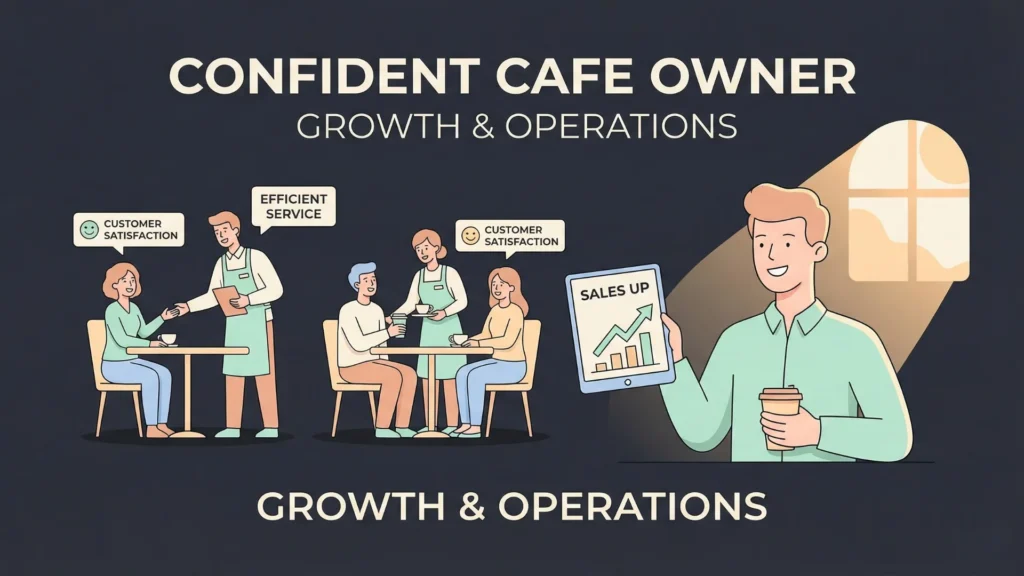
Implementing a cafe management software without coding offers transformative benefits that go beyond just “saving time.”
Faster Launch and Iteration
Traditional software takes 6 months to build. A no-code system can be built in a weekend and refined over a month. In the business world, speed is a competitive advantage. If you see a new trend in the market, you can adapt your software to capitalize on it by Monday.
Drastically Lower Cost
You replace a $30,000 developer fee with a $50/month software subscription. This makes custom technology accessible to even the smallest “hole-in-the-wall” coffee shops. It allows you to spend your capital on what matters: better beans, better equipment, and better pay for your staff.
Full Control and Scalability
When you own the logic, you aren’t at the mercy of a third-party’s update schedule. If you open a second location, you just “clone” your app and change the location settings. If you want to add a “wholesale” side to your business, you can build a wholesale portal into your existing system in a few hours.
Enhanced Customer Experience
By removing the “transactional” friction of ordering and paying, you free up your staff to do what they do best: provide hospitality. A customer who doesn’t have to wait 10 minutes to pay is a happy customer who is more likely to return.
Common Mistakes Cafes Should Avoid When Going No-Code
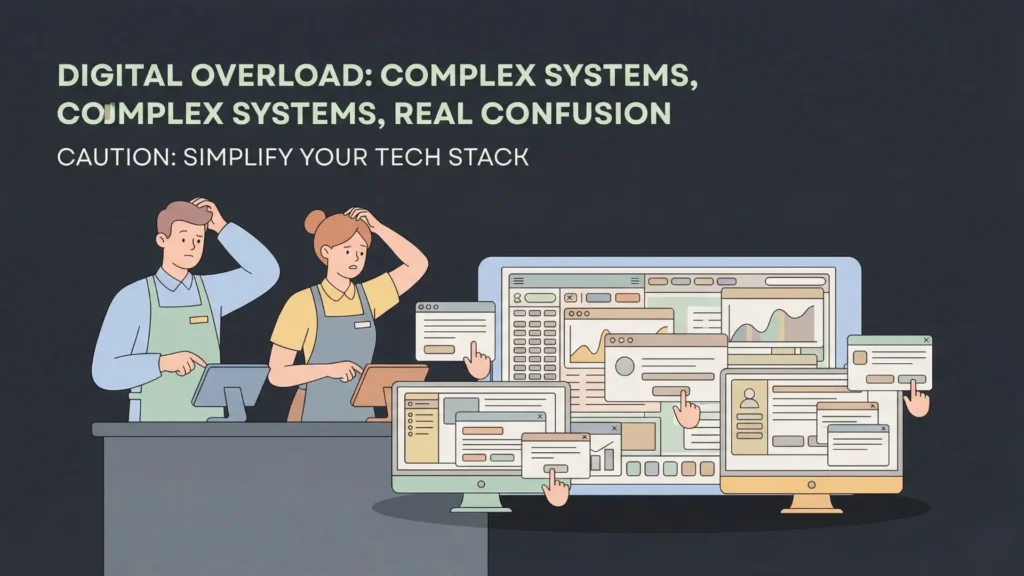
While no-code is easier than coding, it’s not foolproof. Avoid these pitfalls to ensure your transition is smooth.
Overcomplicating Systems (The “Feature Creep” Trap)
Start with a Minimum Viable Product (MVP). You don’t need AI-powered coffee recommendations or a complex 5-tier loyalty system on day one. Start with a solid, searchable menu and a working payment button. Build the rest as you go.
Ignoring Staff Training and Buy-In
Your baristas are the ones using this every day. If they hate the interface or find it slower than the old way, the system will fail. Involve them in the design process and hold training sessions before you go live.
Poor Menu Structure and Navigation
A digital menu shouldn’t just be a list of items. It should be categorized logically (Hot Drinks, Cold Drinks, Food, Pastries). Ensure that modifiers (like milk choices) are easy to select and don’t require ten clicks.
Skipping Testing and Analytics
Don’t just launch and forget. Check your data. Are people abandoning their carts? Are they frequently asking for help with the QR code? Use this feedback to constantly “prune” and improve your system.
Future of Cafe Ordering and Management Systems
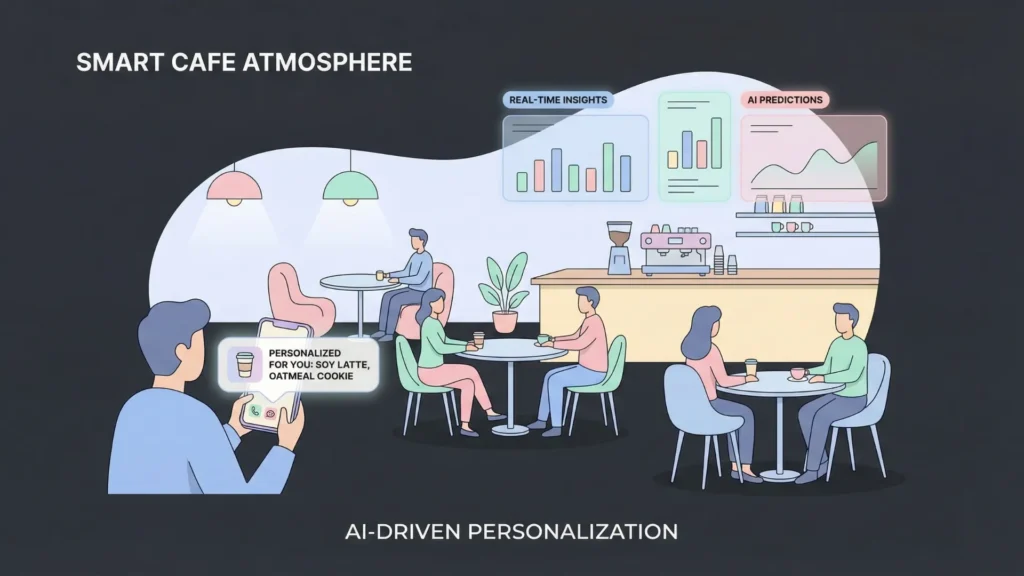
The technology is only going to get better. By adopting a custom ordering and management systems for cafes now, you are future-proofing your business against the next wave of innovation.
AI-Driven Personalization
In the near future, your no-code app could use AI to say, “Hey Sarah, it’s raining today—would you like your usual hot Caramel Macchiato instead of an Iced Latte?” This kind of high-touch service, once reserved for high-end hotels, will be available to every local cafe.
IoT and Smart Hardware Integration
Imagine your milk fridge sending a signal directly to your management app when it gets too warm, or your espresso machine logging how many shots it has pulled to predict when it needs servicing. No-code platforms are already beginning to integrate with these “Internet of Things” (IoT) devices.
Data-Driven Operations
Predictive analytics will tell you exactly how many gallons of milk to order based on the weather forecast and local events, reducing waste to near zero. You’ll be able to staff your shop with mathematical precision, ensuring you are never over-staffed or under-prepared.
Conclusion
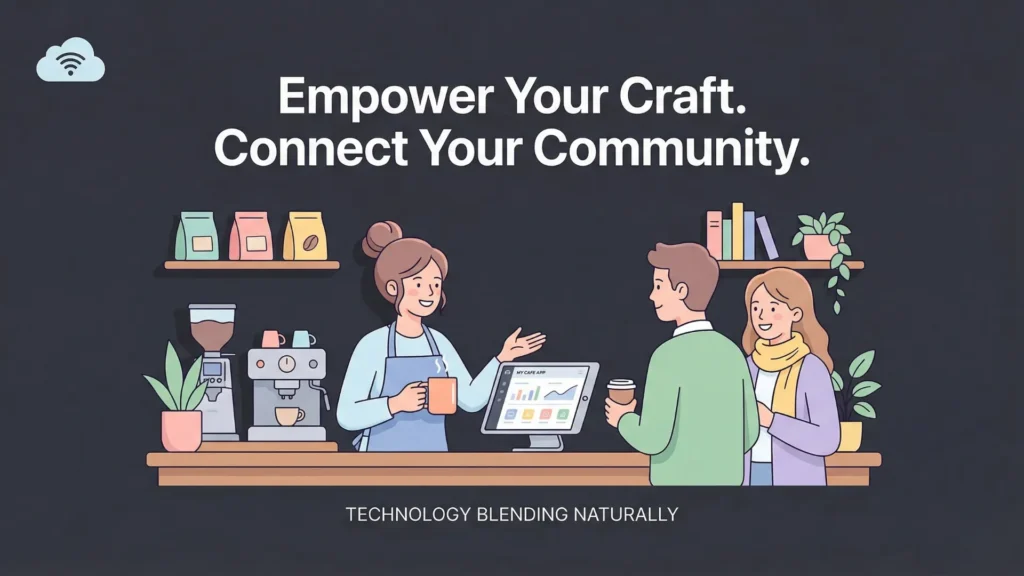
Building a custom ordering and management system for cafes is no longer a dream reserved for global chains like Starbucks or Dunkin’. With the advent of no-code tools for cafes, the power to create a seamless, branded, and highly efficient business is finally in your hands.
By moving away from rigid, generic POS systems and embracing a no-code ordering system for cafes, you’re not just buying software—you’re investing in your cafe’s unique identity and operational excellence. It is entirely possible to see a local restaurant launch a mobile app in just one month, and you can do the same.
Are you ready to stop settling for generic software and start building for your specific needs? Start by listing your three biggest operational headaches today. Is it the long lines? The messy inventory? The lack of customer data? Then, pick one no-code tool from this guide and try to build a simple solution for just one of those problems. You’ll be surprised at how quickly you can transform your cafe from a manual, stressful operation into a tech-forward local favorite.
The era of the “connected cafe” is here. Don’t let the lack of coding skills hold you back—the tools are ready, the guide is in front of you, and the future of your business is yours to build. Start building today.
Launch Your App Today
Ready to launch? Skip the tech stress. Describe, Build, Launch in three simple steps.
Build




