
Let’s be honest: nobody gets into recruiting because they love the “scheduling dance.” You know the one the endless back-and-forth of “Does Tuesday at 2 PM work?” followed by “No, but I can do Wednesday at 10 AM,” only to realize your hiring manager just booked a dental appointment during that exact slot.
By the time the interview actually happens, you’ve sent ten emails, checked three different time zones, and lost two hours of your life that you’ll never get back. In a world where AI can write code and generate art, your hiring process shouldn’t be held hostage by a manual calendar. If you’re a founder, a recruiter, or an HR leader, automating your interview scheduling isn’t just a “nice-to-have” anymore: it’s a competitive necessity to automate your business tasks using AI tools effectively.
Launch Your App Today
Ready to launch? Skip the tech stress. Describe, Build, Launch in three simple steps.
BuildThe Compounding Crisis of Manual Coordination
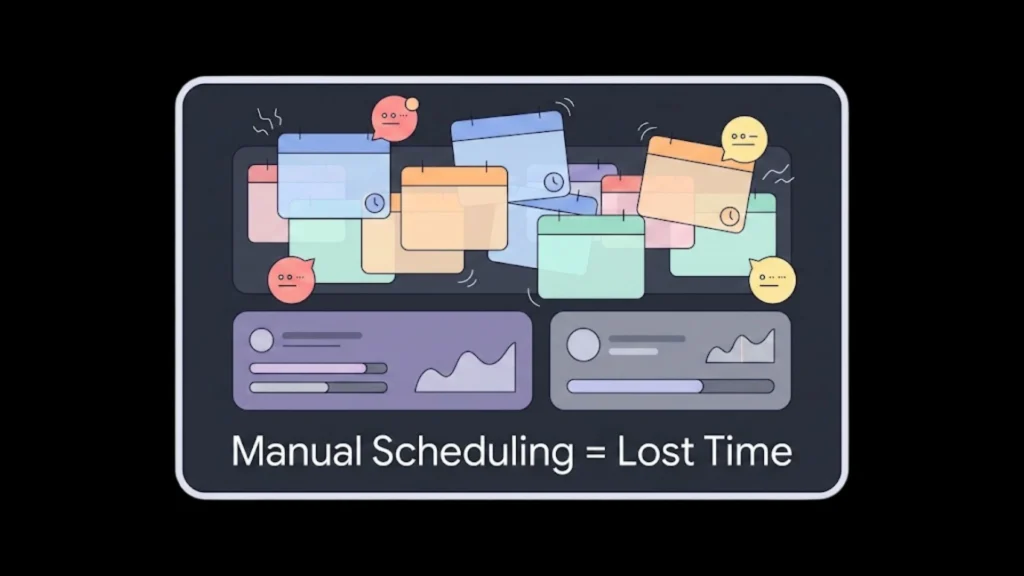
To appreciate the solution, we must look at the sheer scale of the problem. Most HR teams view scheduling as a “minor annoyance,” but when you zoom out, it is a structural leak in your company’s growth.
The Financial Drain of Administrative “Bloat”
When a recruiter spends 30% of their week playing calendar Tetris, you aren’t just losing time; you’re losing money. If a recruiter earning $80k a year spends 12 hours a week on scheduling, that’s nearly $24,000 per year spent on a task that a $20/month software could do better. Multiply this across a team of five recruiters, and you are effectively setting a six-figure salary on fire every year.
The “Candidate Ghosting” Factor
The “War for Talent” is won by the fast. High-growth competitors with automated systems can move from application to offer in under a week. If you take 48 hours just to coordinate a first-round screening, your top-tier candidates have already moved to the final round elsewhere. Modern talent interprets a clunky scheduling process as a reflection of your internal culture. To stay ahead, many teams use AI recruitment automation tools to ensure they never lose momentum.
Step 1: Choosing Your No-Code AI Stack
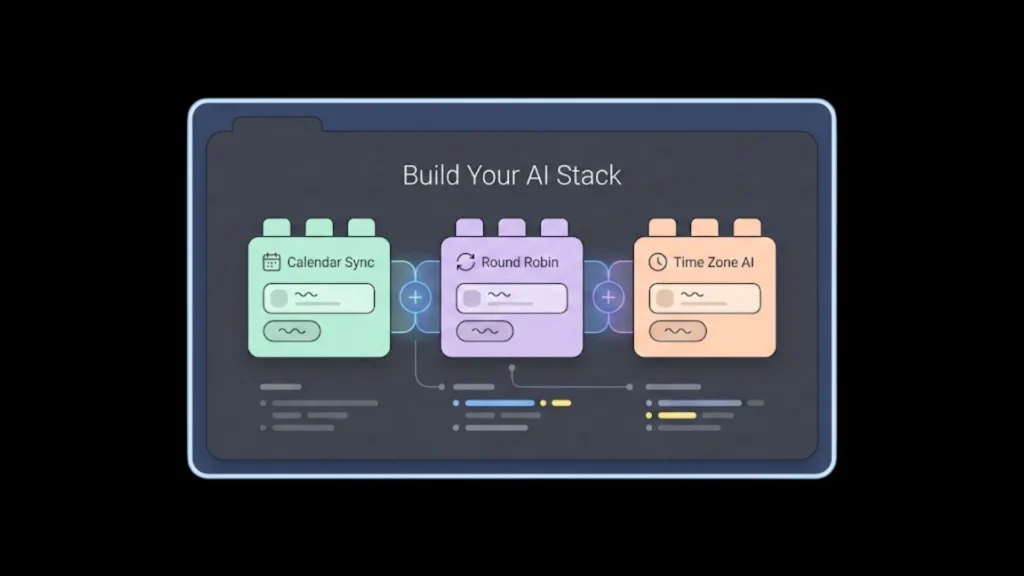
You don’t need a computer science degree to build an AI-powered hiring machine. You just need the right “Legos.” When selecting your tools, look for:
- Bi-Directional Sync: The tool must read your calendar to see when you’re busy and write to it to book the meeting.
- Round-Robin Logic: Essential for teams. If you have three recruiters, the AI should automatically assign the interview to whoever is free next.
- Time Zone Intelligence: The software must detect the candidate’s location and present times in their local clock without manual conversion.
Many founders are now looking for the best AI app builder 2025 to create custom interfaces for these workflows. While basic links work for some, having a centralized platform that manages the entire candidate journey: from the first click to the final offer: is the gold standard for modern HR departments. You can start building your custom HR tool for free to see how quickly these fragments come together into a professional system.
Step 2: Designing the “HR Architect” Workflow
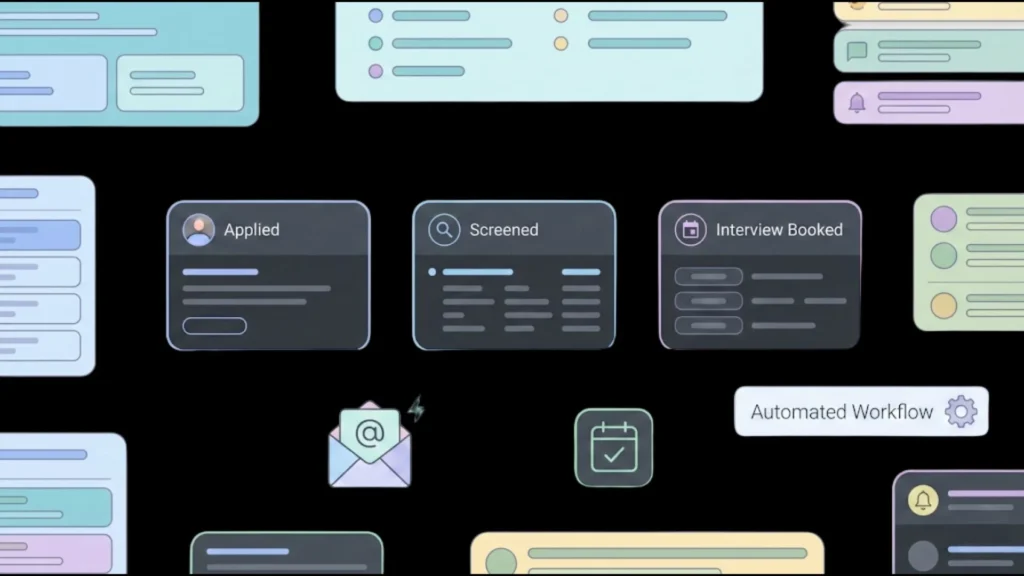
Designing an automated workflow is about more than just a booking link; it is about creating a “set it and forget it” ecosystem. A sophisticated workflow should trigger an action the moment a candidate moves stages in your recruitment funnel.
Imagine a candidate passes an initial resume screening. The system should automatically send a personalized email with a dynamic scheduling link. This is a primary example of how to automate workflows with AI to remove human error. The system ensures that unique Google Meet or Zoom links are generated and added to all calendars instantly, while also checking the hiring manager’s “focus time” blocks to ensure they aren’t interrupted.
Step 3: Setting Up Structured Interview Types
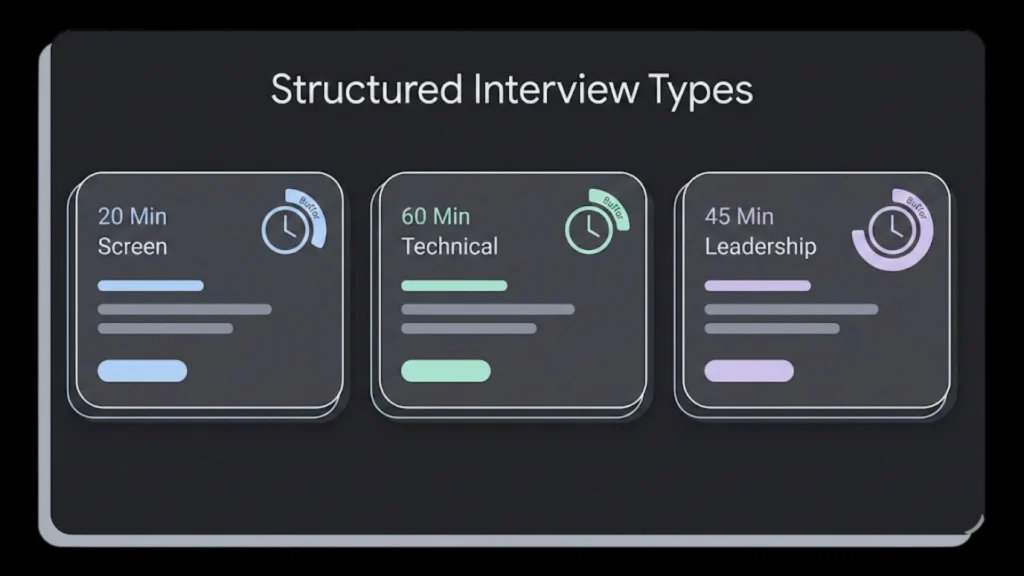
Consistency is the enemy of chaos. Don’t use a “one size fits all” link for every meeting. Different stages require different constraints:
- Initial Screen: 20 minutes, no buffer needed.
- Technical Assessment: 60 minutes, requires 15 minutes of buffer time for the interviewer to write notes.
- Final Leadership Round: 45 minutes, requiring sync between three different executive calendars.
If you are managing a growing team, you might find that AI tools to manage team meetings can help synchronize these internal preferences. By creating templates for each interview type, you ensure that candidates get the right amount of time and that your staff isn’t plagued by “context switching” fatigue.
Step 4: Communication: The Secret Sauce of Candidate Experience
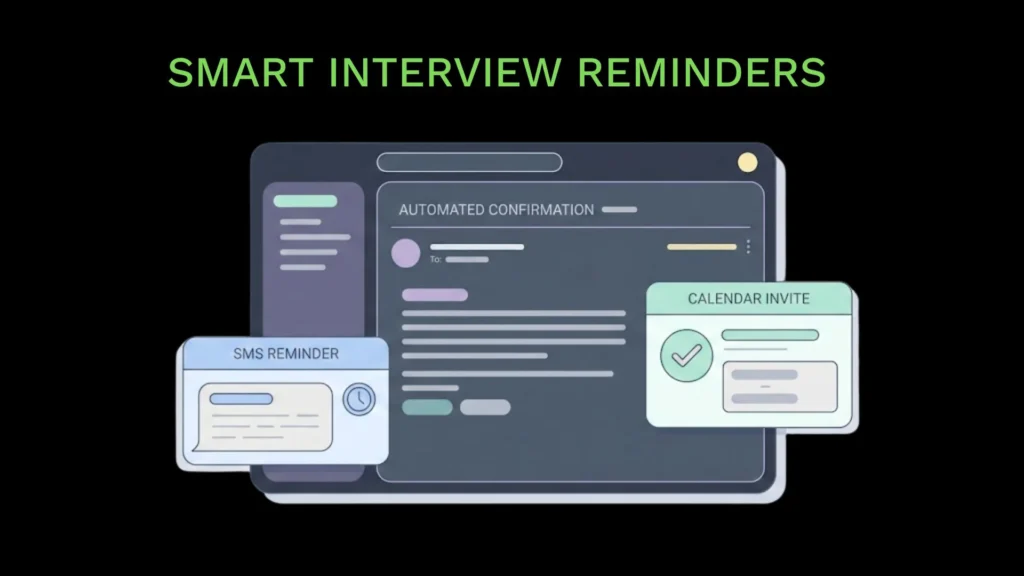
Automation can feel cold if you don’t do it right. The goal is to be efficiently human. A “set it and forget it” strategy only works if the communication feels personal and helpful.
- The Instant Confirmation: Validates that the candidate’s choice was recorded.
- The 24-Hour Reminder: Includes a “Prep Kit”: who they are meeting, a link to the company’s culture video, and a reminder of the role’s requirements.
- The 2-Hour “Last Call”: Sent via SMS to ensure the candidate is at their desk.
For busy recruiters, setting up an AI scheduling assistant is the best way to handle this. SMS reminders are particularly powerful, boasting a 98% open rate, which drastically reduces no-shows and keeps the momentum of the hiring pipeline moving toward a successful close.
Step 5: Handling Reschedules with Grace
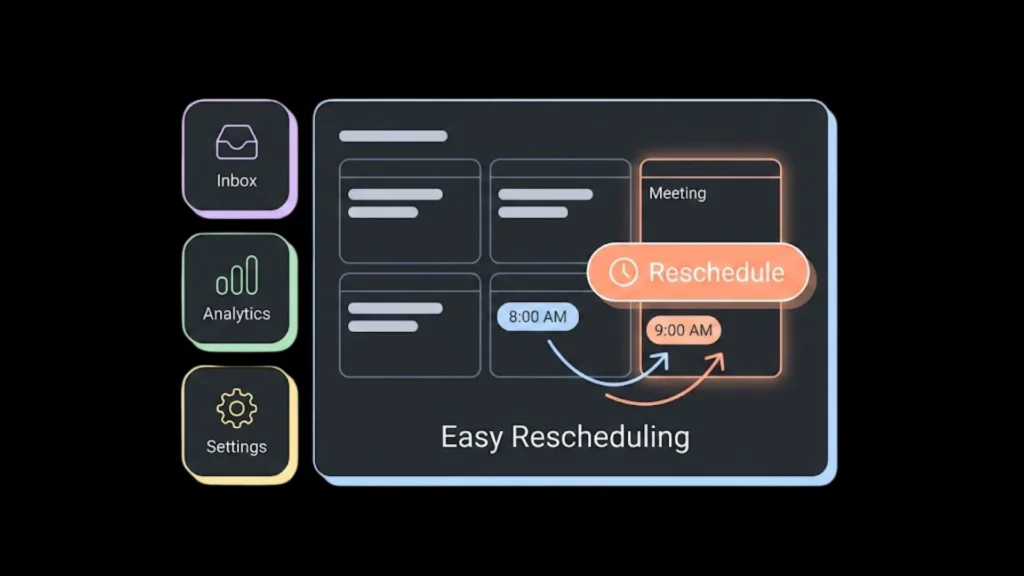
One of the biggest time-wasters in HR is the “last-minute reschedule.” A manual process requires another 5-10 emails to find a new slot. An AI-driven system handles this autonomously.
By including a “Reschedule” button in every calendar invite, you give the candidate agency. You can set rules: such as “No reschedules within 4 hours of the meeting”: to protect your team’s time. This eliminates the “I can’t make it” email that sits in an inbox while the interviewer waits on a dead Zoom call. It keeps the process professional and low-friction for everyone involved.
Step 6: Scaling with Custom No-Code Apps
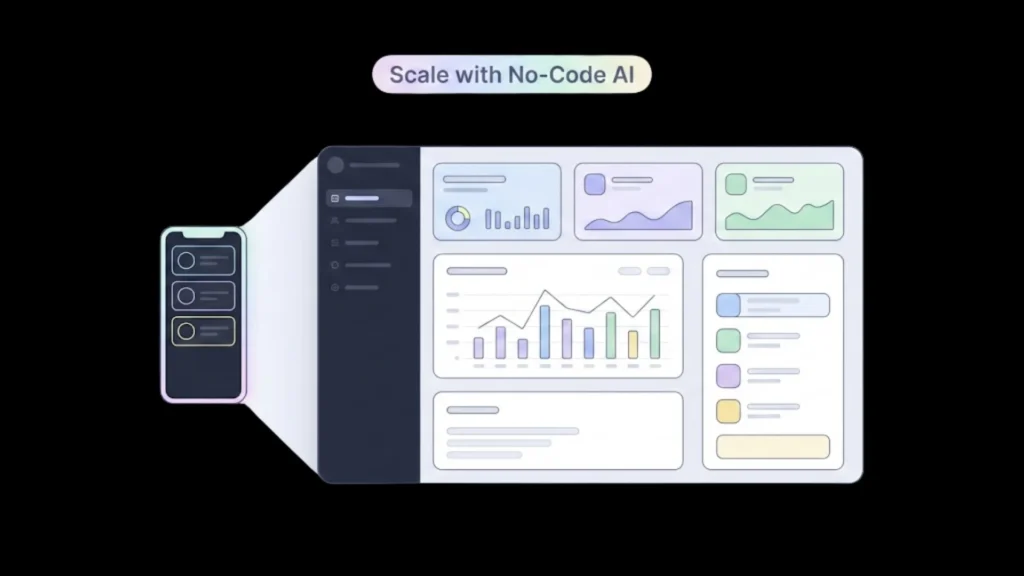
As your company grows, off-the-shelf tools can start to feel like a straightjacket. You might want a specific dashboard that shows your “Time-to-Schedule” metrics or a custom portal where candidates can see their application status in real-time.
Instead of hiring a developer, you can launch an app without developers by using AI-driven builders. Imagine needing a custom “Interviewer Dashboard” where your team can see their weekly load and access scorecards. You can describe this to an AI, and it will generate the secure backend logic needed to handle sensitive candidate data while providing a seamless UI. This allows you to build a tool around your process, rather than forcing your process into a pre-made tool.
Step 7: Measuring Success: The Metrics That Matter
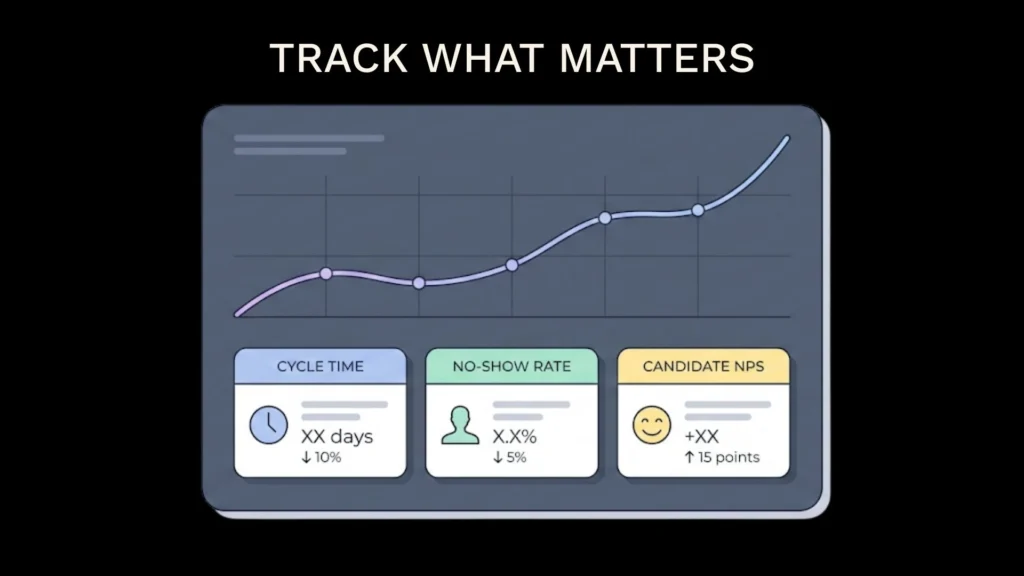
If you implement this, how do you know it’s working? You need to track metrics that correlate directly to business health:
- Scheduling Cycle Time: The time between “Invite Sent” and “Interview Confirmed.” (Target: Under 4 hours).
- No-Show Rate: The percentage of candidates who miss interviews. (Target: Under 5%).
- Candidate Satisfaction (NPS): Ask candidates: “On a scale of 1-10, how easy was it to schedule your interview?”
Many organizations find that they can supercharge their workflow by adding transcription tools to the scheduled interviews. This allows for better data and reporting, ensuring that the time saved by recruiters is being used for high-value sourcing and interviewing rather than just pushing buttons.
Why Imagine.bo is Different for Enterprise-Grade Workflows
When you are building internal tools for HR, you aren’t just looking for speed; you’re looking for stability. Imagine.bo combines the ease of no-code with SDE-level engineering standards. This means that if you build a custom interview management portal, it’s not just a mockup—it’s a cloud-native application deployable on AWS or GCP, capable of supporting high-volume hiring (up to 1,000 transactions per second).
For teams that need more than a generic “booking link,” the ability to create full-scale, secure architecture through plain-English interaction is a game-changer. It eliminates the need to juggle multiple technical vendors, allowing you to focus entirely on the quality of your hires and business outcomes.
Data Security and Compliance: The Non-Negotiables
When dealing with HR data, security is not optional. You are handling resumes, phone numbers, and internal hiring notes. You must ensure that your no-code tools are GDPR compliant and offer controlled access permissions.
For those just starting, following a step-by-step guide to building AI apps can help ensure that security best practices are baked into the foundation. Transparent communication about how candidate data is used is a hallmark of a modern, ethical hiring process. Ensure that your automated emails include clear privacy links and that data is only stored for as long as necessary to complete the hiring cycle.
The Human Side of Automation: Finding the Balance
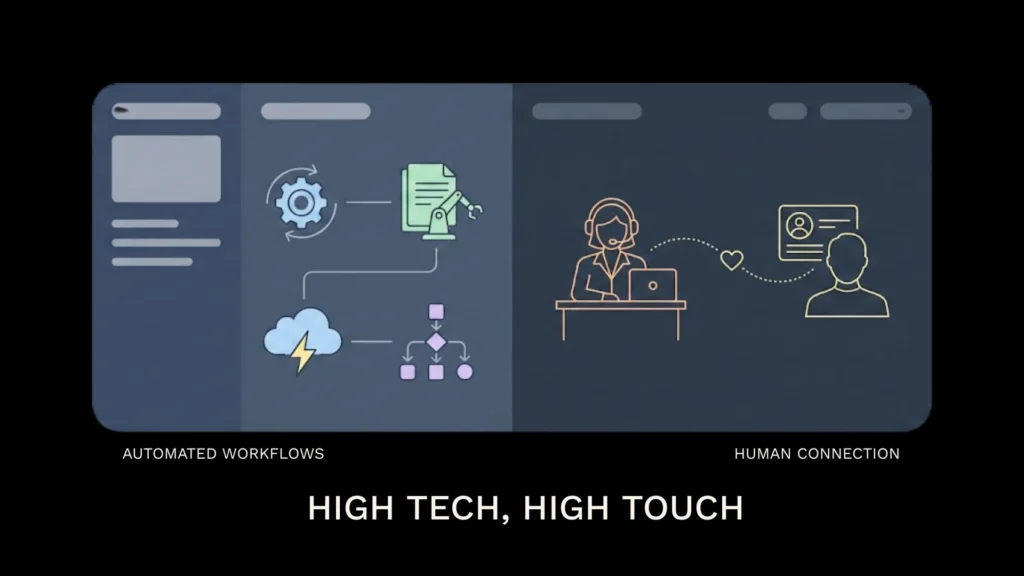
A common fear among HR professionals is that automation makes the process feel “robotic.” However, the opposite is often true. By automating the mechanical tasks (finding a time, sending a link, setting a reminder), recruiters have more energy to focus on the human tasks (building rapport, assessing cultural fit, and negotiating offers).
The goal is to be “High Tech, High Touch.” Use the time you’ve reclaimed to write a personal note to a high-priority candidate or to dive deeper into a candidate’s portfolio. Automation provides the infrastructure so that the human connection can actually flourish.
The Future: Predictive Scheduling and Beyond
The next frontier is predictive scheduling. AI will soon be able to look at a hiring manager’s historical feedback speed and “vibe” to determine the best time of day for them to conduct an interview for maximum evaluative clarity.
As the future of app development continues to shift toward AI-centric models, the barrier between an idea and a fully functional HR system will disappear. Organizations that adopt these thoughtful automations today will gain a massive long-term efficiency advantage over those still stuck in the email back-and-forth. We are moving toward a world where the software anticipates the needs of both the candidate and the recruiter.
Building a Unified HR Ecosystem
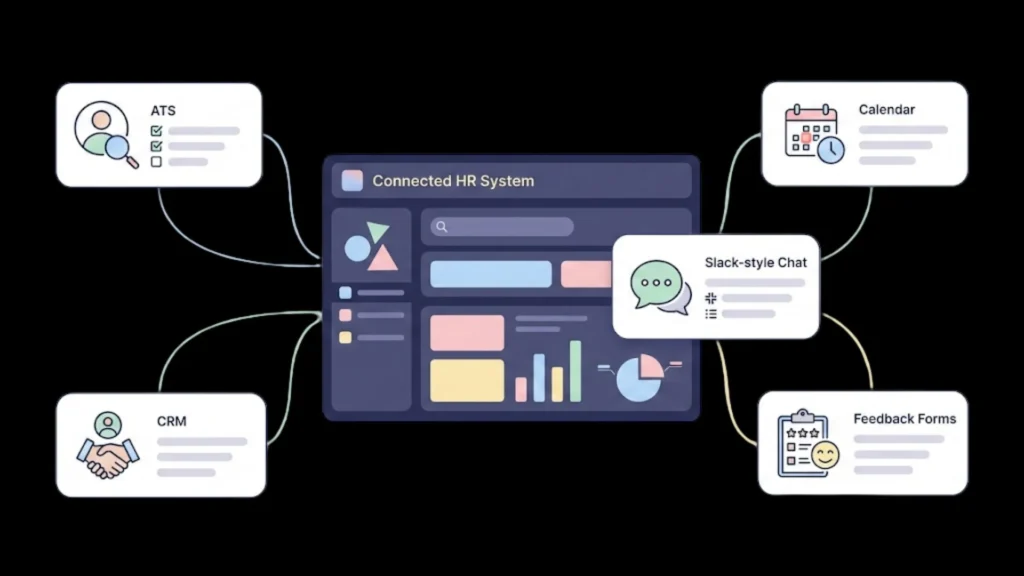
Isolated tools lead to fragmented data. The ultimate goal of no-code AI in scheduling is to integrate these tools into a unified system. Your scheduling tool should talk to your CRM, your ATS, and your internal communication tools like Slack or Teams.
When an interview is booked, a notification should pop up in the hiring manager’s Slack channel with the candidate’s resume attached. When the interview ends, a feedback form should be automatically DM’d to the interviewer. This “connected tissue” is what transforms a simple booking link into a production-grade operations system that can scale from 10 to 1,000 employees without breaking.
Final Thoughts: Start Small, Scale Fast
You don’t have to automate your entire hiring department by Monday morning. The most successful teams start with one role: usually the one with the highest volume of applications.
Start by picking one role and automating the initial screenings. Once you see those hours coming back to your calendar, you’ll have the proof you need to roll it out to the rest of the team. The “Scheduling Dance” is a relic of the past.
The goal of No-Code AI isn’t to replace the recruiter; it’s to unleash them. By removing the administrative friction, you allow your team to do what they do best: build relationships and evaluate talent. If you’re ready to take the next step, you can build your AI app in minutes and start reclaiming your time today. To turn your interview process into a high-speed hiring engine, click here to launch your first AI app right now.
Launch Your App Today
Ready to launch? Skip the tech stress. Describe, Build, Launch in three simple steps.
Build




