
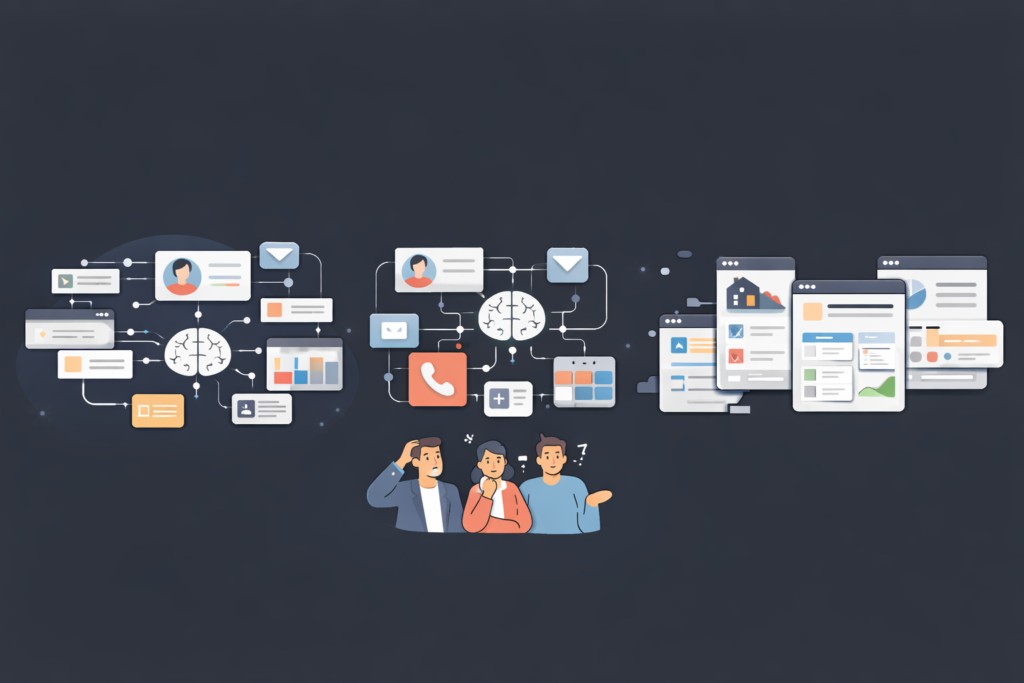
You have customer data in Excel, emails in Gmail, tasks on sticky notes, and sales figures in a totally different piece of software. You know you need a Customer Relationship Management (CRM) system, but the big names in the industry are expensive, complicated, and full of features you will never use.
The alternative used to be hiring a developer to build something custom. But that costs tens of thousands of dollars and takes months.
Launch Your App Today
Ready to launch? Skip the tech stress. Describe, Build, Launch in three simple steps.
BuildFortunately, technology has shifted. We are now in the era of “No-Code” development.
Today, you have the power to build tools that fit your business perfectly, rather than forcing your business to fit the tools.
In this guide, we are going to walk you through exactly how to create a custom CRM app without coding. We will cover why you should do it, the tools you need, and a step-by-step roadmap to getting your custom solution up and running in days, not months.
What Is a CRM App and Why Businesses Need a Custom CRM
Before we dive into the “how,” let’s clarify the “what.”
A CRM (Customer Relationship Management) app is the central brain of your sales and customer support operations. It stores client contact details, tracks interactions, manages your sales pipeline, and helps you analyze performance.
The Problem with “Off-the-Shelf” CRMs
Most businesses start with popular, off-the-shelf solutions. These are powerful tools, but they often come with two major problems for small to medium-sized businesses (SMBs):
- Bloat: They are packed with thousands of features designed for Fortune 500 companies. You end up paying for complexity that slows your team down.
- Rigidity: They force you to follow their workflow. If your sales process is unique, you have to fight the software to make it work.
The Power of Customization
A custom CRM is different. It is built specifically for your workflows.
If you run a real estate agency, your custom CRM tracks “Property Viewings” and “Escrow Dates.” If you run a consultancy, it tracks “Hourly Rates” and “Retainer Status.”
Opting for custom CRM creation ensures that every button, field, and dashboard exists for a reason. It simplifies the user experience for your team, which drastically increases adoption rates. If the tool is easy to use, your sales team will actually use it.
Challenges of Traditional CRM Development with Coding

So, if custom CRMs are so great, why hasn’t everyone built one?
Historically, the barrier to entry was technical skill and capital. Traditional software development is a heavy lift.
High Development Costs
Hiring a software engineer or a development agency to build a secure, functional CRM from scratch is expensive. We are talking about an investment that can easily range from $20,000 to $100,000+, making the choice between custom code vs no-code a critical financial decision.
Long Timelines
Coding takes time. From scoping the project to writing the code, testing for bugs, and deploying the server infrastructure, you are looking at a timeline of 3 to 9 months before you have a usable product.
The Maintenance Trap
Software isn’t a “set it and forget it” asset. It requires updates, security patches, and bug fixes. In a traditional development model, you are forever dependent on developers to keep the system running. If a button breaks or you need to add a new field, you have to submit a ticket and wait (and pay) for a developer to fix it.
This dependency is often the biggest dealbreaker for agile entrepreneurs who need to move fast.
What Does It Mean to Create a Custom CRM App Without Coding?
This is where the paradigm shift happens.
“No-code” is exactly what it sounds like. It is a method of developing software using visual interfaces instead of writing lines of programming languages like Python, Java, or SQL.
The LEGO Analogy
Think of traditional coding like sculpting with clay. You have infinite possibilities, but you need significant artistic skill and patience to form the clay into a structure.
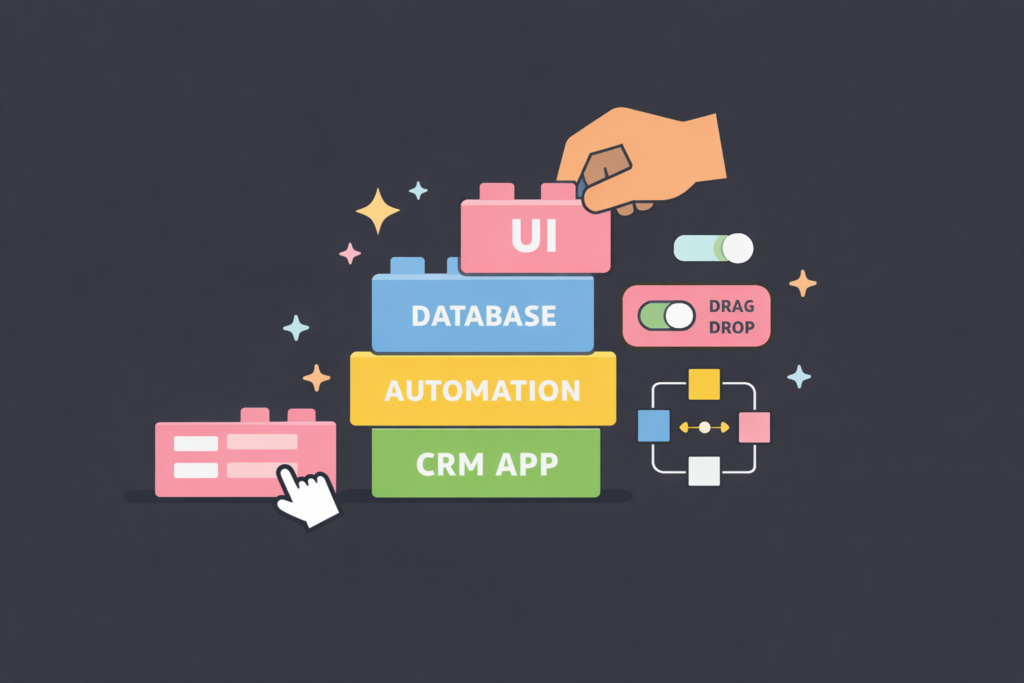
No-code development is like building with LEGO bricks. The “bricks” are pre-built blocks of code—buttons, databases, text fields, automation triggers—that you simply snap together.
The heavy lifting has already been done by the platform providers. You are just assembling the logic and the design.
Visual Builders and Logic
When you learn how to create a custom CRM app without coding, you use a “drag-and-drop” interface.
- Need a form to capture leads? Drag a “Form” element onto the screen.
- Need to send an email when a deal closes? Click a standardized “Automation” trigger and select “Send Email.”
This democratizes software creation. It allows founders, sales managers, and operations leads—people who understand the business logic—to build the tools themselves.
Benefits of Building a No Code CRM App for Your Business
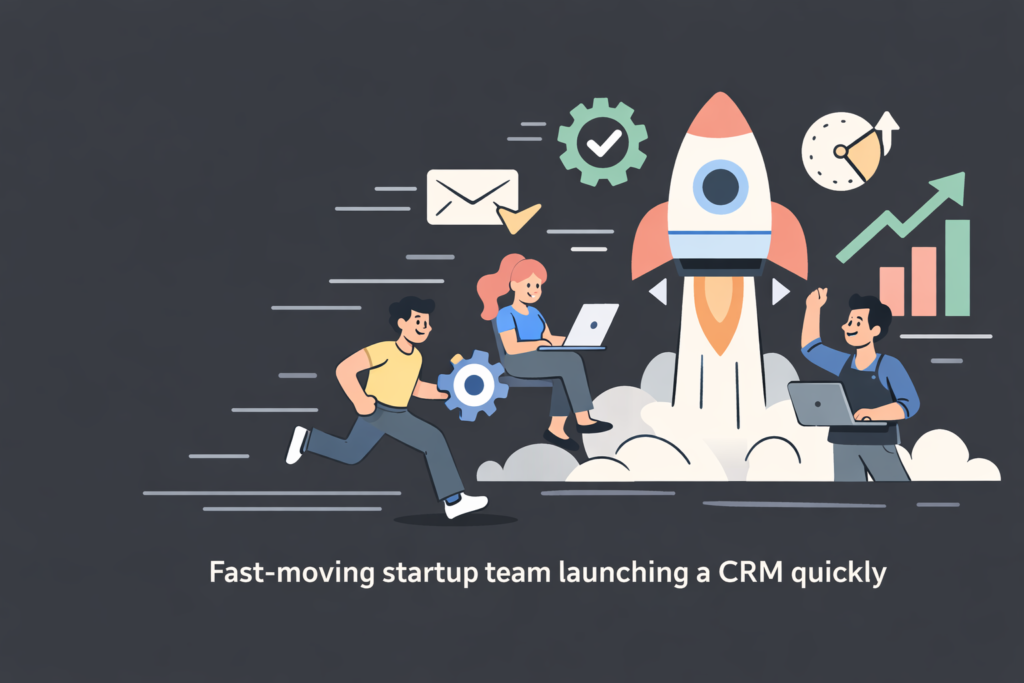
Why are startups and SMEs flocking to no-code solutions? It isn’t just about avoiding code; it’s about business agility.
1. Lightning-Fast Development
You can build a Minimum Viable Product (MVP) of your CRM in a weekend. Because you are skipping the syntax writing and bug fixing of traditional code, you can go from idea to deployment in a fraction of the time.
2. Drastically Lower Costs
Most no-code platforms operate on a subscription model (SaaS). Instead of a $50,000 upfront capital expenditure, you might pay a manageable monthly fee. You also save on the ongoing cost of retaining a development team.
3. Unparalleled Agility and Customization
This is the biggest advantage. Business processes change.
Did you introduce a new sales territory? Did you change your commission structure? Do you need to track a new type of customer data?
With a no-code CRM, you can log in, add the new field or change the workflow yourself in five minutes. You don’t need to write a spec document for IT; you just do it.
4. Scalability
Modern scalable SaaS architecture handles the server load for you. Whether you have 100 leads or 100,000, the underlying technology scales automatically.
5. Control
No one knows your business better than you. When you build the tool, you ensure it reflects your vision perfectly. You are not relying on a translator (a developer) to interpret your needs.
Key Features Every Custom CRM App Should Have
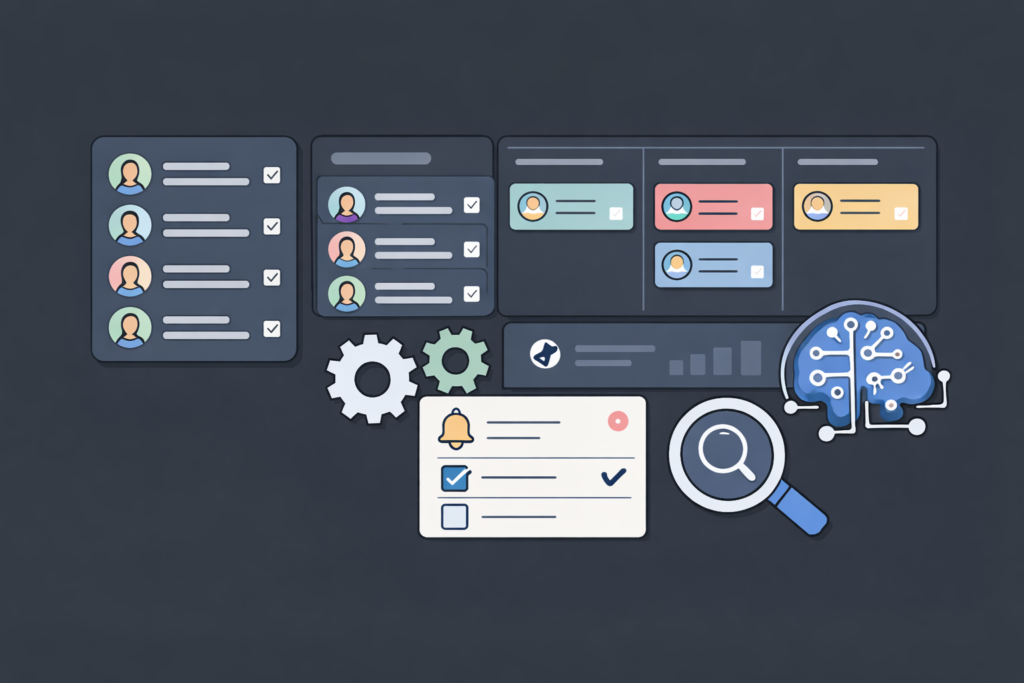
Before you start building, you need to map out what your app needs to do. While every custom CRM is unique, there are foundational pillars that every system requires to be effective.
Contact and Lead Management
At its core, your CRM is a database. It needs a structured way to store:
- Names, emails, and phone numbers.
- Company details.
- Interaction history (last called, last emailed).
- Lead status (Cold, Warm, Hot).
Visual Sales Pipeline
You need a “Kanban” style board (think Trello) where you can drag and drop deals from one stage to the next.
- New Lead -> Qualified -> Proposal Sent -> Negotiation -> Closed Won. This gives you an instant visual snapshot of your projected revenue.
Task Management
A CRM isn’t just for storing data; it’s for driving action. Your app should allow you to create tasks linked to specific contacts.
- “Call John Doe on Tuesday.”
- “Send contract to XYZ Corp.”
Automation
This is the secret sauce. A good custom CRM automates workflows without writing code, removing manual busy work.
- When a lead moves to “Won,” automatically send a welcome email.
- When a task is overdue, notify the manager via Slack.
Reporting and Analytics
You can’t improve what you don’t measure. You need a dashboard that shows:
- Total sales this month.
- Conversion rates per salesperson.
- Lead sources (where are your customers coming from?).
For more on metrics, check out our guide on building internal analytics with AI.
Step-by-Step Guide on How to Create a Custom CRM App Without Coding
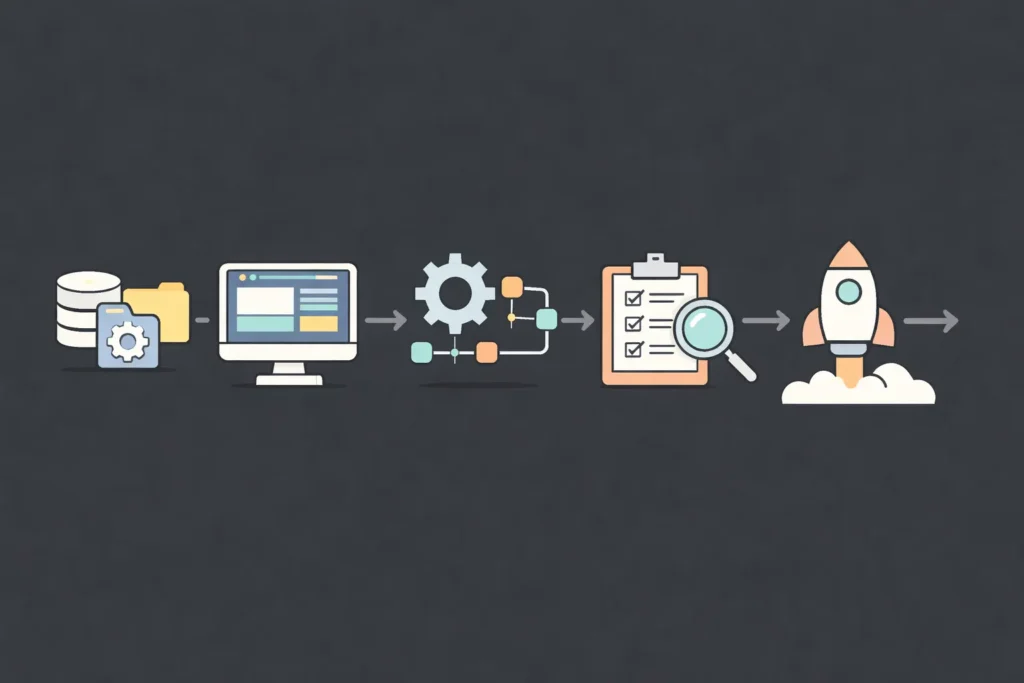
Now, let’s get practical. Here is your roadmap to building your solution.
Step 1: Define Your CRM Requirements
Don’t open a tool yet. Grab a whiteboard or a piece of paper.
Map out your customer journey.
- How does a lead enter your world? (Website form, referral, manual entry?)
- What information do you strictly need? (Don’t clutter it with fields you won’t use).
- What are your deal stages?
Pro Tip: Keep it simple for Version 1. You can always add complexity later.
Step 2: Choose the Right No-Code CRM App Builder
There are many platforms out there (we will discuss them in the next section). Look for one that offers:
- A relational database (the ability to link “Contacts” to “Companies”).
- A frontend builder (the visual interface).
- Automation capabilities.
Step 3: Design Your CRM Database
This is the foundation. You will likely need to create three main “Tables” or “Collections”:
- Contacts: The people. (Fields: Name, Email, Phone, Role).
- Companies/Accounts: The organizations. (Fields: Industry, Size, Website).
- Deals/Opportunities: The money. (Fields: Value, Stage, Closing Date).
You will then link these tables. One Company can have many Contacts. One Contact can be associated with many Deals.
Step 4: Create the Interface (UI)
Now, make it look good.
- Create a Dashboard page for high-level stats.
- Create a Detail View for contacts. This is where your sales team will spend most of their time. Put the most important info at the top.
- Create a Pipeline View for managing active deals.
Step 5: Create Workflows and Automations
This is where you save time.
- Input Automation: Connect your website contact form to your new CRM so leads appear automatically.
- Notification Automation: Trigger an email to the sales rep when a high-value lead is assigned to them.
- Task Automation: If a deal sits in “Proposal Sent” for 3 days, auto-generate a task to “Follow Up.”
Step 6: Customize User Roles and Permissions
Security matters.
- Admins: Can change the app structure and see everything.
- Sales Reps: Can only see leads assigned to them (if you want to restrict visibility).
- Managers: Can view all data but cannot delete the database structure.
Step 7: Test and Deploy
Get a few users to try it out. Ask them:
- “Is this confusing?”
- “Did any buttons fail to work?”
- “Is there a step that feels unnecessary?”
Refine based on feedback, then launch it to the whole team.
Best No Code Tools to Build a Custom CRM App
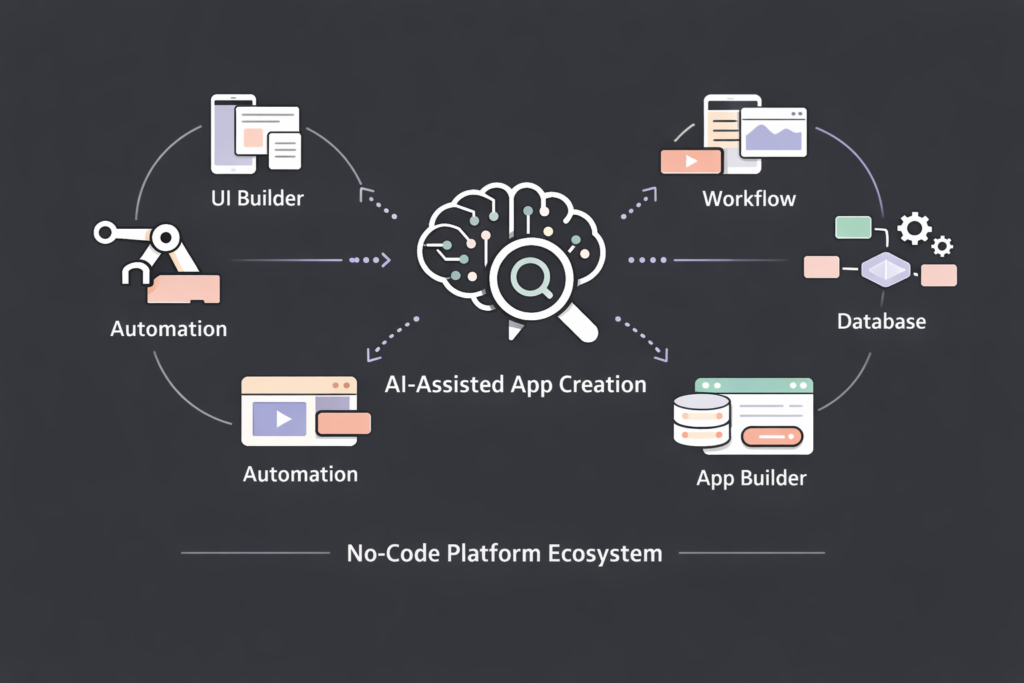
There are dozens of platforms available, but they generally fall into a few categories.
1. The AI-Powered Builders (Imagine.bo)

The next generation of no-code is “AI-code.” Platforms like Imagine.bo allow you to describe the app you want in plain English, and the AI generates the structure, the code, and the design for you. Using a no-code AI app builder allows you to move significantly faster than traditional methods.
For example, you could type: “Build a CRM for a real estate agency with a property listings database, client contact forms, and a commission calculator.”
Imagine.bo can then generate the backbone of that application instantly. This bridges the gap between the complexity of Bubble and the simplicity of Airtable. It is an excellent choice for founders who want to move at maximum speed without getting bogged down in the nuances of database linking manually.
2. The All-in-One Giants (Airtable / Bubble)
Tools like Airtable are fantastic for database-centric CRMs. They feel like spreadsheets on steroids. Bubble is incredibly powerful for web apps but has a steeper learning curve.
3. The Mobile-First Builders (Glide / Adalo)
If your sales team is always on the road and needs a phone-based app, these tools are excellent. They turn spreadsheets into mobile apps very quickly.
How Long Does It Take to Build a CRM App Without Coding?
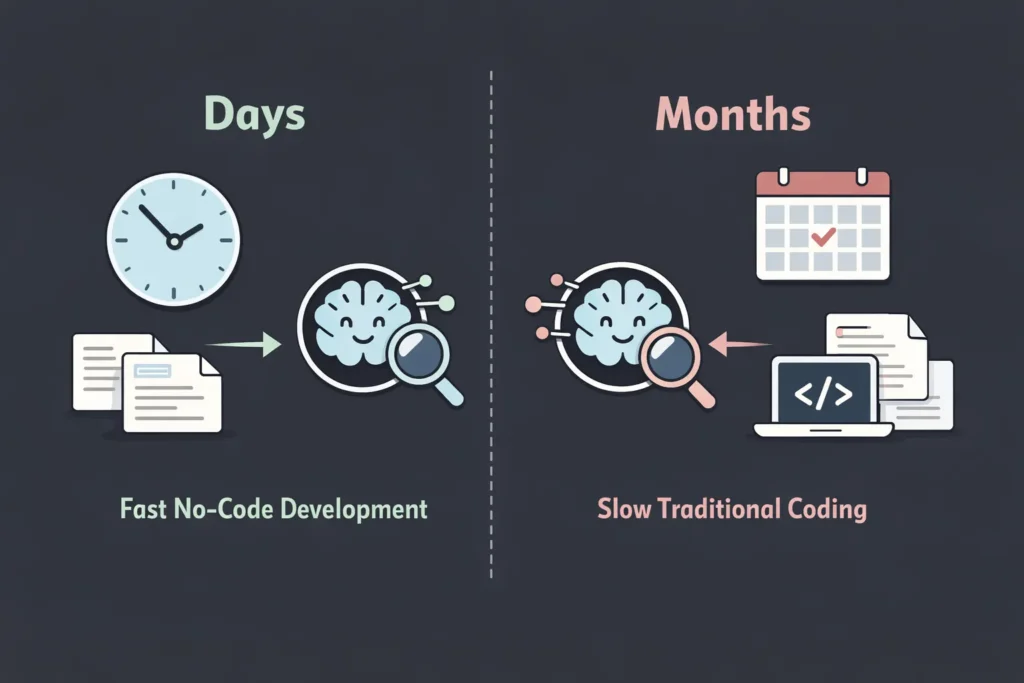
This is the most common question. The answer depends on complexity, but here are some realistic benchmarks:
- The Weekend Warrior MVP: If you have a clear plan and use a template or an AI builder, you can have a functional CRM up and running in 2 to 3 days.
- The Polished V1: To build a fully customized system with role-based permissions, complex automations, and data migration from your old system, expect 2 to 3 weeks.
Compare this to traditional development, where you would spend the first 3 weeks just negotiating the contract and scope of work with the development agency.
Common Mistakes to Avoid When Creating a No Code CRM App

Building it yourself gives you power, but with great power comes the responsibility to avoid creating a mess. Be sure to review common mistakes in no-code development before you start.
Overcomplicating Features (Feature Creep)
Just because you can build a feature doesn’t mean you should. Mistake: Adding 50 fields to the contact form “just in case.” Result: Sales reps ignore the form because it takes too long to fill out. Fix: Stick to the absolute essentials for Version 1.
Ignoring User Adoption
The best CRM in the world is useless if no one logs in. Mistake: Building the CRM in isolation without asking the sales team what they need. Fix: Involve your end-users in the design process.
Poor Data Structure
Mistake: Mixing up companies and contacts in the same list. Fix: Ensure you understand the basics of relational databases (Step 3 in our guide) before you start building. Separation of data is key.
No Automation Planning
Mistake: Building a digital Rolodex that doesn’t do anything. Fix: Your CRM should work for you. Ensure you have at least 2-3 automations running to save manual effort.
Is a No Code CRM App Secure and Scalable?
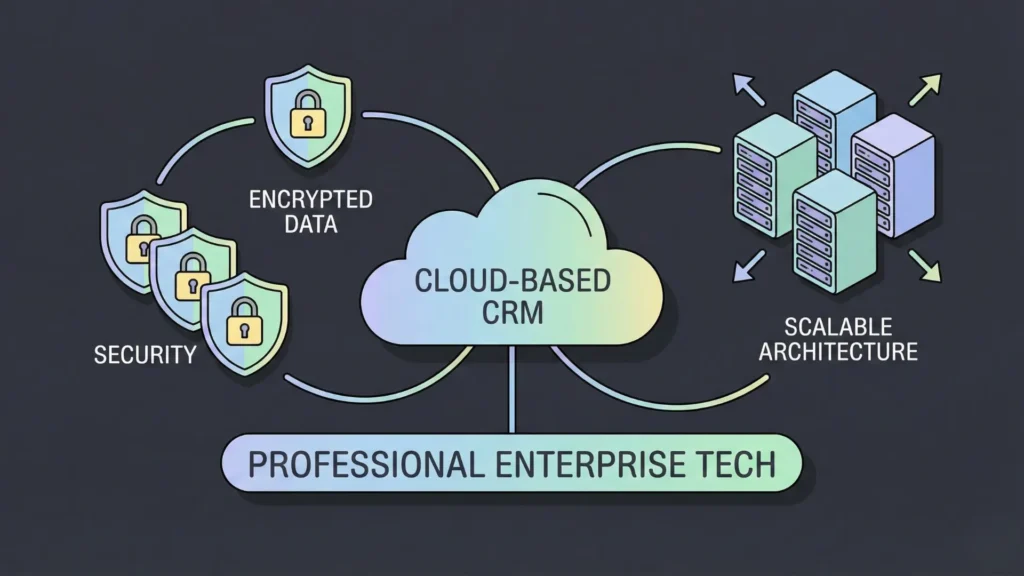
This is a valid concern for any business owner handling sensitive customer data.
Security
Reputable no-code platforms (including the ones mentioned above) invest millions in security. They generally follow no-code app security best practices, use enterprise-grade encryption for data at rest and in transit, and offer robust authentication (login) systems.
In many ways, a no-code app built on a major platform is more secure than a custom-coded app built by a junior developer who might accidentally leave a server port open.
Scalability
“Will this break if I get 10,000 leads?” Generally, no. Most no-code backends are built on scalable cloud architecture. However, if you plan to scale to millions of records, you may eventually need to migrate to a dedicated enterprise SQL database. But for 99% of SMBs, no-code scalability will never be the bottleneck.
Who Should Use a No Code CRM App Builder?
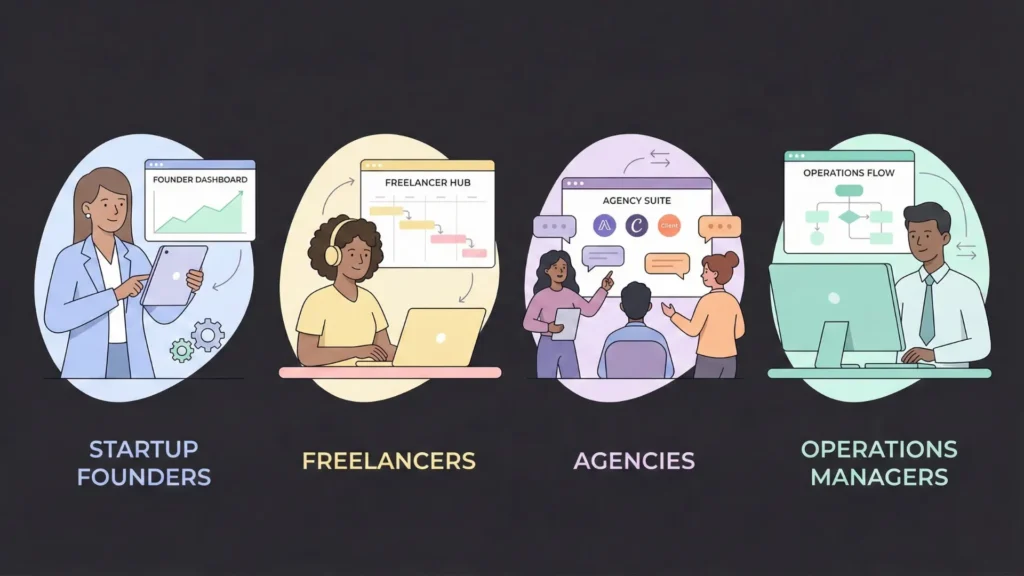
Is this path right for you? It is highly recommended for:
- Startups: You need to save cash and iterate fast. Your sales process today will be different next month. No-code keeps up with you.
- Niche Agencies: Do you sell something specific like “Yacht Insurance” or “Influencer Marketing”? Generic CRMs won’t fit your weird data points. A custom one will.
- Freelancers/Solopreneurs: You don’t need Salesforce. You need a simple, tailored place to track your gigs.
- Operations Managers: You are tired of waiting for the IT department to fix things. You want to take control of your own tools.
Final Thoughts
The days of fighting against clunky, rigid software are over. The future belongs to businesses that can adapt quickly, and no-code tools are the engine of that adaptation.
Ready to build your perfect CRM?
Start mapping out your process today. Grab a pen, list your requirements, and check out a platform like Imagine.bo to see how AI can help you bring your vision to life in minutes. Your sales team (and your bottom line) will thank you.
Related Articles
- Custom CRM Creation Using No-Code AI Platforms: Streamlining Business Solutions Efficiently
- How to Connect Your App to CRM Systems
- Weekend Warrior: Build Your CRM App with Bubble (Step-by-Step)
- Supercharge Your Sales: The Ultimate Guide to the Best AI CRM Software
- Unlock Your Potential: How a Custom AI CRM Revolutionizes Freelance & Agency Success
Launch Your App Today
Ready to launch? Skip the tech stress. Describe, Build, Launch in three simple steps.
Build