
The year 2026 has marked a massive shift in how we build software. We’ve moved past the “Wild West” era of AI, where everyone was simply chasing the newest shiny wrapper. Today, the real power lies in Open-Source AI Models in No-Code.
For the first time, you don’t need a PhD in Machine Learning or a $50,000 developer budget to build high-performance, private, and customized AI applications. Whether you are a startup founder, an operations manager, or an indie hacker, the combination of open-weight models and visual builders is your new “superpower.” This shift is fundamentally changing the no-code AI development landscape, making it more accessible than ever before.
What Are Open-Source AI Models?
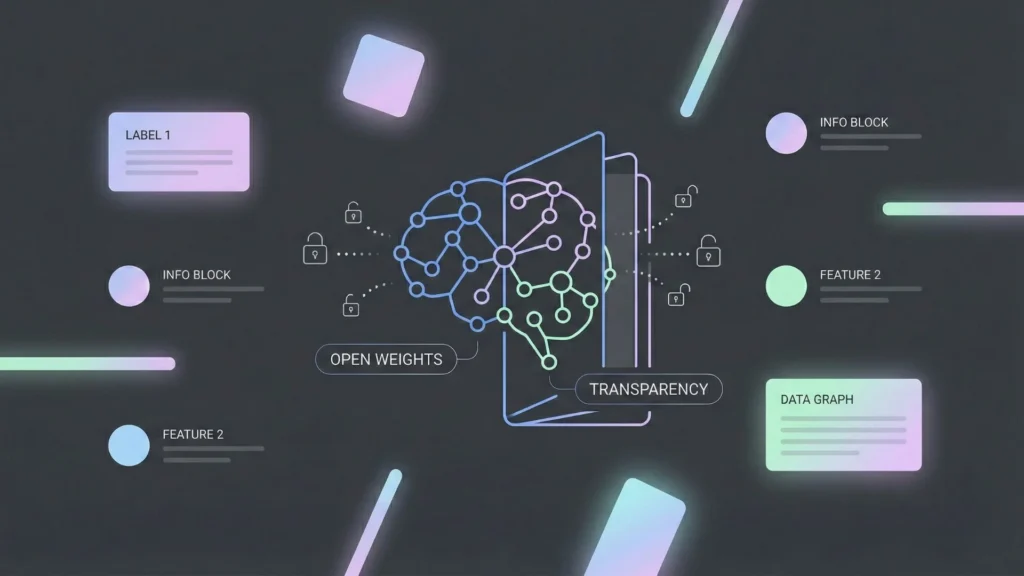
In simple terms, an open-source (or “open-weight”) AI model is like a secret recipe that has been shared with the world. Unlike “Closed AI” (like GPT-4 or Claude 3.5), where the code and data are locked behind a corporate wall, open-source models allow you to see, modify, and host the “brain” of the AI yourself.
Popular Examples in 2026:
- Text (LLMs): Llama 4, Mistral-Small-3.2, and the highly efficient DeepSeek-V3.2.
- Vision & Image: Stable Diffusion 3 for generation and Ultralytics YOLO for object detection.
- Agentic Models: Kimi K2.5 and MiMo-V2-Flash, designed specifically to execute multi-step tasks.
The choice of model is critical, especially when you how to choose an AI app builder that supports these diverse architectures. While closed models are easy to use, open-source offers a level of transparency that is vital for long-term growth.
What Is No-Code and How It Connects with AI?
No-code platforms are visual development environments that let you build apps by dragging and dropping elements instead of writing lines of code. For beginners, this removes the “syntax barrier” and allows you to focus purely on the business logic and user experience.
| Type | Technical Level | Best For |
| No-Code | Zero coding | Business users, MVPs, and rapid automation. |
| Low-Code | Some logic/scripts | Frontend developers and product teams. |
| Full-Code | High expertise | Deeply custom, heavy-duty architecture. |
Why No-Code is powerful for AI adoption: In the past, using an open-source model meant setting up Linux servers and Python environments. Today, no-code platforms act as the bridge. They provide the “interface” and “logic” while connecting to the open-source “brain” via simple APIs. This is exactly how many founders build an AI app without code in record time. If you’re ready to start building immediately, you can launch your AI application today using a specialized no-code environment.
How Open-Source AI Models Work in No-Code Platforms
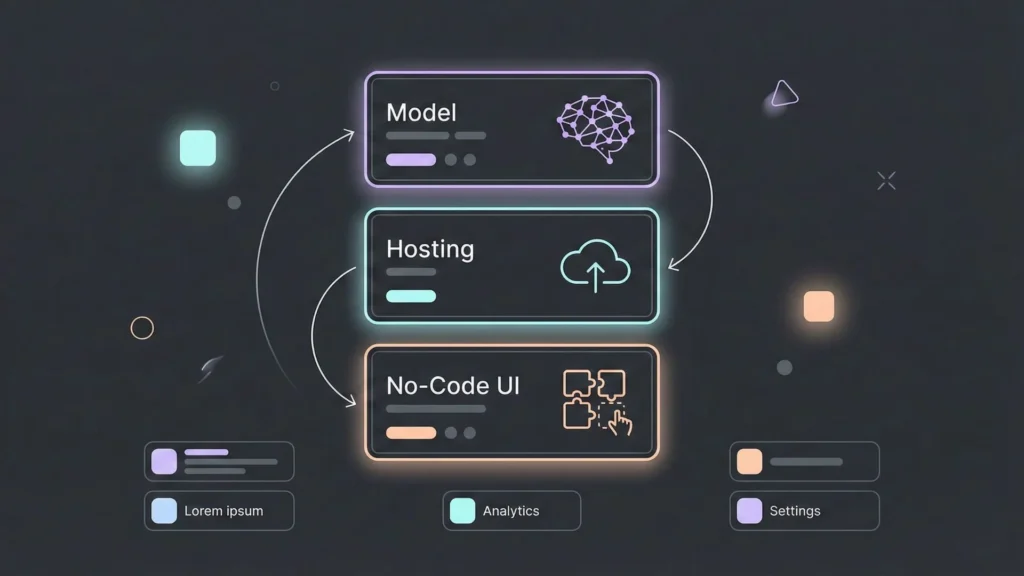
You don’t need to be a systems architect to understand this. Think of it as three simple layers:
- The Brain (The Model): This is the open-source model (e.g., Llama 4).
- The House (Hosting): Since the model isn’t “built-in” like ChatGPT, it needs a place to sit. Platforms like Hugging Face Inference Endpoints, SiliconFlow, or Ollama host the model for you.
- The Body (No-Code Tool): This is where you build the user interface. Tools like Bubble, FlutterFlow, or Airtable connect to “The House” via an API.
Asli baat yeh hai (The real deal is): You just copy an API Key from your host and paste it into your no-code tool. This process allows you to deploy AI models no-code without managing complex backend infrastructure manually.
Practical Use Cases
A. Intelligent Internal Tools
Instead of a messy Excel sheet, build an internal dashboard in UI Bakery or Appsmith that uses Mistral to automatically categorize customer feedback and suggest replies based on your company’s past data. This is a great way to automate your business tasks while keeping all sensitive data within your controlled environment.
B. Specialized Content Generators
If you’re a marketing agency, you can use Stable Diffusion (for images) and Qwen3 (for text) inside a Typeform or Softr portal to let clients generate brand-compliant social media posts on demand.
C. Privacy-First Chatbots
For industries like healthcare or finance, where data cannot leave the country, you can host an open-source model on a local server and connect it to a no-code frontend. Privacy bhi, efficiency bhi.
Step-by-Step Conceptual Workflow
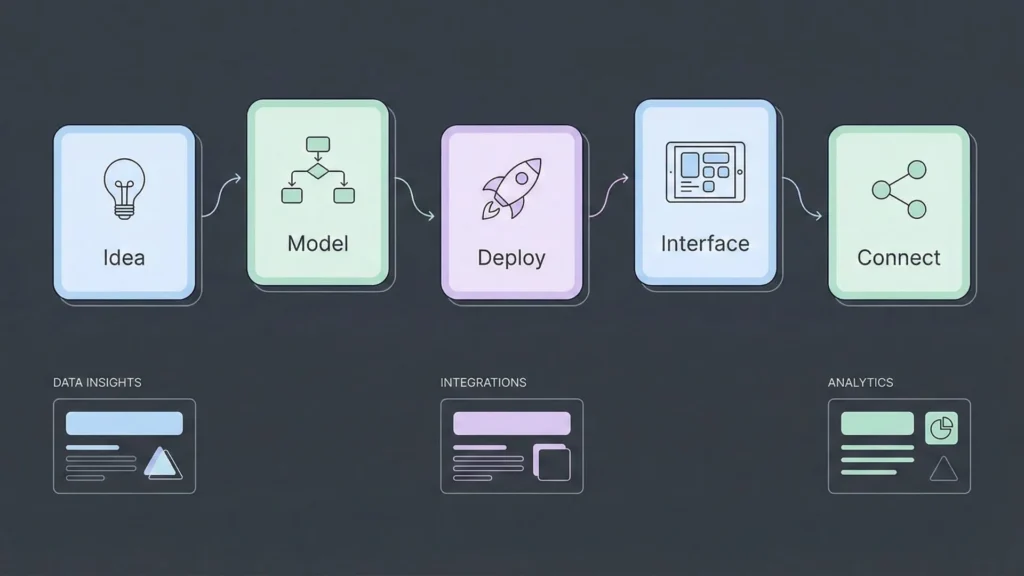
Building with open-source AI follows a logical path that prioritizes modularity over complexity:
- The Idea: Clearly define the problem. “I want an app that summarizes legal documents.”
- Pick a Model: Select GLM-4.6 (great for long context/legal text) from Hugging Face.
- Deploy the “House”: Click “Deploy” on a hosting provider to get your unique API URL.
- Build the Interface: In a tool like WeWeb, create a file upload button and a text box for the summary.
- Connect the Dots: Set an “On Click” action that sends the file to your API URL and displays the response.
This workflow is perfect for those who want to build a web app without coding while maintaining full control over the AI’s logic and data handling.
Open-Source AI vs. Closed-Source AI
| Feature | Open-Source (Llama, Mistral) | Closed-Source (GPT-4o, Claude) |
| Cost | Fixed server cost (Cheaper at scale) | Per-token pricing (Can get expensive) |
| Control | Full (You own the setup) | Limited (Vendor can change rules) |
| Privacy | High (Data stays on your server) | Moderate (Data sent to vendor) |
| Setup Speed | Medium | Instant |
| Performance | Matches SOTA (Top tier) | Slightly leads in complex reasoning |
When looking at costs, it is important to reduce AI API costs as you scale, and open-source models hosted on your own infrastructure often provide the most sustainable path for high-volume applications.
Advantages and Limitations of No-Code AI
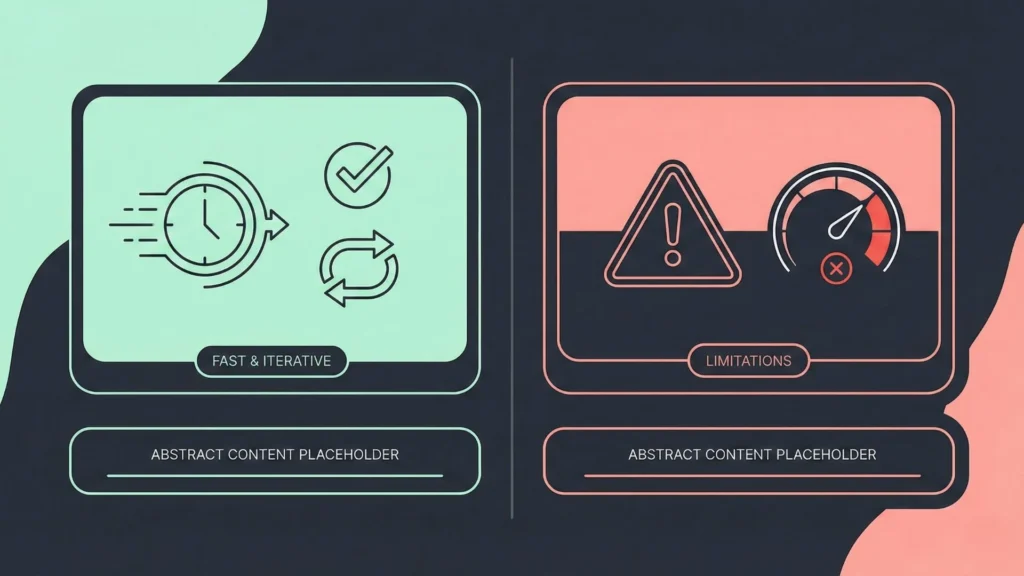
The Great Stuff:
- Speed: Go from idea to a working AI tool in 24 hours.
- Iterative: Change your prompt or model in seconds without redeploying code.
- Accessibility: Your marketing or HR team can manage the tool themselves.
The Reality Check:
- Performance Caps: If your app needs to handle millions of complex calculations per second, no-code might lag.
- Cost of “Ease”: Platforms that make it “too easy” often charge a premium subscription.
- “Opaque” Errors: When something breaks in a no-code connector, it’s sometimes harder to debug than a raw line of code. Understanding no-code vs traditional development is key to knowing when to switch to custom code.
Who Should Use This?
- Ideal Users: Startup founders building an MVP, small business owners looking to automate repetitive tasks, and indie hackers who want to avoid high monthly API bills.
- Who should avoid it: Large-scale enterprises requiring sub-millisecond latency for high-frequency trading or global search engines where custom-tuned C++ backends are the only option.
For most people, the goal is to validate startup ideas quickly. Using open-source models with no-code allows you to test the market without investing months into a custom-coded backend that might need to be scrapped later.
Common Mistakes to Avoid
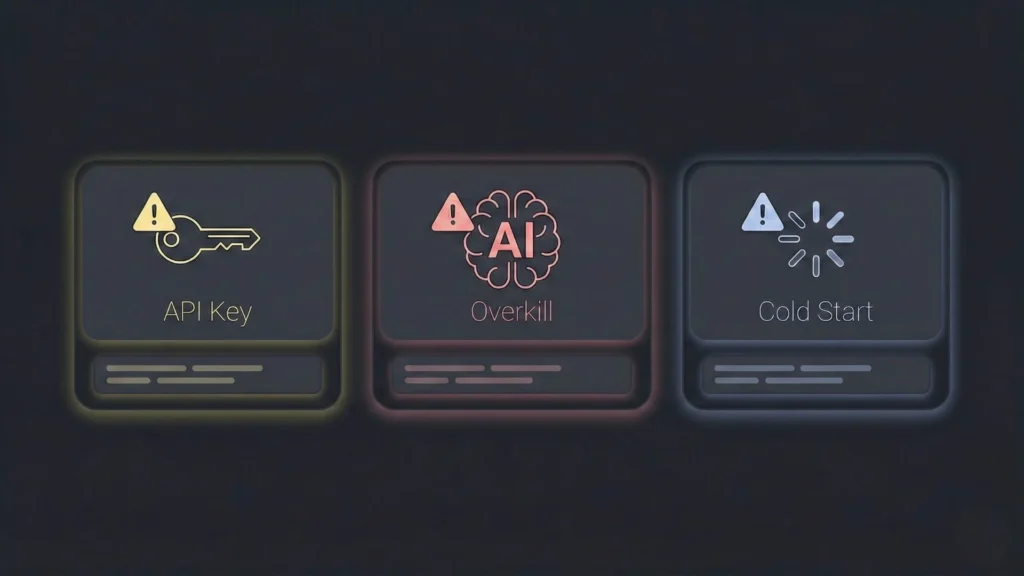
- Security Blind Spots: Just because it’s “no-code” doesn’t mean it’s “no-risk.” Never hardcode your API keys into the frontend of your app where users can find them.
- Model Overkill: Don’t use a massive 400B parameter model for a simple task like “fixing grammar.” Use a small, fast model to save money and time.
- Ignoring the “Cold Start”: Some cheap hosting plans “sleep” when not in use. Your first user might face a 30-second delay while the model wakes up.
Learning from others who have launched their first no-code MVP can help you avoid these common pitfalls and ensure a smoother deployment for your users.
Future of Open-Source AI + No-Code
The next big wave is Agentic AI. We are moving away from “Chatbots” toward “Agents” that can actually do things like booking a flight, updating a CRM, or managing an entire supply chain. Open-source models like Kimi K2.5 are being built specifically for this. In 2026, building an autonomous agent using no-code is no longer a dream; it is a standard business practice. This evolution is giving rise to a new generation of citizen developers who lead innovation from within non-technical departments.
Conclusion
The wall between “ideas” and “execution” has finally collapsed. Using open-source AI models in no-code allows you to build sophisticated, private, and cost-effective solutions without being a coder. It is about choosing the right “brain” and giving it the right “body” to solve real-world problems.
Key Takeaways:
- Open-source models offer better privacy and cost control.
- No-code platforms act as the interface and logic layer.
- Always match the model size to the complexity of the task.
Your next step: Head over to Hugging Face or SiliconFlow, pick a popular model like Llama-3.3-Nemotron, and try connecting it to a simple Airtable automation. You can also try the Imagine.bo app builder to see how quickly you can turn these open-source models into a fully functioning SaaS product.


