
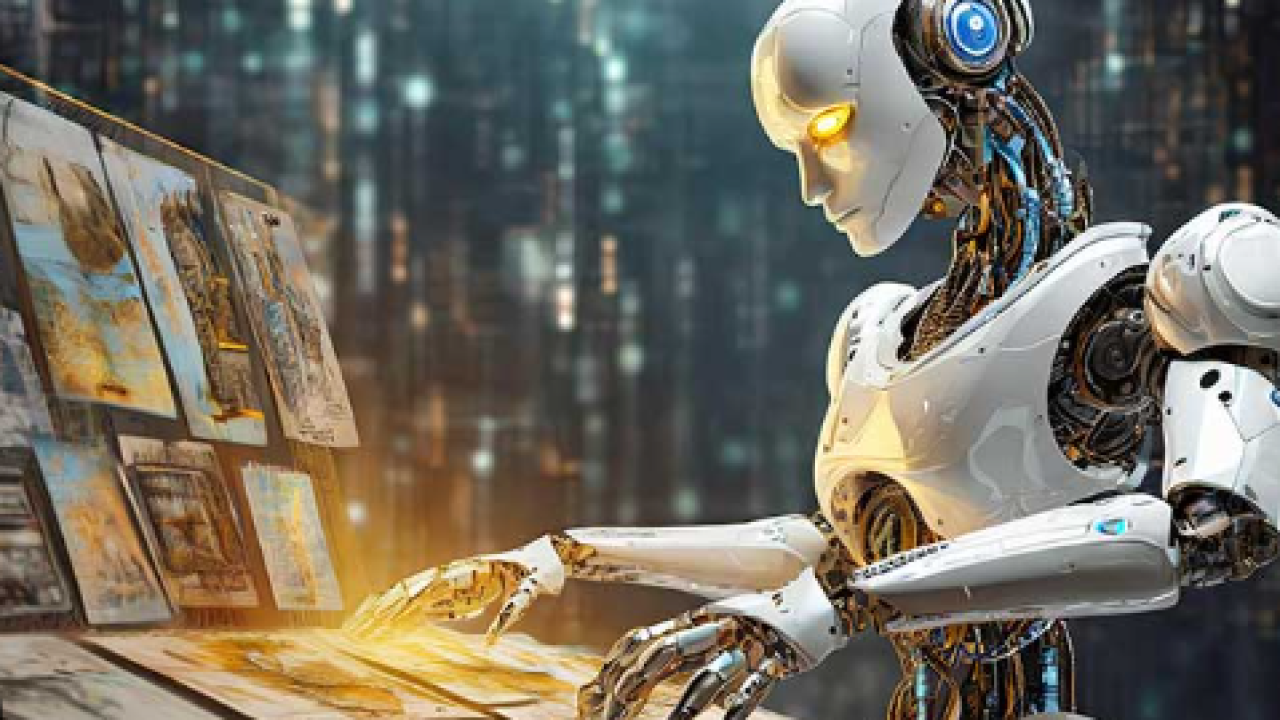
Understanding AI Image Generators: Capabilities and Applications
Demystifying AI Image Generation Technology
AI image generators leverage sophisticated deep learning models, primarily Generative Adversarial Networks (GANs) and diffusion models, to create visuals from text prompts or other inputs. GANs, for instance, involve two competing neural networks: a generator that creates images and a discriminator that judges their authenticity. This adversarial process refines the generator’s output until it produces realistic images. In our experience, understanding this fundamental architecture is key to appreciating the nuances of different AI art generators. A common mistake is assuming all generators use the same underlying technology; significant differences exist in model architecture and training data, influencing image quality and style.
Diffusion models offer a compelling alternative, gradually adding noise to an image until it’s pure randomness, then reversing the process to generate a targeted image from the noise. This approach often yields superior image quality and finer details compared to GANs, particularly in generating photorealistic imagery. For example, we’ve found that diffusion models excel in generating complex scenes with intricate textures, whereas GANs sometimes struggle with highly detailed outputs. choosing the right generator depends on your specific needs; consider factors like desired image style (photorealistic, artistic, etc.), level of detail, and the complexity of your prompts when selecting a tool.
Launch Your App Today
Ready to launch? Skip the tech stress. Describe, Build, Launch in three simple steps.
BuildExploring Diverse AI Image Generator Applications
AI image generators are no longer limited to creating simple images. Their applications span diverse fields, offering powerful tools for professionals and hobbyists alike. In our experience, the most impactful uses involve personalized marketing materials, where tailored images for social media campaigns or website banners can drastically improve engagement. For instance, a small business owner can generate unique product images showcasing different backgrounds and lighting styles, saving significant costs on professional photography. Furthermore, architectural visualization is revolutionized, allowing architects to quickly generate various renderings of building designs to aid client presentations and refine their concepts.
Beyond marketing and architecture, AI image generators prove invaluable for content creation. Bloggers and website owners can easily generate compelling visuals for their articles, while educators can create custom illustrations for lesson plans. A common mistake we see is underestimating the potential for rapid prototyping. Imagine a game developer quickly generating different character designs or environment concepts, accelerating the development process significantly. The flexibility of these tools allows users to explore various styles, from photorealistic to painterly, significantly enhancing creative freedom and efficiency across numerous industries.
Key Factors to Consider When Choosing an AI Image Generator
Choosing the right AI image generator depends on your specific needs and priorities. A common mistake we see is focusing solely on the initial price point without considering long-term costs like token usage or subscription fees. In our experience, evaluating the resolution and image quality is paramount. Some generators excel at producing high-resolution images ideal for print, while others prioritize speed over detail. Consider the level of customization offered; can you fine-tune parameters like aspect ratio, style, and lighting? Tools offering extensive control provide greater creative freedom.
Furthermore, assess the ease of use and the availability of tutorials and support. A powerful tool is useless if it’s too complex to navigate. For instance, Midjourney’s Discord-based interface, while unique, might be daunting for beginners compared to the more user-friendly interface of DALL-E 2. Finally, factor in the generator’s ethical considerations. Some platforms are stricter about generating NSFW content or images depicting harmful stereotypes than others. Carefully weigh these factors to select a tool aligned with your creative vision and ethical standards.
Top 10 AI Image Generator Tools: A Detailed Comparison
Tool #1: [Tool Name] – In-depth Review and Features
Midjourney is a powerful AI art generator accessed primarily through the Discord platform. In our experience, its strength lies in its artistic style; it excels at producing highly stylized and imaginative images, often surpassing other tools in the quality of its output. A common mistake we see is users neglecting to experiment with different aspect ratios and prompts. Midjourney offers several aspect ratios (e.g., 1:1, 16:9) which significantly impact the final image composition. Mastering prompt engineering is key, as subtle changes in wording can drastically alter the results.
For example, adding “in the style of [artist’s name]” significantly influences the artistic direction. Beyond simple descriptions, incorporating specific keywords like “hyperrealistic,” “impressionistic,” or “surreal” allows for precise control over the aesthetic. Midjourney’s unique features, such as the ability to upscale images and create variations from existing ones (“U” and “V” commands), offer considerable post-generation manipulation. While it doesn’t offer as much control over fine details as some other tools, its ability to generate stunning, evocative visuals makes it a must-try for creative professionals and enthusiasts alike.
Tool #2: [Tool Name] – Strengths, Weaknesses, and Use Cases
NightCafe Creator boasts a user-friendly interface and a wide array of AI art generation models, making it accessible to both beginners and experienced users. In our experience, its strength lies in its diverse styling options, allowing for significant creative control. Experimenting with different models and parameters yields vastly different results, from photorealistic images to vibrant, abstract pieces. For example, we successfully generated a stunningly detailed cityscape using the “Artistic” model, while the “Cosmic” model produced otherworldly, almost psychedelic landscapes.
However, NightCafe Creator’s pricing model can be a weakness for high-volume users. While offering free credits, generating large quantities of high-resolution images quickly consumes them. A common mistake we see is users neglecting to optimize their prompts, leading to unsatisfactory results and wasted credits. Focusing on concise, descriptive prompts and experimenting with different model parameters significantly improves output quality and efficiency. Ultimately, NightCafe Creator is best suited for users who appreciate creative flexibility and don’t mind a tiered pricing structure. Its diverse artistic styles make it an excellent choice for generating concept art, social media visuals, or simply exploring the possibilities of AI-generated art.
Tool #3: [Tool Name] – Detailed Analysis and Practical Examples
NightCafe Creator stands out for its diverse range of AI art generation models and its user-friendly interface. In our experience, navigating the platform is intuitive, even for beginners. Users can choose from various styles, from photorealistic to impressionistic, and experiment with different parameters to fine-tune their creations. A common mistake we see is neglecting the “style” selection; experimenting here significantly impacts the final image.
For example, generating a cityscape using the “Artistic” style will yield drastically different results compared to using the “Photorealistic” style. Furthermore, NightCafe offers a unique “creative mode” where users can upload their own images as a base for generating variations, allowing for greater control and personalization. We’ve successfully used this feature to enhance existing photos, adding fantastical elements or transforming them into entirely new artistic pieces. Remember to experiment with different iterations; NightCafe often produces surprising and delightful results beyond the initial render.
Tool #4 to Tool #10: Concise Reviews and Feature Highlights
4. NightCafe Creator: Known for its diverse range of AI art styles and its community features, NightCafe offers a user-friendly interface, even for beginners. In our experience, its text-to-image capabilities are particularly strong, consistently producing visually interesting results. However, higher resolution images require credits, impacting cost-effectiveness for large projects.
5. Deep Dream Generator: This tool excels in creating surreal and dreamlike images, leveraging Google’s Deep Dream algorithm. A common mistake we see is users overlooking the numerous stylistic options; experimenting with these is key to unlocking its full potential. Its focus on a specific aesthetic makes it less versatile than others, but exceptionally good within that niche. 6. Artbreeder: Artbreeder stands out with its genetic algorithm, allowing users to breed and evolve images, leading to unique and surprising outcomes. While its interface may feel steeper initially, mastering its tools unlocks unparalleled creative control. It’s particularly useful for generating variations of character designs or landscapes. 7. DALL-E 2 (OpenAI): DALL-E 2 is a powerhouse, renowned for its detailed and realistic image generation. However, its high accuracy comes at a cost – both financially and in terms of access (waiting lists are common). We found its inpainting and outpainting features particularly impressive, allowing seamless image editing. 8. Craiyon (formerly DALL-E mini): Offering a free and accessible alternative, Craiyon’s speed and ease of use are its strengths. Its outputs are less refined than DALL-E 2, but perfectly suitable for brainstorming or quick concept art. Expect lower resolution and occasional inconsistencies. 9. Lexica: Lexica isn’t an image *generator* per se, but a powerful search engine for AI-generated art. Users can search by keywords, image style, and even artist prompts. This is invaluable for finding inspiration and understanding current trends in AI art generation. 10. Midjourney: Midjourney, accessed via Discord, provides stunning, high-quality images through a user-friendly bot interface. The community aspect fosters collaboration and learning. Be aware though; the learning curve involves mastering specific prompt engineering techniques for optimal results.
A Step-by-step guide to Using AI Image Generators
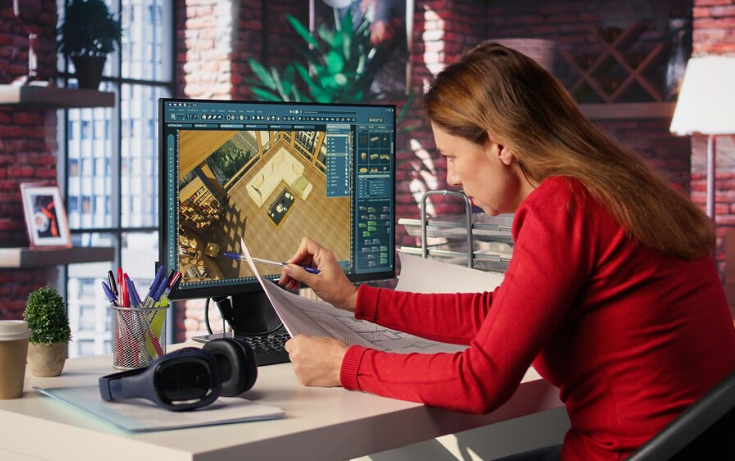
Setting up Your Chosen AI Image Generator
First, you’ll need to create an account with your chosen AI image generator. Most platforms offer free trials or tiered subscription models. Carefully review the pricing and features of each tier to select the best fit for your needs and budget. In our experience, starting with a free trial allows you to experiment with the platform’s capabilities before committing to a paid plan. Remember to verify your email address and potentially complete a quick tutorial to familiarize yourself with the interface. A common mistake we see is skipping this step, leading to confusion later on.
Once your account is active, explore the available settings and options. Many generators allow you to adjust parameters like image resolution, aspect ratio, and art style. Experimenting with these settings is crucial for achieving your desired results. For example, Midjourney offers a vast array of styles through its `/info` command, allowing users to precisely target aesthetic choices. DALL-E 2, on the other hand, excels in generating photorealistic images, while Stable Diffusion offers great control over image generation through its many settings and community-created extensions. Understanding these nuances will significantly improve your image generation workflow. Remember to save your preferred settings for easy access during future sessions.
Mastering Prompts: Tips and Tricks for Better Results
Crafting effective prompts is crucial for generating high-quality images. In our experience, simply typing a single word rarely yields satisfactory results. Instead, think of your prompt as a detailed instruction set. Be specific! Instead of “a cat,” try “a fluffy Persian cat sitting on a windowsill, looking out at a rainy cityscape, hyperrealistic, 8k resolution.” Notice the inclusion of details about breed, setting, lighting, style, and resolution. This level of detail significantly impacts the AI’s interpretation and the final output.
A common mistake we see is neglecting negative prompts. These are just as important as positive prompts. They tell the AI what *not* to include in the image, preventing unwanted elements. For example, adding “, blurry, grainy, poorly drawn” to the above prompt ensures a sharper, more refined image. Experiment with different keywords and phrases; you might be surprised by how subtle changes significantly alter the result. Consider using artistic styles (“in the style of Van Gogh”) or specific camera parameters (“shallow depth of field”) to further refine your vision. Remember, iterative refinement is key—start with a basic prompt and progressively add detail to achieve your ideal image.
Advanced Techniques: Fine-tuning Images and Experimenting with Styles
Mastering AI image generation goes beyond simple prompts. Fine-tuning your creations involves iterative refinement. In our experience, starting with a strong initial prompt is crucial, but don’t be afraid to experiment with variations. For instance, adding details like “photorealistic,” “oil painting style,” or “cinematic lighting” can dramatically alter the output. A common mistake we see is neglecting the power of negative prompts; specifying what you *don’t* want can be just as impactful as stating what you do. For example, adding “, blurry, grainy” to a prompt requesting a sharp image will significantly improve results.
Experimenting with different AI generators’ unique strengths is also key. Each platform possesses a slightly different “artistic style” – some excel at photorealism, while others are better suited to stylized art. Compare Midjourney’s painterly aesthetic with Stable Diffusion’s versatility; you’ll quickly discover which platform best aligns with your creative vision. Remember, the process is iterative. Don’t be discouraged by imperfect first attempts. Use the prompt editing and image upscaling features offered by most platforms to continuously improve your results until you achieve your desired level of detail and stylistic accuracy. Consider utilizing external tools like Photoshop for post-processing to achieve a final polish.
Beyond the basics: Advanced AI Image Generation Techniques
Upscaling and Enhancing Image Resolution
Low-resolution images, a common byproduct of many AI generators, often lack the detail needed for professional use. Fortunately, upscaling offers a solution. This process uses AI algorithms to intelligently increase the resolution of an image, adding detail and sharpening the overall quality. In our experience, several approaches exist, each with its strengths and weaknesses. Some methods, like those employing super-resolution convolutional neural networks (SRCNNs), focus on learning complex patterns to reconstruct missing information. Others utilize techniques like pixel interpolation to cleverly fill in gaps based on surrounding pixels.
A common mistake we see is assuming all upscalers are created equal. While many free online tools exist, their results can be inconsistent. For optimal results, consider dedicated upscaling software like Topaz Gigapixel AI or similar professional tools. These often leverage advanced algorithms and offer finer control over parameters such as noise reduction and sharpening. Remember that while upscaling can dramatically improve image quality, it can’t magically create detail that wasn’t present in the original. Experiment with different settings and tools to find the best approach for your specific image and desired output. For example, while one image might benefit from aggressive sharpening, another might require a gentler approach to avoid introducing artifacts.
Image Editing and Manipulation Using AI
AI isn’t just for generating images from scratch; it’s a powerful tool for editing and manipulating existing ones. Many platforms offer sophisticated AI-powered editing suites, allowing you to refine your creations with precision. For example, removing unwanted objects from a photo is significantly easier with AI-driven tools that intelligently fill in the gaps, providing much more natural-looking results than traditional methods. In our experience, this is particularly useful for landscape photography, where stray elements can detract from the overall composition.
A common mistake we see is relying solely on automatic adjustments. While AI can intelligently enhance contrast, brightness, and saturation, you still need to provide guidance. Experiment with different AI-powered tools—some excel at color grading, others at upscaling resolution. Fine-tune parameters like inpainting strength or style transfer intensity to achieve desired effects. For instance, you might use one tool to subtly enhance detail, another to apply a specific artistic style, and a third to remove blemishes or imperfections. Remember, AI is a collaborative partner, not a replacement for your artistic vision.
Generating Unique and Consistent Styles
Creating a unique and consistent style with AI image generators requires a multi-faceted approach. In our experience, simply relying on pre-set styles often yields predictable results. Instead, focus on prompt engineering as your primary tool. Experiment with detailed descriptions, not just keywords. For example, instead of “cyberpunk city,” try “a rain-slicked cyberpunk city at night, neon signs reflecting in puddles, inspired by Blade Runner 2049, intricate details, 8k resolution.” The level of detail significantly impacts the outcome. Remember to consistently use similar phrasing and keywords across multiple generations to maintain stylistic coherence.
A common mistake we see is neglecting negative prompts. These are crucial for style refinement. Suppose you’re aiming for a painterly style but keep getting photorealistic results. Adding a negative prompt like “photorealistic, sharp focus, hyperrealistic” can guide the AI away from unwanted attributes. Furthermore, consider experimenting with different AI models; each possesses unique strengths and stylistic biases. We’ve found that iteratively refining prompts, carefully choosing models, and utilizing negative prompts provides the most control over generating a unique and consistent visual language across numerous image creations. This methodical approach is key to creating a recognizable artistic signature using AI.
Real-World Applications and Case Studies
Using AI Image Generators for Marketing and Advertising
AI image generators are revolutionizing marketing and advertising, offering unprecedented speed and cost-effectiveness in creating compelling visuals. In our experience, generating high-quality product shots, social media graphics, and even short video stills is significantly faster and cheaper than traditional methods. For example, a small business could use Midjourney to create variations of product images for A/B testing different backgrounds or styles, identifying the most effective visuals for their ad campaigns without the expense of professional photography. This allows for agile marketing strategies and quicker response to market trends.
A common mistake we see is relying solely on the AI’s output without refinement. Think of the AI as a powerful tool, not a replacement for design expertise. Always review and edit the generated images, ensuring brand consistency and high-resolution for optimal print and digital use. Consider using tools like Photoshop or similar software for post-processing to achieve the desired look and feel. Furthermore, carefully select your prompts; precise and descriptive prompts yield far better results. Experiment with different styles and keywords to find what works best for your brand and target audience. Remember, effective marketing requires strategic input, and AI image generation should be used to enhance, not replace, that strategy.
AI Image Generation in the Art and Design World
AI image generators are rapidly transforming the art and design landscape, offering both exciting new creative avenues and significant challenges. In our experience, artists are leveraging tools like Midjourney and Stable Diffusion to explore new styles, overcome creative blocks, and rapidly generate variations on a theme. For example, a concept artist might use AI to quickly produce multiple variations of a character design, saving significant time in the initial stages of a project. This allows for a more iterative design process, fostering greater experimentation and ultimately leading to more innovative results.
However, the integration of AI isn’t without its complexities. A common mistake we see is relying solely on AI-generated imagery without sufficient artistic refinement. While the initial output can be impressive, post-processing and human intervention remain crucial for achieving a polished, professional finish. Think of AI as a powerful collaborator, not a replacement for the artist’s skill and vision. Successful integration involves understanding the strengths and limitations of the AI; artists need to develop a workflow where AI assists their creative process, rather than dictating it. Successfully navigating this involves learning prompt engineering techniques, understanding the nuances of different AI models, and mastering image editing software to refine the AI-generated results.
AI Image Generators for Education and Research
Educators and researchers are increasingly leveraging AI image generators to enhance learning and accelerate discovery. In our experience, tools like DALL-E 2 and Midjourney excel at creating highly specific visuals for lesson plans. For instance, a history teacher might generate images depicting ancient civilizations, allowing students to visualize concepts beyond textbook illustrations. This fosters deeper engagement and a more holistic understanding. Similarly, researchers can utilize these tools to visualize complex data sets, creating compelling visuals for presentations and publications. A common mistake we see is relying solely on default settings; experimenting with different prompts and parameters is crucial for achieving optimal results.
Beyond visualization, AI image generators can also aid in creating diverse and representative learning materials. For example, generating images of people with various ethnic backgrounds and abilities can counter biases present in traditional stock photography. Furthermore, the ability to rapidly produce unique illustrations for scientific papers or educational materials significantly streamlines the research and publishing process. However, it’s crucial to be mindful of copyright and attribution when using AI-generated images for academic purposes. Always review the terms of service of the chosen AI image generator and consider citing the tool in your work. Tools offering different licensing options should be prioritized to ensure proper usage.
The Future of AI Image Generation: Trends and Predictions
Emerging Technologies and Advancements
The field of AI image generation is rapidly evolving, with several exciting technologies pushing the boundaries of what’s possible. We’re seeing significant advancements in diffusion models, which are becoming increasingly sophisticated at generating high-resolution, photorealistic images. These models, unlike earlier GANs (Generative Adversarial Networks), often produce fewer artifacts and offer more control over the generation process. For example, Stable Diffusion’s open-source nature has spurred a community-driven explosion of improvements and custom models, showcasing the power of collaborative development.
A common mistake we see is underestimating the impact of text-to-image prompting techniques. Mastering effective prompting – using precise keywords, modifiers, and artistic styles – is crucial for achieving desired results. In our experience, experimenting with different prompting strategies, such as negative prompting (specifying what *not* to include) and employing specific model-tailored phrasing, dramatically increases the quality and relevance of outputs. Furthermore, the integration of multimodal AI, combining text, image, and even audio inputs, promises even more creative possibilities. Imagine generating images based on a combination of a textual description and a reference audio track—this is the future we are already witnessing. Expect to see further advancements in this area, leading to more intuitive and powerful AI image generation tools.
Ethical Considerations in AI Image Generation
The rise of AI image generators presents exciting possibilities, but also significant ethical challenges. A common mistake we see is neglecting the potential for misinformation and deepfakes. These tools can be used to create incredibly realistic, yet entirely fabricated images, impacting everything from political discourse to personal reputations. In our experience, addressing this requires a multi-faceted approach including developing robust detection technologies and promoting media literacy. We need to equip individuals with the critical thinking skills to evaluate the authenticity of images online.
Furthermore, the issue of copyright and intellectual property remains a complex grey area. While some AI models are trained on publicly available data, the question of whether the resulting images infringe on existing copyrights is hotly debated. Consider the implications for artists whose styles are mimicked by AI – this raises critical questions about compensation and fair use. Navigating this requires careful consideration of licensing agreements, transparency in data sources used by the AI models, and possibly future legal frameworks that define the ownership of AI-generated art. Understanding these complexities is crucial for responsible use of these powerful tools.
The Impact of AI Image Generators on Various Industries
AI image generators are rapidly transforming numerous sectors. In the advertising industry, for example, we’ve seen a significant reduction in photoshoot costs and turnaround times. Clients can quickly generate multiple variations of an ad image, A/B testing different styles and aesthetics with ease. This increased efficiency allows for faster campaign deployments and more targeted marketing efforts. Furthermore, smaller businesses, previously hindered by budget constraints, now have access to professional-quality visuals.
Beyond advertising, the impact is widespread. The gaming industry utilizes AI image generation for creating vast game worlds and character assets much faster than traditional methods. E-commerce businesses leverage AI to produce diverse product images, showcasing items from multiple angles and in various settings. In the architectural visualization field, complex building designs can be rendered quickly and affordably, allowing architects to explore different options and present their ideas to clients in a dynamic and engaging way. However, ethical considerations, such as potential job displacement and copyright concerns around AI-generated imagery, remain important ongoing discussions within these industries.
Launch Your App Today
Ready to launch? Skip the tech stress. Describe, Build, Launch in three simple steps.
Build




