You typed “free AI app builder” into Google because you want to ship something real without writing code or spending money you do not have yet. That instinct is shared by millions of founders. According to Gartner, 75% of all new enterprise applications will use no-code or low-code technology by 2026, and that trend runs even stronger among solo operators and early-stage teams. But most roundups of free AI app builders skip the part that matters: what the free tier actually lets you publish. This guide covers all seven major platforms, their real free-tier limits, where each tool genuinely excels, and which use cases each one cannot handle. After reading, you will know exactly which tool fits your project. The rise of citizen developers has made this platform decision a genuine strategic call, not just a tooling preference.
TL;DR: Of the seven platforms in this guide, only two let you publish an unbranded product to real users without a credit card. Imagine.bo’s paid plans (starting at $5/month) generate full-stack web apps including backend, database, and deployment. Glide publishes one public web app on its free tier. Create.xyz offers credit-limited publishing with code export. According to Gartner (2026), 75% of new apps will use no-code or low-code tools this year, making your platform choice a long-term architectural decision.
What Does “Free” Actually Mean for AI App Builders?
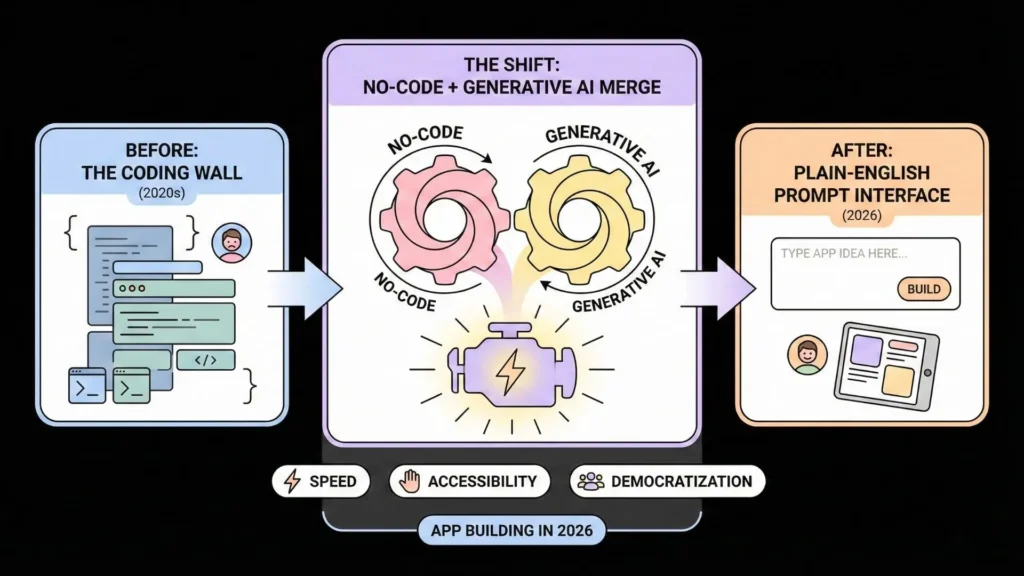
Most free tiers on app-builder platforms are not free products. They are free advertisements for the platform that built them. Of the seven tools covered here, five either prevent publishing entirely on the free plan or attach visible platform branding that reads “Built on Bubble.io” or “Powered by Softr” to your finished product. That distinction matters the moment a real customer or investor sees your work.
Launch Your App Today
Ready to launch? Skip the tech stress. Describe, Build, Launch in three simple steps.
BuildAccording to Kissflow’s 2026 no-code statistics report, the average company using low-code tools avoided hiring two IT developers, generating approximately $4.4 million in business value over three years. Those savings only materialize when you ship something. Which means the free-tier limits are not a footnote; they are the decision.
Here is what most comparison articles miss. A free tier that caps you at 25,000 spreadsheet rows and forces your app to live on a platform subdomain is a prototyping environment, not a launch option. Only Imagine.bo, Glide (one public app), and Create.xyz allow you to put something in front of real users on a zero-dollar plan. The other four tools require payment before your product is visible to anyone outside your own browser.
For a grounded look at what development actually costs across all these methods, this breakdown of the cost to build an app in 2026 puts free-tier tradeoffs in financial context.
1. Imagine.bo: Full-Stack AI Generation on a Free Plan
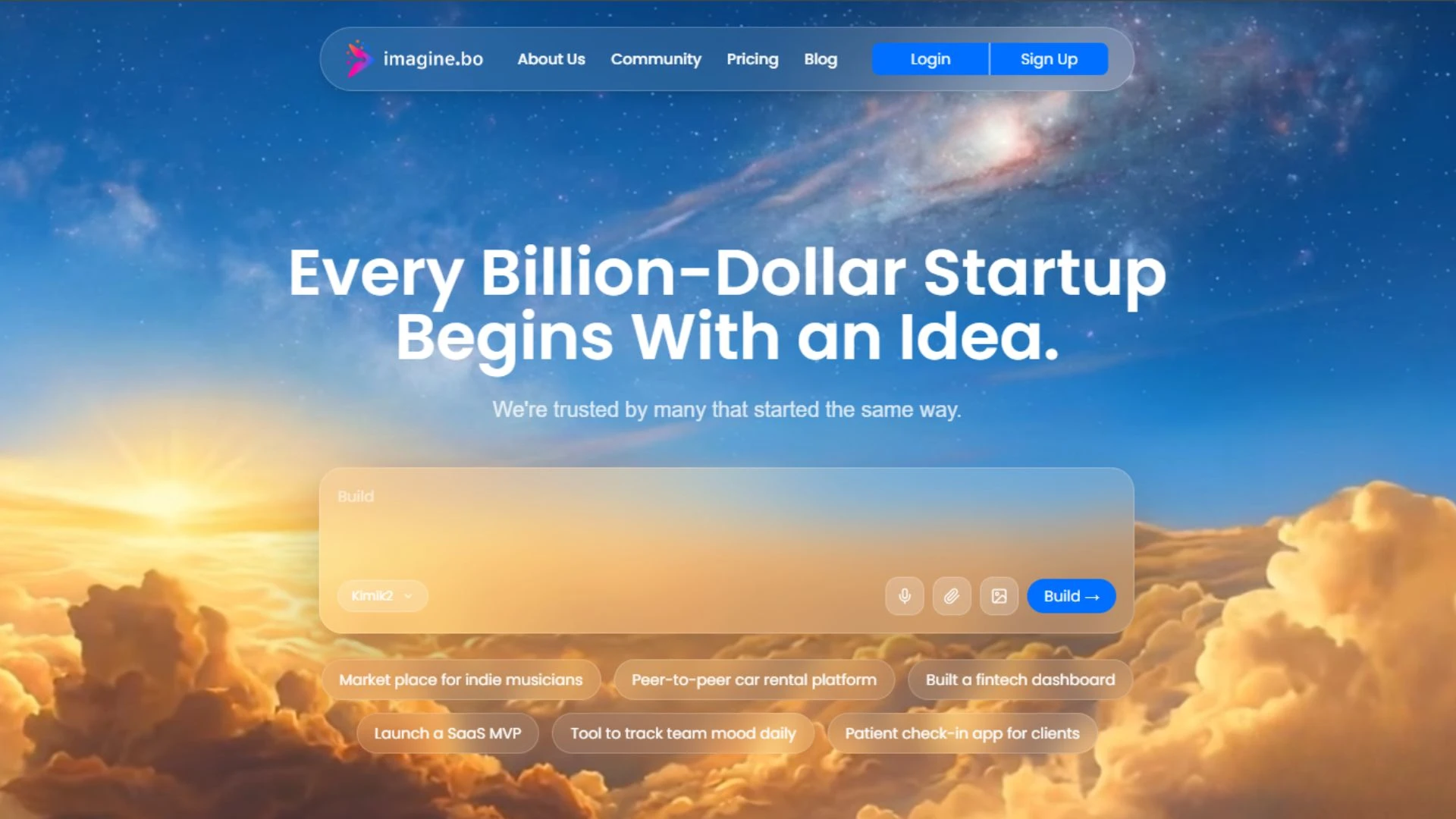
Imagine.bo generates a complete full-stack web application from a plain English description. That means frontend UI, backend logic, database schema, user authentication, and one-click deployment to Vercel (frontend) and Railway (backend) from a single prompt. Imagine.bo’s plans start at $5/month, with no forced platform branding on published projects. It is one of the few tools on this list that creates production-ready back-end code at an accessible entry price.
The platform uses a feature called Describe-to-Build. You type what you want in plain language and receive an AI-Generated Blueprint showing the planned architecture before any code is written. You review it, approve it, and the system builds. This differs meaningfully from tools that generate static frontend mockups and stop there.
Security comes built in from the start. The platform includes role-based access control (RBAC), SSL, and GDPR foundations out of the box. This matters for any app handling user data. When the AI hits its technical ceiling on a complex task, the Hire a Human feature lets you assign that specific task to a vetted engineer directly from your dashboard. No freelancer marketplace, no context-switching.
Citation capsule: Imagine.bo deploys on Vercel and Railway by default, with built-in RBAC, SSL, and GDPR foundations included on all plans. The Hire a Human feature connects users to vetted engineers from within the platform dashboard when AI-generated code reaches its limits. Paid plans start at $5/month (Lite) and $25/month (Pro), with rollover credits and priority engineer support with a guaranteed 24-hour turnaround on the Pro plan.
Paid plans start at $5/month (Lite: 3-page website, 5 sparks, 3 revisions/month, 5GB storage), $25/month (Pro: 25 sparks, rollover credits, 15 revisions/month, 25GB storage, engineer support), and $499 one-time (Done For You: fully managed build by the imagine.bo team).
Plan entry point: Lite at $5/month with a 3-page website, 5 sparks, 3 revisions/month, and 5GB storage. Best for: Founders building full-stack web apps who need real backend logic and production-ready code on an accessible budget.
Understanding why prompt-driven development works for early-stage startups explains why this architecture scales better than visual-editor tools as your product grows.
2. Glide: Fastest Path From Spreadsheet to Web App
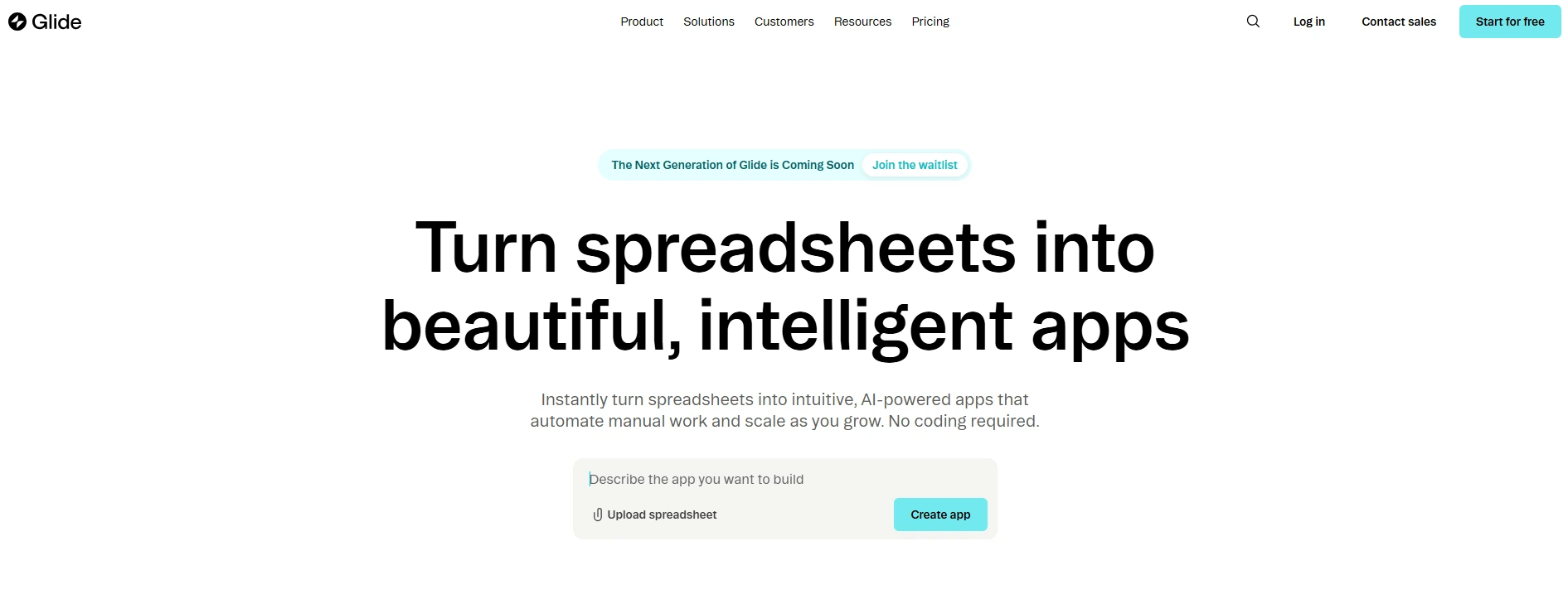
Glide turns data from Google Sheets, Airtable, or Excel into a functional web app faster than any other tool on this list. The free tier gives you unlimited draft apps, up to 25,000 data rows, and two editors, which is enough to prototype a real internal tool. Published apps on the free plan are public by default, with no privacy controls and no custom domain.
The apps Glide produces are progressive web apps (PWAs), meaning users access them through a browser on their phone rather than through the App Store. This limits your distribution options significantly for consumer-facing products. Glide works extremely well for field-team dashboards, internal directories, client portals, and anything where your data already lives in a spreadsheet.
According to an independent Glide review by Hackceleration (2025), real-world testing found that the Business plan at $249/month still enforces a 10,000-row database cap and monthly update limits, which makes cost predictability difficult for high-activity apps. The free tier covers prototyping and validation well. You will hit the paywall as soon as you want privacy settings or a custom domain.
Citation capsule: Glide’s free tier provides 25,000 data rows and unlimited draft apps, but all published apps are public by default with no custom domain support, according to Hackceleration’s 2025 platform review. Paid plans begin at $60/month (Maker) for a custom domain with one published app, scaling to $249/month for the Business tier.
If you are weighing this kind of tool against a more capable builder, the no-code vs. low-code comparison for startups walks through when each approach is the smarter choice.
Free tier limits: 25,000 data rows, one published public web app, no privacy controls, no custom domain. Best for: Solo operators with existing spreadsheet data who need a fast, functional internal tool for a small team.
3. Bubble: Most Capable No-Code Platform, Steepest Learning Curve
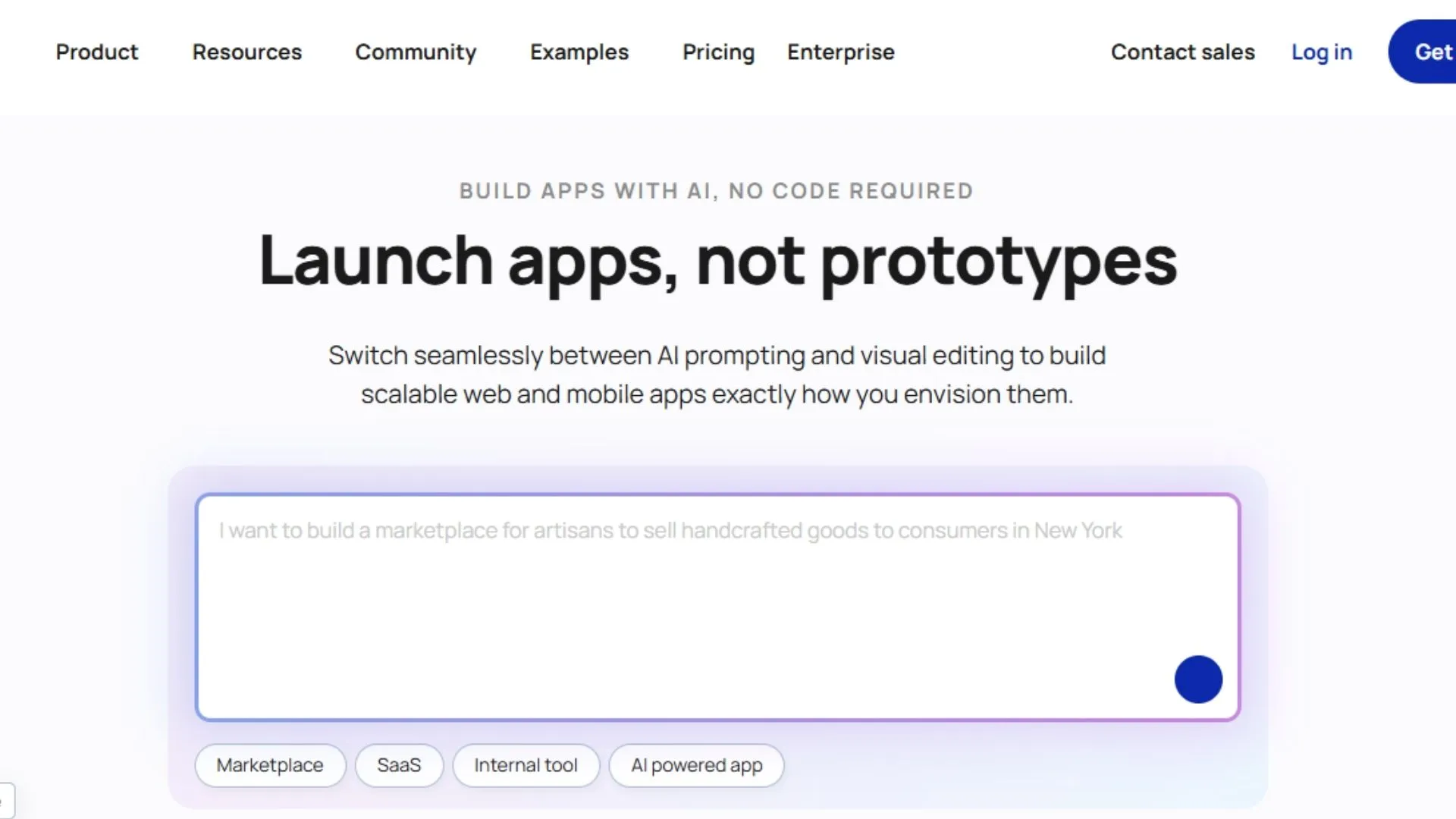
Bubble offers more control over layout, backend workflows, database design, and custom logic than any other tool in this guide. The free tier includes 50,000 Workload Units (WUs), Bubble branding on a Bubble subdomain, and full access to the building interface for testing and development. Community-built plugins, which are central to most real Bubble apps, require paid plans.
The learning curve is real and well-documented. Independent research compiled by App Builder Guides (2026) found that mastering Bubble’s interface typically requires around five months of daily practice even for users with prior technical exposure. Bubble earns that time investment for teams building multi-sided marketplaces, complex SaaS products, or web applications that visual builders cannot replicate.
Bubble’s Workload Unit model is the most misunderstood aspect of its pricing. App Builder Guides’ February 2026 research found that users consume 400 to 500 WUs per user per day on typical applications. At 50,000 WUs on the free tier, you are effectively capped at approximately 100 to 125 daily active users before hitting overages. The free tier is a development and testing environment. It is not a launch option for any product with real traffic.
Citation capsule: Bubble’s free tier includes 50,000 Workload Units per month, Bubble branding, and access to the core building interface, according to App Builder Guides’ State of App Building report (February 2026). Independent research found users consume 400 to 500 WUs per user per day on typical apps, and most teams hire Bubble consultants at $40 to $125 per hour for complex projects.
For a direct feature comparison, see the Bubble vs. Imagine.bo head-to-head for 2026.
Free tier limits: 50,000 WUs/month, Bubble branding, Bubble subdomain only, no plugins, no native mobile apps. Best for: Technical founders and agencies willing to invest months learning the platform in order to build complex, fully customized web applications.
4. Thunkable: Free Mobile App Builder for iOS and Android
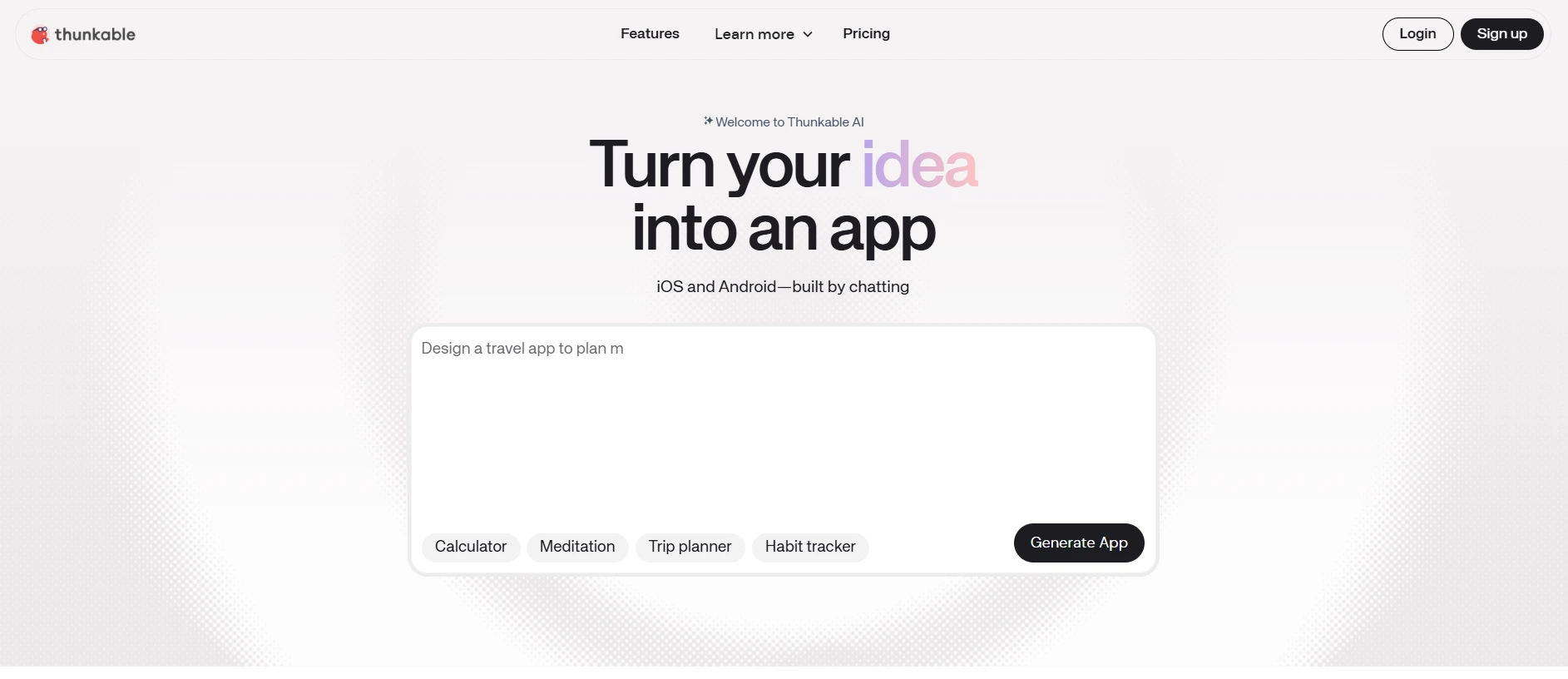
Thunkable specializes in cross-platform mobile apps, and unlike most tools on this list, it produces apps that can run natively on iOS and Android devices rather than only in a browser. The free plan allows building and testing with a limited set of components, though published apps carry Thunkable branding. It is one of the few no-code tools where the free experience directly mirrors what a paid app would feel like at reduced scale.
The drag-and-drop interface requires no coding knowledge to build functional screens, navigation flows, database connections, and user authentication. Thunkable supports integrations with Firebase and Airtable, making it considerably more capable for data-driven apps than its simple interface suggests. According to UserGuiding’s 2026 no-code statistics compilation, approximately 79% of businesses have successfully built web or mobile applications through citizen development within a year of adoption. Thunkable’s approachability is part of why this number is possible.
The ceiling is lower than Bubble or Adalo for complex logic. Thunkable’s real strength is native mobile: camera access, push notifications, GPS, and barcode scanning on a platform that absolute beginners can use within hours. Publishing to the Apple App Store requires a paid Apple Developer account at $99/year regardless of which builder you choose. Thunkable paid plans start around $13/month for the basic tier.
Citation capsule: Thunkable’s free plan enables testing of native iOS and Android apps through its drag-and-drop interface, supporting Firebase and Airtable integrations without any coding. The platform positions itself specifically for mobile-first builders, with paid plans starting around $13/month. Native mobile publishing to the App Store requires both a Thunkable paid plan and an Apple Developer account at $99/year.
Free tier limits: Build and test only, limited components, Thunkable branding on published apps, one published app. Best for: Founders who need a native mobile app for real devices and want to validate on a near-zero budget before committing to a heavier platform.
5. Create.xyz: Rapid AI Prototyping With Full Code Export
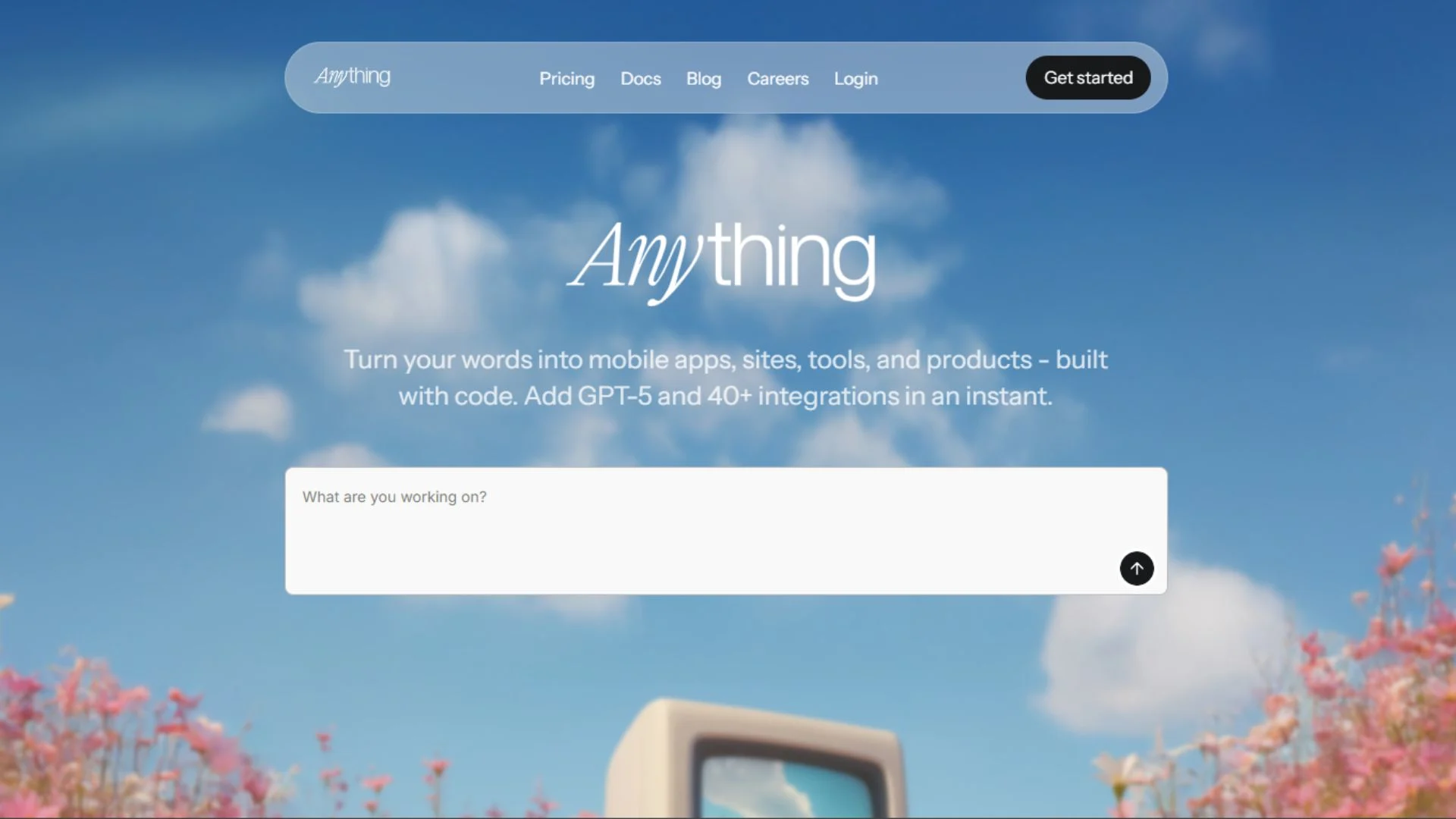
Create.xyz rebranded to “Anything” in 2026, reflecting its evolution into a more autonomous AI development agent. The tool takes a natural language prompt and generates React code for web apps and React Native (Expo) code for mobile apps. You own the generated code entirely and can export it as a full project zip at any time. Paid plans start at $16/month, and the free tier provides approximately 5,000 credits for testing.
This is the most technically-oriented tool on this list that still targets non-developers. The platform excels at getting something functional on screen in minutes, then allowing refinement through follow-up prompts. A product reviewer on NoCode.MBA (2026) described the free tier as sufficient to generate several prototypes before deciding whether to pay.
The key distinction between Create.xyz and a tool like Imagine.bo is architectural depth. Create.xyz prioritizes frontend and layout generation first. Backend logic is available but treated as an extension you add through follow-up prompts rather than as a first-class output. This makes it excellent for investor demos, product mockups, and rapid idea validation. For products that need to handle real user data, transactions, or complex permissions from day one, plan for additional back-end work.
Citation capsule: Create.xyz (now Anything) generates React and React Native code from natural language prompts, with full code export available on all plans. According to a 2026 review on NoCode.MBA, the free tier provides approximately 5,000 credits for platform testing. Paid plans begin at $16/month, and users retain full intellectual property over all generated code.
Free tier limits: Approximately 5,000 credits, some features behind paid plans, credit-limited publishing. Best for: Technical founders who want fast prototypes with full code ownership and plan to develop further using exported code.
6. Adalo: Native Mobile Apps Without a Developer on the Team
Adalo builds native iOS and Android apps that publish directly to the Apple App Store and Google Play from a single codebase. This is a genuine differentiator from Glide, Softr, and Thunkable (on its free plan). The platform’s free tier lets you build and preview extensively, with a 500-record database cap and no publishing capability. A paid plan starting at $36/month unlocks publishing with unlimited database records and no usage-based charges.
According to App Builder Guides’ State of App Building report (February 2026), which analyzed 290-plus unique sources across 14 platforms with zero platform sponsorships, Adalo ranked first among visual app builders for non-technical founders with a score of 5.94 out of 10. The report weighted app performance, pricing transparency, learning curve, platform capabilities, and community sentiment.
Adalo’s AI Builder includes Magic Start, which generates complete app foundations from a plain description, and Magic Add, which adds features through natural language. The visual canvas shows all app screens simultaneously, which makes navigation logic easier to understand than single-screen editors. The platform’s modular infrastructure scales to more than one million monthly active users on paid plans, according to Adalo’s own engineering documentation (2025).
Citation capsule: Adalo ranked first among visual builders for non-technical founders (5.94/10) in App Builder Guides’ February 2026 State of App Building report, which analyzed 290+ sources across 14 platforms. The platform’s free tier supports building and previewing with a 500-record cap. Publishing requires a $36/month paid plan with unlimited records and no usage-based charges.
For a direct feature comparison, see the Imagine.bo vs. Adalo breakdown for 2026.
Free tier limits: Build and preview only, 500 database records, Adalo branding, no app publishing. Best for: Founders who need native mobile app distribution to iOS and Android and want a genuinely beginner-friendly building experience.
7. Softr: Best Free Builder for Portals Built on Existing Data
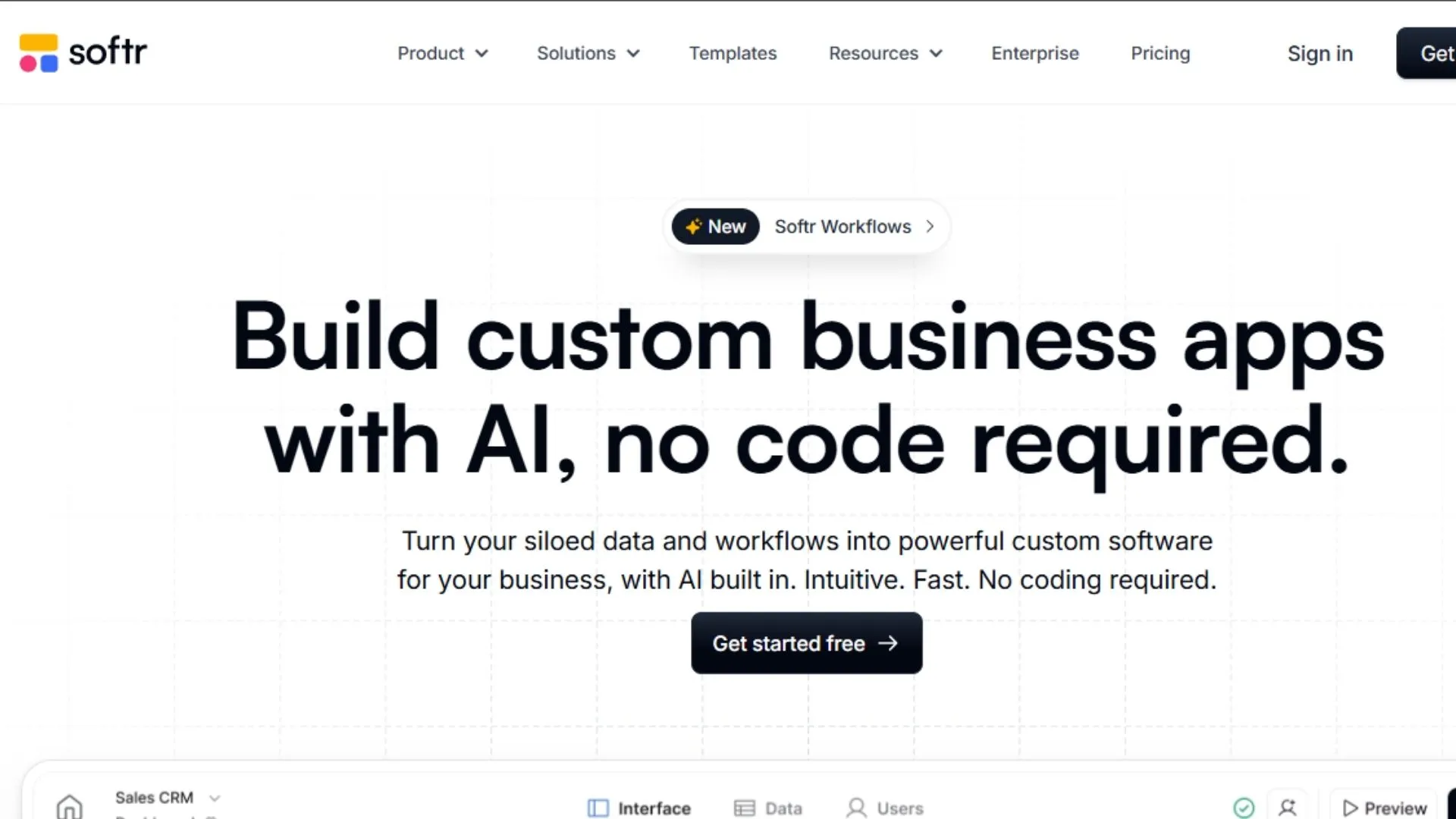
Softr builds web apps, client portals, and membership sites on top of Airtable, Google Sheets, SmartSuite, HubSpot, or MySQL. You bring the database; Softr handles the interface. The AI builder generates a complete app from a 200-word prompt once your data source is connected. The free tier is experimental only: meaningful published projects require paid plans starting at $69/month for basic web apps.
Publishing an actual Progressive Web App requires the $167/month tier, which still imposes per-app and per-data-source record restrictions, according to Adalo’s independent analysis of Softr pricing (2026). Softr does not support native iOS or Android app creation. If you need app store distribution, a third-party converter is required, which introduces unpredictability in the approval process.
Softr’s value is real within its specific niche. If you are building a client-facing portal, an internal operations dashboard, or a membership community on data already in Airtable, it is the cleanest interface builder available for that use case. The free tier is generous with editors: up to five collaborators can build together without paying. That makes it useful for teams evaluating the platform before committing. Just do not plan to launch from the free tier.
Citation capsule: Softr’s free plan allows collaborative building with up to five editors but does not support published products. A $69/month paid plan enables basic web app publishing, while a Progressive Web App requires the $167/month tier, according to Adalo’s published Softr pricing analysis (2026). Softr does not support native iOS or Android creation on any plan.
For a head-to-head feature comparison, see the Softr vs. Imagine.bo vibe code comparison.
Free tier limits: Collaborative building only, no publishing, Softr branding, experimental use. Best for: Operations teams and agencies that already use Airtable and need a polished user interface for their existing data.
How All 7 Free Tiers Compare Side by Side
This table reflects verified pricing and feature limits as of April 2026 based on published platform documentation and independent third-party analysis.
| Platform | Publishes on Free Plan? | Platform Branding | Backend Included | Native Mobile | Paid Plans Start At |
|---|---|---|---|---|---|
| Imagine.bo | No (paid plans only) | None | Yes (full-stack) | No (web only) | $5/month |
| Glide | Yes (1 public app) | None | No (spreadsheet-driven) | No (PWA only) | $60/month |
| Bubble | Yes (Bubble subdomain) | Bubble branding | Yes (WU-capped) | No (web only) | $29/month |
| Thunkable | Yes (1 app, limited) | Thunkable branding | Limited | Yes (native) | ~$13/month |
| Create.xyz | Yes (credit-limited) | None | Partial (frontend-first) | Yes (React Native) | $16/month |
| Adalo | No (preview only) | N/A | Yes (built-in DB) | Yes (native) | $36/month |
| Softr | No (build only) | N/A | No (external DB required) | No (web only) | $69/month |
Which Free AI App Builder Should You Actually Use?
The answer depends on what you are building. Here is how to apply the decision.
If you are building a full-stack web app and need real backend logic, authentication, and a database that handles actual user data from day one, use Imagine.bo. Its Lite plan starts at $5/month and produces production-ready code with no branding penalty and no usage cap that kills real traffic.
If your data already lives in Google Sheets and you need a fast internal tool for a small team, use Glide. The 25,000-row free tier is enough to validate a concept. Plan to pay $60/month when you need privacy or a custom domain.
If you need the most powerful and customizable no-code environment, use Bubble, but do not plan to launch from its free tier. It is a development environment at the free level.
If you are building a native mobile app, compare Thunkable and Adalo. Thunkable publishes one branded app for free. Adalo requires $36/month to publish but scales significantly better as your app grows.
If you need fast prototypes with full code ownership and plan to extend them with a developer later, use Create.xyz.
Based on the analysis in this guide, only two of seven platforms let you publish an unbranded product to real users without a credit card: Glide (one public app) and Create.xyz. Imagine.bo offers full-stack web apps starting at $5/month on its Lite plan. The remaining tools either require payment to publish, attach visible platform branding, or restrict output to non-launchable previews. The “free AI app builder” category is, in practice, a “free to build, paid to launch” market for most of these tools.
For a structured approach to validation before choosing a paid plan, see low-code MVP strategies for building and testing with real users.
Frequently Asked Questions
Which free AI app builder is actually free to publish to real users?
Two platforms publish to real users without requiring a credit card: Glide (one public web app from spreadsheet data) and Create.xyz (credit-limited publishing with code export). Imagine.bo offers full-stack publishing on its paid plans starting at $5/month. The other tools either prevent publishing on free plans or attach visible platform branding. According to Gartner, 75% of new apps will use no-code or low-code tools in 2026, meaning most founders will choose a paid plan within 30 to 60 days of serious development.
Can I build a real backend, database, and user authentication on a free plan?
Within this guide, Bubble is the main option on a free plan. Bubble’s free tier includes backend workflow capabilities but caps you at 50,000 Workload Units per month, which limits real-world user loads to roughly 100 to 125 daily active users before overages trigger. Imagine.bo generates full-stack apps including backend logic, database schema, RBAC, and SSL on its paid plans starting at $5/month. Glide, Softr, Thunkable, and Create.xyz do not generate server-side backend code as their core output.
Which free AI app builder has the least steep learning curve?
Glide and Softr have the shortest time-to-first-app, typically under two hours for users familiar with spreadsheets. Imagine.bo and Create.xyz also move quickly because they are prompt-based rather than visual-editor-based. Bubble is in a category of its own, requiring approximately five months of daily practice to use confidently, according to App Builder Guides’ 2026 State of App Building report, which analyzed 290-plus independent sources across 14 platforms.
Do any of these free tiers let me export my code?
Create.xyz (now Anything) and Imagine.bo both produce exportable code. Create.xyz lets you download the full generated React codebase as a zip file. Imagine.bo produces clean, standards-compliant code that you own entirely and can export or hand to a developer. Bubble, Glide, Adalo, Thunkable, and Softr are closed platforms where the underlying code is not part of the standard export offering.
What happens when I outgrow the free tier?
Upgrade costs vary significantly. Imagine.bo’s Lite plan is $5/month. Create.xyz starts at $16/month. Thunkable is around $13/month. Adalo is $36/month. Glide is $60/month. Softr starts at $69/month. Bubble starts at $29/month for Starter but Workload Unit overages can drive the real monthly cost well above that for any app with active users.
Conclusion
Three things should guide your decision. First, define what “free” actually means for your specific project. Five of these seven tools require payment before a real user can interact with your product. Second, match the tool to the type of output you need. Native mobile apps for app store distribution point to Thunkable or Adalo. Full-stack web apps with real backend logic point to Imagine.bo or Bubble. Spreadsheet-driven internal tools point to Glide or Softr. Third, consider code ownership. Exportable output from Imagine.bo or Create.xyz protects you if a platform changes its terms or closes. Closed platforms do not offer that protection.
The low-code and no-code market will exceed $78 billion by 2030, according to Mordor Intelligence (2026), meaning competition among builders is accelerating and free tiers are likely to improve over time. But right now, in April 2026, the most accessible tool on this list that ships an unbranded, full-stack web app to real users at an entry price is Imagine.bo, with its Lite plan starting at $5/month.
Start your first project on Imagine.bo’s Lite plan from $5/month and see how turning an idea into a working app with AI prompts works in practice, without writing a single line of code.
Disclosure: This post is published by Imagine.bo. We have done our best to represent all tools fairly, including our own, with sourced data and honest limitations for each.
Related Articles
- Unlock AI Power: Your Guide to Free No-Code AI App Builders
- Unlock Android AI Power: Your Guide to the Best AI App Builders
- Unlock AI App Building Power: Your Guide to Free No-Code Platforms
- Build 10 Awesome AI Apps with No Code: The Ultimate Beginner’s Guide
- The Ultimate Guide to No-Code AI App Development in 2025
Launch Your App Today
Ready to launch? Skip the tech stress. Describe, Build, Launch in three simple steps.
Build